Customer Ratings & Reviews
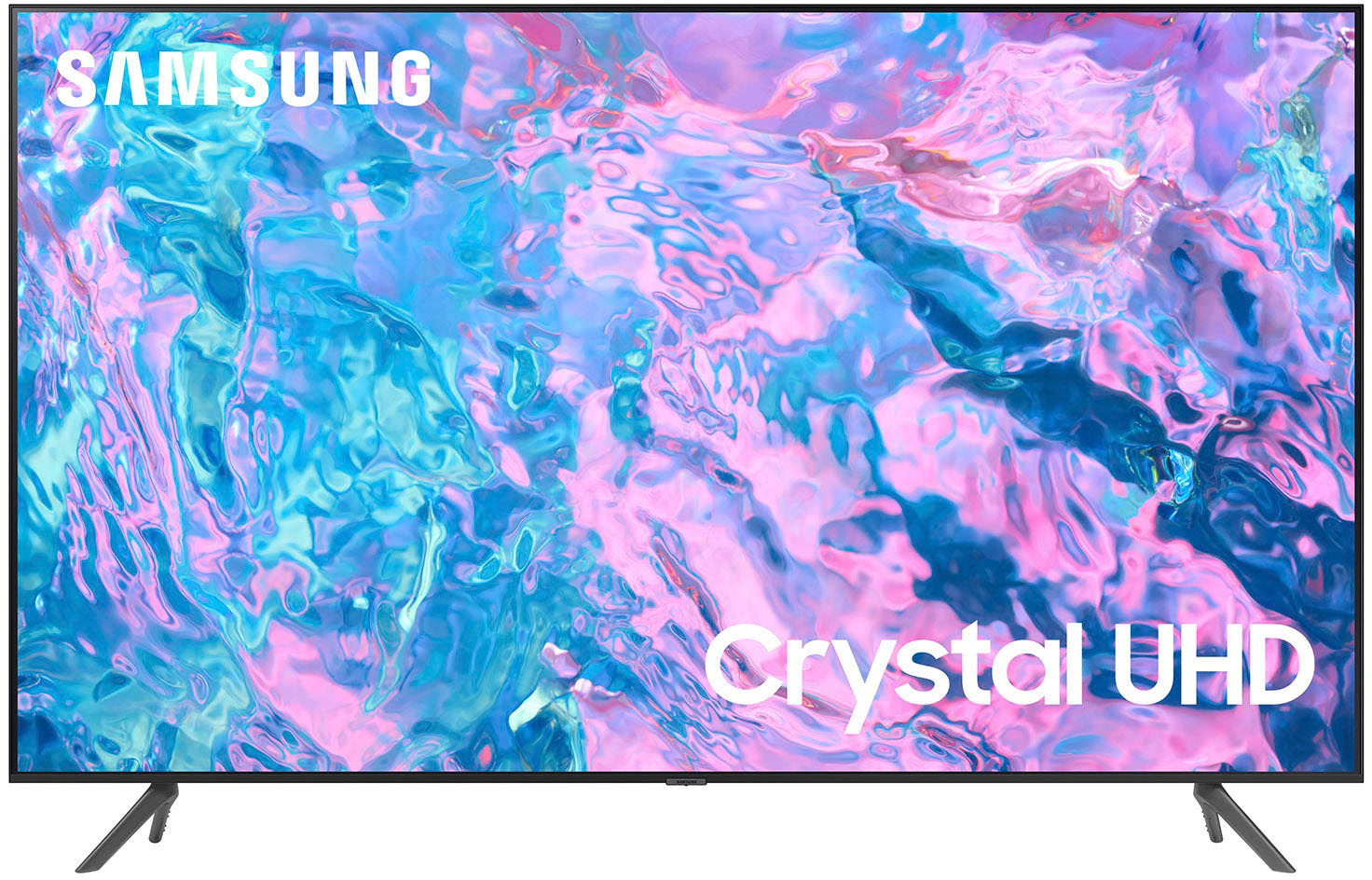
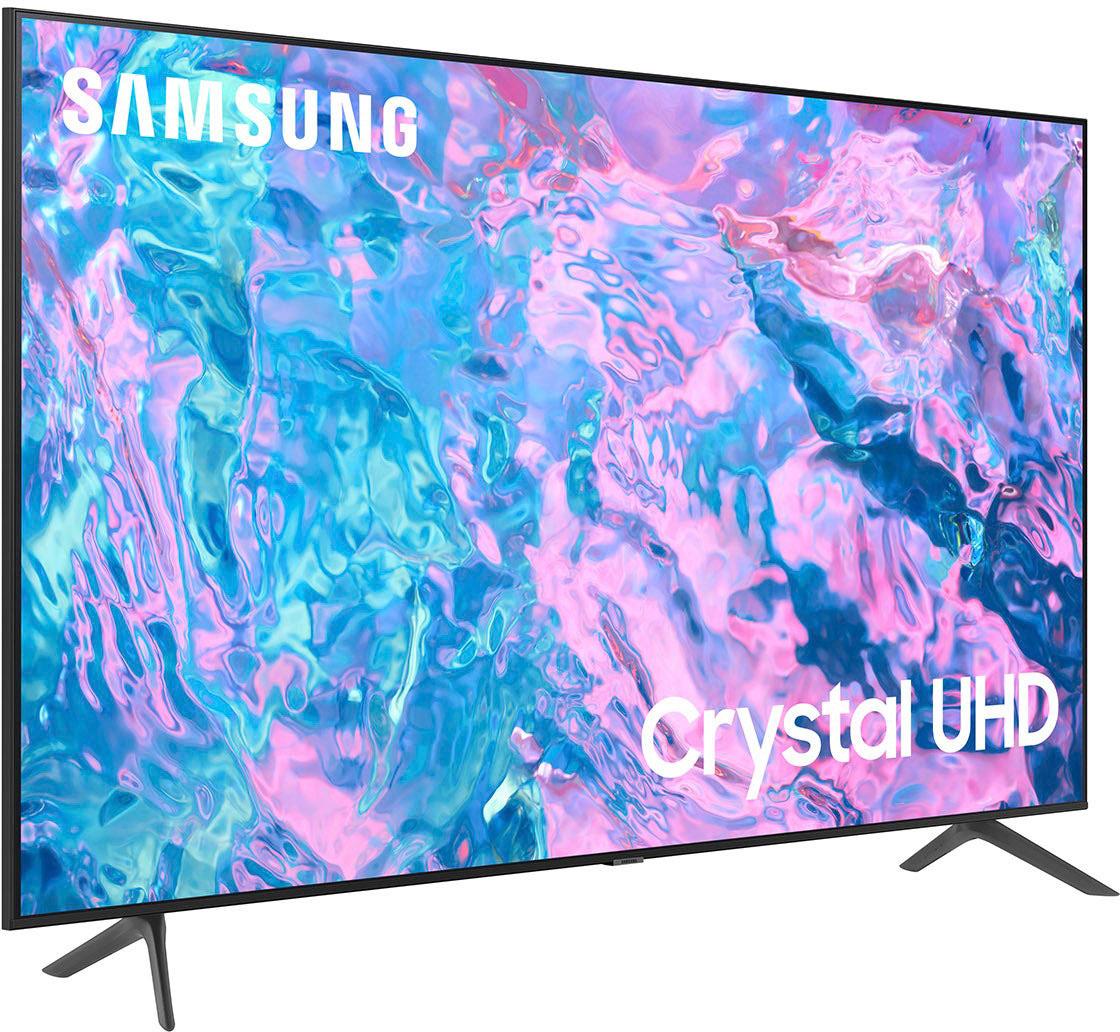
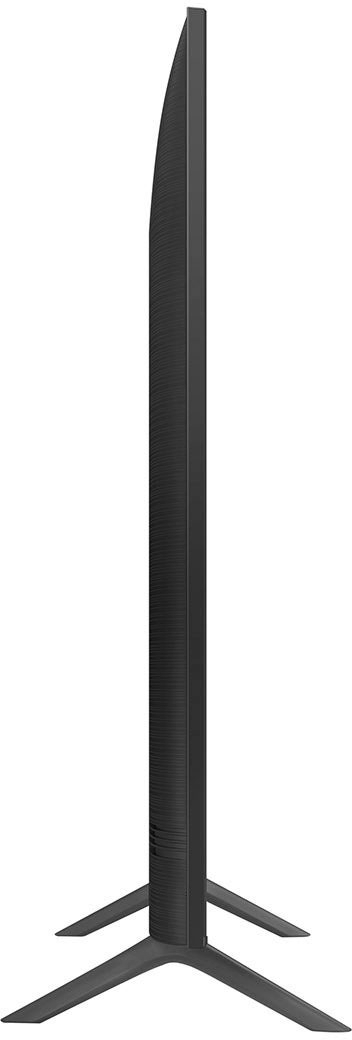
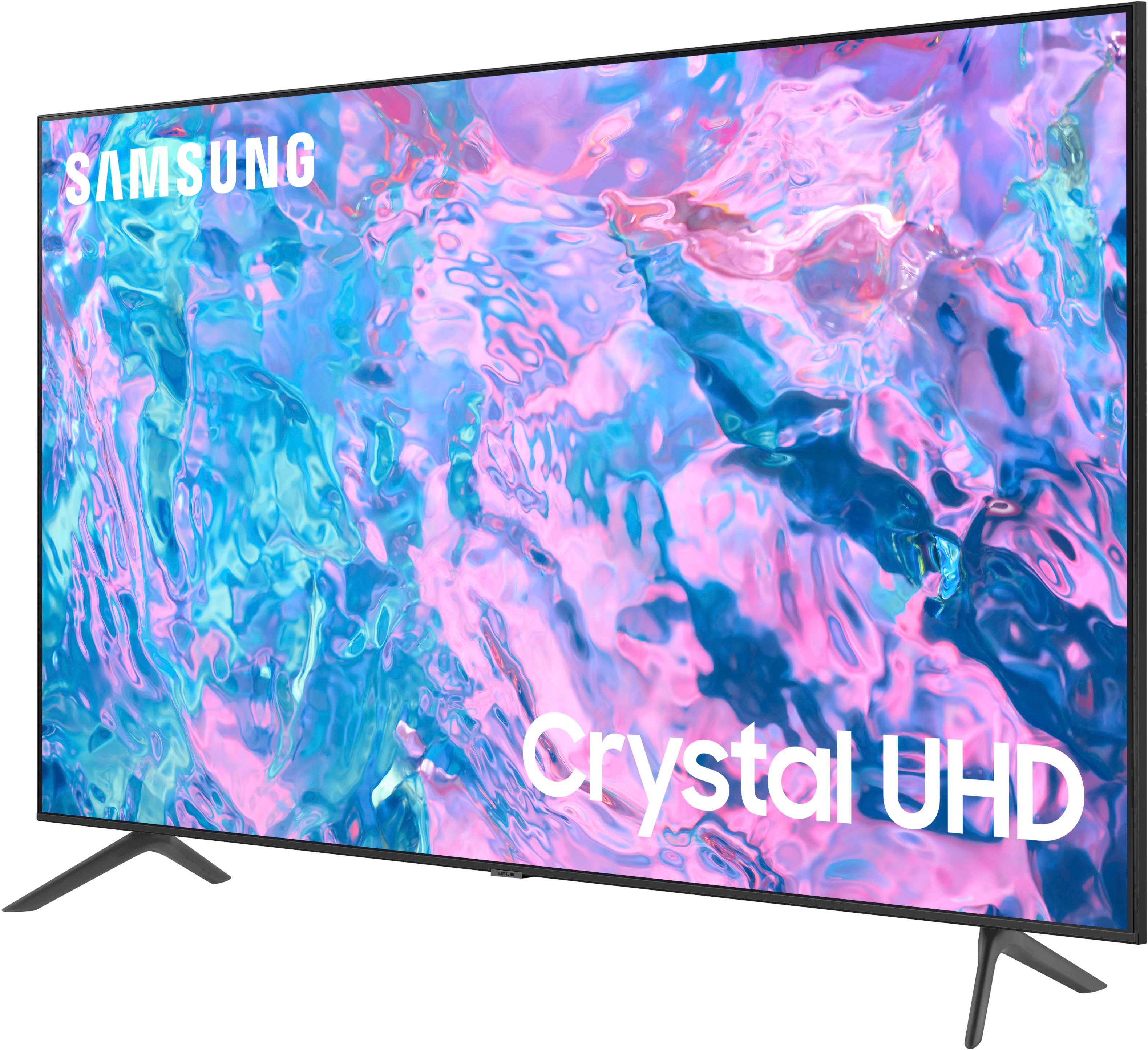




- Model:
- UN70CU7000FXZA
- SKU:
- 10362567
Rating by feature
- Picture Quality
Rating 4.8 out of 5 stars
- Sound Quality
Rating 4.5 out of 5 stars
- Brightness
Rating 4.8 out of 5 stars
to a friend
DON’T BUY IT!
||Posted . Owned for 1 month when reviewed.This reviewer received promo considerations or sweepstakes entry for writing a review.Don’t buy it!! This TV has been in my house for less than 40 days and is already broken. And Bestbuy said they can’t do anything about it because I didn’t buy a protection plan, so apparently if you don’t give more money to Bestbuy then you’re out of option. Samsung said Bestbuy needs to take care of the issue and Bestbuy said Samsung is responsible. The only option for them is to fix the TV. A brand new TV and already needing repairs!! Just stay away from Bestbuy and Samsung products.
No, I would not recommend this to a friendBrand response from Samsung
Posted .Hi MrRed,
I’m truly sorry that you are having some trouble with your CU7000 TV, and I appreciate the time you took to let us know. Please give us the chance to make this right by calling us at 1-800-SAMSUNG, 8 AM - 12 AM EST, seven days a week. Our LiveChat agents are also available by clicking on the ‘Support’ link on our website.
~ Samsung Advisor
Trash
||Posted . Owned for 1 week when reviewed.This reviewer received promo considerations or sweepstakes entry for writing a review.This is the worse tv I’ve ever bought. Netflix wouldn’t work and volume stop working a couple times. I would have to keep restarting the tv.
No, I would not recommend this to a friendBrand response from Samsung
Posted .Hi KeyontaD,
We appreciate your honest feedback about your experience with the CU7000 TV. Please know your review is important to us and will be shared with our internal product teams. I do have a few recommendations which may resolve the issues you mentioned.
First, let's ensure you are running the latest Firmware. Go to Settings> Support> Software Update. If you do have the latest firmware, then you can next try a cold boot. There are two ways to cold boot your TV. To do so, hold down the Power button on the Samsung TV remote until the TV turns off and then on again. This should take about 5 seconds.
You may also need to delete and redownload the Netflix app if you continue to have issues.
I hope these tips help you enjoy your new product!
You can contact us for further help at 1-800-SAMSUNG, 8 AM - 12 AM EST, seven days a week. Our LiveChat agents are also available by clicking on the ‘Support’ link on our website.
~ Samsung Advisor
Not very smart
||Posted . Owned for 1 month when reviewed.This reviewer received promo considerations or sweepstakes entry for writing a review.I cant seem to be able to get my local channels its horrible tv
No, I would not recommend this to a friendBrand response from Samsung
Posted .Thecritic.
Thank you for your review. If you’re not receiving all channels, first ensure that your coaxial cable is securely connected to the TV.
Then, run Auto Program: Home > Menu > Settings > All Settings > Broadcasting > Auto Program. Select Start to begin auto-programming, and then select either Air, Cable, or Both.
- Select Air if you're using an antenna only.
- Select Cable if you're using a cable box only.
- Select Both if you're using an antenna and a cable box. You will get the most channels this way.
If you're still having difficulties, please contact us for further help at 1-800-SAMSUNG, 8AM - 12AM EST, 7 days a week. Our LiveChat agents are also available by clicking on the ‘Support’ link on our website.
~ Samsung Specialist
Home
||Posted . Owned for 1 month when reviewed.This reviewer received promo considerations or sweepstakes entry for writing a review.Very happy niiiiiiiiiiiiiiiiiiiiiiiiiiiiiiiiiiiice
I would recommend this to a friendBrand response from Samsung
Posted .Hi DonaldD,
Thank you for purchasing the Samsung CU7000 Crystal UHD TV. I am happy that you are enjoying your new TV with features such as Mega Contrast HDR, allowing incredible details to be revealed, drawing your eyes to the most important parts of whatever you’re watching.
You can contact Samsung Customer Support with any questions or concerns with usage, features, or how to best optimize your settings. Just call us at 1-800-SAMSUNG, 8 AM - 12 AM EST, seven days a week. Our LiveChat agents are also available by clicking on the ‘Support’ link on our website.
~ Samsung Advisor
Already dying
||Posted . Owned for 1 year when reviewed.This reviewer received promo considerations or sweepstakes entry for writing a review.Starting to have issues. Jumping in and out of game mode. Turning on with only sound. Unplugging and resetting TV to fix it. Only had it for 15 months. Really disappointing that a quality brand like this. Had a hiscence die 14 months in. Extremely frustrating to spend $500+ on 2 separate tvs and they won't last 2 years.
No, I would not recommend this to a friendTwo came defective!
||Posted . Owned for less than 1 week when reviewed.This reviewer received promo considerations or sweepstakes entry for writing a review.Got two of these TVs and both of them arrived defective I had to spend another $450 to upgrade but the Best Buy people are very helpful very nice very courteous thank you for your time sincerely James LaMar
No, I would not recommend this to a friendBrand response from Samsung
Posted .Hi JamesL,
Thank you for sharing your experience with us and for your patience in having to deal with the hassle of exchanging two Samsung CU7000 TVs. Please know we take pride in our products and are sorry to hear that your experience was not up to our high standards.
If there’s anything we can ever help with, please call us at 1-800-SAMSUNG, 8 AM - 12 AM EST, seven days a week. Or visit us on the Samsung website and click on the ‘Support’ link for:
1) LiveChat
2) Manuals, Software, & Warranty Info
~ Samsung Advisor
samsung
||Posted . Owned for 3 weeks when reviewed.This reviewer received promo considerations or sweepstakes entry for writing a review.tv was missing remote instructions and plug in card.
I would recommend this to a friendBrand response from Samsung
Posted .Hi LatanyaR,
We appreciate your feedback regarding parts missing from your CU7000 TV. If purchased brand-new and unopened, please contact Samsung Customer Support, and a representative will gladly help you. If purchased in open-box condition, we recommend contacting Best Buy directly for assistance. We hope your issue is resolved in a timely manner.
Should you have questions or concerns on usage or setup of your TV once your issue has been resolved, please call us at 1-800-SAMSUNG, 8 AM - 12 AM EST, seven days a week. LiveChat with an agent, as well as manuals, software, and warranty info, can be found at the ‘Support’ link on our Samsung website.
~ Samsung Advisor
Disgruntled customer
||Posted . Owned for more than 2 years when reviewed.This reviewer received promo considerations or sweepstakes entry for writing a review.TV has a black screen and won't power up. Apparently the TVs have a power supply issue that Samsung is not telling the customers that have bought their TVs
No, I would not recommend this to a friendDon't buy Samsung tvs
||Posted . Owned for 1.5 years when reviewed.This reviewer received promo considerations or sweepstakes entry for writing a review.Last 13 months im not warranty after 12 months so disappointed
No, I would not recommend this to a friendDo not buy samsung
||Posted . Owned for 4 months when reviewed.This reviewer received promo considerations or sweepstakes entry for writing a review.Purchase this tv on black Friday because of the deal and store it in a safe place until my basement was finished and just got it put up and it doesn't work at all. So basically I'm paying for a broke tv that no one will replace will not buy anything else from best buy and definitely not from Samsung. They fo not care about their customers they just want your money. All I wanted to do is replace the tv with the same one now I'm out twice for one tv sad
No, I would not recommend this to a friendBrand response from Samsung
Posted .Hi DawnP,
I'm very sorry to hear that your CU7000 TV is non-functional. So we can best assist you, please reach out to us at 1-800-SAMSUNG, 8 AM - 12 AM EST, seven days a week. Our LiveChat agents are also available by clicking on the ‘Support’ link on our website.
~Samsung Advisor
Terrible
||Posted . Owned for 2 months when reviewed.This reviewer received promo considerations or sweepstakes entry for writing a review.Constant issues with streaming. Always Lowe’s internet connection. Worst electronic purchase I’ve ever made. DO NOT BUY
No, I would not recommend this to a friendBrand response from Samsung
Posted .Hi Bill,
I'm very sorry that you are having issues while streaming on the CU7000 TV. Please know we are here to help.
First, let's ensure you are running the latest Firmware. Go to Settings> Support> Software Update. To ensure you do not miss any Firmware Updates, I recommend enabling Auto Updates. Go to Settings> Support> Software Update> then select Auto Update.
Next, let's try running a cold boot on your TV. To do so, hold down the Power button on the Samsung TV remote until the TV turns off and then on again. This should take about 5 seconds.
If you continue to have issues, it could possibly be your connection. To test this out, please try the following:
1. Use 5Ghz Wi-Fi if possible
2. Try wired LAN if available
3. Try repositioning the router so there are no obstacles between your TV and the router
If you need more help, Samsung is here for you. Please call us at 1-800-SAMSUNG, 8 AM - 12 AM EST, seven days a week. Our LiveChat agents are also available by clicking on the ‘Support’ link on our website.
~ Samsung Advisor
Not recommended
||Posted . Owned for 2 months when reviewed.This reviewer received promo considerations or sweepstakes entry for writing a review.I was not happy with the picture quality. Facial features where " Gost Like ". I would not recommend this product.
No, I would not recommend this to a friendBrand response from Samsung
Posted .Hi WayneB,
We appreciate your feedback on the CU7000 TV's image quality. I believe what you are describing is a feature called Auto Motion Plus, which eliminates ghosting and blurring that occurs from fast-moving images. These motion smoothing settings look great on live TVs, like sporting events or parades, which are filmed at 30 frames per second. Most movies, however, are filmed at 24 frames per second and are not intended to be viewed with these features. When turned on, this causes the dreaded soap opera effect.
To Change Motion smoothing settings on your TV:
Navigate to Settings > All Settings > Picture > Expert Settings > Auto Motion Plus Settings (Picture Clarity Settings).
1. The default setting is Auto. This means the feature automatically turns on and off based on the type of program being watched.
2. Select Auto Motion Plus (Picture Clarity) to change the setting to either Off or Custom.
If you select Custom, three additional options are available:
• Blur Reduction: Use the directional keys on the remote to adjust the Blur setting.
• Judder Reduction: Use the directional keys on the remote to adjust the Judder setting.
• LED Clear Motion: This option allows you to configure the LED backlight to sharpen fast-moving images. Select to turn On or Off.
I hope these tips help you enjoy your new product. You can contact us for further help at 1-800-SAMSUNG, 8 AM - 12 AM EST, seven days a week. Our LiveChat agents are also available by clicking on the ‘Support’ link on our website.
~ Samsung Advisor
Not happy
||Posted . Owned for 2 weeks when reviewed.This reviewer received promo considerations or sweepstakes entry for writing a review.Defective remote. Was returned and up-graded to a 75 inch unit.
No, I would not recommend this to a friendBrand response from Samsung
Posted .Hi Josephl,
We appreciate you taking the time to let us know about your experience with Samsung’s CU7000 TV remote. Thank you for being a loyal Samsung customer!
If you ever have questions or need help, Samsung is here for you! Call us at 1-800-SAMSUNG from 8 AM to 12 AM EST, seven days a week. Our LiveChat agents are also available by clicking on the ‘Support’ link on our website.
~Samsung Advisor
DO NOT BUY!!!
||Posted . Owned for 1 month when reviewed.This reviewer received promo considerations or sweepstakes entry for writing a review.Horrible! Best Buy delivered the television to my home. Once the delivery guys left, we unboxed the TV & set it up. AFTER ALL THAT, THE SCREEN WAS COMPLETELY BLACK! No picture whatsoever. After being on the phone an hour & a half trying to figure out what to do, we finally got to someone about returning the television. It was a complete hassle!
No, I would not recommend this to a friendBrand response from Samsung
Posted .Hi Martin,
We appreciate your feedback and are sorry to hear that your TV was delivered damaged and you had to go through the hassle of an exchange. If there’s anything we can ever help with, please call us at 1-800-SAMSUNG, 8 AM - 12 AM EST, seven days a week. Or visit us on the Samsung website and click on the ‘Support’ link for:
1) LiveChat
2) Manuals, Software, & Warranty Info
~ Samsung Advisor
Poor customer service in the Brockton outlet atore
||Posted . Owned for 2 weeks when reviewed.This reviewer received promo considerations or sweepstakes entry for writing a review.Purchase this tv online from the outlet, condition stated it was open box but it would come with all accessories and remote. When I went the store to pick up took over and hour to get the product and was missing the legs, manager seemed not to care, second time this happens at the same location.
No, I would not recommend this to a friendBrand response from Samsung
Posted .Hi Mytssoulja,
I'm sorry to hear about your purchase experience at the Best Buy Outlet store. Please know your feedback is important to us and will be shared with our internal teams.
If you ever have product questions or need help, Samsung is here for you! Give us a call at 1-800-SAMSUNG, 8 AM - 12 AM EST, seven days a week. Our LiveChat agents are also available by clicking on the ‘Support’ link on our website.
~Samsung Advisor
Wanted a TV with Mouse and Keyboard access
||Posted . Owned for 2 weeks when reviewed.This reviewer received promo considerations or sweepstakes entry for writing a review.Wanted a TV with Mouse and Keyboard access. This TV is not.
I would recommend this to a friendBrand response from Samsung
Posted .Hi BikramajitS,
Thank you for your purchase and feedback on the CU7000 TV. I'm sorry for any confusion regarding the accessories that came with the TV. Please know you can connect a keyboard and mouse via Bluetooth, USB, or HDMI. You can also screen share your laptop or devices and control it that way.
If you need any help, please do not hesitate to reach out to us at 1-800-SAMSUNG, 8 AM - 12 AM EST, seven days a week. Our LiveChat agents are also available by clicking on the ‘Support’ link on our website.
~ Samsung Advisor
Great tv
||Posted . Owned for 3 weeks when reviewed.This reviewer received promo considerations or sweepstakes entry for writing a review.Very good tv loved it and it fits in my wall..exact size
I would recommend this to a friendBrand response from Samsung
Posted .Hi SandeshG,
While it’s great to hear you’re loving your CU7000 TV, please let us know if there’s a specific issue that you’re experiencing that has prevented this TV from receiving a higher star rating. You can call us at 1-800-SAMSUNG, 8 AM - 12 AM EST, seven days a week. Our LiveChat agents are also available by clicking on the ‘Support’ link on our website.
~ Samsung Advisor
TV delivered damaged, Worst Buy won't exchange it
||Posted . Owned for 1 month when reviewed.This reviewer received promo considerations or sweepstakes entry for writing a review.This review is not for the TV but for Best Buy's lack of customer service related to my purchase. Item was delivered with a crack and I didn't unbox it until after the 2 week return window. Worst Buy is refusing an exchange. Not a customer centric company. Shop elsewhere!
No, I would not recommend this to a friendBrand response from Samsung
Posted .Hi there,
We are sorry to hear about your experience with receiving a broken CU7000 TV. To better assist you, please reach out to Samsung Customer Support at 1-800-SAMSUNG, 8 AM - 12 AM EST, seven days a week. Our LiveChat agents are also available by clicking on the ‘Support’ link on our website.
~Samsung Advisor
Open box blunder
||Posted . Owned for 1 month when reviewed.This reviewer received promo considerations or sweepstakes entry for writing a review.I purchased the tv open box and was suooosed to be in excellent condition. But everything was missing from the box except the tv. The floor associate gave me a hard time returning the tv but the manager helped me with no issue.
No, I would not recommend this to a friendBrand response from Samsung
Posted .Hi EdgarB,
We appreciate you choosing Samsung and for sharing your experience purchasing an open-box TV. You may want to provide feedback directly to your local Best Buy. If there’s anything we can ever help with, please call us at 1-800-SAMSUNG, 8 AM - 12 AM EST, seven days a week. Or visit us on the Samsung website and click on the ‘Support’ link for:
1) LiveChat
2) Manuals, Software, & Warranty Info
~ Samsung Advisor
Night mare before Xmas
||Posted . Owned for 2 weeks when reviewed.This reviewer received promo considerations or sweepstakes entry for writing a review.Good price, horrible service. Watch out for salespeople who are confident of their customer services abilities, but not competent. Question everything until you understand, and depending on customer service rep, that may or may not happen.
I would recommend this to a friendBrand response from Samsung
Posted .Hi KalmanW,
Thank you for your feedback on your experience at Best Buy. I recommend also providing feedback to your local store. If you ever have questions or need help, Samsung is here for you! Give us a call at 1-800-SAMSUNG, 8 AM - 12 AM EST, seven days a week. Our LiveChat agents are also available by clicking on the ‘Support’ link on our website.
~Samsung Advisor