Customer Ratings & Reviews
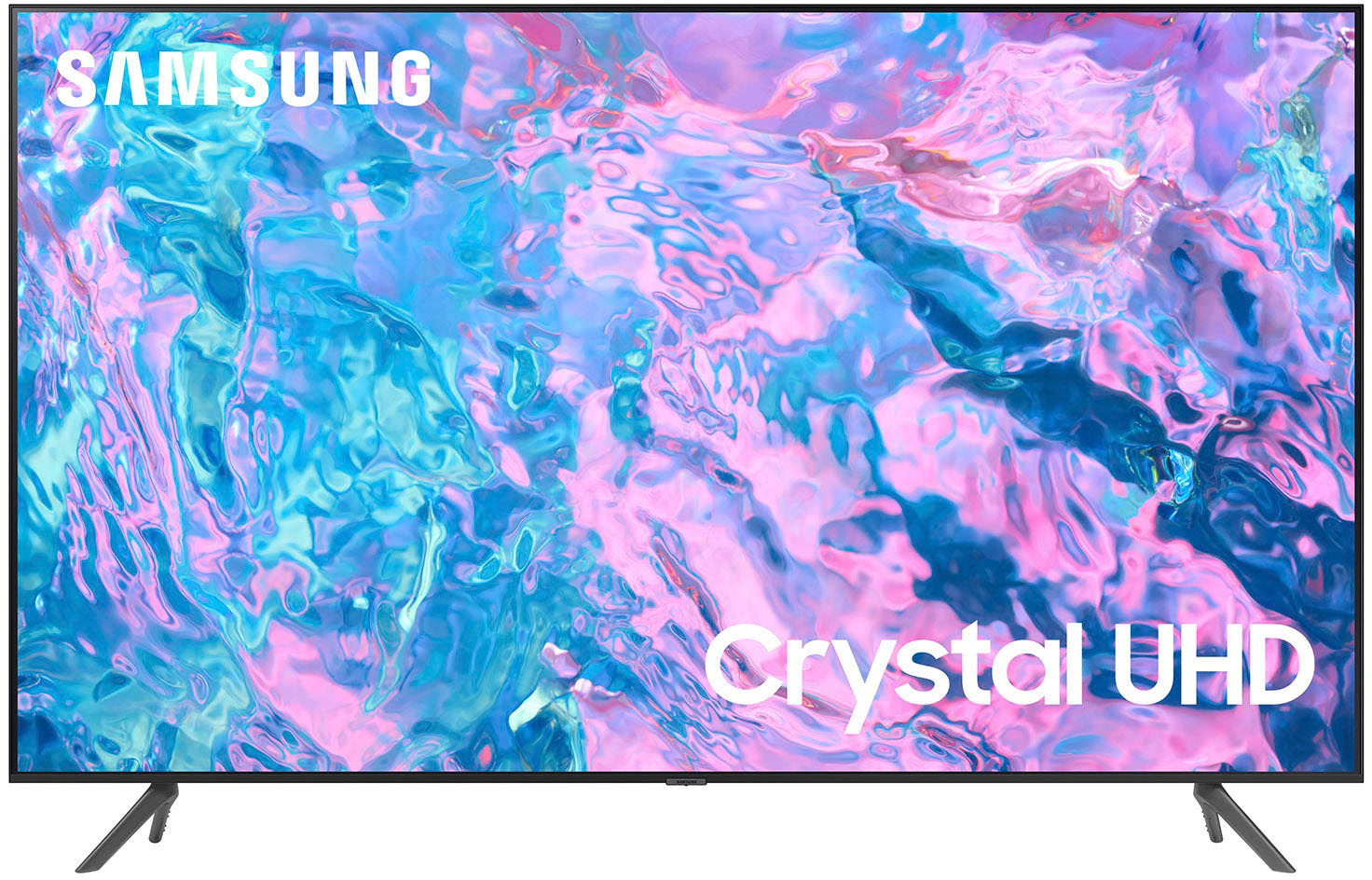
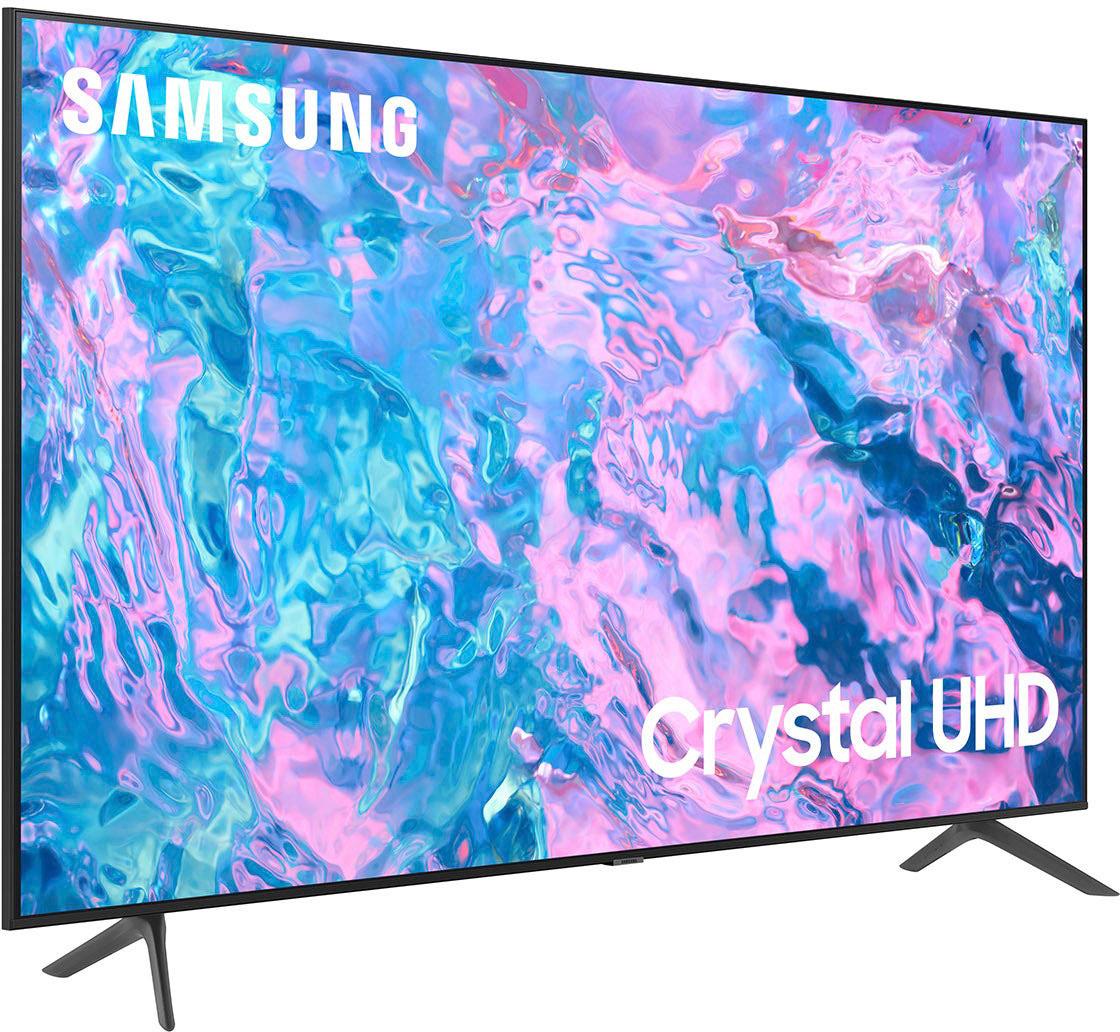
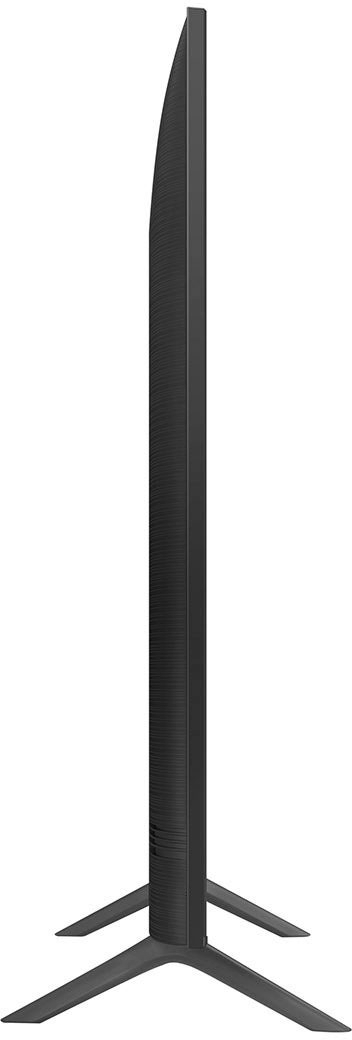
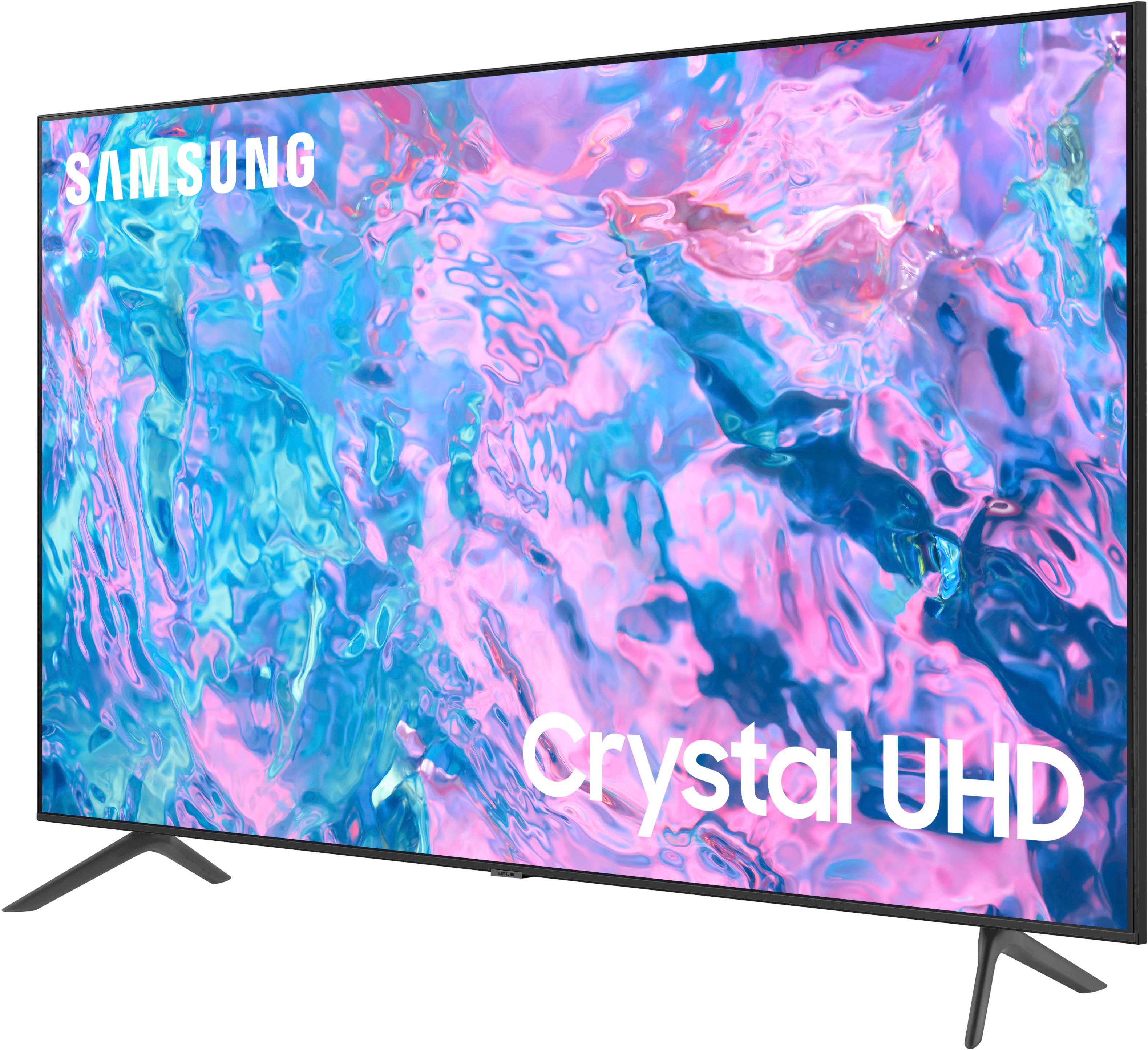



- Model:
- UN70CU7000FXZA
- SKU:
- 10362567
Rating by feature
- Picture Quality
Rating 4.8 out of 5 stars
- Sound Quality
Rating 4.5 out of 5 stars
- Brightness
Rating 4.8 out of 5 stars
to a friend
Good tv, be wary of open box description and ratin
Posted .This reviewer received promo considerations or sweepstakes entry for writing a review.Tv is great but they described the open box item as being excellent condition and it was NOT. scratches in the item but more importantly it was missing the stands that i specifically asked about! Chatting with customer service was no help, they wanted me to go back to the store to get the nonexistent stands.
I would recommend this to a friendJust an ok TV
Posted .This reviewer received promo considerations or sweepstakes entry for writing a review.Speakers are not good qualty. Have to turn the TV up to almost 80 to hear it great. Other than that, it is just an ok TV.
No, I would not recommend this to a friendYv
Posted .This reviewer received promo considerations or sweepstakes entry for writing a review.We had to replace this particular tv a week after we bought it. It was replacing another one we only had for three years.
No, I would not recommend this to a friendBrand response from Samsung
Posted .Hi BillE,
Thank you for letting us know about your experience with the CU7000 TV. We appreciate your patience in having to deal with the hassle of an exchange. If there’s anything we can ever help with, please call us at 1-800-SAMSUNG, 8 AM - 12 AM EST, seven days a week. Or visit us on the Samsung website and click on the ‘Support’ link for:
1) LiveChat
2) Manuals, Software, & Warranty Info
~ Samsung Advisor
Open Box: no remote
Posted .This reviewer received promo considerations or sweepstakes entry for writing a review.Bought this item open box. Price was good and the TV works fine. However, the remote was missing. Luckily, I had an extra Samsung remote. Quality of the Item is good. The picture isn’t going to blow your mind.
I would recommend this to a friendBrand response from Samsung
Posted .Hi user598668,
We appreciate your feedback on the Samsung CU7000 TV and are happy to hear you are enjoying the 4K image quality. We recommend reaching out to Best Buy regarding the missing parts from your open-box TV.
If you ever have questions or need help, please know we are here for you. You can call us at 1-800-SAMSUNG, 8 AM - 12 AM EST, seven days a week. Our LiveChat agents are also available by clicking on the ‘Support’ link on our website.
~ Samsung Advisor
TERRIBLE MOTION BLUR
Posted .This reviewer received promo considerations or sweepstakes entry for writing a review.Terrible motion blur. Tried all the adjustments recommended by Samsung but did not work. Good TV for basic shows. Not acceptable to watch sports.
No, I would not recommend this to a friendBrand response from Samsung
Posted .Hi user108637,
Thank you for your feedback regarding motion blur when watching sports. I'm sorry the steps we provided did not resolve your issue. I'm going to put a few below just in case they are not the same recommendations that you received before.
First, please ensure your Firmware is up to date. Go to Settings> Support> Software Update.
Next, let's adjust your Picture Clarity Settings by going to Settings > All Settings> Picture > Expert Settings > Picture Clarity Settings.
- Off: Picture Clarity Settings will always be off
- Auto: Picture Clarity Settings will automatically activate and deactivate based on the type of program being watched
- Custom: Allows custom adjustments and settings to be used. By selecting the Custom option, you can access these advanced settings for Judder Reduction, LED Clear Motion, and Noise Reduction.
Finally, try these steps to resolve any distortion you are seeing.
1. Disconnect and reconnect the power cables and HDMI cables on the back of your TV, then unplug the power cord and plug it back into the wall outlet.
2. If the external device supports UHD video, use a dedicated HDMI cable (4K) for HDMI video playback.
3. If a component cable is used, make sure that the colored connectors are connected to the matching connectors on the external device and the TV.
4. If you are using a set-top box, check the cable connection. The cable you need to check depends on the type of set-top box.
5. Make sure that your access point is connected to the Internet. If not, disconnecting and reconnecting its power cable may be required.
6. If the problem persists, check the video output settings in the settings menu of the external device, and ensure that your TV supports the video output mode.
I hope these tips help you enjoy your new product.
You can contact us for further help at 1-800-SAMSUNG, 8 AM - 12 AM EST, seven days a week. Our LiveChat agents are also available by clicking on the ‘Support’ link on our website.
~ Samsung Advisor
Video quality
Posted .This reviewer received promo considerations or sweepstakes entry for writing a review.Honestly the picture isn’t that great. The sound is pretty low even with our sound bar.
No, I would not recommend this to a friendI would not recommend this TV.
Posted .This reviewer received promo considerations or sweepstakes entry for writing a review.I would not buy this TV. It appears that Samsung has problems with their UHD models. The TV's have issues with the corners of the screen turning a modelled white when showing night time scenes.
No, I would not recommend this to a friendBrand response from Samsung
Posted .Hi Gadget,
We appreciate your feedback on the Samsung CU7000 TV. If you are experiencing issues with your screen display, please know we are available and happy to help.
First, let's ensure you are running the latest Firmware. Go to Settings> Support> Software Update.
Next, run a diagnostic test. Go to Home > Settings > Support > Device Care > Self Diagnosis > Picture Test. If there are no issues during the Picture Test, this means your TV is working fine. To identify and fix the issue, first, try replacing the cable of the external device that is showing lines.
- If the issues still appear after replacing the cable, troubleshoot the external device.
- If issues appear during the Picture Test, proceed to the next step.
If white spots or any issues appear during your test, the TV will need service. Please reach out to us so we can schedule a warranty appointment. 1-800-SAMSUNG, 8 AM - 12 AM EST, seven days a week. LiveChat with an agent, as well as manuals, software, and warranty info, can be found at the ‘Support’ link on our Samsung website.
~ Samsung Advisor