Customer Ratings & Reviews
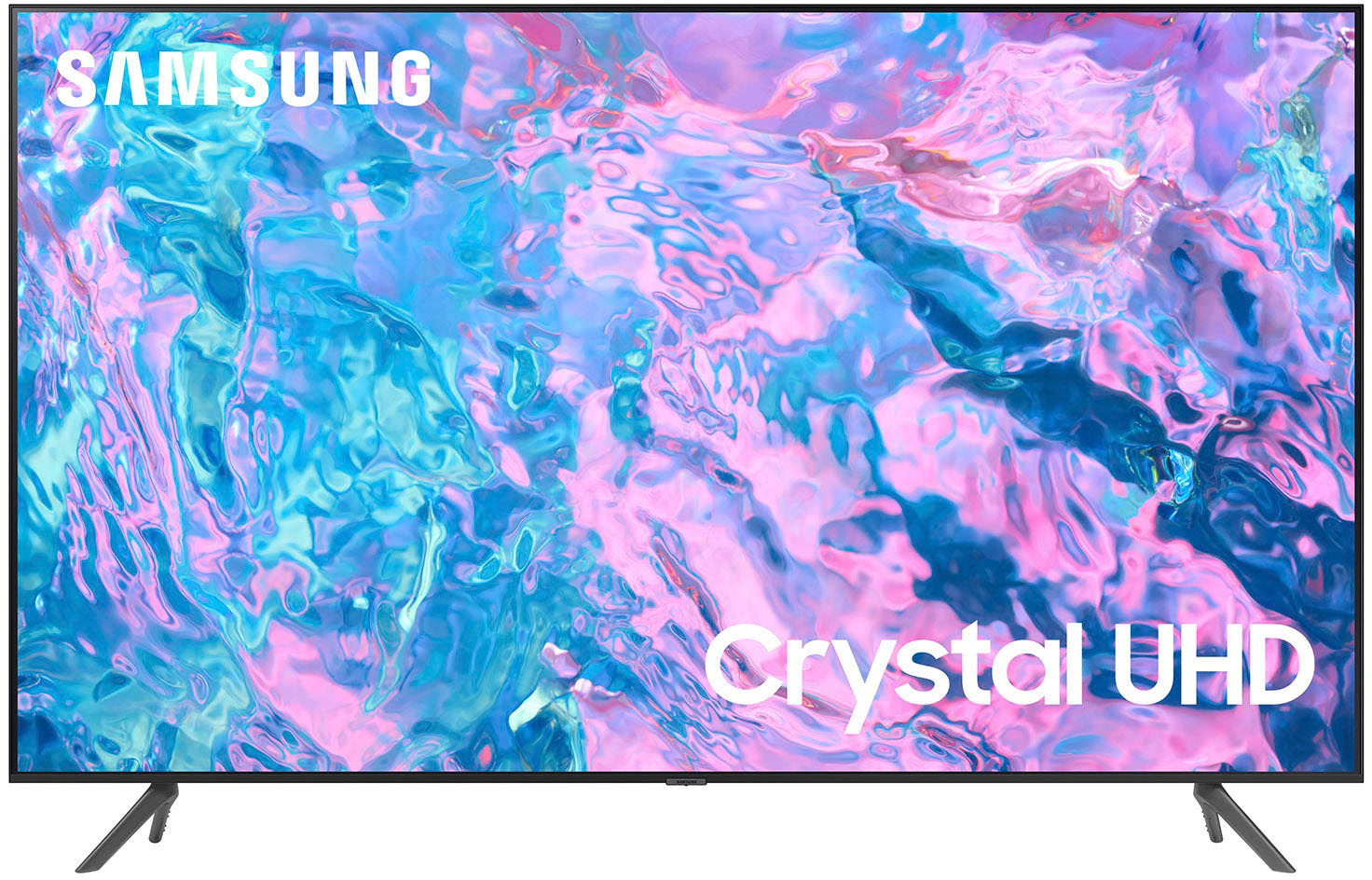
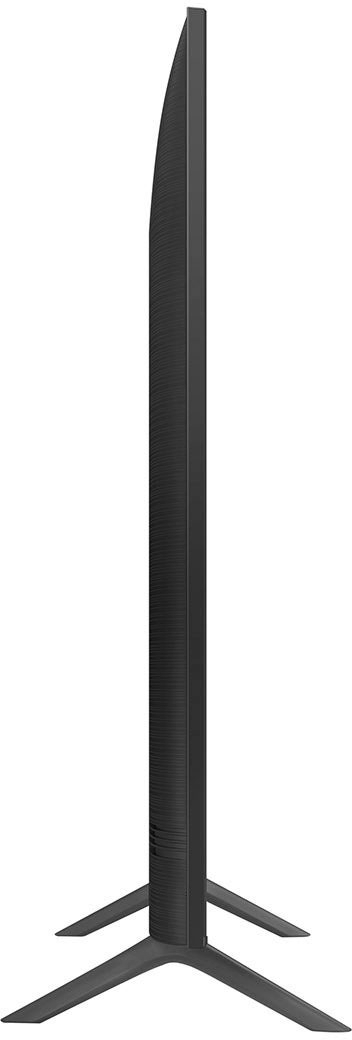



- Model:
- UN70CU7000FXZA
- SKU:
- 6537364
Rating by feature
- Picture Quality
Rating 4.8 out of 5 stars
- Sound Quality
Rating 4.5 out of 5 stars
- Brightness
Rating 4.8 out of 5 stars
Customers are saying
Customers find value in the 70” Class CU7000 Crystal UHD 4K Smart Tizen TV (2023)'s picture quality, good size, and easy setup. The TV's lightweight design is also appreciated by some. However, some customers have expressed concerns regarding connectivity issues, durability, and the quality of the remote control.
This summary was generated by AI based on customer reviews.
- Pros mentioned:Picture quality
New Samsung tv 75' tizen
||Posted . Owned for 3 weeks when reviewed.This reviewer received promo considerations or sweepstakes entry for writing a review.This Samsung tv is the best. Love it all my friends want the same thing now .
I would recommend this to a friend - Pros mentioned:Picture quality
go to
||Posted . Owned for 1 month when reviewed.This reviewer received promo considerations or sweepstakes entry for writing a review.good stuff ljhgweflhgdlighilggliiloiguogyugguiogggg
No, I would not recommend this to a friend - Pros mentioned:Picture quality
Good for price
||Posted . Owned for 1 month when reviewed.This reviewer received promo considerations or sweepstakes entry for writing a review.Quaility TV, quaility picture Speakers could be better
I would recommend this to a friend - Pros mentioned:Picture quality
New purchase
||Posted . Owned for 3 weeks when reviewed.This reviewer received promo considerations or sweepstakes entry for writing a review.Nice size great price fast service easy set up nice pitch
I would recommend this to a friend - Pros mentioned:Picture quality
Great tv
||Posted . Owned for less than 1 week when reviewed.This reviewer received promo considerations or sweepstakes entry for writing a review.Great color with clear screen and quality sound would recommend
I would recommend this to a friend Excellent buy
||Posted . Owned for 1 month when reviewed.This reviewer received promo considerations or sweepstakes entry for writing a review.Best buy for the price tag. You cant go wrong with this tv
I would recommend this to a friend- Pros mentioned:Picture quality
Samsung
||Posted . Owned for 3 weeks when reviewed.This reviewer received promo considerations or sweepstakes entry for writing a review.Good picture. Sound is ahead of the picture sometimes.
I would recommend this to a friendBrand response from Samsung
Posted .Hi JamesE,
Thank you for purchasing the Samsung CU7000 TV. You may want to try the Audio Pass-Through feature to address the audio delay. This feature allows the audio signal to be sent out unprocessed to an external Soundbar or receiver connected to the TV. The external Soundbar or receiver then processes the audio, thereby eliminating the added step of processing by the TV, which adds delay.
To activate this feature, go to Settings > All Settings> Sound > Expert Settings > Digital Output Audio Format > set to Pass-Through.
If you have tried this and your issue persists, please reach out to Samsung Customer Support so that we can provide further troubleshooting. You can call us at 1-800-SAMSUNG, 8 AM - 12 AM EST, seven days a week. Our LiveChat agents are also available by clicking on the ‘Support’ link on our website.
~ Samsung Advisor
- Pros mentioned:Picture quality
Tv
||Posted . Owned for 2 weeks when reviewed.This reviewer received promo considerations or sweepstakes entry for writing a review.It works great really good picture colors the quality is awesome
I would recommend this to a friend Samsung forever!
||Posted . Owned for 3 weeks when reviewed.This reviewer received promo considerations or sweepstakes entry for writing a review.This is the 5th large screen Samsung TV we have bought in the last three years as we have settled into or second house in Esplanade at Azario, Lakewood Ranch. This particular TV was installed on our lanai by the fabulous Geek Squad.
I would recommend this to a friend- Pros mentioned:Picture quality
70" Samsung
||Posted . Owned for 3 weeks when reviewed.This reviewer received promo considerations or sweepstakes entry for writing a review.Really good TV for the price. Kind of amazing really.
I would recommend this to a friend - Pros mentioned:Picture quality
Samsung tv
||Posted . Owned for 3 weeks when reviewed.This reviewer received promo considerations or sweepstakes entry for writing a review.Great screen displays perfect size for my living rooms
I would recommend this to a friend - Pros mentioned:Picture quality
70 Samsung
||Posted . Owned for 1 month when reviewed.This reviewer received promo considerations or sweepstakes entry for writing a review.I love the picture and the price. It looks great in our LR
I would recommend this to a friend - Pros mentioned:Picture quality
Samsung - 70” Class CU7000 Crystal UHD 4K Smart TV
||Posted . Owned for 3 weeks when reviewed.This reviewer received promo considerations or sweepstakes entry for writing a review.Excellent picture quality. Very good for the price!
I would recommend this to a friend - Pros mentioned:Picture quality
Tv
||Posted . Owned for 3 weeks when reviewed.This reviewer received promo considerations or sweepstakes entry for writing a review.Amazing tv, good sound quality, as long as pixels.
I would recommend this to a friend a dream come true
||Posted . Owned for 2 months when reviewed.This reviewer received promo considerations or sweepstakes entry for writing a review.This was my first purchase, a Samsung 70'' TV, the best thing I have ever bought thanks to the guys at best buy who helped me choose my best option, grateful to them RUN FOR THE STORE SUPER OFFERS
I would recommend this to a friendDisappointed
Posted .This reviewer received promo considerations or sweepstakes entry for writing a review.We picked this up on Black Friday for a good price and as soon as we turned it on noticed faint black shadowing through the middle of the screen bad back light possibly and even though it's in stock at Best Buy it's being a pain to get it replaced...
No, I would not recommend this to a friendBrand response from Samsung
Posted .Hi BrandonL,
I'm sorry you received a broken CU7000 TV. I recommend getting in touch with Best Buy to best assist you with a replacement. Should you need any help, please reach out to us at 1-800-SAMSUNG, 8 AM - 12 AM EST, seven days a week. Our LiveChat agents are also available by clicking on the ‘Support’ link on our website.
~ Samsung Advisor
Very satisfied!
||Posted . Owned for 2 months when reviewed.This reviewer received promo considerations or sweepstakes entry for writing a review.Samsung does not disappoint! Bought this TV to replace the old Sharp that broke down. I like the channel guide and how easily it connects with my other electronics!
I would recommend this to a friend- Pros mentioned:Picture quality
Acceptable tv
||Posted . Owned for 11 months when reviewed.This reviewer received promo considerations or sweepstakes entry for writing a review.Its a good tv for the price but it definitely wouldn't be my first choice
I would recommend this to a friend - Cons mentioned:Durability
Glitchy
||Posted . Owned for 3 weeks when reviewed.This reviewer received promo considerations or sweepstakes entry for writing a review.It is a decent TV but can be a little glitchy with some of the streaming apps. I have had to disconnect it from the power source to fix it a few times as the tv completely froze and I could not get back to the Home Screen.
No, I would not recommend this to a friendBrand response from Samsung
Posted .Hi AaronC,
Thank you for sharing your experience with your CU7000 TV. Please know we are here to help and have a few recommendations that may improve any glitches you are having with apps or the user interface.
First, let's ensure you are running the latest Firmware. Go to Settings> Support> Software Update. To ensure you do not miss any Firmware Updates, I recommend enabling Auto Updates. Go to Settings> Support> Software Update> then select Auto Update.
Next, I recommend utilizing the self-diagnostic tool, which checks memory, frees unused cached memory, and closes background apps. Go to Settings > Support > Device Care > Start Device Care.
Finally, let's try running a cold boot on your TV. To do so, hold down the Power button on the Samsung TV remote until the TV turns off and then on again. This should take about 5 seconds.
I hope these tips help you enjoy your new product. You can contact us for further help at 1-800-SAMSUNG, 8 AM - 12 AM EST, seven days a week. Our LiveChat agents are also available by clicking on the ‘Support’ link on our website.
~ Samsung Advisor
Don’t miss out!
||Posted . Owned for 3 weeks when reviewed.This reviewer received promo considerations or sweepstakes entry for writing a review.Definitely recommend! Excellent value all around, will buy again! I can’t review sound quality since I immediately and always use a home theater system.
I would recommend this to a friend