Customer Ratings & Reviews









- Model:
- UN70DU7200FXZA
- SKU:
- 10187637
Rating by feature
- Picture Quality
Rating 4.8 out of 5 stars
- Sound Quality
Rating 4.6 out of 5 stars
- Brightness
Rating 4.8 out of 5 stars
- Pros mentioned:Picture quality
Television
Posted .This reviewer received promo considerations or sweepstakes entry for writing a review.The product is very awesome and great quality. Awesome picture.
I would recommend this to a friend - Pros mentioned:Picture quality
VP
Posted .This reviewer received promo considerations or sweepstakes entry for writing a review.Seamless purchase and pickup. Great picture. No issues.
I would recommend this to a friend - Pros mentioned:Picture quality
Not good for live sporting events
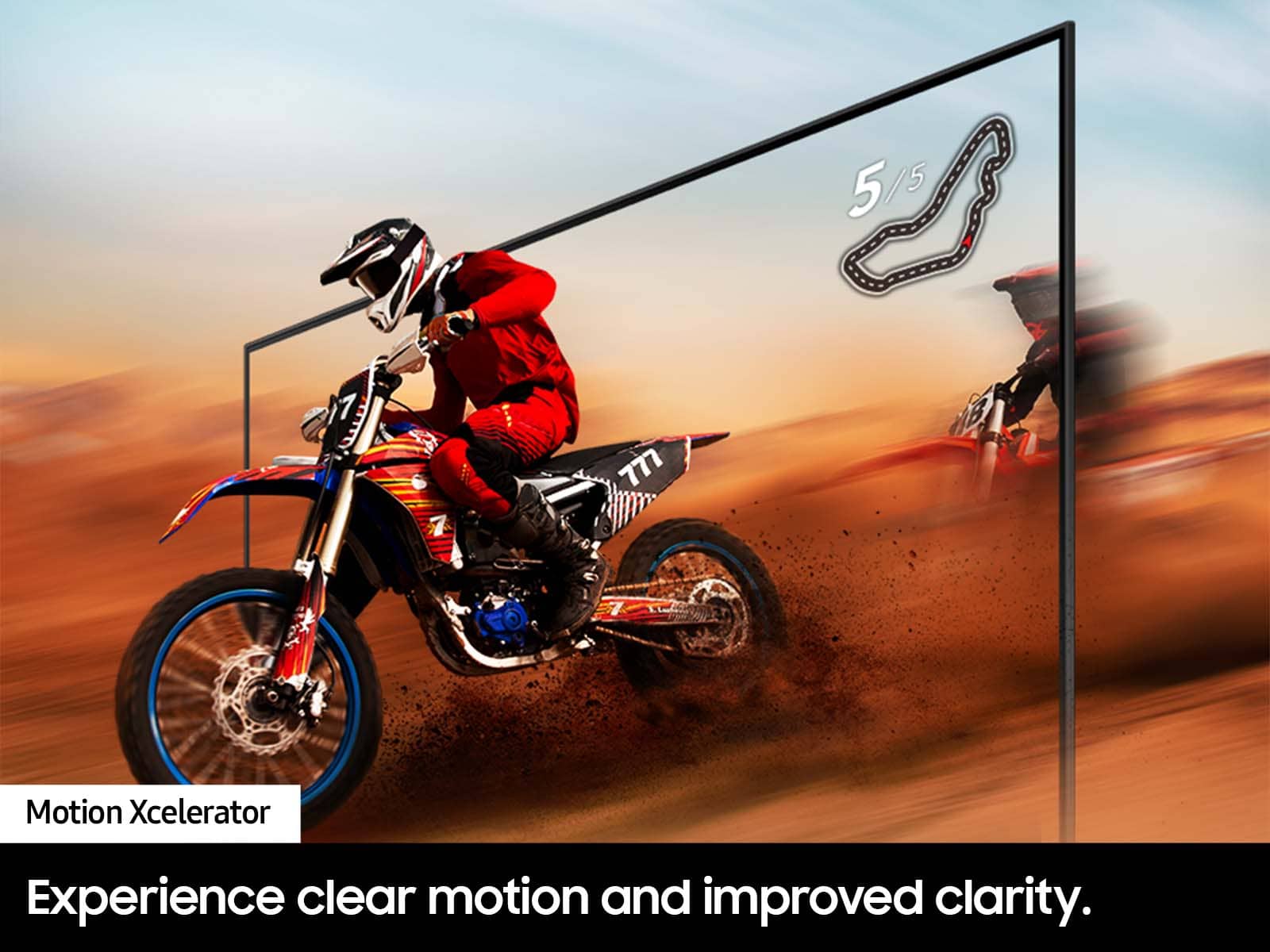
Posted .This reviewer received promo considerations or sweepstakes entry for writing a review.Blurry with live sports. TV blurs with action. Videos have good clarity but if you want it to watch sports, not that good.
No, I would not recommend this to a friendBrand response from Samsung
Posted .Samantha,
We appreciate your feedback on your DU7200 TV’s picture when watching fast motion. For optimal motion image performance, you may want to adjust the picture clarity setting by going to: Menu > Settings > All Settings > Picture > Expert Settings > Picture Clarity Settings
- Off: Picture Clarity Settings will always be off
- Auto: Picture Clarity Settings will automatically activate and deactivate based on the type of program being watched
- Custom: Allows custom adjustments and settings to be used. By selecting the Custom option, you can access these advanced settings for Judder Reduction, LED Clear Motion, and Noise Reduction.
Should you need further assistance with features or other product usage, please reach out to Samsung Support at 1-800-SAMSUNG, 8AM - 12AM EST, 7 days a week. Or visit us on the Samsung website and click on the ‘Support’ link for:
• LiveChat
• Manuals, Software, & Warranty Info
~ Samsung Specialist
Ravecave
Posted .This reviewer received promo considerations or sweepstakes entry for writing a review.Fits my stadium theme room very well. Im loving it
I would recommend this to a friend