Customer Ratings & Reviews
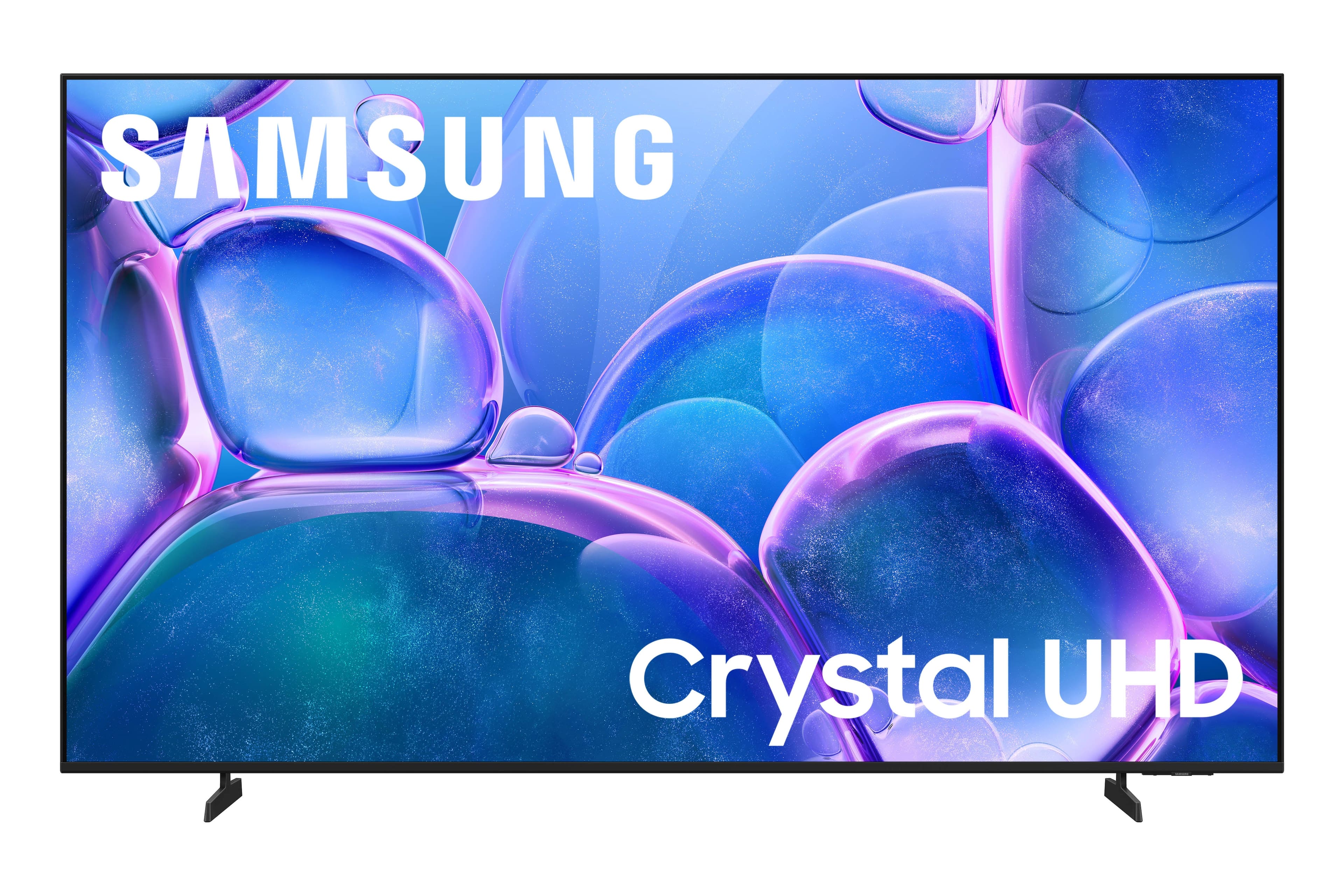



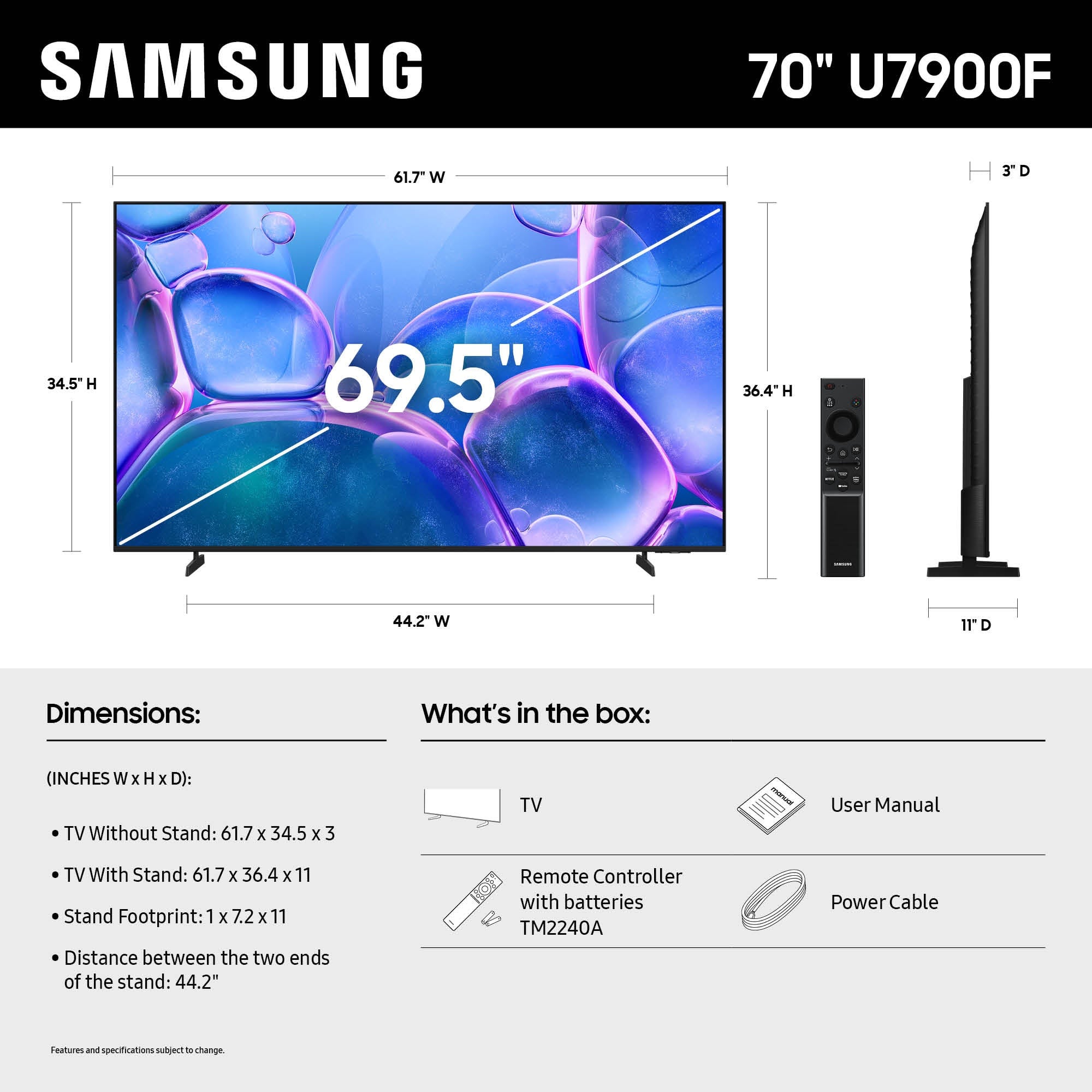




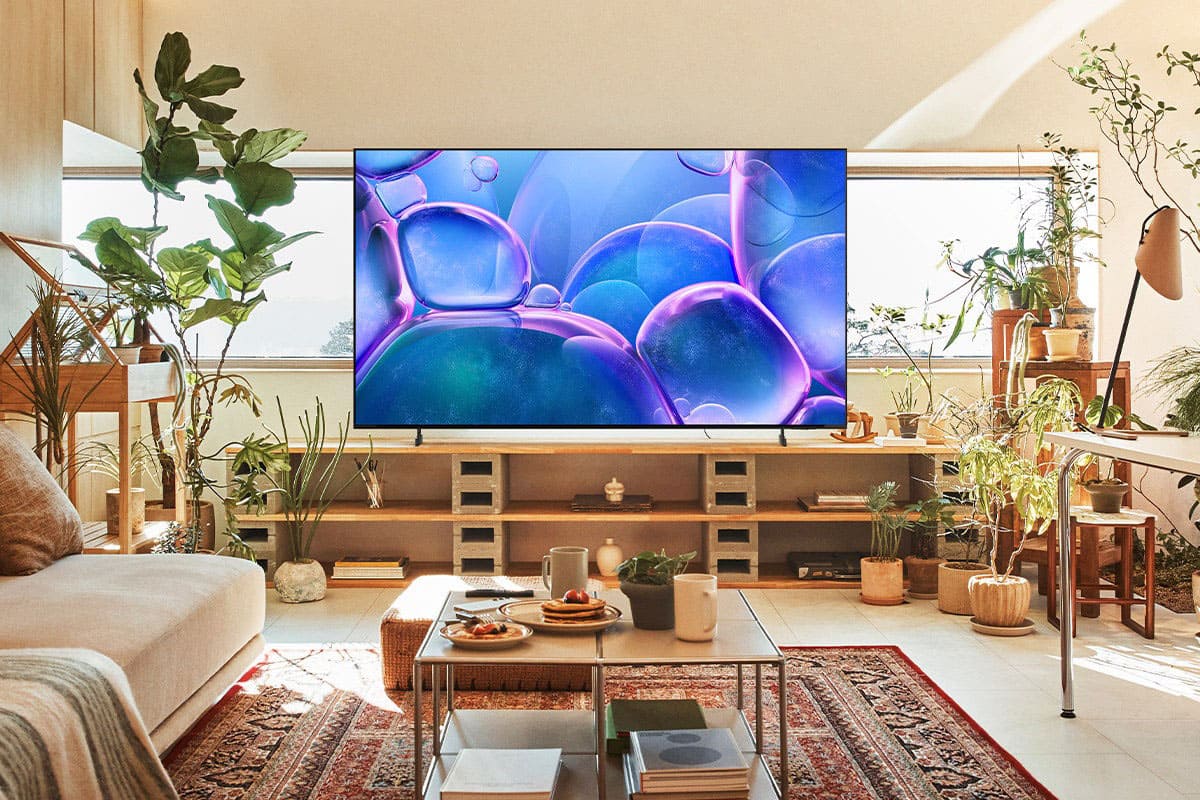


- Model:
- UN70U7900FFXZA
- SKU:
- 6639212
Rating by feature
- Picture Quality
Rating 4.7 out of 5 stars
- Sound Quality
Rating 4.5 out of 5 stars
- Brightness
Rating 4.7 out of 5 stars
Customers are saying
Customers find value in the 70" Class U7900 Series UHD 4K Smart Tizen TV (2025), particularly praising its amazing picture quality. The TV's size, brightness, and ease of setup are also appreciated by users. Overall, the positive aspects of the TV are well-received.
This summary was generated by AI based on customer reviews.
Great buy and great customer service
||Posted .This reviewer received promo considerations or sweepstakes entry for writing a review.Great deal and great customer service. Everything went as smooth as silk.
I would recommend this to a friendGREAT TV
||Posted .This reviewer received promo considerations or sweepstakes entry for writing a review.was helped very fast and to load the TV in car as well, great service
I would recommend this to a friendBesty
||Posted . Owned for 2 weeks when reviewed.This reviewer received promo considerations or sweepstakes entry for writing a review.Best buy sells quite the products well in need Would rommend
I would recommend this to a friendNice tv
||Posted . Owned for 3 weeks when reviewed.This reviewer received promo considerations or sweepstakes entry for writing a review.The tv is very thin and fast. It goes on fast and you can view the menu super quick.
I would recommend this to a friend70" TV Samsung Never disappoints
||Posted . Owned for 2 weeks when reviewed.This reviewer received promo considerations or sweepstakes entry for writing a review.Best price of the season on a 70" TV Thanks Best Buy
I would recommend this to a friendgreat purchase
||Posted . Owned for 1 month when reviewed.This reviewer received promo considerations or sweepstakes entry for writing a review.very good resolution and fast response time, overall great
I would recommend this to a friendSamsung
||Posted .This reviewer received promo considerations or sweepstakes entry for writing a review.Excellent TV, Samsung is one of the best Tv models to buy
I would recommend this to a friendGood deal
||Posted . Owned for 2 weeks when reviewed.This reviewer received promo considerations or sweepstakes entry for writing a review.Great tv deal I like this brand and the store Is the best
I would recommend this to a friendGreat!
||Posted . Owned for 1 month when reviewed.This reviewer received promo considerations or sweepstakes entry for writing a review.Happy with the TV and he process of getting it delivered to my home
I would recommend this to a friendCan't Beat the Price or Quality
||Posted .This reviewer received promo considerations or sweepstakes entry for writing a review.There's no way anyone will find a better TV for the price!
I would recommend this to a friendGood TV for the $.
||Posted .This reviewer received promo considerations or sweepstakes entry for writing a review.Good TV for the money. Controller could be better.
I would recommend this to a friendGreat tv
||Posted .This reviewer received promo considerations or sweepstakes entry for writing a review.Great tv for the money. Backlight really cuts down on the glare from syn
I would recommend this to a friendBest tv
||Posted .This reviewer received promo considerations or sweepstakes entry for writing a review.Tv is ultimately a bang bc or the buck glad I bought it
I would recommend this to a friendNice tv
||Posted . Owned for 2 weeks when reviewed.This reviewer received promo considerations or sweepstakes entry for writing a review.Nice very good product good price too would buy again
I would recommend this to a friend70' Samsung TV
||Posted .This reviewer received promo considerations or sweepstakes entry for writing a review.I love my Samsung 70' TV. Remote Control is very confusing.
I would recommend this to a friendBad quality
||Posted . Owned for 3 weeks when reviewed.This reviewer received promo considerations or sweepstakes entry for writing a review.Fair price, however, the quality is not good, often laggy. If you can buy another TV. Also, the first time I bought the TV it was broken.
I would recommend this to a friendBrand response from Samsung
Posted .Hi TenzinG,
We appreciate your feedback regarding response time. For optimal performance, please ensure your U7900 TV is running the latest firmware. You can check this by going to: Home > left directional key > Settings > Support > Software Update.
To further optimize performance, try running Device Care, which checks memory, clears unused cached data, and closes background apps: Home > left directional key > Settings > Support > Device Care > Start Device Care
If issues continue, please reach Samsung Support at 1-800-SAMSUNG, available 8AM – 12AM EST, 7 days a week. LiveChat is also available via the ‘Support’ link on our website.
~Samsung Advisor
- Pros mentioned:Picture quality
Great quality terrible glitch.
||Posted .This reviewer received promo considerations or sweepstakes entry for writing a review.The picture quality is amazing. The TV has a glitch and plays shows like a skipped record.
No, I would not recommend this to a friendBrand response from Samsung
Posted .Hi user345993,
Thank you for your feedback. Please ensure your U8000 TV is running the latest firmware update 1132.0. To do so, go to Settings> Support> Software Update. If that version is not available you can download the update on a USB drive and manually update your TV:
1. On Samsung's website (upper right corner), go to: Support > Manual & Software > Find your TV model, and click on the Firmware – Upgrade File.
2. When the file has finished downloading, locate it and then unzip it. There is normally one folder inside but there may be multiple files.
3. Copy or move all of the files that were included in the zip file to a USB flash drive, but do not place them inside any other folders. If you place the software folders inside a folder on the USB flash drive, the TV or monitor will not find them.
4. Connect the USB drive containing the software upgrade into a USB port on your device.
5. Using your device's remote, navigate to and select Settings, then select All Settings, and then select Support. Select Software Update, select Update Now, and then select Yes if prompted.
Your device will search the USB drive for update files. Follow the on-screen instructions to install the updated software. Updates usually take a few minutes; please do not turn off the TV until the update is complete. When the update is finished, it will restart automatically.
If you need additional support, Samsung is here to help. Please call us at 1-800-SAMSUNG, available daily from 8AM - 12AM EST. You can also chat with a LiveChat agent by clicking the ‘Support’ link on our website for:
• Live Chat
• Manuals, Software, & Warranty Info
• Creating a Service ticket
~Samsung Advisor
- Cons mentioned:Connectivity
Not great
||Posted .This reviewer received promo considerations or sweepstakes entry for writing a review.The video streaming on Net Flix is glitchy. Doesn't connect to our Xbox, kids are not please.
No, I would not recommend this to a friendBrand response from Samsung
Posted .Hi LeeanneS,
We're sorry to hear about the issues you are encountering with your U7900 TV glitching and not connecting properly to your Xbox.
Please ensure your TV is running the latest firmware update: 1132.0. To do so, go to Settings> Support> Software Update. If that version is not available you can download the update on a USB drive and manually update your TV:
If you need additional support, Samsung is here to help. Please call us at 1-800-SAMSUNG, available daily from 8AM - 12AM EST. You can also chat with a LiveChat agent by clicking the ‘Support’ link on our website for:
• Live Chat
• Manuals, Software, & Warranty Info
• Creating a Service ticket
~Samsung Advisor
1. On Samsung's website (upper right corner), go to: Support > Manual & Software > Find your TV model, and click on the Firmware – Upgrade File.
2. When the file has finished downloading, locate it and then unzip it. There is normally one folder inside but there may be multiple files.
3. Copy or move all of the files that were included in the zip file to a USB flash drive, but do not place them inside any other folders. If you place the software folders inside a folder on the USB flash drive, the TV or monitor will not find them.
4. Connect the USB drive containing the software upgrade into a USB port on your device.
5. Using your device's remote, navigate to and select Settings, then select All Settings, and then select Support. Select Software Update, select Update Now, and then select Yes if prompted.
Your device will search the USB drive for update files. Follow the on-screen instructions to install the updated software. Updates usually take a few minutes; please do not turn off the TV until the update is complete. When the update is finished, it will restart automatically.
Defective item, poor communication, and zero effor
||Posted . Owned for 3 weeks when reviewed.This reviewer received promo considerations or sweepstakes entry for writing a review.I bought this item for myself as a birthday purchase over Thanksgiving weekend. Unfortunately, it arrived defective, so I physically hauled it back to the store expecting a straightforward exchange. Instead, I was told a replacement would need to be shipped and would take nearly three weeks, with no in-store solution offered. After that, there was no communication at all. I received no updates, no notifications, nothing. When I finally followed up on December 21st, I was then told the item was out of stock due to limited availability and wouldn’t arrive until January. This was the first time I heard that — only because I reached out. No one contacted me proactively, and no attempt was made to offer any kind of remediation or alternative. At that point, there was literally no help provided, so I canceled the order altogether and purchased the item from a competitor instead. A defective product is one thing. The lack of communication, accountability, and basic customer service is another. I won’t be making this mistake again.
No, I would not recommend this to a friendBrand response from Samsung
Posted .Hi WayneH,
We're very sorry to hear about your in-store experience and appreciate your feedback. If there’s anything we can assist with, please don’t hesitate to call us at 1-800-SAMSUNG, available daily from 8AM - 12AM EST. You can also visit the Samsung website and click on ‘Support’ for:
• Live Chat
• Manuals, Software, & Warranty Info
~Samsung Advisor
Picture quality is not all that great
||Posted .This reviewer received promo considerations or sweepstakes entry for writing a review.We had a 60" Samsung probably 10 years old with a better brighter picture then this 70". I have messed around with all settings & adjustments trying to make the picture clearer. Some shows are greenish pale, but then reds and greens are super bright. I am not sure if I will keep or return ???
No, I would not recommend this to a friendBrand response from Samsung
Posted .Hi StevenV,
We’re sorry to hear you’re not fully satisfied with the picture quality on your Samsung U7900F TV. If the image appears too dark, we suggest disabling certain energy-saving features, which can automatically adjust brightness and affect how the screen looks.
Go to: Settings > All Settings > General & Privacy > Power and Energy Saving, then turn off Brightness Optimization, Energy Saving Solution, Motion Lighting, and/or Contrast Enhancer.
You can also adjust the Picture Mode to better suit your environment: Settings > All Settings > Picture > Picture Mode
• Standard – Default mode for general viewing
• Dynamic – Brighter and clearer, ideal for well-lit rooms
• Movie – Best for dark room viewing
• Eco – Energy-saving mode
• Filmmaker Mode – Preserves content as intended by creators
To fine-tune brightness, go to: Home > left directional key > Settings > All Settings > Picture > Expert Settings, then adjust the Brightness level (0–50) to your preference.
Lastly, please make sure your TV is running the latest firmware: Home > Home > left directional key > Settings > Support > Software Update > Update Now
We hope these tips help improve your viewing experience. If you need further support, feel free to contact us at 1-800-SAMSUNG, 8AM – 12AM EST, 7 days a week. LiveChat is also available via the ‘Support’ link on our website.
~ Samsung Advisor