Customer Ratings & Reviews
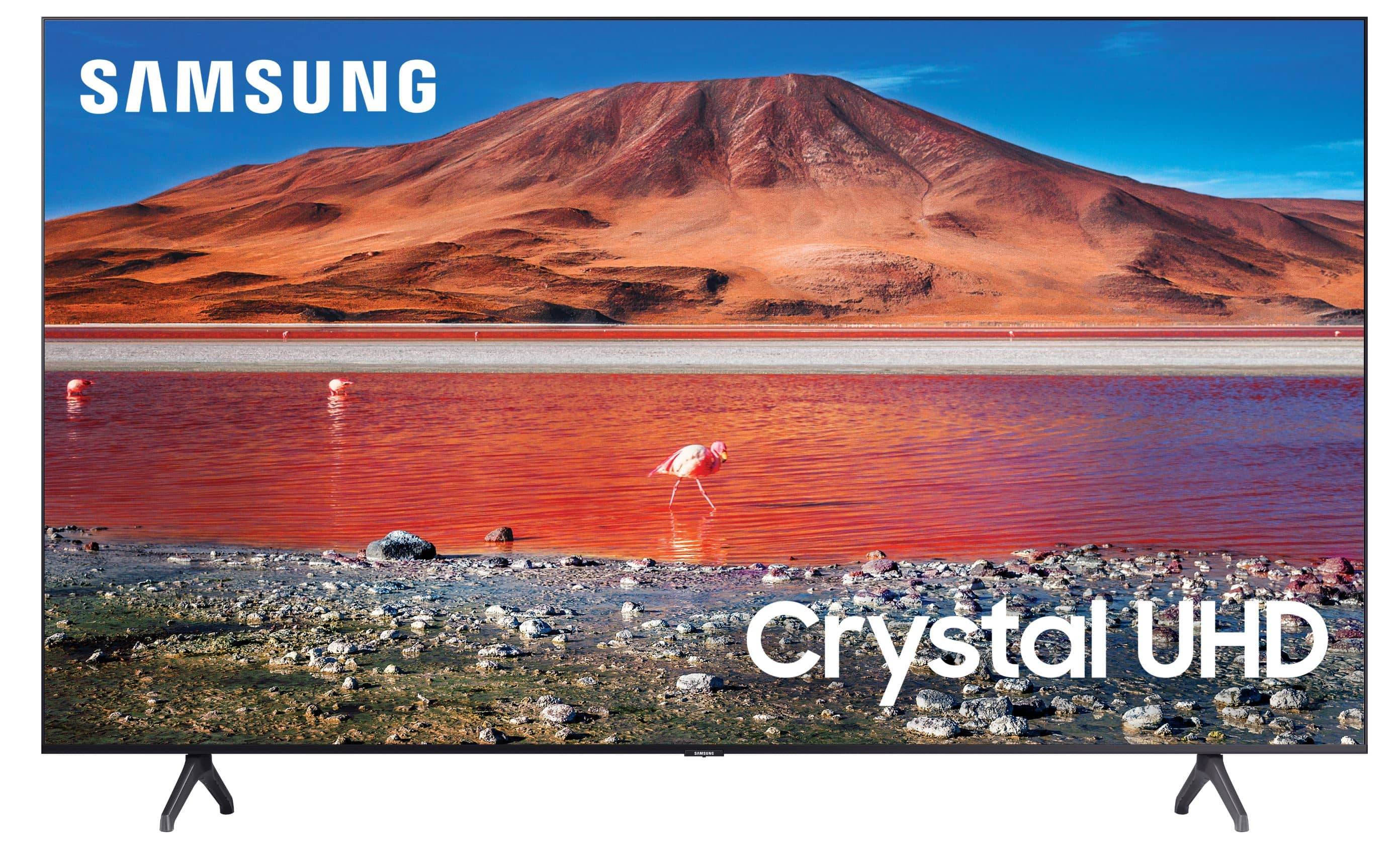
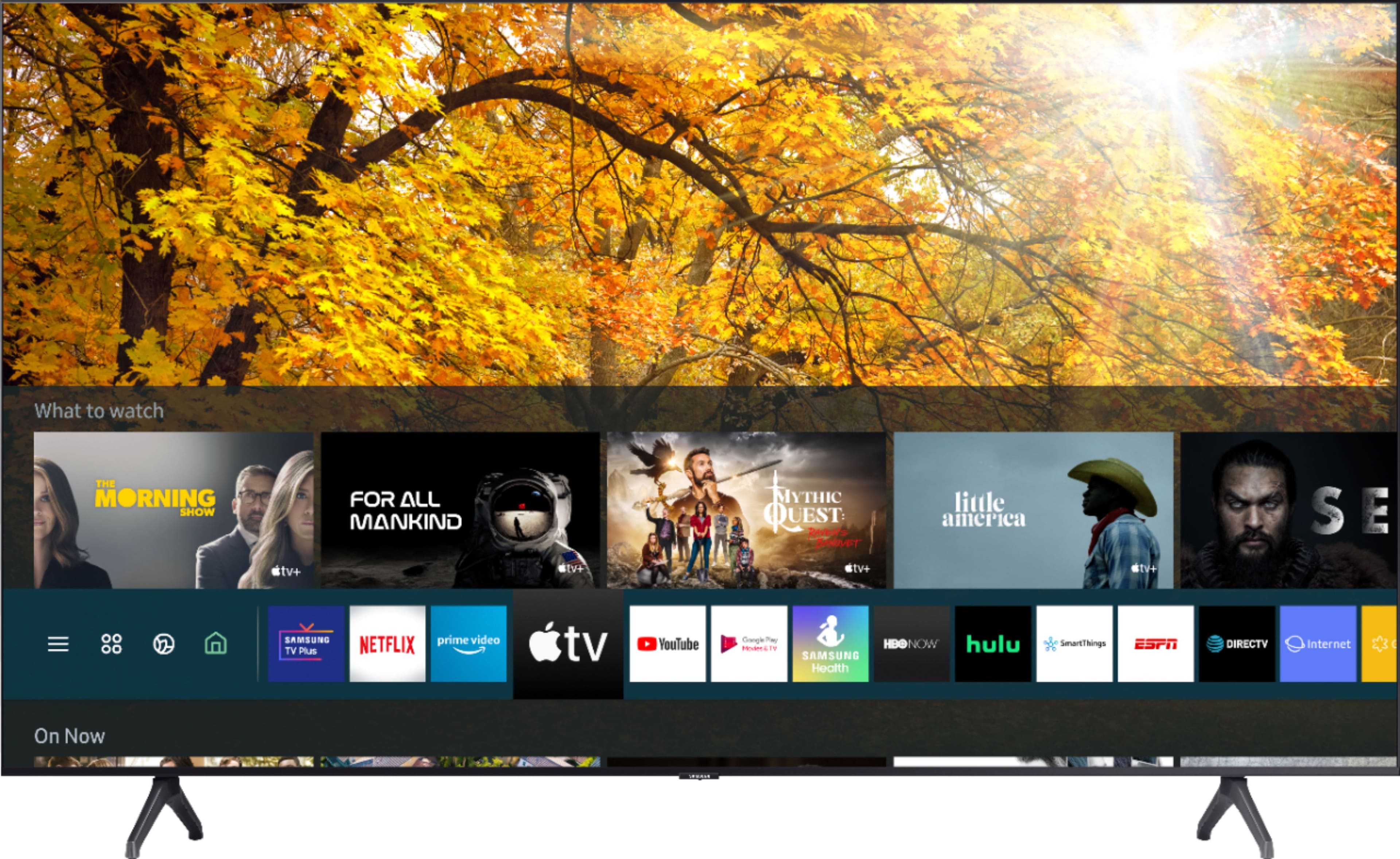
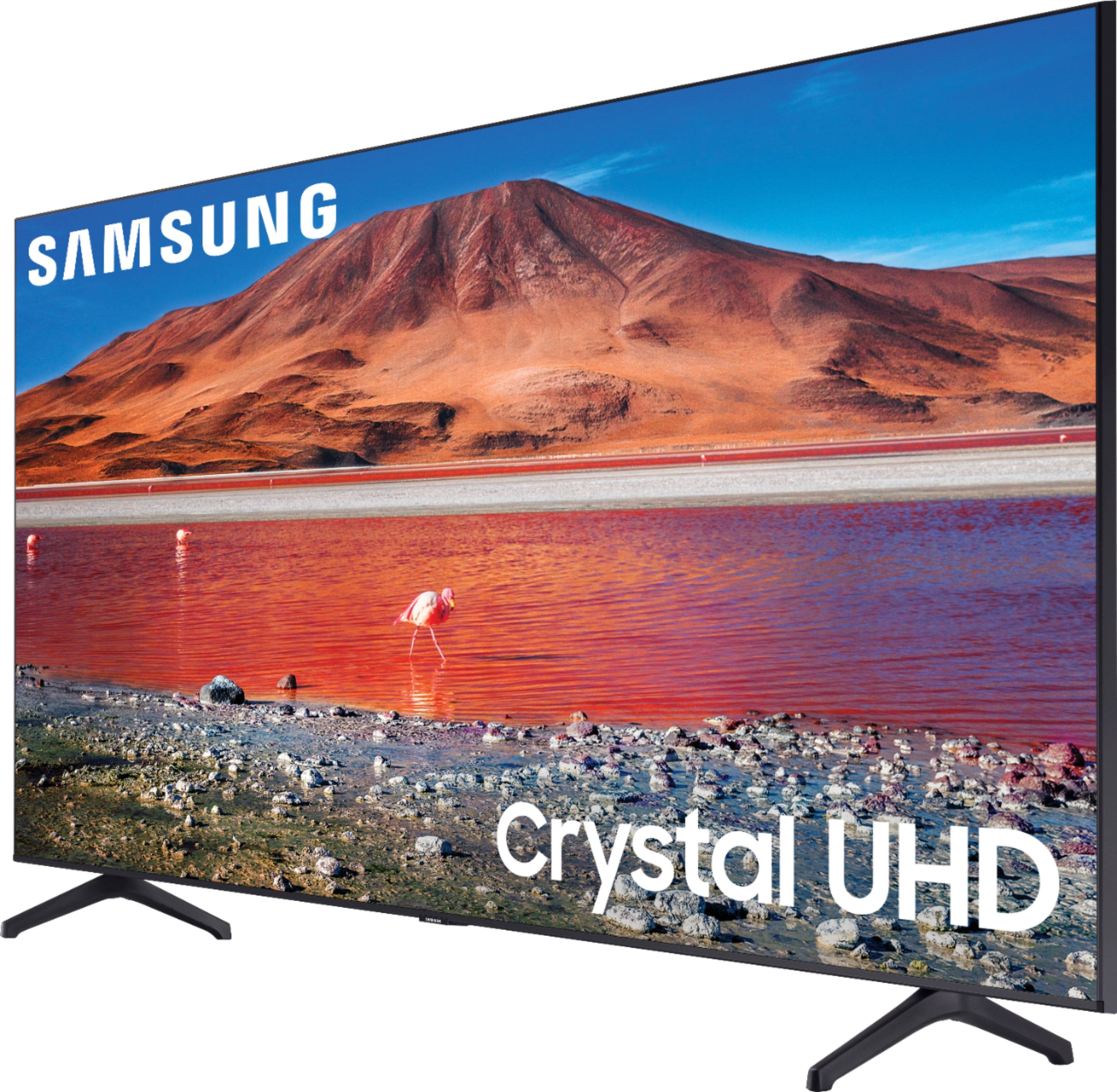
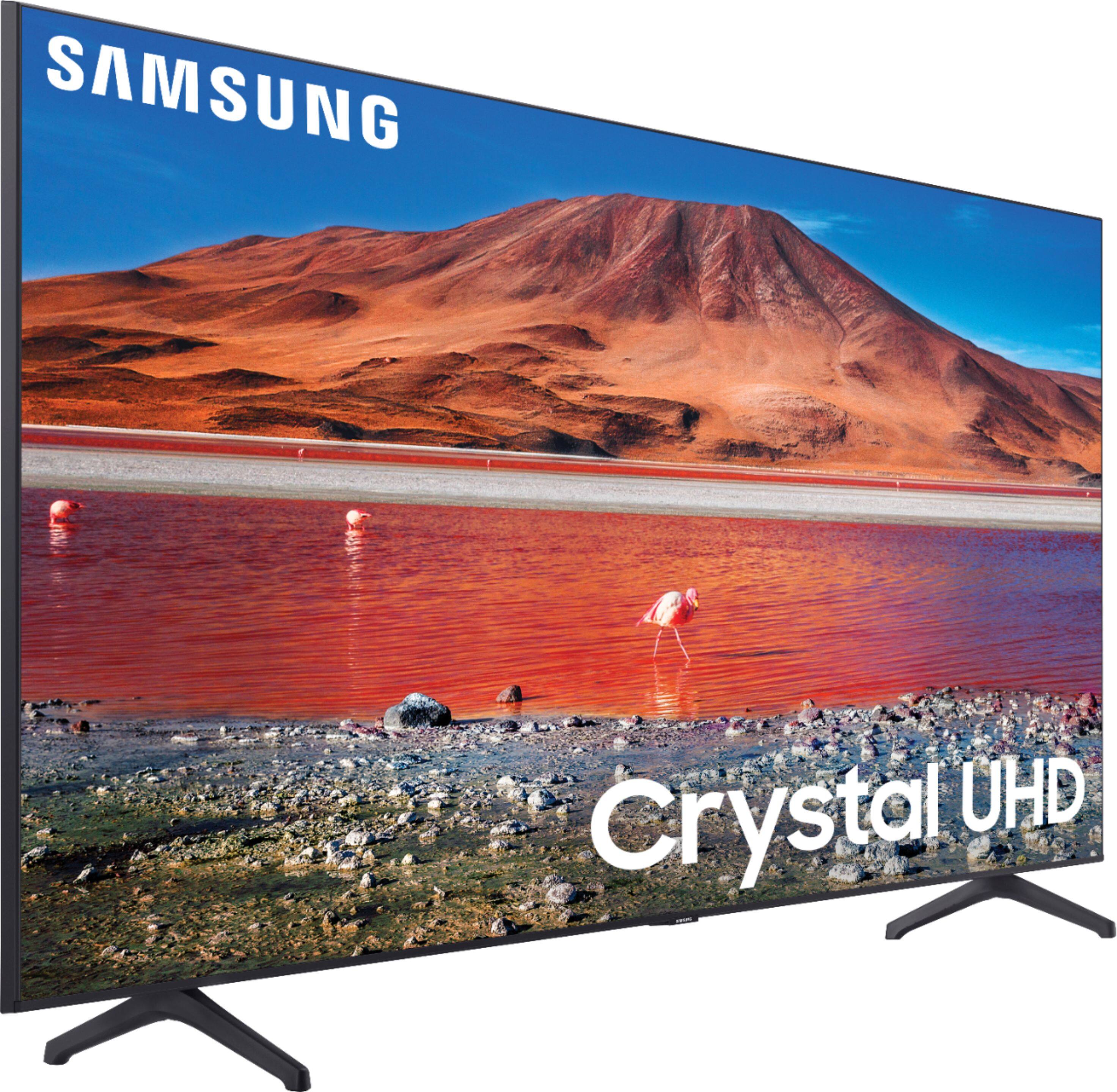
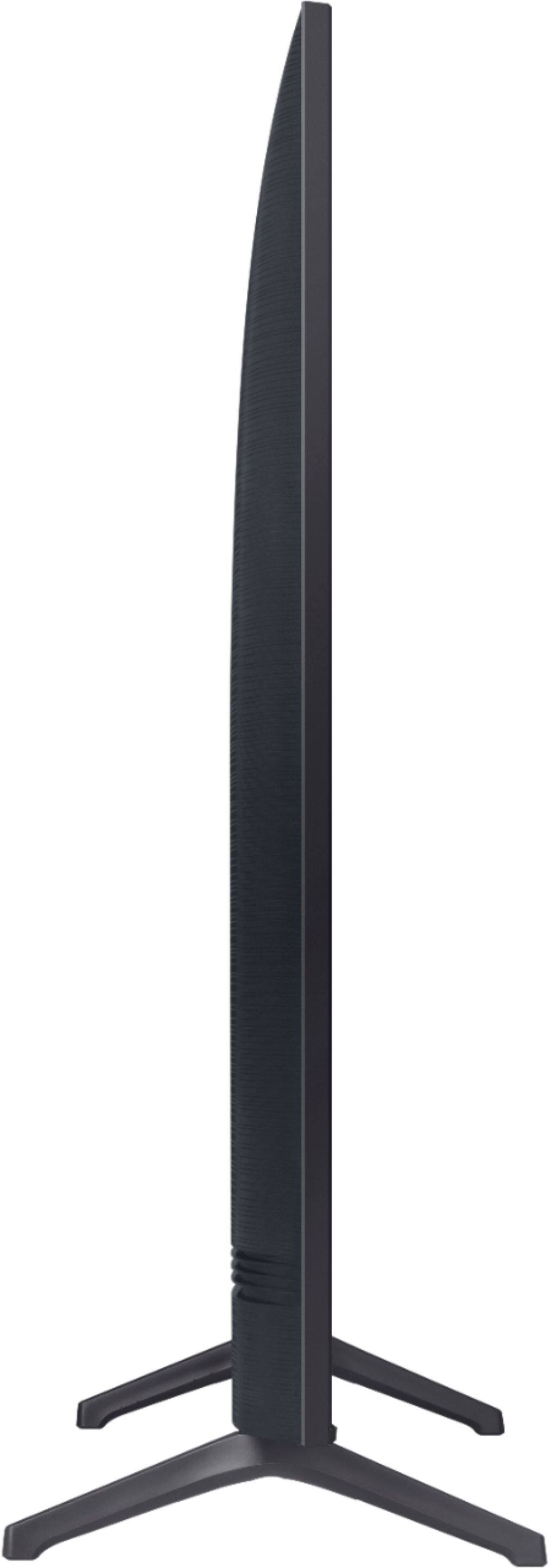
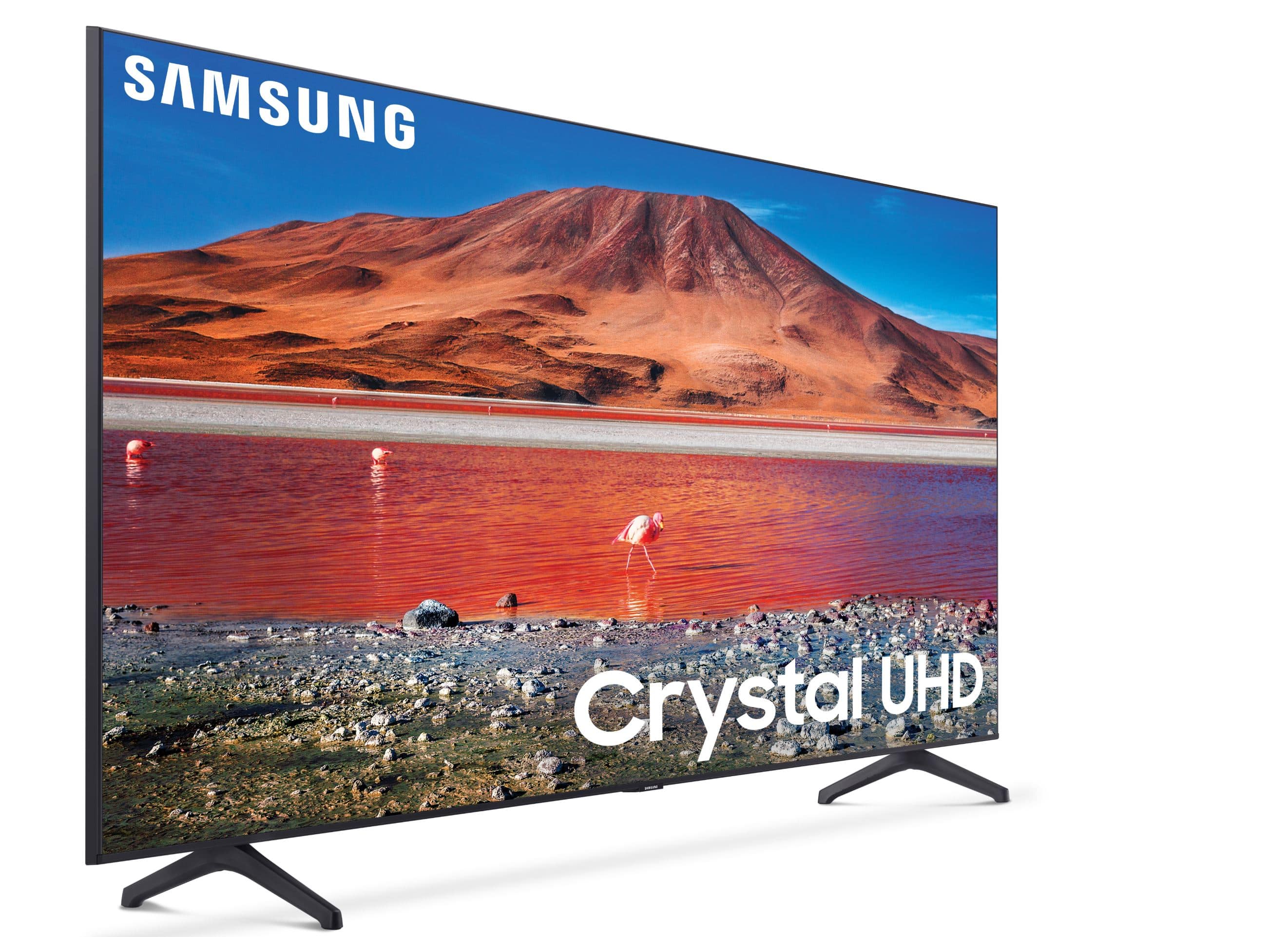
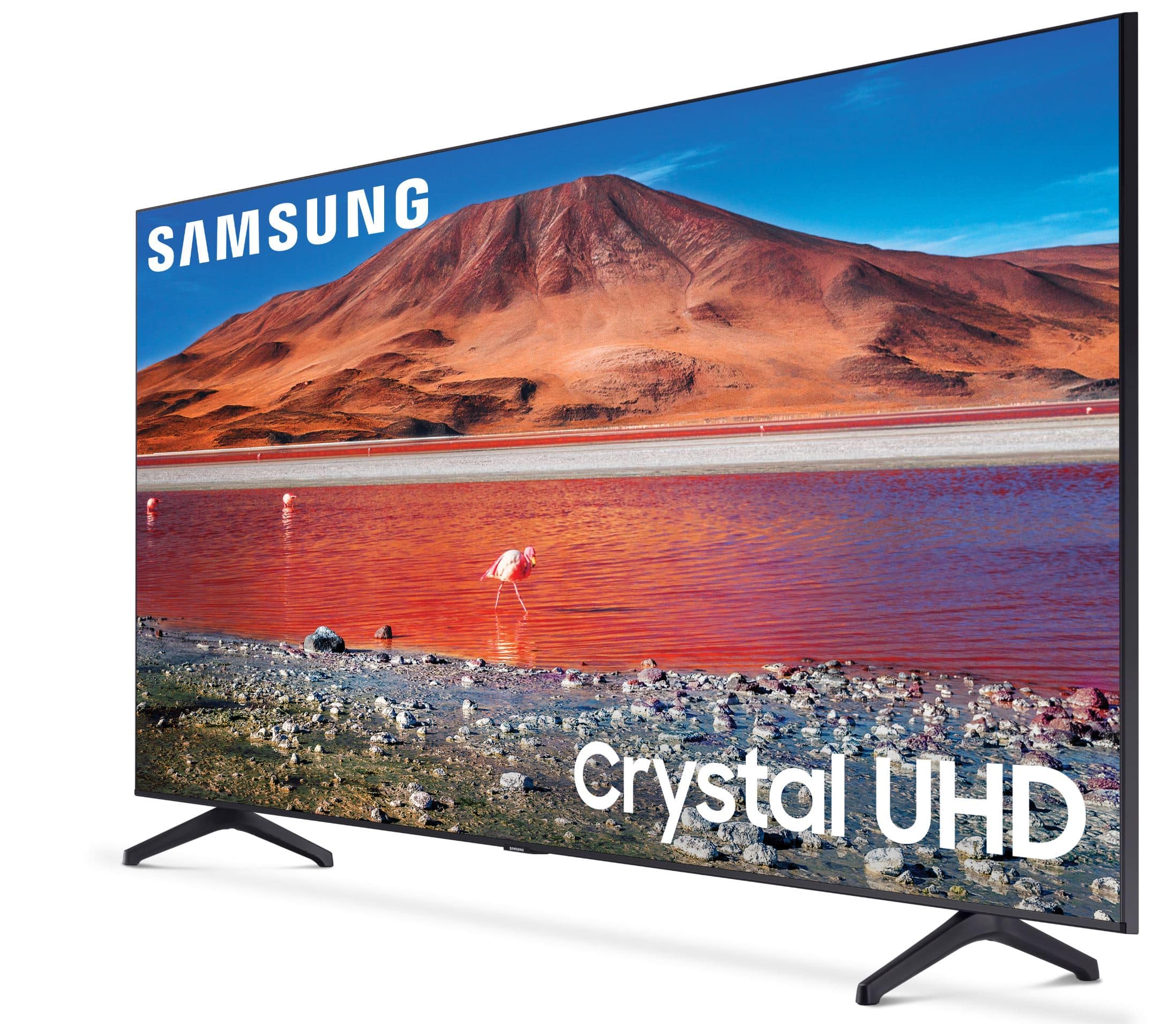
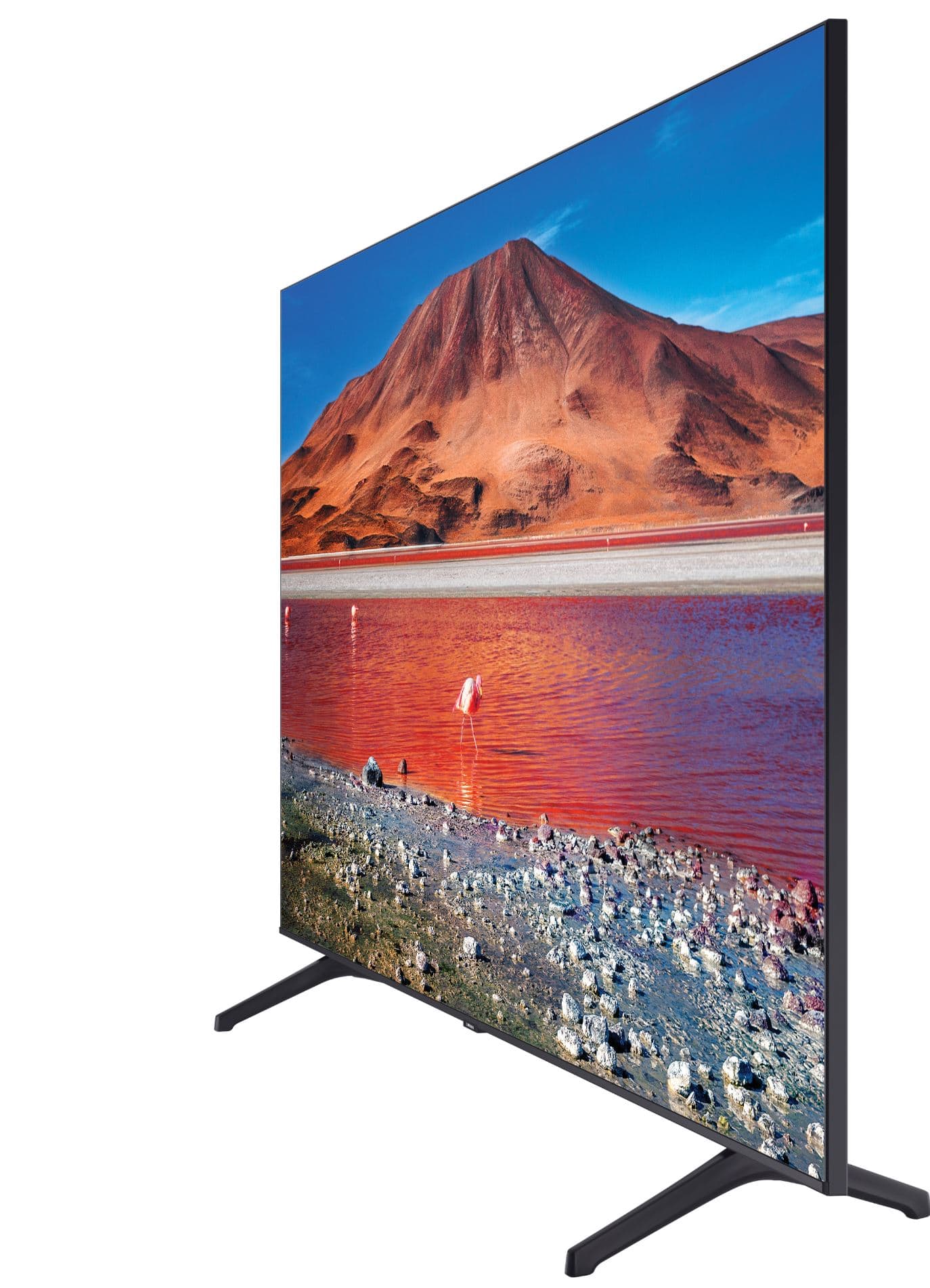
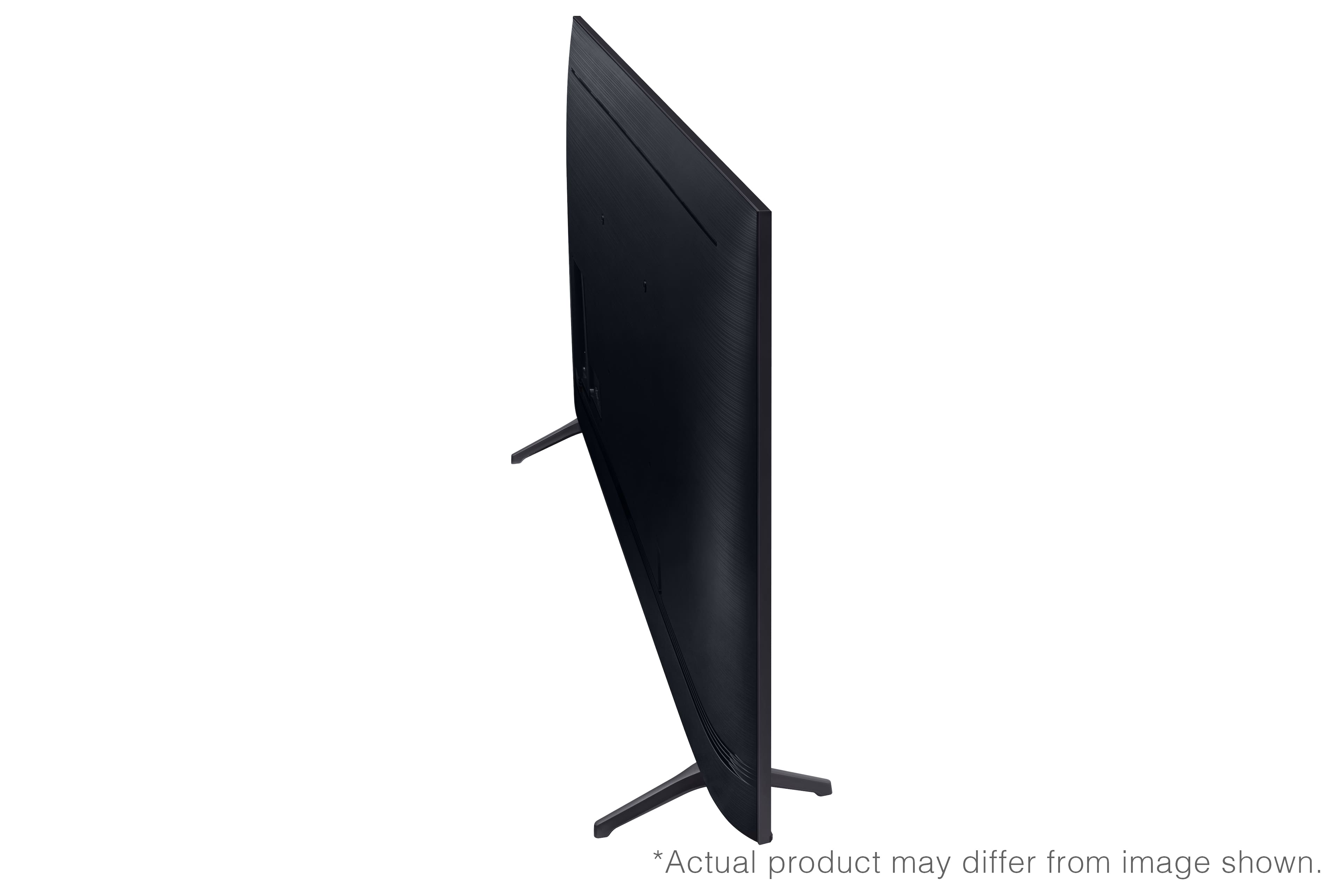
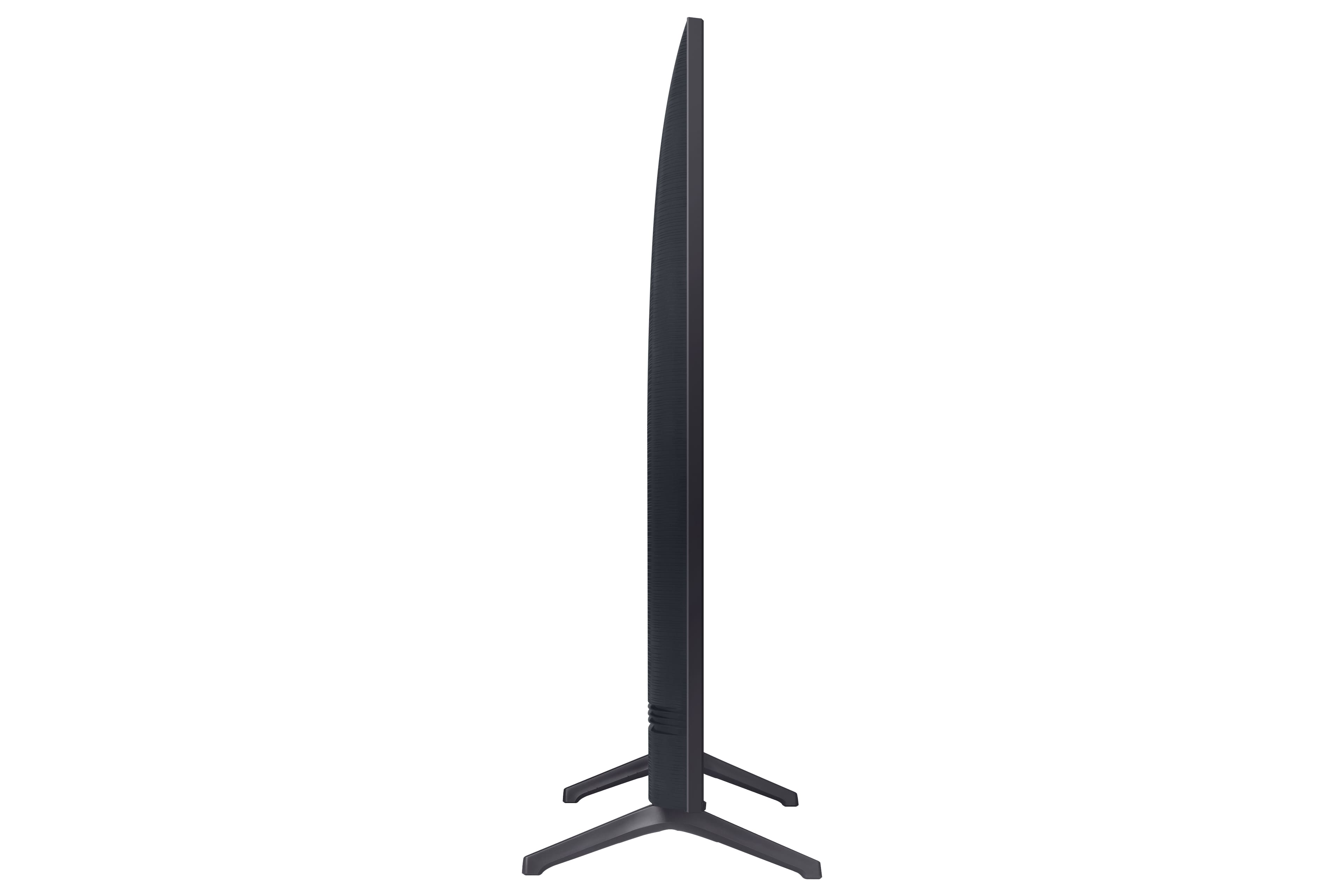
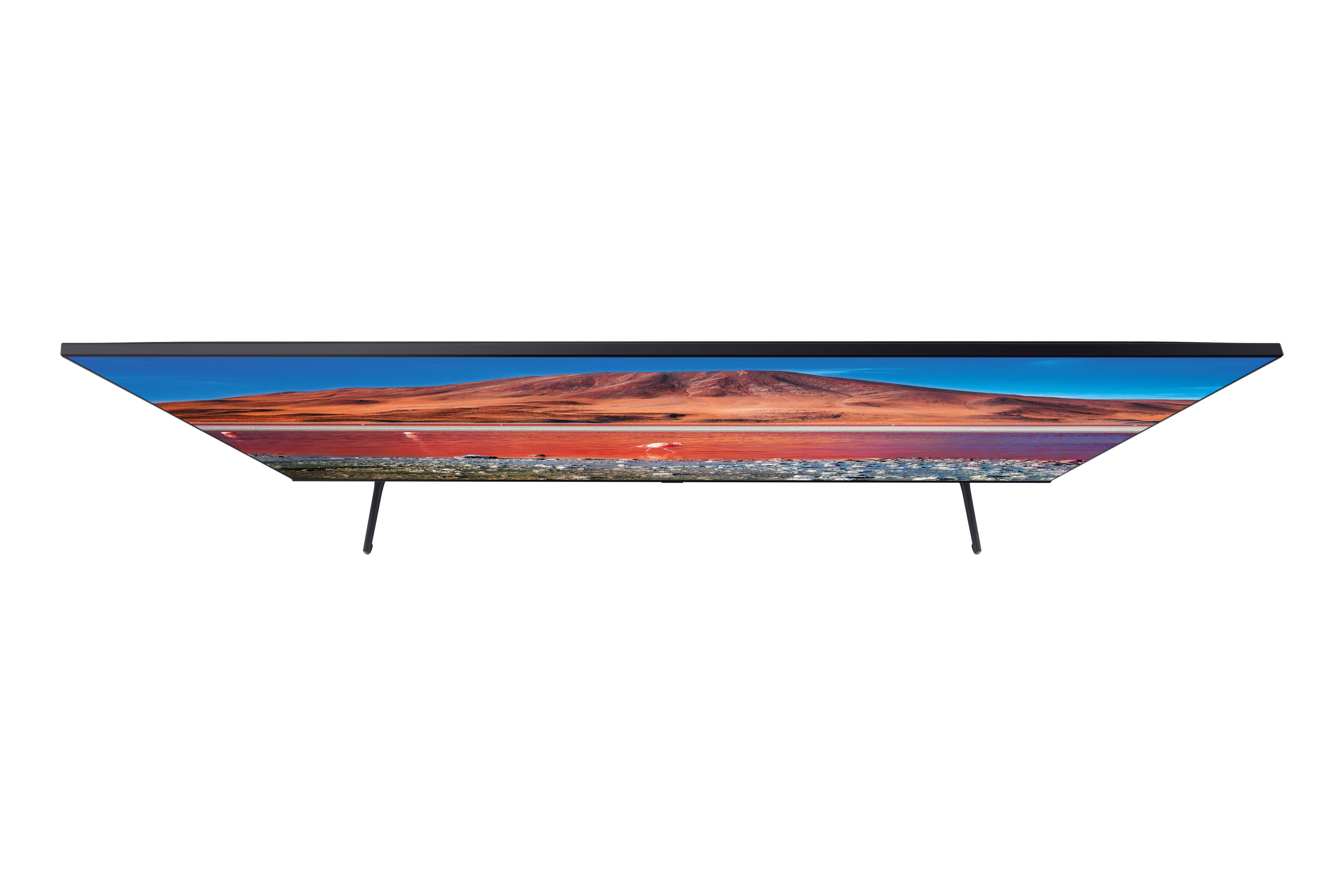





- Model:
- UN70TU7000FXZA
- SKU:
- 6401720
Rating by feature
- Picture Quality
Rating 3.7 out of 5 stars
- Sound Quality
Rating 3.7 out of 5 stars
- Brightness
Rating 3.6 out of 5 stars
Customers are saying
Customers love the 70" TU7000 4K UHD Smart TV for its stunning picture quality, with many saying it has "amazing" and "great quality." The TV's large screen is also a hit, with one customer saying it's the "biggest" they've ever seen. Setup is a breeze, according to reviewers, who appreciate the "easy" process. While there are a few concerns about the remote control and warranty, the overall sentiment towards this TV is overwhelmingly positive.
This summary was generated by AI based on customer reviews.
PERFECT
||Posted . Owned for 3 weeks when reviewed.This reviewer received promo considerations or sweepstakes entry for writing a review.GREAT SERVICE, CAREFUL AND HELPFUL DELIVERY MEN. THROUGH AND POLITE
I would recommend this to a friendNice
||Posted . Owned for 3 weeks when reviewed.This reviewer received promo considerations or sweepstakes entry for writing a review.Thank you nice tv i love the store everything is at the store
I would recommend this to a friendTv
||Posted . Owned for 11 months when reviewed.This reviewer received promo considerations or sweepstakes entry for writing a review.It’s a every nice place to go and buy electricity.
I would recommend this to a friendGreat TV
||Posted . Owned for 1 month when reviewed.This reviewer received promo considerations or sweepstakes entry for writing a review.We purchased this TV from the Best Buy Outlet. Great TV.
I would recommend this to a friendNice size tv
||Posted . Owned for 3 weeks when reviewed.This reviewer received promo considerations or sweepstakes entry for writing a review.not as crystal as they claim, but ok for the price
I would recommend this to a friendGreat picture, perfect size!
||Posted . Owned for 2 weeks when reviewed.This reviewer received promo considerations or sweepstakes entry for writing a review.The TV is excellent! No complaints! Had my TV for three weeks!
I would recommend this to a friendGood quality
||Posted . Owned for 1 month when reviewed.This reviewer received promo considerations or sweepstakes entry for writing a review.v e r y n i c e, I love it great features and good price..
I would recommend this to a friendAwesome TV
||Posted . Owned for 1 month when reviewed.This reviewer received promo considerations or sweepstakes entry for writing a review.I love my product. I would recommend everyone to purchase
I would recommend this to a friendGood Purchase
||Posted . Owned for 1 month when reviewed.This reviewer received promo considerations or sweepstakes entry for writing a review.Good purchase!!!!!!!!!!!!!!!!!!!!!!!!!!!!!!!!!!!!!!!!
I would recommend this to a friendGreat TV
||Posted . Owned for 3 weeks when reviewed.This reviewer received promo considerations or sweepstakes entry for writing a review.This TV was worth the price and the resolution is great!
I would recommend this to a friendLove this TV
||Posted . Owned for 1 month when reviewed.This reviewer received promo considerations or sweepstakes entry for writing a review.Incredible graphics, very nice, very fast, big tv!
I would recommend this to a friendGreat TV
||Posted . Owned for 3 weeks when reviewed.This reviewer received promo considerations or sweepstakes entry for writing a review.Samsung TV is excellent and great. I would buy it again
I would recommend this to a friendAmazing tv
||Posted . Owned for 3 weeks when reviewed.This reviewer received promo considerations or sweepstakes entry for writing a review.Great product, bought it during Black Friday sale.
I would recommend this to a friendGreat tv for gaming
||Posted . Owned for 3 weeks when reviewed.This reviewer received promo considerations or sweepstakes entry for writing a review.Excellent tv for online gaming and movie watching!!!
I would recommend this to a friendGreat Samsung tv
||Posted . Owned for 2 weeks when reviewed.This reviewer received promo considerations or sweepstakes entry for writing a review.Love it zyzys6sxysuzuzuxs7xduxxudxu DC 6xyxu 7z u xx
I would recommend this to a friendLasted a whole two years?!?
||Posted . Owned for more than 2 years when reviewed.This reviewer received promo considerations or sweepstakes entry for writing a review.This TV was great until a couple of weeks ago. I had it for a whole two years and it suddenly would no longer turn on at all. When I pressed the power button I get a dark blue screen that you can barely see has power at all and nothing else. What a disappointment to say the least. I am going to try calling Samsung to see if there is anything they can do and if so, I will update.
No, I would not recommend this to a friendNo SmartThings app
||Posted . Owned for 2 weeks when reviewed.This reviewer received promo considerations or sweepstakes entry for writing a review.Tv is nice but it doesn’t have the SmartThings app that I wanted and was told was on it. So I’ll be returning it because the tv is useless with out that app
No, I would not recommend this to a friendBrand response from Samsung
Posted .Bill:
Thank you for your review of the TU7000 TV. You can add your TV to the SmartThings app on your phone giving you the ability to control it through your phone. The SmartThings TV app is available in our Q Series TVs.
For further assistance, please contact Samsung Customer Support.
1) Phone: 1-800-SAMSUNG (ask for TVs), available 8AM – 12AM EST 7 days a week
2) LiveChat: https://www.samsung.com/us/support/#contact_us_for_support
3) Facebook Messenger: https://www.facebook.com/samsungsupport
4) Twitter: https://twitter.com/SamsungSupport
5) The Samsung Members Community is also a great resource for getting help from Samsung moderators and customers: https://us.community.samsung.com
If you have not already done so, we invite you to register your new Samsung product at: https://www.samsung.com/us/account/signin/?redirect=https%3A%2F%2Fwww.samsung.com%2Fus%2Fsupport%2Fregister%2F
Registering your product gives you access to easy warranty support, convenient opt-in to special promos and offers, faster troubleshooting and service, and quick notification of system updates.
~ Samsung Solutions
Nice picture. Slow processing
||Posted .This reviewer received promo considerations or sweepstakes entry for writing a review.Nice TV but as with my last Samsung it’s a little slow and glitchy. Not terribly disappointed but next time I won’t buy a Samsung
I would recommend this to a friendBrand response from Samsung
Posted .Miked:
Thank you for sharing your experience with the TU7000 TV. I am sorry that your processing seems a bit slow. Have you tried Device Care option?
Go to Settings > Support> Device Care > Start Device Care
This service checks memory and frees up unused cached memory and closes background apps.
I hope this helps to solve your concerns. Should you need further assistance, please contact Samsung Customer Support:
1) Phone: 1-800-SAMSUNG (available 8AM -12AM EST, 7 days a week)
2) LiveChat: https://www.samsung.com/us/support/#contact_us_for_support
3) Facebook Messenger: https://www.facebook.com/samsungsupport
4) Twitter: https://twitter.com/SamsungSupport
5) The Samsung Members Community is also a great resource for getting help from Samsung moderators and customers: https://us.community.samsung.com
If you have not already done so, we invite you to register your new Samsung product at: https://www.samsung.com/us/account/signin/?redirect=https%3A%2F%2Fwww.samsung.com%2Fus%2Fsupport%2Fregister%2F
Registering your product gives you access to easy warranty support, convenient opt-in to special promos and offers, faster troubleshooting and service, and quick notification of system updates.
~ Samsung Solutions
Good entry level
||Posted . Owned for 1 month when reviewed.This reviewer received promo considerations or sweepstakes entry for writing a review.Samsung left a lot to be desired with this TV. Wish it integrated with Smart Hub (at all) or SmartThings better.
No, I would not recommend this to a friendBrand response from Samsung
Posted .Drothpharmd23:
From your TV, you can monitor and configure smart devices you connected to the SmartThings service via the SmartThings app installed on them. You can receive notifications about the statuses of your connected devices. You must first be logged into your Samsung account.
1) Turn on your TV
2) Open the SmartThings app
3) Tap Add (the plus icon), and then tap Device.
4) Under By device type, tap TV, and then tap Samsung
5) Tap Start, select a location and room, and then tap Next
6) Input the PIN shown on the TV screen into the phone, and tap Done
I hope this helped. For further assistance using the SmartThings app with your TV, please contact Samsung Customer Support.
1) Phone: 1-800-SAMSUNG (available 8AM -12AM EST, 7 days a week)
2) LiveChat: https://www.samsung.com/us/support/#contact_us_for_support
3) Facebook Messenger: https://www.facebook.com/samsungsupport
4) Twitter: https://twitter.com/SamsungSupport
5) The Samsung Members Community is also a great resource for getting help from Samsung moderators and customers: https://us.community.samsung.com
If you have not already done so, we invite you to register your new Samsung product at: https://www.samsung.com/us/account/signin/?redirect=https%3A%2F%2Fwww.samsung.com%2Fus%2Fsupport%2Fregister%2F
Registering your product gives you access to easy warranty support, convenient opt-in to special promos and offers, faster troubleshooting and service, and quick notification of system updates.
~ Samsung Solutions
Is a nice tv
||Posted .This reviewer received promo considerations or sweepstakes entry for writing a review.is a nice tv but the colors are not the best for me ,I spect some thing more better is a Samsung that's why.
I would recommend this to a friendBrand response from Samsung
Posted .Ernesto5960:
I am sorry to hear that you are not happy with the colors of your Samsung TU7000 TV.
You may want to manually to adjust the Contrast, Sharpness, Color, or Tint (G/R) in the Expert Settings to your liking.
Go to Home> Settings> Picture> Expert Settings>
I hope this tip improves your picture. For further assistance, please contact Samsung Customer Support.
1) Phone: 1-800-SAMSUNG, Available 8AM -12AM EST (7 Days a Week)
2) LiveChat: https://www.samsung.com/us/support/#contact_us_for_support
3) Facebook Messenger: https://www.facebook.com/samsungsupport
4) Twitter: https://twitter.com/SamsungSupport
5) The Samsung Members Community is also a great resource for getting help from Samsung moderators and customers: https://us.community.samsung.com
If you have not already done so, we invite you to register your new Samsung product at: https://www.samsung.com/us/account/signin/?redirect=https%3A%2F%2Fwww.samsung.com%2Fus%2Fsupport%2Fregister%2F
Registering your product gives you access to easy warranty support, convenient opt-in to special promos and offers, faster troubleshooting and service, and quick notification of system updates.
~ Samsung Solutions