Customer Ratings & Reviews
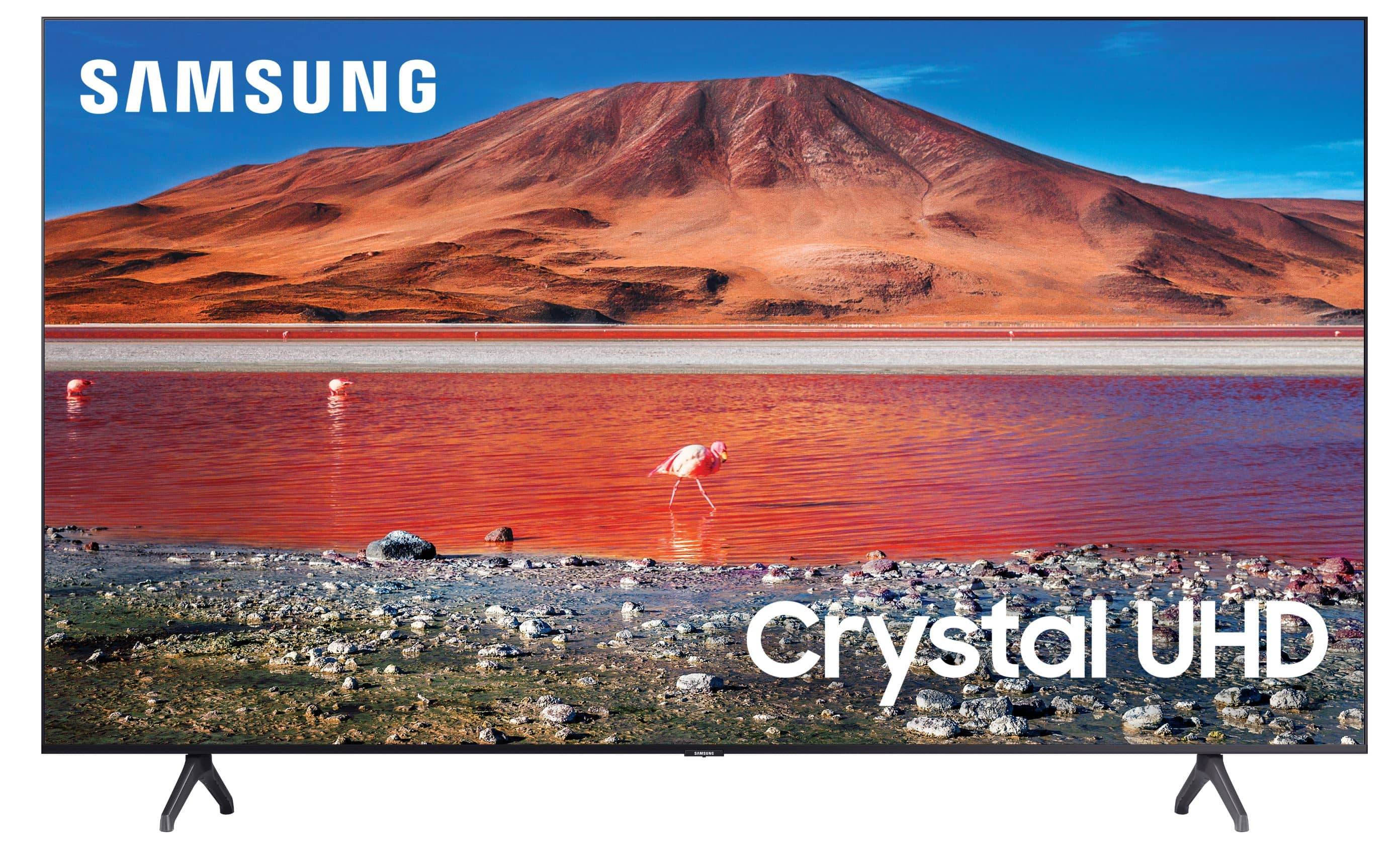
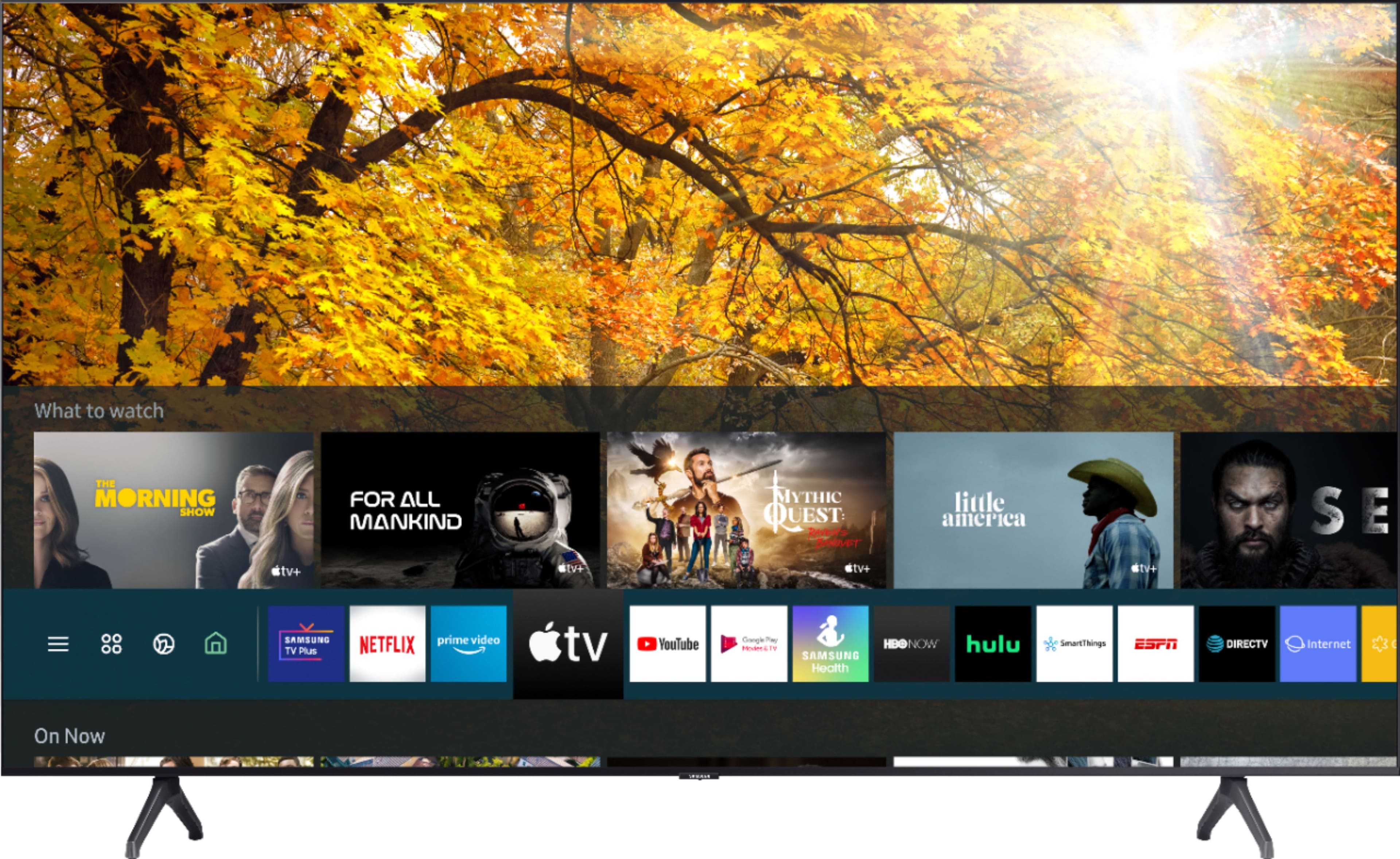
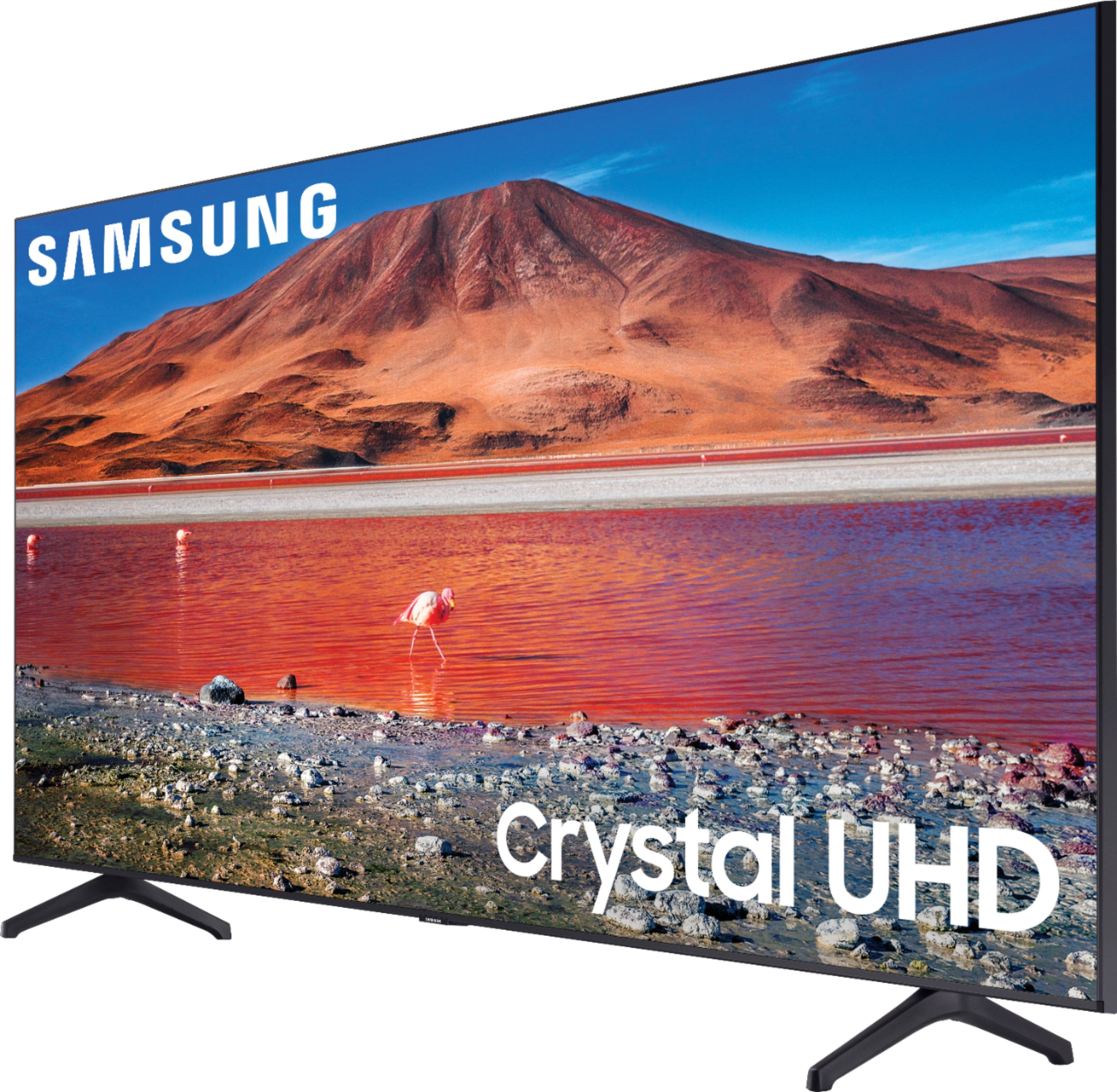
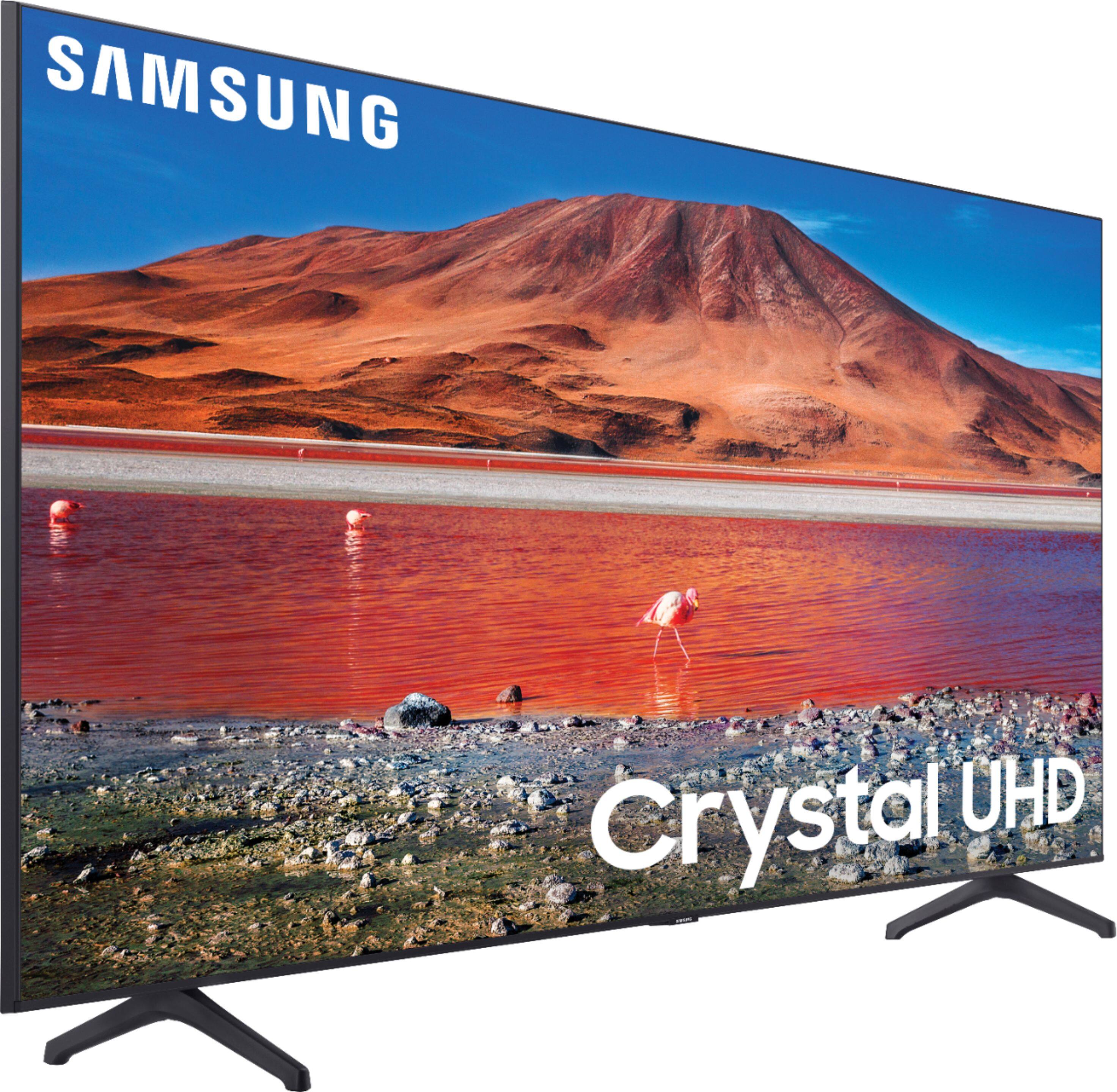
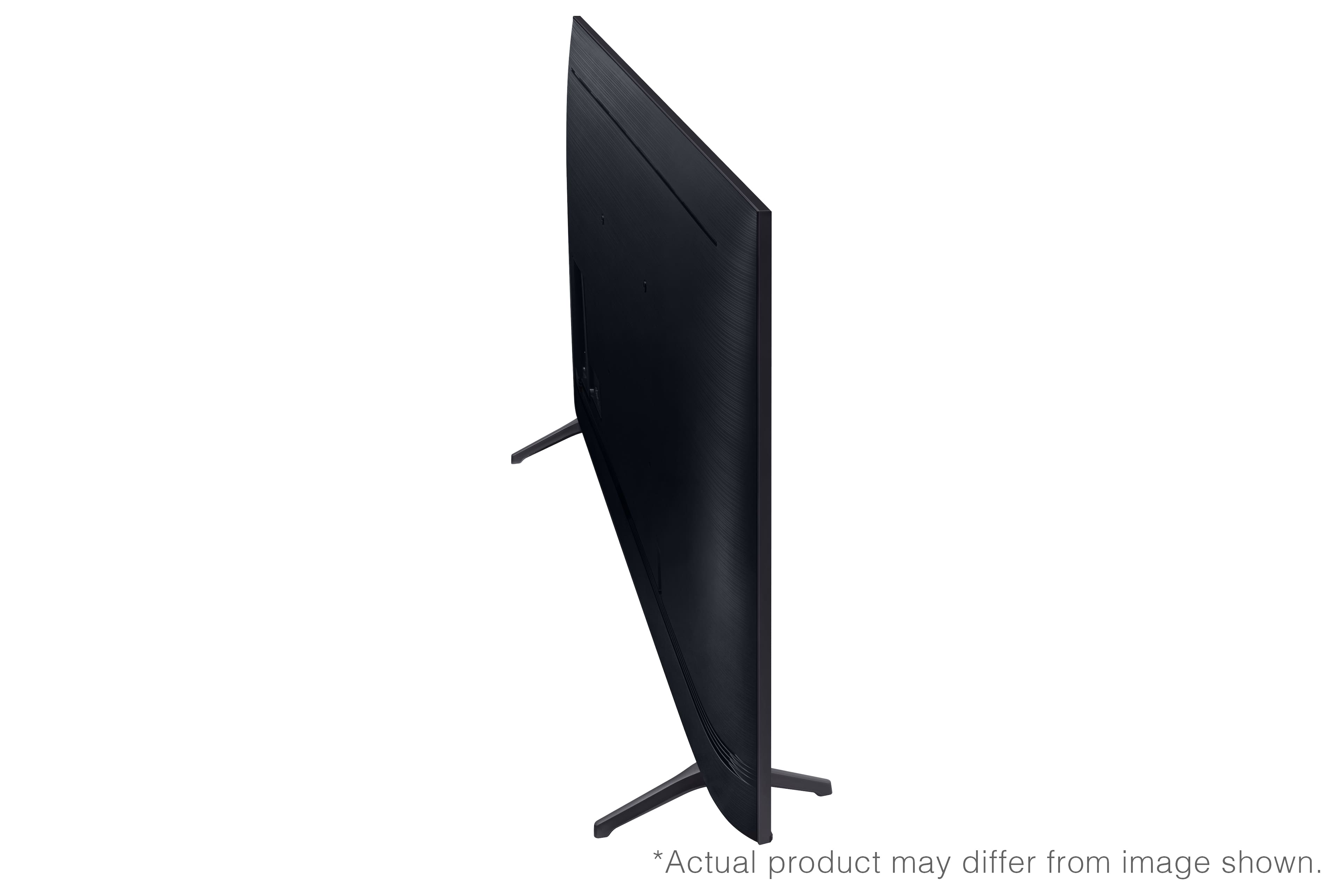
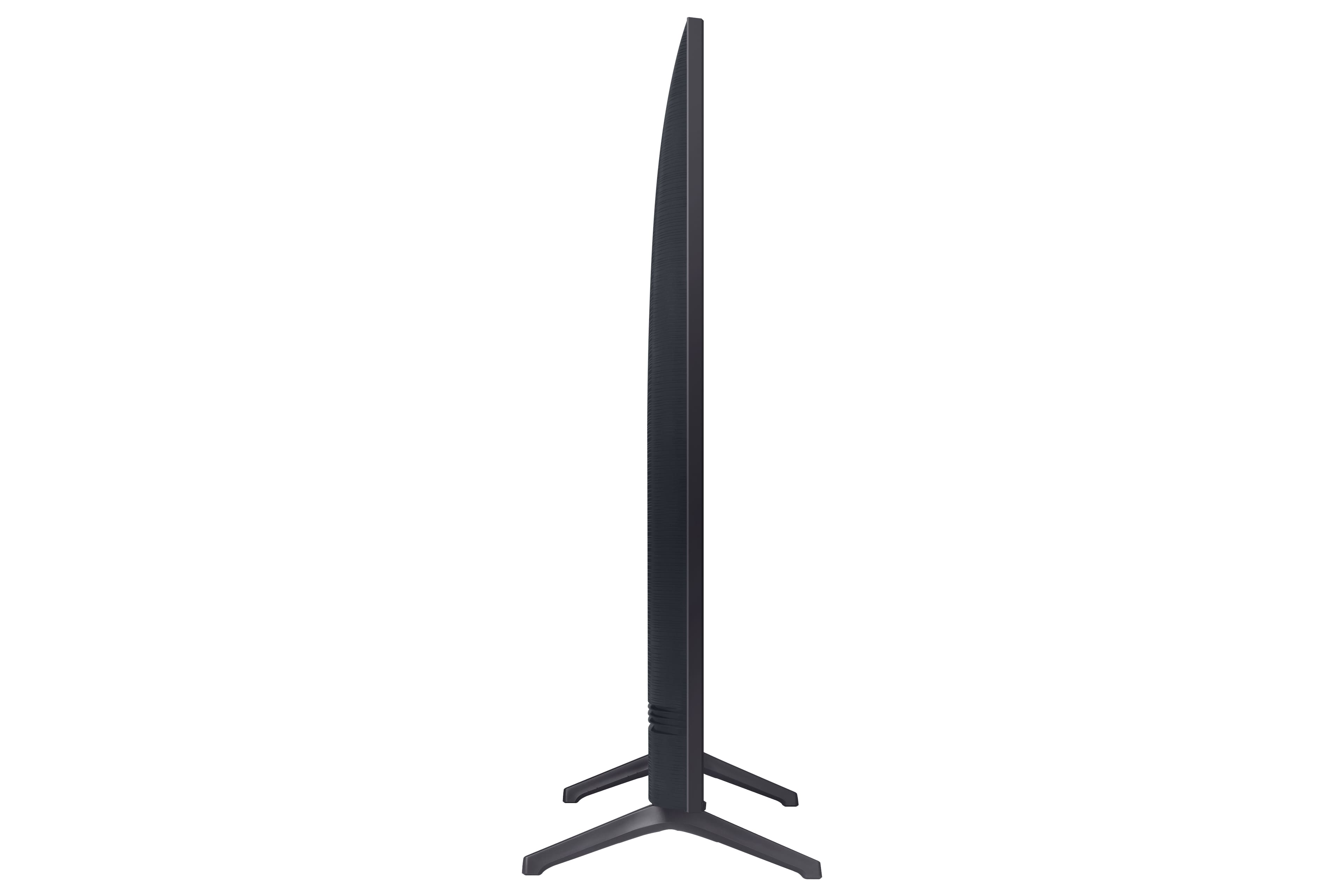
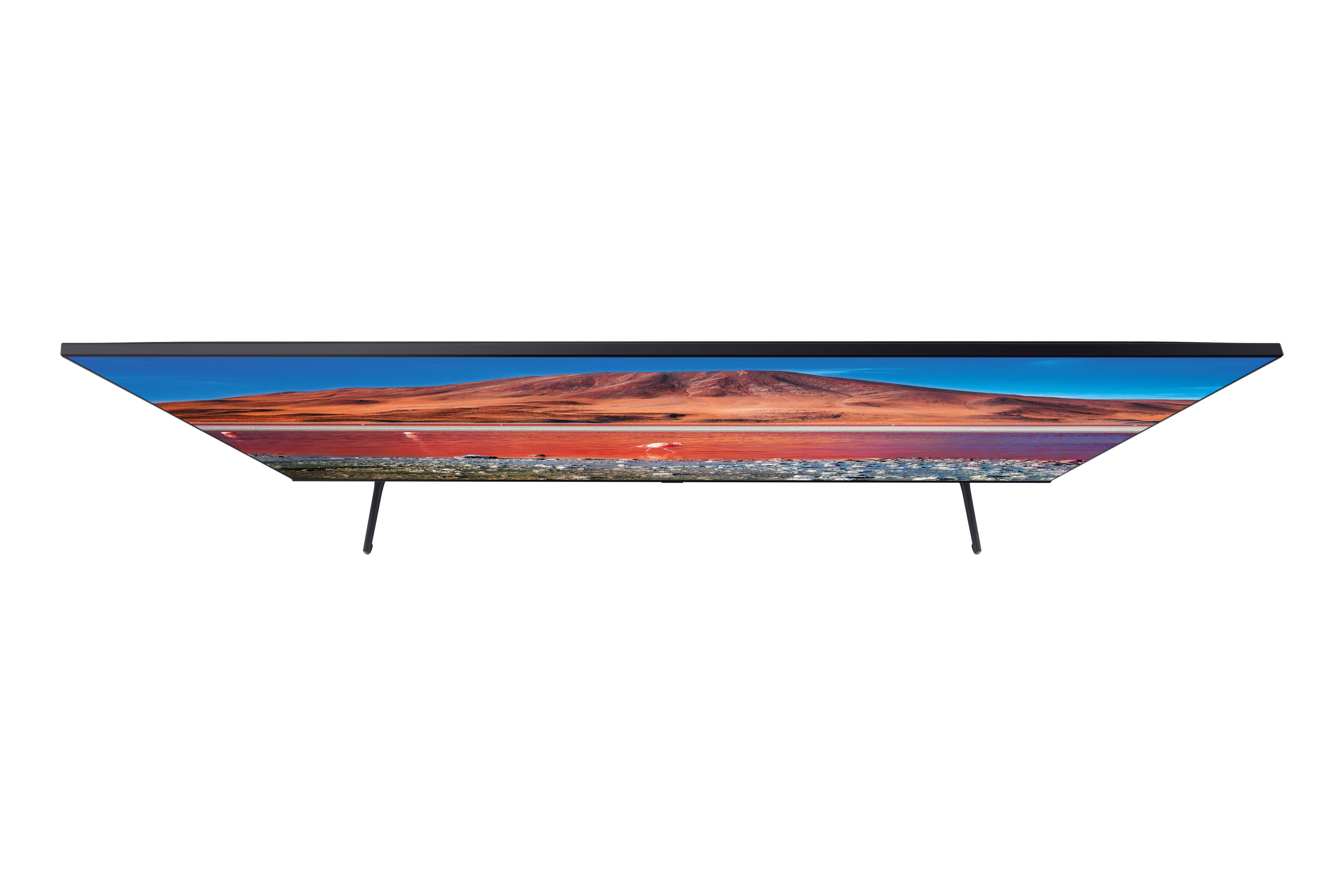





- Model:
- UN70TU7000FXZA
- SKU:
- 6401720
Rating by feature
- Picture Quality
Rating 3.7 out of 5 stars
- Sound Quality
Rating 3.7 out of 5 stars
- Brightness
Rating 3.6 out of 5 stars
Customers are saying
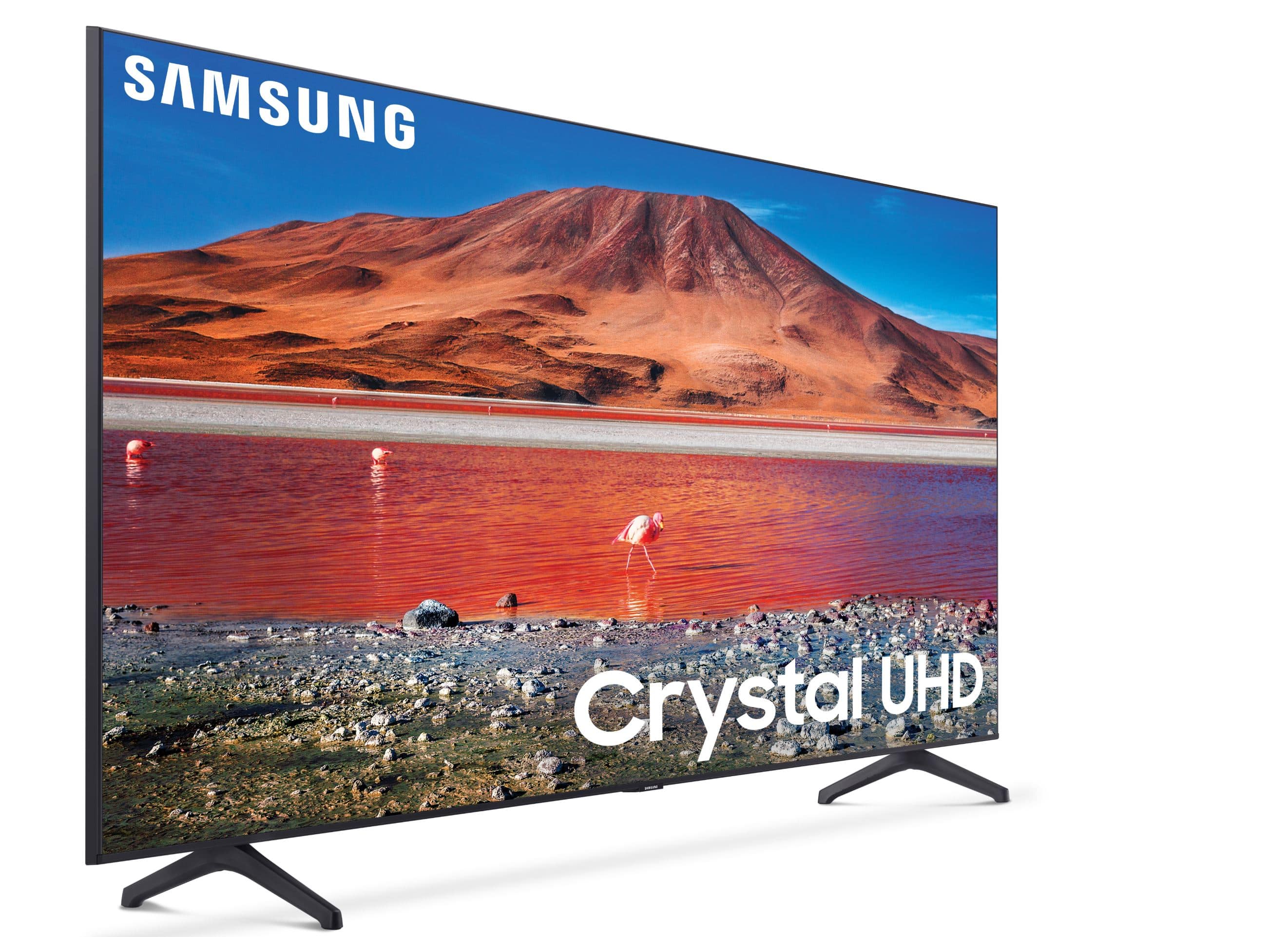
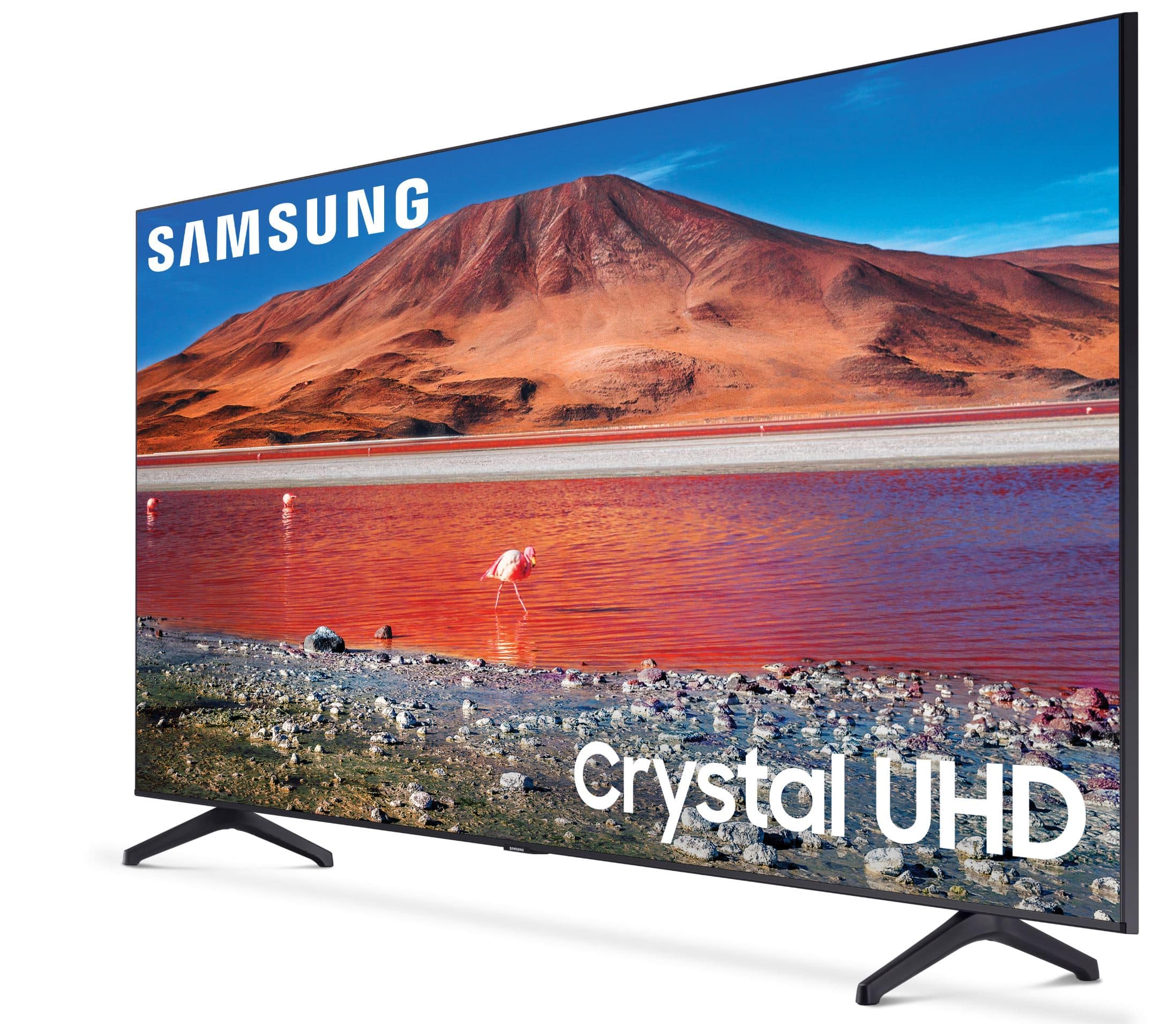
Customers love the 70" TU7000 4K UHD Smart TV for its stunning picture quality, with many saying it has "amazing" and "great quality." The TV's large screen is also a hit, with one customer saying it's the "biggest" they've ever seen. Setup is a breeze, according to reviewers, who appreciate the "easy" process. While there are a few concerns about the remote control and warranty, the overall sentiment towards this TV is overwhelmingly positive.
This summary was generated by AI based on customer reviews.
Okay for what I paid for it
||Posted . Owned for 1 month when reviewed.This reviewer received promo considerations or sweepstakes entry for writing a review.This TV is nice but nothing to brag about. I got what I paid for, definitely not a Sony.
No, I would not recommend this to a friendBrand response from Samsung
Posted .Drial:
Thank you for purchasing Samsung’s Crystal UHD 4K TU7000 Smart TV. The Crystal Processor 4K transforms everything you watch to 4K. Its crisp, clear picture is 4x the resolution of Full HD.
If you should have any questions or concerns with usage, features, or how to best optimize your settings, Samsung Customer Support is here to help.
1) Phone: 1-800-SAMSUNG (available 8AM -12AM EST, 7 days a week)
2) LiveChat: https://www.samsung.com/us/support/#contact_us_for_support
3) Facebook Messenger: https://www.facebook.com/samsungsupport
4) Twitter: https://twitter.com/SamsungSupport
5) The Samsung Members Community is also a great resource for getting help from Samsung moderators and customers: https://us.community.samsung.com
If you have not already done so, we invite you to register your new Samsung product at: https://www.samsung.com/us/account/signin/?redirect=https%3A%2F%2Fwww.samsung.com%2Fus%2Fsupport%2Fregister%2F
Registering your product gives you access to easy warranty support, convenient opt-in to special promos and offers, faster troubleshooting and service, and quick notification of system updates.
~ Samsung Solutions
Poor picture
||Posted . Owned for 1 month when reviewed.This reviewer received promo considerations or sweepstakes entry for writing a review.Price was good , but picture is fair at best !! I wouldn’t recommend this tv !
No, I would not recommend this to a friendBrand response from Samsung
Posted .Golfer:
Thank you for purchasing the Samsung TU7000 4K Smart TV and for your review. There are several image settings you can adjust to your liking such as Picture Mode and Expert Settings.
Choose a Picture Mode by going to Settings > Picture > Picture Mode and choose from Dynamic, Standard, Natural, Movie, or Filmmaker Mode.
You can further adjust your sharpness, brightness, contrast, color, and more by going to Settings > Picture > Expert Settings
For further information regarding Image Settings, please see this article:
https://www.samsung.com/us/support/answer/ANS00079295/
Should you need further assistance with settings, features, or functions, please contact Samsung Customer Support.
1) Phone: 1-800-SAMSUNG (available 8AM -12AM EST, 7 days a week)
2) LiveChat: https://www.samsung.com/us/support/#contact_us_for_support
3) Facebook Messenger: https://www.facebook.com/samsungsupport
4) Twitter: https://twitter.com/SamsungSupport
5) The Samsung Members Community is also a great resource for getting help from Samsung moderators and customers: https://us.community.samsung.com
If you have not already done so, we invite you to register your new Samsung product at: https://www.samsung.com/us/account/signin/?redirect=https%3A%2F%2Fwww.samsung.com%2Fus%2Fsupport%2Fregister%2F
Registering your product gives you access to easy warranty support, convenient opt-in to special promos and offers, faster troubleshooting and service, and quick notification of system updates.
~ Samsung Solutions
It’s ok
||Posted . Owned for 1 month when reviewed.This reviewer received promo considerations or sweepstakes entry for writing a review.I just wanted a decent size tv for the kids and figured why not.
No, I would not recommend this to a friendBrand response from Samsung
Posted .Leanj:
Thank you for purchasing the 2020 TU7000 4K Smart TV. The Crystal Processor 4K transforms everything you watch to 4K. Its crisp, clear picture is 4x the resolution of Full HD. If you are experiencing any issues which caused you to give this a 3-star rating, please know Samsung Customer Support is here to help.
1) Phone: 1-800-SAMSUNG (available 8AM -12AM EST, 7 days a week)
2) LiveChat: https://www.samsung.com/us/support/#contact_us_for_support
3) Facebook Messenger: https://www.facebook.com/samsungsupport
4) Twitter: https://twitter.com/SamsungSupport
5) The Samsung Members Community is also a great resource for getting help from Samsung moderators and customers: https://us.community.samsung.com
If you have not already done so, we invite you to register your new Samsung product at: https://www.samsung.com/us/account/signin/?redirect=https%3A%2F%2Fwww.samsung.com%2Fus%2Fsupport%2Fregister%2F
Registering your product gives you access to easy warranty support, convenient opt-in to special promos and offers, faster troubleshooting and service, and quick notification of system updates.
~ Samsung Solutions
- Cons mentioned:Reliability
Waste of $$
||Posted . Owned for 1 year when reviewed.This reviewer received promo considerations or sweepstakes entry for writing a review.We bought it and 3 weeks out of manufacture warranty it stopped turning on. It just flashes a dark blue screen. Waste of money.
No, I would not recommend this to a friend - Cons mentioned:Reliability
Not the best
||Posted . Owned for 1.5 years when reviewed.This reviewer received promo considerations or sweepstakes entry for writing a review.It stop working after 1.5 year. It was great it was not, not sure why it just stop working
No, I would not recommend this to a friend great TV, but...
||Posted .This reviewer received promo considerations or sweepstakes entry for writing a review.I prepaid to have old TV removed. 3 weeks later, the TV is still sitting here waiting for it to be removed. Will not recommend until order is complete (pick up old TV that I already paid to be removed)
No, I would not recommend this to a friendBrand response from Samsung
Posted .Nana:
I am very sorry to see that you having an unfortunate experience with the pickup of your old TV.
I recommend you contact Best Buy directly for assistance.
Should you ever need assistance or have questions about using your TU7000 TV, please know we are here to help. You can reach Samsung Support at:
1) Phone: 1-800-SAMSUNG (available 8AM -12AM EST, 7 days a week)
2) LiveChat: https://www.samsung.com/us/support/#contact_us_for_support
3) Facebook Messenger: https://www.facebook.com/samsungsupport
4) Twitter: https://twitter.com/SamsungSupport
5) The Samsung Members Community is also a great resource for getting help from Samsung moderators and customers: https://us.community.samsung.com
If you have not already done so, we invite you to register your new Samsung product at: https://www.samsung.com/us/account/signin/?redirect=https%3A%2F%2Fwww.samsung.com%2Fus%2Fsupport%2Fregister%2F
Registering your product gives you access to easy warranty support, convenient opt-in to special promos and offers, faster troubleshooting and service, and quick notification of system updates.
~ Samsung Solutions
Turns on and off again and no longer works.
||Posted . Owned for 1.5 years when reviewed.This reviewer received promo considerations or sweepstakes entry for writing a review.Started off great, but started turning off and on again by itself after 1 1/2 years, and no longer works.
No, I would not recommend this to a friendavoid
||Posted . Owned for 7 months when reviewed.This reviewer received promo considerations or sweepstakes entry for writing a review.*disclaimer purchased as an open box* picture was lackluster and had very bad image ghosting. went into the tech menu thinking it was a display and it had less than 50 hours on it.. returned it and bought a vizio 70in
No, I would not recommend this to a friendDo not buy
||Posted . Owned for 1 year when reviewed.This reviewer received promo considerations or sweepstakes entry for writing a review.When plugged in, the TV started to constantly power cycle with no response to remote or buttons on TV. Called Samsung and they told me there is nothing they can do because the TV only has a 12 month warranty.
No, I would not recommend this to a friendBad TV
||Posted . Owned for 1 year when reviewed.This reviewer received promo considerations or sweepstakes entry for writing a review.TV keeps losing HDMI 1 imput. Have to turn TV off has taken as long as a day and half to get picture back. was told it needed factory reset did not work
No, I would not recommend this to a friendNot a good UHD TV
||Posted .This reviewer received promo considerations or sweepstakes entry for writing a review.If you’re looking for a high quality ultra high definition tv, keep looking. The picture on this tv is no better than the HD tv that I already had. I thought the price was good, but you get what you pay for. I’m considering returning it.
No, I would not recommend this to a friendBrand response from Samsung
Posted .Poppamar:
Thank you for purchasing the 2020 TU7000 4K Smart TV. The Crystal Processor 4K transforms everything you watch to 4K. Its crisp, clear picture is 4x the resolution of Full HD. If you ever need assistance with features, functions, or settings which may improve your picture, please know Samsung Customer Support is here to help.
1) Phone: 1-800-SAMSUNG, Available 8AM -12AM EST (7 Days a Week)
2) LiveChat: https://www.samsung.com/us/support/#contact_us_for_support
3) Facebook Messenger: https://www.facebook.com/samsungsupport
4) Twitter: https://twitter.com/SamsungSupport
5) The Samsung Members Community is also a great resource for getting help from Samsung moderators and customers: https://us.community.samsung.com
If you have not already done so, we invite you to register your new Samsung product at: https://www.samsung.com/us/account/signin/?redirect=https%3A%2F%2Fwww.samsung.com%2Fus%2Fsupport%2Fregister%2F
Registering your product gives you access to easy warranty support, convenient opt-in to special promos and offers, faster troubleshooting and service, and quick notification of system updates.
~ Samsung Solutions
Low Quality and Connectivity issues
||Posted . Owned for 6 months when reviewed.This reviewer received promo considerations or sweepstakes entry for writing a review.The internet connection never stays connected on this model. I bought this in sept 2020 and now mar2021 the LEDs have gone bad. I guess you get what you pay for.
No, I would not recommend this to a friendSound level jumps
||Posted . Owned for 1 week when reviewed.This reviewer received promo considerations or sweepstakes entry for writing a review.I just bought this 70” TU7000 my first Samsung after years with LG. So beyond disappointing and frustrating because everytime I rewind and press play, the volume level jumps, sometimes it’s automatically louder and sometimes vice versa.
No, I would not recommend this to a friendBrand response from Samsung
Posted .Glory:
I am sorry to hear that you are experiencing volume issues with your TU7000 TV.
The inconsistent sound issue is possibly caused by the source.
Try auto volume by going to Settings > Sound > Expert Settings > Auto Volume, and turn it on.
Should you need further help with this or any issue, please contact Samsung Support and a representative will gladly assist you.
1) Phone: 1-800-SAMSUNG, available 8AM - 9PM EST, Mon - Fri
2) LiveChat: https://www.samsung.com/us/support/#contact_us_for_support
3) Facebook Messenger: https://www.facebook.com/samsungsupport
4) Twitter: https://twitter.com/SamsungSupport
5) The Samsung Members Community is also a great resource for getting help from Samsung moderators and customers: https://us.community.samsung.com
If you have not already done so, we invite you to register your new Samsung product at: https://www.samsung.com/us/account/signin/?redirect=https%3A%2F%2Fwww.samsung.com%2Fus%2Fsupport%2Fregister%2F
Registering your product gives you access to easy warranty support, convenient opt-in to special promos and offers, faster troubleshooting and service, and quick notification of system updates.
~ Samsung Solutions
TV only lasted a year and half.
||Posted . Owned for 1 year when reviewed.This reviewer received promo considerations or sweepstakes entry for writing a review.I purchased this TV a year and a half ago and it won't turn on now. Ugh This TV didn't come with a voice command remote and it was very sluggish going from app to app.
No, I would not recommend this to a friendDo not buy
||Posted . Owned for 1.5 years when reviewed.This reviewer received promo considerations or sweepstakes entry for writing a review.I bought this tv less than 2 years ago and it’s already gone out. Should have purchased the extended warranty, lesson learned. I do not recommend Samsung for tv’s.
No, I would not recommend this to a friendWorst TV
||Posted . Owned for more than 2 years when reviewed.This reviewer received promo considerations or sweepstakes entry for writing a review.These TVs have a malfunction after using they start to shut on and off and are a waste of money all I'm doing is looking at a blank TV.
No, I would not recommend this to a frienddid not last long
||Posted . Owned for 1 year when reviewed.This reviewer received promo considerations or sweepstakes entry for writing a review.picture gave out after 16 months. get the extended warranty if you decide on this TV... or other Samsung products I assume.
No, I would not recommend this to a friendTv
||Posted . Owned for more than 2 years when reviewed.This reviewer received promo considerations or sweepstakes entry for writing a review.Color quality is awful. Would not recommend product to anyone.
No, I would not recommend this to a friendBroken tv
||Posted . Owned for 2 weeks when reviewed.This reviewer received promo considerations or sweepstakes entry for writing a review.It was broken when we recieved the tv home. The screen was busted
No, I would not recommend this to a friendBrand response from Samsung
Posted .Steve:
I am very sorry to see that your TV exhibited damage upon opening and setup. We recommend you contact Best Buy directly for assistance in correcting this situation. We hope your issue is resolved in a timely manner.
Should you have questions or concerns regarding the usage or setup of your TV once your issue is resolved, please contact Samsung Customer Support.
1) Phone: 1-800-SAMSUNG (ask for TVs), available 8AM – 12AM EST 7 days a week
2) LiveChat: https://www.samsung.com/us/support/#contact_us_for_support
3) Facebook Messenger: https://www.facebook.com/samsungsupport
4) Twitter: https://twitter.com/SamsungSupport
5) The Samsung Members Community is also a great resource for getting help from Samsung moderators and customers: https://us.community.samsung.com
If you have not already done so, we invite you to register your new Samsung product at: https://www.samsung.com/us/account/signin/?redirect=https%3A%2F%2Fwww.samsung.com%2Fus%2Fsupport%2Fregister%2F
Registering your product gives you access to easy warranty support, convenient opt-in to special promos and offers, faster troubleshooting and service, and quick notification of system updates.
~ Samsung Solutions
No Receipt
||Posted . Owned for 1 month when reviewed.This reviewer received promo considerations or sweepstakes entry for writing a review.After you deliver my receipt I give your opinion on the tv
No, I would not recommend this to a friendBrand response from Samsung
Posted .NoReceipt:
Thank you for purchasing the Samsung TU7000 TV and sharing your review. I hope setup went smoothly with your new TV, and you are now enjoying the picture brought to you by The Crystal Processor 4K transforming everything you watch to 4K.
I recommend you contact Best Buy directly for assistance. I hope you are able to get your receipt in a timely manner.
If you should ever have questions on setup, features or operation, Samsung is ready to help you with enjoying your new TV. You can reach Samsung Support at:
1) Phone: 1-800-SAMSUNG (ask for TVs), available 8AM – 12AM EST 7 days a week
2) LiveChat: https://www.samsung.com/us/support/#contact_us_for_support
3) Facebook Messenger: https://www.facebook.com/samsungsupport
4) Twitter: https://twitter.com/SamsungSupport
5) The Samsung Members Community is also a great resource for getting help from Samsung moderators and customers: https://us.community.samsung.com
If you have not already done so, we invite you to register your new Samsung product at: https://www.samsung.com/us/account/signin/?redirect=https%3A%2F%2Fwww.samsung.com%2Fus%2Fsupport%2Fregister%2F
Registering your product gives you access to easy warranty support, convenient opt-in to special promos and offers, faster troubleshooting and service, and quick notification of system updates.
~ Samsung Solutions