Customer Ratings & Reviews
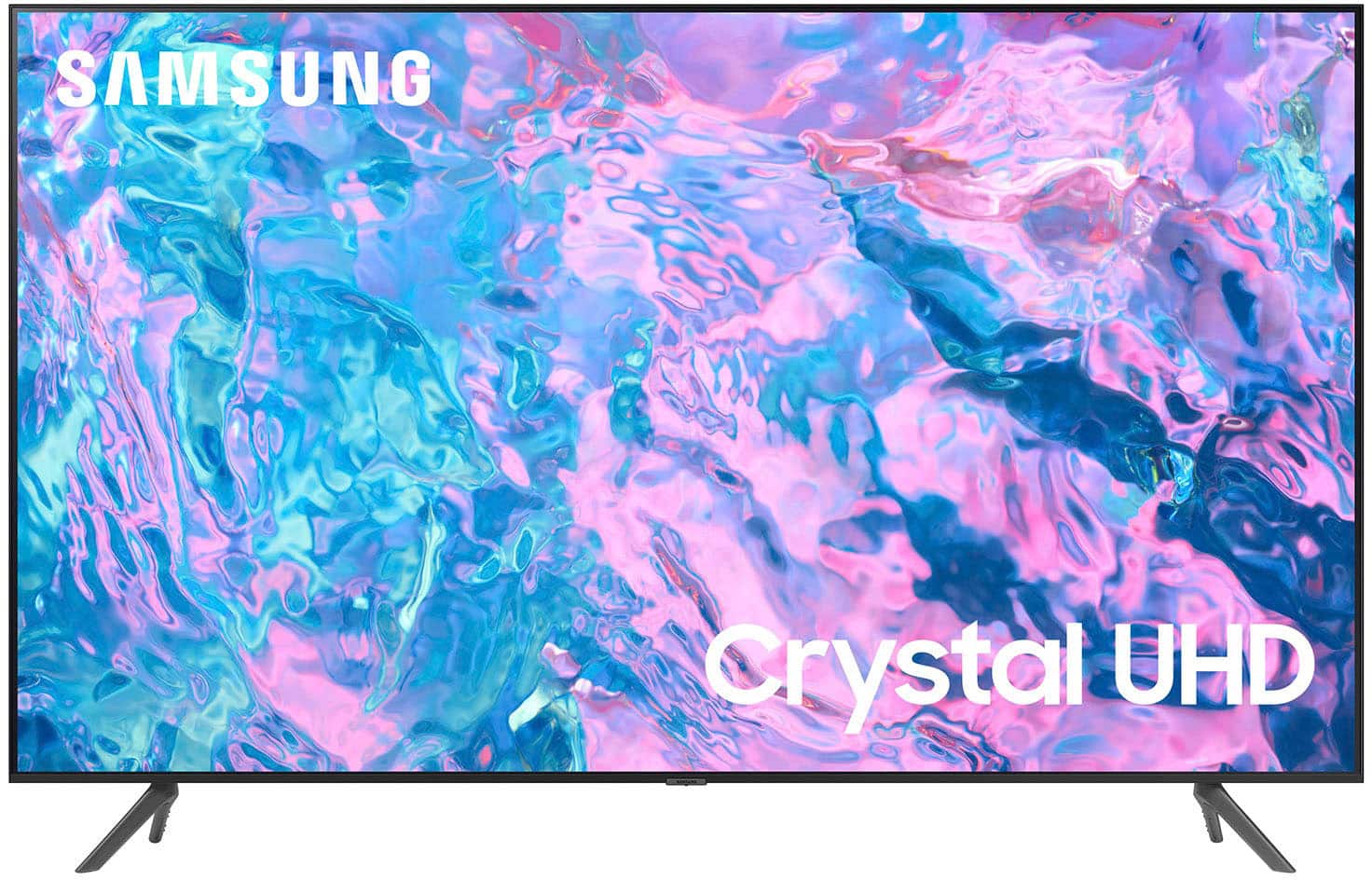
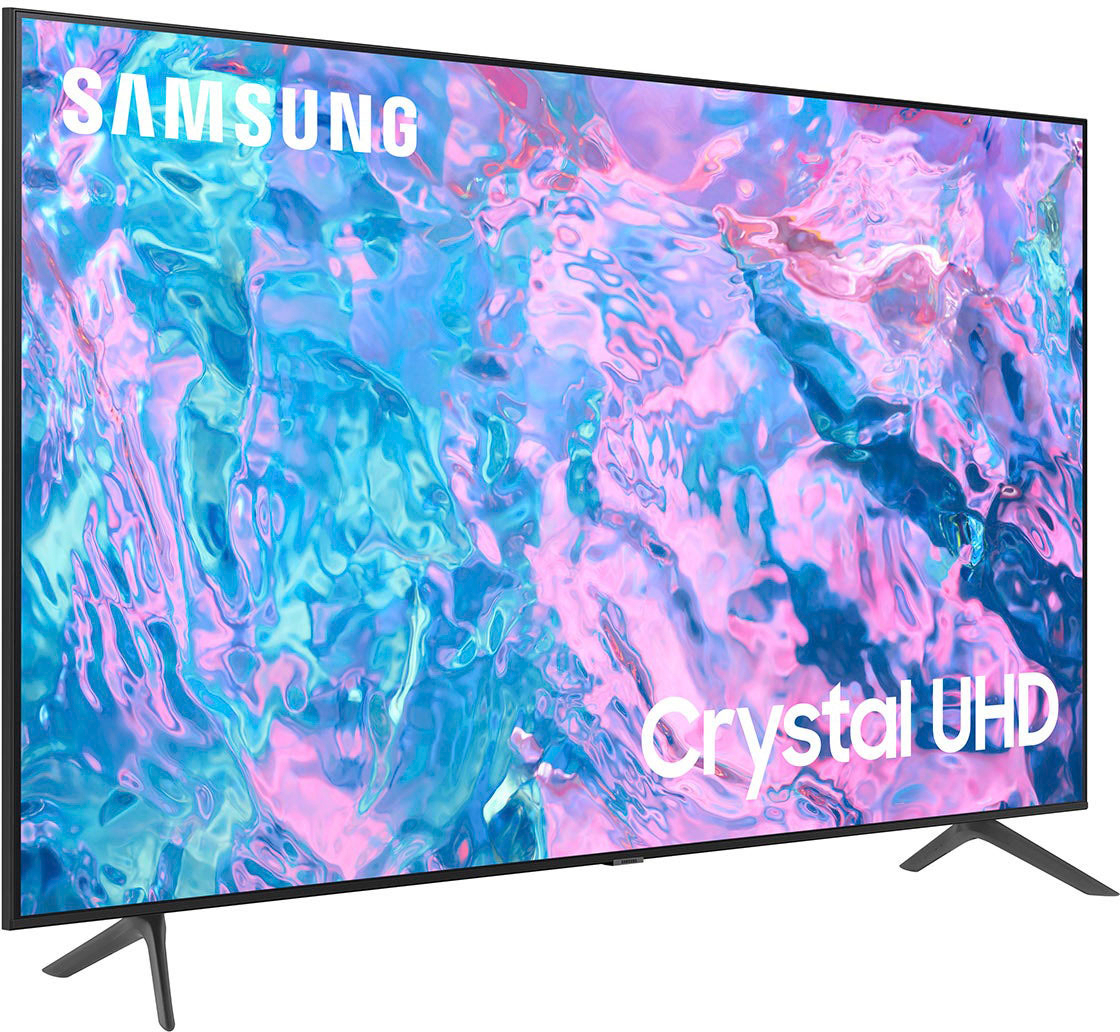
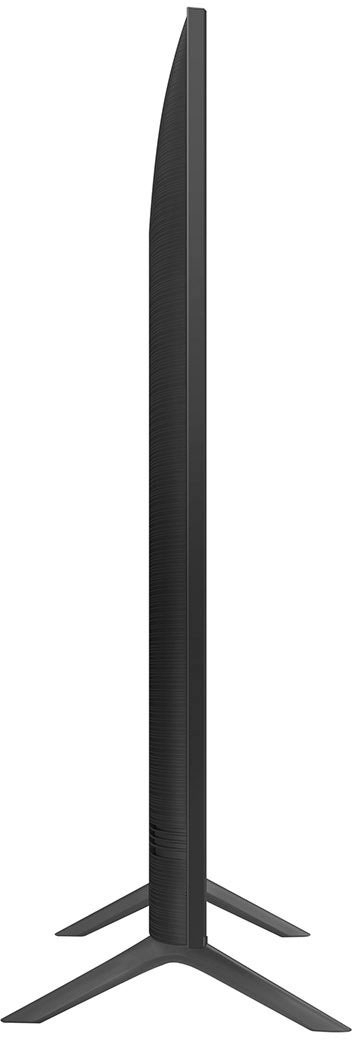
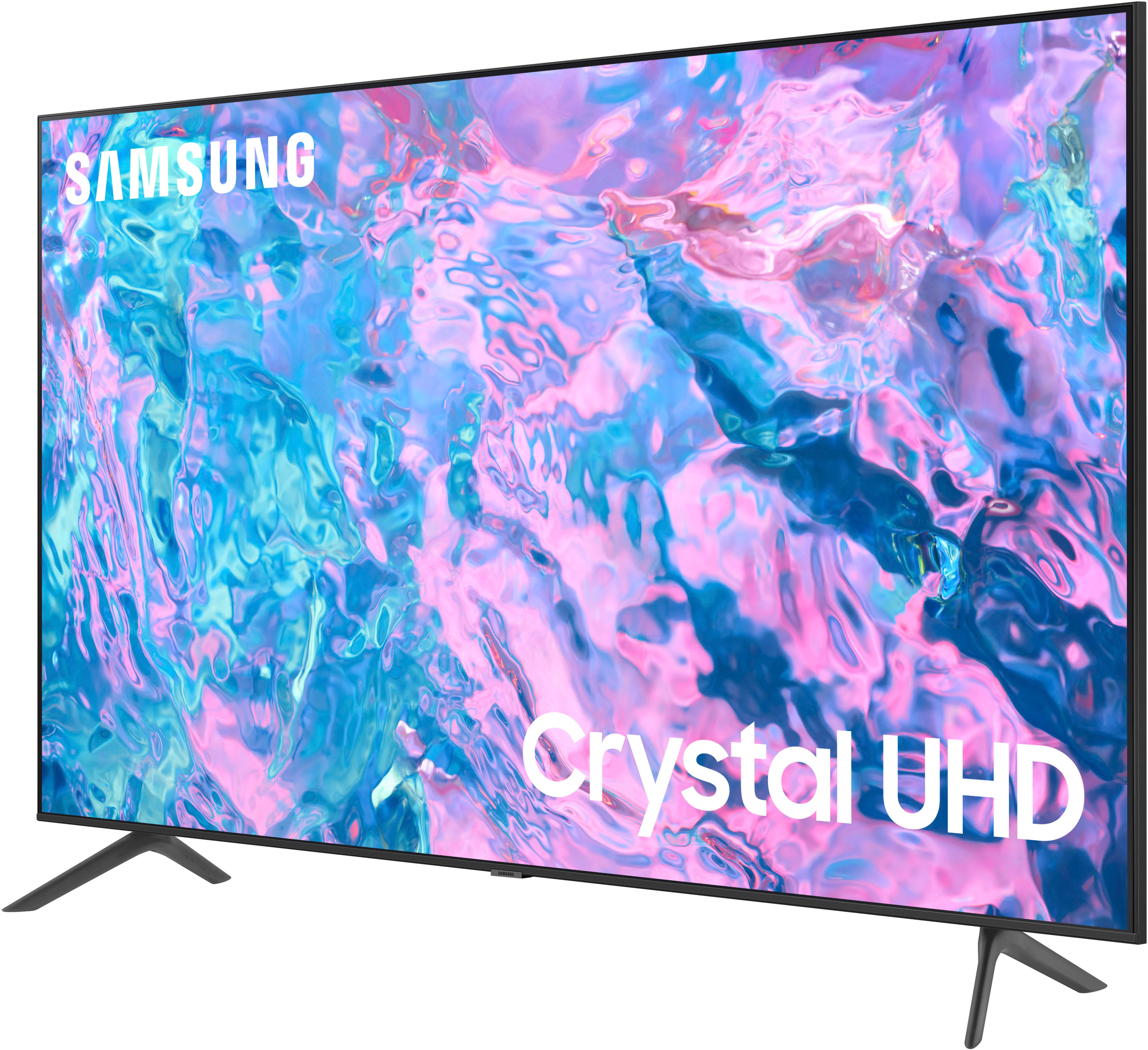
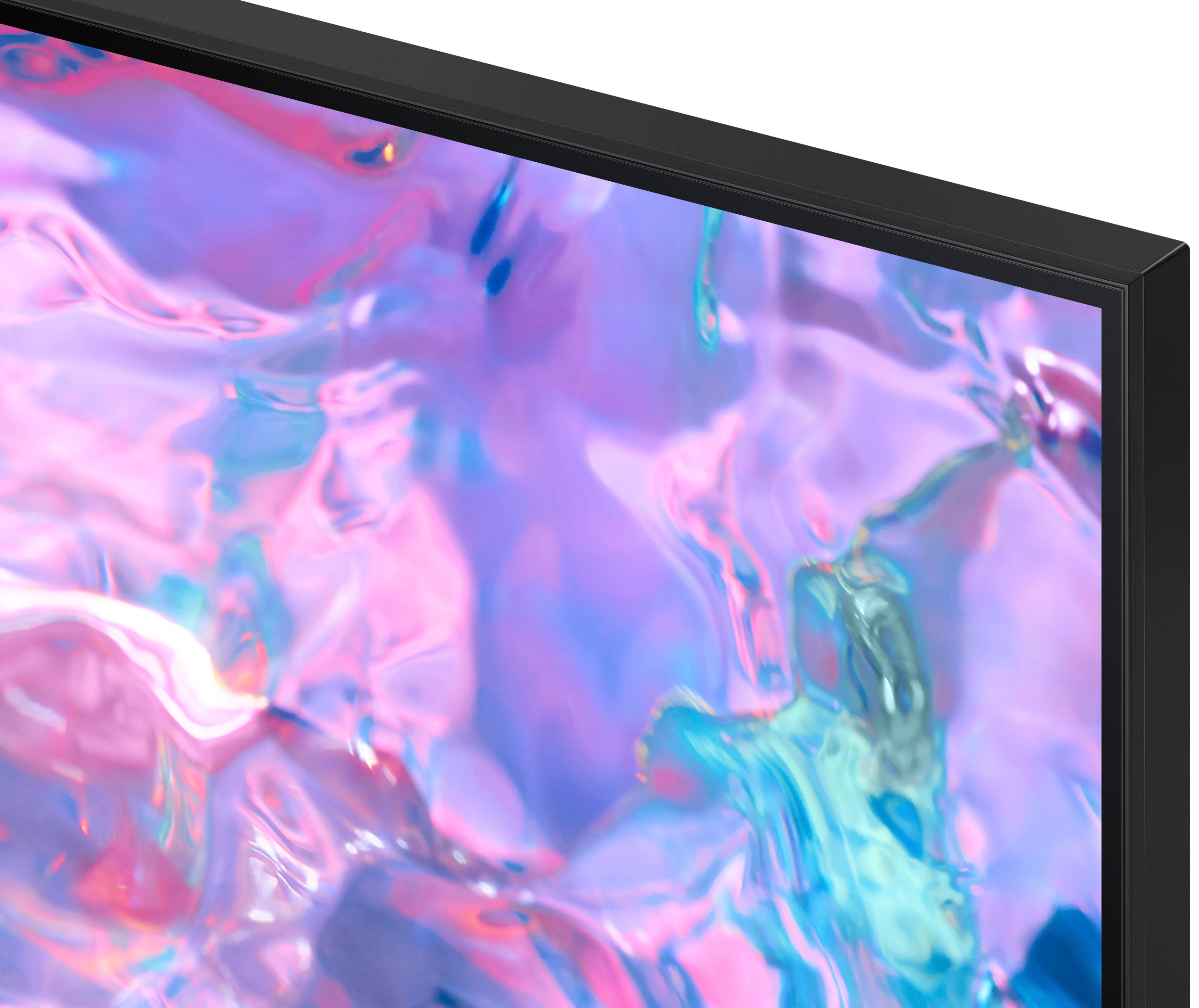



- Model:
- UN75CU7000FXZA
- SKU:
- 6537373
Rating by feature
- Picture Quality
Rating 4.8 out of 5 stars
- Sound Quality
Rating 4.6 out of 5 stars
- Brightness
Rating 4.8 out of 5 stars
Customers are saying
Customers value the 75” Class CU7000 Crystal UHD 4K Smart Tizen TV (2023) for its excellent picture quality, ease of use, and attractive price. Many appreciate the vibrant colors and large screen size, perfect for movie nights. However, some users find the remote control somewhat confusing and the volume could be improved. A few customers also noted that the refresh rate is not as high as some competing models.
This summary was generated by AI based on customer reviews.
Not Happy
||Posted . Owned for 1 month when reviewed.This reviewer received promo considerations or sweepstakes entry for writing a review.I bought this tv based on the reviews I read,but when I received it and set it up the picture is kind of dark,no matter how many times I adjust the picture it still is dark. I've been messing with different settings to no avail for the past month,l give up.I will not buy another Samsung tv.
No, I would not recommend this to a friendBrand response from Samsung
Posted .Hi JosephM,
We appreciate your feedback on the brightness of the picture on your CU7000 TV. It's unfortunate to hear you are not completely satisfied. You mentioned adjusting some settings, however I will put a few below just in case.
First, let’s ensure you are running the latest Firmware Update. Go to Settings> Support> Software Update.
Next, If the colors on your TV are correct but just a little too dark or bright, you can try adjusting Picture Modes, Contrast, Brightness, or Sharpness settings.
For darker scenes, I recommend Dynamic Picture Mode, which makes pictures brighter and clearer in bright viewing environments. Go to Settings > All Settings> Picture > Picture Mode > Dynamic.
Or you can manually adjust the Brightness by pressing the HOME button on your remote, then navigating to Settings > All Settings> Picture > Expert Settings.
You may also want to disable Power Saving Mode, which automatically adjusts the brightness to reduce the TV’s power consumption. Go to Settings > All Settings> General > Eco Solution> Power Saving Mode.
If you’d like more help with settings, we are always happy to help! Call us at 1-800-SAMSUNG, 8 AM - 12 AM EST, seven days a week. Or visit us on the Samsung website and click on the ‘Support’ link for:
1) LiveChat
2) Manuals, Software, & Warranty Info
~ Samsung Advisor
Great TV!
||Posted . Owned for 3 months when reviewed.This reviewer received promo considerations or sweepstakes entry for writing a review.This TV has been one of the best purchase i ever done!
I would recommend this to a friendSamsung tv
||Posted . Owned for 3 weeks when reviewed.This reviewer received promo considerations or sweepstakes entry for writing a review.Great tv but i think my old Samsung tv sounds better than this one but overall a great choice
I would recommend this to a friendFantastic for the price.
||Posted . Owned for 2 weeks when reviewed.This reviewer received promo considerations or sweepstakes entry for writing a review.Great looking tV. No complaints for the money. Best Buy is awesome.
I would recommend this to a friendIs it worth it
||Posted .This reviewer received promo considerations or sweepstakes entry for writing a review.I have had my tv barely a year and now having issues
No, I would not recommend this to a friendScreen Mirroring
||Posted . Owned for less than 1 week when reviewed.This reviewer received promo considerations or sweepstakes entry for writing a review.When we airplays there is no sound and don’t know what to do please help.
I would recommend this to a friendSports
||Posted . Owned for 1 month when reviewed.This reviewer received promo considerations or sweepstakes entry for writing a review.Great tv. Still a little laggy with certain sports.
I would recommend this to a friendGreat TV
||Posted . Owned for 1 month when reviewed.This reviewer received promo considerations or sweepstakes entry for writing a review.Great tv but the volume is not the best, I guess you get what you pay for.
I would recommend this to a friendWish it would have last longer.
||Posted .This reviewer received promo considerations or sweepstakes entry for writing a review.TV started having black spots on it after 2 years. I have other TVs brands that get used more off often that have held up way better. It started with 1 or 2 spots and now it’s all across the TV. I will never order a Samsung tv ever again.
No, I would not recommend this to a friendSolid TV
||Posted . Owned for 3 weeks when reviewed.This reviewer received promo considerations or sweepstakes entry for writing a review.It’s a solid TV… I’m no expert, but I don’t have any complaints.
I would recommend this to a friendLove it
||Posted . Owned for 3 months when reviewed.This reviewer received promo considerations or sweepstakes entry for writing a review.I love the Tv and they came an mounted it for me. I’m a happy!
I would recommend this to a friendgood tv
||Posted . Owned for 3 weeks when reviewed.This reviewer received promo considerations or sweepstakes entry for writing a review.needs to have a better remote, overall a nice tv for the price
I would recommend this to a friendMrs
||Posted . Owned for 3 weeks when reviewed.This reviewer received promo considerations or sweepstakes entry for writing a review.I love the colour display on the screen and the crisp audio.
I would recommend this to a friendmanufacturing flaw
||Posted . Owned for 2 months when reviewed.This reviewer received promo considerations or sweepstakes entry for writing a review.Samsung pre-installed software requires one to sometimes power the tv on 3 times before a channel is acquired. The tv also turns itself off and attempts to go to the Samsung preinstalled program all by itself.
No, I would not recommend this to a friendBrand response from Samsung
Posted .Hi Kimm,
Thank you for purchasing the Samsung CU7000 TV. I’m sorry to hear you’re experiencing issues. Please try a few troubleshooting steps that may help solve these issues:
1) Check the power cable for damage and proper connection.
2) If the cable is bent, broken, kinked, pinched, pressed excessively (possibly by a heavy object on top of it), or damaged, this is likely the cause of the issue. Replace the cable.
3) Unplug the TV from the wall outlet for 30 seconds, then plug it back in.
4) If the power cycling allows enough time between powering on and off, try updating the TV to the latest firmware. There is a risk, however. If the TV turns off during the software update, it could damage the TV. Updates can take up to 30 minutes, depending on network speed, so if the TV is not turning off too frequently, try updating the software.
If you continue to have issues, please call us at 1-800-SAMSUNG, 8 AM - 12 AM EST, seven days a week. LiveChat with an agent, as well as manuals, software, and warranty info, can be found at the ‘Support’ link on our Samsung website.
~ Samsung Advisor
Great resolution
||Posted . Owned for 1 month when reviewed.This reviewer received promo considerations or sweepstakes entry for writing a review.Aside from turning my ps5 on every time i turn it on its amazing
I would recommend this to a friendJeffs shopping
||Posted . Owned for 3 weeks when reviewed.This reviewer received promo considerations or sweepstakes entry for writing a review.Great place to do business l love best buy my special place
I would recommend this to a friendLovingthis new screen
||Posted . Owned for 1 month when reviewed.This reviewer received promo considerations or sweepstakes entry for writing a review.It’s been a great addition to our living room. Bright and clear views.
I would recommend this to a friendIts just ok
||Posted . Owned for 1 year when reviewed.This reviewer received promo considerations or sweepstakes entry for writing a review.Tv is ok. Pretty expensive. For such an expensive tv what a trash thin remote. The quality is so so
No, I would not recommend this to a friendbeautiful
||Posted . Owned for 1 week when reviewed.This reviewer received promo considerations or sweepstakes entry for writing a review.beautiful tv however it is a bit slow for some reason
I would recommend this to a friendAverage Television’s quality
||Posted . Owned for 3 weeks when reviewed.This reviewer received promo considerations or sweepstakes entry for writing a review.I am not impressed with this television’s quality. It is an average television in terms of picture, sound, and brightness. It loses connection frequently.
No, I would not recommend this to a friendBrand response from Samsung
Posted .Hi MauricetteG,
We appreciate you sharing your experience with the CU7000 TV. Your feedback regarding image and sound quality is essential to us and will be shared with our internal teams. Please try adjusting the below settings to improve your overall experience.
First, let's ensure you are running the latest Firmware. Go to Settings> Support> Software Update.
Next, if the picture you are seeing is not to your satisfaction, go to Home > Settings > All Settings > Picture > Picture Mode and select the mode that best fits your usage:
1) Standard: Default mode suitable for general viewing environments.
2) Natural: Reduces eye strain for a comfortable viewing experience.
3) Movie: Most suitable for watching TV or movies in a dark room.
4) Dynamic: Makes the picture brighter and clearer in bright viewing environments.
5) Filmmaker Mode: You can watch the source content (e.g., movie) as it is. If the image is defined as Filmmaker Mode, it will automatically switch to Filmmaker Mode while watching.
You can also go to Settings > All Settings> Picture > Expert Settings > to manually fine-tune your image.
You can also adjust your sound mode by going to Settings> All Settings> Sound> Sound Mode.
Finally, I recommend running a cold boot on your TV. To do so, hold down the Power button on the Samsung TV remote until the TV turns off and then on again. This should take about 5 seconds.
If you continue to have issues, please call us at 1-800-SAMSUNG, 8 AM - 12 AM EST, seven days a week. Our LiveChat agents are also available by clicking on the ‘Support’ link on our website.
~ Samsung Advisor