Customer Ratings & Reviews
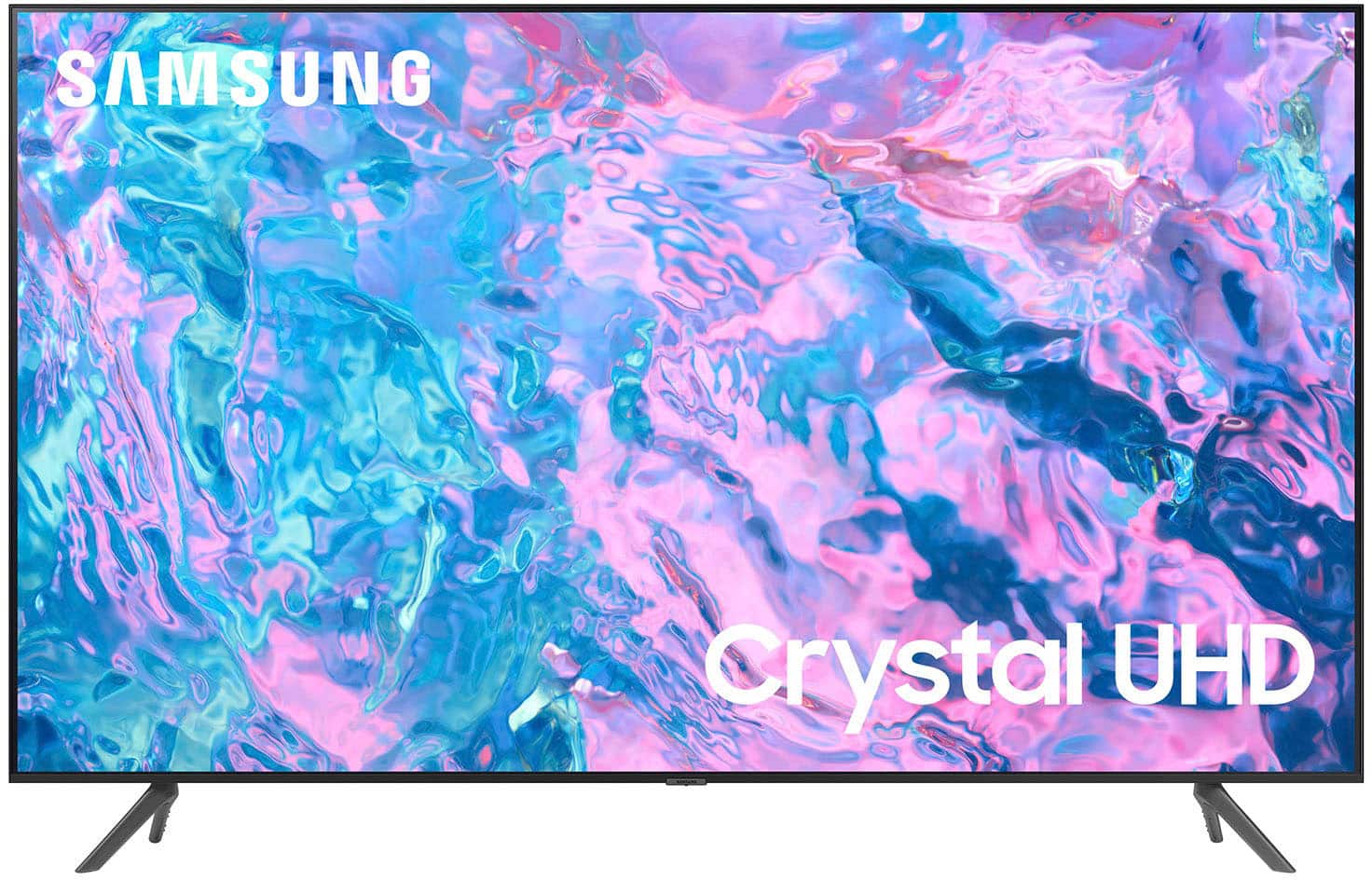
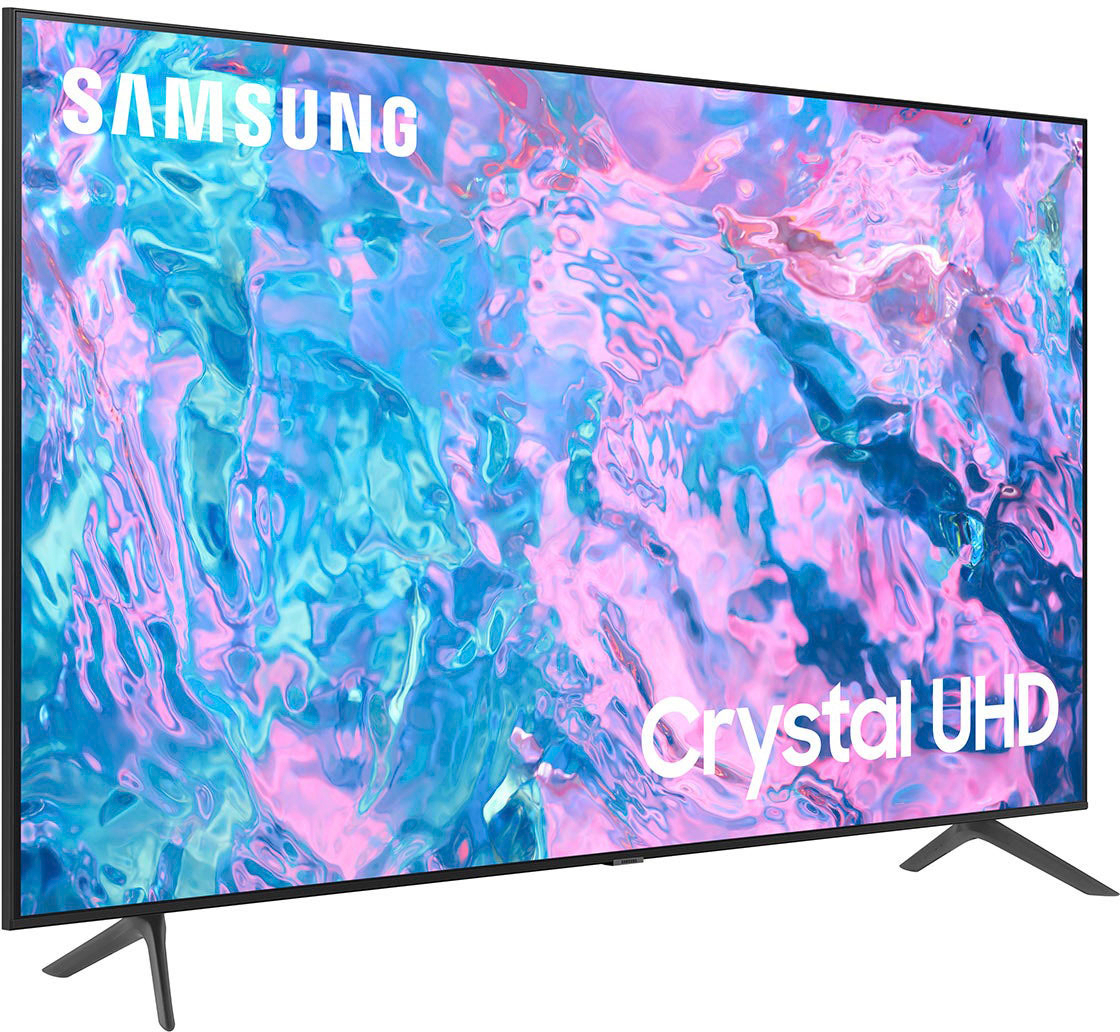
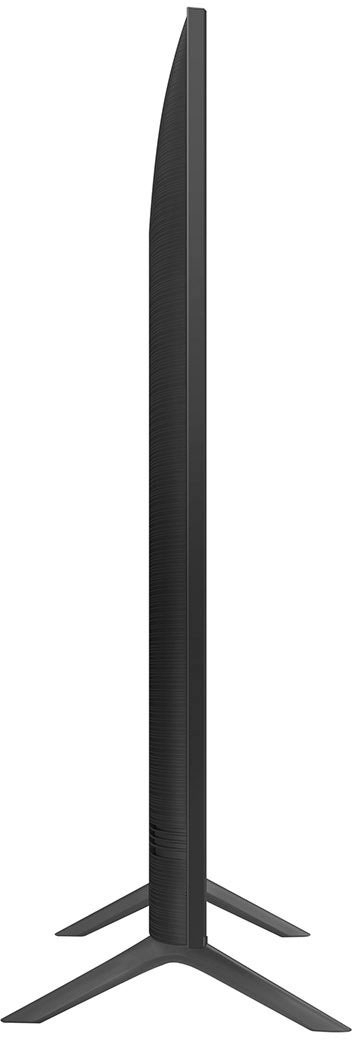
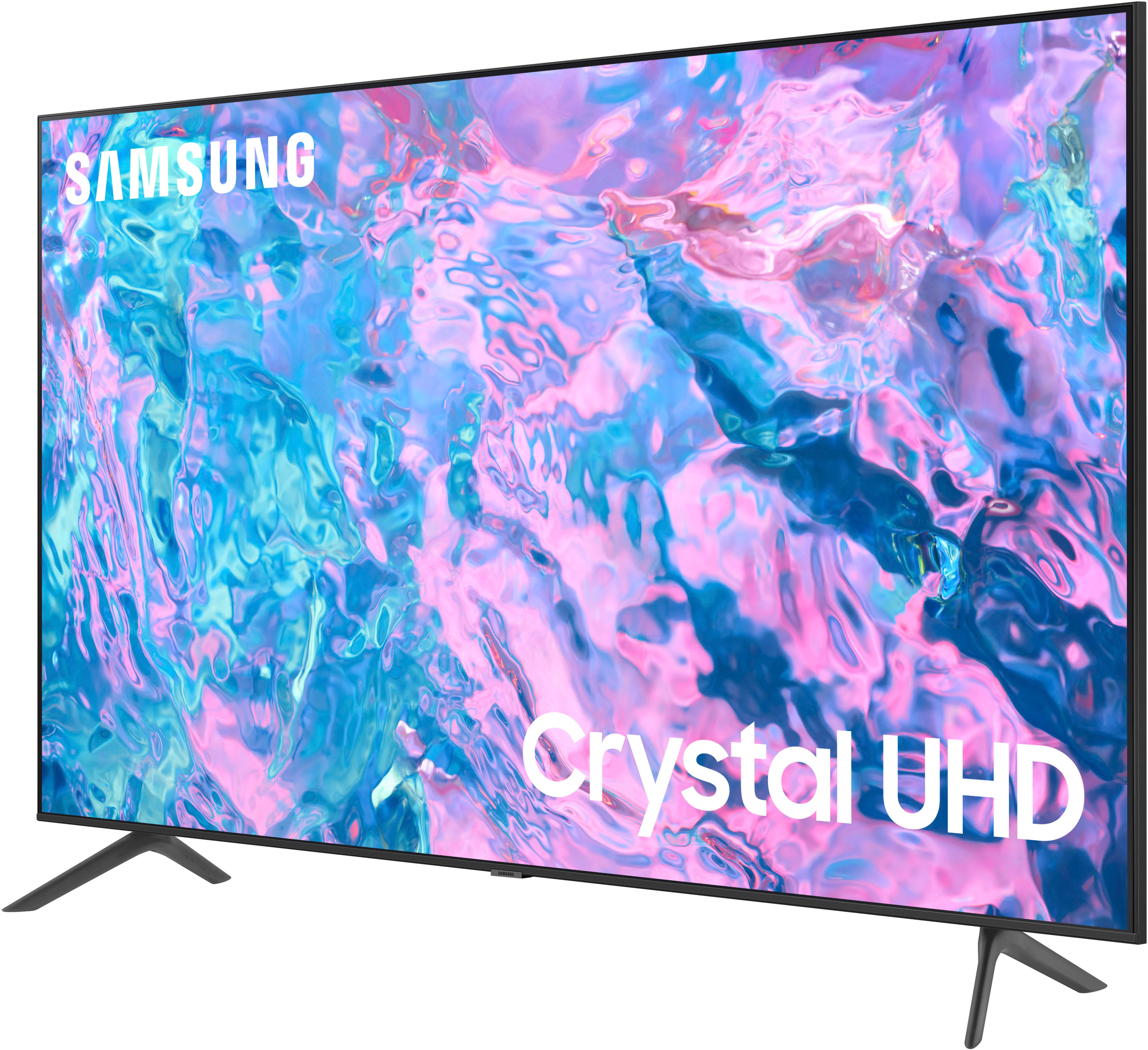
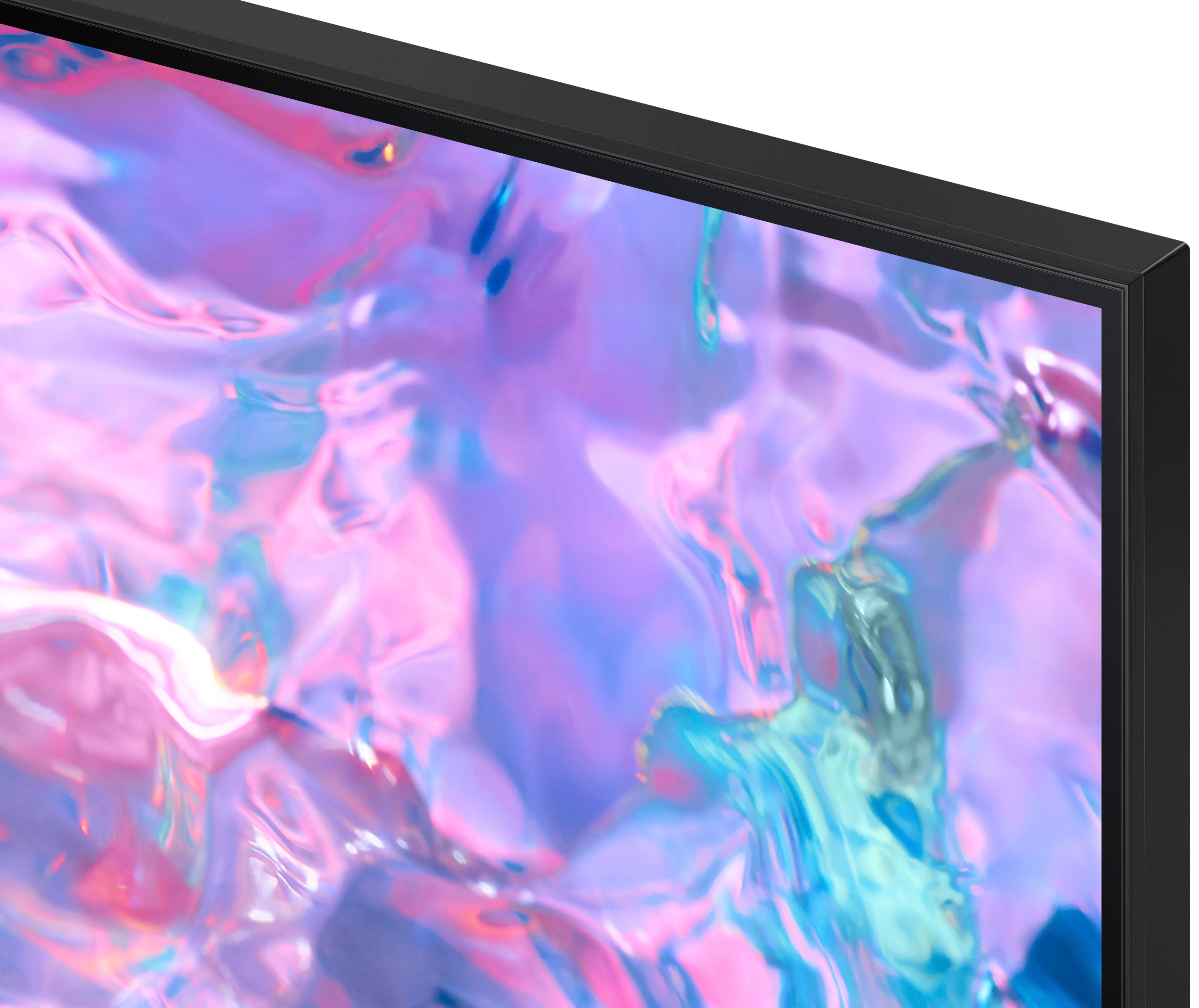



- Model:
- UN75CU7000FXZA
- SKU:
- 6537373
Rating by feature
- Picture Quality
Rating 4.8 out of 5 stars
- Sound Quality
Rating 4.6 out of 5 stars
- Brightness
Rating 4.8 out of 5 stars
Customers are saying
Customers value the 75” Class CU7000 Crystal UHD 4K Smart Tizen TV (2023) for its excellent picture quality, ease of use, and attractive price. Many appreciate the vibrant colors and large screen size, perfect for movie nights. However, some users find the remote control somewhat confusing and the volume could be improved. A few customers also noted that the refresh rate is not as high as some competing models.
This summary was generated by AI based on customer reviews.
Came with two left feet, Best buy did not help.
||Posted . Owned for less than 1 week when reviewed.This reviewer received promo considerations or sweepstakes entry for writing a review.BEWARE BEFORE YOU BUY. I bought this 75 inch Samsung brand new. I told the guy i would pick up next day since i didnt have a truck. He sold it out the door i guess and he had to return it and exchange it on the system to set it to be picked up the next day. Next day i picked it up, I get home and take it out and i had 2 left feet for the TV. I went back to best buy and they said they could not help me get a right foot for the TV and my only option was to return it. But i couldnt return it because it had already been returned in the system when the guy messed up on the sale. So they said my best option was to pay another $50 for some universal TV stand. So be aware before you buy this that it may come defective and Best buy will not help unless its returned completely. Which i couldnt do because of a mess up on their end.
No, I would not recommend this to a friendBrand response from Samsung
Posted .Hi Jeromy,
We appreciate you sharing your in-store purchase experience at Best Buy. I recommend providing them with feedback directly at the local store as well.
If you ever have questions or need help, Samsung is here for you! Give us a call at 1-800-SAMSUNG, 8 AM - 12 AM EST, seven days a week. Our LiveChat agents are also available by clicking on the ‘Support’ link on our website.
~Samsung Advisor
Samsung - 75” Class CU7000 Crystal UHD 4K Smart Ti
||Posted . Owned for 10 months when reviewed.This reviewer received promo considerations or sweepstakes entry for writing a review.We are enjoying our purchase of the Samsung - 75” Class CU7000 Crystal UHD 4K Smart Tizen TV (2023).
I would recommend this to a friendTelevision
||Posted . Owned for 1 year when reviewed.This reviewer received promo considerations or sweepstakes entry for writing a review.The colors are not good, it looks a little blurry The colors are not good, it looks a little blurry, it's not to my liking
I would recommend this to a friendLow volume quality
||Posted . Owned for 3 weeks when reviewed.This reviewer received promo considerations or sweepstakes entry for writing a review.The speakers are not the best. You have to raise the volume way more than other TVs to barely get good audio. Had to get a sound bar to counteract the low-quality sound
No, I would not recommend this to a friendBrand response from Samsung
Posted .Hi kyosha,
Thank you for sharing your experience with low volume. There are several volume features you can adjust, which may improve your audio experience.
1) Auto Volume automatically adjusts the sound to a certain level when changing channels or switching to another external input. Go to Settings > All Settings> Sound > Expert Settings > Auto Volume.
2) Adaptive Sound automatically adjusts to a specific volume level while watching TV. The TV analyzes your volume usage history by time period to automatically adjust the volume when you use an app or switch to an external input source. Go to Settings> All Settings> Sound> Sound Mode> Adaptive Sound.
3) Several Sound Modes are likewise available to meet your personal preferences: Home > Settings > All Settings> Sound > Sound Mode.
Also, some sources have their own volume control, which might need to be set higher. Please check the volume control of the external device (cable box or satellite box, DVD, Blu-ray, etc.) connected to your TV. Also, check the cable connection between an external device and the TV and then try the cable connection again.
If there’s anything we can ever help with, please call us at 1-800-SAMSUNG, 8 AM - 12 AM EST, seven days a week. Or visit us on the Samsung website and click on the ‘Support’ link for:
1) LiveChat
2) Manuals, Software, & Warranty Info
~ Samsung Advisor
Decent
||Posted . Owned for 7 months when reviewed.This reviewer received promo considerations or sweepstakes entry for writing a review.Not as expected. TV picture and sound not really that good. However, for the size and price it’s a decent TV.
No, I would not recommend this to a friend75" class CU7000 crystal HUD 4K not good,
||Posted . Owned for 1 month when reviewed.This reviewer received promo considerations or sweepstakes entry for writing a review.Color is not clear when I watch YouTube. I have a 55 or 65 " Samsung it has perfect picture resolution you can see everything so clear.
No, I would not recommend this to a friendBrand response from Samsung
Posted .Hi AbdoD,
Thank you for sharing your thoughts on your CU7000 TV’s image quality. The TV will upscale any content sent to it as best as possible. The closer your content is to 4K, the better the image will look on the screen.
Here are some tips to help improve picture clarity:
1) HDMI cables are recommended for optimal HD viewing.
2) If you have an analog cable box or satellite box, upgrade to a digital cable box or satellite box.
3) Change the output resolution of your devices, such as digital broadcast receivers, IPTV, and set-top boxes, to UHD or HD.
4) You can further adjust your sharpness, brightness, contrast, color, and more by going to Settings > All Settings> Picture > Expert Settings
5) Choose a Picture Mode by going to Settings > All Settings> Picture > Picture Mode and choose from Dynamic, Standard, Natural, Movie, or Filmmaker Mode.
Should you ever have questions or need help with TV features, specs, or operations, we are here to help. You can call us at 1-800-SAMSUNG, 8 AM - 12 AM EST, seven days a week. Our LiveChat agents are also available by clicking on the ‘Support’ link on our website.
~ Samsung Advisor
Poor picture quality
||Posted . Owned for 3 weeks when reviewed.This reviewer received promo considerations or sweepstakes entry for writing a review.Uneven light distribution made the picture unpleasant to watch so I returned it to the store.
No, I would not recommend this to a friendBrand response from Samsung
Posted .Hi LarryF,
We appreciate you sharing your experience with Samsung’s CU7000 and detailing why you decided to replace it. Please know we are always here to help, and we could have assisted in providing settings adjustments to resolve any issues you were experiencing.
Should you ever decide to give Samsung TVs another try and have questions or need help with settings, setup, or features, we would be glad to help. Call us at 1-800-SAMSUNG, 8 AM – 12 AM EST, seven days a week. LiveChat with an agent, as well as manuals, software, and warranty info, can be found at the ‘Support’ link on our Samsung website.
We hope to regain you as a customer in the future.
~ Samsung Advisor
Audio fee back
||Posted .This reviewer received promo considerations or sweepstakes entry for writing a review.Great buy for the type of TV .. Only thing is the sound quality isn’t the best.This Tv works best with a sound bar.
I would recommend this to a friendBrand response from Samsung
Posted .Hi Nessa,
Thank you for sharing your thoughts regarding the CU7000 TV’s sound quality. We recommend adjusting the Sound Settings to improve your experience. You can change the Sound Mode by going to Settings > All Settings> Sound > Sound Mode.
You can also customize the sound with Expert Settings by going to Settings > All Settings> Sound > Expert Settings.
To assist you with possible sound settings adjustments for a better audio experience or choosing a Samsung Soundbar to complement your viewing enjoyment, please reach out to us at -800-SAMSUNG, 8 AM - 12 AM EST, seven days a week. Our LiveChat agents are also available by clicking on the ‘Support’ link on our website.
~ Samsung Advisor
Do not buy
||Posted .This reviewer received promo considerations or sweepstakes entry for writing a review.Two years and screen with black big line, waste my money
No, I would not recommend this to a friendWiFi Connectivity
||Posted . Owned for 1 month when reviewed.This reviewer received promo considerations or sweepstakes entry for writing a review.Downloaded Paramount+ and MAX. Apps will not stay connected. Screen freezes and drops. Apps work on Verizon TV and Firestick.SamsungTV Plus works fine. All devices on same network. TV is less than a month old. Installer stated that this is lower end model and has potentially lower quality WiFi components.
No, I would not recommend this to a friendBrand response from Samsung
Posted .Hi Bandito,
We appreciate your feedback on the Samsung CU7000 TV. I'm sorry to hear you are experiencing issues with your TV freezing. I have a few troubleshooting tips for you to try to resolve these issues.
First, let's ensure you are running the latest Firmware. Go to Settings> Support> Software Update. To ensure you do not miss any Firmware Updates, I recommend enabling Auto Updates. Go to Settings> Support> Software Update> then select Auto Update.
Next, let's try running a cold boot on your TV. To do so, hold down the Power button on the Samsung TV remote until the TV turns off and then on again. This should take about 5 seconds.
I hope these tips help resolve your concerns. If you continue to have issues, please call us at 1-800-SAMSUNG, 8 AM - 12 AM EST, seven days a week. LiveChat with an agent, as well as manuals, software, and warranty info, can be found at the ‘Support’ link on our Samsung website.
~ Samsung Advisor
It’s okay
||Posted . Owned for 3 weeks when reviewed.This reviewer received promo considerations or sweepstakes entry for writing a review.The tv is fine but not the best for streaming or live sports as it will get blurry
No, I would not recommend this to a friendBrand response from Samsung
Posted .Hi Truth,
We appreciate your feedback on your CU7000 TV’s picture when watching fast-motion. For optimal motion image performance, you may want to adjust the picture clarity setting by going to Settings > All Settings> Picture > Expert Settings > Picture Clarity Settings.
- Off: Picture Clarity Settings will always be off
- Auto: Picture Clarity Settings will automatically activate and deactivate based on the type of program being watched
- Custom: Allows custom adjustments and settings to be used. By selecting the Custom option, you can access these advanced settings for Judder Reduction, LED Clear Motion, and Noise Reduction.
Should you need further assistance with features or other product usage, please reach out to Samsung Support at 1-800-SAMSUNG, 8 AM - 12 AM EST, seven days a week. Our LiveChat agents are also available by clicking on the ‘Support’ link on our website.
~ Samsung Advisor
Samsung Crystal TV
||Posted . Owned for 1 month when reviewed.This reviewer received promo considerations or sweepstakes entry for writing a review.Overpriced! Had to add many channels. POOR sound quality.
No, I would not recommend this to a friendBrand response from Samsung
Posted .Hi LisaW,
We appreciate your feedback on the Samsung CU7000 TV. Please know you can disable the free channels Samsung offers via Samsung TV Plus. Should you want to disable TV Plus, follow the steps below:
1) Navigate to the Samsung TV Plus app and press and hold the enter or select button on the remote. This will bring up two options. ‘Move’ and ‘Remove.’
2) Navigate to ‘Remove’ and select. This option allows you to remove the app icon or disable the service.
3) Navigate to ‘Disable’ and select. This will remove the service from the launcher bar and the channels from the TV Guide.
Regarding the sound, you can change the Sound Mode by going to Settings > All Settings> Sound > Sound Mode.
You can also customize the sound with Expert Settings by going to Settings > All Settings> Sound > Expert Settings.
To assist you with possible sound settings adjustments for a better audio experience or choosing a Samsung Soundbar to complement your viewing enjoyment, please reach out to us at 1-800-SAMSUNG, 8 AM - 12 AM EST, seven days a week. Our LiveChat agents are also available by clicking on the ‘Support’ link on our website.
~ Samsung Advisor
Bad Delivery services
||Posted . Owned for 1 week when reviewed.This reviewer received promo considerations or sweepstakes entry for writing a review.I bought it last week. They delivered it today, and one driver brought it to my apt; this is a big box and needed to be two people. One skinny guy who was struggling with it the entire time. He bangs it on the walls, the easement above the stairs, goes to lower it off his shoulder, and drops it at least a foot onto my porch, "bang," and then looks at me and says, its ok. I didn't waste my time even opening it. I loaded it into my truck and returned it to the store. Getting this type of service from Best Buy isn't very reassuring. But I can't blame them. It was the dipstick independent contractor who delivered it. So I took it back and bought the 85" and took it home myself.
No, I would not recommend this to a friendBrand response from Samsung
Posted .Hi DarrykC,
I'm very sorry to hear about your delivery experience. We appreciate your feedback and recommend that you share it with your local Best Buy as well. If you ever have questions or need help with your CU7000 TV, please do not hesitate to reach out to us. You can call us at 1-800-SAMSUNG, 8 AM - 12 AM EST, seven days a week. Our LiveChat agents are also available by clicking on the ‘Support’ link on our website.
~ Samsung Advisor
Tv
||Posted . Owned for 3 weeks when reviewed.This reviewer received promo considerations or sweepstakes entry for writing a review.Tv is in good shape but the option on the menu is limited like ajust color, program
No, I would not recommend this to a friendBrand response from Samsung
Posted .Hi Sadsadsad,
Thank you for your purchase and for providing feedback on the CU7000 TV's settings. Please know there are several ways to adjust the sound and picture on your TV.
To adjust the picture on your TV, go to Home > Settings > All Settings > Picture > Picture Mode and select the mode that best fits your usage:
1) Standard: Default mode suitable for general viewing environments.
2) Natural: Reduces eye strain for a comfortable viewing experience.
3) Movie: Most suitable for watching TV or movies in a dark room.
4) Dynamic: Makes the picture brighter and clearer in bright viewing environments.
5) Filmmaker Mode: You can watch the source content (e.g., movie) as it is. If the image is defined as Filmmaker Mode, it will automatically switch to Filmmaker Mode while watching.
You can also go to Settings > All Settings> Picture > Expert Settings > to manually fine-tune your image.
You can change the Sound Mode by going to Settings > All Settings> Sound > Sound Mode. As well as customizing the sound with Expert Settings by going to Settings > All Settings> Sound > Expert Settings.
I hope these tips help you enjoy your new product.
You can contact us for further help at 1-800-SAMSUNG, 8 AM - 12 AM EST, seven days a week. Our LiveChat agents are also available by clicking on the ‘Support’ link on our website.
~ Samsung Advisor
Good for the price
||Posted . Owned for 2 months when reviewed.This reviewer received promo considerations or sweepstakes entry for writing a review.Good TV for the price. Will mention the sound quality is not good.
I would recommend this to a friendDull viewing
||Posted . Owned for 1 month when reviewed.This reviewer received promo considerations or sweepstakes entry for writing a review.The picture is not clear and bright like the one in the store.
No, I would not recommend this to a friendBrand response from Samsung
Posted .Hi VanessaW,
It’s unfortunate you’re not fully satisfied with the brightness of your CU7000 TV’s picture. Please know that we are here to help you.
First, let’s ensure you are running the latest Firmware Update. Go to Settings> Support> Software Update.
Next, If the colors on your TV are correct but just a little too dark or bright, you can try adjusting Picture Modes, Contrast, Brightness, or Sharpness settings.
For darker scenes, I recommend Dynamic Picture Mode, which makes pictures brighter and clearer in bright viewing environments. Go to Settings > All Settings> Picture > Picture Mode > Dynamic.
Or you can manually adjust the Brightness by pressing the HOME button on your remote, then navigating to Settings > All Settings> Picture > Expert Settings.
You may also want to disable Power Saving Mode, which automatically adjusts the brightness to reduce the TV’s power consumption. Go to Settings > All Settings> General > Eco Solution> Power Saving Mode.
I hope this helps to improve your picture. Should you need further assistance, please contact us at 1-800-SAMSUNG, 8 AM - 12 AM EST, seven days a week. Our LiveChat agents are also available by clicking on the ‘Support’ link on our website.
~ Samsung Advisor
Poor Quality Sound
||Posted . Owned for 3 weeks when reviewed.This reviewer received promo considerations or sweepstakes entry for writing a review.Sound is not as good as it should be. Limited apps installed in it.
No, I would not recommend this to a friendBrand response from Samsung
Posted .Hi NaqibAT,
Thank you for your purchase and feedback on the sound quality of the CU7000 TV. I recommend adjusting the Sound Settings to improve your experience. You can change the Sound Mode by going to Settings > All Settings> Sound > Sound Mode.
You can also customize the sound with Expert Settings by going to Settings > All Settings> Sound > Expert Settings.
To assist you with possible sound settings adjustments for a better audio experience or choosing a Samsung Soundbar to complement your viewing enjoyment, please reach out to us at 1-800-SAMSUNG, 8 AM - 12 AM EST, seven days a week. Our LiveChat agents are also available by clicking on the ‘Support’ link on our website.
~ Samsung Advisor
Picture
||Posted . Owned for 1 month when reviewed.This reviewer received promo considerations or sweepstakes entry for writing a review.Not vivid as i had hoped. Moderately priced but not the quality I thought
No, I would not recommend this to a friendBrand response from Samsung
Posted .Hi Great,
Thank you for sharing your thoughts on the picture quality of your CU7000 TV. In addition to the several picture modes on your TV, you may also want to try adjusting additional picture settings if your picture is not to your liking.
You can go to Home > Settings > All Settings> Picture > Expert Settings and configure the TV settings to your taste with functions such as Brightness, Contrast, Sharpness, Color, Tint (G/R), and many more.
If you’d like more help with settings, please know we’re here to help! Call us at 1-800-SAMSUNG, 8 AM - 12 AM EST, seven days a week. Or visit us on the Samsung website and click on the ‘Support’ link for:
1) LiveChat
2) Manuals, Software, & Warranty Info
~ Samsung Advisor
Minor technical issues but good value
||Posted . Owned for 3 weeks when reviewed.This reviewer received promo considerations or sweepstakes entry for writing a review.Tv repeatedly disconnects from wifi. Having reset network settings in tv to reconnect
I would recommend this to a friendBrand response from Samsung
Posted .Hi ScottL,
Thank you for your purchase and for letting us know about your experience with the Wi-fi on the CU7000 TV. If you’re experiencing issues with the Wi-Fi connection, we suggest you try the following:
1. Use 5Ghz Wi-Fi if possible
2. Try wired LAN if available
3. Try repositioning the router so there are no obstacles between your TV and the router
If you continue to have issues, please call us at 1-800-SAMSUNG, 8 AM - 12 AM EST, seven days a week. LiveChat with an agent, as well as manuals, software, and warranty info, can be found at the ‘Support’ link on our Samsung website.
~ Samsung Advisor
Getting FRUSTRATED
||Posted . Owned for 1 week when reviewed.This reviewer received promo considerations or sweepstakes entry for writing a review.I'll Change this once I actually see my TV maybe one of these weeks seeing how the delivery date was cancelled on me (March 11th)... I still can't seem to get a straight answer as to WHY even though I called several times and kept getting transferred here and there. I ordered the ITEM March 1st. Now my New Date is March 18th. I work night shift so all this having to change dates staying up kinda crappy. That 400$ gift card would look mighty nice or instead of a open box TV I bought send a brand new one never been open..... JUST SAYING
I would recommend this to a friendBrand response from Samsung
Posted .Hi JasonA,
I'm very sorry you are experiencing issues with your delivery date. I recommend getting in touch with your local Best Buy to best assist you.
If you ever have product questions or need help, Samsung is here for you! Give us a call at 1-800-SAMSUNG, 8 AM - 12 AM EST, seven days a week. Our LiveChat agents are also available by clicking on the ‘Support’ link on our website.
Thanks for being a part of the Samsung family!
~ Samsung Advisor