Customer Ratings & Reviews
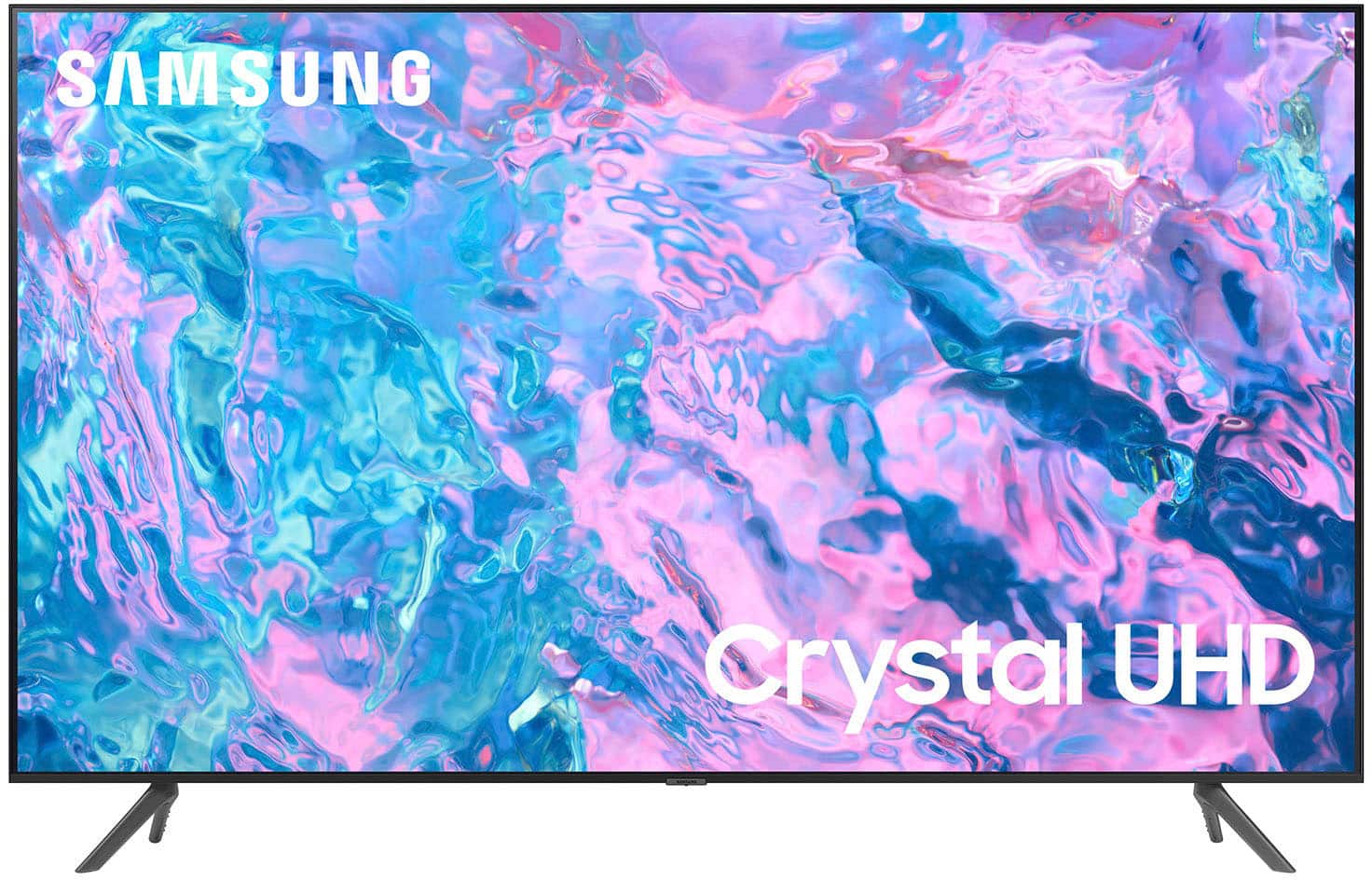
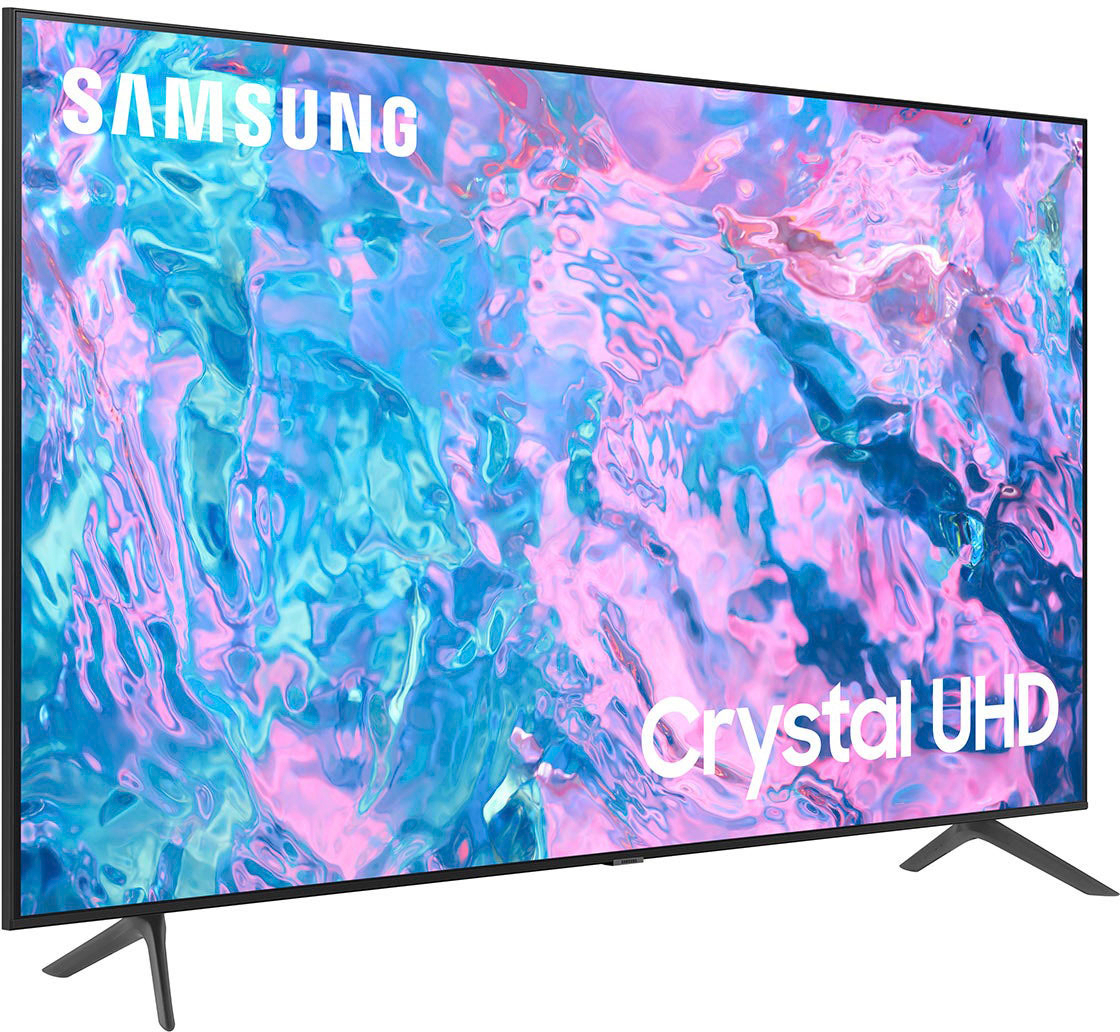
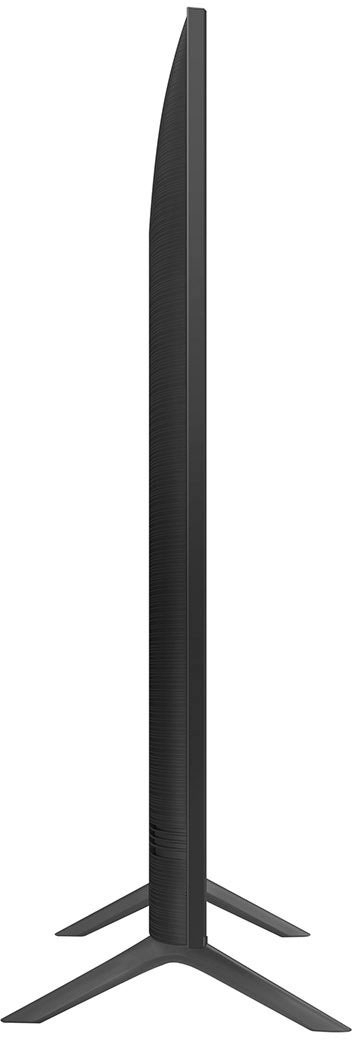
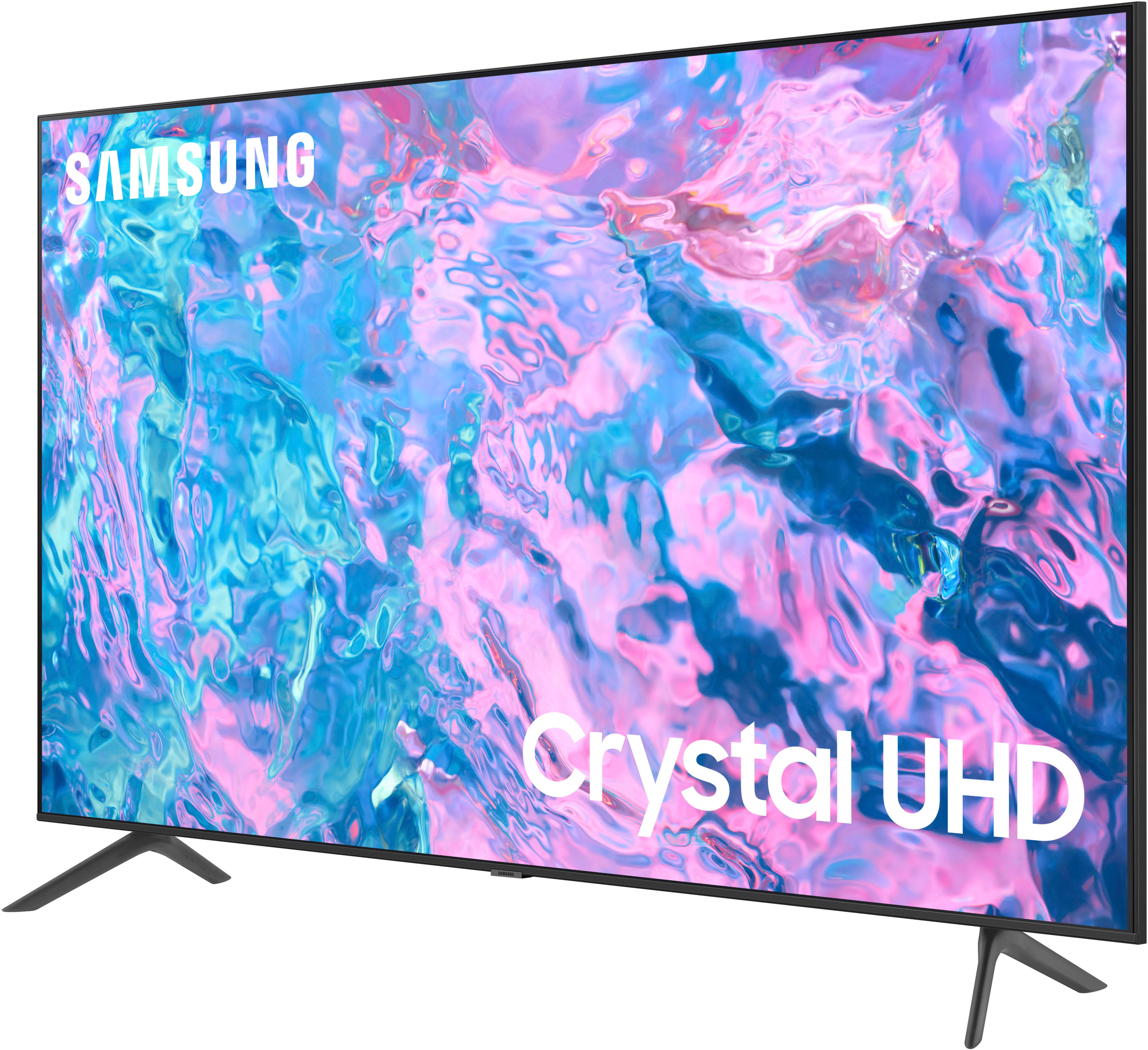
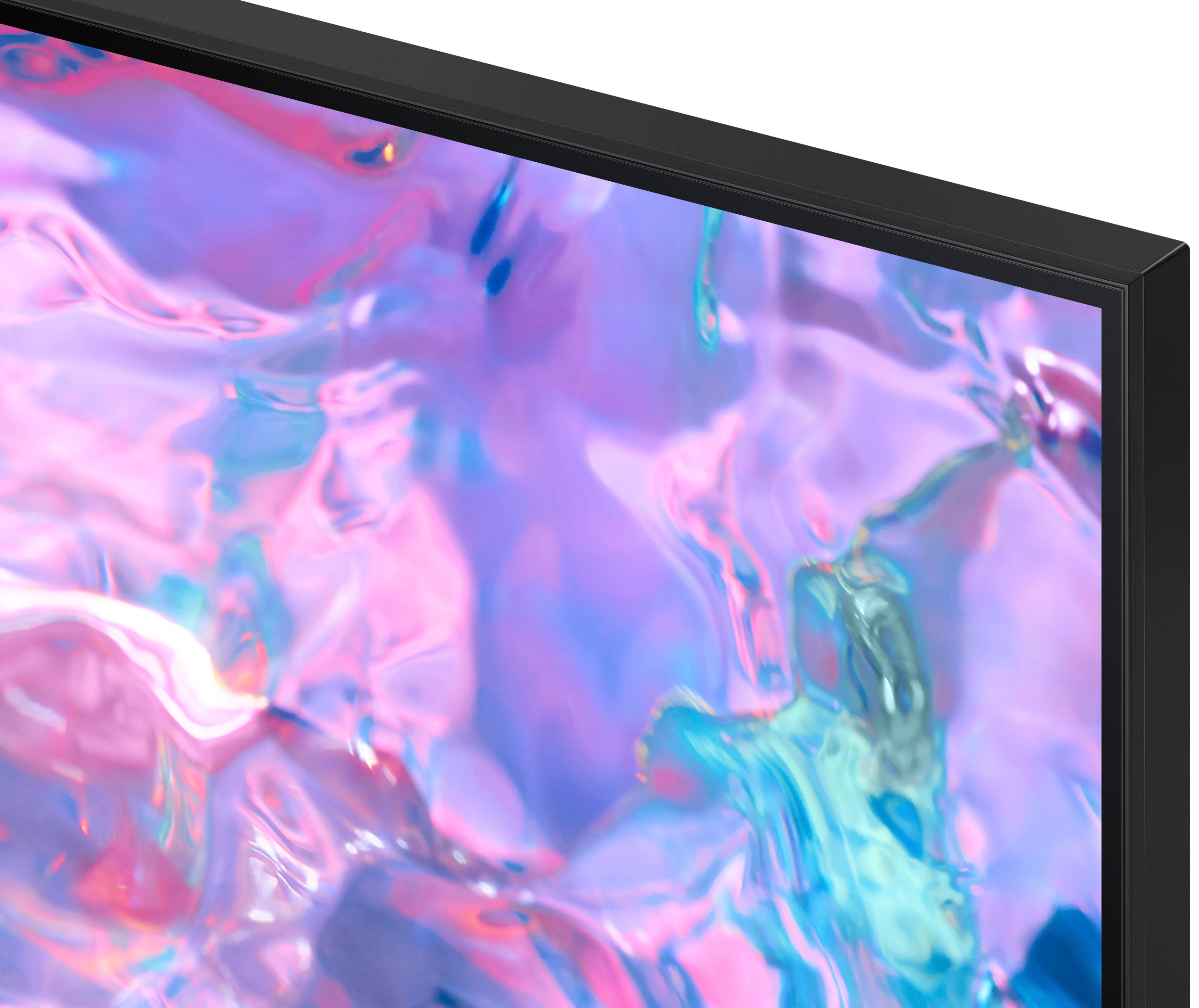



- Model:
- UN75CU7000FXZA
- SKU:
- 6537373
Rating by feature
- Picture Quality
Rating 4.8 out of 5 stars
- Sound Quality
Rating 4.6 out of 5 stars
- Brightness
Rating 4.8 out of 5 stars
Customers are saying
Customers value the 75” Class CU7000 Crystal UHD 4K Smart Tizen TV (2023) for its excellent picture quality, ease of use, and attractive price. Many appreciate the vibrant colors and large screen size, perfect for movie nights. However, some users find the remote control somewhat confusing and the volume could be improved. A few customers also noted that the refresh rate is not as high as some competing models.
This summary was generated by AI based on customer reviews.
Buyer Beware
||Posted . Owned for 3 weeks when reviewed.This reviewer received promo considerations or sweepstakes entry for writing a review.Don't know how the TV actually is. I will update when i do. As far as service we received excellent service in the store. We scheduled our installation and checked 3 times because our installation date was July 4th. We were assured it would happed. I wasnt going to do it then but as far out as we would have to i agreed to July 4th even though it is a national holiday and our wedding anniversary and we had plans. Fast forward to the week before installation i get two calls confirming installation then on day 3 get a call to cancel installation on July 4th because it is a holiday. So much for our anniversary plans that couldnt be remade because everything was booked for July 4th. We cannot match up dates that we are off at this point. I will be canceling my total tech membership and shopping elsewhere.
No, I would not recommend this to a friendBrand response from Samsung
Posted .Hi Joyce,
Thank you for taking the time to write a review about your experience with Total Tech delivery. I do recommend reaching out to your local Best Buy, where you made your purchase. If there's anything we can do to help you, please reach out to Samsung Customer Support at 1-800-SAMSUNG, 8 AM - 12 AM EST, seven days a week. Our LiveChat agents are also available by clicking on the ‘Support’ link on our website.
~ Samsung Advisor
Not good picture
||Posted . Owned for 3 weeks when reviewed.This reviewer received promo considerations or sweepstakes entry for writing a review.It’s blurry at times not a good picture there’s tracer swing
No, I would not recommend this to a friendBrand response from Samsung
Posted .Hi BriBri,
We appreciate your feedback on the CU7000 TV's image quality. I believe what you are describing is a feature called Auto Motion Plus, which eliminates ghosting and blurring that occurs from fast-moving images. These motion smoothing settings look great on live TVs, like sporting events or parades, which are filmed at 30 frames per second. Most movies, however, are filmed at 24 frames per second and are not intended to be viewed with these features. When turned on, this causes the dreaded soap opera effect.
To Change Motion smoothing settings on your TV:
Navigate to Settings > All Settings > Picture > Expert Settings > Auto Motion Plus Settings (Picture Clarity Settings).
1. The default setting is Auto. This means the feature automatically turns on and off based on the type of program being watched.
2. Select Auto Motion Plus (Picture Clarity) to change the setting to either Off or Custom.
If you select Custom, three additional options are available:
• Blur Reduction: Use the directional keys on the remote to adjust the Blur setting.
• Judder Reduction: Use the directional keys on the remote to adjust the Judder setting.
• LED Clear Motion: This option allows you to configure the LED backlight to sharpen fast-moving images. Select to turn On or Off.
If you continue to have issues, please contact Samsung Customer Support so we can further troubleshoot the issue. You can call us at 1-800-SAMSUNG, 8 AM - 12 AM EST, seven days a week. Our LiveChat agents are also available by clicking on the ‘Support’ link on our website.
~ Samsung Advisor
Antena plug does not work
||Posted . Owned for 1 month when reviewed.This reviewer received promo considerations or sweepstakes entry for writing a review.T.v. antena plug does not work,cant see local channels.
I would recommend this to a friendBrand response from Samsung
Posted .Hi Ernesto,
Thank you for providing feedback on the CU7000 TV. Please know that the CU7000 TV does have a built-in tuner, but you need to connect a stand-alone antenna to be able to access local channels.
To set up your local channels, please follow these steps:
1) Make sure your Antenna or Cable box is set up, and then connect it to the TV vis the ANT IN.
2) Go to Source> TV
3) Press Setting> All Settings> Broadcasting> Auto Program
4) Start to begin Auto-Programming, and then select either Air, Cable, or Both
5) Your TV will begin to scan for channels. After it's done, select Close to finish
If you have done the above and are still having issues, please know we are here to help. Please give us a call at 1-800-SAMSUNG, 8 AM - 12 AM EST, seven days a week. Our LiveChat agents are also available by clicking on the ‘Support’ link on our website.
~ Samsung Advisor
Cu7000
||Posted . Owned for 1 week when reviewed.This reviewer received promo considerations or sweepstakes entry for writing a review.been waiting to have my television resolved for over 2 months its finally aupposed to be resolved today between 12:30 -and 4 but it been a nightmare in-between ive spoken to atleast 15 customer service reps the response is always inconsistent ive never felt like a prisoner of a purchase until this horrible the tv for the price is just ok its cheaply produced which is just the beginning of the problem there was frame separation overall concerning but the picture isnt bad doesn't help its not great either id recommend it depending on where the recommendation is going
I would recommend this to a friendBrand response from Samsung
Posted .Hi JustinT,
I'm very sorry to hear about your experience with the Samsung CU7000 TV having issues. We appreciate your patience in having to deal with the hassle of service. If you need more help, please know we are here for you. You can call us at 1-800-SAMSUNG, 8 AM - 12 AM EST, seven days a week. Our LiveChat agents are also available by clicking on the ‘Support’ link on our website.
~ Samsung Advisor
The sound does not work
||Posted . Owned for 3 weeks when reviewed.This reviewer received promo considerations or sweepstakes entry for writing a review.I purchased this TV 3 weeks ago and now the sound does not work I was told by your customer service that because I did not purchase an extended warranty that you guys will not take it back so now I have a broken 75 inch TV that only lasted Me 3 weeks
No, I would not recommend this to a friendBrand response from Samsung
Posted .Hi JosephC,
I'm sorry that the sound on your Samsung 75" CU7000 TV is not working. Please know we back this Samsung TV with a 1-year limited manufacturer's warranty, including authorized repair for manufacturer defect, if purchased brand-new directly from an authorized seller.
Please give us the opportunity to assist you by contacting Samsung Customer Support at 1-800-SAMSUNG, 8 AM - 12 AM EST, seven days a week. Our LiveChat agents are also available by clicking on the ‘Support’ link on our website.
~Samsung Advisor
Awful quality and service
||Posted . Owned for 1 year when reviewed.This reviewer received promo considerations or sweepstakes entry for writing a review.I bought a 75” 14 months ago. Tv currently has dark spots in multiple locations. Customer service was terrible. I was told i need to purchase a new $700 panel and that my first mistake was purchasing a samsung. Completely let down by best buy and samsung, 2 companies i will never support again.
No, I would not recommend this to a friendWorst Customer Service
||Posted . Owned for 1 month when reviewed.This reviewer received promo considerations or sweepstakes entry for writing a review.I am still waiting on my TV, I have not received the TV, been calling Best Buy and they are giving me the run around saying someone will call me back, extremely disappointed with Best Buy and the customer service team, they are very rude and no help at all
No, I would not recommend this to a friendBrand response from Samsung
Posted .Hi AwaS,
I'm sorry you have not received your TV yet. Please follow up directly with Best Buy for further assistance. We hope your issue is resolved in a timely manner.
Should you have questions regarding Samsung TVs, please contact Samsung Support at 1-800-SAMSUNG, 8 AM - 12 AM EST, seven days a week. Our LiveChat agents are also available by clicking on the ‘Support’ link on our website.
~Samsung Advisor
Samsung lasted 9 days
||Posted . Owned for 1 week when reviewed.This reviewer received promo considerations or sweepstakes entry for writing a review.Lasted less than 10 days. Set up is complicated and Samsung is pushing sales of other items. Samsung requires an account and wants long passwords and 3 part verifications to “protect” your information which they should not be asking for. Samsung is not quality. Tv no longer works and I am not regretting hanging it on the wall. My last TV last 12 years. This one 9 days. Save your money.
No, I would not recommend this to a friendBrand response from Samsung
Posted .Hi TroyB,
I'm very sorry to hear that your CU7000 TV stopped working after nine days. Please know that we take pride in our products and are sorry to hear that your experience was not up to our high standards.
Please give us a chance to make this right by calling us at 1-800-SAMSUNG, 8 AM - 12 AM EST, seven days a week. Or visit us on the Samsung website and click on the ‘Support’ link for:
1) LiveChat
2) Manuals, Software, & Warranty Info
~ Samsung Advisor
Unhappy customer
||Posted . Owned for 1 month when reviewed.This reviewer received promo considerations or sweepstakes entry for writing a review.After two attempts to redeliver because of a broken TV on first delivery, this driver pulled off because they did not want to wait for us to bring TV out of basement. He refused to help and refused to wait. Once we received a replacement TV, the TV is working properly
I would recommend this to a friendGot It Broken....
||Posted . Owned for 2 weeks when reviewed.This reviewer received promo considerations or sweepstakes entry for writing a review.Broken When I Got It. Half Of Screen Was Broke With Lines. But You Know Whats Funny? I Use To Think When A Person Receive A Item That Was Broke....I Always Thought It Doesnt Deserve A 1 Star. It Could Still Be A Top Notch Item...You Just Hsppened To Receive A Broken One....The Item Itself Could Still Be Good When It Works Right? And Here I Am Doing Just That Giving It 1 Star lol. Ive Seen People Say Its A Bad TV Tho. Nit Too Good.
No, I would not recommend this to a friendBrand response from Samsung
Posted .Hi RodSMFunk,
I'm very sorry to hear that you received a CU7000 TV with display issues. I recommend reaching out to the local Best Buy where you made your purchase.
If you need assistance with a replacement TV, please give us a call at 1-800-SAMSUNG, 8 AM - 12 AM EST, seven days a week. Our LiveChat agents are also available by clicking on the ‘Support’ link on our website.
~ Samsung Advisor
Tv
||Posted . Owned for 1 week when reviewed.This reviewer received promo considerations or sweepstakes entry for writing a review.Very disappointed with the quality and the control button on located on the bottom of tv
No, I would not recommend this to a friendBrand response from Samsung
Posted .Hi MiguelB,
Thank you for your feedback on the CU7000 TV. I'm sorry to hear that you are disappointed with the quality. Please know there are several settings available for you to adjust the picture and sound quality, depending on what you are not satisfied with.
To adjust the picture quality, go to Home > Settings > All Settings > Picture > Picture Mode and select the mode that best fits your usage. Or to adjust the sound on your TV, go to Settings > All Settings> Sound > Sound Mode.
If you’d like help with settings, please know we’re here to help! Call us at 1-800-SAMSUNG, 8 AM - 12 AM EST, seven days a week. Or visit us on the Samsung website and click on the ‘Support’ link for:
1) LiveChat
2) Manuals, Software, & Warranty Info
~ Samsung Advisor
Samsung
||Posted . Owned for 3 weeks when reviewed.This reviewer received promo considerations or sweepstakes entry for writing a review.Not good picture quality It’s the same as our old tv We thought it will be better
No, I would not recommend this to a friendBrand response from Samsung
Posted .Hi Lili,
We appreciate you sharing your experience with the CU7000 TV. Your feedback regarding image quality is essential to us and will be shared with our internal teams. Please try adjusting the below image settings to improve your picture.
Go to Home > Settings > All Settings > Picture > Picture Mode and select the mode that best fits your usage:
1) Standard: Default mode suitable for general viewing environments.
2) Natural: Reduces eye strain for a comfortable viewing experience.
3) Movie: Most suitable for watching TV or movies in a dark room.
4) Dynamic: Makes the picture brighter and clearer in bright viewing environments.
5) Filmmaker Mode: You can watch the source content (e.g., movie) as it is. If the image is defined as Filmmaker Mode, it will automatically switch to Filmmaker Mode while watching.
You can also go to Settings > All Settings> Picture > Expert Settings > to manually fine-tune your image.
If you need more help, Samsung is here for you. Call us at 1-800-SAMSUNG, 8 AM - 12 AM EST, seven days a week. Our LiveChat agents are also available by clicking on the ‘Support’ link on our website.
~ Samsung Advisor
BEWARE OF SERVICE PLAN SCAM!
||Posted . Owned for 5 months when reviewed.This reviewer received promo considerations or sweepstakes entry for writing a review.I will never shop at Best Buy again. DO NOT PURCHASE ANY BEST BUY SERVICE PLANS or SAMSUNG TV's. The TV stopped working after less than six-months and neither Bets Buy or Samsung will stand behind the products they sell.
No, I would not recommend this to a frienddoes not connect to internet.
||Posted . Owned for 2 weeks when reviewed.This reviewer received promo considerations or sweepstakes entry for writing a review.As of now it is total disaster: the TV does not remember the wireless password, and the screen mirroring mirrors only the sound not the picture. My 10 year old TV connected to the same internet from the same spot, and remembered the password all the time. As of now I am annoyed and unhappy. Will update review when the problem is resolved.
No, I would not recommend this to a friendBrand response from Samsung
Posted .Hi JJJB,
I'm sorry to hear about your experience with the CU7000 TV not connecting to the internet. When you are experiencing issues with the Wi-Fi connection, we suggest you try the following:
1. Use 5Ghz Wi-Fi if possible
2. Try wired LAN if available
3. Try repositioning the router, so there are no obstacles between your TV and the router
If you continue to have issues, please give us a call so we can better support you. You can call us at 1-800-SAMSUNG, 8 AM - 12 AM EST, seven days a week. Our LiveChat agents are also available by clicking on the ‘Support’ link on our website.
~ Samsung Advisor
Tv
||Posted . Owned for 4 months when reviewed.This reviewer received promo considerations or sweepstakes entry for writing a review.Tv was having problems from the first day that I got it
No, I would not recommend this to a friendBrand response from Samsung
Posted .Hi Shoeking,
Thank you for letting us know that you have been experiencing issues with your Samsung 75" CU7000 TV since you first purchased it. Please give us the chance to make this right by calling us at 1-800-SAMSUNG, 8 AM - 12 AM EST, seven days a week. Our LiveChat agents are also available by clicking on the ‘Support’ link on our website.
~ Samsung Advisor
Waste of money
||Posted . Owned for 1 month when reviewed.This reviewer received promo considerations or sweepstakes entry for writing a review.Poor picture quality, tried to make adjustments but to avail
No, I would not recommend this to a friendBrand response from Samsung
Posted .Hi LanderW,
Thank you for sharing your thoughts on the picture quality of your CU7000 TV. In addition to the several picture modes on your TV, you may also want to try adjusting additional picture settings if your picture is not to your liking.
Go to Home > Settings > All Settings > Picture > Picture Mode and select the mode that best fits your usage:
1) Standard: Default mode suitable for general viewing environments.
2) Natural: Reduces eye strain for a comfortable viewing experience.
3) Movie: Most suitable for watching TV or movies in a dark room.
4) Dynamic: Makes the picture brighter and clearer in bright viewing environments.
5) Filmmaker Mode: You can watch the source content (e.g., movie) as it is. If the image is defined as Filmmaker Mode, it will automatically switch to Filmmaker Mode while watching.
You can also go to Settings > All Settings> Picture > Expert Settings > to manually fine-tune your image.
If you need more help, Samsung is here for you. Call us at 1-800-SAMSUNG, 8 AM - 12 AM EST, seven days a week. Our LiveChat agents are also available by clicking on the ‘Support’ link on our website.
~ Samsung Advisor
Defective Product Not Built to Last
||Posted . Owned for 5 months when reviewed.This reviewer received promo considerations or sweepstakes entry for writing a review.The TV got defective horizontal lines across the screen less than 6 months into use. Don't buy it as then you have to deal with terrible Samsung customer service to get an
No, I would not recommend this to a friendSound problem!
||Posted . Owned for 1 month when reviewed.This reviewer received promo considerations or sweepstakes entry for writing a review.image quality is poor. The quality is poor even at high resolution. There is a sound problem, normally it can only be heard at 70% volume! I understood properly now ! Why did the sales staff ask me if I wanted to buy a soundbar when I bought this TV?
No, I would not recommend this to a friendBrand response from Samsung
Posted .Hi IIhanC,
I’m sorry to hear that your experience with Samsung’s CU7000 TV has fallen short of your expectations. Your feedback is very important to us and will be shared with our internal product team. There are various settings available that may improve the image and audio issues you are experiencing.
Please know the TV will upscale any content sent to it as best as possible. The closer your content is to 4K, the better the image will look on the screen.
Here are some tips to help improve picture clarity:
1) HDMI cables are recommended for optimal HD viewing.
2) If you have an analog cable box or satellite box, upgrade to a digital cable box or satellite box.
3) Change the output resolution of your devices, such as digital broadcast receivers, IPTV, and set-top boxes, to UHD or HD.
4) You can further adjust your sharpness, brightness, contrast, color, and more by going to Settings > All Settings> Picture > Expert Settings
5) Choose a Picture Mode by going to Settings > All Settings> Picture > Picture Mode and choose from Dynamic, Standard, Natural, Movie, or Filmmaker Mode.
In regards to low volume, there are several volume features you can adjust, which may improve your audio experience.
1) Auto Volume automatically adjusts the sound to a certain level when changing channels or switching to another external input. Go to Settings > All Settings> Sound > Expert Settings > Auto Volume.
2) Adaptive Sound automatically adjusts to a specific volume level while watching TV. The TV analyzes your volume usage history by time period to automatically adjust the volume when you use an app or switch to an external input source. Go to Settings> All Settings> Sound> Sound Mode> Adaptive Sound.
3) Several Sound Modes are likewise available to meet your personal preferences: Home > Settings > All Settings> Sound > Sound Mode.
Also, some sources have their own volume control, which might need to be set higher. Please check the volume control of the external device (cable box or satellite box, DVD, Blu-ray, etc.) connected to your TV. Also, check the cable connection between an external device and the TV and then try the cable connection again.
If you need more help, Samsung is here for you. Please call us at 1-800-SAMSUNG, 8 AM - 12 AM EST, seven days a week. Our LiveChat agents are also available by clicking on the ‘Support’ link on our website.
~ Samsung Advisor
Waste of money
||Posted . Owned for 3 weeks when reviewed.This reviewer received promo considerations or sweepstakes entry for writing a review.I bought this tv and it's just past the 15 day return window and now it has a black vertical line on the screen and I am told I can't return it. Waste of money.
No, I would not recommend this to a friendOK
||Posted . Owned for 1 month when reviewed.This reviewer received promo considerations or sweepstakes entry for writing a review.The sound isn't ideal but it is an okay TV not my favorite.
No, I would not recommend this to a friendBrand response from Samsung
Posted .Hi MorganG,
Thank you for sharing your thoughts regarding the CU7000 TV’s sound quality. We recommend adjusting the Sound Settings to improve your experience. You can change the Sound Mode by going to Settings > All Settings> Sound > Sound Mode.
You can also customize the sound with Expert Settings by going to Settings > All Settings> Sound > Expert Settings.
To assist you with possible sound settings adjustments for a better audio experience or choosing a Samsung Soundbar to complement your viewing enjoyment, please reach out to us at 1-800-SAMSUNG, 8 AM - 12 AM EST, seven days a week. Our LiveChat agents are also available by clicking on the ‘Support’ link on our website.
~ Samsung Advisor