Customer Ratings & Reviews
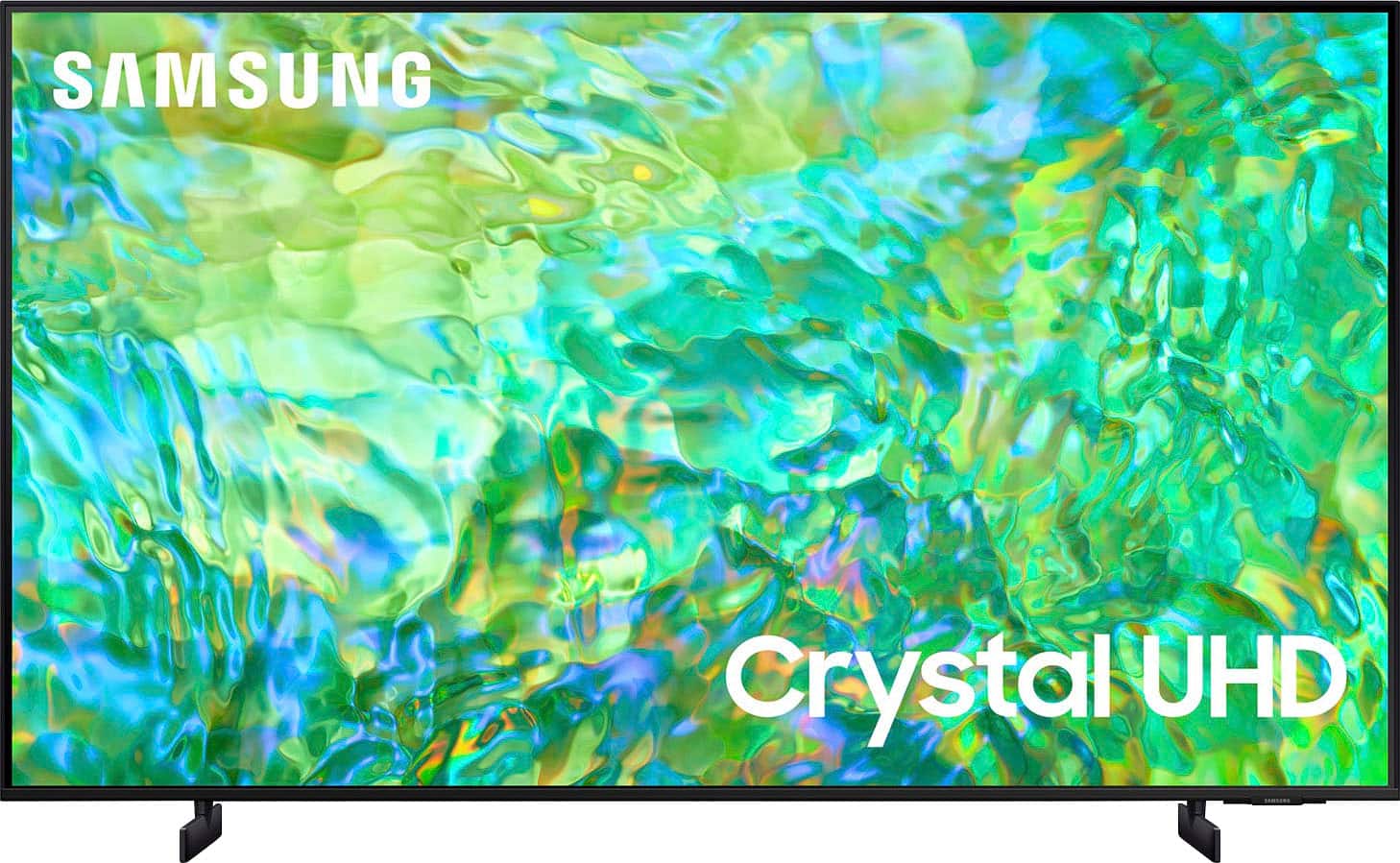
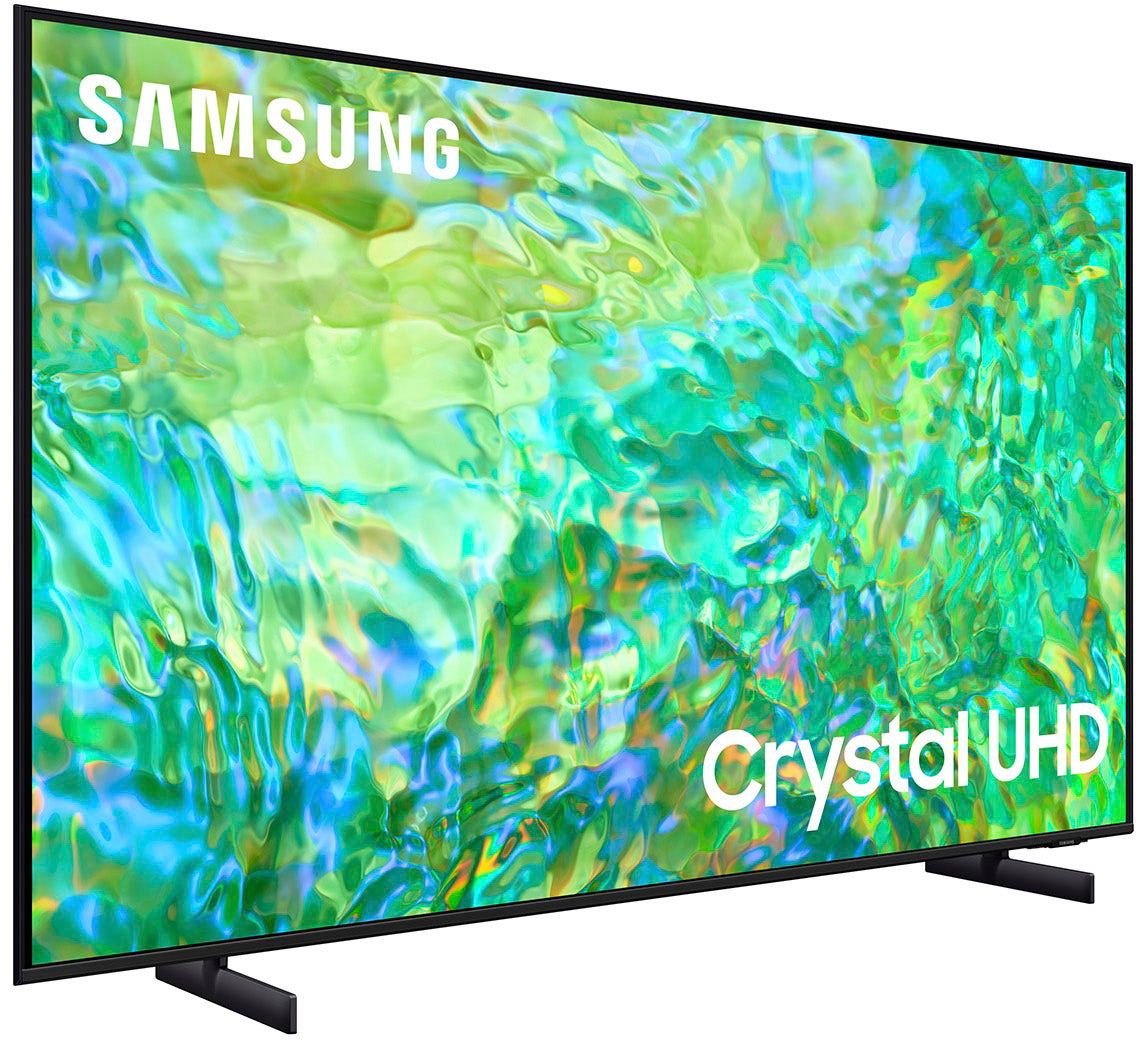
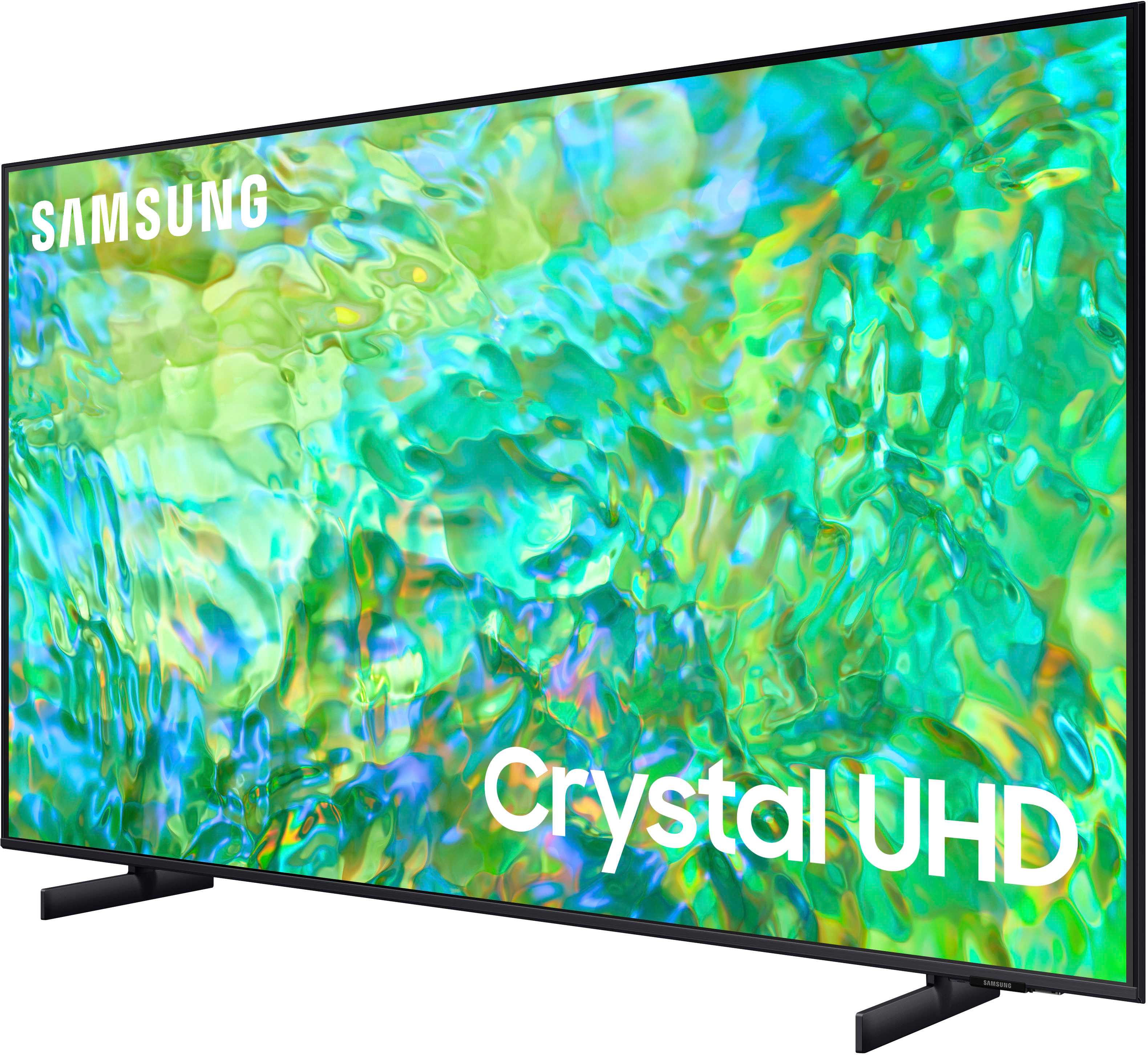

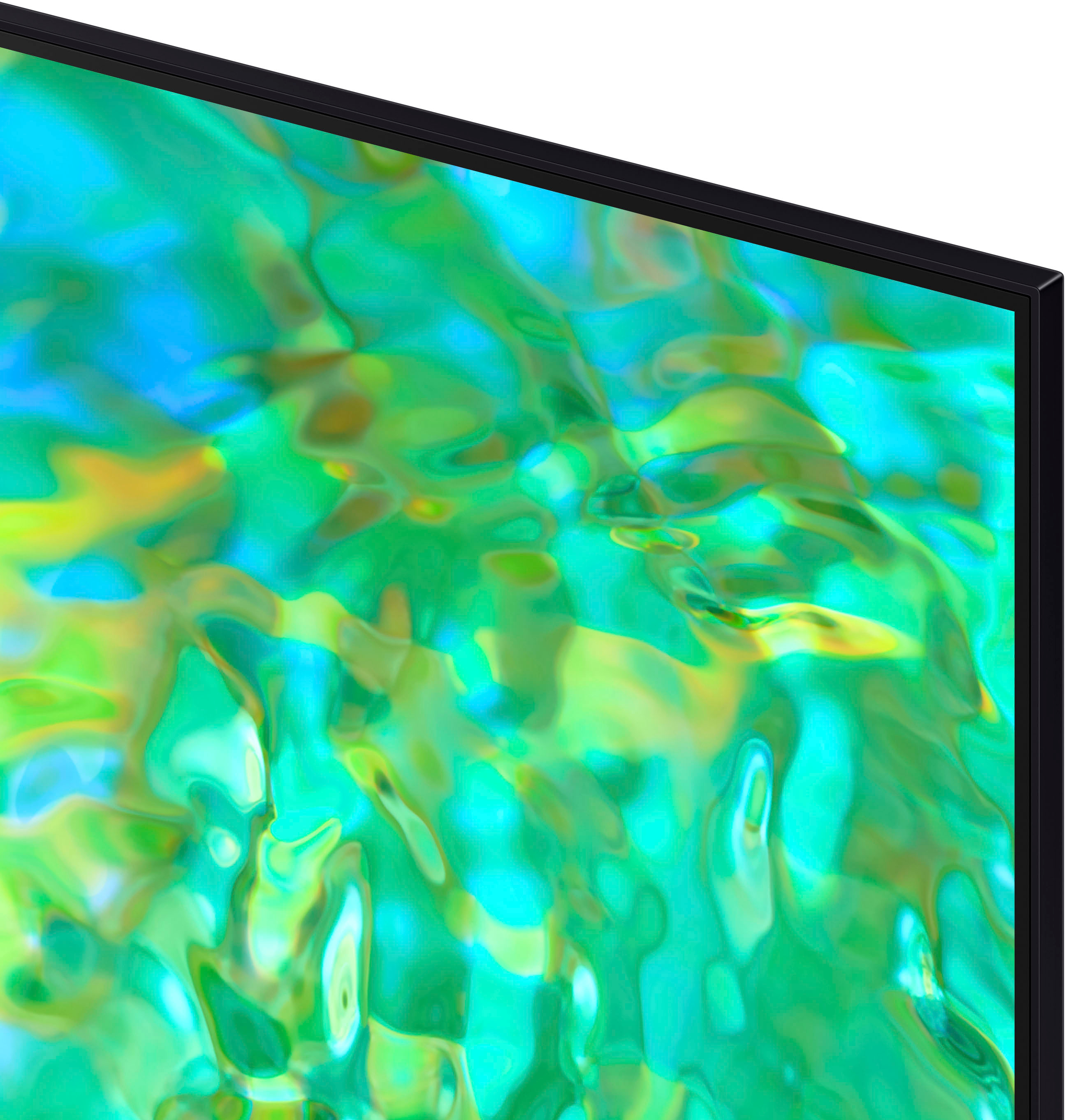



- Model:
- UN75CU8000FXZA
- SKU:
- 6537368
Rating by feature
- Picture Quality
Rating 4.6 out of 5 stars
- Sound Quality
Rating 4.4 out of 5 stars
- Brightness
Rating 4.6 out of 5 stars
Customers are saying
Customers regard the 75" Class CU8000 Crystal UHD 4K Smart Tizen TV (2023) favorably for its picture quality, with many users noting its excellence. Additionally, users appreciate the TV's connectivity and ease of use. There were no cons mentioned about this product.
This summary was generated by AI based on customer reviews.
I did not like
||Posted . Owned for 1 month when reviewed.This reviewer received promo considerations or sweepstakes entry for writing a review.It was not what I expected, it has given me some problems
No, I would not recommend this to a friendBrand response from Samsung
Posted .Hi MarielaM,
I'm very sorry to hear that your CU7000 TV has given you some problems. Please know we are here to help. You can call us at 1-800-SAMSUNG, 8 AM - 12 AM EST, seven days a week. Our LiveChat agents are also available by clicking on the ‘Support’ link on our website.
~ Samsung Advisor
Sports tv only
||Posted . Owned for 8 months when reviewed.This reviewer received promo considerations or sweepstakes entry for writing a review.Tv has back lights all over durning dark scenes, fine as long as screen has full color, not good for tv shows
No, I would not recommend this to a friendBroke in 18 months.
||Posted . Owned for 1 year when reviewed.This reviewer received promo considerations or sweepstakes entry for writing a review.Decent TV while working. Purchased in Feb of 2024, backlighting went out on 1/3 of the screen in July of 2025. The manufacturer's warranty is 1 year, disappointed.
No, I would not recommend this to a friendHorrible buy.
||Posted . Owned for 2 weeks when reviewed.This reviewer received promo considerations or sweepstakes entry for writing a review.Poor sound quality. Poor optics . The way to tv is built is poor.
No, I would not recommend this to a friendBrand response from Samsung
Posted .Hi IsaacS,
It’s unfortunate to hear you’re not fully satisfied with the image quality of your CU8000 TV. Below are a few settings that I recommend adjusting:
First, let's ensure you are running the latest Firmware. Go to Settings> Support> Software Update.
Next, there are several picture and sound settings that you can adjust to best fit what you are watching. Go to Home > Settings > All Settings > Picture > Picture Mode and select the mode that best fits your usage:
1) Standard: Default mode suitable for general viewing environments.
2) Natural: Reduces eye strain for a comfortable viewing experience.
3) Movie: Most suitable for watching TV or movies in a dark room.
4) Dynamic: Makes the picture brighter and clearer in bright viewing environments.
5) Filmmaker Mode: You can watch the source content (e.g., movie) as it is. If the image is defined as Filmmaker Mode, it will automatically switch to Filmmaker Mode while watching.
You can also go to Settings > All Settings> Picture > Expert Settings > to manually fine-tune your image.
For sound adjustments, go to Settings> All Settings> Sound.
I hope these tips help you enjoy your new product.
You can contact us for further help at 1-800-SAMSUNG, 8 AM - 12 AM EST, seven days a week. Our LiveChat agents are also available by clicking on the ‘Support’ link on our website.
~ Samsung Advisor
Find associate
||Posted . Owned for 2 weeks when reviewed.This reviewer received promo considerations or sweepstakes entry for writing a review.Customer service is always sub par. Always have to find an associate.
I would recommend this to a friendBrand response from Samsung
Posted .Hi Bartle,
Please know you are leaving a review for the CU8000 TV, not the service provided by Best Buy. I recommend providing this feedback directly to Best Buy. Should you have questions regarding Samsung TVs, please contact Samsung Support at 1-800-SAMSUNG, 8 AM – 12 AM EST, seven days a week. Our LiveChat agents are also available by clicking on the ‘Support’ link on our website.
~Samsung Advisor
Used TV without, box, cable, remote, guide
||Posted . Owned for 2 weeks when reviewed.This reviewer received promo considerations or sweepstakes entry for writing a review.sent me a product without remote, wires, etc and i did not order the product in this state. the delivery people tried to dump just the tv so i did not accept the delivery. very disappointed as they took two weeks to send the tv and did not send the product in proper condition.
No, I would not recommend this to a friendBrand response from Samsung
Posted .Hi Bobby,
I'm very sorry to hear that you received a CU8000 TV without remote or power cable. If purchased brand-new and unopened, please contact Samsung Customer Support and a representative will gladly help you. If purchased in open-box condition, we recommend contacting Best Buy directly for assistance. We hope your issue is resolved in a timely manner.
If there’s anything we can ever help with, please call us at 1-800-SAMSUNG, 8 AM - 12 AM EST, seven days a week. Or visit us on the Samsung website and click on the ‘Support’ link for:
1) LiveChat
2) Manuals, Software, & Warranty Info
~ Samsung Advisor
Worst tv ever
||Posted . Owned for 4 months when reviewed.This reviewer received promo considerations or sweepstakes entry for writing a review.Hate it. Does not update on its own, I had to bring tv off the mount and download the update then put it back up. The Chanel’s are glitchy without the update.
No, I would not recommend this to a friendBrand response from Samsung
Posted .Hi SandraS,
Thank you for your feedback on the CU8000 TV. I'm sorry to hear you experienced issues updating the Firmware. To ensure you do not miss any Firmware Updates, I recommend enabling Auto Updates. Go to Settings> Support> Software Update> then select Auto Update.
If you ever have questions or need help, Samsung is here for you! Call us at 1-800-SAMSUNG, 8 AM - 12 AM EST, seven days a week. Our LiveChat agents are also available by clicking on the ‘Support’ link on our website.
Thanks for being a part of the Samsung family!
~Samsung Advisor
Returned
||Posted . Owned for 1 week when reviewed.This reviewer received promo considerations or sweepstakes entry for writing a review.Didn’t like the picture quality at all I returned it you’re better off spending a few hundred more on something with better quality
No, I would not recommend this to a friendBrand response from Samsung
Posted .AnthonyR,
I’m sorry to hear the picture quality of Samsung’s CU8000 TV did not meet your expectations. Your feedback is appreciated and will be shared with our internal teams. Please know that there are multiple sound settings available on the CU8000, such as Expert Settings and various Picture Modes, which could have been adjusted to your personal preferences.
Should you ever decide to give Samsung TVs another try and have questions or need help with settings, setup, or features, please know we’re here to help. Call us at 1-800-SAMSUNG, 8 AM – 12 AM EST, seven days a week. LiveChat with an agent, as well as manuals, software, and warranty info, can be found at the ‘Support’ link on our Samsung website.
We hope to regain you as a customer in the future.
~Samsung Advisor
Bad tv
||Posted . Owned for 1 month when reviewed.This reviewer received promo considerations or sweepstakes entry for writing a review.Screen started flashing. TV is a month old. I'm trying to figure out how to schedule service.
No, I would not recommend this to a friendCrap
||Posted . Owned for 8 months when reviewed.This reviewer received promo considerations or sweepstakes entry for writing a review.Screen died after 9 months...going with Sony or LG next time.
No, I would not recommend this to a friendControl stopped working in less than a month.
||Posted . Owned for 2 weeks when reviewed.This reviewer received promo considerations or sweepstakes entry for writing a review.The control stopped working in less than a month. Best buy said we have to call Samsung.
No, I would not recommend this to a friendBrand response from Samsung
Posted .Hi Eddie,
Thank you for reaching out and letting us know about the issues you are experiencing with your remote. Please try the following troubleshooting steps:
First, please remove the batteries from your remote and then hold the Power button for eight seconds to reset the remote. Then, reinsert the batteries and try to use the remote again.
Next, Check if the remote is sending an IR signal.Take either a digital camera or use the camera on your phone or tablet. Point the remote at the camera, and then press and hold the Power button on the remote. As you hold the button down, look at the camera's screen. If the remote is sending an IR signal, you will see a colored light coming from the remote control.
If you do not see the IR light, replace the batteries with fresh ones and try again. If you still do not see the IR light, then your remote will need replaced.
If you need more help, Samsung is here for you! Please call us at 1-800-SAMSUNG, 8 AM - 12 AM EST, seven days a week. Our LiveChat agents are also available by clicking on the ‘Support’ link on our website.
~ Samsung Advisor
Manufacture issue
||Posted . Owned for 1 week when reviewed.This reviewer received promo considerations or sweepstakes entry for writing a review.Had an issue with screen, white sopots everywhere after was installed
No, I would not recommend this to a friend75 inch Samsung tv
||Posted . Owned for 1 month when reviewed.This reviewer received promo considerations or sweepstakes entry for writing a review.The colors and resolution is poor, no good quality loos very different from the store
No, I would not recommend this to a friendBrand response from Samsung
Posted .Hi DianaB,
It’s unfortunate to hear you’re not fully satisfied with your CU8000 TV’s image quality. Below are a few settings that I recommend adjusting:
Go to Home > Settings > All Settings > Picture > Picture Mode and select the mode that best fits your usage:
1) Standard: Default mode suitable for general viewing environments.
2) Natural: Reduces eye strain for a comfortable viewing experience.
3) Movie: Most suitable for watching TV or movies in a dark room.
4) Dynamic: Makes the picture brighter and clearer in bright viewing environments.
5) Filmmaker Mode: You can watch the source content (e.g., movie) as it is. If the image is defined as Filmmaker Mode, it will automatically switch to Filmmaker Mode while watching.
You can also go to Settings > All Settings> Picture > Expert Settings > to manually fine-tune your image.
If you need more help, Samsung is here for you. Call us at 1-800-SAMSUNG, 8 AM - 12 AM EST, seven days a week. Our LiveChat agents are also available by clicking on the ‘Support’ link on our website.
~ Samsung Advisor
- Pros mentioned:Ease of use, Picture quality
Will be back for more
Posted .This reviewer received promo considerations or sweepstakes entry for writing a review.Love The TV. Great price and very easy to use. Customers service is always excellent
I would recommend this to a friend Black Canvas - Pretty Pictures!
Posted .This reviewer received promo considerations or sweepstakes entry for writing a review.What a great tv! Has a power cord that when plugged into the wall produces an animated display upon a black canvas. Comes with a remote with buttons when pushed will navigate your wag through the black canvas.
I would recommend this to a friend- Pros mentioned:Picture quality
My personal cinema.
Posted .This reviewer received promo considerations or sweepstakes entry for writing a review.I am enjoying my tv because of the excellent image and sound Thank you Best buy for selling excellent items.
I would recommend this to a friend Not happy
Posted .This reviewer received promo considerations or sweepstakes entry for writing a review.Not happy w the performance of this tv..Contrast is bad ,refresh rate is probably 60..since it cant keep up w some movement ,its not Nearly as good with anything recorded in 4k .My LG C3 was Much better ..this tv is on the verge of going back into its box and returning for something better this tv is and Entey level tv Dont buy if you are Serious into Tvs
No, I would not recommend this to a friendBrand response from Samsung
Posted .Hi GaroK,
Thank you for sharing your thoughts on your CU8000 TV’s image quality. The TV will upscale as best as possible any content sent to it. The closer your content is to 4K, the better the image will look on the screen.
Here are some tips to help improve picture clarity:
1) HDMI cables are recommended for optimal HD viewing.
2) If you have an analog cable box or satellite box, upgrade to a digital cable box or satellite box.
3) Change the output resolution of your devices, such as digital broadcast receivers, IPTV, and set-top boxes, to UHD or HD.
4) You can further adjust your sharpness, brightness, contrast, color, and more by going to Settings > All Settings> Picture > Expert Settings
5) Choose a Picture Mode by going to Settings > All Settings> Picture > Picture Mode and choose from Dynamic, Standard, Natural, Movie, or Filmmaker Mode.
6) For optimal motion image performance, you may want to adjust the picture clarity setting by going to Settings > All Settings> Picture > Expert Settings > Picture Clarity Settings.
7) Finally, ensure your Firmware is up to date. Go to Settings> Support> Software Update.
Should you ever have questions or need help with TV features, specs, or operations, we are here to help. You can call us at 1-800-SAMSUNG, 8 AM - 12 AM EST, seven days a week. Our LiveChat agents are also available by clicking on the ‘Support’ link on our website.
~Samsung Advisor
- Pros mentioned:Picture quality
Samsung tv
Posted .This reviewer received promo considerations or sweepstakes entry for writing a review.Love my Samsung tv it’s got great picture quality and great sound!
I would recommend this to a friend - Pros mentioned:Picture quality
Do not buy!
Posted .This reviewer received promo considerations or sweepstakes entry for writing a review.I had this tv for about 10 days now todays date (5-18-2023) it gives a great picture onnlive tv or sports, older shows like friends, seinfeld etc. Not great at all. Even misic videos.. i can tell you that my 46 in samsung gives alot better picture then this 75 in. I'm thinking about calling best buy and seeing what they can do with a swap or exchange for a different tv... on this tv on some of the black it looks pixelated even on new commercials that have come out.
No, I would not recommend this to a friendBrand response from Samsung
Posted .Hi RobertR,
We appreciate you sharing your experience with the CU8000 TV. Your feedback regarding image quality is essential to us and will be shared with our internal teams. Please try adjusting the below image settings to improve your picture.
Go to Home > Settings > All Settings > Picture > Picture Mode and select the mode that best fits your usage:
1) Standard: Default mode suitable for general viewing environments.
2) Natural: Reduces eye strain for a comfortable viewing experience.
3) Movie: Most suitable for watching TV or movies in a dark room.
4) Dynamic: Makes the picture brighter and clearer in bright viewing environments.
5) Filmmaker Mode: You can watch the source content (e.g., movie) as it is. If the image is defined as Filmmaker Mode, it will automatically switch to Filmmaker Mode while watching.
You can also go to Settings > All Settings> Picture > Expert Settings > to manually fine-tune your image.
I also recommend ensuring your Firmware is up to date with the latest update. Go to Settings> Support> Software update.
If you need more help, Samsung is here for you. Call us at 1-800-SAMSUNG, 8 AM - 12 AM EST, seven days a week. Our LiveChat agents are also available by clicking on the ‘Support’ link on our website.
~ Samsung Advisor
- Pros mentioned:Picture quality
So So not great
Posted .This reviewer received promo considerations or sweepstakes entry for writing a review.TV looks great but it’s kinda of slow pic movements. And when streaming it keeps freezing as well as the quality isn’t good. I was hoping it was a great TV like my other Samsung
No, I would not recommend this to a friendBrand response from Samsung
Posted .Hi Mariver333,
We appreciate your feedback on your CU8000 TV’s picture when watching fast-motion. For optimal motion image performance, you may want to adjust the picture clarity setting by going to Settings > All Settings> Picture > Expert Settings > Picture Clarity Settings.
- Off: Picture Clarity Settings will always be off
- Auto: Picture Clarity Settings will automatically activate and deactivate based on the type of program being watched
- Custom: Allows custom adjustments and settings to be used. By selecting the Custom option, you can access these advanced settings for Judder Reduction, LED Clear Motion, and Noise Reduction.
I also recommend ensuring your Firmware is up to date. Go to Settings> Support> Software Update.
Should you need further assistance with features or other product usage, please reach out to Samsung Support at 1-800-SAMSUNG, 8 AM - 12 AM EST, seven days a week. Or visit us on the Samsung website and click on the ‘Support’ link for:
1) LiveChat
2) Manuals, Software, & Warranty Info
~ Samsung Advisor