Customer Ratings & Reviews
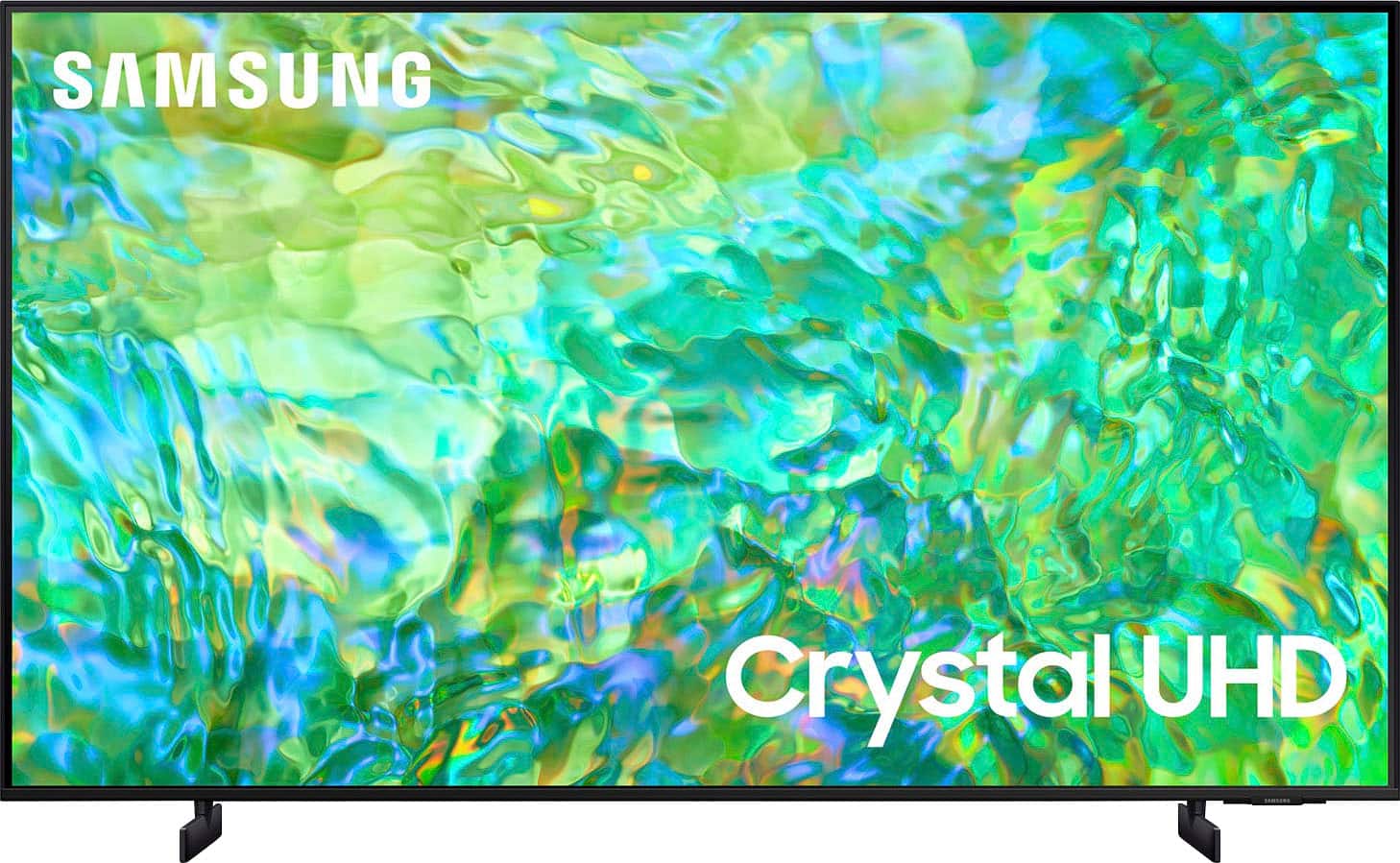
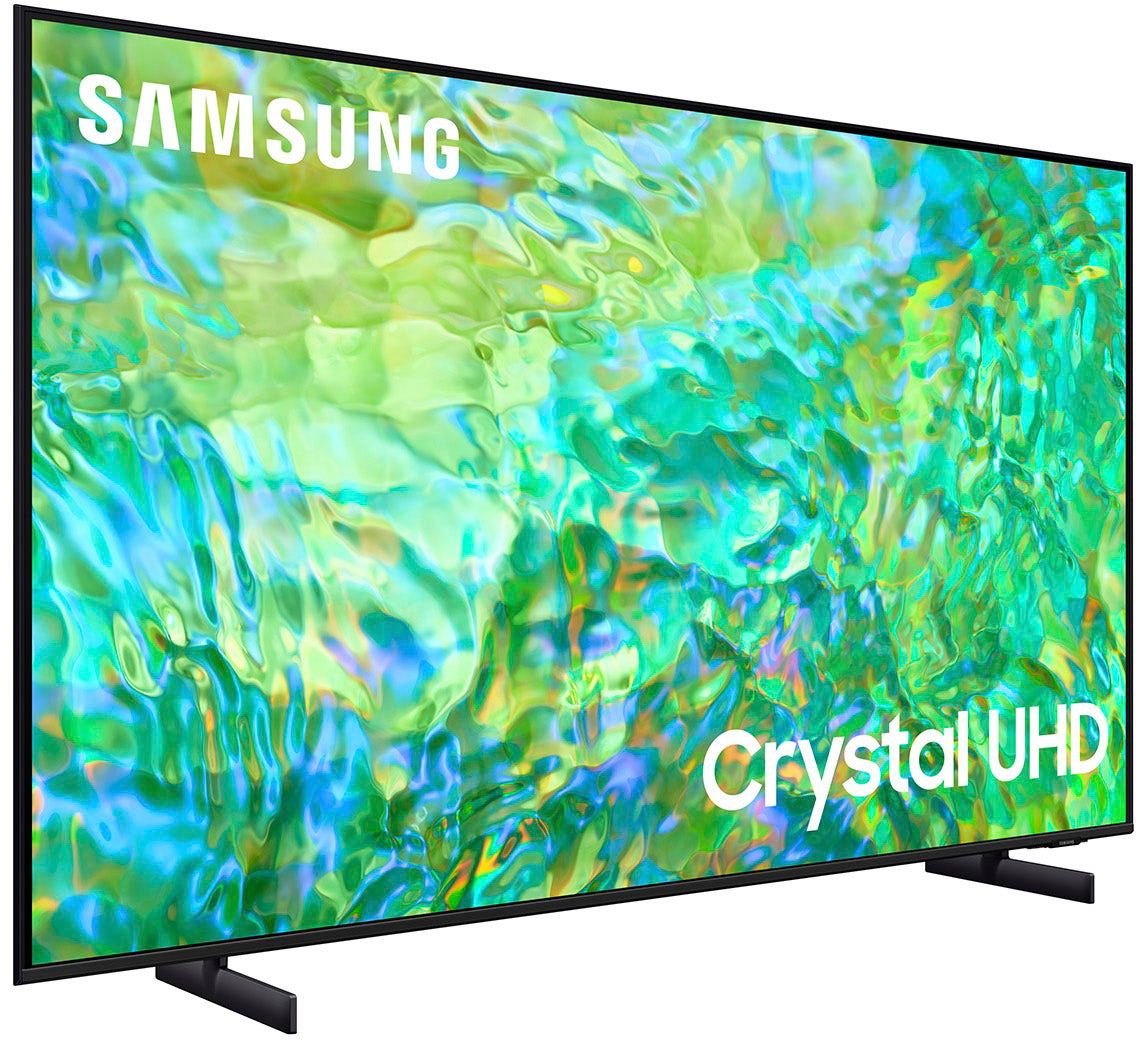
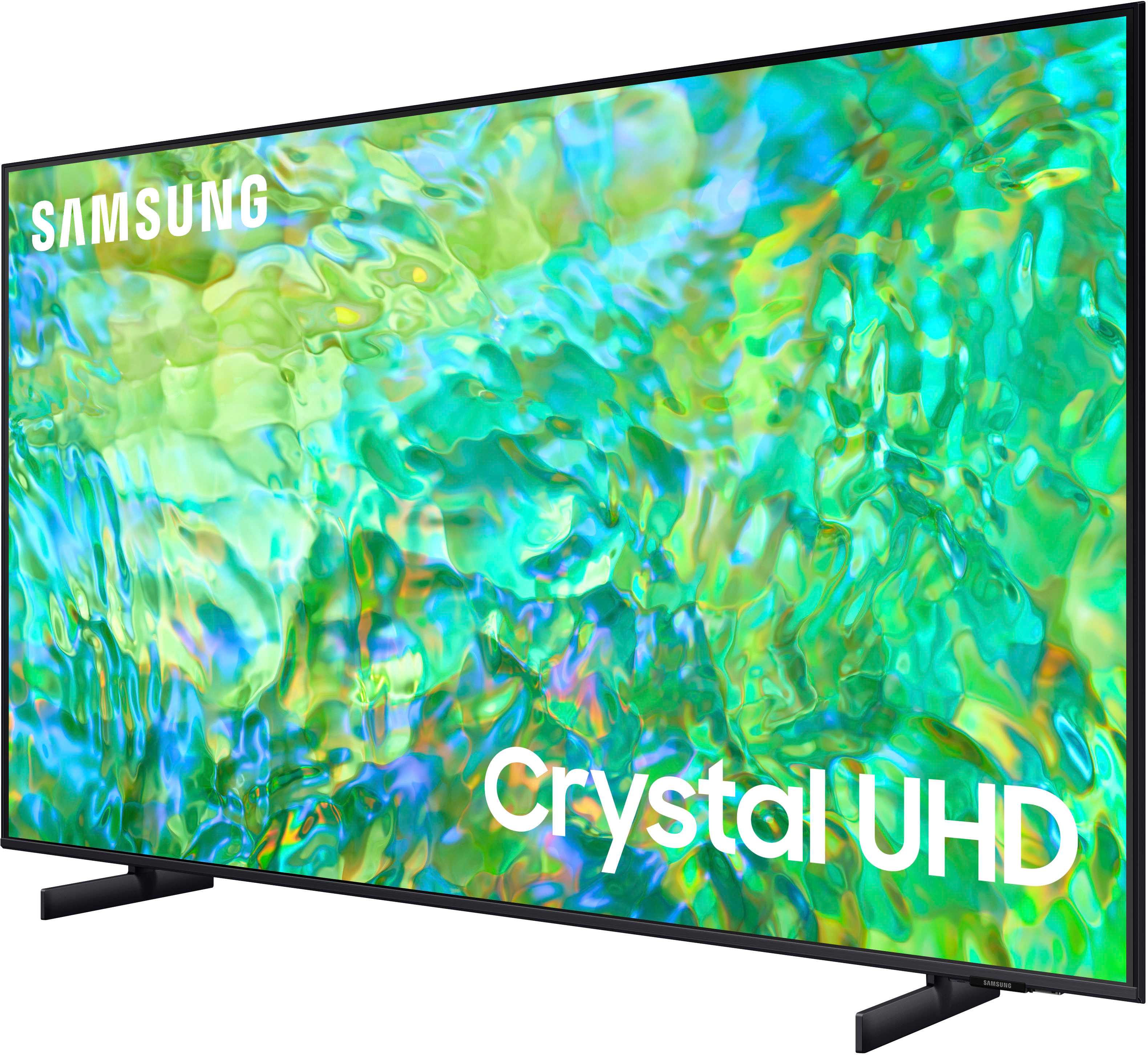




- Model:
- UN75CU8000FXZA
- SKU:
- 6537368
Rating by feature
- Picture Quality
Rating 4.6 out of 5 stars
- Sound Quality
Rating 4.4 out of 5 stars
- Brightness
Rating 4.6 out of 5 stars
Customers are saying
Customers regard the 75" Class CU8000 Crystal UHD 4K Smart Tizen TV (2023) favorably for its picture quality, with many users noting its excellence. Additionally, users appreciate the TV's connectivity and ease of use. There were no cons mentioned about this product.
This summary was generated by AI based on customer reviews.
Works great
Posted .This reviewer received promo considerations or sweepstakes entry for writing a review.It does what it says. Looks great. Not as good as our OLED but its also like half the price
I would recommend this to a friendObsolete not worth the money
Posted .This reviewer received promo considerations or sweepstakes entry for writing a review.Samsung has missed the future of what is important in a TV, especially in 2023. The brand has allowed software financial battles to destroy future value. A good TV should not be obsolete is such as short few years. The "App Store" is a disaster. The interface is obsolete. The LED is old tech but is actually okay in dim light. There are far better picks, I am disappointed.
No, I would not recommend this to a friendBrand response from Samsung
Posted .Hi Scott,
We appreciate your feedback on the CU8000 TV's user interface; please know it will be shared with our internal teams. If there's ever anything we can do for you, Samsung is here for you! Give us a call at 1-800-SAMSUNG, 8 AM - 12 AM EST, seven days a week. Our LiveChat agents are also available by clicking on the ‘Support’ link on our website.
Thanks for being a part of the Samsung family!
~ Samsung Advisor
75 samsung
Posted .This reviewer received promo considerations or sweepstakes entry for writing a review.Awesome service..very helpful... ..................
I would recommend this to a friendMiner
Posted .This reviewer received promo considerations or sweepstakes entry for writing a review.Product was timely available and met expectations.
I would recommend this to a friend- Pros mentioned:Picture quality
samsung tvs were all i ever owned forever
Posted .This reviewer received promo considerations or sweepstakes entry for writing a review.this was the absolute best tv ive ever owned!! the graphics were amazing the color and clarity was so sharp the sound was great. it was a beautiful thing until 2 days later, it broke. it just stopped working!!
No, I would not recommend this to a friendBrand response from Samsung
Posted .Hello brody02,
Thank you for purchasing Samsung's 75" CU8000 TV and sharing your review. This is definitely not the product experience we want for you.
So that we can better assist you, please reach out to Samsung Support via:
1) 1-800-SAMSUNG, 8 AM - 12 AM EST, 7 days a week. Ask for "TVs."
2) LiveChat with an agent by clicking the ‘Support’ link on the Samsung website homepage.
Samsung is committed to providing the best possible product experience, quality, and value, and we back this soundbar with a 1-year limited manufacturer's warranty.
~Samsung Advisor
BUY A EXTENTED WARRANTY!!!!!!!!!!
Posted .This reviewer received promo considerations or sweepstakes entry for writing a review.We bought this TV less then two years ago and last week the color panel went bad. Now their is no picture, just a black screen. Thankfully we bought a 5 year warranty. Samsung is making the TV's cheaper & cheaper. If you buy a samsung, MAKESURE you but a 5 year extended warranty!!!!
No, I would not recommend this to a friend