Customer Ratings & Reviews
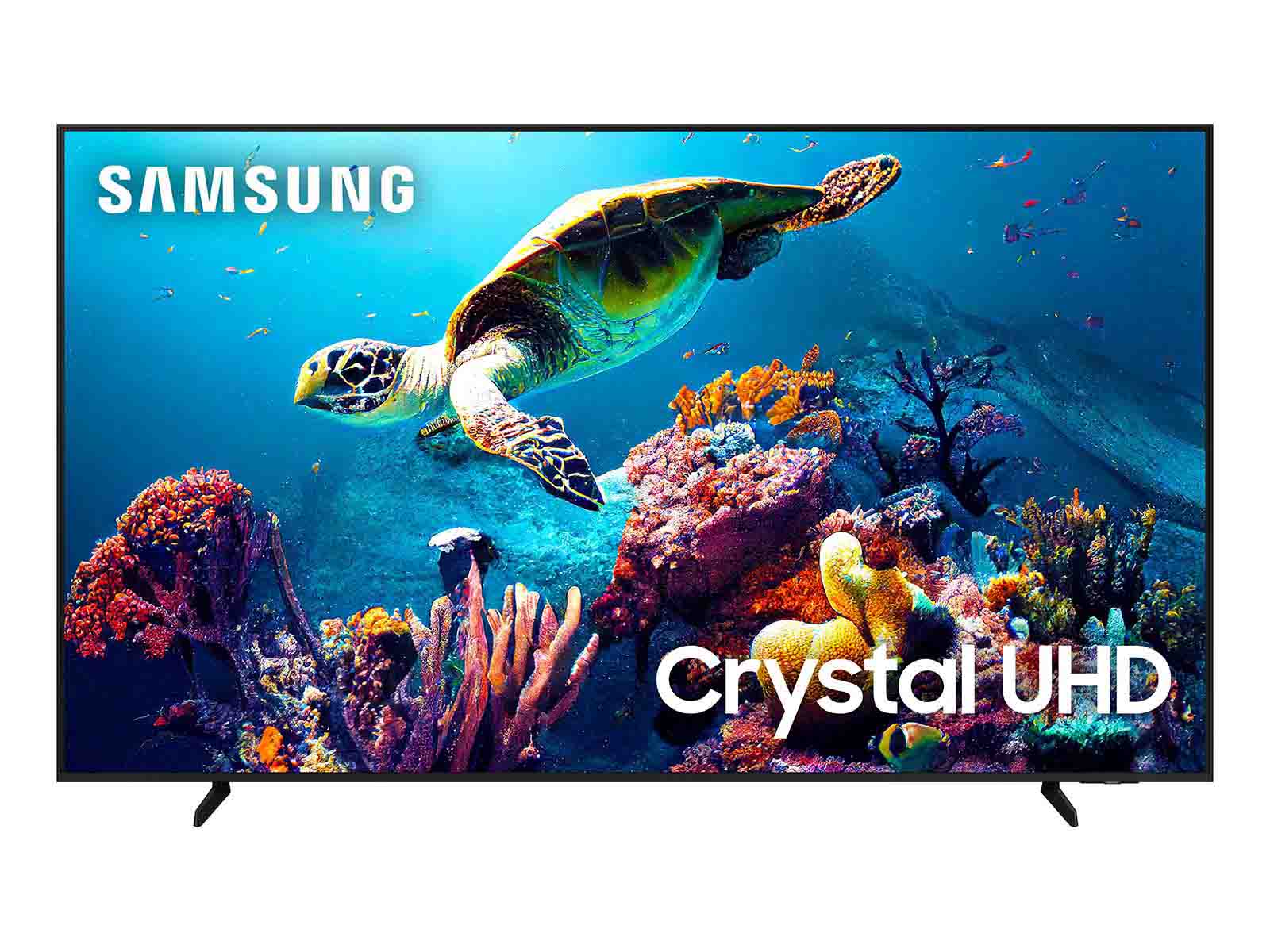
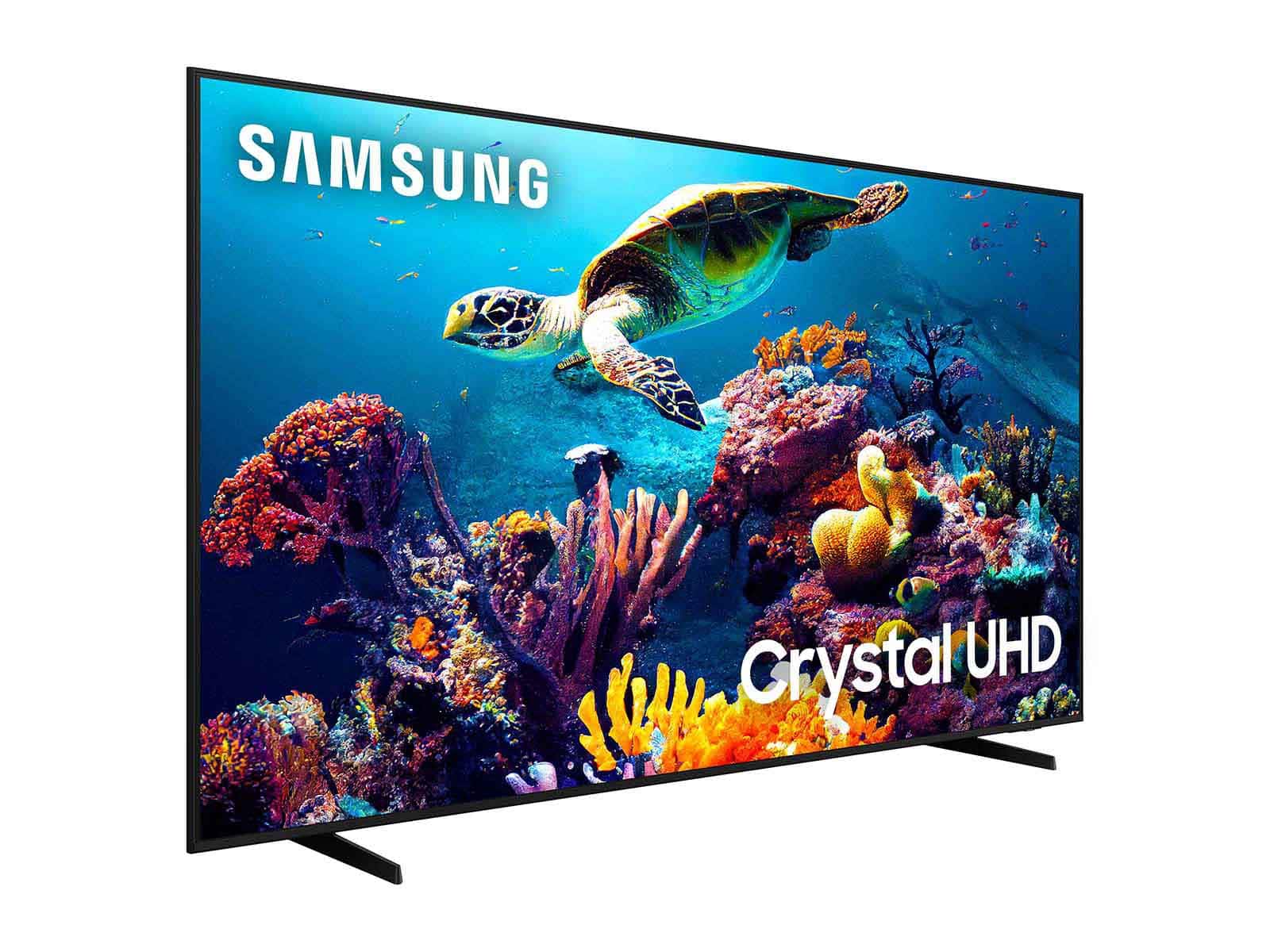
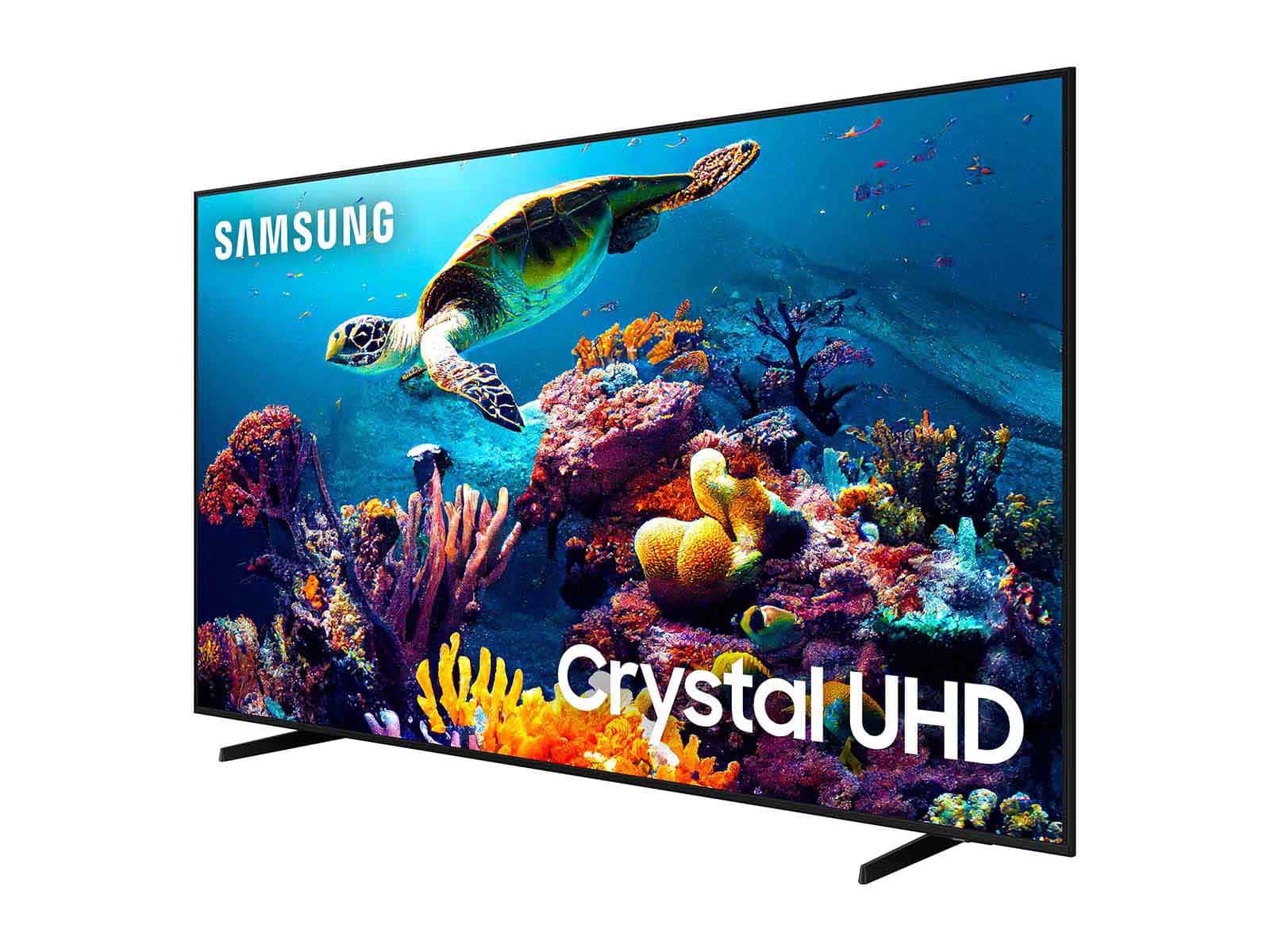
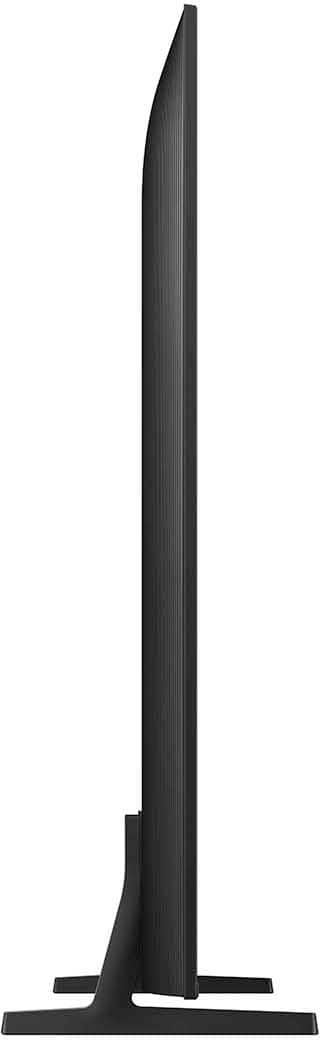

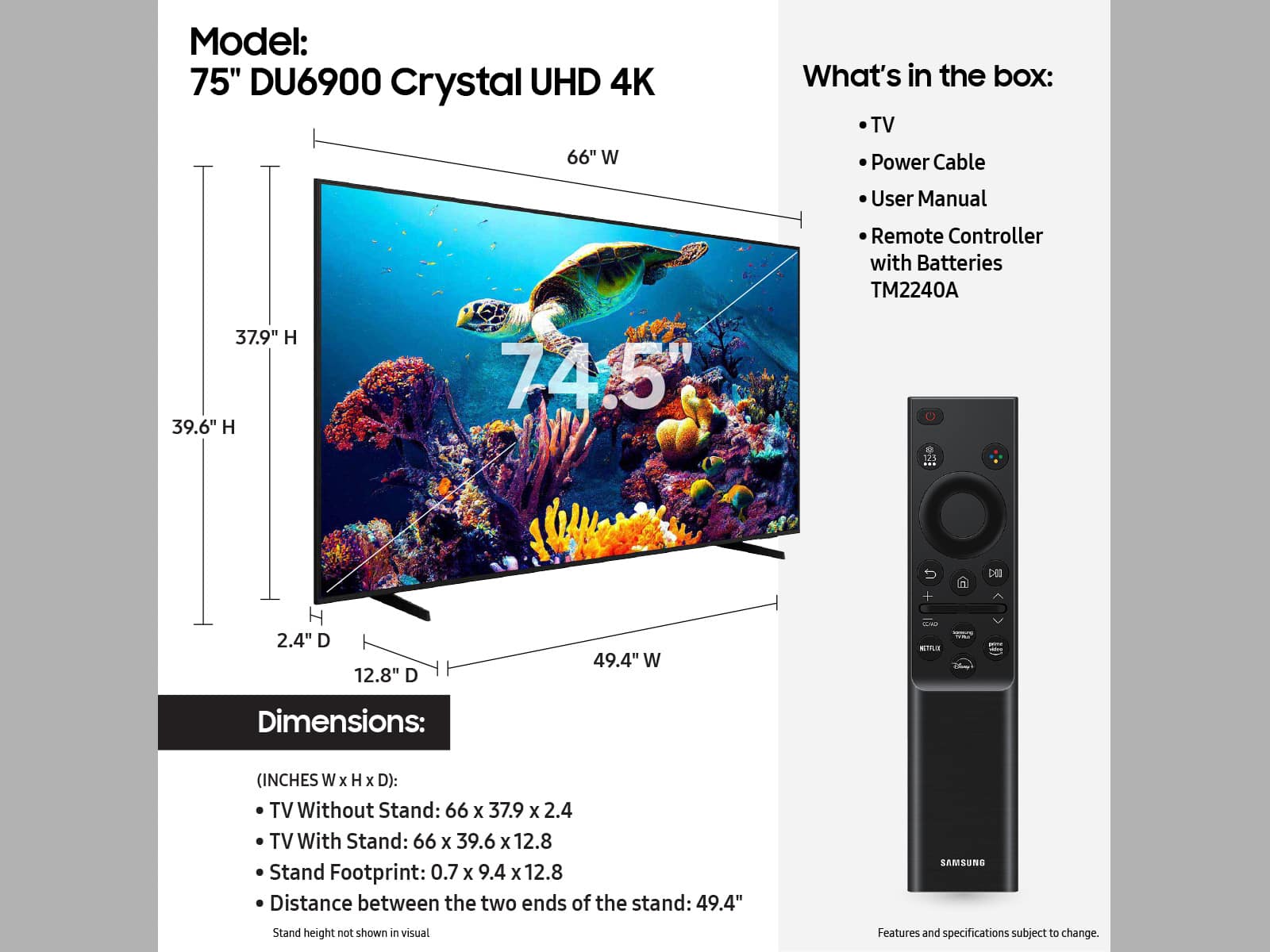







- Model:
- UN75DU6900FXZA
- SKU:
- 6584870
Rating by feature
- Picture Quality
Rating 4.8 out of 5 stars
- Sound Quality
Rating 4.5 out of 5 stars
- Brightness
Rating 4.7 out of 5 stars
Customers are saying
Customers recognize the 75” Class DU6900 Series Crystal UHD 4K Smart Tizen TV (2024) for its exceptional picture quality and ease of use. Many appreciate the vibrant colors and the TV's value for its price. However, some users point to limitations in the number of available ports and occasional issues with the remote control's responsiveness.
This summary was generated by AI based on customer reviews.
Samsung Family
Posted .This reviewer received promo considerations or sweepstakes entry for writing a review.Very nice investment for my home. I would suggest t
I would recommend this to a friend- Pros mentioned:Picture quality
Tv de best
Posted .This reviewer received promo considerations or sweepstakes entry for writing a review.Is the best , I really like this TV, the image is very good, I recommend it.
I would recommend this to a friend Great price
Posted .This reviewer received promo considerations or sweepstakes entry for writing a review.For the price it’s great, only issue it’s a little slow.
I would recommend this to a friendGood job
Posted .This reviewer received promo considerations or sweepstakes entry for writing a review.Excellent product, I’m very happy with this and good service I had with Best Buy, thank you very much continue always lay that.
I would recommend this to a friendNa
Posted .This reviewer received promo considerations or sweepstakes entry for writing a review.Great products overhaul I am very satisfied an would always recommend
I would recommend this to a friendTv
Posted .This reviewer received promo considerations or sweepstakes entry for writing a review.The best purchase this year, now I can watch my series marathons
I would recommend this to a friendExcellent
Posted .This reviewer received promo considerations or sweepstakes entry for writing a review.Great Product and I love it.......................
I would recommend this to a friend- Cons mentioned:Remote control
Terrible TV
Posted .This reviewer received promo considerations or sweepstakes entry for writing a review.This TV is garbage. The video quality is fine, but everything else is terrible. The Samsung Tizen OS is incredibly slow, the apps crash once an hour, and it refuses to stay connected to the internet. It also thinks I'm pressing buttons on the remote while the remote is sitting on the table. I've had it for less than a week and it has been more of a headache than anything else. I'm shocked Samsung made such a horrible product.
No, I would not recommend this to a friendBrand response from Samsung
Posted .Hi ShivM,
We appreciate your feedback on the Samsung DU6900 TV. I'm sorry to hear you are experiencing issues with your Wi-Fi disconnecting from the TV.
First, let's ensure you are running the latest Firmware. Go to Settings> Support> Software Update. I recommend enabling auto-updates to ensure you do not miss any Firmware Updates. Go to Settings> Support> Software Update> then select Auto Update.
Next, let's try running a cold boot on your TV. To do so, hold down the Power button on the Samsung TV remote until the TV turns off and then on again. This should take about 5 seconds.
I hope these tips help resolve your concerns. If you continue to have issues, please reach out to us at 1-800-SAMSUNG, 8 AM - 12 AM EST, seven days a week. Or visit us on the Samsung website and click on the ‘Support’ link for:
1) LiveChat
2) Manuals, Software, & Warranty Info
~ Samsung Advisor
Poor quality
Posted .This reviewer received promo considerations or sweepstakes entry for writing a review.The quality of the picture wasn’t great. Also the volume needs to be all the way up basically to get some good quality sound effects for movies
No, I would not recommend this to a friendBrand response from Samsung
Posted .Hi CristianR,
We appreciate you sharing your experience with the DU6900 TV. Your feedback regarding image quality is essential to us and will be shared with our internal teams. Please try adjusting the below image settings to improve your picture.
Go to Home > Settings > All Settings > Picture > Picture Mode and select the mode that best fits your usage:
1) Standard: Default mode suitable for general viewing environments.
2) Natural: Reduces eye strain for a comfortable viewing experience.
3) Movie: Most suitable for watching TV or movies in a dark room.
4) Dynamic: Makes the picture brighter and clearer in bright viewing environments.
5) Filmmaker Mode: You can watch the source content (e.g., movie) as it is. If the image is defined as Filmmaker Mode, it will automatically switch to Filmmaker Mode while watching.
You can also go to Settings > All Settings> Picture > Expert Settings > to manually fine-tune your image.
For sound adjustments, go to Settings> All Settings> Sound.
If you’d like more help with settings, we are always happy to help! Call us at 1-800-SAMSUNG, 8 AM - 12 AM EST, seven days a week. Or visit us on the Samsung website and click on the ‘Support’ link for:
1) LiveChat
2) Manuals, Software, & Warranty Info
~ Samsung Advisor
75” tv Samsung
Posted .This reviewer received promo considerations or sweepstakes entry for writing a review.I wish I had selected the Qled don’t like picture on my new TV had I not thrown away the box I would’ve change it.
No, I would not recommend this to a friendBrand response from Samsung
Posted .Hi RafaelinaM,
Thank you for sharing your thoughts on the picture quality of your DU6900 TV. I have a few recommendations that may improve your visual experience:
Go to Home > Settings > All Settings > Picture > Picture Mode and select the mode that best fits your usage:
1) Standard: Default mode suitable for general viewing environments.
2) Natural: Reduces eye strain for a comfortable viewing experience.
3) Movie: Most suitable for watching TV or movies in a dark room.
4) Dynamic: Makes the picture brighter and clearer in bright viewing environments.
You can also go to Settings > All Settings> Picture > Expert Settings > to manually fine-tune your image.
If you need more help, Samsung is here for you. Call us at 1-800-SAMSUNG, 8 AM - 12 AM EST, seven days a week. Our LiveChat agents are also available by clicking on the ‘Support’ link on our website.
~ Samsung Advisor
Tv
Posted .This reviewer received promo considerations or sweepstakes entry for writing a review.Not happy for the pictures not clear o don’t like it
No, I would not recommend this to a friendBrand response from Samsung
Posted .FroharH,
Thank you for sharing your thoughts on the picture quality of your DU6900 TV. I have a few recommendations that may improve your visual experience:
Go to Home > Settings > All Settings > Picture > Picture Mode and select the mode that best fits your usage:
1) Standard: Default mode suitable for general viewing environments.
2) Natural: Reduces eye strain for a comfortable viewing experience.
3) Movie: Most suitable for watching TV or movies in a dark room.
4) Dynamic: Makes the picture brighter and clearer in bright viewing environments.
5) Filmmaker Mode: You can watch the source content (e.g., movie) as it is. If the image is defined as Filmmaker Mode, it will automatically switch to Filmmaker Mode while watching.
You can also go to Settings > All Settings> Picture > Expert Settings > to manually fine-tune your image.
If you need more help, Samsung is here for you. Call us at 1-800-SAMSUNG, 8 AM - 12 AM EST, seven days a week. Our LiveChat agents are also available by clicking on the ‘Support’ link on our website.
~ Samsung Pro
Total Tech Member for years
Posted .This reviewer received promo considerations or sweepstakes entry for writing a review.Total Tech , which is what I was sold offers free first time installation. As a member it kept trying to charge me to install so I did a live chat. I was told Total tech no longer exists, news to me, my account was surely debited when it came up for renewal less than 2 months ago. In 2024 I had over $20,000 worth of equipment installed. Your customer satisfaction is obviously not on your high priority list. So, you want me to get your great deal on a Samsung TV for $550 and spend half that to install it. This is the furtherest thing from a deal I’ve ever seen.
No, I would not recommend this to a friendBrand response from Samsung
Posted .Hi CheckOutSamsung,
Thank you for sharing your purchase experience with us. Please get in touch with your local Best Buy to help resolve the extra charges from Total Tech on your account. I hope your issue is resolved quickly.
If you ever have questions or need help, Samsung is here for you! Give us a call at 1-800-SAMSUNG, 8 AM - 12 AM EST, seven days a week. Our LiveChat agents are also available by clicking on the ‘Support’ link on our website.
Thanks for being a part of the Samsung family!
~ Samsung Advisor