Customer Ratings & Reviews
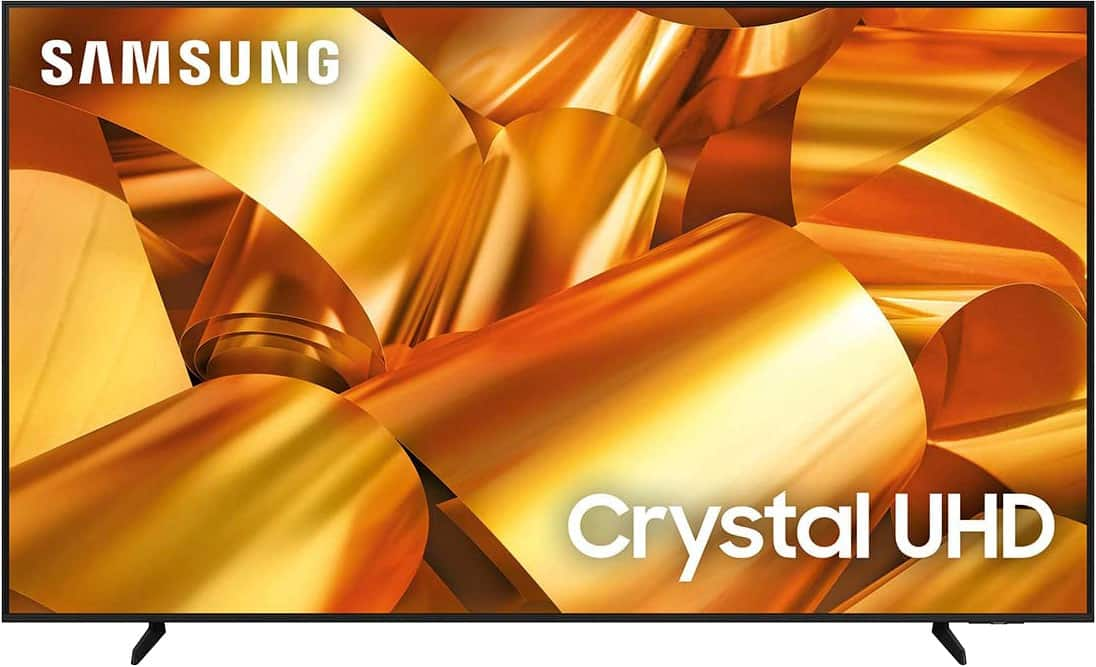
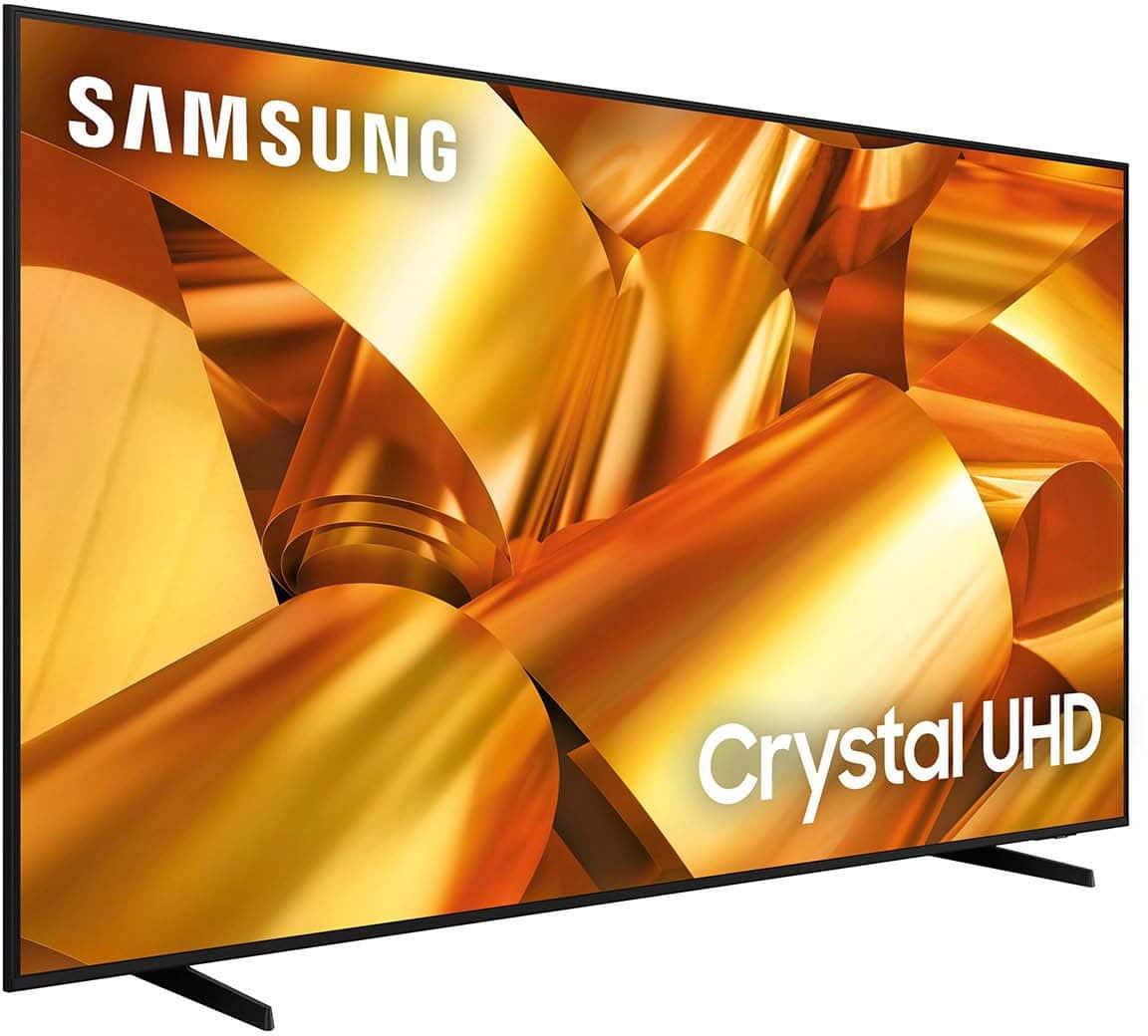
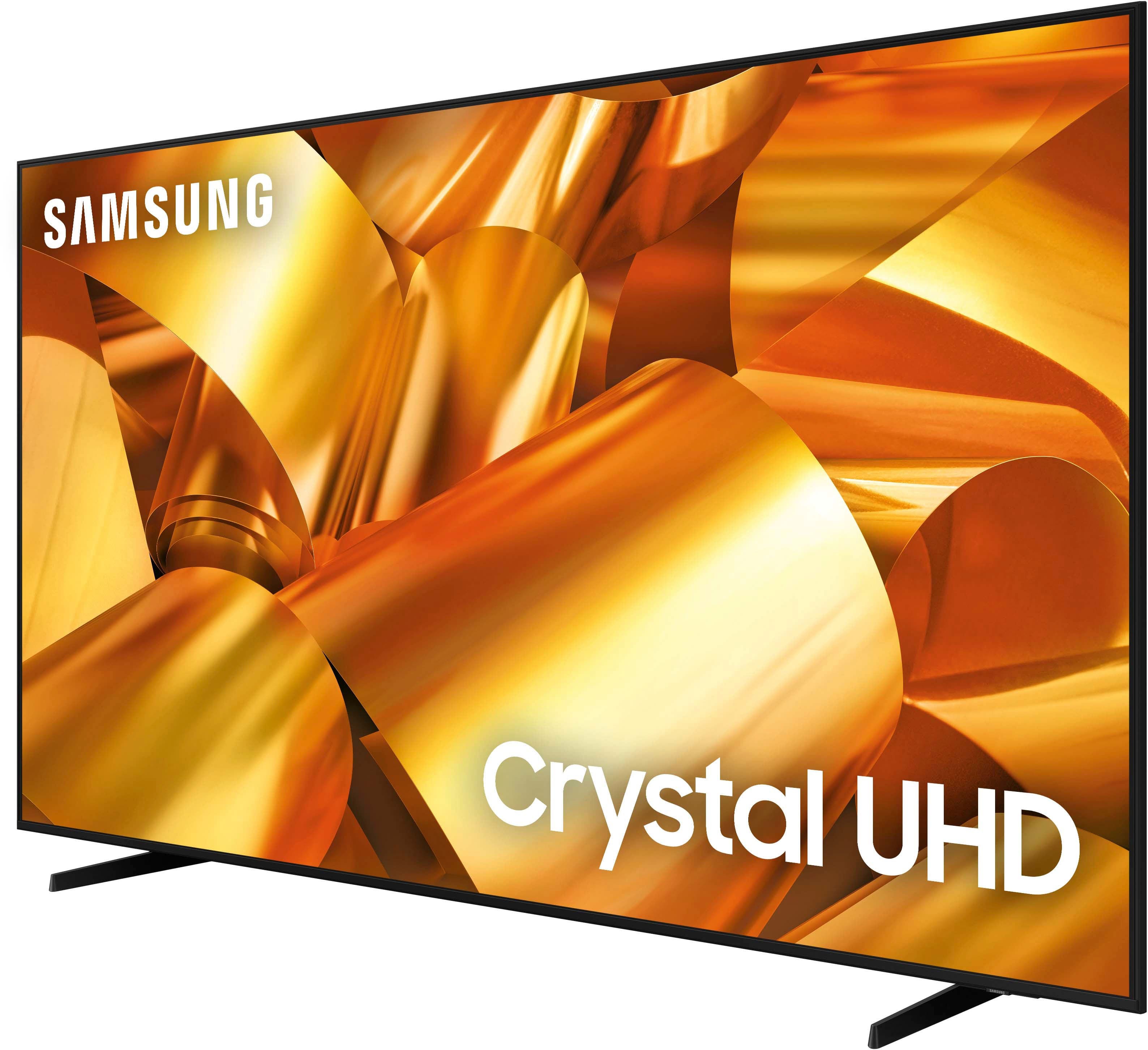
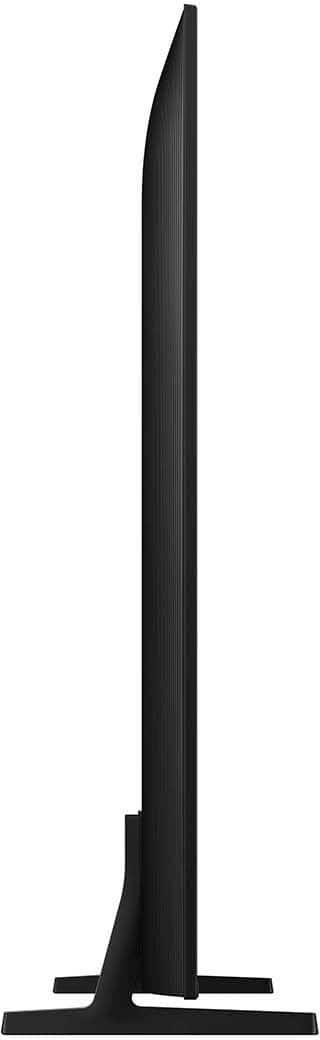





- Model:
- UN75DU6950FXZA
- SKU:
- 6594898
Rating by feature
- Picture Quality
Rating 4.6 out of 5 stars
- Sound Quality
Rating 4.0 out of 5 stars
- Brightness
Rating 4.6 out of 5 stars
to a friend
Customers are saying
Customers have good things to say about the 75” Class DU6950 Series Crystal UHD 4K Smart Tizen TV (2024), particularly praising its picture quality, ease of use, and ideal size. The TV's color and overall quality are also appreciated, along with its manageable weight. However, some customers have expressed concerns about the number of ports and the remote control.
This summary was generated by AI based on customer reviews.
Samsung 75inch TV
||Posted . Owned for 1 month when reviewed.This reviewer received promo considerations or sweepstakes entry for writing a review.The sound on the tv sounds horrible I tried adjusting the sound quality still the same !
No, I would not recommend this to a friendBrand response from Samsung
Posted .AnalisaL,
Thank you for sharing your thoughts regarding the DU6950 TV’s sound quality. We recommend adjusting the Sound Settings to improve your experience. You can change the Sound Mode by going to Settings > All Settings> Sound > Sound Mode.
You can also customize the sound with Expert Settings by going to Settings > All Settings> Sound > Expert Settings.
To assist you with possible sound settings adjustments for a better audio experience or choosing a Samsung Soundbar to complement your viewing enjoyment, please reach out to us at 1-800-SAMSUNG, 8 AM - 12 AM EST, seven days a week. Our LiveChat agents are also available by clicking on the ‘Support’ link on our website.
~ Samsung Pro
Not worth it
||Posted . Owned for 1 month when reviewed.This reviewer received promo considerations or sweepstakes entry for writing a review.Had the tv less than 30 days and panel over screen started coming off and screen got damaged. Took the tv to the Best Buy and horrible 15-day return policy for Best Buy prevented me from exchanging the product. 30 days! Worst purchase I’ve ever made. So basically in order to have peace of mind, their policy requires you to buy protection or be a plus member. Unbelievable.
No, I would not recommend this to a friendBrand response from Samsung
Posted .Hovito,
Thank you for taking the time to provide feedback on your DU6950 TV. Please know that your feedback will be shared with our internal product teams. We take pride in our products and are sorry to hear that your experience was not up to our high standards.
Samsung is committed to providing the best possible product experience, quality, and value. We back this Samsung TV with a 1-year limited manufacturer's warranty, including authorized repair for manufacturer defect, if purchased brand-new directly from an authorized seller. You can see the full details of your warranty on Samsung's website. Go to Support (upper right corner) and select Warranty information. This will allow you to search for your product and view the full details of the included warranty.
Please give us the chance to make this right by contacting Samsung Customer Support at 1-800-SAMSUNG, 8 AM - 12 AM EST, seven days a week. Our LiveChat agents are also available by clicking on the ‘Support’ link on our website.
~Samsung Pro
Tv
||Posted . Owned for 3 weeks when reviewed.This reviewer received promo considerations or sweepstakes entry for writing a review.The tv is very dark despite fixing the brightness and a few other things. Do not recommend
No, I would not recommend this to a friendBrand response from Samsung
Posted .MJJP,
It’s unfortunate to hear you’re not fully satisfied with the brightness of your DU6950 TV’s picture. Please know that we are here to help you.
First, let’s ensure you are running the latest Firmware Update. Go to Settings> Support> Software Update.
Next, If the colors on your TV are correct but just a little too dark or bright, you can try adjusting Picture Modes, Contrast, Brightness, or Sharpness settings.
For darker scenes, I recommend Dynamic Picture Mode, which makes pictures brighter and clearer in bright viewing environments. Go to Settings > All Settings> Picture > Picture Mode > Dynamic.
Or you can manually adjust the Brightness by pressing the HOME button on your remote, then navigating to Settings > All Settings> Picture > Expert Settings.
You may also want to disable Power Saving Mode, which automatically adjusts the brightness to reduce the TV’s power consumption. Go to Settings > All Settings> General > Eco Solution> Power Saving Mode.
I hope this helps to improve your picture. Should you need further assistance, please contact us at 1-800-SAMSUNG, 8 AM - 12 AM EST, seven days a week. Our LiveChat agents are also available by clicking on the ‘Support’ link on our website.
~ Samsung Pro
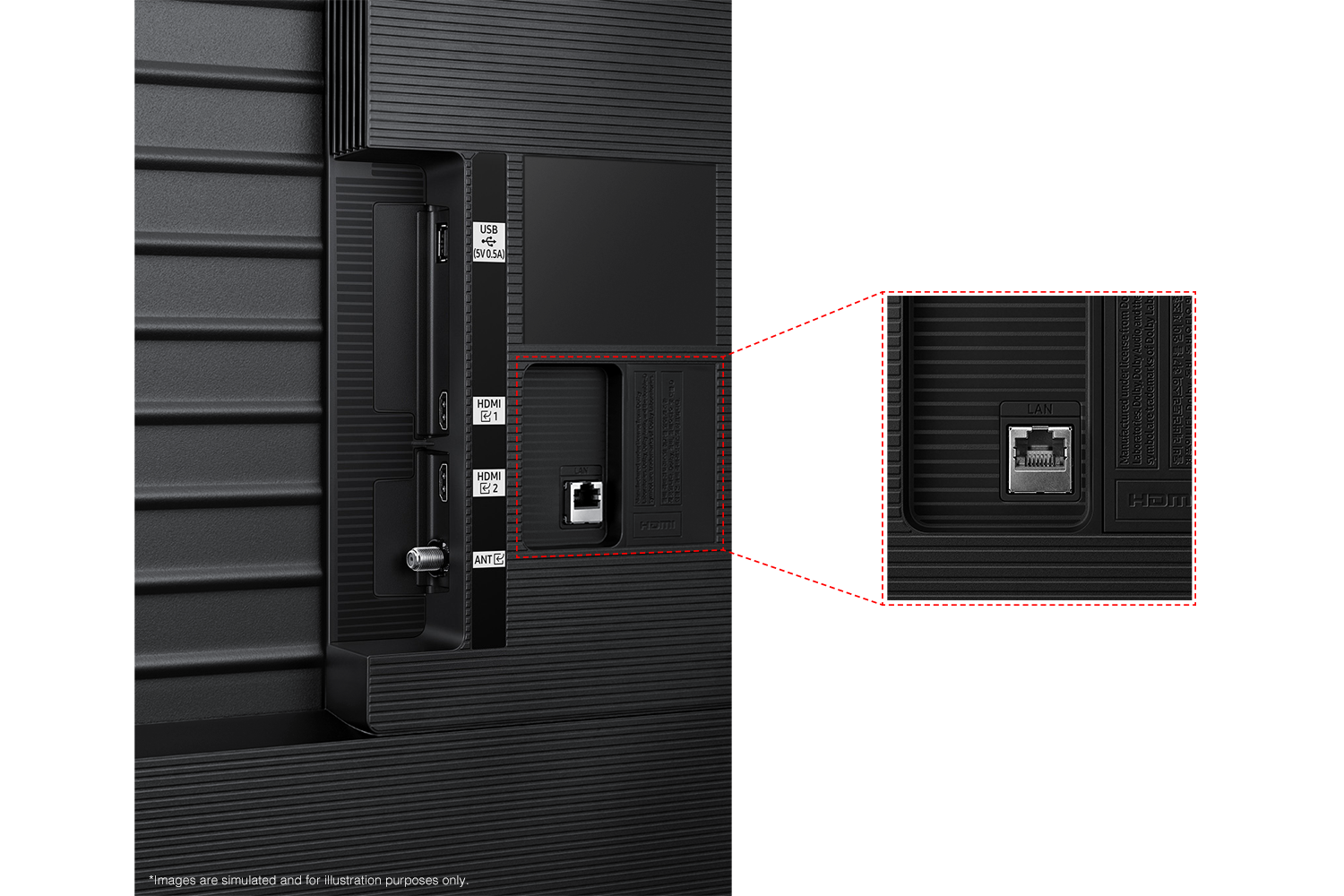
Bad internet connection
||Posted . Owned for 4 months when reviewed.This reviewer received promo considerations or sweepstakes entry for writing a review.Keeps disconnecting from internet. Restarts by itself in the middle of a show. Tried connecting it through Ethernet cable to see if it would have a stronger signal, no luck. Still disconnects from the internet or freezes. Have a two year old $400 Vizio in my room and have never had a problem with the internet signal. I may have gotten a defective tv.
No, I would not recommend this to a friendBrand response from Samsung
Posted .Jocelyn,
If your TV is having difficulties connecting to the internet, please try the following troubleshooting steps:
1) Check the network and the status of your access point.
2) On the remote control, press the button and move to Settings using the directional button.
3) Select Settings > General > Network > Network Status to check the network status.
4) If the network isn't connected, a network reset may be required.
5) Make sure that your access point is working correctly. Check the LED indicators on your access point to ensure it is operating normally.
6) Check the access point location if you use a wireless access point. If the access point is too far from the TV, move it closer.
7) Try rebooting the access point by disconnecting and reconnecting the power connector. It may take 1 to 2 minutes until the access point comes back online after a reboot.
8) If the same problem continues, select Settings > All Settings> General > Network > Network Status > IP Settings to change to a different DNS server. If a test occurs, cancel it and select IP Settings.
9) Select DNS Setting Enter manually.
10) Select DNS Server, enter 8.8.8.8, then select OK.
11) If the same problem continues, a software update or factory reset may be required.
I hope this helps. Should you need further assistance, Samsung is here for you. You can call us at 1-800-SAMSUNG, 8 AM - 12 AM EST, seven days a week. Our LiveChat agents are also available by clicking on the ‘Support’ link on our website.
~ Samsung Pro
Acts weird with xbox
||Posted . Owned for 1 month when reviewed.This reviewer received promo considerations or sweepstakes entry for writing a review.Whenever I use the TV with Xbox and a game is loading the TV freezes with loading and I have to turn on and off.
No, I would not recommend this to a friendBrand response from Samsung
Posted .Nick,
Thank you for letting us know about the issues you are having with your DU6950 TV freezing. For optimal performance, we ask that you please ensure you've got the latest firmware version installed on your TV. You can check this by going to Home > Menu > Settings > Support > Software Update.
You may also want to further optimize performance with the self-diagnostic tool, which checks memory, frees up unused cached memory, and closes background apps. Go to: Home > Menu > Settings > Support > Device Care > Start Device Care
If you need further assistance, we would be happy to help! Please feel free to contact Samsung Support at 1-800-SAMSUNG, available from 8 AM to 12 AM EST, seven days a week. You can also chat with us on Samsung.com for immediate assistance.
~Samsung Pro
irritated
||Posted . Owned for 3 weeks when reviewed.This reviewer received promo considerations or sweepstakes entry for writing a review.long story short - this was purchased for our church. it's huge and I had to get a large van to go pick it up. Then get extra help to CAREFULLY carry it in. A week later, when we needed it for our class, we opened it and the backed was popped off. I missed the exchange window by a couple of days and now our church is stuck with a broken tv.
No, I would not recommend this to a friendBrand response from Samsung
Posted .7Stephr3,
Thank you for reviewing Samsung’s DU6950 TV and for sharing your experience. Depending on your warranty, you will have a couple of other service options.
- If your unit was recently purchased, you can check with your retailer on their return/exchange processes.
- If you have an extended warranty, you can reach out to them to have service set up.
- If you're within the one-year warranty, you can reach out to Samsung Support for service.
- If you're OUT of warranty, you can use this link below to find a service center in your area:
https://www.samsung.com/us/support/service/locations/
Should you have additional questions or wish to troubleshoot the issue, please call us at 1-800-SAMSUNG, 8 AM - 12 AM EST, seven days a week. Our LiveChat agents are also available by clicking on the ‘Support’ link on our website.
~ Samsung Pro

Wish i got something else
|Posted .This reviewer received promo considerations or sweepstakes entry for writing a review.The TV is not user friendly at all, weird menus that feel like they lag, restarts on its own, bad sound quality, and the picture quality has a weird blur that’s really hard to configure. Overall you could buy a much better TV with the price you’re paying for this one.
No, I would not recommend this to a friendBrand response from Samsung
Posted .Omar,
We appreciate you sharing your user experience. To assist in learning the various functions and settings, please know you can download the DU6950 TV's User Manual, e-Manual, Remote Control Leaflet, and Quick Setup Guide on Samsung's website under Support > Manuals & Software > TVs & Home Theater. You can search for and select the DU6950 TV to download the guides you would like.
The e-Manual and Remote Guide are both also embedded into your TV itself under Menu > Settings > Support > Open e-Manual.
If you need more help, Samsung is here for you. Please call us at 1-800-SAMSUNG, 8AM - 12AM EST, 7 days a week. Our LiveChat agents are also available by clicking on the ‘Support’ link on our website.
~ Samsung Pro
Off and On
||Posted . Owned for 2 weeks when reviewed.This reviewer received promo considerations or sweepstakes entry for writing a review.Great tv great company but the tv its self had some defective parts so I had to return it.
I would recommend this to a friendBrand response from Samsung
Posted .Strawberru,
We appreciate you taking the time to let us know about your experience with your TV. Should you ever decide to give Samsung TVs another try and have questions or need help with settings, setup, or features, please know we’re here to help. Call us at 1-800-SAMSUNG, 8AM - 12AM EST, 7 days a week.
LiveChat with an agent as well as manuals, software, and warranty info can be found at the ‘Support’ link on our Samsung website.
We hope to regain you as a customer in the future.
~ Samsung Pro
If only it worked…
|Posted .This reviewer received promo considerations or sweepstakes entry for writing a review.Behaves like an old lawnmower. It will never work on the first try. No matter what your input or streaming source is, it will restart or kick back to the Home Screen at least twice before it actually works. Add about 15 minutes to any shows runtime…
No, I would not recommend this to a friendBrand response from Samsung
Posted .Lfitz,
We appreciate you taking the time to let us know about your experience with your TV. So that we can better troubleshoot this issue and provide steps towards a solution, please contact Samsung Support at 1-800-SAMSUNG, 8AM - 12AM EST, 7 days a week. Or visit us on the Samsung website and click on the ‘Support’ link for:
• LiveChat
• Manuals, Software, & Warranty Info
~ Samsung Pro
Cracked
||Posted . Owned for 1 month when reviewed.This reviewer received promo considerations or sweepstakes entry for writing a review.I purchased this as a gift, and when it was opened, the TV was cracked.
No, I would not recommend this to a friendBrand response from Samsung
Posted .ShaniR,
Thank you for letting us know that you received a broken DU6950 TV upon delivery. We appreciate your patience in having to deal with the hassle of an exchange. We recommend contacting Best Buy Customer Support or your local Best Buy store directly for assistance in correcting this situation. We hope your issue is resolved quickly.
If you ever have product questions or need help, Samsung is here for you! Give us a call at 1-800-SAMSUNG, 8 AM - 12 AM EST, seven days a week. Our LiveChat agents are also available by clicking on the ‘Support’ link on our website.
~Samsung Pro
Don't buy friend don't let friend buy samjung
||Posted .This reviewer received promo considerations or sweepstakes entry for writing a review.Came with crack in it and I'm a total member they didn't do anything
No, I would not recommend this to a friendBrand response from Samsung
Posted .sullystech,
We appreciate you sharing your delivery experience and that your TV exhibited damage upon opening and setup. Please follow up directly with Walmart for assistance in correcting this situation. We hope your issue is resolved in a timely manner. If you ever have product questions or need help, Samsung is here for you! Give us a call at 1-800-SAMSUNG, 8 AM - 12 AM EST, seven days a week. Our LiveChat agents are also available by clicking on the ‘Support’ link on our website.
~Samsung Pro
Total crap!!!!!
||Posted . Owned for 1 month when reviewed.This reviewer received promo considerations or sweepstakes entry for writing a review.Total Crap! It was returned in the box upside-down. It freezes and reboots two or 3 times a day. I vot rid of the packaging, so I have to keep it. Ill never do another open box from Best Buy!
No, I would not recommend this to a friendBrand response from Samsung
Posted .Glhj,
We appreciate you sharing your experience with Samsung’s DU6950 TV. If purchased brand-new and unopened, please contact Samsung Customer Support and a representative will gladly help you. If purchased in open-box condition, we recommend contacting Best Buy directly for assistance. We hope your issue is resolved in a timely manner.
Should you have questions or concerns on usage or setup of your TV once your issue has been resolved, please call us at 1-800-SAMSUNG, 8AM - 12AM EST, 7 days a week. Our LiveChat agents are also available by clicking on the ‘Support’ link on our website.
~ Samsung Pro
Bad purchase
||Posted . Owned for 2 weeks when reviewed.This reviewer received promo considerations or sweepstakes entry for writing a review.The key word here is crystal… very cheaply made and according to the sales associate this one has a high return rate. The corners are extremely sensitive to touch and will crack immediately. It’s definitely affordable..but very fragile. My advice spend a little extra and choose a different tv.
No, I would not recommend this to a friendBrand response from Samsung
Posted .B2fute,
Thank you for taking the time to provide feedback on your DU6950 TV. Please know that your feedback will be shared with our internal product teams. We take pride in our products and are sorry to hear that your experience was not up to our high standards.
Samsung is committed to providing the best possible product experience, quality, and value. We back this Samsung TV with a 1-year limited manufacturer's warranty, including authorized repair for manufacturer defect, if purchased brand-new directly from an authorized seller. You can see the full details of your warranty on Samsung's website. Go to Support (upper right corner) and select Warranty information. This will allow you to search for your product and view the full details of the included warranty.
Please give us the chance to make this right by contacting Samsung Customer Support at 1-800-SAMSUNG, 8 AM - 12 AM EST, seven days a week. Our LiveChat agents are also available by clicking on the ‘Support’ link on our website.
~Samsung Pro
A Lemon!
||Posted . Owned for 2 months when reviewed.This reviewer received promo considerations or sweepstakes entry for writing a review.This is the first time I got a lemon from Best Buy. The TV keeps turning off when the tv has not been running or cold. I thought the should have give me a new tv instead of changing the computer board.
I would recommend this to a friendBrand response from Samsung
Posted .DarrylO,
Thank you for taking the time to provide feedback on your DU6900 TV. Please know that your feedback will be shared with our internal product teams. We take pride in our products and are sorry to hear that your experience was not up to our high standards.
Please know that we back this Samsung TV with a 1-year limited manufacturer's warranty, including authorized repair for manufacturer defect, if purchased brand-new directly from an authorized seller.
Please give us the chance to make this right by contacting Samsung Customer Support at 1-800-SAMSUNG, 8 AM - 12 AM EST, seven days a week. Our LiveChat agents are also available by clicking on the ‘Support’ link on our website.
~Samsung Pro
Terrible tv quality
||Posted . Owned for 1 month when reviewed.This reviewer received promo considerations or sweepstakes entry for writing a review.Absolute biggest piece of junk I’ve ever owned. First tv arrived broken and had to be returned. This second one, had lackluster picture and horrible sound on the one time I used it. I left town for 1 week and have found that the tv will not even turn on. Absolute waste of money.
No, I would not recommend this to a friendBrand response from Samsung
Posted .AustinP,
We appreciate you sharing your experience with the DU6950 TV. Your feedback is essential to us and will be shared with our internal teams. Please try adjusting the below image settings to improve your picture.
Go to Home > Settings > All Settings > Picture > Picture Mode and select the mode that best fits your usage:
1) Standard: Default mode suitable for general viewing environments.
2) Natural: Reduces eye strain for a comfortable viewing experience.
3) Movie: Most suitable for watching TV or movies in a dark room.
4) Dynamic: Makes the picture brighter and clearer in bright viewing environments.
5) Filmmaker Mode: You can watch the source content (e.g., movie) as it is. If the image is defined as Filmmaker Mode, it will automatically switch to Filmmaker Mode while watching.
You can also go to Settings > All Settings> Picture > Expert Settings > to manually fine-tune your image.
For sound adjustments, go to Settings> All Settings> Sound.
If you're now finding that your TV will not turn on, please try the following troubleshooting steps:
Check the red standby light, a little red light at the edge of the TV that you aim the remote at. If it is on, it means that your TV is receiving power, and the culprit is likely the remote. Please try to power the TV on through the button below the Samsung logo. If it powers on, I recommend changing the batteries on the remote and possibly replacing the remote.
If the red light below the TV is not on, please try the following:
1) Unplug the TV from its power source for 30 seconds. Then try to power it on again.
2) Try a different outlet that you have confirmed works properly
3) Press the Menu button on your remote. If the Menu appears, then this confirms your TV is powered on. Next, follow these steps:
・Confirm that the TV is set to the same source as the external device.
・Test the HDMI cable. Go to Settings > Support > Self Diagnosis > Signal Information > HDMI Cable Test > Start Test. If the test says, the cable is bad, replace the cable. Service is not required.
・Test different external devices. The final thing to rule out is the external device you're using. Try connecting a different device or using a different source port.
If the TV can display a picture in any other setup, then you've ruled the TV out as the cause of the issue. Keep trying various setups until you identify the device or cable that is not working and troubleshoot or replace it.
Finally, if the red standby light is blinking, please try unplugging the TV for 30 seconds and then try again. Also, confirm that the outlet you are using works with other devices.
If you need more help, Samsung is here for you. Please call us at 1-800-SAMSUNG, 8 AM - 12 AM EST, seven days a week. Our LiveChat agents are also available by clicking on the ‘Support’ link on our website.
~ Samsung Pro
Horrible TV
||Posted . Owned for less than 1 week when reviewed.This reviewer received promo considerations or sweepstakes entry for writing a review.If i can leave 0 stars I would. I brought the tv home, set it up. Once I started watching a show, in about 2 minutes the screen turned black with the sound on. Turned off the TV and went back. Did the same thing minutes later with a lot of glitching. Wouldn’t recommend it at all
No, I would not recommend this to a friendBrand response from Samsung
Posted .Sergio,
If you've switched on your TV and the sound comes through fine, but you do not see any picture, there are three potential issues.
1) A connection issue is the most common problem where there is a bad connection, faulty cables, or improper installation.
2) An issue with the device connected to the TV. There may be a video output setting on the device that you must set properly before it will output to the TV.
3) There is something wrong with the TV, requiring a technician to assess the TV and find a solution.
Please give us the opportunity to assist you by contacting Samsung Customer Support via any of the following options: 1-800-SAMSUNG, 8 AM - 12 AM EST, seven days a week. Our LiveChat agents are also available by clicking on the ‘Support’ link on our website.
~ Samsung Pro
Better tvs out their
||Posted . Owned for 2 months when reviewed.This reviewer received promo considerations or sweepstakes entry for writing a review.Only have had the tv for 2 months and it will just turn off my it’s self
No, I would not recommend this to a friendBrand response from Samsung
Posted .Jonathan,
If your TV appears to turn off by itself, try disabling some of the TV's energy efficiency functions.
See if Sleep Timer has been enabled. The Sleep Timer automatically turns the TV off after a specific period of time. Go to: Settings > All Settings> General > System Manager > Time > Sleep Timer
If the Sleep Timer has not been enabled, see if Auto Power Off or Off Timer has been enabled and disable it.
- Settings > All Settings> General > Power and Energy Saving > Auto Power Off
- Settings > All Settings> General > System Manager > Time > Off Timer
If the TV continues to turn off by itself continuously, please get in touch with Samsung Customer Support at 1-800-SAMSUNG, 8 AM - 12 AM EST, seven days a week. Our LiveChat agents are also available by clicking on the ‘Support’ link on our website.
~ Samsung Pro
Horrible Customer Service
||Posted . Owned for 3 weeks when reviewed.This reviewer received promo considerations or sweepstakes entry for writing a review.This was the worst shopping experience ever. The item was delivered to a wrong address and I spent literally 60 hours trying to get Best Buy to pick it up. Over three weeks later it finally happened and now they did not even issue a full refund.
I would recommend this to a friendBrand response from Samsung
Posted .HeidemarieK,
Please know you are leaving a review for the DU6950 TV, not the service provided by Best Buy. Please follow up directly with Best Buy for further assistance. We hope your issue is resolved in a timely manner. Should you have questions regarding Samsung TVs, please contact Samsung Support at 1-800-SAMSUNG, 8 AM – 12 AM EST, 7 days a week. Our LiveChat agents are also available by clicking on the ‘Support’ link on our website.
~Samsung Pro
The Sound is the Worst
||Posted . Owned for less than 1 week when reviewed.This reviewer received promo considerations or sweepstakes entry for writing a review.The Sound is the Worst you simply have to buy a soundbar or return this. Better yet don't buy it
No, I would not recommend this to a friendBrand response from Samsung
Posted .Philip,
Thank you for sharing your thoughts regarding the DU6950 TV’s sound quality. We recommend adjusting the Sound Settings to improve your experience. You can change the Sound Mode by going to Settings > All Settings> Sound > Sound Mode.
You can also customize the sound with Expert Settings by going to Settings > All Settings> Sound > Expert Settings.
To assist you with possible sound settings adjustments for a better audio experience or choosing a Samsung Soundbar to complement your viewing enjoyment, please reach out to us at 1-800-SAMSUNG, 8 AM - 12 AM EST, seven days a week. Our LiveChat agents are also available by clicking on the ‘Support’ link on our website.
~Samsung Pro
Tv freezes a lot
||Posted . Owned for 3 weeks when reviewed.This reviewer received promo considerations or sweepstakes entry for writing a review.The tv keeps freezing and restarting. Other than that it works fine
No, I would not recommend this to a friendBrand response from Samsung
Posted .JasonM,
Thank you for letting us know about the issues you are having with your DU6950 TV freezing. For optimal performance, we ask that you please ensure you've got the latest firmware version installed on your TV. You can check this by going to Home > Menu > Settings > Support > Software Update.
You may also want to further optimize performance with the self-diagnostic tool, which checks memory, frees up unused cached memory, and closes background apps. Go to: Home > Menu > Settings > Support > Device Care > Start Device Care
If you need further assistance, we would be happy to help! Please feel free to contact Samsung Support at 1-800-SAMSUNG, available from 8 AM to 12 AM EST, seven days a week. You can also chat with us on Samsung.com for immediate assistance.
~Samsung Pro