Customer Ratings & Reviews




- Model:
- UN75DU6950FXZA
- SKU:
- 6594898
Rating by feature
- Picture Quality
Rating 4.6 out of 5 stars
- Sound Quality
Rating 4.0 out of 5 stars
- Brightness
Rating 4.6 out of 5 stars
to a friend
Customers are saying
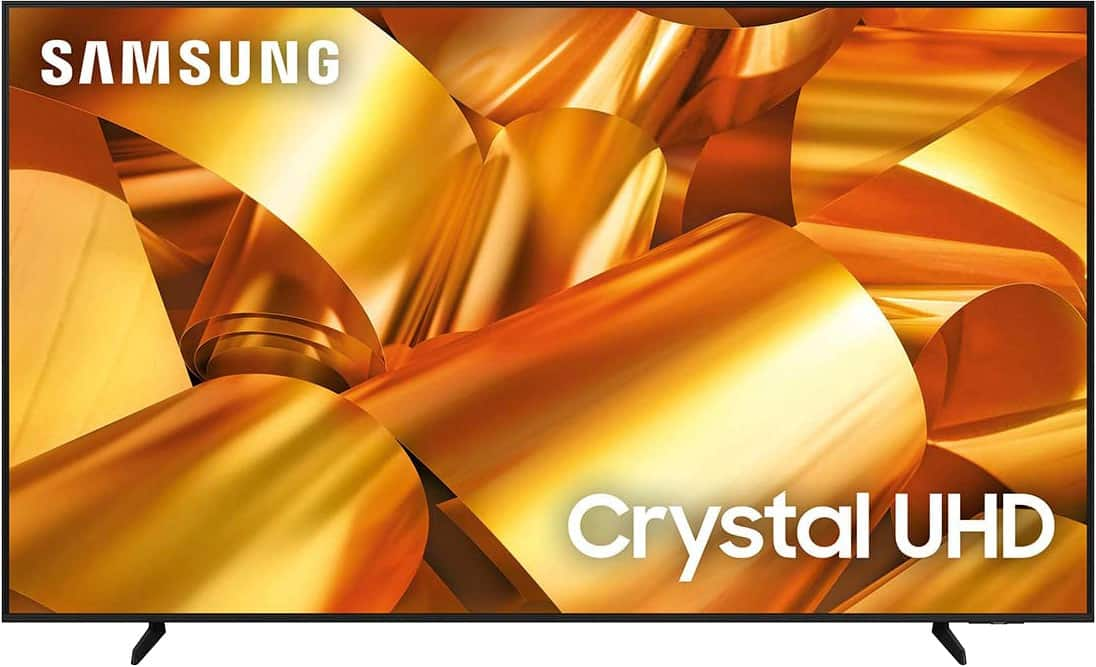
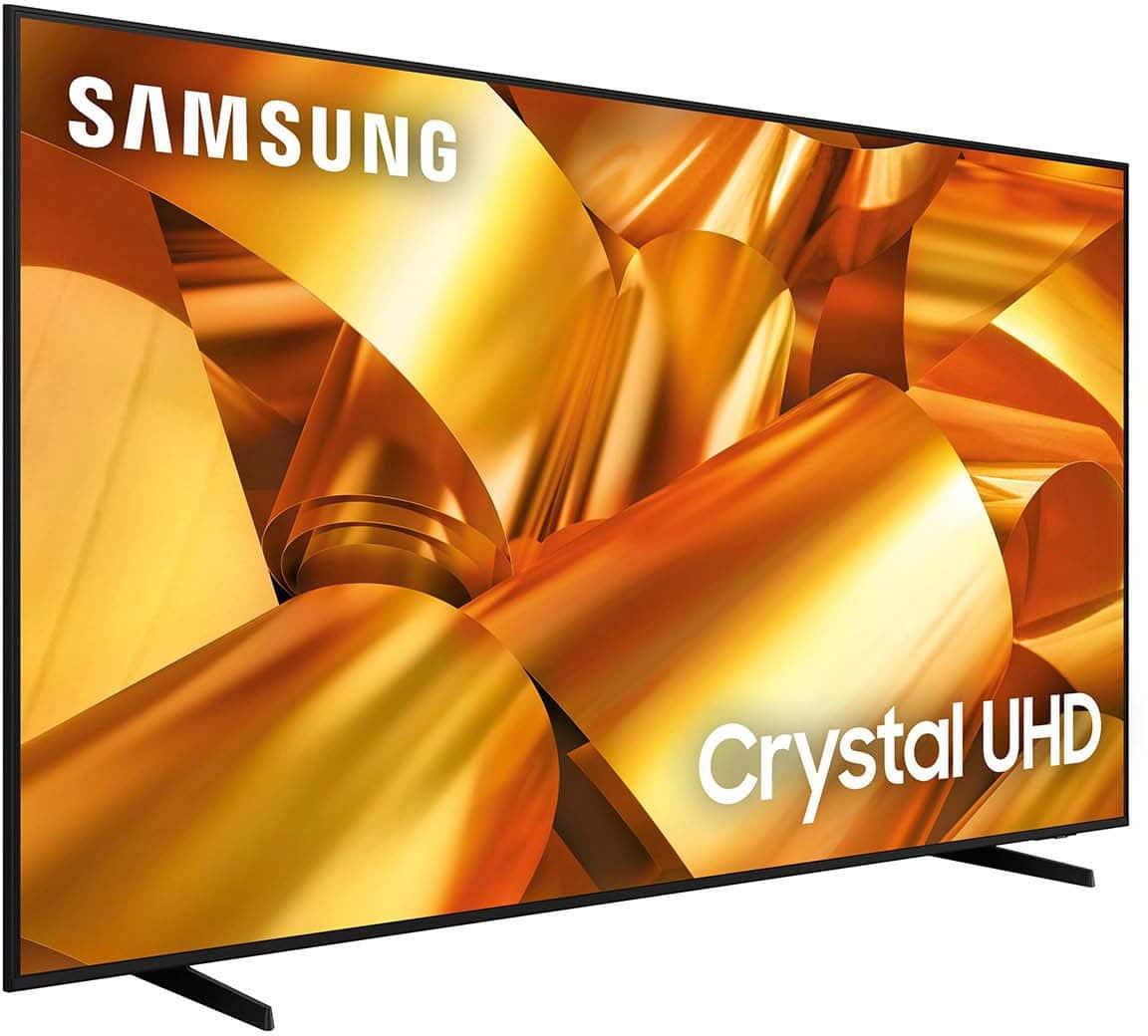
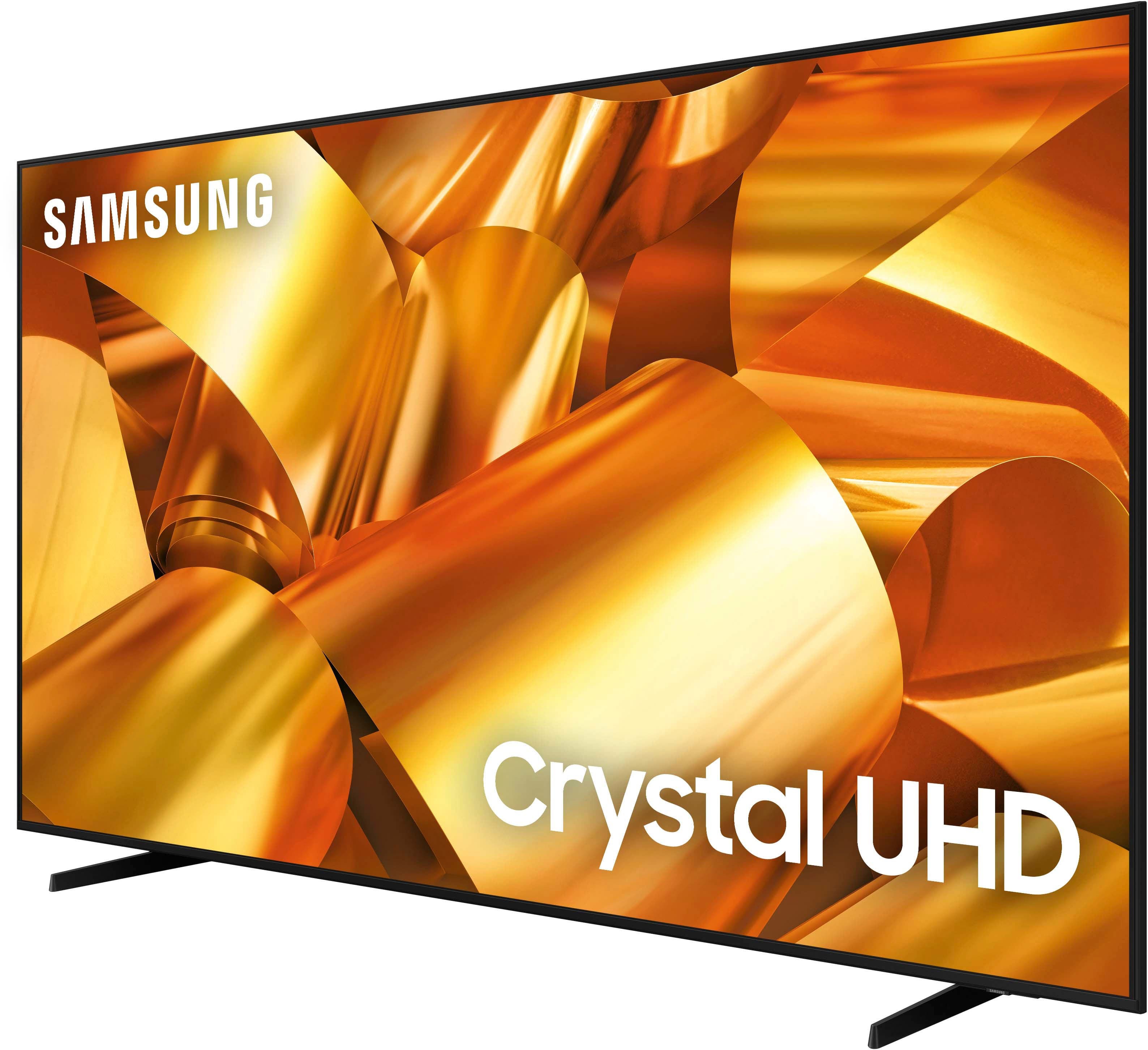
Customers have good things to say about the 75” Class DU6950 Series Crystal UHD 4K Smart Tizen TV (2024), particularly praising its picture quality, ease of use, and ideal size. The TV's color and overall quality are also appreciated, along with its manageable weight. However, some customers have expressed concerns about the number of ports and the remote control.
This summary was generated by AI based on customer reviews.
Tv glitches
||Posted . Owned for 2 weeks when reviewed.This reviewer received promo considerations or sweepstakes entry for writing a review.Image and sound are really good, however the Tv glitches alot , but if you leave it on all day it works perfectly fine
No, I would not recommend this to a friendBrand response from Samsung
Posted .EDGARB,
We appreciate you taking the time to let us know about your experience with your TV. So that we can better troubleshoot this issue and provide steps towards a solution, please contact Samsung Support at 1-800-SAMSUNG, 8AM - 12AM EST, 7 days a week. Or visit us on the Samsung website and click on the ‘Support’ link for:
• LiveChat
• Manuals, Software, & Warranty Info
~ Samsung Pro
Excellent condition is a lie
||Posted .This reviewer received promo considerations or sweepstakes entry for writing a review.Missing feet despite "excellent" condition item. Store couldn't find feet in warehouse. Tried to sell me universal feet for $10 discount to resolve mistake.
No, I would not recommend this to a friendBrand response from Samsung
Posted .Robin,
We appreciate your feedback regarding parts missing from your DU6950 TV. If purchased brand-new and unopened, please contact Samsung Customer Support and a representative will gladly help you. If purchased in open-box condition, we recommend contacting Best Buy directly for assistance. We hope your issue is resolved in a timely manner.
Should you have questions or concerns on usage or setup of your TV once your issue has been resolved, please call us at 1-800-SAMSUNG, 8AM - 12AM EST, 7 days a week. Our LiveChat agents are also available by clicking on the ‘Support’ link on our website.
~ Samsung Pro
No time
||Posted .This reviewer received promo considerations or sweepstakes entry for writing a review.I just want to see my purchase, why am I being forced to compete a survey!!!!!
No, I would not recommend this to a friendBrand response from Samsung
Posted .KofiC,
Please know you are leaving a review for the DU6950 TV. If you ever have product questions or need help, Samsung is here for you! Give us a call at 1-800-SAMSUNG, 8 AM - 12 AM EST, seven days a week. Our LiveChat agents are also available by clicking on the ‘Support’ link on our website.
~Samsung Pro
Bad tv
||Posted . Owned for 2 months when reviewed.This reviewer received promo considerations or sweepstakes entry for writing a review.I have had this tv for two months. It is going out and making a terrible sound,and freezing daily. At first it was sporadic, so I thought it was an internet problem. I upgraded to google fiber, and have realized it is a tv problem. I am so disappointed
No, I would not recommend this to a friendBrand response from Samsung
Posted .BarbH,
Thank you for letting us know about the issues you are having with your DU6950 TV. For optimal performance, we ask that you please ensure you've got the latest firmware version installed on your TV. You can check this by going to Home > Menu > Settings > Support > Software Update.
You may also want to further optimize performance with the self-diagnostic tool, which checks memory, frees up unused cached memory, and closes background apps. Go to: Home > Menu > Settings > Support > Device Care > Start Device Care.
A loud static sound may be caused by electrical feedback. I recommend the following:
1. Arranging the cables and making sure the TV has good ventilation will keep it quiet.
2. Check the cables. Make sure all cables are connected firmly to the proper, color-coded inputs on the TV and on the external devices.
3. Replace the audio connection cable.
Replace the audio connection cable, even if it is an HDMI or RF coaxial cable. Then test again to see if the issue still occurs.
4. Try connecting a different external device to the same input on the TV.
Connect a different device to the same input on the TV using the same connection cables.
For example, if a cable box is connected using the component connections, try connecting a DVD player to the same input with the same cables.
If there is no buzzing, crackling, or humming with the second external device connected, the original device (the cable box in this example) is the source of the noise.
If you need more help, Samsung is here for you! Please call us at 1-800-SAMSUNG, 8 AM - 12 AM EST, seven days a week. Our LiveChat agents are also available by clicking on the ‘Support’ link on our website.
~ Samsung Pro
Poor quality sound
||Posted .This reviewer received promo considerations or sweepstakes entry for writing a review.Tv sound was not good. It sounds extremely odd. Neither Samsung or Best Buy helped me fix this issue. Very disappointed
No, I would not recommend this to a friendBrand response from Samsung
Posted .CinthiaD,
Thank you for sharing your thoughts regarding the DU6950 TV’s sound quality. We recommend adjusting the Sound Settings to improve your experience. You can change the Sound Mode by going to Settings > All Settings> Sound > Sound Mode.
You can also customize the sound with Expert Settings by going to Settings > All Settings> Sound > Expert Settings.
To assist you with possible sound settings adjustments for a better audio experience or choosing a Samsung Soundbar to complement your viewing enjoyment, please reach out to us at 1-800-SAMSUNG, 8 AM - 12 AM EST, seven days a week. Our LiveChat agents are also available by clicking on the ‘Support’ link on our website.
~ Samsung Pro
Disappointed
||Posted . Owned for 1 month when reviewed.This reviewer received promo considerations or sweepstakes entry for writing a review. Everything I have is Samsung, which I love. This TV is very disappointing. The sound quality is so bad that I thought maybe the speakers were blown right out of the box. After seeing the reviews, I guess they expected that to be normal and acceptable. I would definitely go With the next model up.
No, I would not recommend this to a friendBrand response from Samsung
Posted .Great,
Thank you for sharing your thoughts regarding the DU6950 TV’s sound quality. We recommend adjusting the Sound Settings to improve your experience. You can change the Sound Mode by going to Settings > All Settings> Sound > Sound Mode.
You can also customize the sound with Expert Settings by going to Settings > All Settings> Sound > Expert Settings.
To assist you with possible sound settings adjustments for a better audio experience or choosing a Samsung Soundbar to complement your viewing enjoyment, please reach out to us at 1-800-SAMSUNG, 8 AM - 12 AM EST, seven days a week. Or visit us on the Samsung website and click on the ‘Support’ link for:
1) LiveChat
2) Manuals, Software, & Warranty Info
~ Samsung Pro
Easy to see why it's on sale.
||Posted . Owned for less than 1 week when reviewed.This reviewer received promo considerations or sweepstakes entry for writing a review.Picture is as expected. Beyond that there is no reason to purchase this TV over other brands. The software is bloated with junk apps. You can't switch easily to an HDMI input. The speakers are trash. If I had not already had everything hooked up, I would have exchanged this device.
No, I would not recommend this to a friendBrand response from Samsung
Posted .JaredA,
Thank you for taking the time to provide feedback on your DU6950 TV. Please know that your feedback will be shared with our internal product teams. We take pride in our products and are sorry to hear that your experience was not up to our high standards.
We'd love to help troubleshoot the issues you're having and see if we can work toward a solution. Please call us at 1-800-SAMSUNG, 8 AM - 12 AM EST, seven days a week. Our LiveChat agents are also available by clicking on the ‘Support’ link on our website.
~ Samsung Pro
Sound quality
||Posted . Owned for 3 weeks when reviewed.This reviewer received promo considerations or sweepstakes entry for writing a review.The sound quality is not very good. I bought a soundbar to improve it.
No, I would not recommend this to a friendBrand response from Samsung
Posted .Paola,
Thank you for sharing your thoughts regarding the DU6950 TV’s sound quality. We recommend adjusting the Sound Settings to improve your experience. You can change the Sound Mode by going to Settings > All Settings> Sound > Sound Mode.
You can also customize the sound with Expert Settings by going to Settings > All Settings> Sound > Expert Settings.
If we can help with anything else, please call us at 1-800-SAMSUNG, 8 AM - 12 AM EST, seven days a week. LiveChat with an agent, as well as manuals, software, and warranty info, can be found at the ‘Support’ link on our Samsung website.
~ Samsung Pro
Dr Jean Okosi
||Posted . Owned for 3 weeks when reviewed.This reviewer received promo considerations or sweepstakes entry for writing a review.They scheduled to setup the TV today but canceled my appointment with out informing me. They have been doing this since I purchased the TV almost three months ago. The TV hasn’t been setup so can’t evaluate the TV. Best Buy has not setup the TV like they are supposed to do.
No, I would not recommend this to a friendBrand response from Samsung
Posted .JeanO,
Thank you for letting us know that you have not yet received your DU6950 TV. We appreciate your patience. We recommend contacting Best Buy Customer Support or your local Best Buy store directly for assistance in correcting this situation. We hope your issue is resolved quickly.
If you ever have product questions or need help, Samsung is here for you! Give us a call at 1-800-SAMSUNG, 8 AM - 12 AM EST, seven days a week. Our LiveChat agents are also available by clicking on the ‘Support’ link on our website.
~Samsung Pro
Should have saved my money
||Posted . Owned for 3 weeks when reviewed.This reviewer received promo considerations or sweepstakes entry for writing a review.This peice of junk is always resetting itself in the middle of shows, the sound is way worse than the 70" Samsung we replaced with it and the picture is always dark regardless of how you adjust the settings. Not even with the free little TV is this one worth the time and money.
No, I would not recommend this to a friendBrand response from Samsung
Posted .Jcat,
Thank you for your review. For optimal performance, we ask that you please ensure you've got the latest firmware version installed on your TV. You can check this by going to: Home > Menu > Settings > Support > Software Update.
You may also want to further optimize performance with the self-diagnostic tool, which checks memory, frees up unused cached memory, and closes background apps. Go to: Home > Menu > Settings > Support > Device Care > Start Device Care
You can always contact us for further help at 1-800-SAMSUNG, 8AM - 12AM EST, 7 days a week. Our LiveChat agents are also available by clicking on the ‘Support’ link on our website.
~ Samsung Specialist
Does not operate properly
||Posted . Owned for 2 months when reviewed.This reviewer received promo considerations or sweepstakes entry for writing a review.Tv turns off and on and restarts in the middle of viewing. Samsung does not help to resolve the issue. You call they ask whats wrong pretend they will send someone out and they do nothing.
No, I would not recommend this to a friendBrand response from Samsung
Posted .Shayd,
Thank you for purchasing the Samsung DU6950 TV. I’m sorry to hear you’re experiencing a power cycling issue where your TV turns on and off repeatedly.
Please try a few troubleshooting steps that may help solve the issue:
1) Check the power cable for damage and proper connection.
2) If the cable is bent, broken, kinked, pinched, pressed excessively (possibly by a heavy object on top of it), or damaged, this is likely the cause of the issue. Replace the cable.
3) Unplug the TV from the wall outlet for 30 seconds, then plug it back in.
4) If the power cycling allows enough time between powering on and off, try updating the TV to the latest firmware. There is a risk, however. If the TV turns off during the software update, it could damage the TV. Updates can take up to 30 minutes, depending on network speed, so if the TV is not turning off too frequently, try updating the software.
If the issue persists after these steps, then the TV will likely need service. Please contact us so that we can better investigate your issue and assist you with a solution or replacement. You can call us at 1-800-SAMSUNG, 8 AM - 12 AM EST, seven days a week. Our LiveChat agents are also available by clicking on the ‘Support’ link on our website.
~ Samsung Pro
Horrible tv don't recommend
||Posted .This reviewer received promo considerations or sweepstakes entry for writing a review.freezes and turns off in the middle of watching a movie restarts by itself horrible
No, I would not recommend this to a friendBrand response from Samsung
Posted .LarissaG,
We appreciate your feedback. For optimal performance, we ask that you please ensure you've got the latest firmware version installed on your TV. You can check this by going to Home > Menu > Settings > Support > Software Update.
You may also want to further optimize performance with the self-diagnostic tool, which checks memory, frees up unused cached memory, and closes background apps. Go to: Home > Menu > Settings > Support > Device Care > Start Device Care.
If you need further assistance, we would be happy to help! Please feel free to contact Samsung Support at 1-800-SAMSUNG, available from 8 AM to 12 AM EST, seven days a week. You can also chat with us on Samsung.com for immediate assistance.
~ Samsung Pro
tv
||Posted . Owned for 1 month when reviewed.This reviewer received promo considerations or sweepstakes entry for writing a review.i was expecting better quality, very disappointed
No, I would not recommend this to a friendBrand response from Samsung
Posted .LizethR,
We appreciate your thoughts on the picture quality of Samsung’s DU6950 TV. If the image you’re seeing isn’t to your liking, there are several picture settings you may want to adjust.
Go to Home > left direction button > Settings > All Settings > Picture > Picture Mode
...and select the mode that best fits your usage:
1. Standard: Is the default mode suitable for general viewing environments
2. Dynamic: Makes the picture brighter and clearer in bright viewing environments
3. Eco: Provided to save energy
4. Movie: Suitable for watching TV or movies in a dark room
5. Filmmaker Mode: Provides source content just as the creators intended. If the image is defined as Filmmaker Mode, it’ll automatically switch to Filmmaker Mode while watching.
You can also fine-tune your picture with expert settings such as brightness, contrast, sharpness and more (All Settings > Picture > Expert Settings).
For further assistance with settings adjustments, please contact Samsung Customer Support at 1-800-SAMSUNG, 8AM - 12AM EST, 7 days a week. Or visit us on the Samsung website and click on the ‘Support’ link for:
• LiveChat
• Manuals, Software, & Warranty Info
~ Samsung Specialist
Never again
||Posted . Owned for 1 month when reviewed.This reviewer received promo considerations or sweepstakes entry for writing a review.The product came defective..was sent a second one and it randomly skips and cuts off while watching it. Its horrible!
No, I would not recommend this to a friendBrand response from Samsung
Posted .SAUNDRAG,
We appreciate you taking the time to let us know about your experience with your TV. So that we can better troubleshoot this issue and provide steps towards a solution, please contact Samsung Support at 1-800-SAMSUNG, 8AM - 12AM EST, 7 days a week. Or visit us on the Samsung website and click on the ‘Support’ link for:
• LiveChat
• Manuals, Software, & Warranty Info
~ Samsung Pro
I do not recommend it
||Posted . Owned for 3 weeks when reviewed.This reviewer received promo considerations or sweepstakes entry for writing a review.I regret having bought this TV, its functions are very complicated. Apart from the fact that its software does not work correctly, it takes you out of the programs you are watching and turns off without warning haha, As if that were not enough, its audio is a disgrace
No, I would not recommend this to a friendBrand response from Samsung
Posted .Leticia,
If your TV appears to turn off by itself, try disabling some of the TV's energy efficiency functions.
See if Sleep Timer has been enabled. The Sleep Timer automatically turns the TV off after a specific period of time. Go to: Settings > All Settings> General > System Manager > Time > Sleep Timer
If the Sleep Timer has not been enabled, see if Auto Power Off or Off Timer has been enabled and disable it.
- Settings > All Settings> General > Power and Energy Saving > Auto Power Off
- Settings > All Settings> General > System Manager > Time > Off Timer
If the TV continues to turn off by itself continuously, please get in touch with Samsung Customer Support.
To adjust the sound on your TV, go to Settings > All Settings> Sound > Sound Mode or customize the sound with Expert Settings by going to Settings > All Settings> Sound > Expert Settings.
If we can further help with any other issues, we are happy to help. Just call us at 1-800-SAMSUNG, 8 AM - 12 AM EST, seven days a week. Our LiveChat agents are also available by clicking on the ‘Support’ link on our website.
~ Samsung Pro
TVs don’t work!
||Posted . Owned for 3 weeks when reviewed.This reviewer received promo considerations or sweepstakes entry for writing a review.The tv did not work Best Buy had the worst customer service there employees are rude and u professional I spend 500 dollars to the trash a refund could not be provided because two week warranty was off by one day. Super bad service.
No, I would not recommend this to a friendBrand response from Samsung
Posted .EdnaA,
Thank you for taking the time to provide feedback on your DU6900 TV. Please know that your feedback will be shared with our internal product teams. We take pride in our products and are sorry to hear that your experience was not up to our high standards.
Samsung is committed to providing the best possible product experience, quality, and value. We back this Samsung TV with a 1-year limited manufacturer's warranty, including authorized repair for manufacturer defect, if purchased brand-new directly from an authorized seller. You can see the full details of your warranty on Samsung's website. Go to Support (upper right corner) and select Warranty information. This will allow you to search for your product and view the full details of the included warranty.
Please give us the chance to make this right by contacting Samsung Customer Support at 1-800-SAMSUNG, 8 AM - 12 AM EST, seven days a week. Our LiveChat agents are also available by clicking on the ‘Support’ link on our website.
~Samsung Pro
Don’t waste your money
||Posted . Owned for 2 months when reviewed.This reviewer received promo considerations or sweepstakes entry for writing a review.This was the worst purchase ever. This tv randomly cuts off and restarts in the middle of watching something. This happens EVERY time I cut it on to the point where I wait for it to cycle through before I start to watch anything.
No, I would not recommend this to a friendBrand response from Samsung
Posted .LadiiJae,
If your TV appears to turn off by itself, try disabling some of the TV's energy efficiency functions.
See if Sleep Timer has been enabled. The Sleep Timer automatically turns the TV off after a specific period of time. Go to: Settings > All Settings> General > System Manager > Time > Sleep Timer
If the Sleep Timer has not been enabled, see if Auto Power Off or Off Timer has been enabled and disable it.
- Settings > All Settings> General > Power and Energy Saving > Auto Power Off
- Settings > All Settings> General > System Manager > Time > Off Timer
If the TV continues to turn off by itself continuously, please get in touch with Samsung Customer Support at 1-800-SAMSUNG, 8 AM - 12 AM EST, seven days a week. Our LiveChat agents are also available by clicking on the ‘Support’ link on our website.
~ Samsung Pro
Did Not Buy
||Posted . Owned for 3 weeks when reviewed.This reviewer received promo considerations or sweepstakes entry for writing a review.Pictures are so bad and the tv was defective and by the time I turned it on it was already two weeks and Best Buy won’t return it. Do not buy from them. They completely refused to return or exchange even though it’s defective.
No, I would not recommend this to a friendBrand response from Samsung
Posted .Lily,
Thank you for taking the time to provide feedback on your DU6950 TV. Please know that your feedback will be shared with our internal product teams. We take pride in our products and are sorry to hear that your experience was not up to our high standards.
Samsung is committed to providing the best possible product experience, quality, and value. We back this Samsung TV with a 1-year limited manufacturer's warranty, including authorized repair for manufacturer defect, if purchased brand-new directly from an authorized seller. You can see the full details of your warranty on Samsung's website. Go to Support (upper right corner) and select Warranty information. This will allow you to search for your product and view the full details of the included warranty.
Please give us the chance to make this right by contacting Samsung Customer Support at 1-800-SAMSUNG, 8 AM - 12 AM EST, seven days a week. Our LiveChat agents are also available by clicking on the ‘Support’ link on our website.
~Samsung Pro
Cheap
||Posted . Owned for 1 month when reviewed.This reviewer received promo considerations or sweepstakes entry for writing a review.Absolutely the worst TV I have ever owned, it shuts off randomly and Everytime when I start it/ turn it on it just shows a screen of a house and shuts off, it’s very frustrating. Also the sound is awful. I’m wondering if the delivery guy dropped it?
No, I would not recommend this to a friendBrand response from Samsung
Posted .JoanB,
Thank you for taking the time to provide feedback on your DU6900 TV. Please know that your feedback will be shared with our internal product teams. We take pride in our products and are sorry to hear that your experience was not up to our high standards.
Please try the following troubleshooting steps.
1. Unplug the TV from the wall outlet or surge protector and leave it unplugged for 30 seconds.
2. Check the power cord to see if there is any visible damage.
3. Plug the TV power cord back into the wall outlet. If you were using a surge protector, bypass it for now and use a wall outlet.
4. Try to update the software. In some cases, a software update can correct the problem. There is a risk, however. If the TV turns off during the software update, it could damage the TV. Updates can take up to 30 minutes, depending on network speed, so if the TV is not turning off too frequently, try updating the software.
If the TV continues to turn off by itself continuously, please contact our Samsung Customer Support. You can call us at 1-800-SAMSUNG, 8 AM - 12 AM EST, seven days a week. Our LiveChat agents are also available by clicking on the ‘Support’ link on our website.
~ Samsung Pro
Horrible don’t recommend it
||Posted .This reviewer received promo considerations or sweepstakes entry for writing a review.Horrible tv it feeezes You watching a movie or a series it just turn off and restart our of nowhere and the sound i had to buy a sound bar the speaker sucks
No, I would not recommend this to a friendBrand response from Samsung
Posted .DannyD,
We appreciate your feedback on the response time, and for optimal performance, we ask that you please ensure you've got the latest firmware version installed on your DU6950 TV. You can check this by going to Home > Menu > Settings > Support > Software Update.
You may also want to further optimize performance with the self-diagnostic tool, which checks memory, frees up unused cached memory, and closes background apps. Go to: Home > Menu > Settings > Support > Device Care > Start Device Care.
If you need further assistance, we would be happy to help! Please feel free to contact Samsung Support at 1-800-SAMSUNG, available from 8 AM to 12 AM EST, seven days a week. You can also chat with us on Samsung.com for immediate assistance.
~ Samsung Pro