Customer Ratings & Reviews
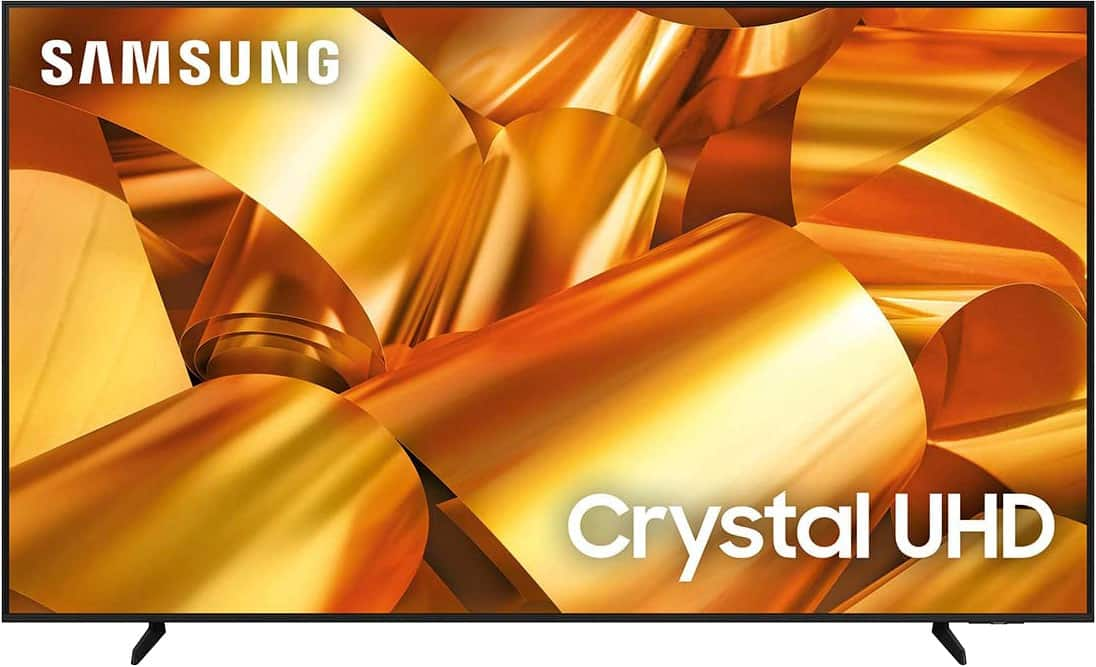
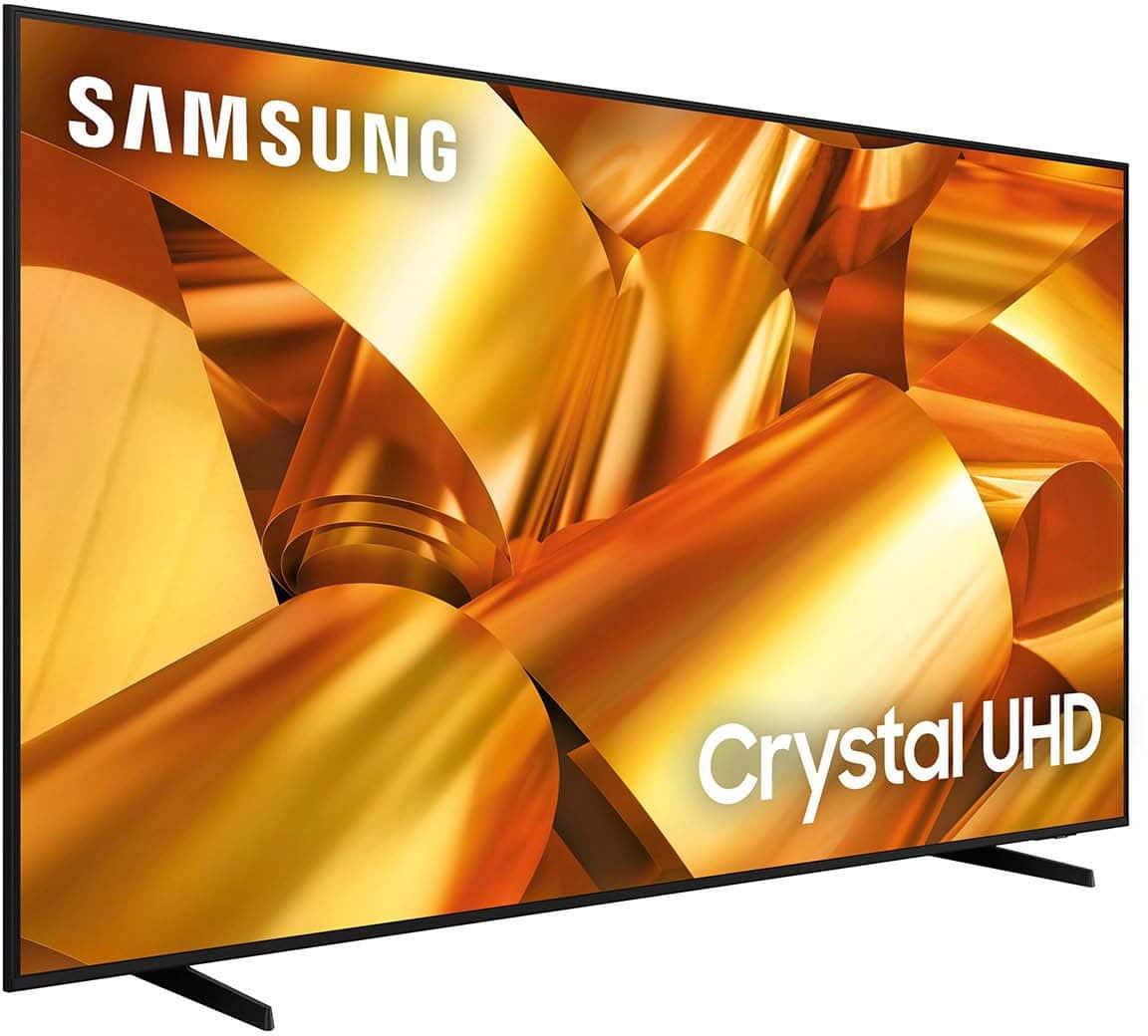
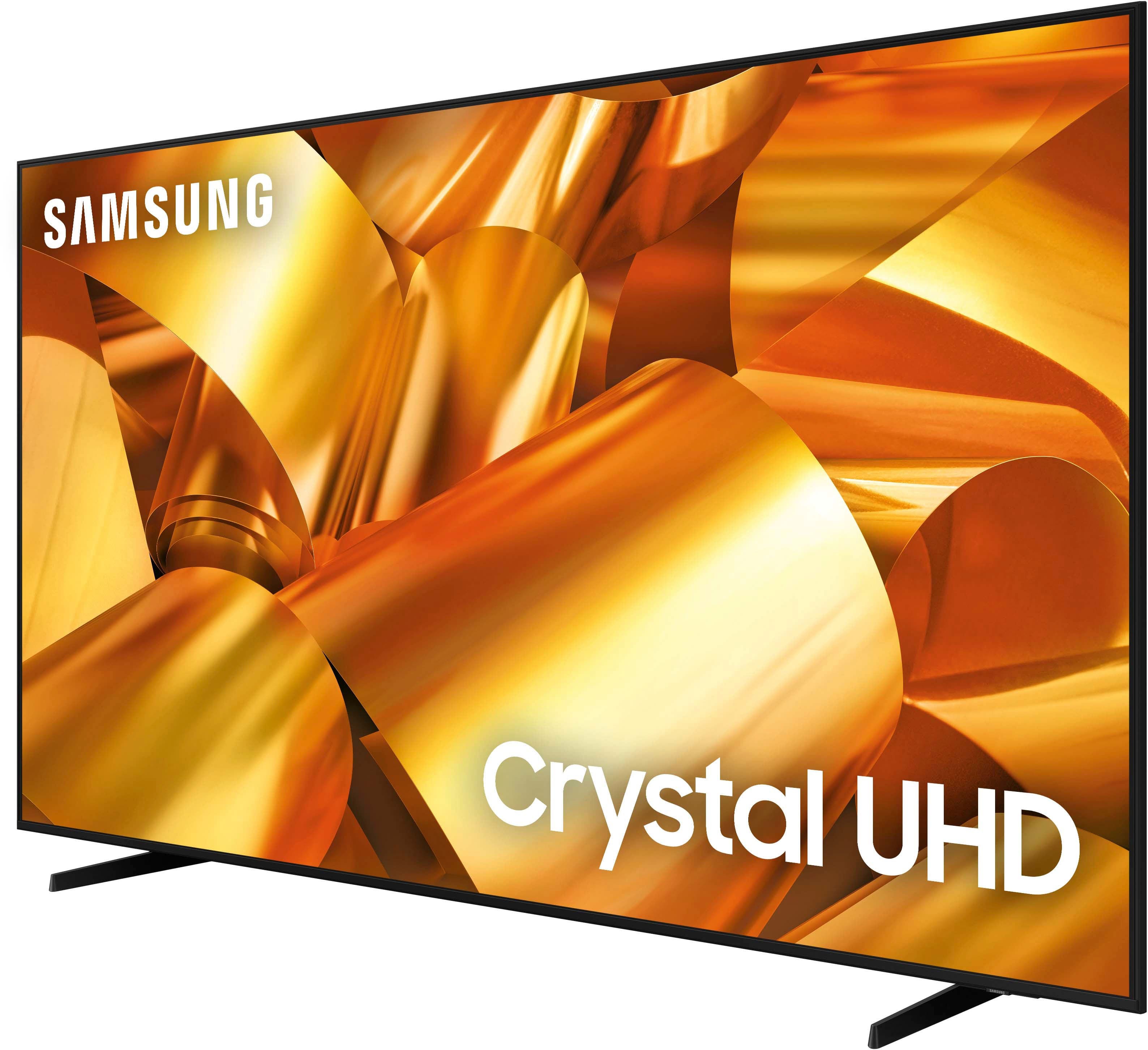
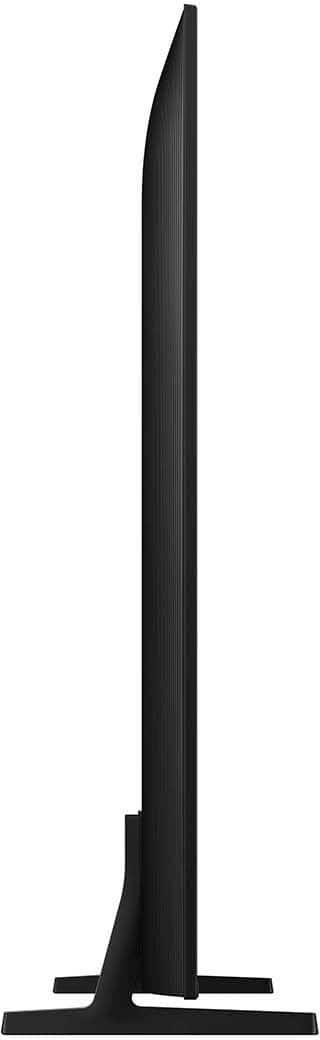





- Model:
- UN75DU6950FXZA
- SKU:
- 6594898
Rating by feature
- Picture Quality
Rating 4.6 out of 5 stars
- Sound Quality
Rating 4.0 out of 5 stars
- Brightness
Rating 4.6 out of 5 stars
to a friend
Customers are saying
Customers have good things to say about the 75” Class DU6950 Series Crystal UHD 4K Smart Tizen TV (2024), particularly praising its picture quality, ease of use, and ideal size. The TV's color and overall quality are also appreciated, along with its manageable weight. However, some customers have expressed concerns about the number of ports and the remote control.
This summary was generated by AI based on customer reviews.
Screen went out
||Posted . Owned for 1 month when reviewed.This reviewer received promo considerations or sweepstakes entry for writing a review.If i could give zero stars I would. I purchased this tv in November. It sat in my den for a little over a month, until i was able to get someone to put it up on the wall. The TV hasn't been up a month yet and the screen has went out. I can't return it because my return date is January 14th. So now 10 days after the return date screen has gone out and I'm stuck with a tv I can't watch but listen too.
No, I would not recommend this to a friendBrand response from Samsung
Posted .MonicaP,
If you've switched on your TV and the sound comes through fine, but you do not see any picture, there are three potential issues.
1) A connection issue is the most common problem where there is a bad connection, faulty cables, or improper installation.
2) An issue with the device connected to the TV. There may be a video output setting on the device that you must set properly before it will output to the TV.
3) There is something wrong with the TV, requiring a technician to assess the TV and find a solution.
Please give us the opportunity to assist you by contacting Samsung Customer Support via any of the following options:
You can call us at 1-800-SAMSUNG, 8 AM - 12 AM EST, seven days a week. Our LiveChat agents are also available by clicking on the ‘Support’ link on our website.
~ Samsung Pro
Screen fell off after 7 months
||Posted .This reviewer received promo considerations or sweepstakes entry for writing a review.Turns on and off randomly. Freezes and glitches making terrible sounds. We keep being told it needs software updates, which we constantly do and keep it current. Purchased 12/2024 and today, now July 2025 the screen fell off the front of the TV.
No, I would not recommend this to a friendBrand response from Samsung
Posted .AmyB,
We appreciate you taking the time to let us know about your experience with your TV. So that we can better troubleshoot this issue and provide steps towards a solution, please contact Samsung Support at 1-800-SAMSUNG, 8AM - 12AM EST, 7 days a week. Or visit us on the Samsung website and click on the ‘Support’ link for:
• LiveChat
• Manuals, Software, & Warranty Info
~ Samsung Pro
Very fragile.
||Posted .This reviewer received promo considerations or sweepstakes entry for writing a review.Item broke very easily. I’m very disappointed, especially considering the price I paid.
No, I would not recommend this to a friendBrand response from Samsung
Posted .SelEsco,
We appreciate you taking the time to let us know about your experience with your TV. So that we can better troubleshoot this issue and provide steps towards a solution, please contact Samsung Support at 1-800-SAMSUNG, 8AM - 12AM EST, 7 days a week. Or visit us on the Samsung website and click on the ‘Support’ link for:
• LiveChat
• Manuals, Software, & Warranty Info
~ Samsung Pro
Bad experience
||Posted .This reviewer received promo considerations or sweepstakes entry for writing a review.I purchased a Samsung TV, and without any damage or mishandling on my part, the panel came loose from the top and fell. This has caused me to lose money, and I would like to request a reimbursement for it.”
No, I would not recommend this to a friendBrand response from Samsung
Posted .RancheoluwaD,
Samsung stands behind the quality and performance of our TVs with a limited 1-year manufacturer’s warranty when purchased brand-new from an authorized dealer. To schedule a warranty appointment, please call us at 1-800-SAMSUNG, available from 8 AM to 12 AM EST, seven days a week. You can also chat with us on Samsung.com for immediate assistance.
~Samsung Pro
Find a better option
||Posted . Owned for 1 month when reviewed.This reviewer received promo considerations or sweepstakes entry for writing a review.I purchase this item on Feb 14th (brand new) and on March 12th, the screen was already coming out. That should tell you a lot, was very disappointing at this purchase, good thing I had insurance and was able to return and get myself a bigger and better quality tv.
No, I would not recommend this to a friendBrand response from Samsung
Posted .JosephN,
Thank you for taking the time to provide feedback on your DU6950 TV. Please know that your feedback will be shared with our internal product teams. We take pride in our products and are sorry to hear that your experience was not up to our high standards.
Should you ever decide to give Samsung TVs another try and have questions or need help with settings, setup, or features, we would be happy to help. Call us at 1-800-SAMSUNG, 8 AM – 12 AM EST, seven days a week. LiveChat with an agent, as well as manuals, software, and warranty info, can be found at the ‘Support’ link on our Samsung website.
We hope to regain you as a customer in the future.
~ Samsung Pro
Bad sound quality
||Posted . Owned for 2 months when reviewed.This reviewer received promo considerations or sweepstakes entry for writing a review.This tv has horrible sound quality. Please do not purchase this model/series. I bought this tv and opened it 2 months later. I’m passed the 30 day return period. I wish I knew about the sound quality before hand. The reviews about the sound must be buried, I totally missed it. SMH
No, I would not recommend this to a friendBrand response from Samsung
Posted .RockG,
Thank you for sharing your thoughts regarding the DU6950 TV’s sound quality. We recommend adjusting the Sound Settings to improve your experience. You can change the Sound Mode by going to Settings > All Settings> Sound > Sound Mode.
You can also customize the sound with Expert Settings by going to Settings > All Settings> Sound > Expert Settings.
To assist you with possible sound settings adjustments for a better audio experience or choosing a Samsung Soundbar to complement your viewing enjoyment, please reach out to us at 1-800-SAMSUNG, 8 AM - 12 AM EST, seven days a week. Our LiveChat agents are also available by clicking on the ‘Support’ link on our website.
~ Samsung Pro
Front Glass Came Apart After 8 Months
||Posted .This reviewer received promo considerations or sweepstakes entry for writing a review.Had the TV for 8 months and now the front glass piece came apart.
No, I would not recommend this to a friendBrand response from Samsung
Posted .Anonymous,
Samsung stands behind the quality and performance of our TVs with a limited 1-year manufacturer’s warranty when purchased brand-new from an authorized dealer. To schedule a warranty appointment, please call us at 1-800-SAMSUNG, available from 8 AM to 12 AM EST, seven days a week. You can also chat with us on Samsung.com for immediate assistance.
~Samsung Pro
Never buying another Samsung TV
||Posted . Owned for 3 weeks when reviewed.This reviewer received promo considerations or sweepstakes entry for writing a review.This is my first time purchasing a Samsung tv and it’ll probably be my last. My tv came damaged and Samsung is giving me the run around about getting it fixed or replaced.
No, I would not recommend this to a friendBrand response from Samsung
Posted .JulianT,
I'm sorry to hear of your experience with the DU6950 TV. Please know our warranty covers manufacturing defects in materials and workmanship encountered in normal, noncommercial use of this product and does not apply to damage incurred during shipment, delivery, and /or installation. You can read more about our warranty on our site.
Should you have additional questions or wish to troubleshoot the issue, please call us at 1-800-SAMSUNG, 8 AM - 12 AM EST, seven days a week. Our LiveChat agents are also available by clicking on the ‘Support’ link on our website.
~ Samsung Pro
I dont recoment this ithem
||Posted . Owned for 1 month when reviewed.This reviewer received promo considerations or sweepstakes entry for writing a review.Only one week works only one week works and geek squad chage chage appoiment to fix 2 times
No, I would not recommend this to a friendBrand response from Samsung
Posted .JoseP,
Thank you for taking the time to provide feedback on your DU6950 TV. Please know that your feedback will be shared with our internal product teams. We take pride in our products and are sorry to hear that your experience was not up to our high standards.
Please know that we back this Samsung TV with a 1-year limited manufacturer's warranty, including authorized repair for manufacturer defect, if purchased brand-new directly from an authorized seller.
Please give us the chance to make this right by contacting Samsung Customer Support at 1-800-SAMSUNG, 8 AM - 12 AM EST, seven days a week. Our LiveChat agents are also available by clicking on the ‘Support’ link on our website.
~Samsung Pro
Never seen this before
||Posted . Owned for 6 months when reviewed.This reviewer received promo considerations or sweepstakes entry for writing a review.Screen just fell completely off while I was taking a nap. Good thing glass didn't go everywhere. We've had this TV 6 months.
No, I would not recommend this to a friendBrand response from Samsung
Posted .Afwxchick,
Thank you for taking the time to provide feedback on your DU6950 TV. Please know that your feedback will be shared with our internal product teams. We take pride in our products and are sorry to hear that your experience was not up to our high standards.
Samsung is committed to providing the best possible product experience, quality, and value. We back this Samsung TV with a 1-year limited manufacturer's warranty, including authorized repair for manufacturer defect, if purchased brand-new directly from an authorized seller. You can see the full details of your warranty on Samsung's website. Go to Support (upper right corner) and select Warranty information. This will allow you to search for your product and view the full details of the included warranty.
Please give us the chance to make this right by contacting Samsung Customer Support at 1-800-SAMSUNG, 8 AM - 12 AM EST, seven days a week. Our LiveChat agents are also available by clicking on the ‘Support’ link on our website.
~Samsung Pro
Horrible.
||Posted . Owned for 6 months when reviewed.This reviewer received promo considerations or sweepstakes entry for writing a review.A photo is worth 1,000 words. Literally the screen melted off of our TV?
No, I would not recommend this to a friendBrand response from Samsung
Posted .Jimmy,
We appreciate you taking the time to let us know about your experience with your TV. So that we can better troubleshoot this issue and provide steps towards a solution, please contact Samsung Support at 1-800-SAMSUNG, 8AM - 12AM EST, 7 days a week. Or visit us on the Samsung website and click on the ‘Support’ link for:
• LiveChat
• Manuals, Software, & Warranty Info
~ Samsung Pro
Do not buy.
||Posted . Owned for 3 months when reviewed.This reviewer received promo considerations or sweepstakes entry for writing a review.I bought this tv in December and here we are in march 3 months later with a huge line going through the bottom. Do not recommend.
No, I would not recommend this to a friendBrand response from Samsung
Posted .DanielleB,
Thank you for purchasing the Samsung DU6950 TV and for sharing your experience with your TV not displaying correctly. You may want to try the following troubleshooting steps:
1. Run a Picture Test on the TV.
Navigate to Settings> Support> Device Care >Self Diagnosis. Then select Picture Test >OK> view the test. You can select Yes if the picture looks normal, No if there is a problem with the picture, or Show again to see the picture a second time.
2. Determine if lines are appearing during the Picture Test.
Look for a line or lines on the screen during the Picture Test. If there are no lines, this means your TV is working fine. To identify and fix the issue, first, try replacing the cable of the external device that is showing lines.
- If the lines still appear after replacing the cable, troubleshoot the external device.
- If lines appear during the Picture Test, proceed to the next step.
3. Request service if lines appear during the Picture Test.
If you see lines during the Picture Test, please visit our Support Center to request service. Make sure you have the TV's model code, software version, and serial number when calling.
In some cases, lines (especially if they are black) can be caused by a cracked screen. If this is the case, it would still need service if you want to fix it. However, since physical damage is not covered by the warranty, it may be more economical to buy a new TV rather than pay for repairs and a new screen.
Please know we are available and happy to assist you with further troubleshooting or to set up a warranty appointment. You can contact Samsung Customer Support at 1-800-SAMSUNG, 8 AM - 12 AM EST, seven days a week. Our LiveChat agents are also available by clicking on the ‘Support’ link on our website.
~Samsung Pro
Tv broken
||Posted . Owned for 3 months when reviewed.This reviewer received promo considerations or sweepstakes entry for writing a review.Just opened the box to use and tv was broken and no cable or remote in the box
I would recommend this to a friendBrand response from Samsung
Posted .KwesiG,
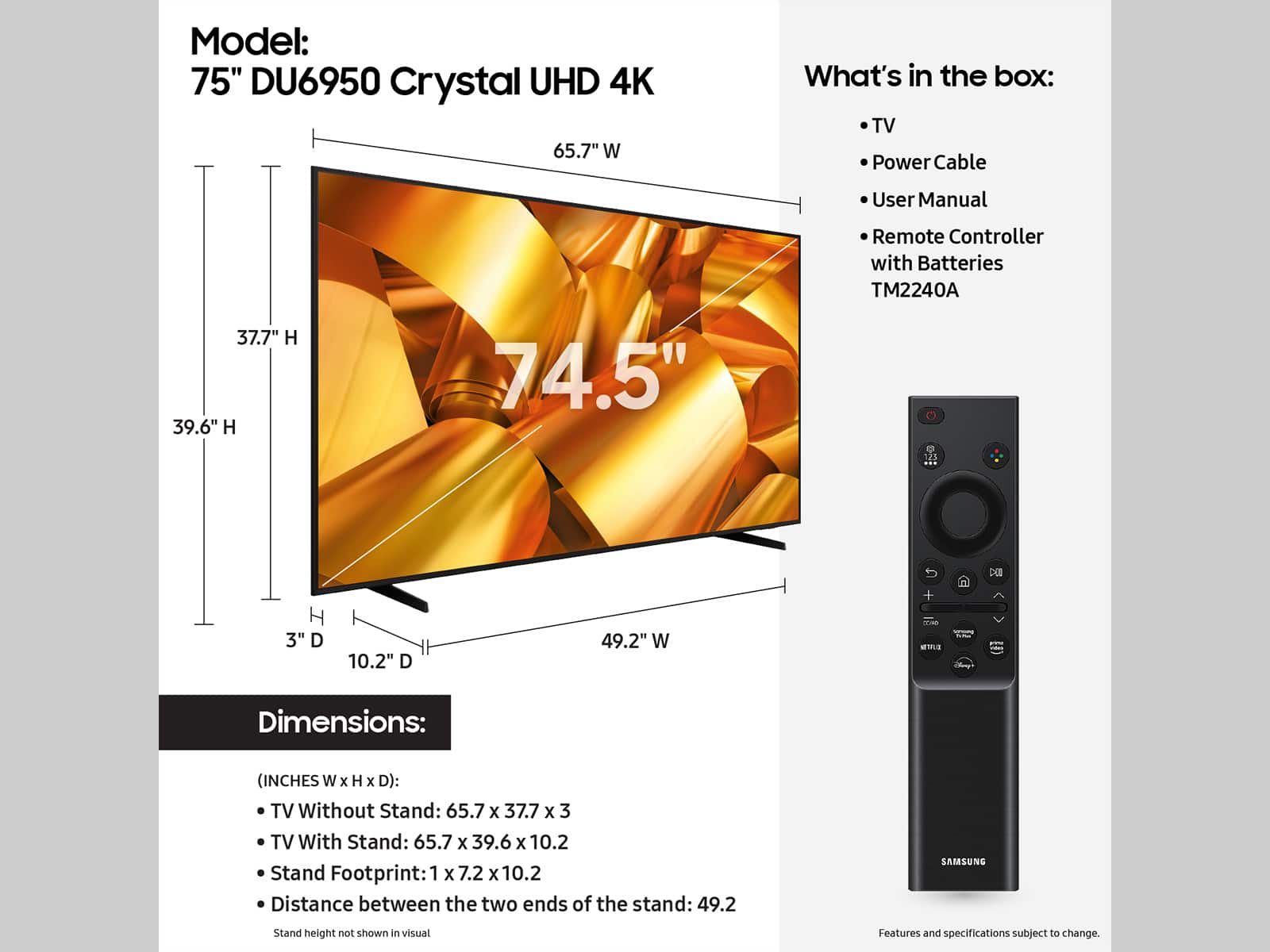
It sounds like you may have received an open box model, as the DU6950 does come with a power cable and remote. We recommend contacting Best Buy Customer Support or your local Best Buy store directly for assistance in correcting this situation. We hope your issue is resolved quickly.
If you ever have product questions or need help, Samsung is here for you! Give us a call at 1-800-SAMSUNG, 8 AM - 12 AM EST, seven days a week. Our LiveChat agents are also available by clicking on the ‘Support’ link on our website.
~Samsung Pro
Bad
||Posted . Owned for 3 weeks when reviewed.This reviewer received promo considerations or sweepstakes entry for writing a review.Not what I expected and everytime I start watching after a while it goes back to main menu or starts buffering and is getting annoying
No, I would not recommend this to a friendBrand response from Samsung
Posted .MauricioZ,
Thank you for letting us know about the issues you are having with your DU6950 TV. For optimal performance, we ask that you please ensure you've got the latest firmware version installed on your TV. You can check this by going to Home > Menu > Settings > Support > Software Update.
You may also want to further optimize performance with the self-diagnostic tool, which checks memory, frees up unused cached memory, and closes background apps. Go to: Home > Menu > Settings > Support > Device Care > Start Device Care.
If you need further assistance, we would be happy to help! Please feel free to contact Samsung Support at 1-800-SAMSUNG, available from 8 AM to 12 AM EST, seven days a week. You can also chat with us on Samsung.com for immediate assistance.
~Samsung Pro
Bad buy
||Posted .This reviewer received promo considerations or sweepstakes entry for writing a review.The screen is comming off have never had this happen before
No, I would not recommend this to a friendBrand response from Samsung
Posted .JavierC,
We appreciate you taking the time to let us know about your experience with your TV. So that we can best provide steps towards a solution, please contact Samsung Support at 1-800-SAMSUNG, 8AM - 12AM EST, 7 days a week. Or visit us on the Samsung website and click on the ‘Support’ link for:
• LiveChat
• Manuals, Software, & Warranty Info
~ Samsung Pro
Still not satisfied
||Posted . Owned for 1 month when reviewed.This reviewer received promo considerations or sweepstakes entry for writing a review.There were all types of mixup with a delivery, and I still have not received a phone call back with regard to that!
I would recommend this to a friendBrand response from Samsung
Posted .DanielG,
Please know you are leaving a review for the DU6950 TV, not the service provided by Best Buy. Please follow up directly with Best Buy for further assistance. We hope your issue is resolved in a timely manner. Should you have questions regarding Samsung TVs, please contact Samsung Support at 1-800-SAMSUNG, 8 AM – 12 AM EST, 7 days a week. Our LiveChat agents are also available by clicking on the ‘Support’ link on our website.
~Samsung Pro
Big Screen, Great Value
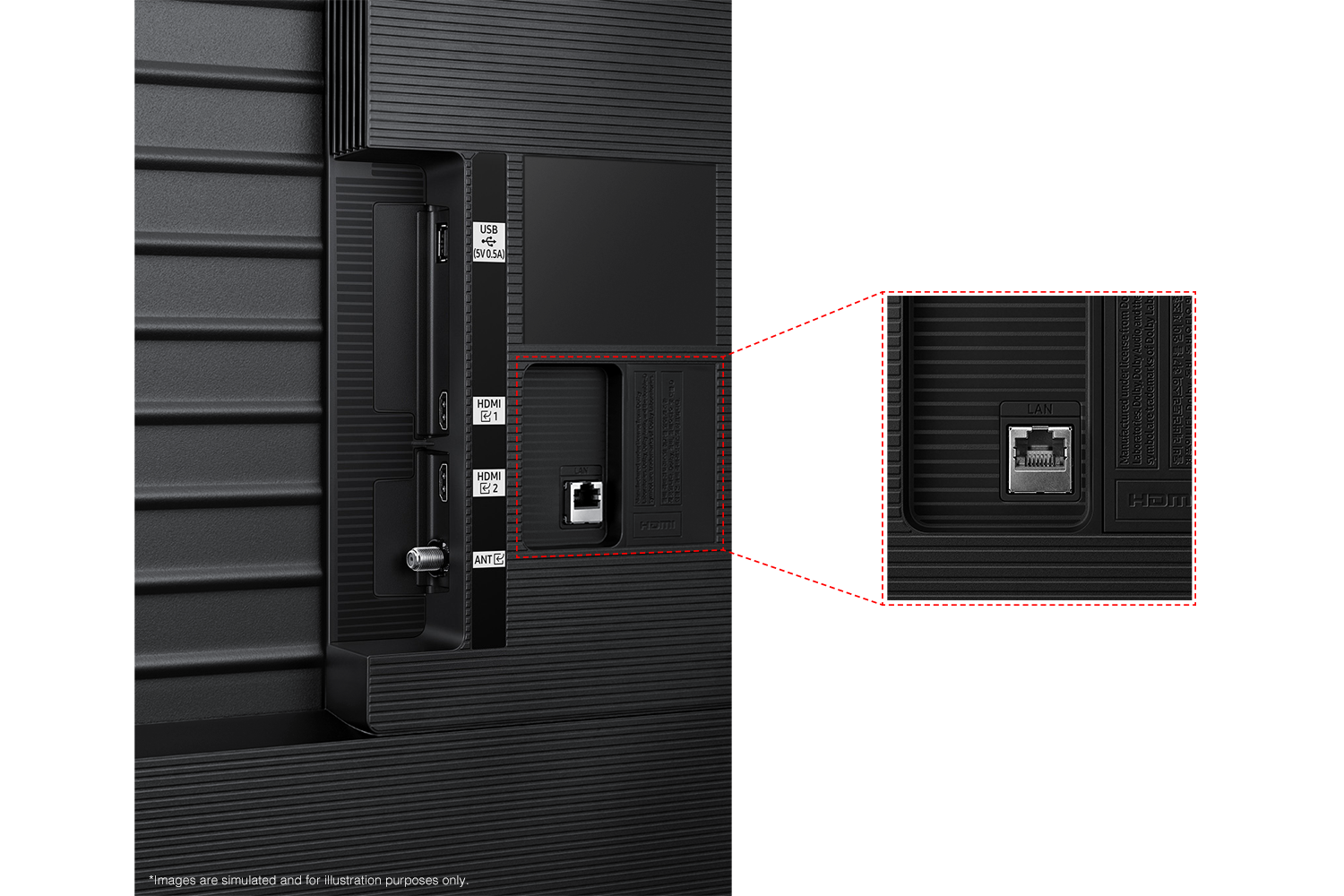
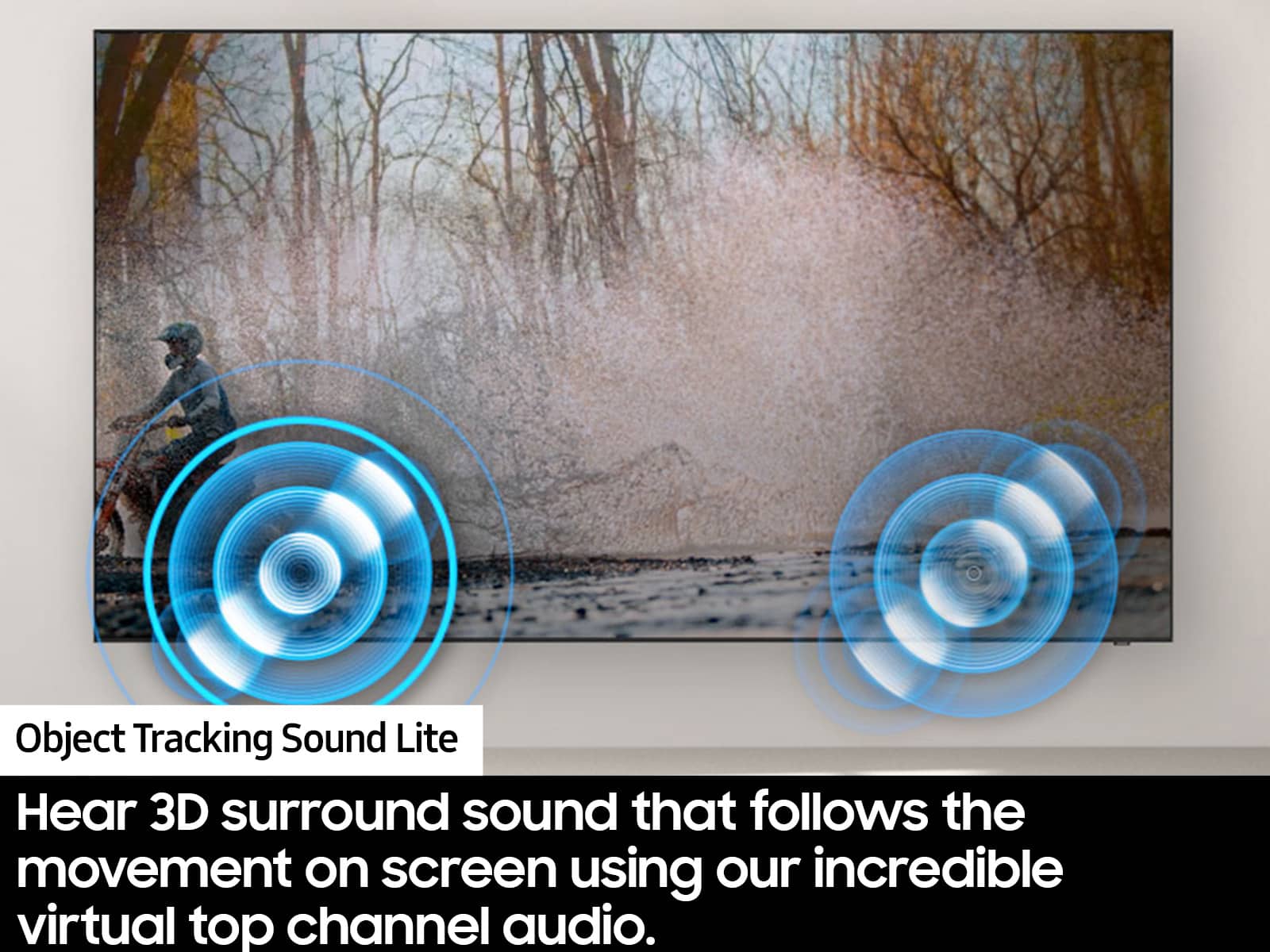
||Posted . Owned for 1 year when reviewed.This reviewer received promo considerations or sweepstakes entry for writing a review.If you want a big-screen 4K TV without spending premium prices, the Samsung 75” DU6950 delivers a surprisingly strong performance for everyday viewing, streaming, and casual gaming. Picture & Performance The DU6950 features a 75-inch 4K UHD LED panel with Samsung’s Crystal Processor 4K, which upscales content well and produces crisp visuals with good detail for the price. PurColor technology helps render vibrant colors, and Motion Xcelerator works to reduce blur in fast scenes, making sports and action movies look smoother. Overall, picture quality earns praise from many owners for its brightness and clarity at this size. However, keep in mind it’s a basic LED panel without local dimming or advanced contrast tech, so you won’t get the deep blacks or HDR impact found in higher-end TVs. It’s a great step up from smaller or older sets, but not a top-tier display. Smart Features & UI This model runs Samsung’s Tizen smart TV platform, giving you smooth access to popular streaming apps (Netflix, Disney+, YouTube, etc.). Most owners find the interface intuitive, though a few people online mention the UI can occasionally feel slow or clunky compared with external streamers. Audio The built-in speakers do a decent job for everyday watching, but they’re fairly standard for a budget TV. Pairing it with a soundbar — especially one that supports Samsung Q-Symphony — will make a noticeable improvement. Gaming & Input With a 60Hz refresh rate and Auto Game Mode (ALLM), the DU6950 handles consoles and casual gaming fine, though competitive players may notice the lack of higher refresh rates or VRR compared to gaming-focused models. Pros & Cons Pros • Large 75” 4K screen with vivid colors and good clarity for movies, shows, and sports. • Excellent value — solid performance at a budget-friendly price. • Easy setup and broad smart app support. Cons • Standard LED panel with limited contrast and HDR punch. • Only a couple of HDMI ports — some users find this limiting. • Remote and UI aren’t as slick as some competitors.
I would recommend this to a friendExcellent Picture Quality and Immersive Size
||Posted . Owned for 9 months when reviewed.This reviewer received promo considerations or sweepstakes entry for writing a review.I’m extremely happy with my 75-inch Samsung TV. The first thing that stands out is the picture quality — the colors are vibrant, the contrast is sharp, and everything looks incredibly clear, whether I’m watching movies, sports, or regular TV. The large screen size truly creates a theater-like experience in my living room without feeling overwhelming. Setup was simple and straightforward, and the TV interface is smooth and easy to navigate. Apps load quickly, and switching between inputs is seamless. I also appreciate how well the TV handles both bright and dark scenes, making it enjoyable to watch at any time of day. The sound quality is solid for built-in speakers, but what I like most is how well the TV enhances the overall viewing experience with its clarity and size. It feels like a great balance of performance, design, and value. Overall, this Samsung 75-inch TV has exceeded my expectations, and I would definitely recommend it to anyone looking to upgrade to a larger, high-quality television.
I would recommend this to a friendBig Screen, Easy Setup, Great Value
||Posted .This reviewer received promo considerations or sweepstakes entry for writing a review.This 75” TV is a great upgrade if you want a big, clear picture without spending a fortune. The image quality is bright, sharp, and looks really good for movies, sports, and everyday streaming. Setup was quick and simple, and the smart menu is easy to use right away. For such a large TV, it’s surprisingly lightweight, which made installation much easier than expected. It also feels like a solid value for the price, especially considering the screen size and overall performance. A couple small things to note: it could use more HDMI ports if you have a lot of devices, and the remote is on the smaller side. Neither was a deal-breaker for me. Overall, this TV delivers exactly what most customers are looking for a huge screen, great picture, and an easy, hassle-free experience.
I would recommend this to a friendGreat value for Tv
Posted .This reviewer received promo considerations or sweepstakes entry for writing a review.I actually ended up loving this tv. It fits my space perfectly. Only had a few things I wasn’t to fond of. First being when I created a samsung profile and set the tv up the apps didn’t want to finish updating and download. We weren’t able to watch anything but the public tv channels until I figured out how to get the apps to download. I checked every setting, messed with the smarthub even reset it. Took me to click on bluey and enter into the apps that way to get the smarthub to update and load all of the apps and work right. Also felt like the sound isn’t very loud. We had a surround sound set we planned to connect to this but noticed compared to my bedroom tv this one is crazy quiet. & Last one is when you turn the tv on it periodically directs you automatically to a random public tv channel so you never know whats going to pop up when you first turn it on. Still haven’t figured that out, Its annoying I hit home after I turn it on so I don’t have to explain anything more to my wildly smart 4 year old daughter who will ask me 75 times a day what was that, that she saw on the tv. Lol
I would recommend this to a friend