Customer Ratings & Reviews
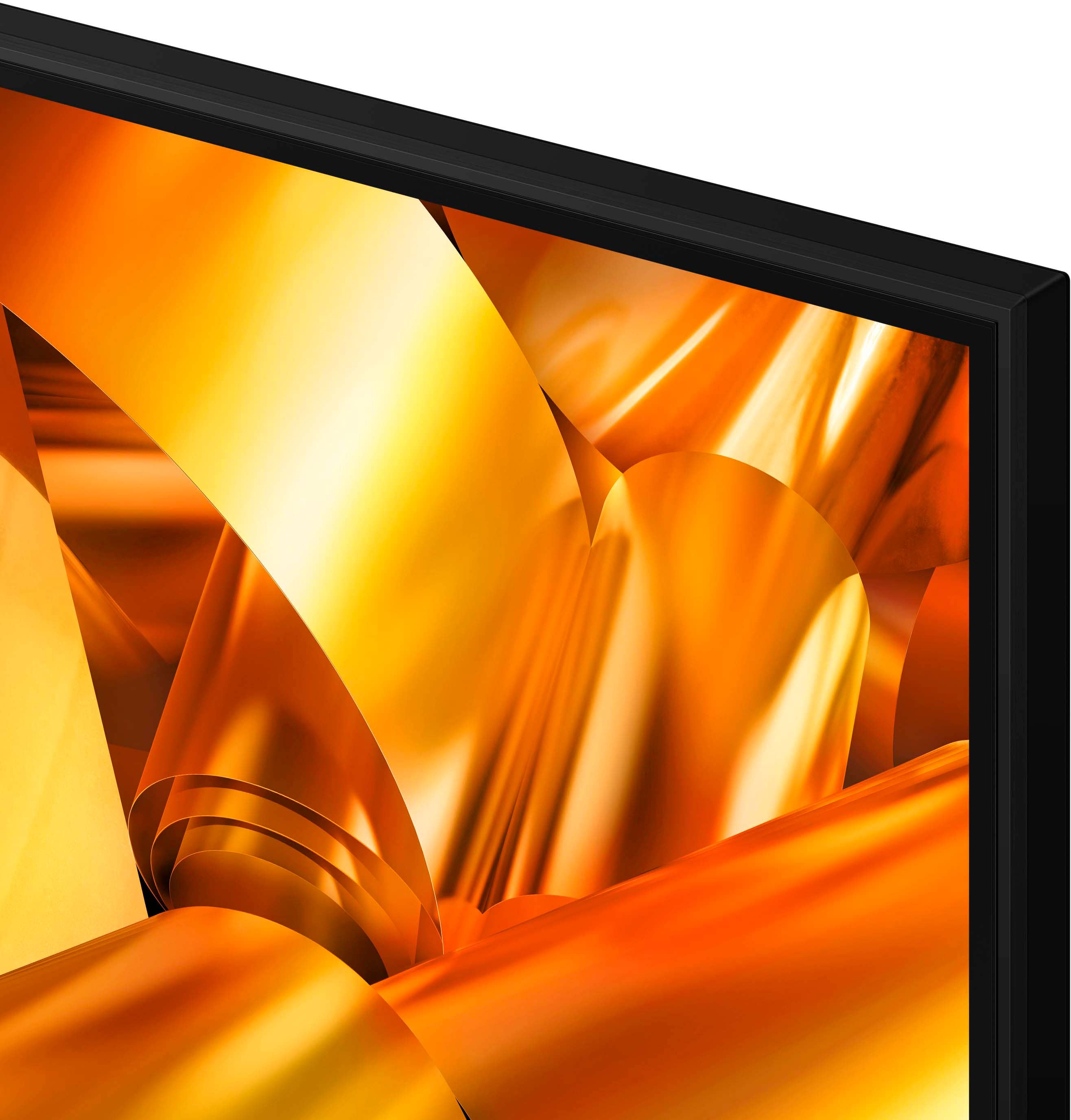
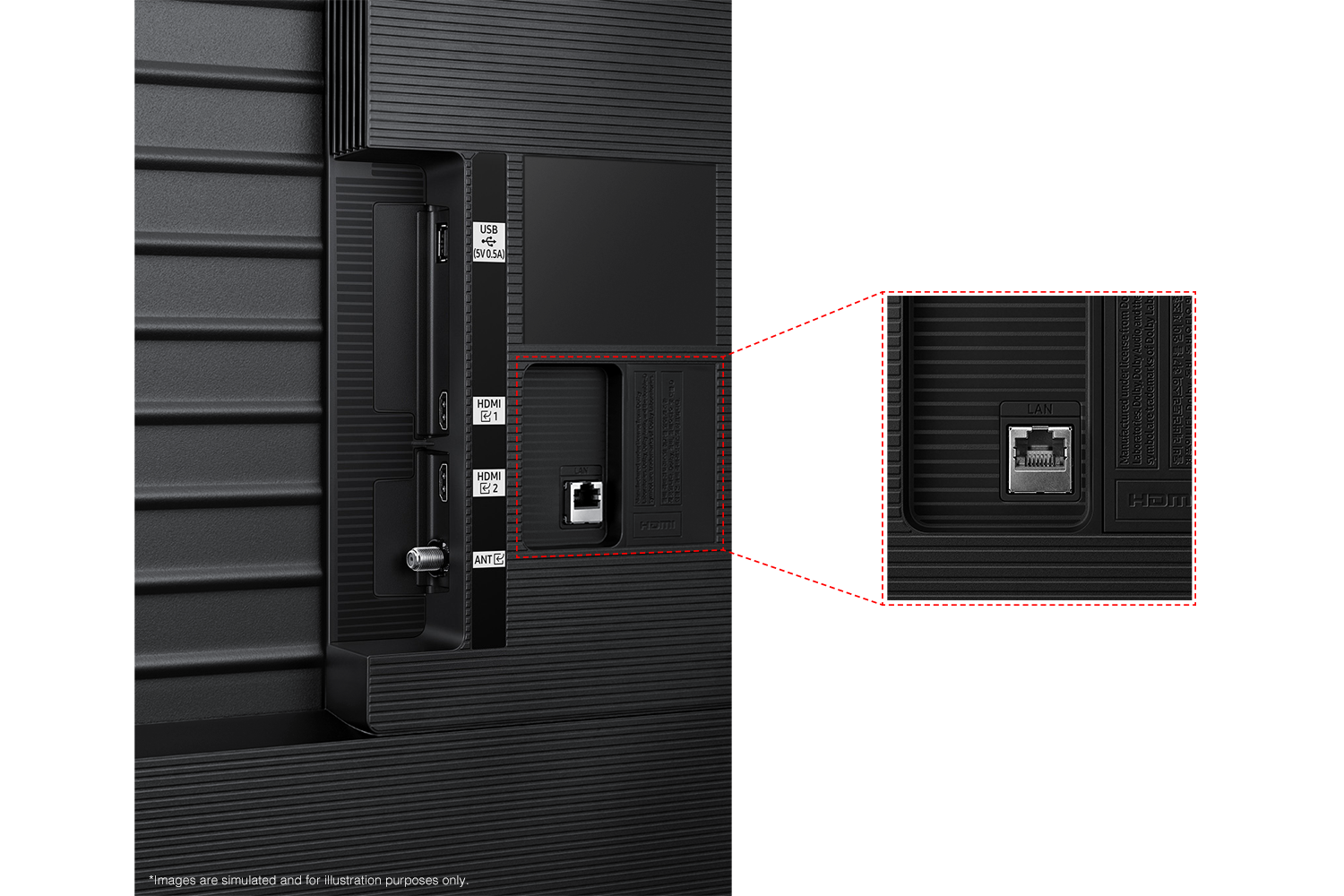
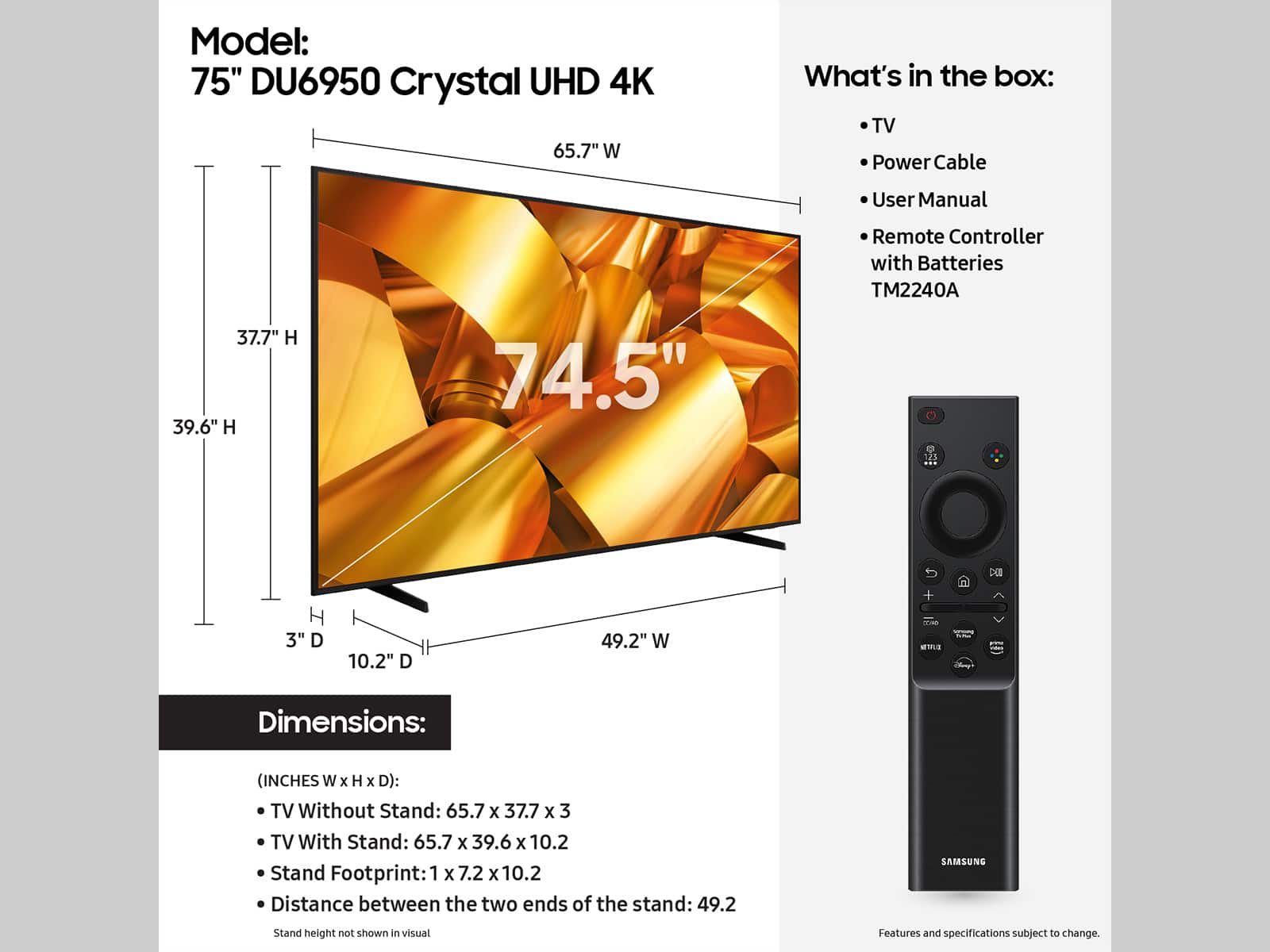

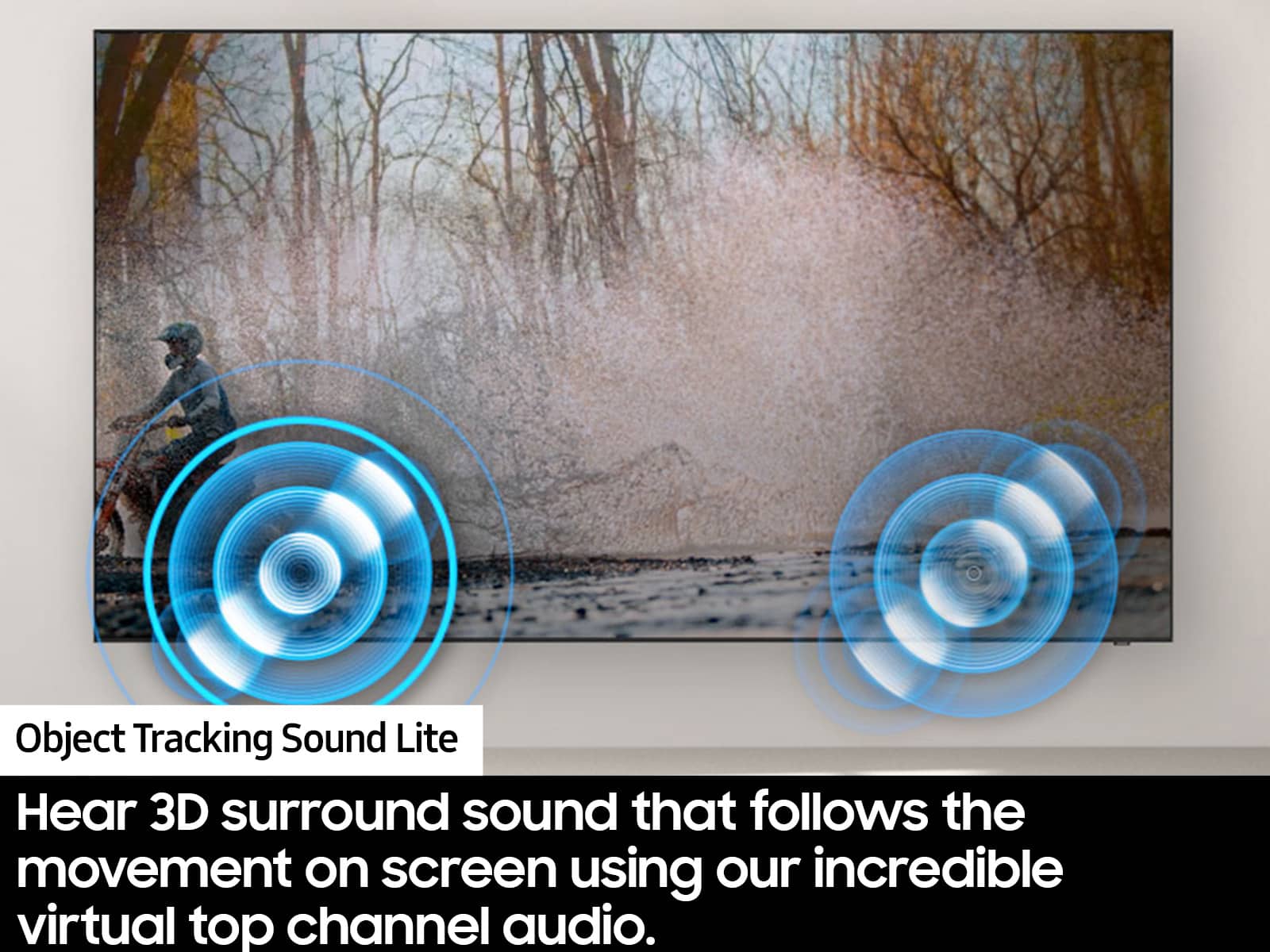




- Model:
- UN75DU6950FXZA
- SKU:
- 6594898
Rating by feature
- Picture Quality
Rating 4.6 out of 5 stars
- Sound Quality
Rating 4.0 out of 5 stars
- Brightness
Rating 4.6 out of 5 stars
to a friend
Customers are saying
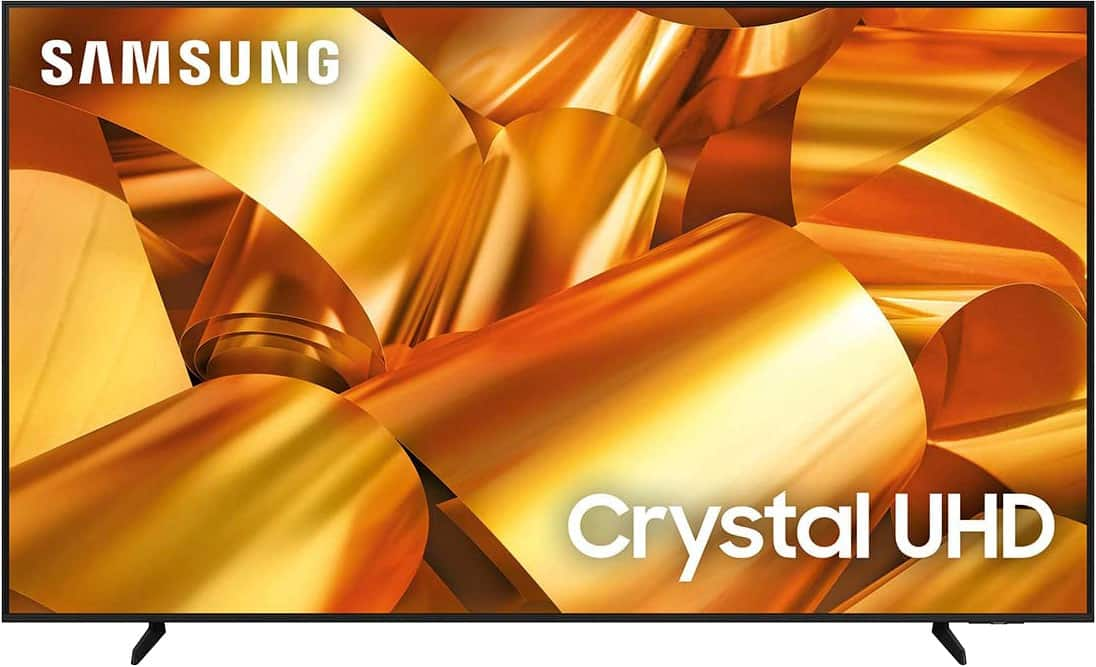
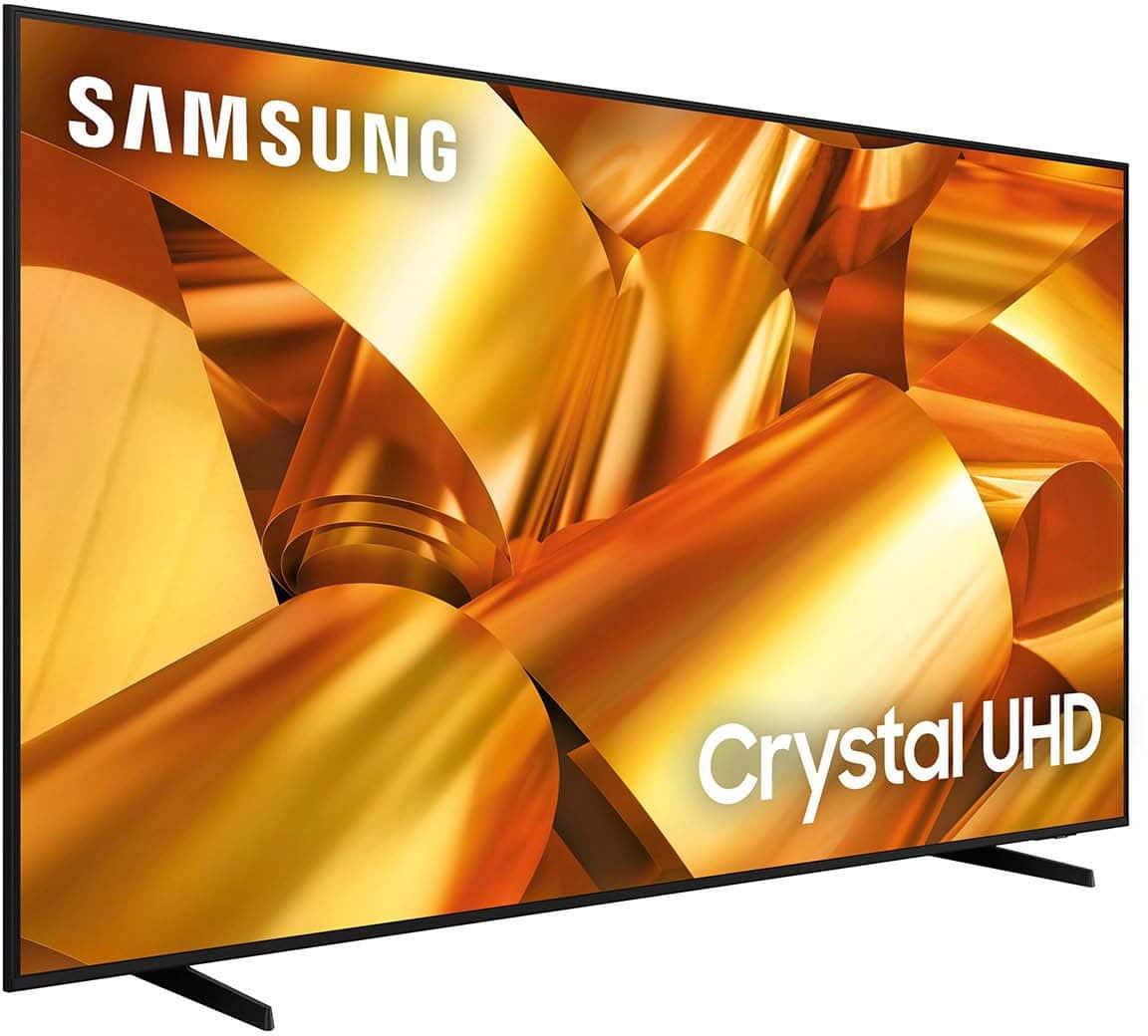
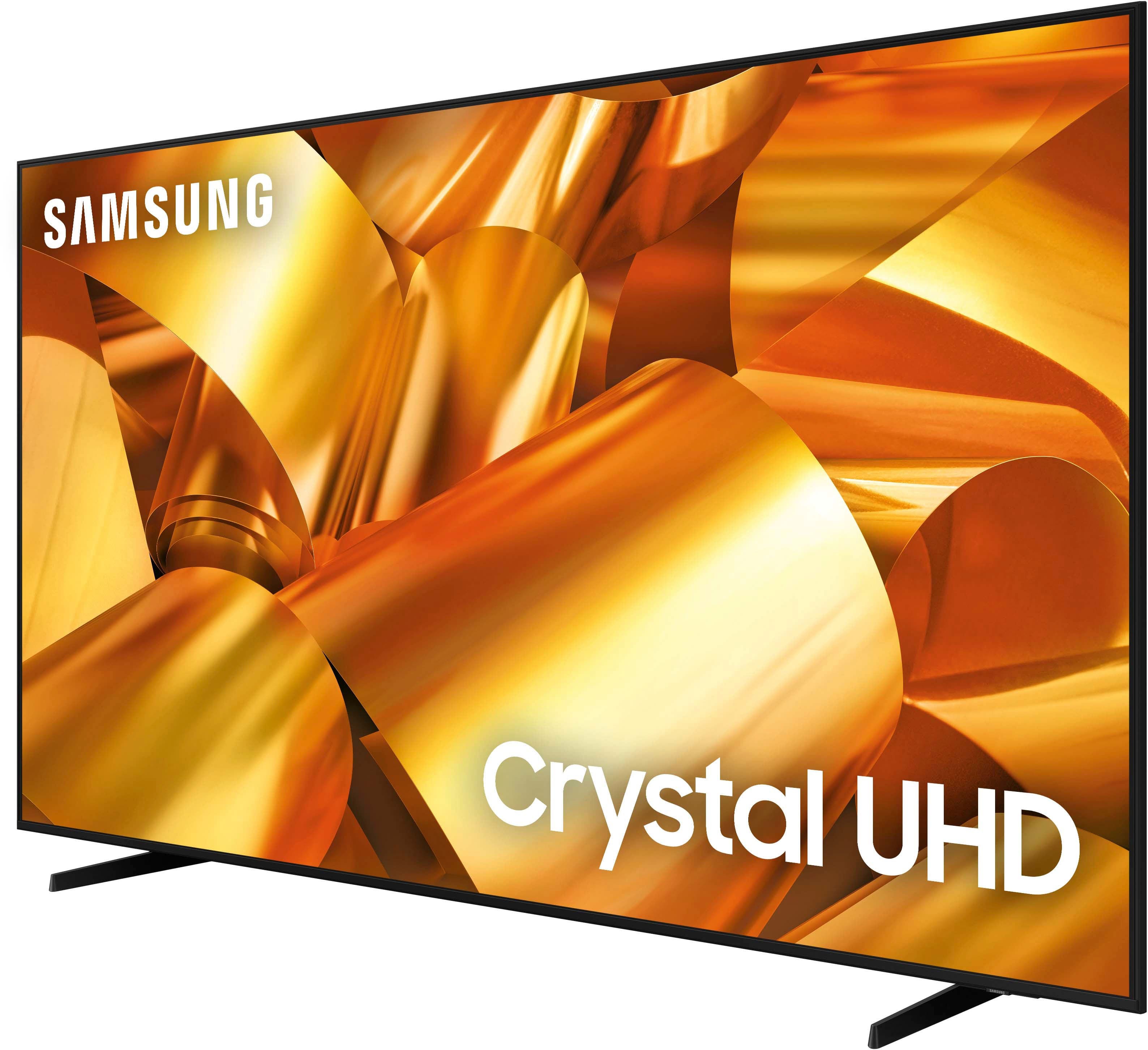
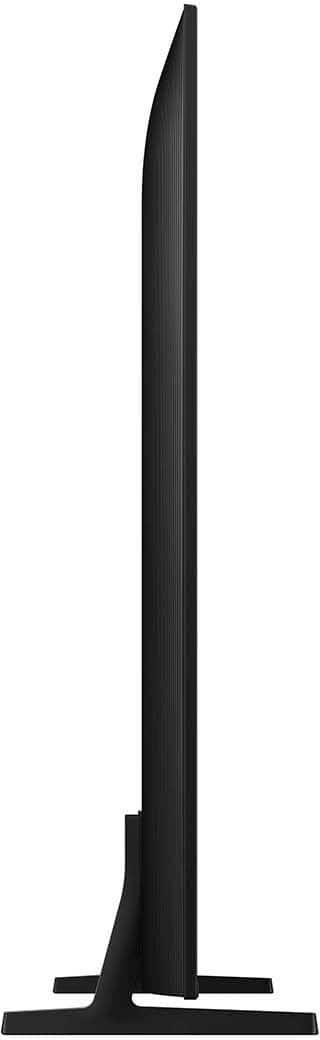
Customers have good things to say about the 75” Class DU6950 Series Crystal UHD 4K Smart Tizen TV (2024), particularly praising its picture quality, ease of use, and ideal size. The TV's color and overall quality are also appreciated, along with its manageable weight. However, some customers have expressed concerns about the number of ports and the remote control.
This summary was generated by AI based on customer reviews.
Samsung 75in
||Posted . Owned for 1 month when reviewed.This reviewer received promo considerations or sweepstakes entry for writing a review.The tv is great for the price especially, would recommend, it’s not as loud in volume as my other Samsung tv, but it’s still good quality
I would recommend this to a friendSuper Clear
||Posted .This reviewer received promo considerations or sweepstakes entry for writing a review.The clarity is amazing for the price. It was easy to get it delivered and have it be installed. Definitely a product worthe considering
I would recommend this to a friendSamsung tv
||Posted .This reviewer received promo considerations or sweepstakes entry for writing a review.Great tv really like it. Would recommend to anyone
I would recommend this to a friendExcellent service
||Posted . Owned for 1 month when reviewed.This reviewer received promo considerations or sweepstakes entry for writing a review.Excellent product and services. Delivered on time , installed and everything went smoothly.
I would recommend this to a friendConstant glitch and restart
||Posted . Owned for 9 months when reviewed.This reviewer received promo considerations or sweepstakes entry for writing a review.This TV randomly glitches out for 30 seconds or more at least once a day, and then it resets. I've had this issue from the first day I turned it on. I bought this TV in November of last year, and I still have this issue. I wanted to return this, but I live on the top floor of my apartment complex, and there's no elevator. It looks like I'm not the only one who's had this experience with this TV, so I wouldn't recommend getting this TV. It's a huge hassle to have to figure out how to return a TV this big if you happen to experience the same issue I'm experiencing.
No, I would not recommend this to a friendBrand response from Samsung
Posted .ESTHERL,
We appreciate you taking the time to let us know about your experience with your TV. So that we can better troubleshoot this issue and provide steps towards a solution, please contact Samsung Support at 1-800-SAMSUNG, 8AM - 12AM EST, 7 days a week. Or visit us on the Samsung website and click on the ‘Support’ link for:
• LiveChat
• Manuals, Software, & Warranty Info
~ Samsung Pro
Samsung
||Posted .This reviewer received promo considerations or sweepstakes entry for writing a review.Excellent view no problems at all very well recommended
I would recommend this to a friendNo complaints - so far, so good!
||Posted .This reviewer received promo considerations or sweepstakes entry for writing a review.Since I’ve been using the TV, there hasn’t been any issues. No complaints - so far, so good!
I would recommend this to a friendGreat TV
||Posted . Owned for 7 months when reviewed.This reviewer received promo considerations or sweepstakes entry for writing a review.I've had this TV for 9 months and bo issues. I purchased the tilting mount from Best Buy to mount it
I would recommend this to a friendSpeakers diappoitnting!!!
||Posted . Owned for less than 1 week when reviewed.This reviewer received promo considerations or sweepstakes entry for writing a review.Everything is great except the built on speakers. These are total crap!!! Don’t want to always use a sound bar.
I would recommend this to a friendSamsung Tv
||Posted . Owned for 8 months when reviewed.This reviewer received promo considerations or sweepstakes entry for writing a review.Perfect for the living room, mine sits by the window and the sunlight doesn’t affect at all!
I would recommend this to a friendDisappointed
||Posted . Owned for 1 month when reviewed.This reviewer received promo considerations or sweepstakes entry for writing a review.Screen does not look as good as it displayed in the store. Does not display well in a well lit room. Does not look good at night either. Volume lacks any type of richness or fullness. Definitely a Black Friday bust. I should have known by the price that it would not be worth it. Also having gone from Roku to Samsung, the Roku is easier to navigate.
No, I would not recommend this to a friendBrand response from Samsung
Posted .MoniqueJ,
We appreciate you sharing your experience with the DU6950 TV. Your feedback regarding image quality is essential to us and will be shared with our internal teams. Please try adjusting the below image settings to improve your picture.
Go to Home > Settings > All Settings > Picture > Picture Mode and select the mode that best fits your usage:
1) Standard: Default mode suitable for general viewing environments.
2) Natural: Reduces eye strain for a comfortable viewing experience.
3) Movie: Most suitable for watching TV or movies in a dark room.
4) Dynamic: Makes the picture brighter and clearer in bright viewing environments.
You can also go to Settings > All Settings> Picture > Expert Settings > to manually fine-tune your image.
For sound adjustments, go to Settings> All Settings> Sound.
If you need further assistance, we would be happy to help! Please feel free to contact Samsung Support at 1-800-SAMSUNG, available from 8 AM to 12 AM EST, seven days a week. You can also chat with us on Samsung.com for immediate assistance.
~Samsung Pro
Great TV Best Buys
||Posted . Owned for 1 month when reviewed.This reviewer received promo considerations or sweepstakes entry for writing a review.I always wanted to get a new TV we went to check out the TV and found a great deal the workers were great thanks you always and have a wonderful day Mike
I would recommend this to a friendVery good quality
||Posted . Owned for 2 months when reviewed.This reviewer received promo considerations or sweepstakes entry for writing a review.Me and my family use this tv none stop for movies,games you name it best purchase ive made in a while
I would recommend this to a friendGreat service
||Posted .This reviewer received promo considerations or sweepstakes entry for writing a review.Great service. I wouldnt recommend any other store
I would recommend this to a friendMy Christmas gift was the best. Samsung 75”
||Posted . Owned for 1 month when reviewed.This reviewer received promo considerations or sweepstakes entry for writing a review.I am very please with this tv and the price I got it for. Being a widow and on a fix income it was the best price around. Highly recommend Best Buy for your shopping needs.
I would recommend this to a friendVery great buy
||Posted . Owned for 3 weeks when reviewed.This reviewer received promo considerations or sweepstakes entry for writing a review.This is a great buy.easy to install the apps and set up .the delivery service was amazing and this is the second tv I brought from Best Buy and had a great experience both time.
I would recommend this to a friendWouldn't recommend
||Posted . Owned for less than 1 week when reviewed.This reviewer received promo considerations or sweepstakes entry for writing a review.Picture is okay but sound is horrible. Lags when switching apps.
No, I would not recommend this to a friendBrand response from Samsung
Posted .AnaP,
Thank you for sharing your thoughts regarding the DU6950 TV’s sound quality. We recommend adjusting the Sound Settings to improve your experience. You can change the Sound Mode by going to Settings > All Settings> Sound > Sound Mode.
You can also customize the sound with Expert Settings by going to Settings > All Settings> Sound > Expert Settings.
For optimal performance, we ask that you please ensure you've got the latest firmware version installed on your TV. You can check this by going to Home > Menu > Settings > Support > Software Update.
You may also want to further optimize performance with the self-diagnostic tool, which checks memory, frees up unused cached memory, and closes background apps. Go to: Home > Menu > Settings > Support > Device Care > Start Device Care.
I hope these tips help you enjoy your new product. You can contact us for further help at 1-800-SAMSUNG, 8 AM - 12 AM EST, seven days a week. Our LiveChat agents are also available by clicking on the ‘Support’ link on our website.
~ Samsung Pro
Great Value
||Posted . Owned for 1 month when reviewed.This reviewer received promo considerations or sweepstakes entry for writing a review.Tbia is a great quality tv for the price, cant beat it! Sound could be better but I have a sound bar so doesn't really matter to me.
I would recommend this to a friendGreat Tv
||Posted . Owned for 2 weeks when reviewed.This reviewer received promo considerations or sweepstakes entry for writing a review.It’s a wonderful purchase. I’m able to connect Bluetooth as well as not have to buy a fire stick because it already has the apps I need. The picture on the tv also works really well with my Xbox so there isn’t a delay between gaming on the imput
I would recommend this to a friendThis TV is terrible.
||Posted . Owned for 1 month when reviewed.This reviewer received promo considerations or sweepstakes entry for writing a review.TV was junk. Only 2 HDMI ports. No RCA inputs. No audio outputs. The built in speaker was terrible, small and tinny sounding. I then bought an Samsung Bluetooth speaker to make it sound better and the Samsung TV constantly disconnected from it. Every time (and I mean EVERY TIME I tried to use the TV for streaming it froze up, stopped and went back to the main TV menu. Do not buy this TV.
No, I would not recommend this to a friendBrand response from Samsung
Posted .MVDGuy,
Thank you for taking the time to provide feedback on your DU6900 TV. Please know that your feedback will be shared with our internal product teams. We take pride in our products and are sorry to hear that your experience was not up to our high standards.
To help with lagging, crashing apps, I'd recommend the following:
First, let's ensure you are running the latest Firmware. Go to Settings> Support> Software Update. I recommend enabling auto-updates to ensure you do not miss any Firmware Updates. Go to Settings> Support> Software Update> then select Auto Update.
Next, let's try running a cold boot on your TV. To do so, hold down the Power button on the Samsung TV remote until the TV turns off and then on again. This should take about 5 seconds.
When connecting via Bluetooth, there are a few things to keep in mind.
1) You can't use Bluetooth devices, and the Wi-Fi Speaker Surround Setup feature simultaneously.
2) Compatibility issues may occur, depending on the Bluetooth device (A Mobile exclusive headphones may not be available, depending on the environment).
3) Lip-sync errors may occur.
4) The TV and Bluetooth device may disconnect, depending on the distance between them.
5) A Bluetooth device may hum or malfunction: a) When a part of your body is in contact with the receiving/transmitting system of the Bluetooth device or the TV. b) When the device is subject to electrical variation from obstructions caused by a wall, corner, or office partitioning. c) When the device is exposed to electrical interference from same frequency-band devices, including medical equipment, microwave ovens, and wireless LANs.
If we can further help with any other issues, we are happy to help. Just call us at 1-800-SAMSUNG, 8 AM - 12 AM EST, seven days a week. Our LiveChat agents are also available by clicking on the ‘Support’ link on our website.
~ Samsung Pro