Customer Ratings & Reviews



- Model:
- UN75DU6950FXZA
- SKU:
- 6594898
Rating by feature
- Picture Quality
Rating 4.6 out of 5 stars
- Sound Quality
Rating 4.0 out of 5 stars
- Brightness
Rating 4.6 out of 5 stars
to a friend
Customers are saying
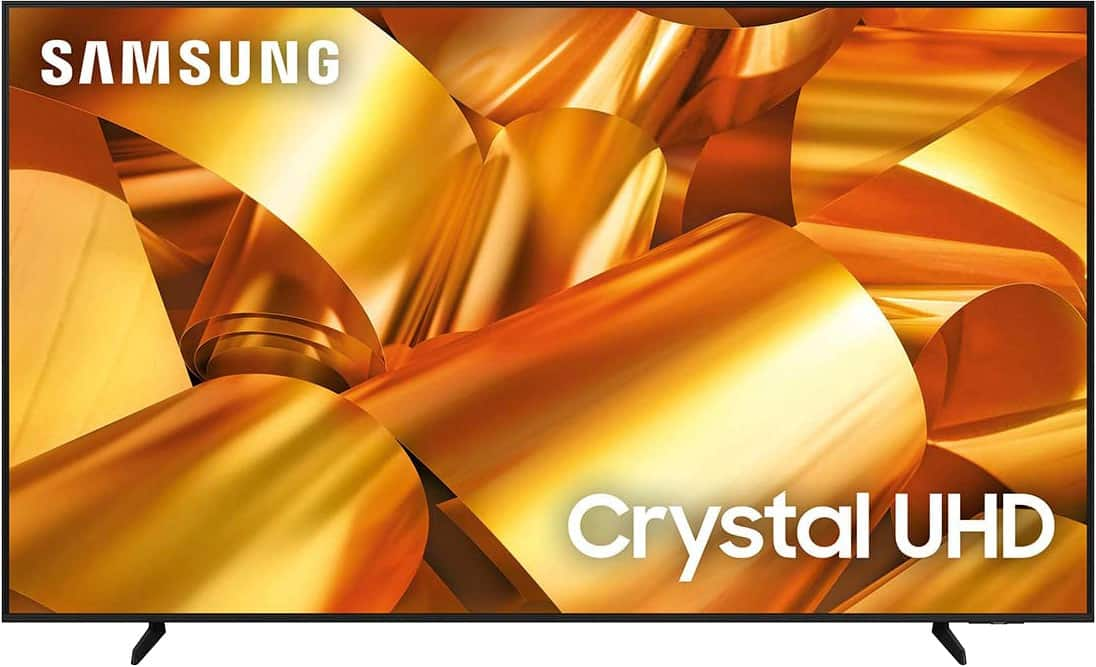
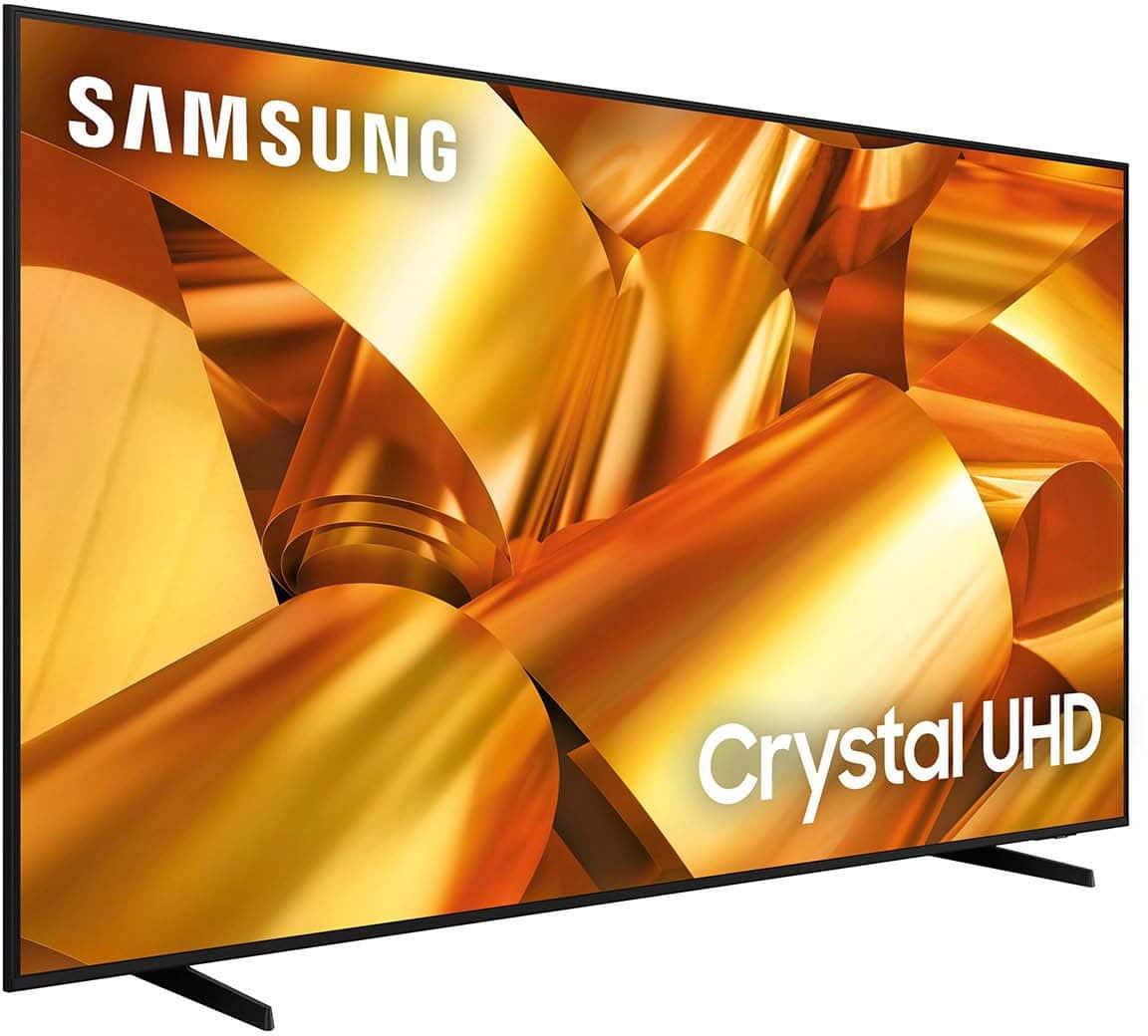
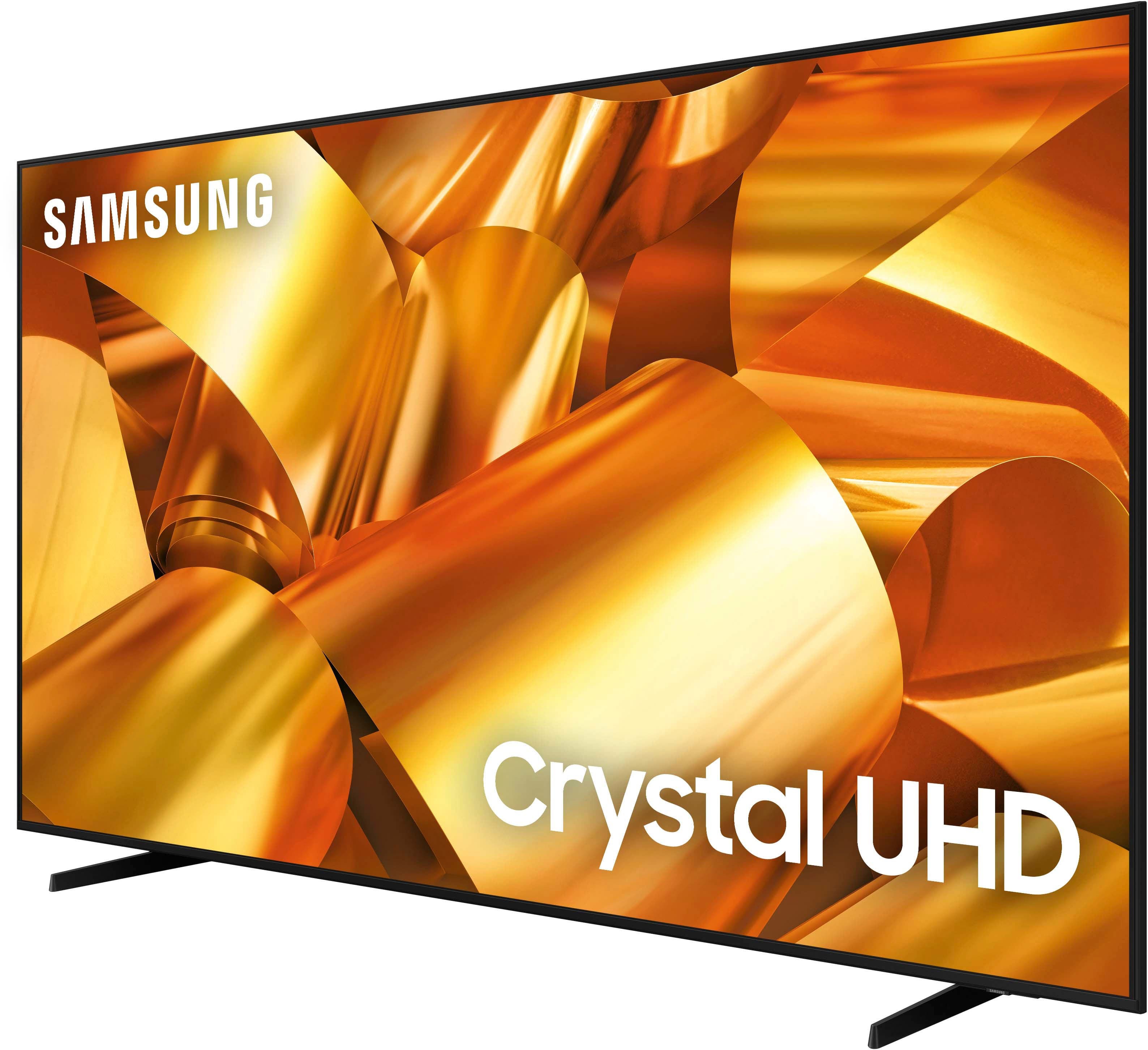
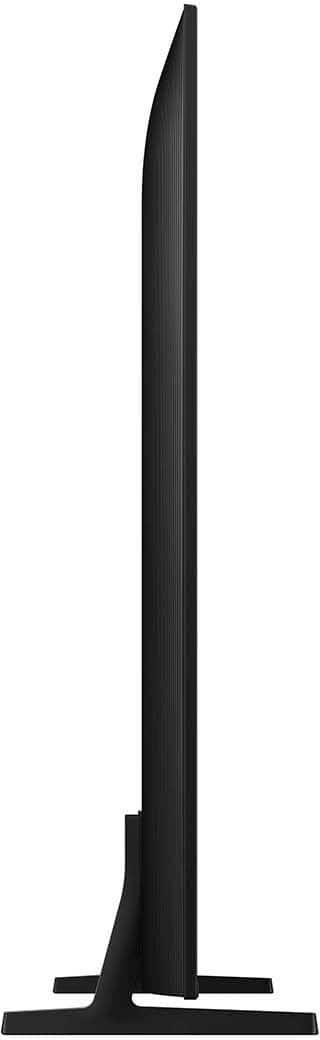
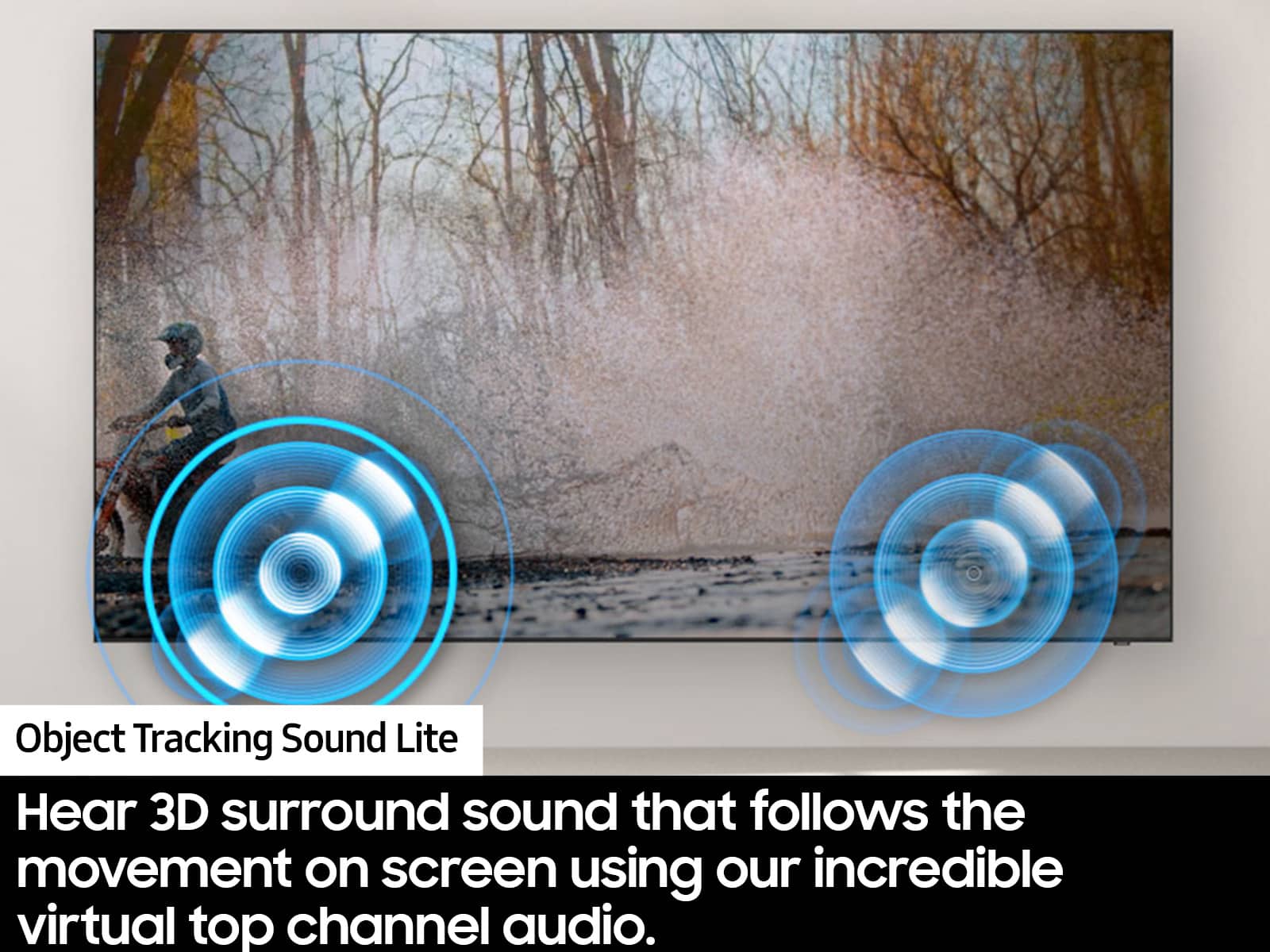
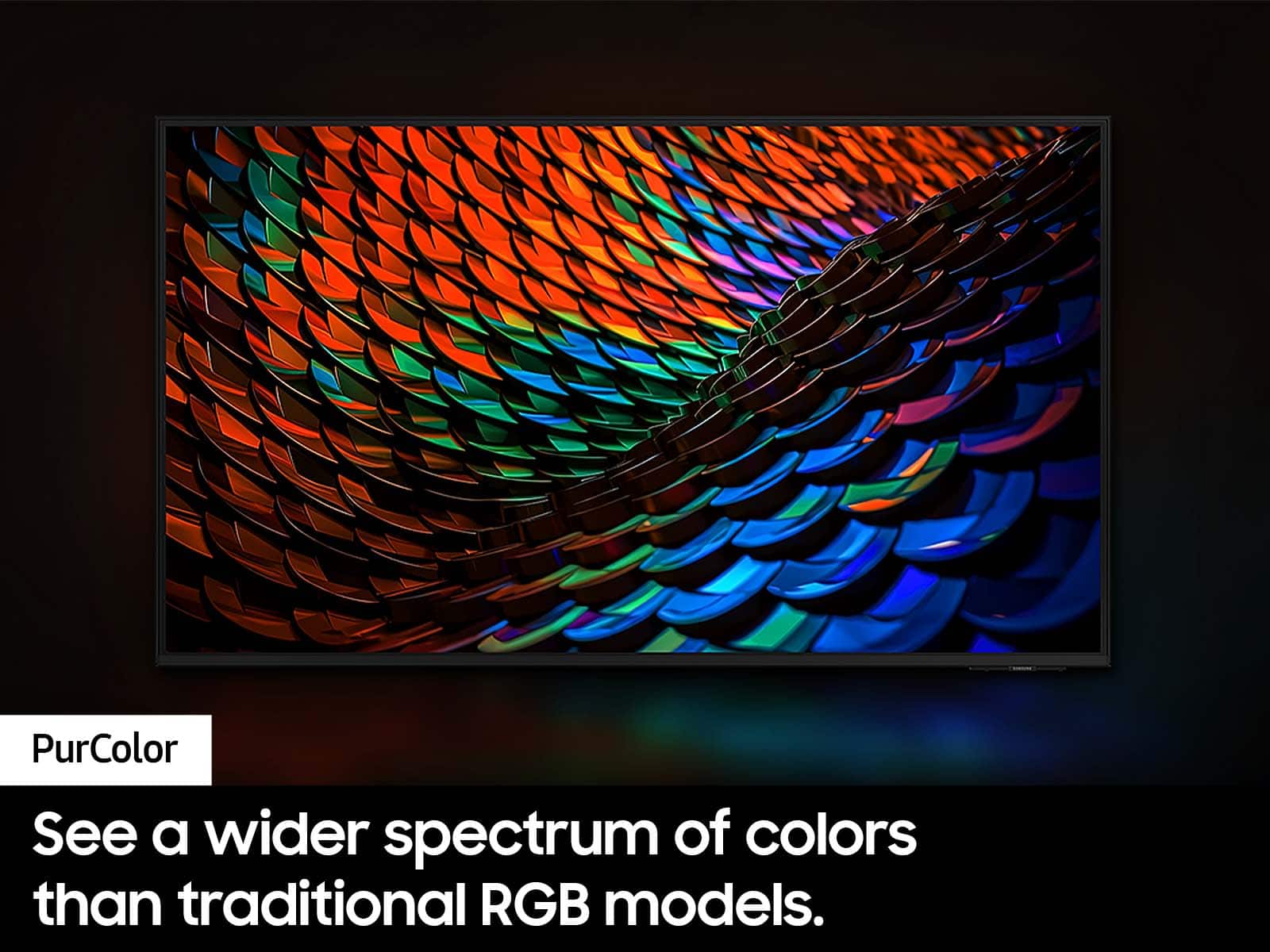
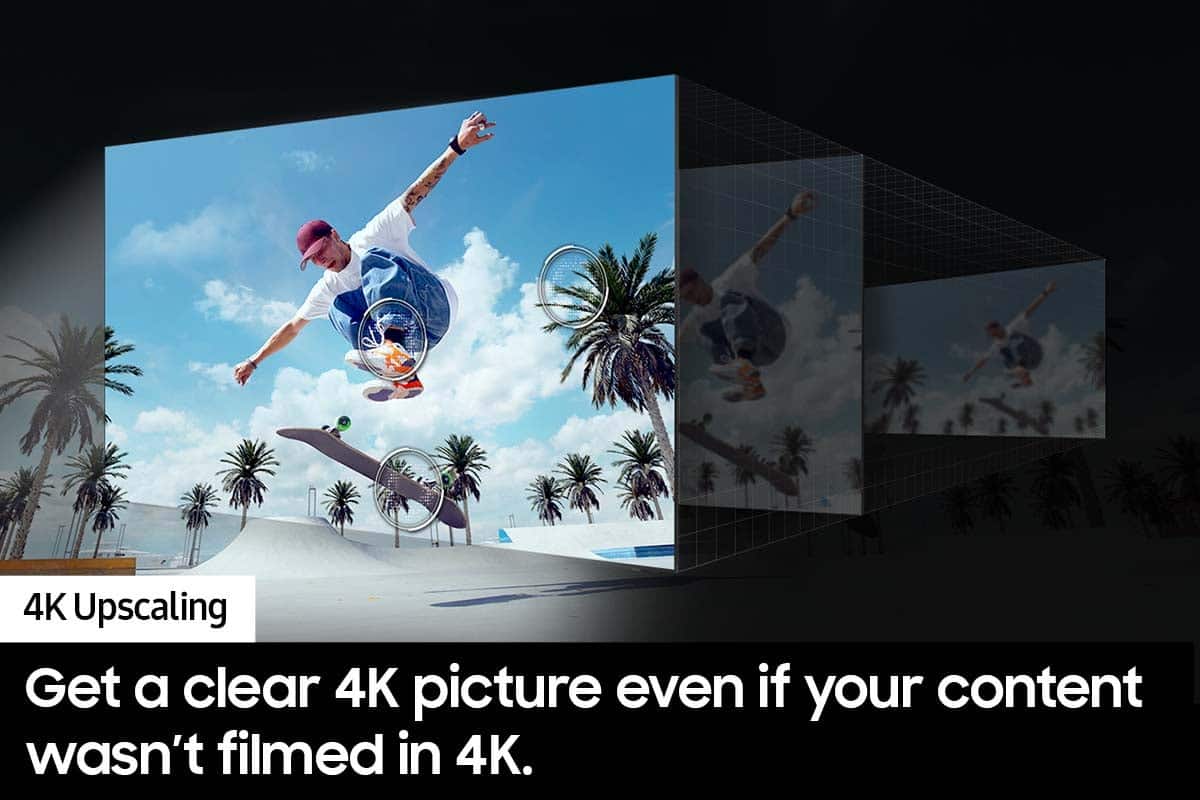
Customers have good things to say about the 75” Class DU6950 Series Crystal UHD 4K Smart Tizen TV (2024), particularly praising its picture quality, ease of use, and ideal size. The TV's color and overall quality are also appreciated, along with its manageable weight. However, some customers have expressed concerns about the number of ports and the remote control.
This summary was generated by AI based on customer reviews.
Recommended
||Posted .This reviewer received promo considerations or sweepstakes entry for writing a review.this is an excellent product for this price. I highly recommend it
I would recommend this to a friend75” Samsung
||Posted . Owned for 3 weeks when reviewed.This reviewer received promo considerations or sweepstakes entry for writing a review.oh, it’s a fantastic TV. The only issue I have is with the the sound you need the sound bar with it but with that it’s great add a title Nikki
I would recommend this to a friendOptical Cable
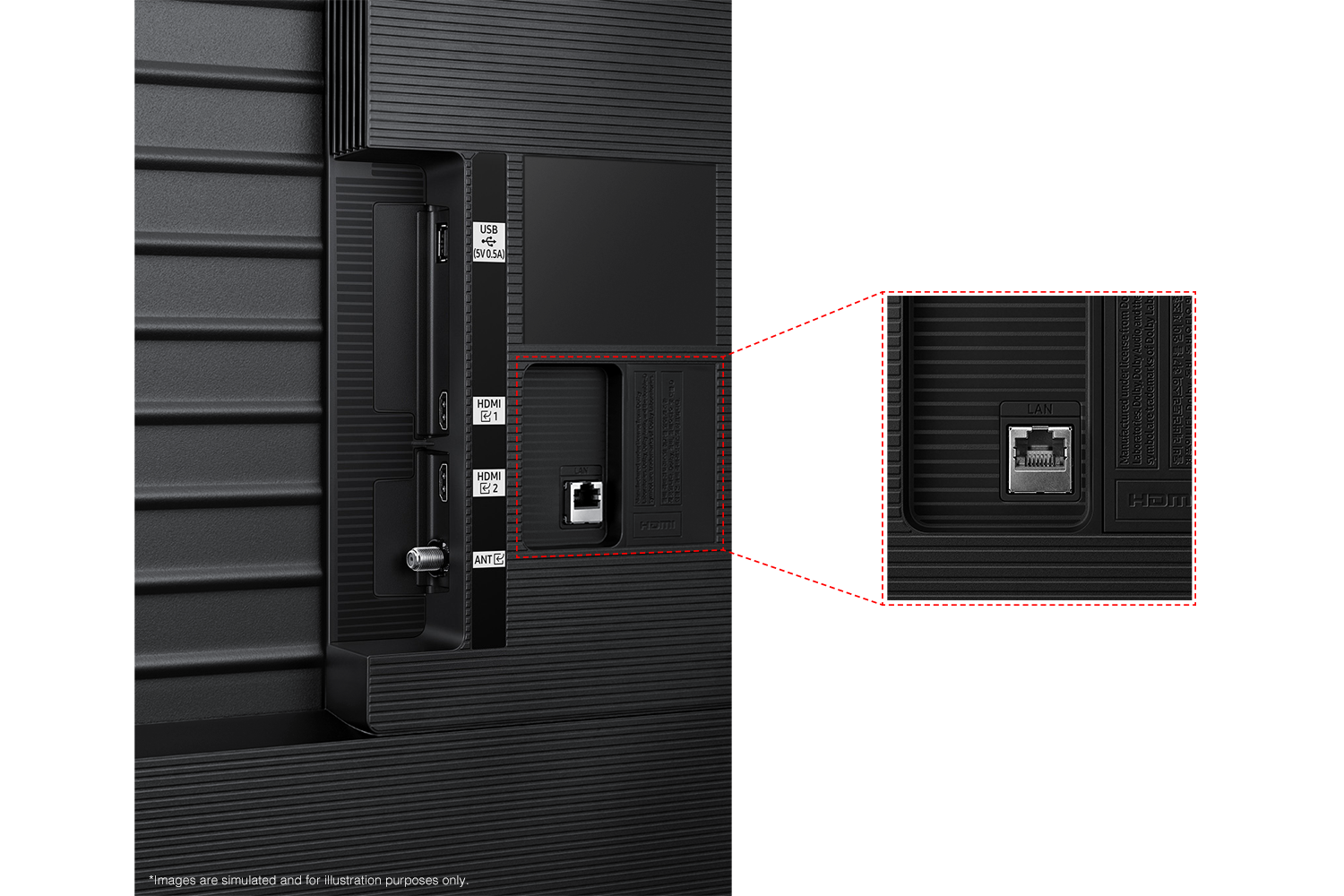
||Posted . Owned for 3 months when reviewed.This reviewer received promo considerations or sweepstakes entry for writing a review.The TV is great! I just didn´t like that it doesn't have optical cable entrance
I would recommend this to a friendGood TV
||Posted . Owned for 3 weeks when reviewed.This reviewer received promo considerations or sweepstakes entry for writing a review.It’s a good product for the price. Would recommend to friends and family. The price was reasonable on it as well.
I would recommend this to a friendSkip the 69xx series.
||Posted . Owned for 1 week when reviewed.This reviewer received promo considerations or sweepstakes entry for writing a review.It’s fine for the price considering any of the major non-budget brands. You only get better performance at the price with likes of Hisense or TCL, but if you like Samsung, spend ~10% more (depending on size) and at least get the 7200 series. Small but important differences. Mine also had a piece of plastic under the panel hang accross the top few rows of pixels for about an inch. Speakers are not usable, just that bad.
No, I would not recommend this to a friendBrand response from Samsung
Posted .Doener,
Thank you for taking the time to provide feedback on your DU6950 TV. Please know that your feedback will be shared with our internal product teams. We take pride in our products and are sorry to hear that your experience was not up to our high standards.
If there’s anything we can ever help with, please call us at 1-800-SAMSUNG, 8 AM - 12 AM EST, seven days a week. Or visit us on the Samsung website and click on the ‘Support’ link for:
1) LiveChat
2) Manuals, Software, & Warranty Info
~ Samsung Pro
Made easy purchase online
||Posted . Owned for 1 month when reviewed.This reviewer received promo considerations or sweepstakes entry for writing a review.I love the fact that I could make a purchase online, change the order as I could not get in time. Got an upgrade and even got $50 more off the purchase and a free sound bar included.
I would recommend this to a friendM. Bell
||Posted . Owned for 1 month when reviewed.This reviewer received promo considerations or sweepstakes entry for writing a review.I Love the TV but I could have chosen a better high quality resolution TV but it was worth the money overall..
I would recommend this to a friendGeek Squad Delivers
||Posted .This reviewer received promo considerations or sweepstakes entry for writing a review.Amazing team. Got the install job done in a snap. No problems. Keep up the great service geek squad!! Love the TV!!
I would recommend this to a friendTelevision
||Posted .This reviewer received promo considerations or sweepstakes entry for writing a review.Absolutely love this tv! Very glad I got it from Best Buy very helpful staff!
I would recommend this to a friendGreat Buy
||Posted . Owned for less than 1 week when reviewed.This reviewer received promo considerations or sweepstakes entry for writing a review.Excellent TV. Definitely go with the direct lit over the edge lit variation. Brought them both home and placed side by side...no debate, this model is far superior than the edge lit model.
I would recommend this to a friendSamsung 75" crystal UHD
||Posted .This reviewer received promo considerations or sweepstakes entry for writing a review.I was worried about the purchase after reading the reviews but after installing i think i got a right product , thanks Best Buy
I would recommend this to a friendMs. Brownlow
||Posted . Owned for 1 month when reviewed.This reviewer received promo considerations or sweepstakes entry for writing a review.Lots of choices - not being all and all tech savvy it was good to have the salesperson explain options.
I would recommend this to a friendSamsung 75"
||Posted . Owned for 1 month when reviewed.This reviewer received promo considerations or sweepstakes entry for writing a review.After comparing prices at other stores best buy had the best deal for a 75" Samsung plus added the 5 year warranty for extra of course
I would recommend this to a friendTV review
||Posted . Owned for 1 month when reviewed.This reviewer received promo considerations or sweepstakes entry for writing a review.Easy set up, nice remote, easy maneuvering between apps. The quality of sound isn’t good however that’s a easy fix with a Samsung sound bar I bought with TV.
I would recommend this to a friendMost satisfied!
||Posted . Owned for 1 month when reviewed.This reviewer received promo considerations or sweepstakes entry for writing a review.I've only had the TV for 2 months but I am extremely satisfied with it. The Price was great, the help was great, and delivery was great. Always give Best Buy a chance before you buy anywhere else!
I would recommend this to a friendTelevision
||Posted . Owned for 1 week when reviewed.This reviewer received promo considerations or sweepstakes entry for writing a review.Delivery Arrived on time, still need to install…..
I would recommend this to a friendDO NOT BUY!!!
||Posted . Owned for less than 1 week when reviewed.This reviewer received promo considerations or sweepstakes entry for writing a review.DO NOT BUY! Terrible TV!!! yesterday I walked into Best Buy hoping to upgrade me 55 inch LG from 2020 to a bigger LG but all the employees said to go with the samsung and my mistake was believing them. Sound quality was so bad even after adjusting the settings. The operating was way too slow! I returned it right away. I ended up buying the LG after and now that I’m watching it I am so happy with the sound quality and it’s a lot faster. I also now noticed that the picture quality is better than that of Samsung. I spoke to an employee after and he said they were getting a lot of Samsung returns.
No, I would not recommend this to a friendBrand response from Samsung
Posted .JeanetteE,
Should you ever decide to give Samsung TVs another try and have questions or need help with settings, setup, or features, we would be happy to help. Call us at 1-800-SAMSUNG, 8 AM – 12 AM EST, seven days a week. LiveChat with an agent, as well as manuals, software, and warranty info, can be found at the ‘Support’ link on our Samsung website.
We hope to regain you as a customer in the future.
~ Samsung Pro
Perfect
||Posted .This reviewer received promo considerations or sweepstakes entry for writing a review.My daughter received this one in Jamaica, she loves it so much . Great buy again.
I would recommend this to a friendExcellent service
||Posted . Owned for 2 months when reviewed.This reviewer received promo considerations or sweepstakes entry for writing a review.I love that whenever they come they are attentive and help me raise the equipment as far as I want
I would recommend this to a friendSAMSUNG 75"
||Posted . Owned for 3 weeks when reviewed.This reviewer received promo considerations or sweepstakes entry for writing a review.Everything went so smooth. Purchasing on the best buy website was so easy. Getting in the store and going to the order pickup went smooth and the help loading my 75" Samsung TV was on time
I would recommend this to a friend