Customer Ratings & Reviews





- Model:
- UN75DU6950FXZA
- SKU:
- 6594898
Rating by feature
- Picture Quality
Rating 4.6 out of 5 stars
- Sound Quality
Rating 4.0 out of 5 stars
- Brightness
Rating 4.6 out of 5 stars
to a friend
Customers are saying
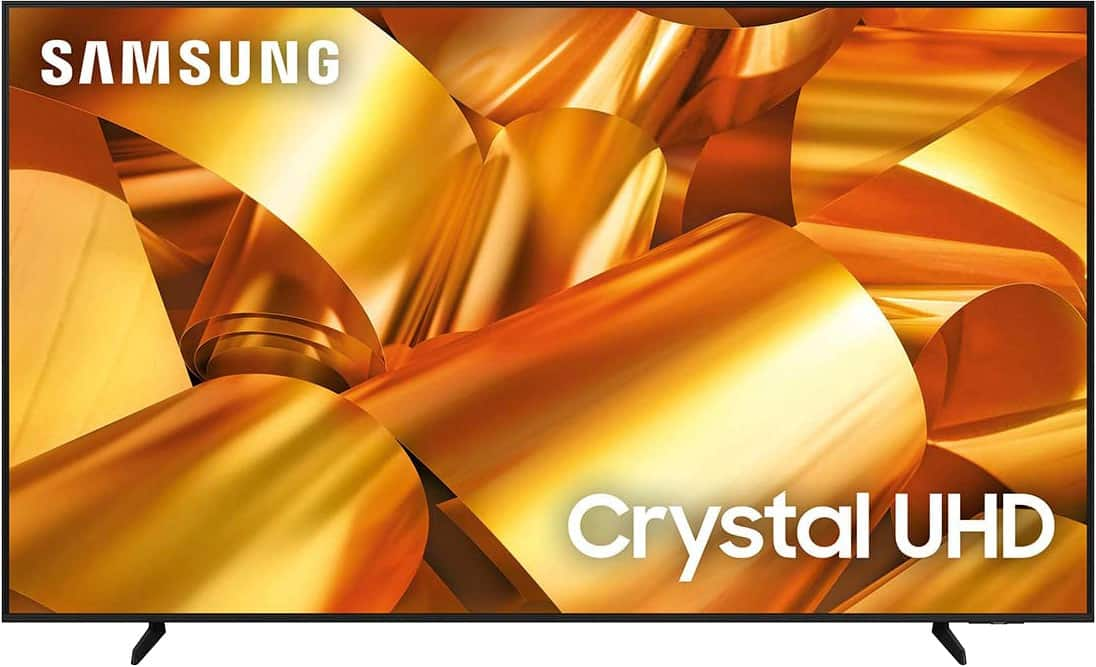
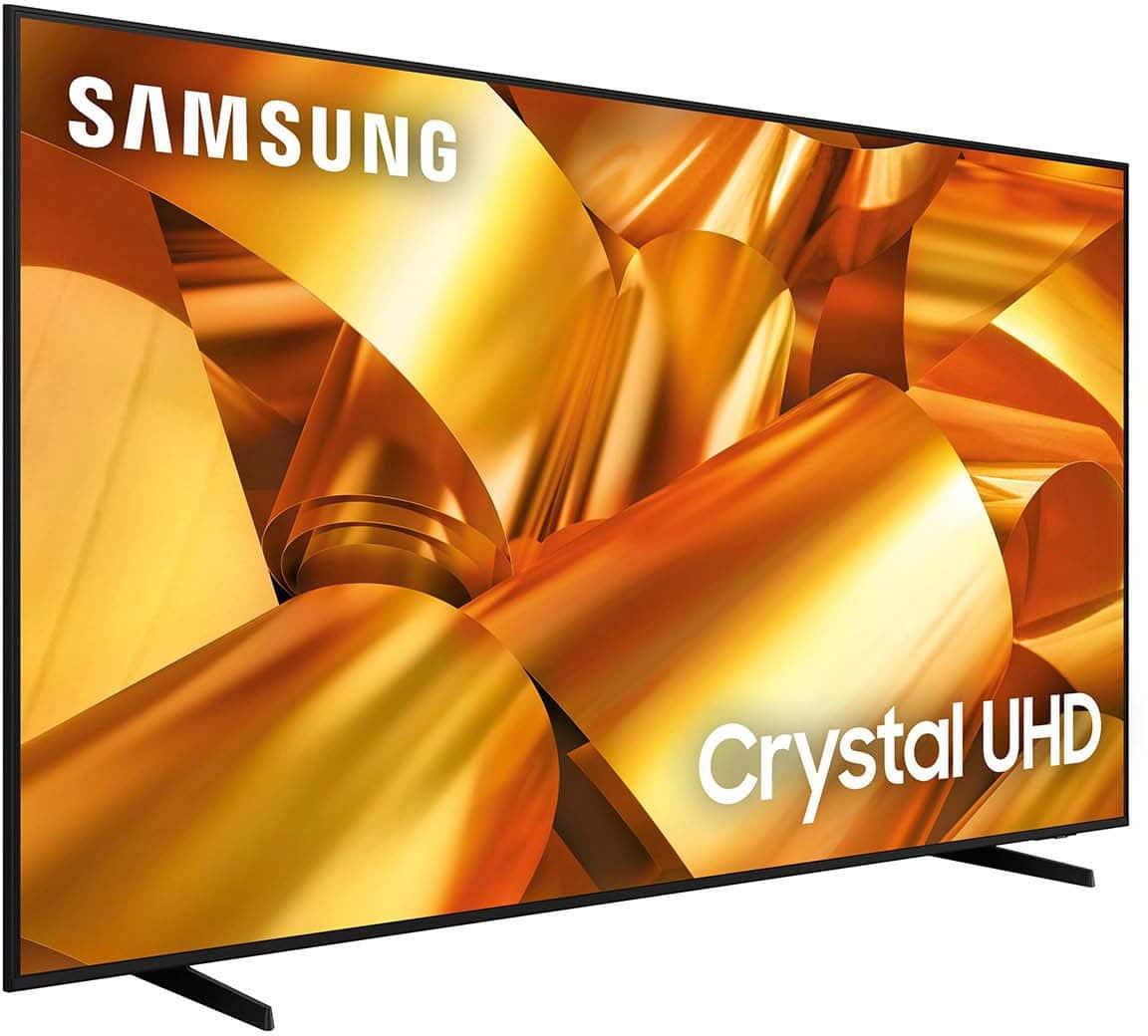
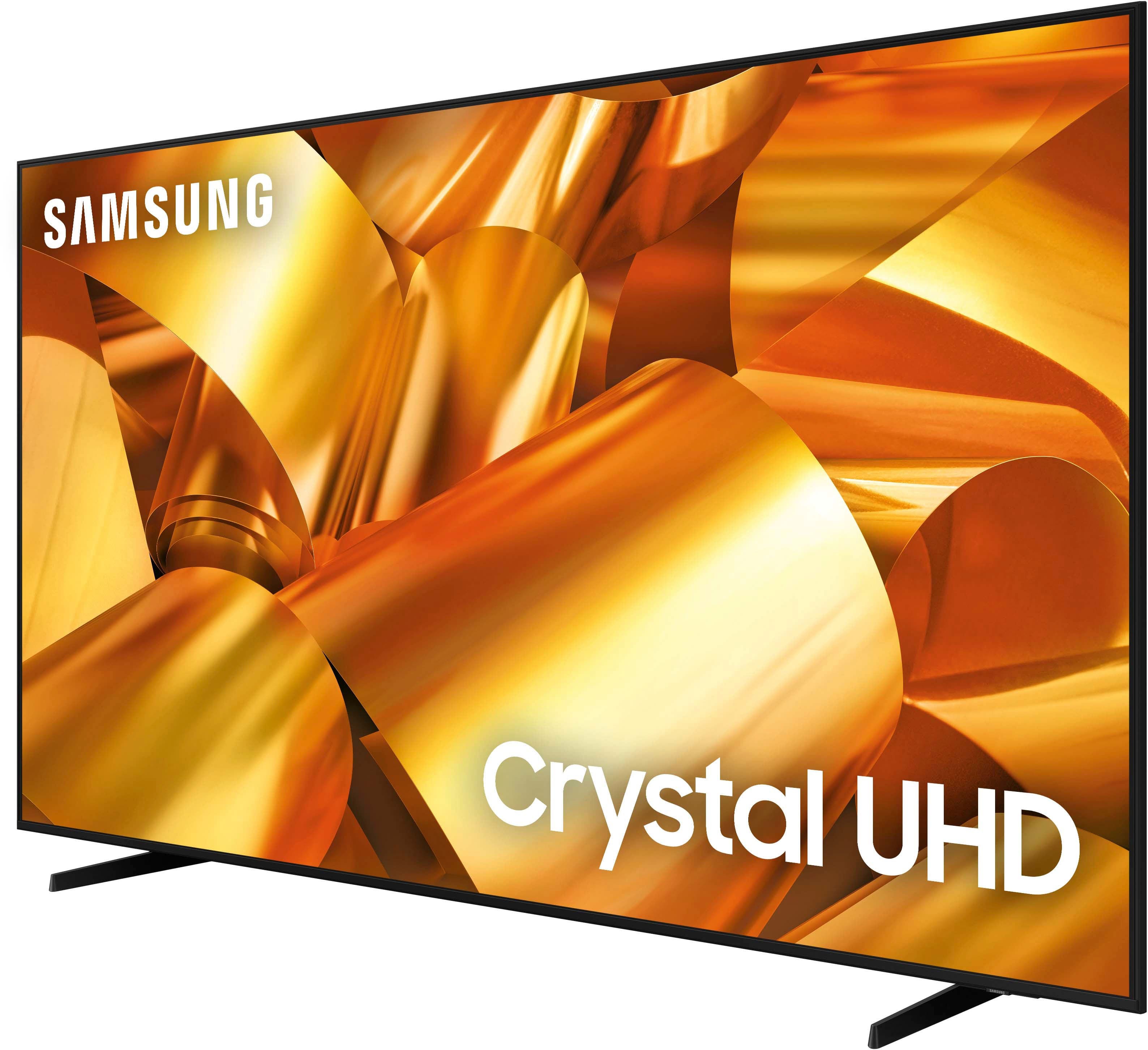
Customers have good things to say about the 75” Class DU6950 Series Crystal UHD 4K Smart Tizen TV (2024), particularly praising its picture quality, ease of use, and ideal size. The TV's color and overall quality are also appreciated, along with its manageable weight. However, some customers have expressed concerns about the number of ports and the remote control.
This summary was generated by AI based on customer reviews.
Excellent price and even better experience
||Posted . Owned for 1 month when reviewed.This reviewer received promo considerations or sweepstakes entry for writing a review.Excellent price and ease of application to make the purchase. I could not be happier with my experience.
I would recommend this to a friendDo not buy!!!
||Posted . Owned for less than 1 week when reviewed.This reviewer received promo considerations or sweepstakes entry for writing a review.The pictire is great but the sound is horrible. If we havent hung the TV and tore up the box we would have returned it. Now were spending more money to buy a sound bar.
No, I would not recommend this to a friendBrand response from Samsung
Posted .RGarza,
Thank you for sharing your thoughts regarding the DU6950 TV’s sound quality. We recommend adjusting the Sound Settings to improve your experience. You can change the Sound Mode by going to Settings > All Settings> Sound > Sound Mode.
You can also customize the sound with Expert Settings by going to Settings > All Settings> Sound > Expert Settings.
To assist you with possible sound settings adjustments for a better audio experience or choosing a Samsung Soundbar to complement your viewing enjoyment, please reach out to us at 1-800-SAMSUNG, 8 AM - 12 AM EST, seven days a week. Our LiveChat agents are also available by clicking on the ‘Support’ link on our website.
~Samsung Pro
Great tv for the money
||Posted . Owned for 3 weeks when reviewed.This reviewer received promo considerations or sweepstakes entry for writing a review.Loved it so much the previous time I bought a 75 In Samsung tv that I had to get another one.
I would recommend this to a friendIt's an average TV
||Posted . Owned for 3 weeks when reviewed.This reviewer received promo considerations or sweepstakes entry for writing a review.The picture is average and not very visible if you're not in front of the TV (the side view isn't good), and the sound is horrible. However, they did offer a free soundbar, which made it manageable. I'd go a different route if I had to do it again.
No, I would not recommend this to a friendBrand response from Samsung
Posted .Mudd,
Thank you for sharing your thoughts regarding the DU6950 TV’s sound quality. We recommend adjusting the Sound Settings to improve your experience. You can change the Sound Mode by going to Settings > All Settings> Sound > Sound Mode.
You can also customize the sound with Expert Settings by going to Settings > All Settings> Sound > Expert Settings.
To assist you with possible sound settings adjustments for a better audio experience, please reach out to us at 1-800-SAMSUNG, 8 AM - 12 AM EST, seven days a week. Our LiveChat agents are also available by clicking on the ‘Support’ link on our website.
~ Samsung Pro
Great TV
||Posted . Owned for 3 weeks when reviewed.This reviewer received promo considerations or sweepstakes entry for writing a review.TV works great and was delivered on time. They even price matched the price when they lowered it again 10 days later!
I would recommend this to a friend75" TV
||Posted .This reviewer received promo considerations or sweepstakes entry for writing a review.Love It....................................................
I would recommend this to a friendNot what we expected
||Posted . Owned for 2 weeks when reviewed.This reviewer received promo considerations or sweepstakes entry for writing a review.Third time the charm. First two TVs delivered were cracked and not usable. Third one was not broken but we are having trouble as it will turn itself off after a few minutes until it warms up. Very irritating.
No, I would not recommend this to a friendBrand response from Samsung
Posted .RobertS,
I’m sorry to hear about the issues you’ve experienced with Samsung’s DU6950 TV. Your feedback is important to us and will be shared with our product teams. Please try the following troubleshooting steps:
1. Unplug the TV from the wall outlet or surge protector and leave it unplugged for 30 seconds.
2. Check the power cord to see if there is any visible damage.
3. Plug the TV power cord back into the wall outlet. If you were using a surge protector, bypass it for now and use a wall outlet.
4. Try to update the software. In some cases, a software update can correct the problem. There is a risk, however. If the TV turns off during the software update, it could damage the TV. Updates can take up to 30 minutes, depending on network speed, so if the TV is not turning off too frequently, try updating the software.
If the TV continues to turn off by itself continuously, please contact our Samsung Customer Support. You can call us at 1-800-SAMSUNG, 8 AM - 12 AM EST, seven days a week. Our LiveChat agents are also available by clicking on the ‘Support’ link on our website.
~ Samsung Pro
Joey's
||Posted . Owned for 1 month when reviewed.This reviewer received promo considerations or sweepstakes entry for writing a review.The tv was amazing and cheap as well. I had to exchange it for another one because something broke the screen.
I would recommend this to a friendCompras
||Posted . Owned for 1 month when reviewed.This reviewer received promo considerations or sweepstakes entry for writing a review.Thank you it was an amazing experience in your store
I would recommend this to a friendTV
||Posted . Owned for 1 month when reviewed.This reviewer received promo considerations or sweepstakes entry for writing a review.Is pretty good, I always get good experience when I go to best buy and get my tv.
I would recommend this to a friendGreat TV.
||Posted . Owned for 1 month when reviewed.This reviewer received promo considerations or sweepstakes entry for writing a review.Great Product, price was excellent. Series of TVs so good, I bought a 65” as well.
I would recommend this to a friendTina
||Posted . Owned for 4 months when reviewed.This reviewer received promo considerations or sweepstakes entry for writing a review.Love this TV, very great purchase.i would definitely recommend this TV.
I would recommend this to a friendIts nice but
||Posted . Owned for less than 1 week when reviewed.This reviewer received promo considerations or sweepstakes entry for writing a review.I dont knkw wht that added so much extra stuff to this tv but it slows down rhe start up and for mw at least the sound will lag out and then it just jumps to a bouncing house in the screen
I would recommend this to a friendBrand response from Samsung
Posted .JoshuaP,
We appreciate your feedback on the DU6950 TV, and for optimal performance, we ask that you please ensure you've got the latest firmware version installed on your TV. You can check this by going to Home > Menu > Settings > Support > Software Update.
You may also want to further optimize performance with the self-diagnostic tool, which checks memory, frees up unused cached memory, and closes background apps. Go to: Home > Menu > Settings > Support > Device Care > Start Device Care.
If you need further assistance, we would be happy to help! Please feel free to contact Samsung Support at 1-800-SAMSUNG, available from 8 AM to 12 AM EST, seven days a week. You can also chat with us on Samsung.com for immediate assistance.
~Samsung Pro
Samsung tv
||Posted . Owned for 3 weeks when reviewed.This reviewer received promo considerations or sweepstakes entry for writing a review.Tv arrived great with no damage !!!! Delivery man was super nice and respectful look forward to buying again !!!
I would recommend this to a friendNeed TV..buy me!
||Posted . Owned for 3 weeks when reviewed.This reviewer received promo considerations or sweepstakes entry for writing a review.Works great for any presentation needed for smaller meeting rooms.
I would recommend this to a friendSatisfaction
||Posted . Owned for 3 weeks when reviewed.This reviewer received promo considerations or sweepstakes entry for writing a review.I am a big fan of Samsung products, so I was happy to see that they had a great price for the size tv I wanted!
I would recommend this to a friendGreat value for the money
||Posted . Owned for 3 weeks when reviewed.This reviewer received promo considerations or sweepstakes entry for writing a review.So far everything is good. Great value for the money. Nicely integrated with JBL soundbar and Amazon 4K stick
I would recommend this to a friendThe Samsung tv
||Posted . Owned for 2 months when reviewed.This reviewer received promo considerations or sweepstakes entry for writing a review.Great tv and great quality. Would definitely recommend for anyone
I would recommend this to a friendGreat
||Posted . Owned for 2 weeks when reviewed.This reviewer received promo considerations or sweepstakes entry for writing a review.Great Tv looks amazing easy to set up will recommend to everyone
I would recommend this to a friendGreat tv for the price
||Posted . Owned for 2 months when reviewed.This reviewer received promo considerations or sweepstakes entry for writing a review.The Samsung 75” crystal Uhd tv has been a nice addition to our home. I will say it is frustrating that every so often the TV will reset while in use (happens once a month roughly). But otherwise it has been great.
I would recommend this to a friendBrand response from Samsung
Posted .Mark,
Thank you for letting us know about the issues you are having with your DU6950 TV resetting. For optimal performance, we ask that you please ensure you've got the latest firmware version installed on your TV. You can check this by going to Home > Menu > Settings > Support > Software Update.
You may also want to further optimize performance with the self-diagnostic tool, which checks memory, frees up unused cached memory, and closes background apps. Go to: Home > Menu > Settings > Support > Device Care > Start Device Care
If you need further assistance, we would be happy to help! Please feel free to contact Samsung Support at 1-800-SAMSUNG, available from 8 AM to 12 AM EST, seven days a week. You can also chat with us on Samsung.com for immediate assistance.
~Samsung Pro