Customer Ratings & Reviews





- Model:
- UN75DU6950FXZA
- SKU:
- 6594898
Rating by feature
- Picture Quality
Rating 4.6 out of 5 stars
- Sound Quality
Rating 4.0 out of 5 stars
- Brightness
Rating 4.6 out of 5 stars
to a friend
Customers are saying
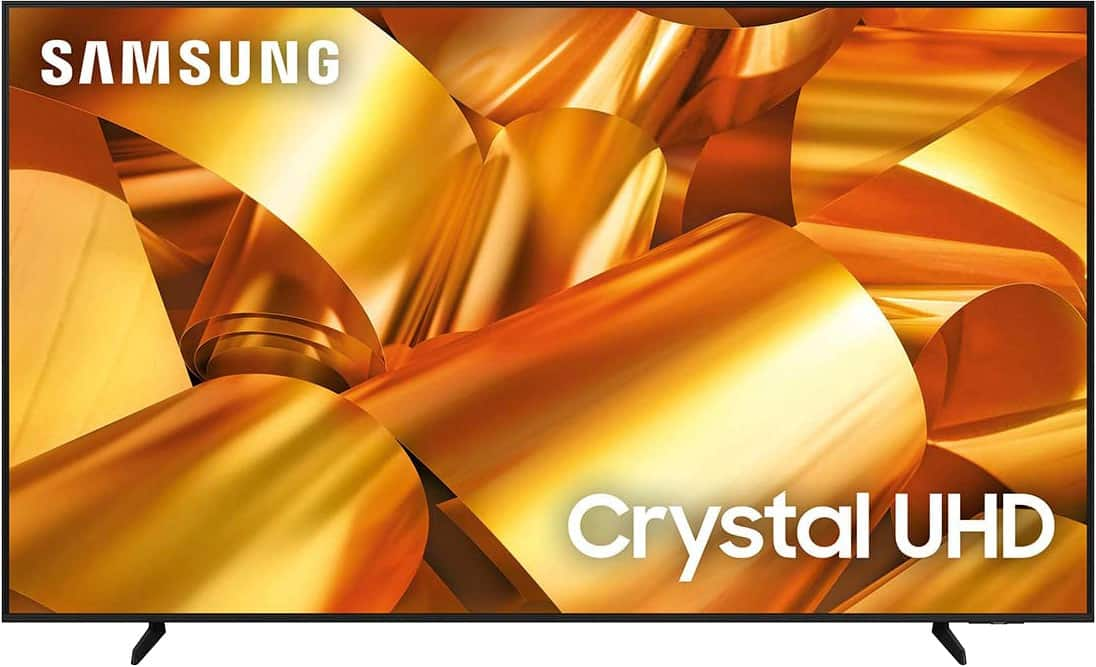
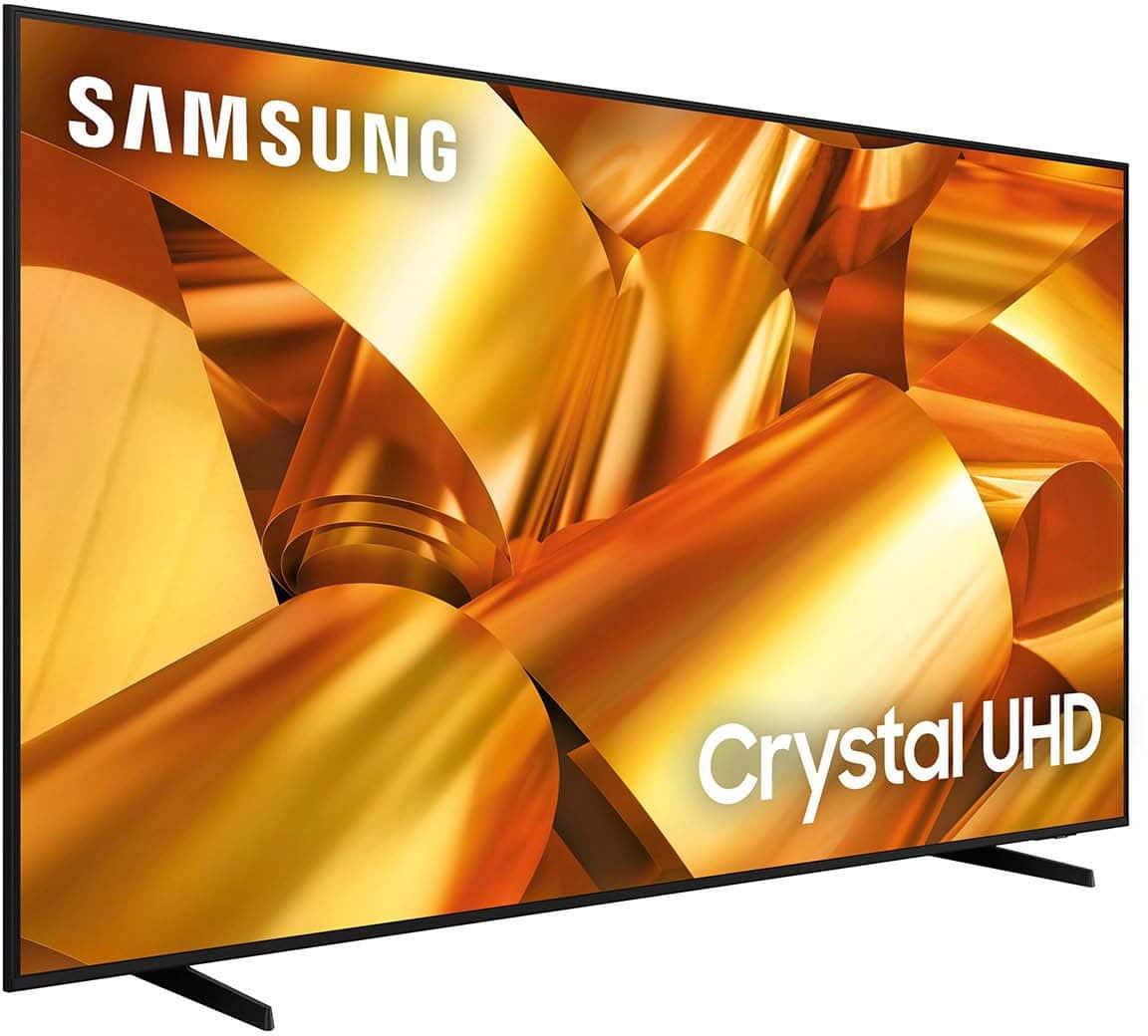
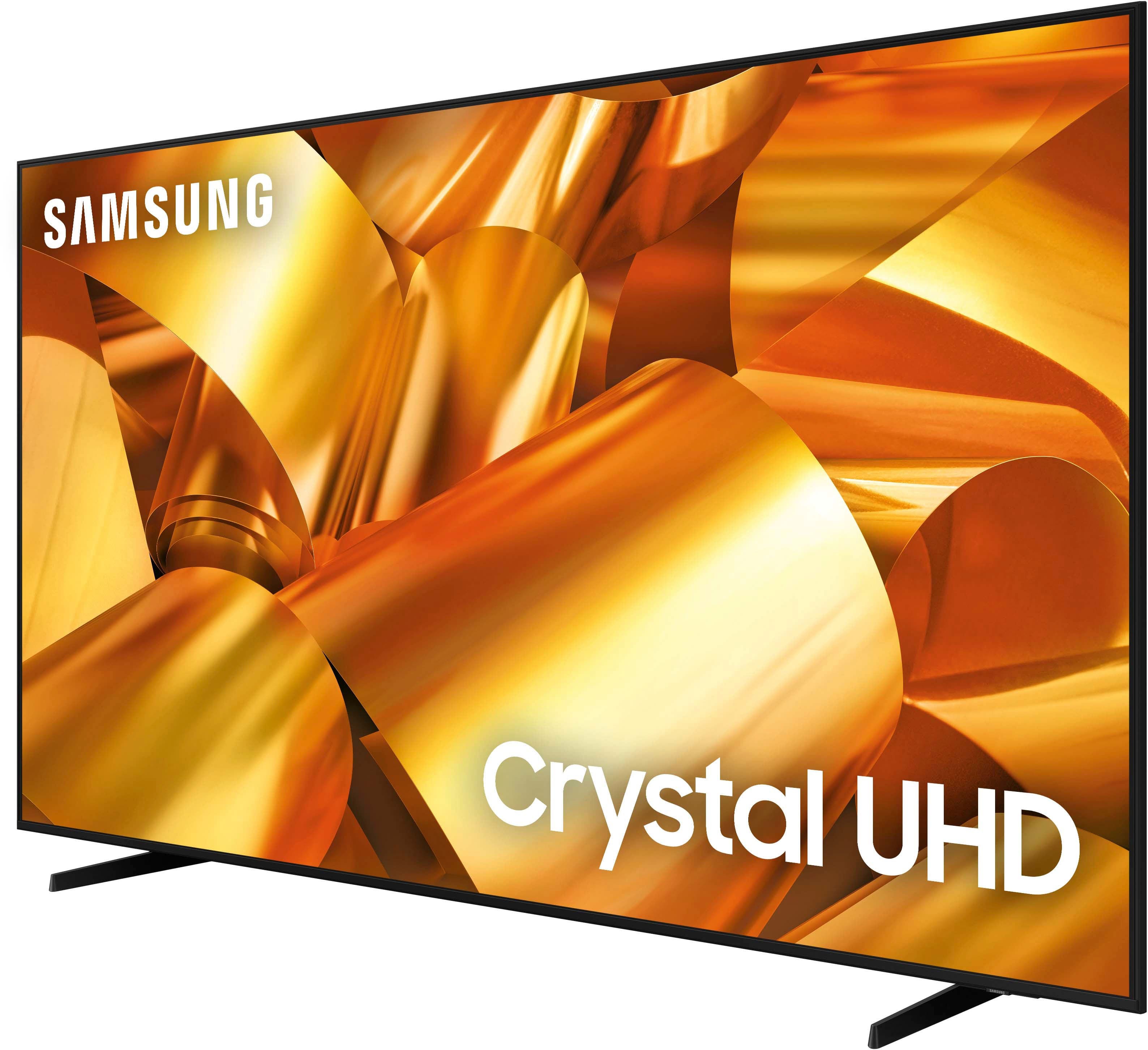
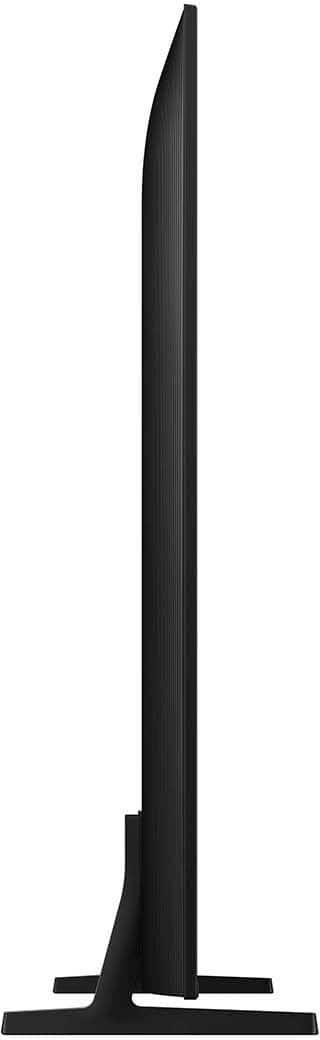
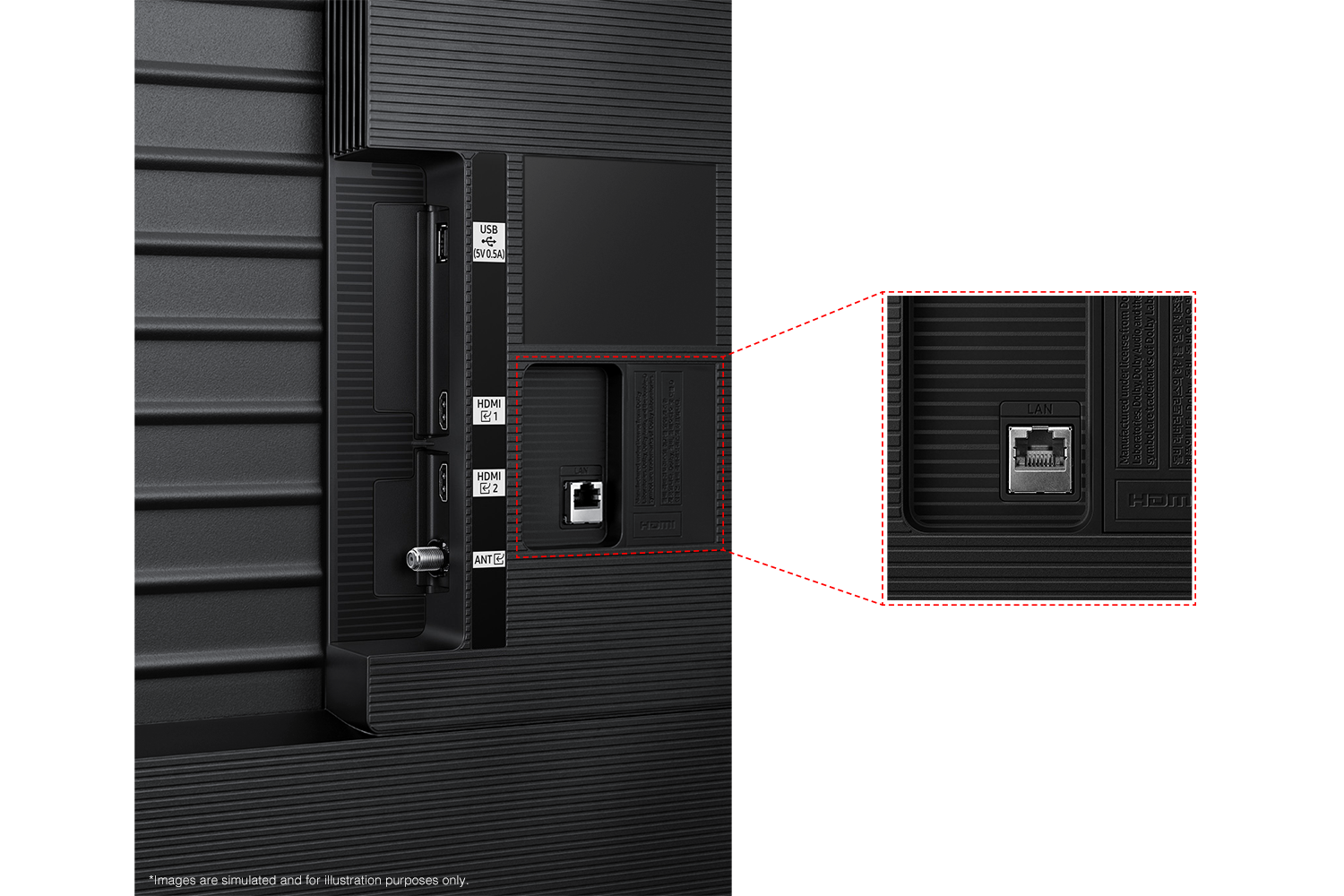
Customers have good things to say about the 75” Class DU6950 Series Crystal UHD 4K Smart Tizen TV (2024), particularly praising its picture quality, ease of use, and ideal size. The TV's color and overall quality are also appreciated, along with its manageable weight. However, some customers have expressed concerns about the number of ports and the remote control.
This summary was generated by AI based on customer reviews.
Samsung
||Posted . Owned for 1 month when reviewed.This reviewer received promo considerations or sweepstakes entry for writing a review.Great product will recommend to friends and family.
I would recommend this to a friendMy television is great
||Posted . Owned for 2 weeks when reviewed.This reviewer received promo considerations or sweepstakes entry for writing a review.I’m truly enjoying my television, the geek squad came out and installed it, and did a perfect job.
I would recommend this to a friendNot worth it
||Posted . Owned for 3 weeks when reviewed.This reviewer received promo considerations or sweepstakes entry for writing a review.Good picture and decent sound but the tv resets itself at least twice a day when we are wathing it constantly turns itself off i would not recomend buying this tv
No, I would not recommend this to a friendBrand response from Samsung
Posted .ChrisM,
If your TV appears to turn off by itself, try disabling some of the TV's energy efficiency functions.
See if Sleep Timer has been enabled. The Sleep Timer automatically turns the TV off after a specific period of time. Go to: Settings > All Settings> General > System Manager > Time > Sleep Timer
If the Sleep Timer has not been enabled, see if Auto Power Off or Off Timer has been enabled and disable it.
- Settings > All Settings> General > Power and Energy Saving > Auto Power Off
- Settings > All Settings> General > System Manager > Time > Off Timer
If the TV continues to turn off by itself continuously, please get in touch with Samsung Customer Support at 1-800-SAMSUNG, 8 AM - 12 AM EST, seven days a week. Our LiveChat agents are also available by clicking on the ‘Support’ link on our website.
~ Samsung Pro
Great Buy
||Posted . Owned for 2 months when reviewed.This reviewer received promo considerations or sweepstakes entry for writing a review.Overall great buy. It has all the latest technology and is very easy to use.
I would recommend this to a friendOk tv
||Posted . Owned for 3 weeks when reviewed.This reviewer received promo considerations or sweepstakes entry for writing a review.It’s okay, sounds isn’t great, and for some reason the sound like gets stuck, and whatever I’m watching stops, the tv goes into like a loading screen and then goes back to where I left off. For the amount I paid I thought I’d be getting the perfect tv lol
No, I would not recommend this to a friendBrand response from Samsung
Posted .JeffreyF,
Thank you for taking the time to share your experience with the DU6950 TV. Please try the following troubleshooting:
First, let's ensure you are running the latest Firmware Update.
If this firmware version is not yet available on your TV, you can download the update on a USB drive and manually update your TV:
1. On Samsung's website (upper right corner), go to: Support > Manuals & Software > Find your TV model.
2. Download the update and extract it to the root of a USB thumb drive. (Do not put it in any folders on the thumb drive.)
3. Connect the USB thumb drive to a USB port on your TV.
4. Navigate to Settings > Support > Software Update, select Update Now, and then select Yes.
5. Follow the on-screen instructions to install the updated software.
If you do have the latest firmware, then you can next try a cold boot. There are two ways to cold boot your TV:
1) Using the Remote: For most people, the easiest way is to hold down the Power button on the Samsung TV remote until the TV turns off and then on again. This should take about 5 seconds.
2) Using the Plug: If you do not have the remote, unplug your TV from the wall outlet or surge protector, leave it unplugged for 30 seconds, and then plug it back in.
To adjust sound settings, go to Settings> All Settings> Sound.
If we can further help with any other issues, we are happy to help. Just call us at 1-800-SAMSUNG, 8 AM - 12 AM EST, seven days a week. Our LiveChat agents are also available by clicking on the ‘Support’ link on our website.
~ Samsung Pro
Great
||Posted . Owned for 3 weeks when reviewed.This reviewer received promo considerations or sweepstakes entry for writing a review.Great TV for the cost. It's an actual smart TV, and it alleviates the need for any other stick to be attached.
I would recommend this to a friendRemote needs improvement
||Posted .This reviewer received promo considerations or sweepstakes entry for writing a review.The remote volume up, down, and mute are all keyed using the same small button.
No, I would not recommend this to a friendBrand response from Samsung
Posted .RoniW,
We appreciate your review of the DU6950 TV. To learn how to use your Samsung remote and understand the settings on your TV, please use your remote to access the remote guide. Go to Home> (left directional button) Settings> Support> Remote Control Guide.
If you need more help, Samsung is here for you. Please call us at 1-800-SAMSUNG, 8 AM - 12 AM EST, seven days a week. Our LiveChat agents are also available by clicking on the ‘Support’ link on our website.
~Samsung Pro
75 inch Samsung Tv
||Posted . Owned for 2 weeks when reviewed.This reviewer received promo considerations or sweepstakes entry for writing a review.Love it! Plus it came with 43 inch tv free. Less than 600 for two. Best deal of the year.
I would recommend this to a friendHappy grand kids tv
||Posted . Owned for 2 months when reviewed.This reviewer received promo considerations or sweepstakes entry for writing a review.Great TV 75" Samsung, keeps my grandkids very happy,
I would recommend this to a friendBasically
||Posted . Owned for 1 month when reviewed.This reviewer received promo considerations or sweepstakes entry for writing a review.Its gucci its ok its great i like it it does the job
I would recommend this to a friendGood tv
||Posted . Owned for 3 months when reviewed.This reviewer received promo considerations or sweepstakes entry for writing a review.Decent display. Definitely on the cheaper end for a 75” tv.
I would recommend this to a friendTuned In
||Posted . Owned for 3 weeks when reviewed.This reviewer received promo considerations or sweepstakes entry for writing a review.Excellent tv. Great price within my budget. Wasnt very heavy.
I would recommend this to a friendIt was an amazing deal!
||Posted . Owned for 2 months when reviewed.This reviewer received promo considerations or sweepstakes entry for writing a review.The deal was great! The display is great! Samsung is amazing.
I would recommend this to a friendSound is low
||Posted . Owned for 1 month when reviewed.This reviewer received promo considerations or sweepstakes entry for writing a review.They sound from this tv doesn’t fit the size … need to buy a sound bar
No, I would not recommend this to a friendBrand response from Samsung
Posted .SaraeHM,
Thank you for sharing your experience with low volume. There are several volume features you can adjust, which may improve your audio experience.
1) Auto Volume automatically adjusts the sound to a certain level when changing channels or switching to another external input. Go to Settings > All Settings> Sound > Expert Settings > Auto Volume.
2) Adaptive Sound automatically adjusts to a specific volume level while watching TV. The TV analyzes your volume usage history by time period to automatically adjust the volume when you use an app or switch to an external input source. Go to Settings> All Settings> Sound> Sound Mode> Adaptive Sound.
3) Several Sound Modes are likewise available to meet your personal preferences: Home > Settings > All Settings> Sound > Sound Mode.
Also, some sources have their own volume control, which might need to be set higher. Please check the volume control of the external device (cable box or satellite box, DVD, Blu-ray, etc.) connected to your TV. Also, check the cable connection between an external device and the TV and then try the cable connection again.
If you need more help, Samsung is here for you! Please call us at 1-800-SAMSUNG, 8 AM - 12 AM EST, seven days a week. Our LiveChat agents are also available by clicking on the ‘Support’ link on our website.
~Samsung Pro
Awesome TV for the price l!
||Posted . Owned for 3 weeks when reviewed.This reviewer received promo considerations or sweepstakes entry for writing a review.Love this tv so far. Nothing beyond amazing but for the money it’s perfect.
I would recommend this to a friend#1
||Posted . Owned for 1 month when reviewed.This reviewer received promo considerations or sweepstakes entry for writing a review.Couldn’t believe the deal on this smart tv it has everything I could ask for
I would recommend this to a friendSamsung Always
||Posted . Owned for 1 month when reviewed.This reviewer received promo considerations or sweepstakes entry for writing a review.its still in the box, waiting to be mounted but i will come back and update when completed.
I would recommend this to a friendLow price Samsung Tv
||Posted . Owned for 3 weeks when reviewed.This reviewer received promo considerations or sweepstakes entry for writing a review.Great tv for the price range. Can get a better Samsung tv for that low price.
I would recommend this to a friendGet one
||Posted . Owned for 1 month when reviewed.This reviewer received promo considerations or sweepstakes entry for writing a review.Love love love the best tv I ever had very clear and worth the purchase
I would recommend this to a friendVery good purchase
||Posted . Owned for 2 weeks when reviewed.This reviewer received promo considerations or sweepstakes entry for writing a review.No complaint so far!!!!!!!!!!!!!!!!!!!!!!!!!!!!!!!
I would recommend this to a friend