Customer Ratings & Reviews





- Model:
- UN75DU6950FXZA
- SKU:
- 6594898
Rating by feature
- Picture Quality
Rating 4.6 out of 5 stars
- Sound Quality
Rating 4.0 out of 5 stars
- Brightness
Rating 4.6 out of 5 stars
to a friend
Customers are saying
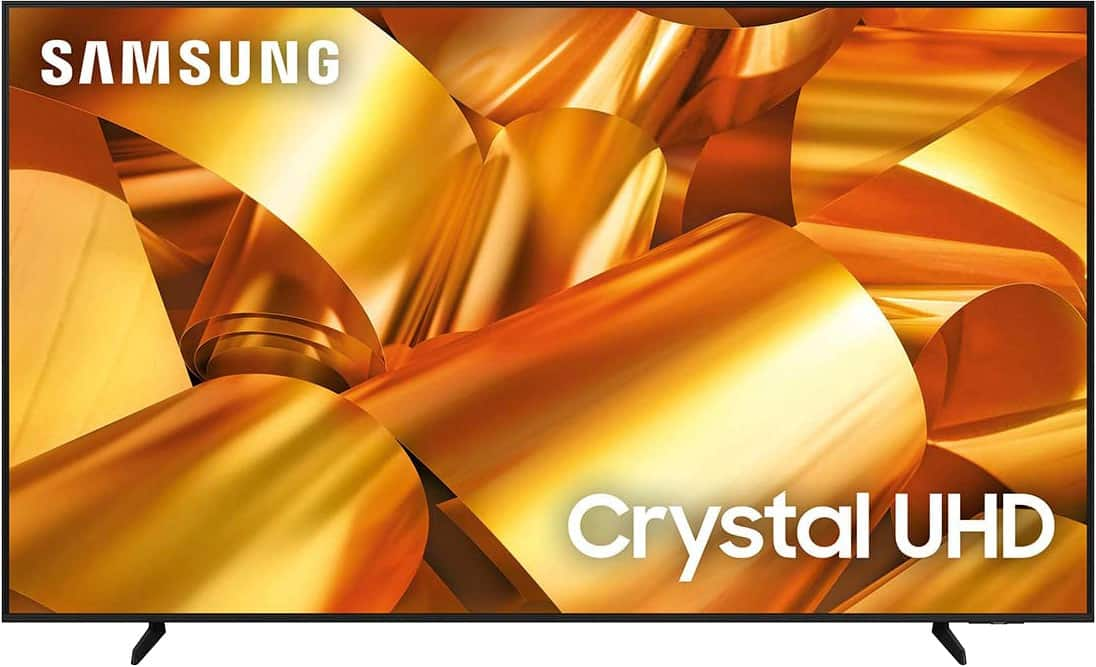
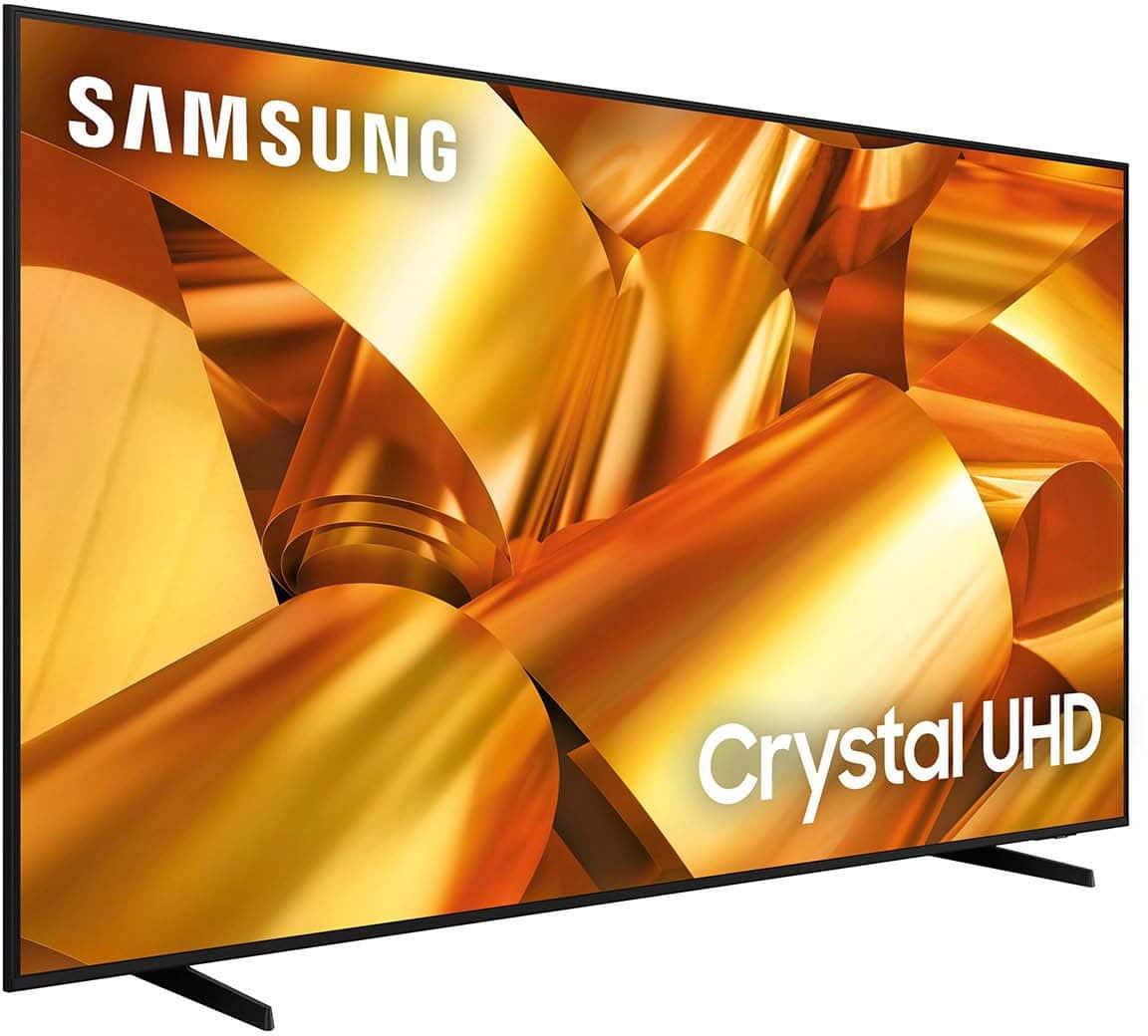
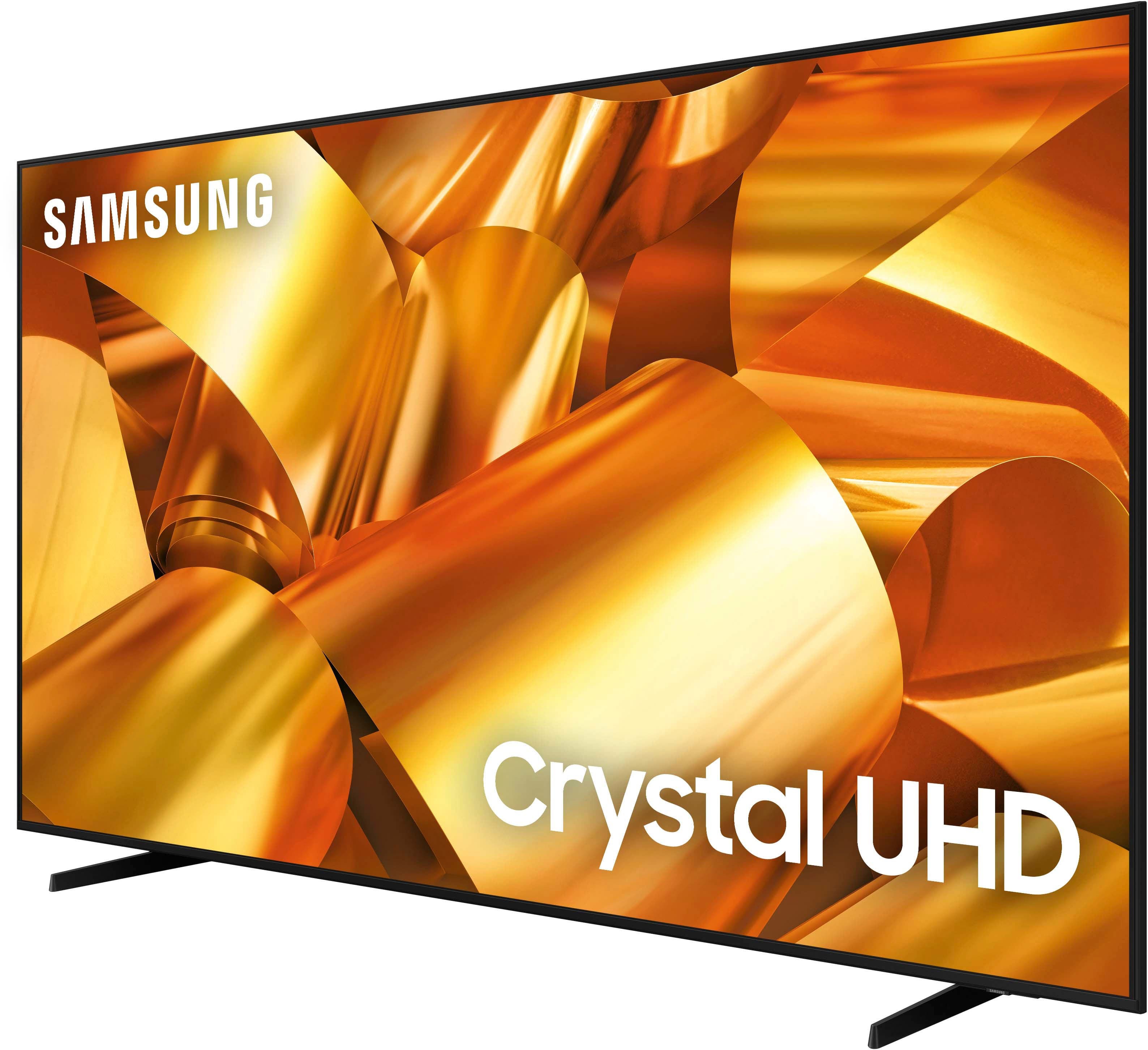
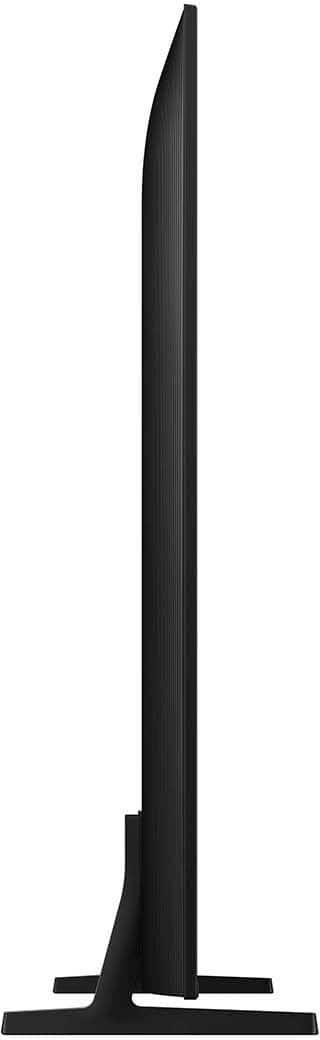
Customers have good things to say about the 75” Class DU6950 Series Crystal UHD 4K Smart Tizen TV (2024), particularly praising its picture quality, ease of use, and ideal size. The TV's color and overall quality are also appreciated, along with its manageable weight. However, some customers have expressed concerns about the number of ports and the remote control.
This summary was generated by AI based on customer reviews.
Excelentt purchase
||Posted . Owned for 3 months when reviewed.This reviewer received promo considerations or sweepstakes entry for writing a review.We love this tv I got to us so quickly and great conditions
I would recommend this to a friendBig tv
||Posted . Owned for 2 weeks when reviewed.This reviewer received promo considerations or sweepstakes entry for writing a review.Havent used it yet, but we are pretty excited for when we do
I would recommend this to a friendThis tv is ok
||Posted . Owned for 1 week when reviewed.This reviewer received promo considerations or sweepstakes entry for writing a review.Nice tv but the speakers dont have any base. There is no way to turn up the bass or make the tv movie ready. I bought a soundbar and it sounds much better. There is no app store, so apps are limited.
No, I would not recommend this to a friendBrand response from Samsung
Posted .Anonymous,
Thank you for sharing your thoughts regarding the DU6950 TV’s sound quality. We recommend adjusting the Sound Settings to improve your experience. You can change the Sound Mode by going to Settings > All Settings> Sound > Sound Mode.
You can also customize the sound with Expert Settings by going to Settings > All Settings> Sound > Expert Settings.
Please know Samsung offers hundreds of apps in our App Store that you can download, and we are continuously adding more premium content and new services to our Smart TV platform.
If there’s anything we can ever help with, please call us at 1-800-SAMSUNG, 8 AM - 12 AM EST, seven days a week. Or visit us on the Samsung website and click on the ‘Support’ link for:
1) LiveChat
2) Manuals, Software, & Warranty Info
~ Samsung Pro
Tv
||Posted . Owned for 3 months when reviewed.This reviewer received promo considerations or sweepstakes entry for writing a review.Have no complaints with TV, love the layout of the apps
I would recommend this to a friendGreat TV
||Posted . Owned for 2 weeks when reviewed.This reviewer received promo considerations or sweepstakes entry for writing a review.easy set up, great delivery, most polite and helpful. Great TV
I would recommend this to a friendBest Buy online customer service is terrible
||Posted . Owned for 2 weeks when reviewed.This reviewer received promo considerations or sweepstakes entry for writing a review.I am writing to express my frustration regarding an order I recently placed with Best Buy. Despite the promise of a free promotional television with my purchase, I did not receive it. I have attempted to resolve this issue by contacting online customer service multiple times, and visiting the Newnan Ga store to speak with a manager (Isaiah), as instructed by the online phone agents. But unfortunately, the communication and service I have received have been far from satisfactory. I’ve been giving the run around by countless agents and supervisors from the Best Buy call centers overseas. The online customers service rep will hang up the phone on you once they figure out the complexity of the call, this is after you’ve waited on hold for 50 mins. The store manager Isaiah in Newnan Ga states he can’t make any changes to online orders. I am extremely disappointed with the lack of assistance and the poor communication throughout this process. At this point I’d like to return the TV and buy with a company that values their customers and honor their promotions.
No, I would not recommend this to a friendBrand response from Samsung
Posted .CamieL,
Please know you are leaving a review for the DU6950 TV, not the service provided by Best Buy. Please follow up directly with Best Buy for further assistance. We hope your issue is resolved in a timely manner. Should you have questions regarding Samsung TVs, please contact Samsung Support at 1-800-SAMSUNG, 8 AM – 12 AM EST, 7 days a week. Our LiveChat agents are also available by clicking on the ‘Support’ link on our website.
~Samsung Pro
Best purchase in a very long time
||Posted . Owned for 2 weeks when reviewed.This reviewer received promo considerations or sweepstakes entry for writing a review.Family movie night feels like we are really at the movies…
I would recommend this to a friendSamsung tv
||Posted . Owned for 1 month when reviewed.This reviewer received promo considerations or sweepstakes entry for writing a review.Great tv and another great Best Buy deal! Go get one.
I would recommend this to a friend
Works great for the price
|Posted . Owned for 2 months when reviewed.This reviewer received promo considerations or sweepstakes entry for writing a review.The tv works great for the money that you're paying for it
I would recommend this to a friendJjwat
||Posted . Owned for 1 month when reviewed.This reviewer received promo considerations or sweepstakes entry for writing a review.Love the TV would purchase it again, The online purchase was seamless and easy.
I would recommend this to a friendTelevision muinto bom
||Posted . Owned for 3 months when reviewed.This reviewer received promo considerations or sweepstakes entry for writing a review.Muinto bom recomendo vou compra outra sábado gostei muinto
I would recommend this to a friendGreat for tteadmill
||Posted . Owned for 1 month when reviewed.This reviewer received promo considerations or sweepstakes entry for writing a review.Great value. Have it in front of my treadmill and it’s just what I needed.
I would recommend this to a friendGreat product at a great price
||Posted . Owned for 1 month when reviewed.This reviewer received promo considerations or sweepstakes entry for writing a review.Great tv glad I got it . Delivered on time set up was easy.
I would recommend this to a friend75inchtv
||Posted . Owned for 3 weeks when reviewed.This reviewer received promo considerations or sweepstakes entry for writing a review.Geek squad did a great setup! Enjoying tv for gaming especially
I would recommend this to a friendAverage TV
||Posted . Owned for less than 1 week when reviewed.This reviewer received promo considerations or sweepstakes entry for writing a review.The TV is mediocre, does not have great sound and my first TV delivery end up in returning as the Bezel and Frame has gap and Bezel (Screen) is coming out. Screen Colors are good. Fast Interface but Laggy Remote.
I would recommend this to a friendBrand response from Samsung
Posted .SumitC,
Thank you for sharing your thoughts regarding the DU6950 TV’s sound quality. We recommend adjusting the Sound Settings to improve your experience. You can change the Sound Mode by going to Settings > All Settings> Sound > Sound Mode.
You can also customize the sound with Expert Settings by going to Settings > All Settings> Sound > Expert Settings.
To assist you with possible sound settings adjustments for a better audio experience or choosing a Samsung Soundbar to complement your viewing enjoyment, please reach out to us at 1-800-SAMSUNG, 8 AM - 12 AM EST, seven days a week. Our LiveChat agents are also available by clicking on the ‘Support’ link on our website.
~ Samsung Pro
Excellwnt Purchase.
||Posted . Owned for 1 month when reviewed.This reviewer received promo considerations or sweepstakes entry for writing a review.Very well satisfied with the TV. Easy control of all apps withs a single sleek remote.
I would recommend this to a friendGreat
||Posted . Owned for 1 month when reviewed.This reviewer received promo considerations or sweepstakes entry for writing a review.Great service...........................................
I would recommend this to a friendExcellent Service
||Posted .This reviewer received promo considerations or sweepstakes entry for writing a review.The Tv arrived on the timeframe that was scheduled and the delivery was excellent.
I would recommend this to a friendhappy buyer
||Posted . Owned for 1 month when reviewed.This reviewer received promo considerations or sweepstakes entry for writing a review.kinda wish I had bought an 85 " once I got it on the wall it look's small.
I would recommend this to a friendSamsung
||Posted . Owned for 1 month when reviewed.This reviewer received promo considerations or sweepstakes entry for writing a review.Excellent service with all my purchases ……………………..
I would recommend this to a friend