Customer Ratings & Reviews




- Model:
- UN75DU6950FXZA
- SKU:
- 6594898
Rating by feature
- Picture Quality
Rating 4.6 out of 5 stars
- Sound Quality
Rating 4.0 out of 5 stars
- Brightness
Rating 4.6 out of 5 stars
to a friend
Customers are saying
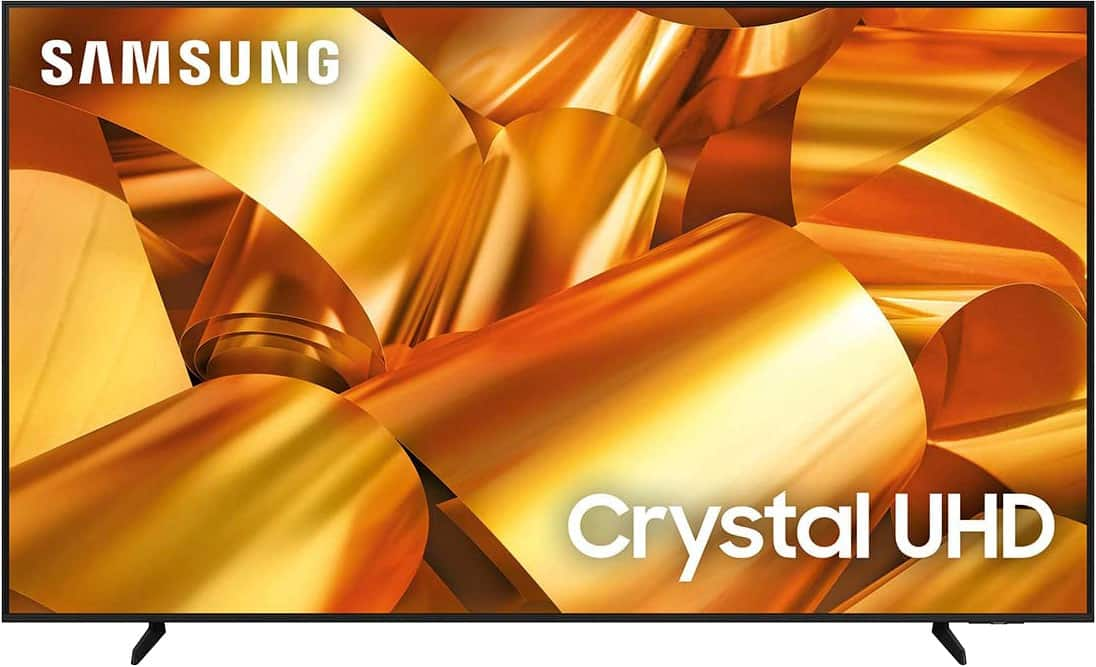
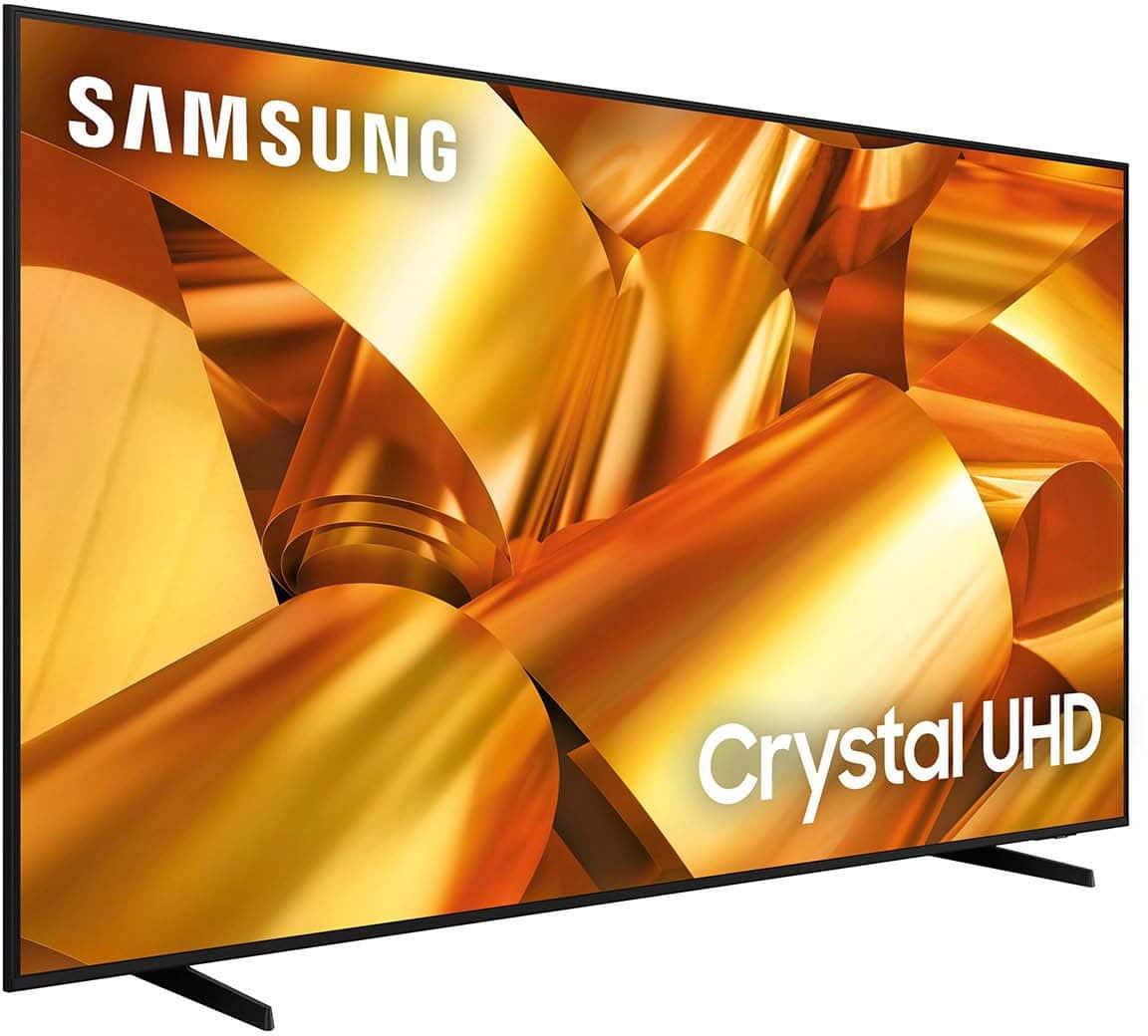
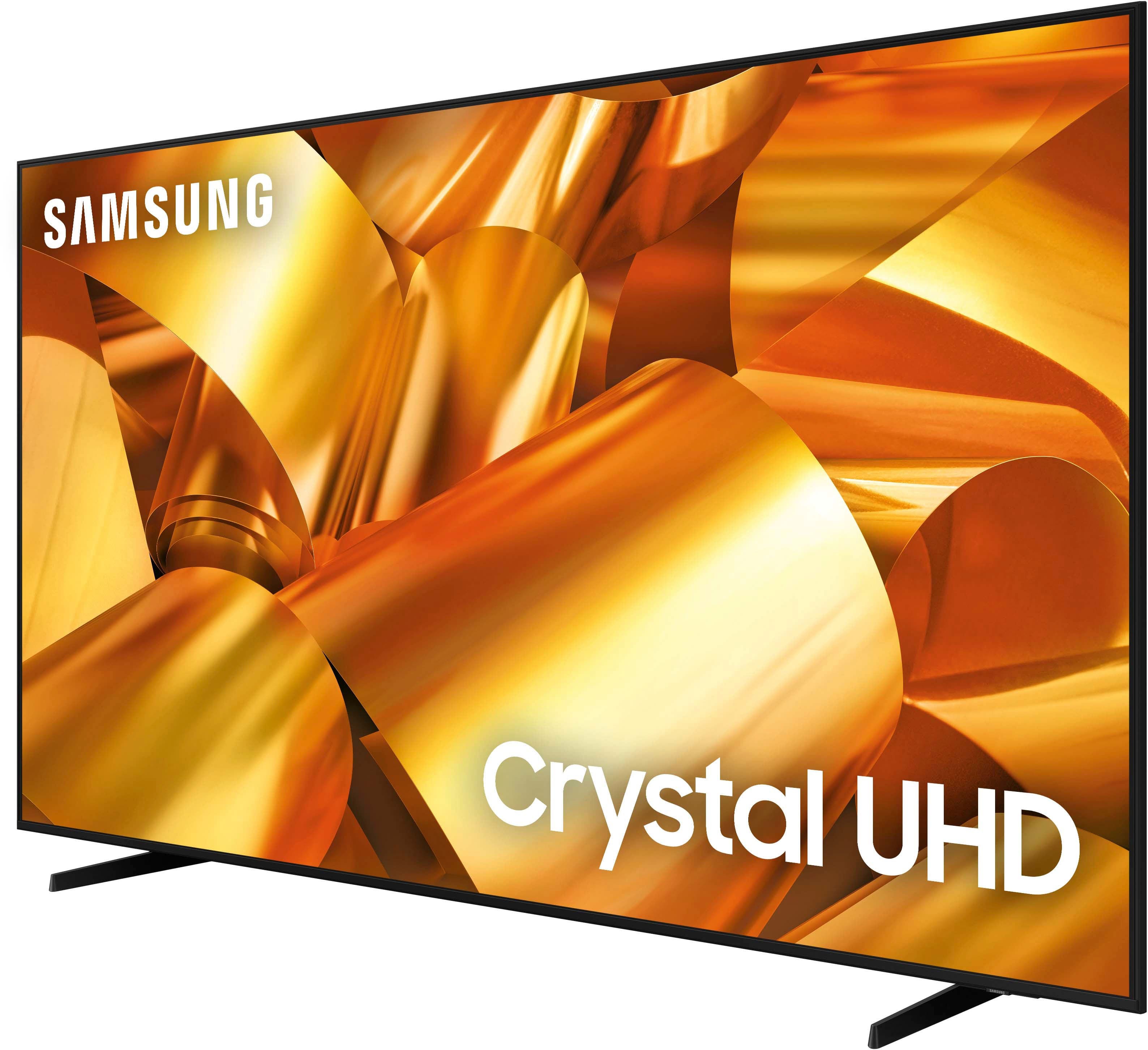
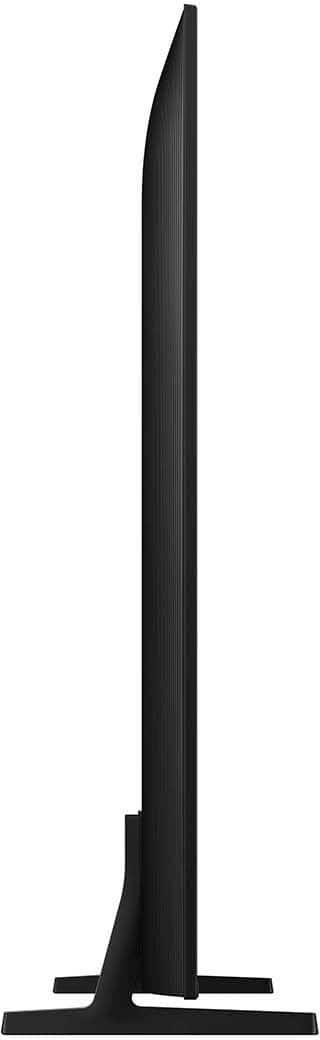
Customers have good things to say about the 75” Class DU6950 Series Crystal UHD 4K Smart Tizen TV (2024), particularly praising its picture quality, ease of use, and ideal size. The TV's color and overall quality are also appreciated, along with its manageable weight. However, some customers have expressed concerns about the number of ports and the remote control.
This summary was generated by AI based on customer reviews.
Not going back
||Posted . Owned for 3 weeks when reviewed.This reviewer received promo considerations or sweepstakes entry for writing a review.The TV was cracked when we took it out of the box. Always got our elecrontics at bestbuy. We even got the protection plan. We Went back to see if they could fix it but due to the way we loaded the tv flat on our vehicle, they denied it. The TV is covered in styrofoam all around. They were only able to give us back the money of the protection plan.
No, I would not recommend this to a friendBrand response from Samsung
Posted .JuanT,
We appreciate you sharing your experience and that your TV exhibited damage upon opening and setup. Unfortunately, even if a TV is double-boxed and the packaging shows no evidence of harm, a TV can still be damaged during transit if proper care is not taken. For example, if the TV were sitting in an incorrect orientation – laid on its side or tilted – during transit, damage could have been done.
We recommend contacting Best Buy Customer Support or your local Best Buy store directly for assistance in correcting this situation. We hope your issue is resolved quickly. If you ever have product questions or need help, Samsung is here for you! Give us a call at 1-800-SAMSUNG, 8 AM - 12 AM EST, seven days a week. Our LiveChat agents are also available by clicking on the ‘Support’ link on our website.
~Samsung Pro
Not happy
||Posted . Owned for 5 months when reviewed.This reviewer received promo considerations or sweepstakes entry for writing a review.The tv continually freezes, shuts down and restarts. It’s been over six months and still waiting for Samsung to fix or replace. Not happy with this product. We’ll never buy another Samsung product.
No, I would not recommend this to a friendBrand response from Samsung
Posted .PaulN,
We appreciate you taking the time to let us know about your experience with your TV. So that we can better troubleshoot this issue and provide steps towards a solution, please contact Samsung Support at 1-800-SAMSUNG, 8AM - 12AM EST, 7 days a week. Or visit us on the Samsung website and click on the ‘Support’ link for:
• LiveChat
• Manuals, Software, & Warranty Info
~ Samsung Pro
Sound is Terrible
||Posted .This reviewer received promo considerations or sweepstakes entry for writing a review.Speakers sound like poor lap top speakers. Even after adjusting the equilizer. And there is not an optical input for sound bars. I retuned it for the LG and that one is much better. I saw someone about to purhchase the same TV and I urged the to look at reviews about the sound quality, they changed their mind lol.
No, I would not recommend this to a friendBrand response from Samsung
Posted .JGonz,
Thank you for sharing your thoughts regarding the DU6950 TV’s sound quality. We recommend adjusting the Sound Settings to improve your experience. You can change the Sound Mode by going to Settings > All Settings> Sound > Sound Mode.
You can also customize the sound with Expert Settings by going to Settings > All Settings> Sound > Expert Settings.
To assist you with possible sound settings adjustments for a better audio experience or choosing a Samsung Soundbar to complement your viewing enjoyment, please reach out to us at 1-800-SAMSUNG, 8 AM - 12 AM EST, seven days a week. Or visit us on the Samsung website and click on the ‘Support’ link for:
1) LiveChat
2) Manuals, Software, & Warranty Info
~ Samsung Pro
Former Geek Squad tv installer
||Posted . Owned for less than 1 week when reviewed.This reviewer received promo considerations or sweepstakes entry for writing a review.TV freezes daily and restarts randomly. Picture pixelates badly on fast motion. Sound is absolutely terrible, my phone has better audio. This is my 7th Samsung tv purchase and has to be the worst one yet. I wouldn’t buy this item again or recommend.
No, I would not recommend this to a friendBrand response from Samsung
Posted .LouieA,
We appreciate your feedback on your DU6950 TV. For optimal performance, we ask that you please ensure you've got the latest firmware version installed on your TV. You can check this by going to Home > Menu > Settings > Support > Software Update.
You may also want to further optimize performance with the self-diagnostic tool, which checks memory, frees up unused cached memory, and closes background apps. Go to: Home > Menu > Settings > Support > Device Care > Start Device Care.
For sound adjustments, go to Settings> All Settings> Sound.
If you need further assistance, we would be happy to help! Please feel free to contact Samsung Support at 1-800-SAMSUNG, available from 8 AM to 12 AM EST, seven days a week. You can also chat with us on Samsung.com for immediate assistance.
~Samsung Pro
Very bad soung quality
||Posted . Owned for less than 1 week when reviewed.This reviewer received promo considerations or sweepstakes entry for writing a review.I bought this trusted TV of Samsung quality both video and audio, the video quality is acceptable, but the audio is very bad, nothing to do with Samsung's powerful sound, I'm very disappointed
No, I would not recommend this to a friendBrand response from Samsung
Posted .Alejandro,
Thank you for sharing your thoughts regarding the DU6950 TV’s sound quality. We recommend adjusting the Sound Settings to improve your experience. You can change the Sound Mode by going to Settings > All Settings> Sound > Sound Mode.
You can also customize the sound with Expert Settings by going to Settings > All Settings> Sound > Expert Settings.
To assist you with possible sound settings adjustments for a better audio experience or choosing a Samsung Soundbar to complement your viewing enjoyment, please reach out to us at 1-800-SAMSUNG, 8 AM - 12 AM EST, seven days a week. Our LiveChat agents are also available by clicking on the ‘Support’ link on our website.
~ Samsung Pro
Restarts every time
||Posted . Owned for 1 month when reviewed.This reviewer received promo considerations or sweepstakes entry for writing a review.Becareful. Warning before you buy, this TV is large, cheap, and weird. It will restart every single time you turn it on. No idea why that happens but it does.
No, I would not recommend this to a friendBrand response from Samsung
Posted .Hello,
I'm sorry to hear of the issue you're having with the DU6950 TV. I have a few troubleshooting tips that may help.
First, let's ensure you are running the latest Firmware. Go to Settings> Support> Software Update. To ensure you do not miss any Firmware Updates, I recommend enabling Auto Updates. Go to Settings> Support> Software Update> then select Auto Update.
Next, let's try running a cold boot on your TV. To do so, hold down the Power button on the Samsung TV remote until the TV turns off and then on again. This should take about 5 seconds.
I hope these tips help resolve your concerns. If you need further assistance, we would be happy to help! Please feel free to contact Samsung Support at 1-800-SAMSUNG, available from 8 AM to 12 AM EST, seven days a week. You can also chat with us on Samsung.com for immediate assistance.
~Samsung Pro
75in Samsung
||Posted . Owned for 1 month when reviewed.This reviewer received promo considerations or sweepstakes entry for writing a review.Sound quality is horrible. I heard a Hisense and was shaking my head for being a loyal Samsung user. I am returning this non Alexa friendly Samsung tv for a Hisense.
No, I would not recommend this to a friendBrand response from Samsung
Posted .JVCC,
If you have not returned your unit, we are available and happy to assist you with troubleshooting or to set up a warranty appointment.
You can reach Samsung Support at 1-800-SAMSUNG (ask for TVs), 8 AM – 12 AM EST, 7 days a week.
~Samsung Pro
DON’T WASTE YOUR MONEY
||Posted . Owned for 2 months when reviewed.This reviewer received promo considerations or sweepstakes entry for writing a review.This tv suck, don’t waste your money! It keep making me unplug it to reboot the tv because the picture keeps sticking
No, I would not recommend this to a friendBrand response from Samsung
Posted .PurpleRain,
Thank you for taking the time to provide feedback on your DU6950 TV. Please know that your feedback will be shared with our internal product teams. We take pride in our products and are sorry to hear that your experience was not up to our high standards.
For optimal performance, we ask that you please ensure you've got the latest firmware version installed on your TV. You can check this by going to Home > Menu > Settings > Support > Software Update.
You may also want to further optimize performance with the self-diagnostic tool, which checks memory, frees up unused cached memory, and closes background apps. Go to: Home > Menu > Settings > Support > Device Care > Start Device Care.
If you need further assistance, we would be happy to help! Please feel free to contact Samsung Support at 1-800-SAMSUNG, available from 8 AM to 12 AM EST, seven days a week. You can also chat with us on Samsung.com for immediate assistance.
~Samsung Pro
Worse Ever
||Posted .This reviewer received promo considerations or sweepstakes entry for writing a review.Worst tv to get. Had it for 2 wks and screen went black. No sound no picture..nothing!!. And it couldnt get no worser.. Best Best wouldnt replace. You have 15 days from pick up. Lucky i called samsungand gotten my money back a month later. Learned my lesson
No, I would not recommend this to a friendBrand response from Samsung
Posted .TamiyaT,
Thank you for taking the time to provide feedback on your DU6950 TV. Please know that your feedback will be shared with our internal product teams. We take pride in our products and are sorry to hear that your experience was not up to our high standards.
Should you ever decide to give Samsung TVs another try and have questions or need help with settings, setup, or features, we would be happy to help. Call us at 1-800-SAMSUNG, 8 AM – 12 AM EST, seven days a week. LiveChat with an agent, as well as manuals, software, and warranty info, can be found at the ‘Support’ link on our Samsung website.
We hope to regain you as a customer in the future.
~ Samsung Pro
Perfect
||Posted . Owned for 3 weeks when reviewed.This reviewer received promo considerations or sweepstakes entry for writing a review.The sound is good the picture is clear and it fit soo well will recommend anytime for a friend
I would recommend this to a friendBrand response from Samsung
Posted .AminaM,
Thank you for purchasing Samsung’s Crystal UHD 4K DU6950 Smart TV, which allows you to stream your favorite shows, play games, or even work out with a trainer. Experience everything you love with the Smart TV powered by Tizen!
If there’s anything we can ever help with, please call us at 1-800-SAMSUNG, 8 AM - 12 AM EST, seven days a week. Or visit us on the Samsung website and click on the ‘Support’ link for:
1) LiveChat
2) Manuals, Software, & Warranty Info
~ Samsung Pro
Tv
||Posted . Owned for 3 weeks when reviewed.This reviewer received promo considerations or sweepstakes entry for writing a review.I am having issues with the TV and have not even had it for less than a month.
No, I would not recommend this to a friendBrand response from Samsung
Posted .SheriH,
We appreciate you taking the time to let us know about your experience with your TV. So that we can better troubleshoot this issue and provide steps towards a solution, please contact Samsung Support at 1-800-SAMSUNG, 8AM - 12AM EST, 7 days a week. Or visit us on the Samsung website and click on the ‘Support’ link for:
• LiveChat
• Manuals, Software, & Warranty Info
~ Samsung Pro
It simply doesn’t work
||Posted . Owned for 6 months when reviewed.This reviewer received promo considerations or sweepstakes entry for writing a review.I don’t know what’s wrong with this TV but it simply doesn’t work. Every single time I turn it on, it takes 5 to 10 minutes to actually be able to watch anything. It gets frozen, it turns on and off constantly, makes the weirdest noises. I tried to update the software a couple times but still not working. I’ll return it.
No, I would not recommend this to a friendBrand response from Samsung
Posted .RobertaM,
Thank you for sharing your experience with the DU6950 TV. If you have not returned your unit, we are available and happy to assist you with troubleshooting or to set up a warranty appointment.
You can reach Samsung Support at 1-800-SAMSUNG (ask for TVs), 8 AM – 12 AM EST, 7 days a week.
~Samsung Pro
Dont
||Posted .This reviewer received promo considerations or sweepstakes entry for writing a review.The tv has the worst audio. Forces you to buy a espérate sound bar. Seems intentionally bad
No, I would not recommend this to a friendBrand response from Samsung
Posted .JacksonM,
Thank you for sharing your thoughts regarding the DU6950 TV’s sound quality. We recommend adjusting the Sound Settings to improve your experience. You can change the Sound Mode by going to Settings > All Settings> Sound > Sound Mode.
You can also customize the sound with Expert Settings by going to Settings > All Settings> Sound > Expert Settings.
To assist you with possible sound settings adjustments for a better audio experience or choosing a Samsung Soundbar to complement your viewing enjoyment, please reach out to us at 1-800-SAMSUNG, 8 AM - 12 AM EST, seven days a week. Our LiveChat agents are also available by clicking on the ‘Support’ link on our website.
~ Samsung Pro
Not a good buy
||Posted .This reviewer received promo considerations or sweepstakes entry for writing a review.Worked about 2 months and board went out. Don't like that there is no optical output. Loses Bluetooth connections all the time.
No, I would not recommend this to a friendBrand response from Samsung
Posted .Chris,
We appreciate you taking the time to let us know about your experience with your TV. So that we can better troubleshoot this issue and provide steps towards a solution, please contact Samsung Support at 1-800-SAMSUNG, 8AM - 12AM EST, 7 days a week. Or visit us on the Samsung website and click on the ‘Support’ link for:
• LiveChat
• Manuals, Software, & Warranty Info
~ Samsung Pro
Cracked screen
||Posted . Owned for 3 weeks when reviewed.This reviewer received promo considerations or sweepstakes entry for writing a review.Screen was broken in the box and Best Buy refused to replace it . Best Buy employee was trying to load it alone and dropped it , when I got it home and removed it from the box the screen was cracked . The box was not secured at all .The customer service was very poor , lot of young kids in as staff and no shift lead or management was on duty .
I would recommend this to a friendBrand response from Samsung
Posted .MzHurricanes,
We appreciate you sharing your experience and that your TV exhibited damage upon opening and setup. We recommend contacting Best Buy Customer Support or your local Best Buy store directly for assistance in correcting this situation. We hope your issue is resolved quickly. If you ever have product questions or need help, Samsung is here for you! Give us a call at 1-800-SAMSUNG, 8 AM - 12 AM EST, seven days a week. Our LiveChat agents are also available by clicking on the ‘Support’ link on our website.
~Samsung Pro
Samsung 75”
||Posted . Owned for 1 week when reviewed.This reviewer received promo considerations or sweepstakes entry for writing a review.TV picture had poor quality during dark scenes with stark differences between shades of black. This results in the image looking distorted and unnatural
No, I would not recommend this to a friendBrand response from Samsung
Posted .MeganS,
It’s unfortunate to hear you’re not fully satisfied with the brightness of your DU6950 TV’s picture. Please know that we are here to help you.
First, let’s ensure you are running the latest Firmware Update. Go to Settings> Support> Software Update.
Next, If the colors on your TV are correct but just a little too dark or bright, you can try adjusting Picture Modes, Contrast, Brightness, or Sharpness settings.
For darker scenes, I recommend Dynamic Picture Mode, which makes pictures brighter and clearer in bright viewing environments. Go to Settings > All Settings> Picture > Picture Mode > Dynamic.
Or you can manually adjust the Brightness by pressing the HOME button on your remote, then navigating to Settings > All Settings> Picture > Expert Settings.
You may also want to disable Power Saving Mode, which automatically adjusts the brightness to reduce the TV’s power consumption. Go to Settings > All Settings> General > Eco Solution> Power Saving Mode.
I hope this helps to improve your picture. Should you need further assistance, please contact us at 1-800-SAMSUNG, 8 AM - 12 AM EST, seven days a week. Our LiveChat agents are also available by clicking on the ‘Support’ link on our website.
~ Samsung Pro
Bad for live action sports
||Posted . Owned for 2 months when reviewed.This reviewer received promo considerations or sweepstakes entry for writing a review.The title speaks for itself. Upgraded to TCL 75”. Much better.
No, I would not recommend this to a friendBrand response from Samsung
Posted .Swaggkillem,
Thank you for taking the time to provide feedback on your DU6950 TV. Please know that your feedback will be shared with our internal product teams. We take pride in our products and are sorry to hear that your experience was not up to our high standards.
Should you ever decide to give Samsung TVs another try and have questions or need help with settings, setup, or features, we would be happy to help. Call us at 1-800-SAMSUNG, 8 AM – 12 AM EST, seven days a week. LiveChat with an agent, as well as manuals, software, and warranty info, can be found at the ‘Support’ link on our Samsung website.
We hope to regain you as a customer in the future.
~ Samsung Pro
Loss of connectivity and constant freezing!!
||Posted . Owned for 1 month when reviewed.This reviewer received promo considerations or sweepstakes entry for writing a review.Do Not buy!! I have had this tv less than a month and it freezes, constantly!! It constantly drops the connection to the surround sound, and sometimes it opens apps that I did not select. I am in the process of seeing what options I have to return. I will continue to only buy LG or Vizio. I have never had any issues with those brands.
No, I would not recommend this to a friendBrand response from Samsung
Posted .Michelle,
We appreciate your feedback on the Samsung DU6950 TV. I'm sorry to hear you are experiencing issues with freezing and Wi-Fi connectivity.
First, let's ensure you are running the latest Firmware. Go to Settings> Support> Software Update. I recommend enabling auto-updates to ensure you do not miss any Firmware Updates. Go to Settings> Support> Software Update> then select Auto Update.
Next, let's try running a cold boot on your TV. To do so, hold down the Power button on the Samsung TV remote until the TV turns off and then on again. This should take about 5 seconds.
I hope these tips help resolve your concerns. If you need further assistance, we would be happy to help! Please feel free to contact Samsung Support at 1-800-SAMSUNG, available from 8 AM to 12 AM EST, seven days a week. You can also chat with us on Samsung.com for immediate assistance.
~Samsung Pro
Worst TV to buy don’t do it.
||Posted . Owned for 4 months when reviewed.This reviewer received promo considerations or sweepstakes entry for writing a review.Single handily the worst tv I’ve had and worse purchase Ive done in my life. The sound goes out randomly every 5 mins the tv itself restarts randomly . The speaker on the tv sucks so you have to purchase separate speaker . Do not buy this TV your wife will remind you everyday of how bad this TV is don’t do it I’m begging you.
No, I would not recommend this to a friendBrand response from Samsung
Posted .AlfredJ,
Thank you for taking the time to provide feedback on your DU6950 TV. Please know that your feedback will be shared with our internal product teams. We take pride in our products and are sorry to hear that your experience was not up to our high standards.
Please try a few troubleshooting steps that may help solve the power cycling issue:
1) Check the power cable for damage and proper connection.
2) If the cable is bent, broken, kinked, pinched, pressed excessively (possibly by a heavy object on top of it), or damaged, this is likely the cause of the issue. Replace the cable.
3) Unplug the TV from the wall outlet for 30 seconds, then plug it back in.
4) If the power cycling allows enough time between powering on and off, try updating the TV to the latest firmware. There is a risk, however. If the TV turns off during the software update, it could damage the TV. Updates can take up to 30 minutes, depending on network speed, so if the TV is not turning off too frequently, try updating the software.
If the issue persists after these steps, then the TV will likely need service. Please contact us so that we can better investigate your issue and assist you with a solution or replacement. You can call us at 1-800-SAMSUNG, 8 AM - 12 AM EST, seven days a week. Our LiveChat agents are also available by clicking on the ‘Support’ link on our website.
~ Samsung Pro
Samsung is garbage now
||Posted . Owned for 5 months when reviewed.This reviewer received promo considerations or sweepstakes entry for writing a review.This tv was the biggest steaming pile of garbage excuse for a TV I’ve ever owned. Bought on Black Friday, already useless. Areived with tons of dead pixels, the samsung smart OS is garbage. I deeply regret buying this piece of junk thats in the trash that im still paying for. Absolutely avoid!
No, I would not recommend this to a friendBrand response from Samsung
Posted .Meb74330,
Thanks for sharing your thoughts. If there's anything we can do to improve your experience, please reach Samsung Support at 1-800-SAMSUNG, 8AM - 12AM EST, 7 days a week. Or visit us on the Samsung website and click on the ‘Support’ link for:
• LiveChat
• Manuals, Software, & Warranty Info
~ Samsung Pro