Customer Ratings & Reviews






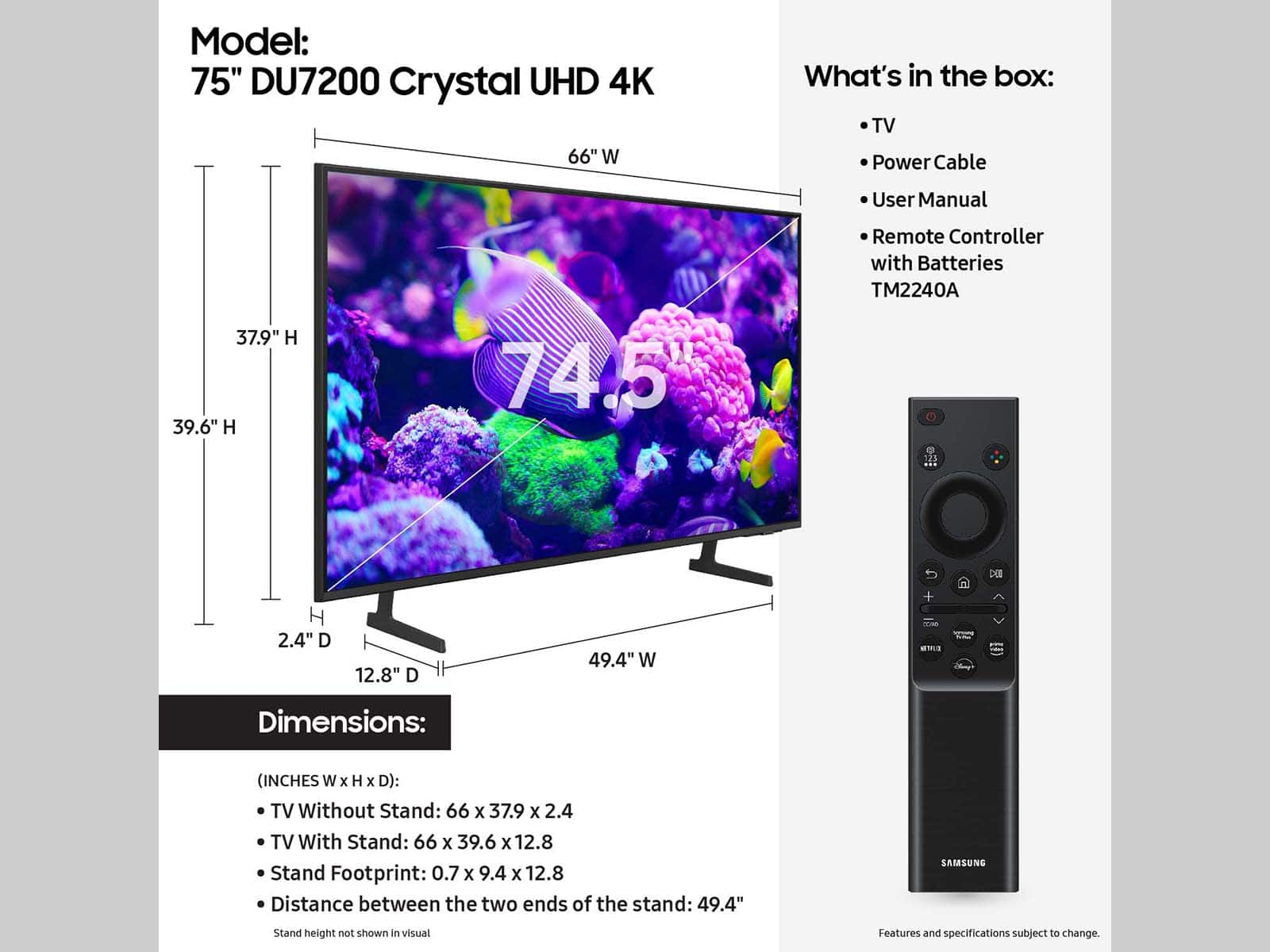
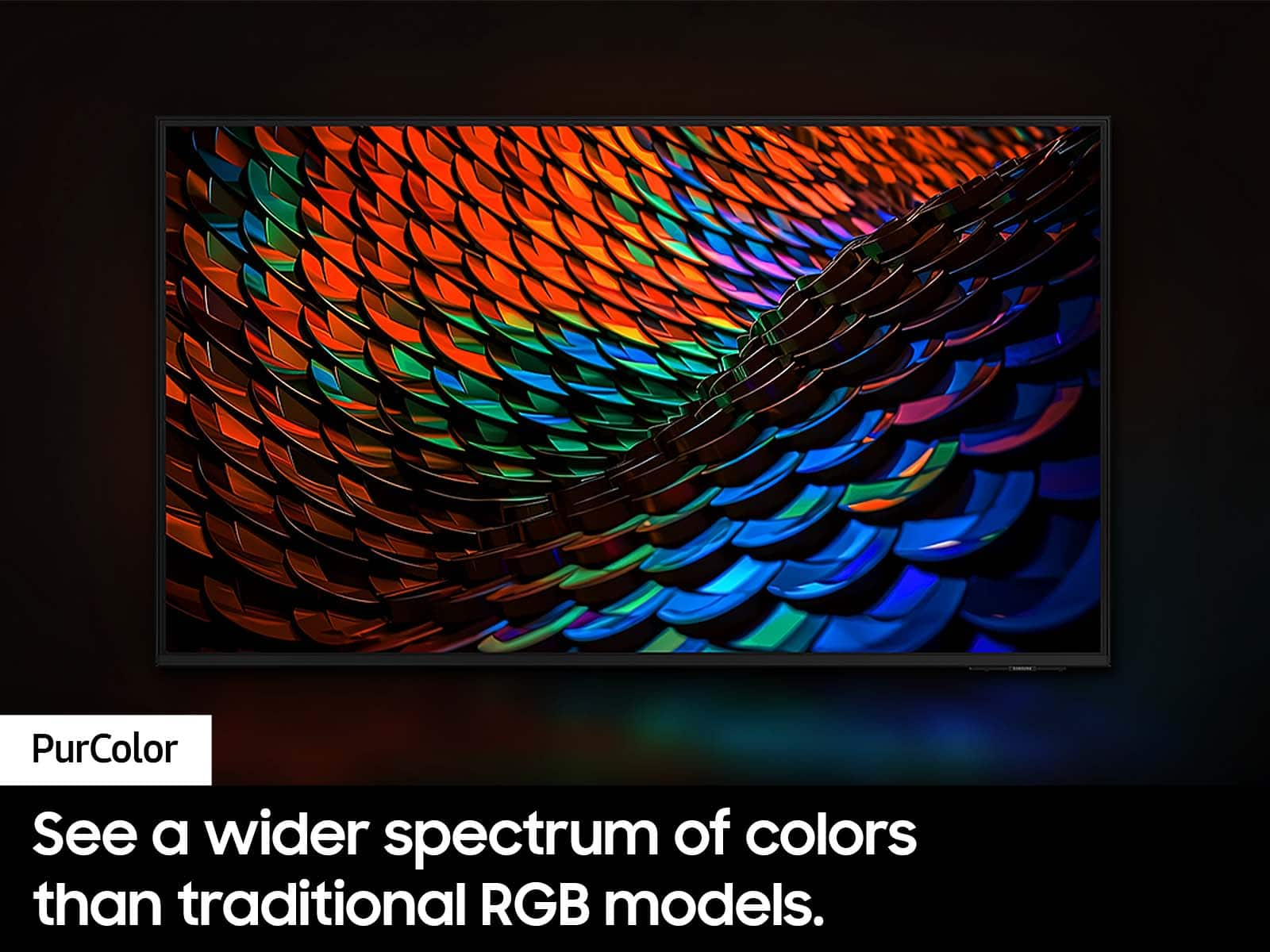
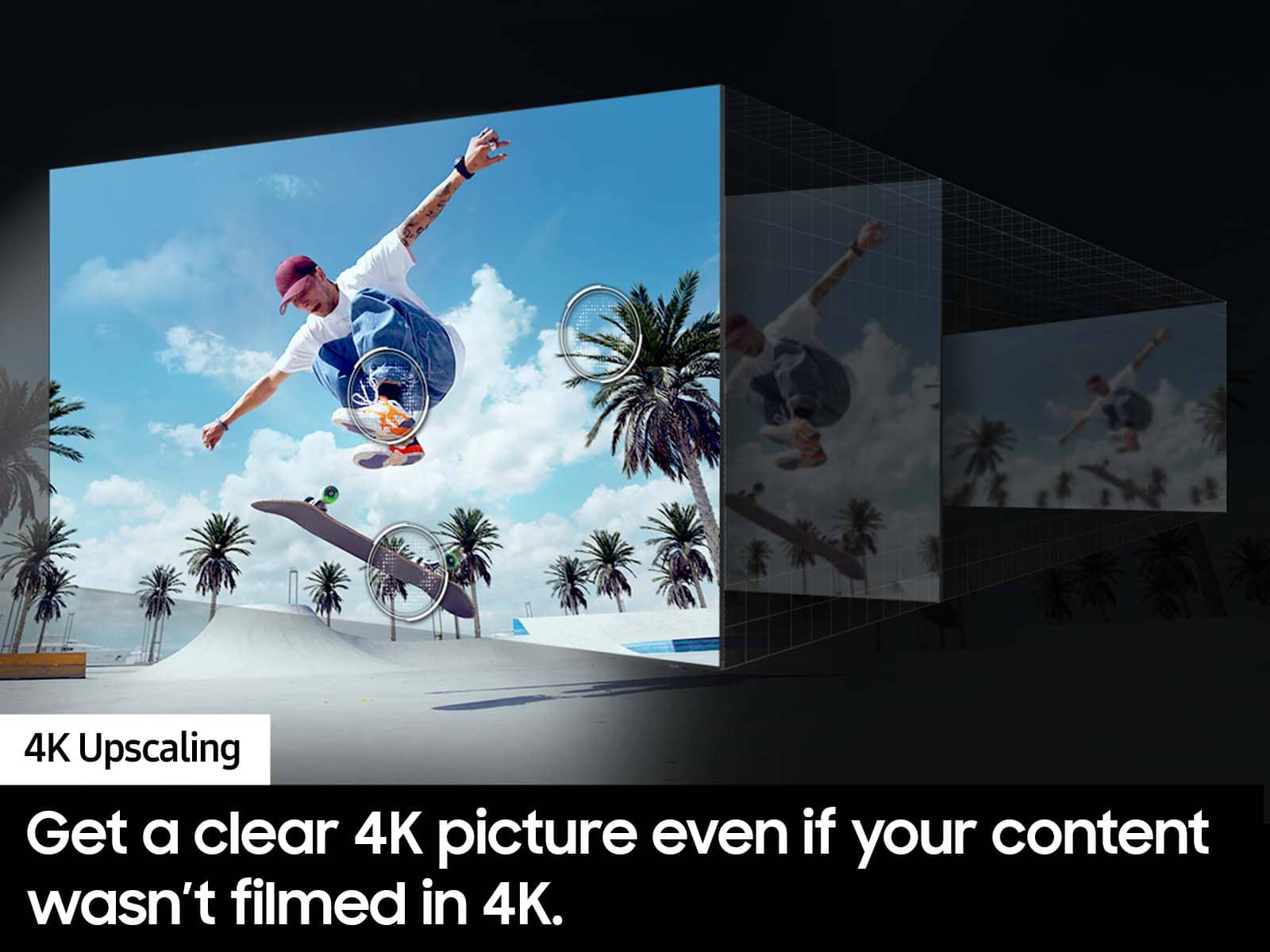

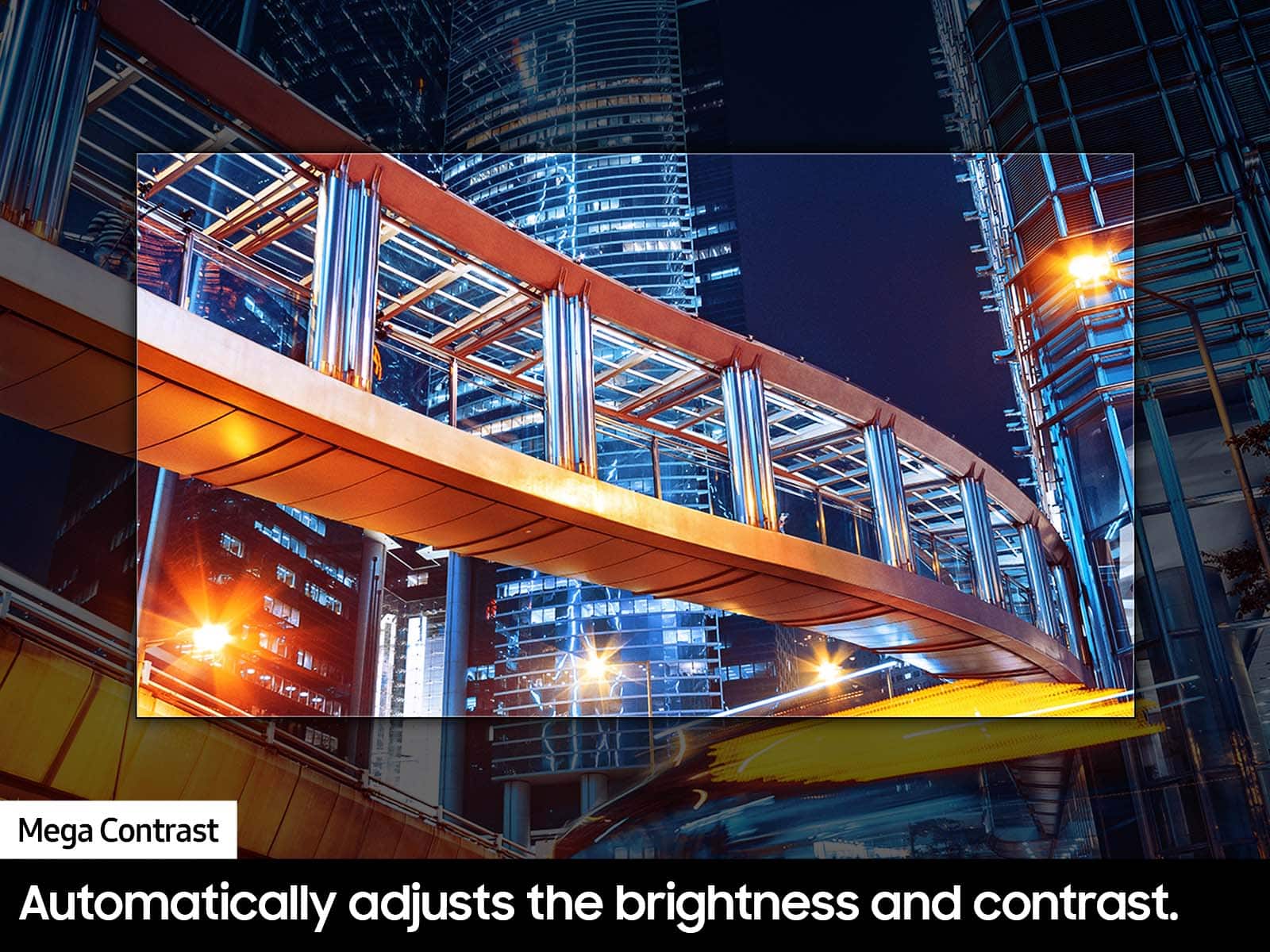



- Model:
- UN75DU7200FXZA
- SKU:
- 10189265
Rating by feature
- Picture Quality
Rating 4.7 out of 5 stars
- Sound Quality
Rating 4.5 out of 5 stars
- Brightness
Rating 4.7 out of 5 stars
to a friend
Richie
||Posted . Owned for 1 month when reviewed.This reviewer received promo considerations or sweepstakes entry for writing a review.My review is based on quality of Samsung TVs and other Tvs.
I would recommend this to a friendTune time
||Posted . Owned for 3 weeks when reviewed.This reviewer received promo considerations or sweepstakes entry for writing a review.Purchased for me. A great gift that I received. Love it!
I would recommend this to a friendLoved it
||Posted . Owned for 1 month when reviewed.This reviewer received promo considerations or sweepstakes entry for writing a review.Very happy with my purchase got it on sale for the price and the function is pristine
I would recommend this to a friendMust have!
||Posted . Owned for 1 week when reviewed.This reviewer received promo considerations or sweepstakes entry for writing a review.Love it! Super thin and very bright! Nice resolution!
I would recommend this to a friendLosing Pixels
||Posted . Owned for 4 months when reviewed.This reviewer received promo considerations or sweepstakes entry for writing a review.Screen has dots starting to show up on screen like leds are going out and TV is 3 months old. Been a loyal Samsung customer but this may make me switch if not taken care of under warranty.
No, I would not recommend this to a friendBrand response from Samsung
Posted .Hi JasonL,
Please give us the chance to make this right by contacting Samsung Customer Support at 1-800-SAMSUNG, 8 AM - 12 AM EST, seven days a week. Our LiveChat agents are also available by clicking on the ‘Support’ link on our website.
~Samsung Advisor
Good option
||Posted . Owned for 1 month when reviewed.This reviewer received promo considerations or sweepstakes entry for writing a review.Good tv could be better picture quality. Nice entry level.
I would recommend this to a friendSound
||Posted .This reviewer received promo considerations or sweepstakes entry for writing a review.Would recommend getting a sound bar the sound is kinda low but other than that it’s a good tv with good graphics
I would recommend this to a friendBrand response from Samsung
Posted .Hi Lewis,
Thank you for your review. If the volume on your Samsung DU7200 TV seems too low, we recommend checking for firmware updates: Settings > Support > Software Update > Update Now
Then, go to: Settings > All Settings > Sound > Sound Mode and try Amplify to boost dialogue and upper tones.
To maintain consistent volume across channels and apps, enable Auto Volume under: Settings > All Settings > Sound > Expert Settings > Auto Volume = On
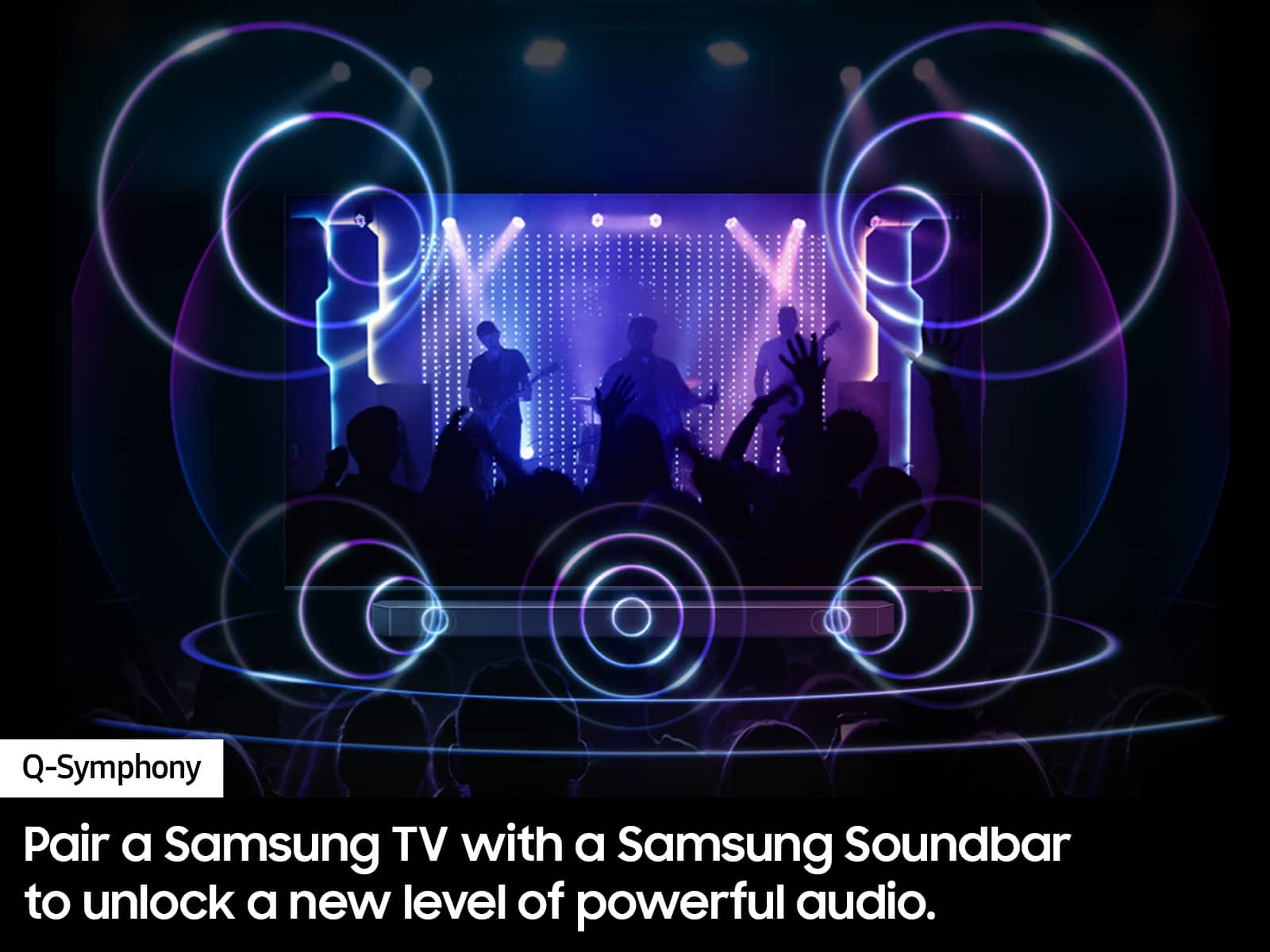
Samsung Q- and S-Series Soundbars with Q-Symphony can also enhance your sound experience. For further help, please contact Samsung Support at 1-800-SAMSUNG (8AM – 12AM EST, 7 days a week) or use LiveChat via the ‘Support’ link on our website.
~ Samsung Advisor
STAY AWAY
||Posted . Owned for 8 months when reviewed.This reviewer received promo considerations or sweepstakes entry for writing a review.This TV was a huge let down. Screen quality is what you would expect at this price point, however when it comes to connecting to the WiFi it’s another story. There’s always a 70% chance that the TV is not connected properly to our WiFi, but even when it is connected sometimes certain apps won’t work like discovery, peacock or even Netflix. If you’re thinking of buying this TV you better have an Apple TV or Roku to use other streaming services properly or at least as a back up.
No, I would not recommend this to a friendAs expected!
||Posted . Owned for 1 month when reviewed.This reviewer received promo considerations or sweepstakes entry for writing a review.The screen was busted on the tv once i opened it at home. Regurned it back to store with no hassle.
I would recommend this to a friendBrand response from Samsung
Posted .Hi 2blessed,
Thank you for letting us know that you received a broken DU7200 TV upon delivery. We appreciate your patience in having to deal with the hassle of an exchange. If there’s anything we can ever help with, please call us at 1-800-SAMSUNG, 8 AM - 12 AM EST, seven days a week. Or visit us on the Samsung website and click on the ‘Support’ link for:
1) LiveChat
2) Manuals, Software, & Warranty Info
~ Samsung Advisor
Poor Quality Tv
||Posted . Owned for 1 month when reviewed.This reviewer received promo considerations or sweepstakes entry for writing a review.Very disappointed with this series Samsung. Picture 'moved' in weird ways, and any show movement caused the picture to turn blurry. Did some research on it, and felt the poor quality was due to the refresh rate. Returned this tv in exchange for a better quality Samsung, and it was perfect. Recommend a 120 hz, not a 60 hz.
No, I would not recommend this to a friendBrand response from Samsung
Posted .Hi DonnieS,
Thank you for choosing Samsung and staying loyal to the brand. If there's ever anything we can do for you, please do not hesitate to reach out to us. Just call us at 1-800-SAMSUNG, 8 AM - 12 AM EST, seven days a week. Our LiveChat agents are also available by clicking on the ‘Support’ link on our website.
~ Samsung Advisor
Ehhh..
||Posted . Owned for 1 month when reviewed.This reviewer received promo considerations or sweepstakes entry for writing a review.the sound goes in and out sometimes and have to go unplug and plug back into the wall and it works
No, I would not recommend this to a friendBrand response from Samsung
Posted .Hi MattC,
Thank you for reaching out to us. If you are experiencing sound issues, I recommend performing a Sound Test. To do so, go to Support > Self Diagnosis > Start Sound Test.
Also, please ensure you are running the latest Firmware update. Go to Settings> Support> Software Update.
If you need more help, Samsung is here for you! Please call us at 1-800-SAMSUNG, 8 AM - 12 AM EST, seven days a week. Our LiveChat agents are also available by clicking on the ‘Support’ link on our website.
~ Samsung Advisor
Samsung tv
||Posted .This reviewer received promo considerations or sweepstakes entry for writing a review.It's ok for the money sound could be better over all it's ok
I would recommend this to a friendBrand response from Samsung
Posted .Hi EricM,
Thank you for sharing your thoughts regarding the DU7200 TV’s sound quality. We recommend adjusting the Sound Settings to improve your experience. You can change the Sound Mode by going to Settings > All Settings> Sound > Sound Mode.
You can also customize the sound with Expert Settings by going to Settings > All Settings> Sound > Expert Settings.
To assist you with possible sound settings adjustments for a better audio experience or choosing a Samsung Soundbar to complement your viewing enjoyment, please reach out to us at 1-800-SAMSUNG, 8 AM - 12 AM EST, seven days a week. Our LiveChat agents are also available by clicking on the ‘Support’ link on our website.
~ Samsung Advisor
Lied too open box DONT BUY Ever
||Posted . Owned for 1 month when reviewed.This reviewer received promo considerations or sweepstakes entry for writing a review.Didn’t come with tv legs, power cord, or remote after I was promised and opened the box in store. They send me a completely different TV then the one I bought in store and told me I needed to return it and it was my fault and I would be charged a Feee as they delivered the wrong tv to me. I ended up spending an extra $120 on a new remote, legs, and a power cord so I could use the thing. Best Buy never made this right and told me it was my fault basically. I will never be shopping here again and I would never buy anything open box from them
No, I would not recommend this to a friendBrand response from Samsung
Posted .Hi DylanB,
I'm sorry to hear about your open-box experience. Please reach out to Best Buy directly to assist you.
If you ever have questions or need support, we’re here to help. Call us at 1-800-SAMSUNG, available from 8AM - 12AM EST, seven days a week. You can also connect with a LiveChat agent by clicking the ‘Support’ link on our website.
~ Samsung Advisor
No optical out put.
||Posted . Owned for 3 weeks when reviewed.This reviewer received promo considerations or sweepstakes entry for writing a review.Very disappointed that the tv dies not have an optical output. I bought the tv because it had three hdmi imputs. Now i have to waste one on the sound bar. The sales person should have asked if i was gonna hook a sound bar to it. And told me that there is not optical connection
No, I would not recommend this to a friendBrand response from Samsung
Posted .Hi Steelguy,
Thank you for your feedback on the DU7200 TV! Your TV offers 3 HDMI ports and is Bluetooth and Wi-fi capable. If your sound system requires an optical out port, you can utilize an HDMI to Optical Converter, which is available at most Best Buy stores.
If you are concerned about the amount of HDMI ports, you can utilize an HDMI splitter like this one: https://www.bestbuy.com/site/insignia-3-port-hdmi-switch-with-4k-60hz-and-hdr-pass-through-black/6319221.p?skuId=6319221
I hope this helps!
If you ever have questions or need help, Samsung is here for you! Give us a call at 1-800-SAMSUNG, 8 AM - 12 AM EST, seven days a week. Our LiveChat agents are also available by clicking on the ‘Support’ link on our website.
~Samsung Advisor
BAD TV BUT GOOD SERVICE FROM BEST BUY
||Posted . Owned for 2 weeks when reviewed.This reviewer received promo considerations or sweepstakes entry for writing a review.TV BLINKS ON AND OFF ALL BY ITSELF AND IT STARTED ON DAY 1.
No, I would not recommend this to a friendBrand response from Samsung
Posted .Hi TheresaA,
Thank you for purchasing the Samsung DU7200 TV. I’m sorry you’re experiencing a power cycling issue where your TV turns on and off repeatedly.
Please try a few troubleshooting steps that may help solve the issue:
1) Check the power cable for damage and proper connection.
2) If the cable is bent, broken, kinked, pinched, pressed excessively (possibly by a heavy object on top of it), or damaged, this is likely the cause of the issue. Replace the cable.
3) Unplug the TV from the wall outlet for 30 seconds, then plug it back in.
4) If the power cycling allows enough time between powering on and off, try updating the TV to the latest firmware. There is a risk, however. If the TV turns off during the software update, it could damage the TV. Updates can take up to 30 minutes, depending on network speed, so if the TV is not turning off too frequently, try updating the software.
If the issue persists after these steps, then the TV will likely need service. Please contact us so that we can better investigate your issue issue and assist you with a solution or replacement. Just call us at 1-800-SAMSUNG, 8 AM - 12 AM EST, seven days a week. Our LiveChat agents are also available by clicking on the ‘Support’ link on our website.
~ Samsung Advisor
Disappointing
||Posted . Owned for 4 months when reviewed.This reviewer received promo considerations or sweepstakes entry for writing a review.For the price, this is a bare bones TV. Limited outputs. No optical, 2 HDMI. Wouldn't pair with Samsung speaker system
No, I would not recommend this to a friendBrand response from Samsung
Posted .Hi MichaelC,
I'm sorry you are not satisfied with your DU7200 TV. The DU72000F TV offers 3 HDMI ports and is Bluetooth and Wi-Fi capable, allowing a seamless connection across multiple devices at a time. If your external device requires an Optical port, we recommend utilizing an HDMI to Optical Converter. These can be found at your local electronics store. Please also keep in mind that an Optical port can be found on our DU8000F Series and above.
If you need more help, Samsung is here for you! Please call us at 1-800-SAMSUNG, 8 AM - 12 AM EST, seven days a week. Our LiveChat agents are also available by clicking on the ‘Support’ link on our website.
~ Samsung Advisor
Bad tv
||Posted . Owned for 9 months when reviewed.This reviewer received promo considerations or sweepstakes entry for writing a review.Geek squad protection plan sucks! We purchased this TV and image went bad. They blamed it on physical damage and refused to fix it. Image wasn’t that great.
No, I would not recommend this to a friendLots of issues
||Posted . Owned for 3 months when reviewed.This reviewer received promo considerations or sweepstakes entry for writing a review.Any tv is better than the Samsung this year. Pick something else.
No, I would not recommend this to a friendBrand response from Samsung
Posted .Hi RachelL,
Thank you for your feedback on the DU7200 TV. Please know we are always available and happy to assist you with any Settings adjustments or troubleshooting on your TV. Just call us at 1-800-SAMSUNG, 8 AM - 12 AM EST, seven days a week. Our LiveChat agents are also available by clicking on the ‘Support’ link on our website.
~ Samsung Advisor
What happened to Samsung quality
||Posted . Owned for 1 month when reviewed.This reviewer received promo considerations or sweepstakes entry for writing a review.A dud,shows a good picture but freezes up.just when the movie is getting good.
No, I would not recommend this to a friendBrand response from Samsung
Posted .Hi Rock,
Thank you for letting us know about the issues you are having with your DU7200 TV freezing.
For optimal performance, we ask that you please ensure you've got the latest firmware version installed on your TV. You can check this by going to Home > Menu > Settings > Support > Software Update.
You may also want to further optimize performance with the self-diagnostic tool, which checks memory, frees up unused cached memory, and closes background apps. Go to: Home > Menu > Settings > Support > Device Care > Start Device Care.
If you need more help, Samsung is here for you! Please call us at 1-800-SAMSUNG, 8 AM - 12 AM EST, seven days a week. Our LiveChat agents are also available by clicking on the ‘Support’ link on our website.
~ Samsung Advisor
Very sad and disappointed
||Posted . Owned for 1 month when reviewed.This reviewer received promo considerations or sweepstakes entry for writing a review.My tv came broken, since I got this during the holidays, My husband was finally to get someone to help put the tv up. Once they did all the work hung up the tv husband turned it on , only to fine out it was damaged. I missed the returned policy by 2 days and no one would help me. So stuck with broken tv and still have to pay for it.
No, I would not recommend this to a friendBrand response from Samsung
Posted .Hi IdaliaU,
I'm very sorry you received a damaged TV. Please reach out to us so we can better assist you. You can contact us for further help at 1-800-SAMSUNG, 8 AM - 12 AM EST, seven days a week. Our LiveChat agents are also available by clicking on the ‘Support’ link on our website.
~ Samsung Advisor