Customer Ratings & Reviews
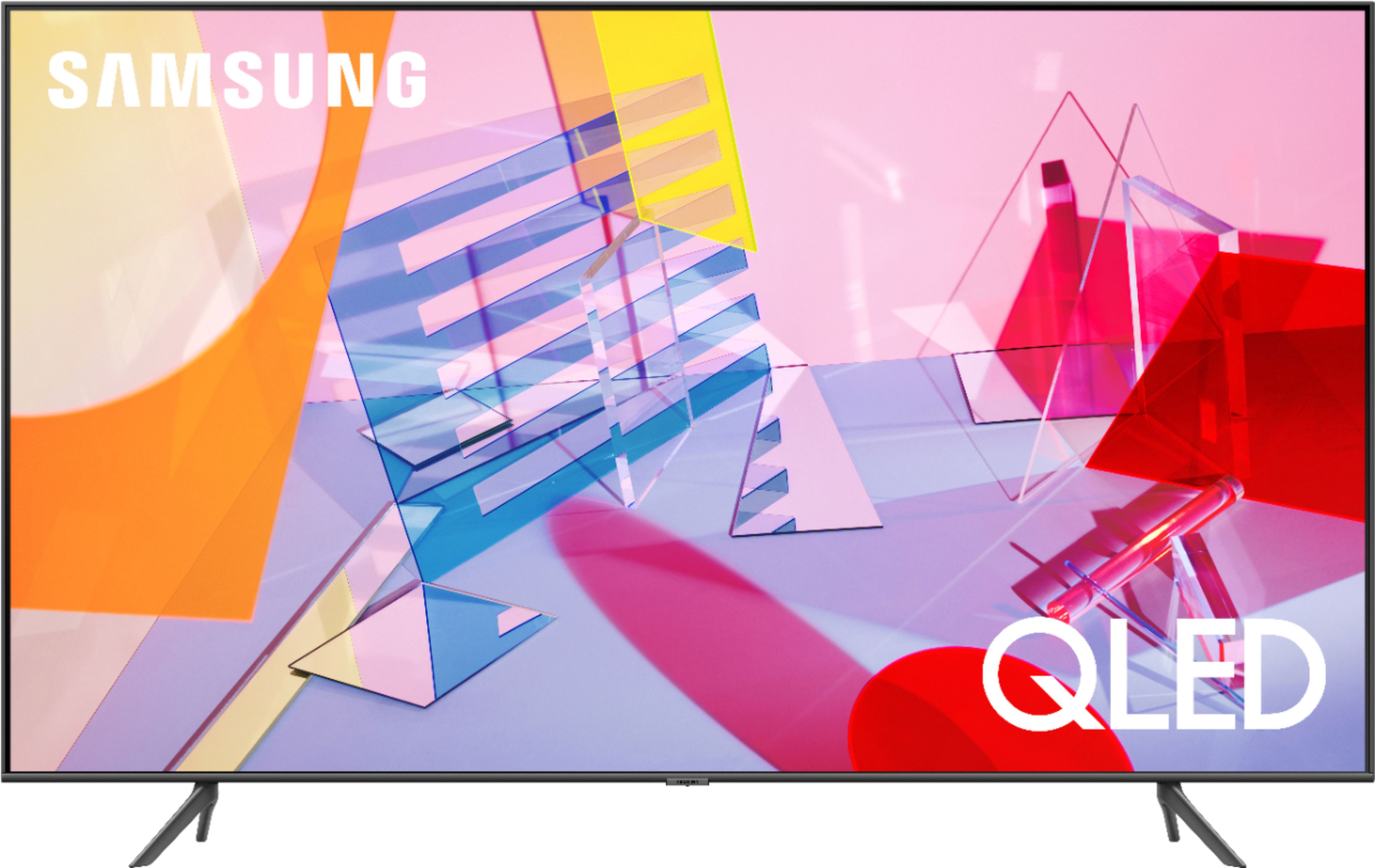
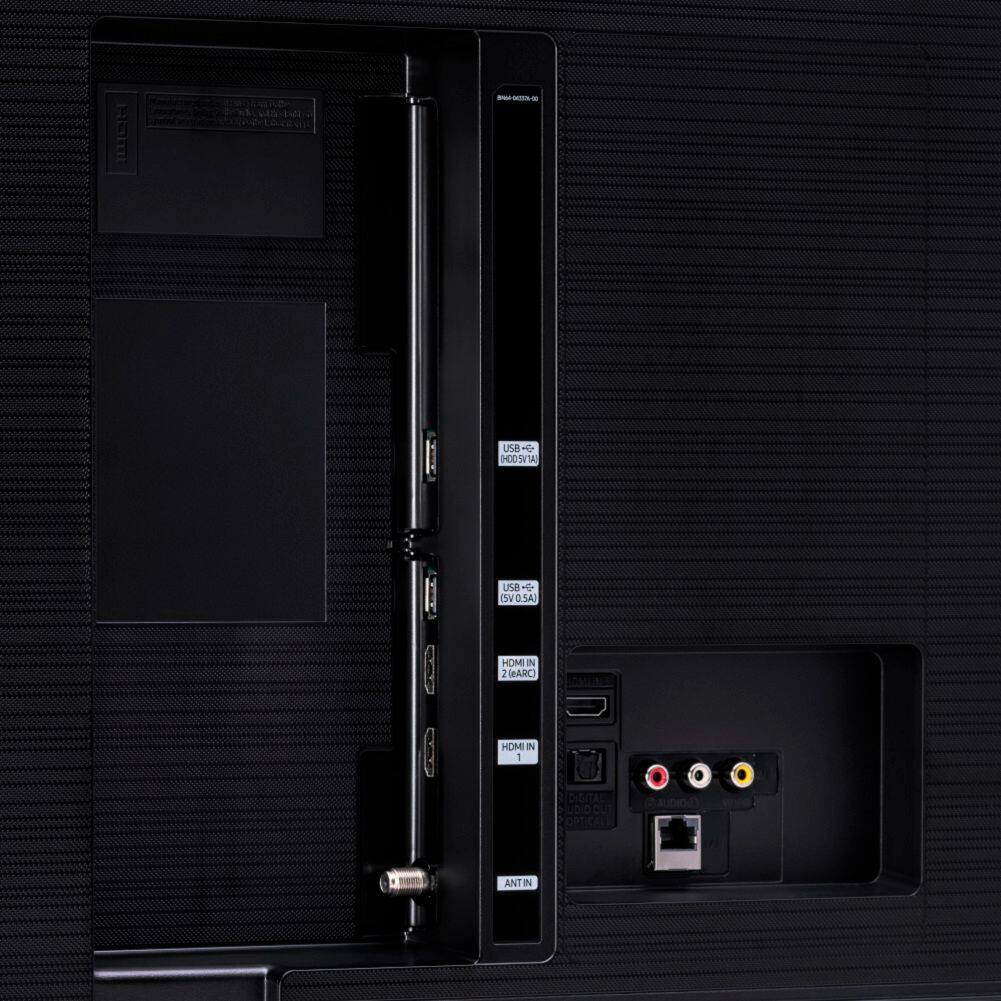
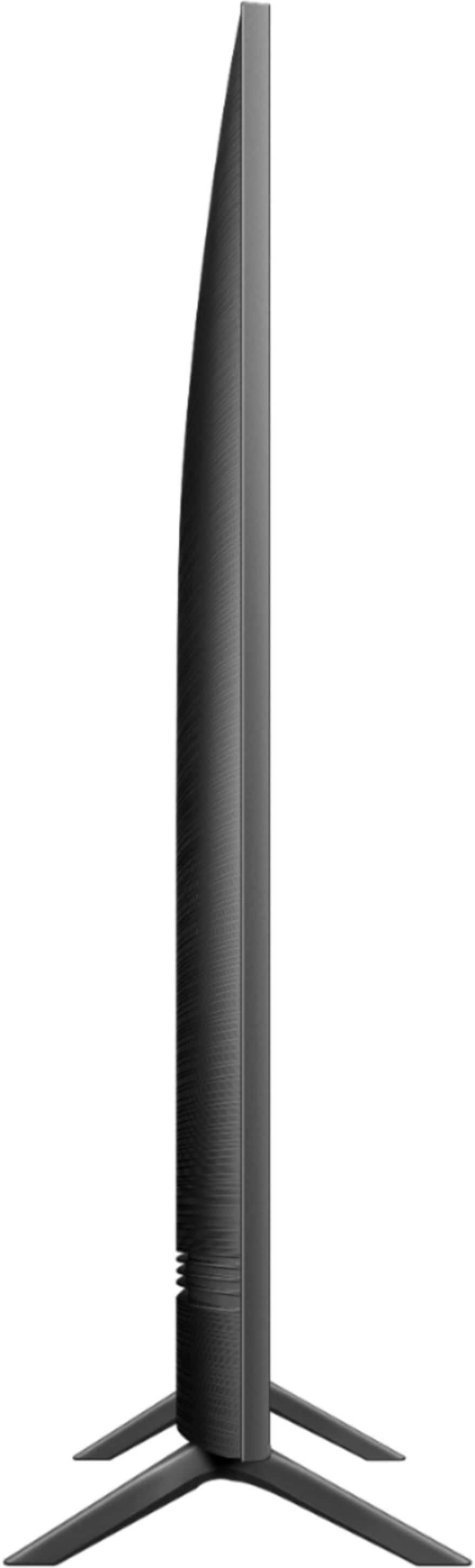
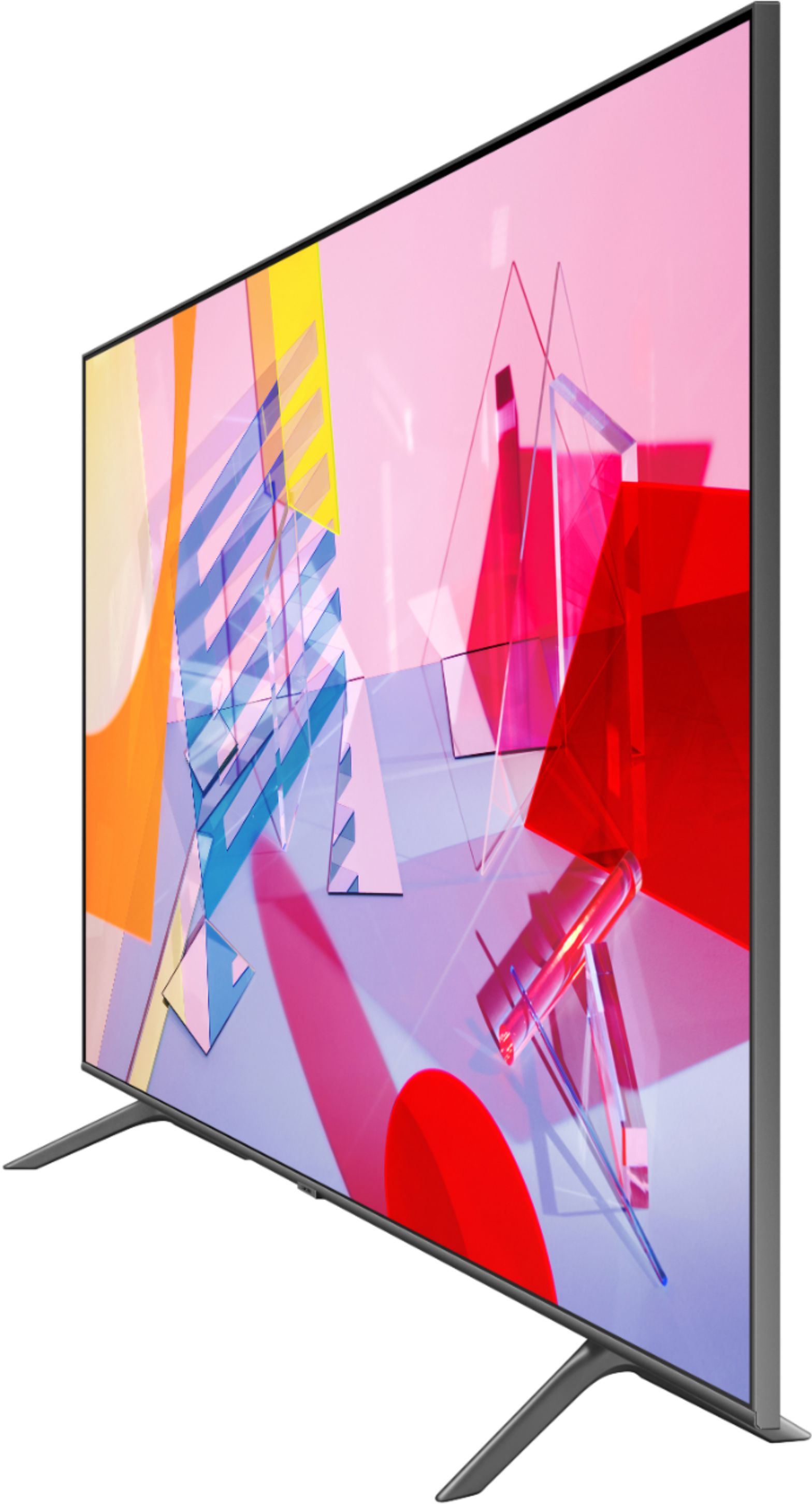

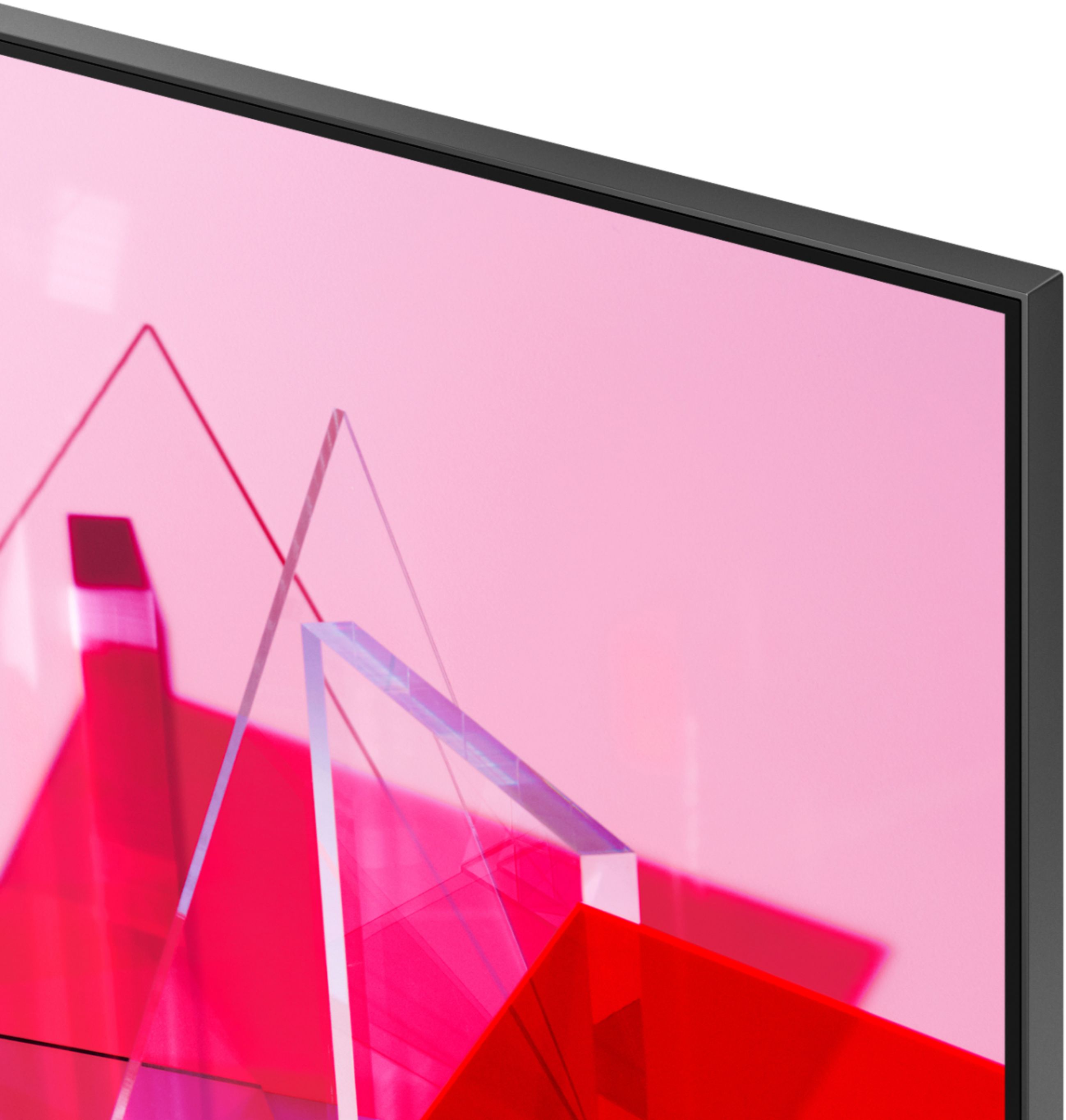
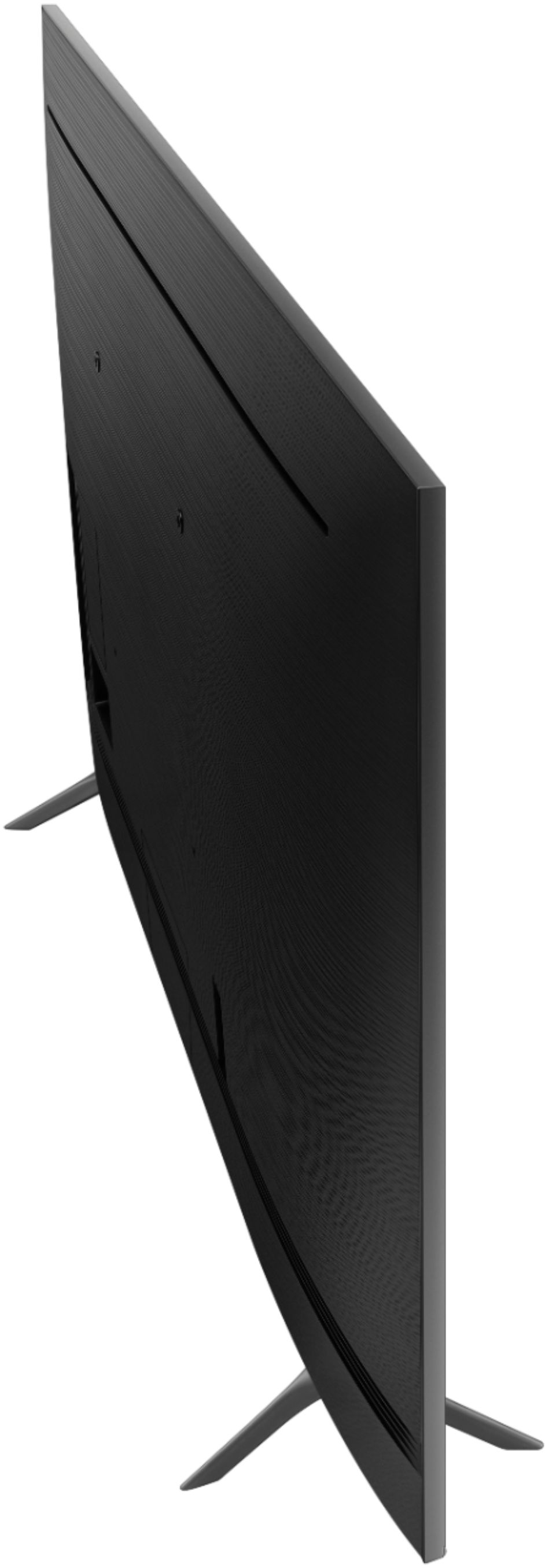
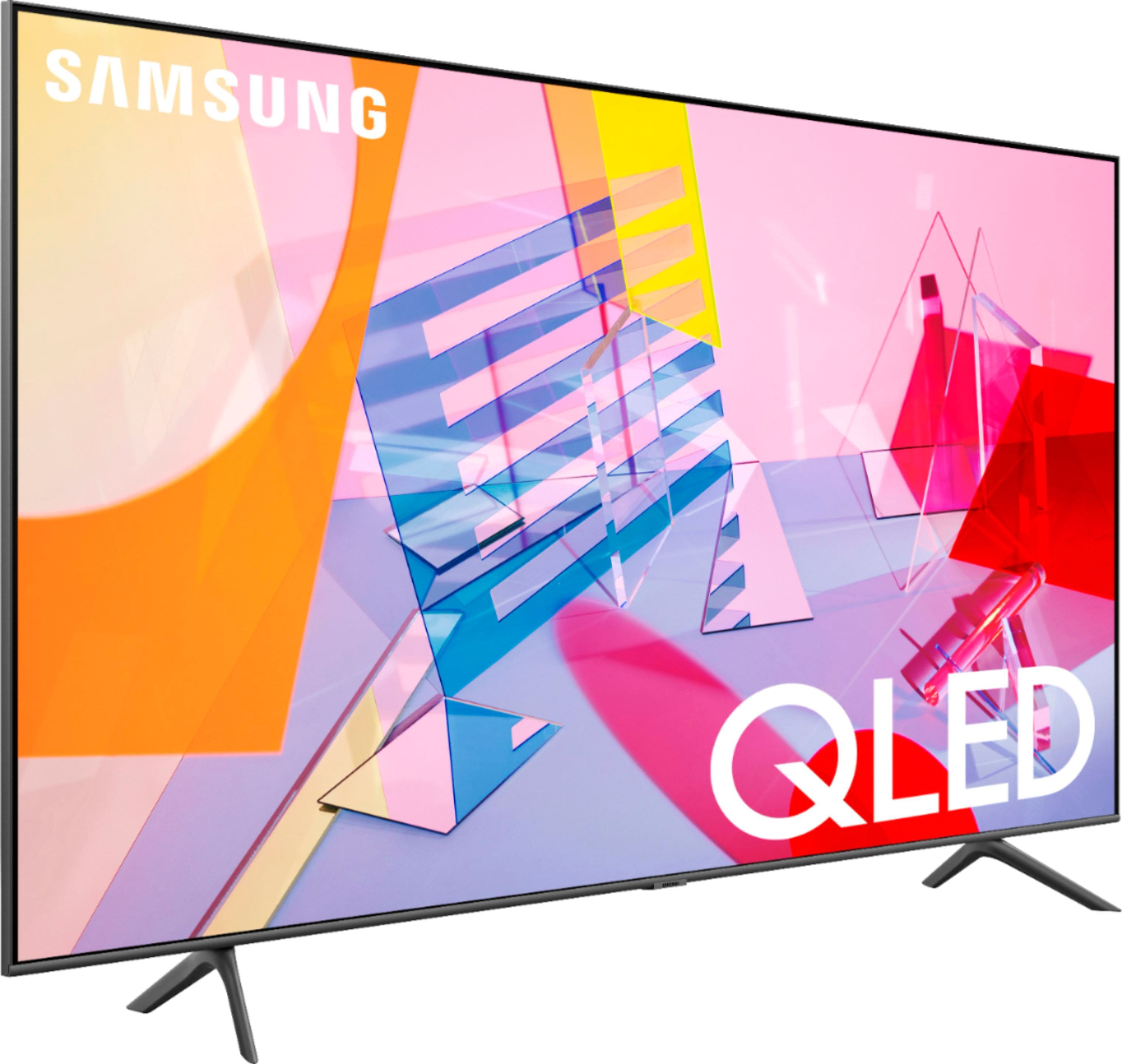
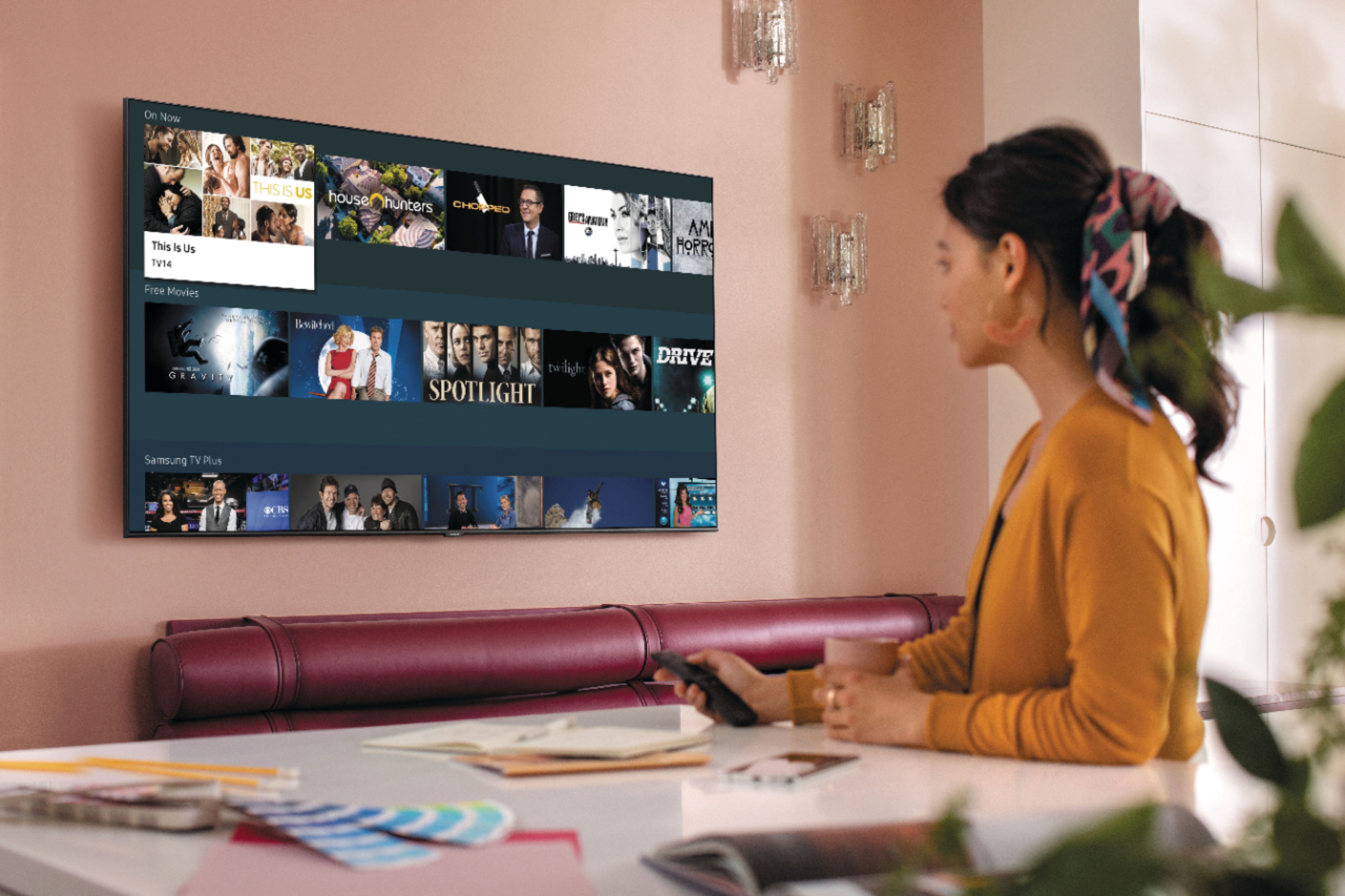
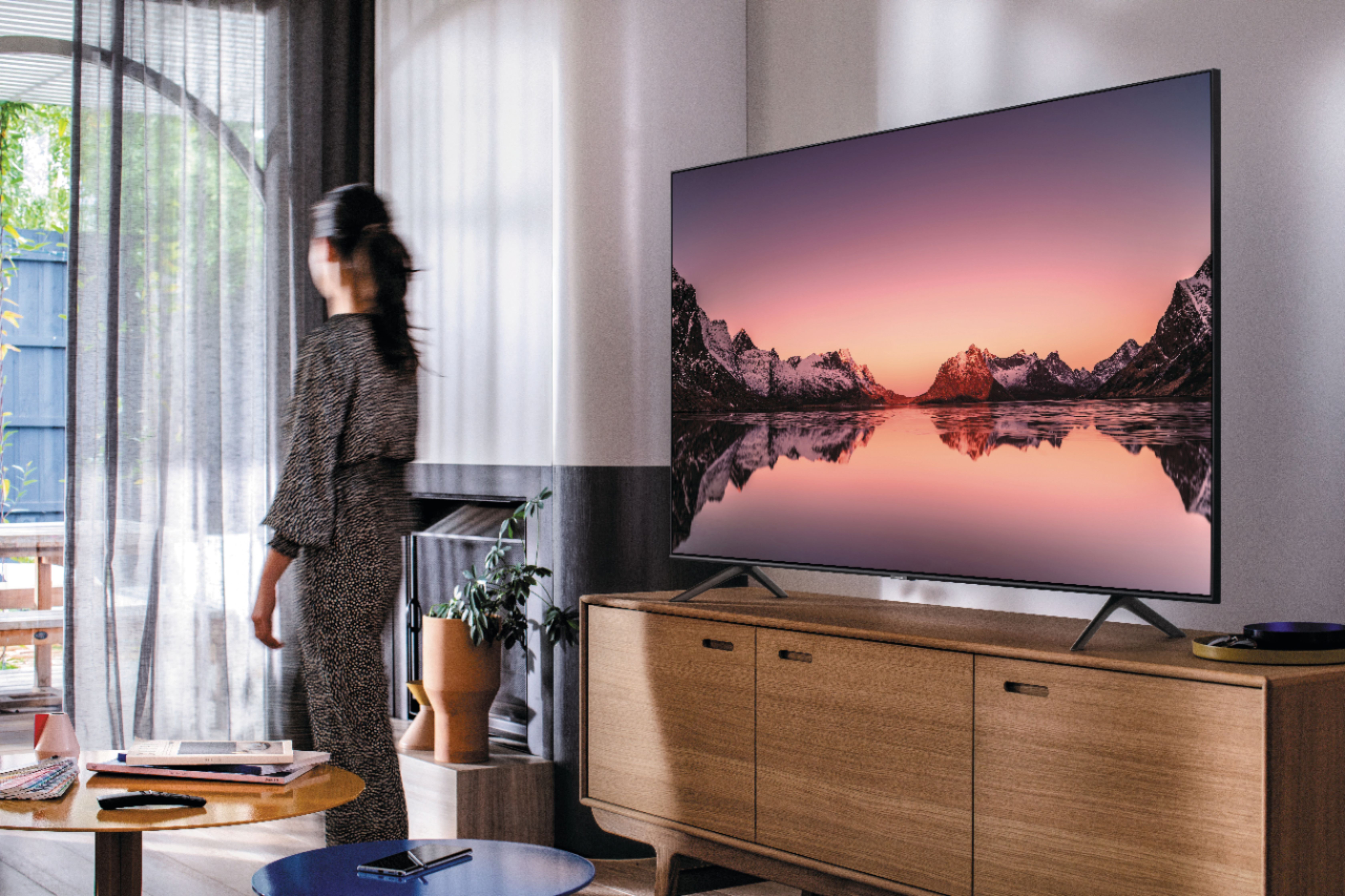








- Model:
- QN75Q60TAFXZA
- SKU:
- 6401711
Rating by feature
- Picture Quality
Rating 4.3 out of 5 stars
- Sound Quality
Rating 4.1 out of 5 stars
- Brightness
Rating 4.3 out of 5 stars
Customers are saying
Customers often highlight the exceptional picture quality, ease of setup, and reasonable price of the 75" Class Q60T Series QLED 4K UHD Smart Tizen TV. Many users rave about the stunning visuals and vibrant colors, while others appreciate the user-friendly interface and simple setup process. However, some users have expressed concerns about the TV's durability, with reports of short lifespans and screen issues.
This summary was generated by AI based on customer reviews.
Very helpful
||Posted . Owned for 3 weeks when reviewed.This reviewer received promo considerations or sweepstakes entry for writing a review.Staff was very helpfu, knowledgeable and friendly.
No, I would not recommend this to a friendNeed instructions on how to keep it on.
||Posted . Owned for 1 month when reviewed.This reviewer received promo considerations or sweepstakes entry for writing a review.Some times the tv shuts off by itself. I hate that.
I would recommend this to a friendBrand response from Samsung
Posted .Monique,
Thank you for bringing your concerns to our attention.
If your TV appears to turn off by itself, try disabling some of the TV's energy efficiency functions.
See if Sleep Timer has been enabled. The Sleep Timer automatically turns the TV off after a specific period of time.
Go to Settings > General > System Manager > Time > Sleep Timer
If the Sleep Timer has not been enabled, see if Auto Power Off or Off Timer has been enabled and disable it.
Go to Settings > General > Eco Solution > Auto Power Off
Go to Settings > General > System Manager > Time > Off Timer
Should you need further assistance with this issue or other usages, please contact our Customer Support toll-free at 1-800-SAMSUNG and a representative will gladly help you.
You can also contact Samsung via LiveChat or email. Please copy-paste this link into your browser: http://www.samsung.com/us/support/contact
We are likewise reachable by Facebook Messenger at: http://m.me/samsungsupport
Or find us on Twitter at https://twitter.com/SamsungSupport
Have you registered your new Samsung TV with us? If not, we invite you to do so at:https://www.samsung.com/us/account/signin/?redirect=https%3A%2F%2Fwww.samsung.com%2Fus%2Fsupport%2Fregister%2F
Registering your product gives you access to easy warranty support, convenient opt-in to special promos and offers, faster troubleshooting and service, and quick notification of system updates.
-Samsung Ambassador
TV purchase
||Posted . Owned for 3 weeks when reviewed.This reviewer received promo considerations or sweepstakes entry for writing a review.The assistant manager was awesome. Pick up was terrible. Worker walk by ignoring me at the door when some finally came their attitude was why are you here. When I told them I was there to pick up my TV they new which one I was picking up.
I would recommend this to a friendBrand response from Samsung
Posted .John:
Thank you for purchasing the Samsung Q60T QLED TV and sharing your review. I hope setup went smoothly with your new TV, and you are now enjoying the picture brought to you by the Dual LED backlight technology.
I am sorry to hear of your poor pickup experience. You may want to consider providing feedback directly to the Best Buy store where you made your purchase.
If you should ever have questions on setup, features or operation, Samsung is ready to help you with enjoying your new TV. You can reach Samsung Support at:
1) Phone: 1-800-SAMSUNG (ask for TVs), available 8AM – 12AM EST 7 days a week
2) LiveChat: https://www.samsung.com/us/support/#contact_us_for_support
3) Facebook Messenger: https://www.facebook.com/samsungsupport
4) Twitter: https://twitter.com/SamsungSupport
5) The Samsung Members Community is also a great resource for getting help from Samsung moderators and customers: https://us.community.samsung.com
If you have not already done so, we invite you to register your new Samsung product at: https://www.samsung.com/us/account/signin/?redirect=https%3A%2F%2Fwww.samsung.com%2Fus%2Fsupport%2Fregister%2F
Registering your product gives you access to easy warranty support, convenient opt-in to special promos and offers, faster troubleshooting and service, and quick notification of system updates.
~ Samsung Solutions
- Pros mentioned:Picture quality
Doesn't play all video and audio formats
||Posted . Owned for 1 month when reviewed.This reviewer received promo considerations or sweepstakes entry for writing a review.The colors and image are really good. What bothers me is that Samsung did not include codecs for certain formats of video and audio when you play files from a usb drive. I should've buy an LG instead of this garbage. Samsung is not giving a solution for this in the near future. There's a simple fix but, it baffles me, I have to go on my computer and reformat at least 60 % of my files because I cant play them at all or they don't play the audio, RIDICULOUS! is 2020!! we shouldn't have any problems playing any format
No, I would not recommend this to a friendBrand response from Samsung
Posted .GreatTV:
Thank you for purchasing the Q60T TV and for your review. I am very sorry you are having issues playing some of your files from a USB drive. Please refer to pages 122-139 of the e-Manual for a list of all supported formats.
https://downloadcenter.samsung.com/content/UM/202008/20200831160618043/NIKATSCT-3.1.2_EM_NIKE_USA_ENG-US_200827.0.pdf
The manual is also available directly on your TV at: Settings > Support > Open e-Manual
For further assistance, please contact Samsung Customer Support.
1) Phone: 1-800-SAMSUNG (ask for TVs), available 8AM – 12AM EST 7 days a week
2) LiveChat: https://www.samsung.com/us/support/#contact_us_for_support
3) Facebook Messenger: https://www.facebook.com/samsungsupport
4) Twitter: https://twitter.com/SamsungSupport
5) The Samsung Members Community is also a great resource for getting help from Samsung moderators and customers: https://us.community.samsung.com
If you have not already done so, we invite you to register your new Samsung product at: https://www.samsung.com/us/account/signin/?redirect=https%3A%2F%2Fwww.samsung.com%2Fus%2Fsupport%2Fregister%2F
Registering your product gives you access to easy warranty support, convenient opt-in to special promos and offers, faster troubleshooting and service, and quick notification of system updates.
~ Samsung Solutions
Unhappy customer
||Posted . Owned for 1 month when reviewed.This reviewer received promo considerations or sweepstakes entry for writing a review.I originally purchased a Sony TV. However, due to my Samsung cell phone unable to use the Smart View feature, I switched to a Samsung TV. It's an ok tv. Not as clear as the Sony I originally selected. Also, with the switch, the sound bar and bass speaker I received was a lower grade. Additionally, I also had to pay the added cost for the wall mounting bracket which was advertised as a package deal. Bottom line, I ended up paying more money but receiving less quality. Not a happy customer.
No, I would not recommend this to a friendDon’t buy this TV!!!
||Posted . Owned for 4 months when reviewed.This reviewer received promo considerations or sweepstakes entry for writing a review.Bought this tv in August 2020, already started experiencing problems with this tv about 2 months later, tried turning on tv one day and, tv kept turning off and on by itself and would not stop. I had to unplug the tv completely for it to stop. Took almost 1 week for someone to come to fix tv, ended up needing to change whole mother board . Tv started working again until a week ago, tried turning tv on and, screen changes back then blue continuously. I had to unplug tv. I x called Samsung CS, rep told me he would escalate my situation and someone from his repair team would contact me within 24 hrs. 24 hrs past and, still no call so, I called Samsung CS again who tried to tell me they just tried calling me about an hr ago but, no answer. Told rep that’s kinda a funny that they tried calling but, no vm left Very frustrating, repair person won’t be able to come out till this coming Tuesday 12/9. This is unacceptable.
No, I would not recommend this to a friendBrand response from Samsung
Posted .Irrrraaazzz:
I am very sorry that you experienced issues with your Q60T TV and are currently waiting for it to be serviced. I understand your disappointment and frustration.
Please know that Samsung is committed to providing the best possible product experience, quality, and value, and your feedback will be shared with our product and customer care teams.
Should you have any issues with your TV when service is complete, please contact Samsung Customer Support.
1) Phone: 1-800-SAMSUNG (ask for TVs), available 8AM – 12AM EST 7 days a week
2) LiveChat: https://www.samsung.com/us/support/#contact_us_for_support
3) Facebook Messenger: https://www.facebook.com/samsungsupport
4) Twitter: https://twitter.com/SamsungSupport
5) The Samsung Members Community is also a great resource for getting help from Samsung moderators and customers: https://us.community.samsung.com
If you have not already done so, we invite you to register your new Samsung product at: https://www.samsung.com/us/account/signin/?redirect=https%3A%2F%2Fwww.samsung.com%2Fus%2Fsupport%2Fregister%2F
Registering your product gives you access to easy warranty support, convenient opt-in to special promos and offers, faster troubleshooting and service, and quick notification of system updates.
~ Samsung Solutions
- Pros mentioned:Picture quality
Probably good for movies but not for sports
||Posted . Owned for 1 month when reviewed.This reviewer received promo considerations or sweepstakes entry for writing a review.Picture was great for everything but sports which is why we bought it. Sports were really blurry no matter how much you adjusted the settings.
No, I would not recommend this to a friendBrand response from Samsung
Posted .Kris:
Thank you for choosing the Samsung Q60T TV. I am sorry you are not completely happy with your picture when watching sports. If you notice blurring or juddering on the screen, you can try adjusting the Picture Clarity Settings function to improve your picture.
Go to: Home > Settings > Picture > Expert Settings > Picture Clarity Settings
I hope this helps to improve your picture. For further assistance, please contact Samsung Customer Support.
1) Phone: 1-800-SAMSUNG (ask for TVs), available 8AM – 12AM EST 7 days a week
2) LiveChat: https://www.samsung.com/us/support/#contact_us_for_support
3) Facebook Messenger: https://www.facebook.com/samsungsupport
4) Twitter: https://twitter.com/SamsungSupport
5) The Samsung Members Community is also a great resource for getting help from Samsung moderators and customers: https://us.community.samsung.com
If you have not already done so, we invite you to register your new Samsung product at: https://www.samsung.com/us/account/signin/?redirect=https%3A%2F%2Fwww.samsung.com%2Fus%2Fsupport%2Fregister%2F
Registering your product gives you access to easy warranty support, convenient opt-in to special promos and offers, faster troubleshooting and service, and quick notification of system updates.
~ Samsung Solutions
- Cons mentioned:Reliability
Poor Quality
||Posted . Owned for 3 months when reviewed.This reviewer received promo considerations or sweepstakes entry for writing a review.It took just under 3 months for this tv to break. It turns on and off repeatedly on its own and there is no picture. I tried every fix and nothing works. The previous Samsung I owned, a 65” 3D led burned out due to heat issues within 3 years. My mistake for giving Samsung another chance. Quality control issues or cheap parts. I’d recommend going with a different brand. Google the issue I’ve had and you will see that it is very common.
No, I would not recommend this to a friend Good TV ok picture
||Posted . Owned for 1 month when reviewed.This reviewer received promo considerations or sweepstakes entry for writing a review.Over all I’m a big Samsung fan but these new TVs with the smart features just seem sluggish. I would rather it just be a TV and add a smart device so the TV can process a little better.
I would recommend this to a friendBrand response from Samsung
Posted .Ryan,
I am sorry that your Q60T TV has been sluggish.
Please try Device Care option to optimize the smart TV performance.
Go to Settings > Support> Device Care > Start Device Care.
This service checks memory and frees up unused cached memory and closes background apps.
If the issues persist, please reach out to Samsung Customer Support at:
1) Phone: 1-800-SAMSUNG, available 8AM – 12AM EST 7 Days A Week
2) LiveChat: https://www.samsung.com/us/support/#contact_us_for_support
3) Facebook Messenger: https://www.facebook.com/samsungsupport
4) Twitter: https://twitter.com/SamsungSupport
Have you registered your new Samsung TV with us? If not, we invite you to do so at: https://www.samsung.com/us/account/signin/?redirect=https%3A%2F%2Fwww.samsung.com%2Fus%2Fsupport%2Fregister%2F, and gain access to easy warranty support, convenient opt-in to special promos & offers, faster troubleshooting & service, and quick notification of system updates.
-Samsung Ambassador
- Pros mentioned:Picture quality
1 year 3 months belly up
||Posted . Owned for 1 year when reviewed.This reviewer received promo considerations or sweepstakes entry for writing a review.1year and 3 months yes thats all i got out of it before the lines showed up across the whole screen. i've purchased samsung tv's for years and had great luck with them until this one. i know products are made and have been made for years to go belly up after a period of time so you'll need to go buy again but a year and 3 months come on. up till it craped out it had great picture.
No, I would not recommend this to a friend Great but unfortunate
||Posted .This reviewer received promo considerations or sweepstakes entry for writing a review.Unfortunately I have to give this product a low rating. In less than 3 weeks of light use, a line in the picture became apparent about 10-12 inches from the bottom of the screen. After talking to a few informed people, the conclusion was that it was a defective panel so now I am going through the exchange process with Best Buy. It’s inconvenient and unfortunate.
I would recommend this to a friendBrand response from Samsung
Posted .Samsungingit:
Thank you for sharing your review of the Samsung Q60T TV. I am very sorry that issues with your TV are causing you to exchange it. I completely understand your disappointment and apologize for the inconvenience.
Should you need assistance with your new unit, please contact Samsung Customer Support.
1) Phone: 1-800-SAMSUNG (ask for TVs), available 8AM – 12AM EST 7 days a week
2) LiveChat: https://www.samsung.com/us/support/#contact_us_for_support
3) Facebook Messenger: https://www.facebook.com/samsungsupport
4) Twitter: https://twitter.com/SamsungSupport
5) The Samsung Members Community is also a great resource for getting help from Samsung moderators and customers: https://us.community.samsung.com
If you have not already done so, we invite you to register your new Samsung product at: https://www.samsung.com/us/account/signin/?redirect=https%3A%2F%2Fwww.samsung.com%2Fus%2Fsupport%2Fregister%2F
Registering your product gives you access to easy warranty support, convenient opt-in to special promos and offers, faster troubleshooting and service, and quick notification of system updates.
~ Samsung Solutions
Audio sync issue (latency)
||Posted . Owned for 1 month when reviewed.This reviewer received promo considerations or sweepstakes entry for writing a review.There is a significant sync issue with the soundbar that I've been trying to sort out. The soundbar is a Samsung as well, so that makes no sense.
No, I would not recommend this to a friendBrand response from Samsung
Posted .Nick:
Thank you for purchasing the Samsung Q60T TV. I am very sorry you are experiencing sync issues with your soundbar. It could possibly a source issue, but if you are hearing an audio delay across all sources/channels and you have a Home Theatre System or other speakers connected to your TV, you can access the Audio Delay settings to increase the audio delay. Go to: Settings > Sound > Expert Settings > Digital Output Audio Delay
Please know that our 2020 TVs do have an audio Pass-Through feature. This feature allows the audio signal to be sent out unprocessed to an external Soundbar or receiver connected to the TV. The external Soundbar or receiver then processes the audio, thereby eliminating the added step of processing by the TV, which adds delay.
On your TV go to: Settings > Audio > Expert Settings > Digital Audio Output Format > Pass-Through
If you have tried this and your issue persists, please reach out to Samsung Customer Support so that we can provide further troubleshooting.
1) Phone: 1-800-SAMSUNG (ask for TVs), available 8AM – 12AM EST 7 days a week
2) LiveChat: https://www.samsung.com/us/support/#contact_us_for_support
3) Facebook Messenger: https://www.facebook.com/samsungsupport
4) Twitter: https://twitter.com/SamsungSupport
5) The Samsung Members Community is also a great resource for getting help from Samsung moderators and customers: https://us.community.samsung.com
If you have not already done so, we invite you to register your new Samsung product at: https://www.samsung.com/us/account/signin/?redirect=https%3A%2F%2Fwww.samsung.com%2Fus%2Fsupport%2Fregister%2F
Registering your product gives you access to easy warranty support, convenient opt-in to special promos and offers, faster troubleshooting and service, and quick notification of system updates.
~ Samsung Solutions
Picture quality is not what I expected.
||Posted . Owned for 3 weeks when reviewed.This reviewer received promo considerations or sweepstakes entry for writing a review.Wish sales person would have explained the difference in all the models of tv so I could have make a better choice. I should have done some research myself.
No, I would not recommend this to a friendBrand response from Samsung
Posted .Grady,
I am sorry to hear that you are not completely satisfied with the picture quality of your Q60T QLED 4K Smart TV.
There are several preset picture modes and many custom settings that can optimize image quality for your viewing scenario.
Go to HOME > SETTINGS > PICTURE > PICTURE MODE and choose:
1) Dynamic: Makes the picture brighter and clearer in bright viewing environments.
2) Standard: This is the default mode suitable for general viewing environments.
3) Natural: Reduces eye strain for a comfortable viewing experience.
4) Movie: Suitable for watching TV or movies in a dark room.
5) Filmmaker: Watch the source content (e.g., movie) as it is.
Here is a link to the downloadable eManual, where you can find a detailed guide to configuring advanced picture setting (pages 92-93):
https://downloadcenter.samsung.com/content/UM/202006/20200618112841534/NIKATSCT-3.0.7_EM_NIKE_USA_ENG_200527.0.pdf
In addition, the image quality on your screen depends on the source and the connection.
HDMI cables are recommended for optimal HD viewing; and when possible, 4K content will provide the best picture quality. The TV will upscale as best as possible any content sent to it. The closer the signal is to 4K, the better it will look coming out.
The quality of the streaming content depends largely on the speed of your internet, as most content providers have adaptive streaming that will automatically adjust the image quality based on the network bandwidth.
Please also give us the opportunity to assist you with image quality adjustments tailored to your preferred viewing experience. You can reach us via any of the following options:
1) Phone: 1-800-SAMSUNG (ask for TVs), available 8AM – 12AM EST 7 days a week
2) LiveChat: https://www.samsung.com/us/support/#contact_us_for_support
3) Facebook Messenger: https://www.facebook.com/samsungsupport
4) Twitter: https://twitter.com/SamsungSupport
5) The Samsung Members Community is also a great resource for getting help from Samsung moderators and customers: https://us.community.samsung.com
If you have not already done so, we invite you to register your new Samsung product at:
https://www.samsung.com/us/account/signin/?redirect=https%3A%2F%2Fwww.samsung.com%2Fus%2Fsupport%2Fregister%2F&user=dsr-registration
Registering your product gives you access to easy warranty support, convenient opt-in to special promos and offers, faster troubleshooting and service, and quick notification of system updates.
Again, thank you for taking the time to share your thoughts. Your feedback helps us continuously deliver best-in-class products and service.
-Samsung Ambassador
Brain Damage.
||Posted . Owned for 1 week when reviewed.This reviewer received promo considerations or sweepstakes entry for writing a review.Good installation by Ariel and help... Poor communication with Amanda and Best Buy phone contacts. I will not do you again.
No, I would not recommend this to a friendBrand response from Samsung
Posted .Braindamage:
Thank you for purchasing the Samsung Q60T TV and for your review. The intuitive Smart TV interface brings you the best entertainment experience with voice assistance, smart home integration, and ease of use.
If you should ever have concerns or questions regarding setup, function, features, or settings, please know that Samsung Customer Support is here to help.
1) Phone: 1-800-SAMSUNG (ask for TVs), available 8AM – 12AM EST 7 days a week
2) LiveChat: https://www.samsung.com/us/support/#contact_us_for_support
3) Facebook Messenger: https://www.facebook.com/samsungsupport
4) Twitter: https://twitter.com/SamsungSupport
5) The Samsung Members Community is also a great resource for getting help from Samsung moderators and customers: https://us.community.samsung.com
If you have not already done so, we invite you to register your new Samsung product at: https://www.samsung.com/us/account/signin/?redirect=https%3A%2F%2Fwww.samsung.com%2Fus%2Fsupport%2Fregister%2F
Registering your product gives you access to easy warranty support, convenient opt-in to special promos and offers, faster troubleshooting and service, and quick notification of system updates.
~ Samsung Solutions
Piece of junk
||Posted . Owned for 9 months when reviewed.This reviewer received promo considerations or sweepstakes entry for writing a review.Tv worked great, before it stopped working after 8 months. Now I’m sitting around waiting for a repair guy to get here which is gonna take over a week. I’ve only ever owned Vizio TVs before this one, and never had a single problem. Decided to splurge on a Samsung and it breaks in less than a year. Will not purchase a Samsung again. Go for the Vizio, you can afford 2 of those for the price of 1 of these
No, I would not recommend this to a friendBrand response from Samsung
Posted .George:
I am very sorry that you are experiencing issues with your Q60T TV and are currently waiting for a service appointment. We appreciate your patience.
Should you need further assistance even after your service appointment, please contact Samsung Customer Support:
1) Phone: 1-800-SAMSUNG (ask for TVs), available 8AM – 12AM EST 7 days a week
2) LiveChat: https://www.samsung.com/us/support/#contact_us_for_support
3) Facebook Messenger: https://www.facebook.com/samsungsupport
4) Twitter: https://twitter.com/SamsungSupport
5) The Samsung Members Community is also a great resource for getting help from Samsung moderators and customers: https://us.community.samsung.com
If you have not already done so, we invite you to register your new Samsung product at: https://www.samsung.com/us/account/signin/?redirect=https%3A%2F%2Fwww.samsung.com%2Fus%2Fsupport%2Fregister%2F
Registering your product gives you access to easy warranty support, convenient opt-in to special promos and offers, faster troubleshooting and service, and quick notification of system updates.
~ Samsung Solutions
Shadow line
||Posted . Owned for 1 month when reviewed.This reviewer received promo considerations or sweepstakes entry for writing a review.Really want to like the TV but I notice there is a shadow of a perfectly straight line about 5" up from the bottom in the middle of the screen which has taken any enjoyment out of watching this TV. Not sure what this is, but now that I see it, it is more noticeable when lighter colors are shown on the screen. I purchased on 3/14 so not sure I can return but am hopeful it will get fixed.
I would recommend this to a friend- Pros mentioned:Color
Worst qled
||Posted .This reviewer received promo considerations or sweepstakes entry for writing a review.The colors and the contrast is good however the TV is so dim and has terrible reflection.
No, I would not recommend this to a friend Not worth the extra cost
||Posted . Owned for less than 1 week when reviewed.This reviewer received promo considerations or sweepstakes entry for writing a review.Not worth the extra price, seems smaller than the 6series though same 75 inches. I will exchange it for the the 7 series.
No, I would not recommend this to a friendBrand response from Samsung
Posted .Celes:
Thank you for sharing your review of the Samsung 75” Q60T. I am very sorry that your experience with this TV was less than perfect, and you have decided to replace it with a different model. Thank you for being a loyal Samsung customer.
Please know that the industry standard when measuring screen size refers to the measurement of the screen when measured diagonally.
The measurements of your 75” Q60T are 66" x 37.8" x 2.4" (WxHxD) when measured without the stand.
The measurements of the 75” TU7000 are 65.9" x 37.7" x 2.4" (WxHxD) when measured without the stand.
Should you have questions or need assistance with settings, setup, or features with your new Samsung TV, please know we are always here to help.
1) Phone: 1-800-SAMSUNG (ask for TVs), available 8AM – 12AM EST 7 days a week
2) LiveChat: https://www.samsung.com/us/support/#contact_us_for_support
3) Facebook Messenger: https://www.facebook.com/samsungsupport
4) Twitter: https://twitter.com/SamsungSupport
5) The Samsung Members Community is also a great resource for getting help from Samsung moderators and customers: https://us.community.samsung.com
If you have not already done so, we invite you to register your new Samsung product at: https://www.samsung.com/us/account/signin/?redirect=https%3A%2F%2Fwww.samsung.com%2Fus%2Fsupport%2Fregister%2F
Registering your product gives you access to easy warranty support, convenient opt-in to special promos and offers, faster troubleshooting and service, and quick notification of system updates.
~ Samsung Solutions
Low quality I do not recommend
Posted .This reviewer received promo considerations or sweepstakes entry for writing a review.I just took it out of the box and it came out with the damaged screen
No, I would not recommend this to a friendBrand response from Samsung
Posted .carlos:
I am very sorry to see that your TV exhibited damage upon opening and setup. Unfortunately, even if a TV is double-boxed and the packaging shows no evidence of harm, a TV can still be damaged during transit if proper care is not taken. For example, if the TV were sitting in an incorrect orientation -- laid on its side or tilted -- during transit, damage could have been done.
We recommend you contact Best Buy directly for assistance in correcting this situation. We hope your issue is resolved in a timely manner.
Should you have questions or concerns regarding the usage or setup of your TV once your issue has been resolved, please contact Samsung Customer Support.
1) Phone: 1-800-SAMSUNG (ask for TVs), available 8AM – 12AM EST 7 days a week
2) LiveChat: https://www.samsung.com/us/support/#contact_us_for_support
3) Facebook Messenger: https://www.facebook.com/samsungsupport
4) Twitter: https://twitter.com/SamsungSupport
5) The Samsung Members Community is also a great resource for getting help from Samsung moderators and customers: https://us.community.samsung.com
If you have not already done so, we invite you to register your new Samsung product at: https://www.samsung.com/us/account/signin/?redirect=https%3A%2F%2Fwww.samsung.com%2Fus%2Fsupport%2Fregister%2F
Registering your product gives you access to easy warranty support, convenient opt-in to special promos and offers, faster troubleshooting and service, and quick notification of system updates.
~ Samsung Solutions
- Cons mentioned:Reliability
Disappointing tv.
||Posted . Owned for 1 year when reviewed.This reviewer received promo considerations or sweepstakes entry for writing a review.TV died exactly 3 days after the warranty expired. Looks like i'm not the only person having the issue with the tv turning on and off repetitively - quick internet search shows many customers had the same issue. This is my first and last Samsung. Going back to Sony.
No, I would not recommend this to a friend