Customer Ratings & Reviews
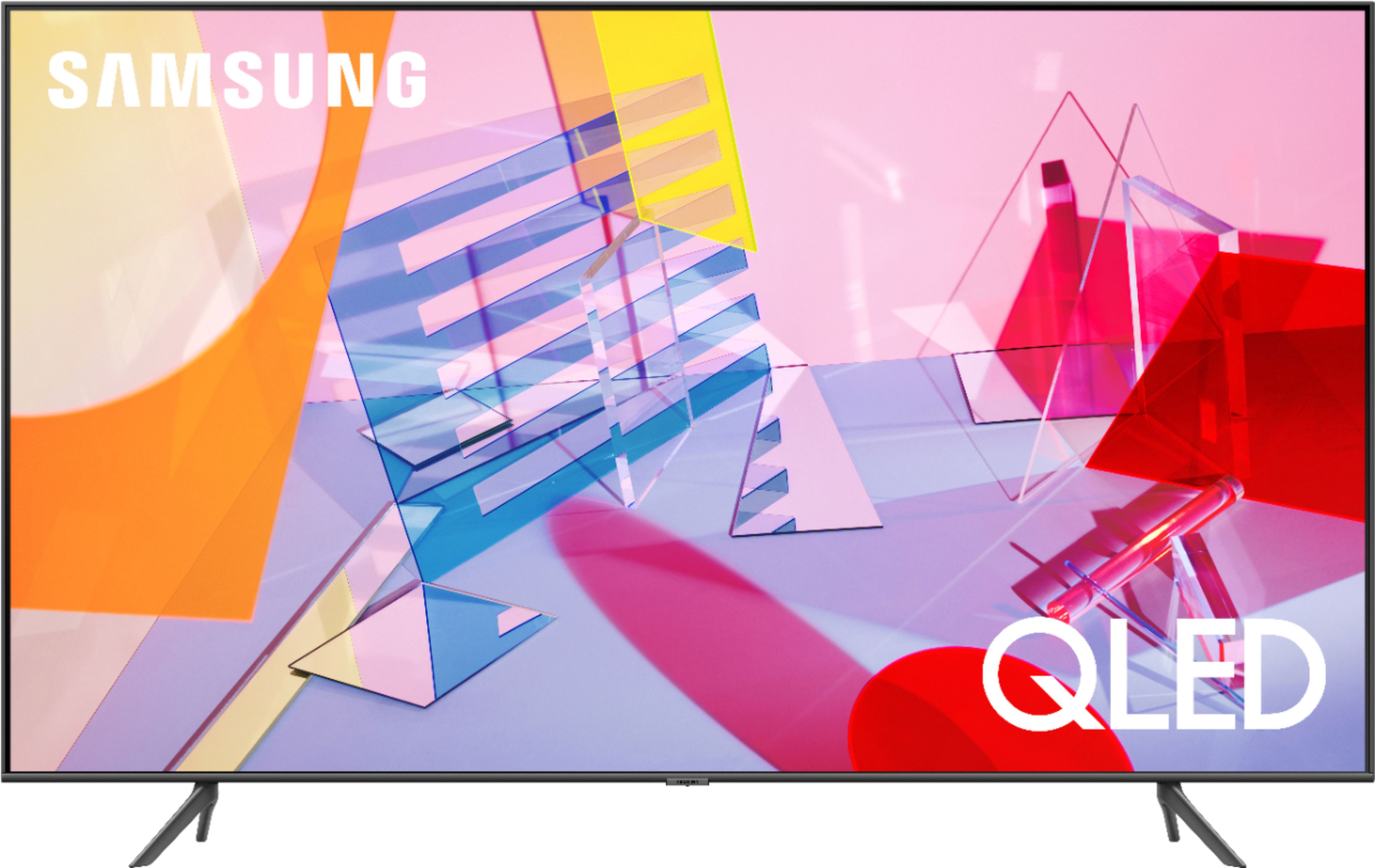
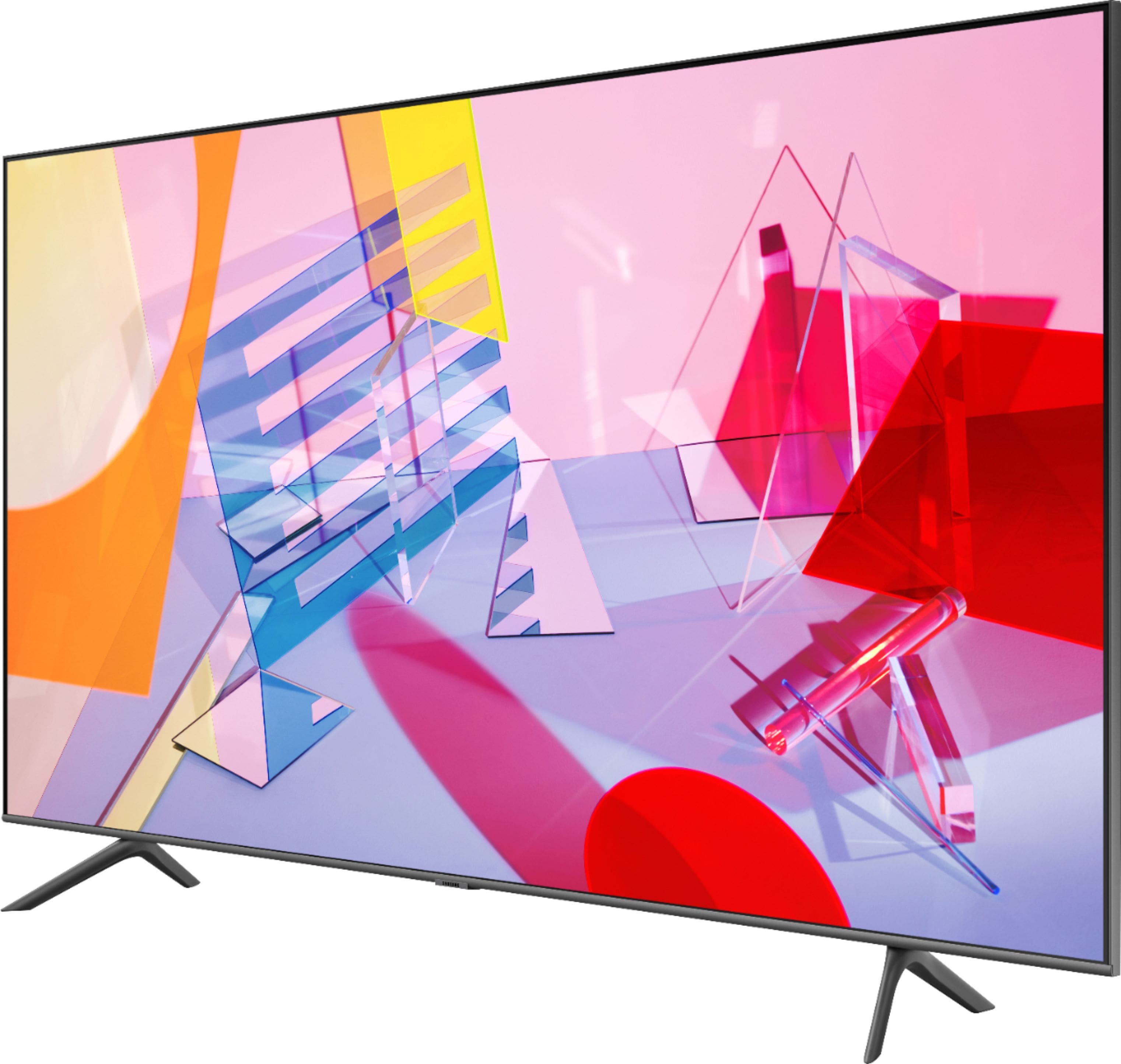
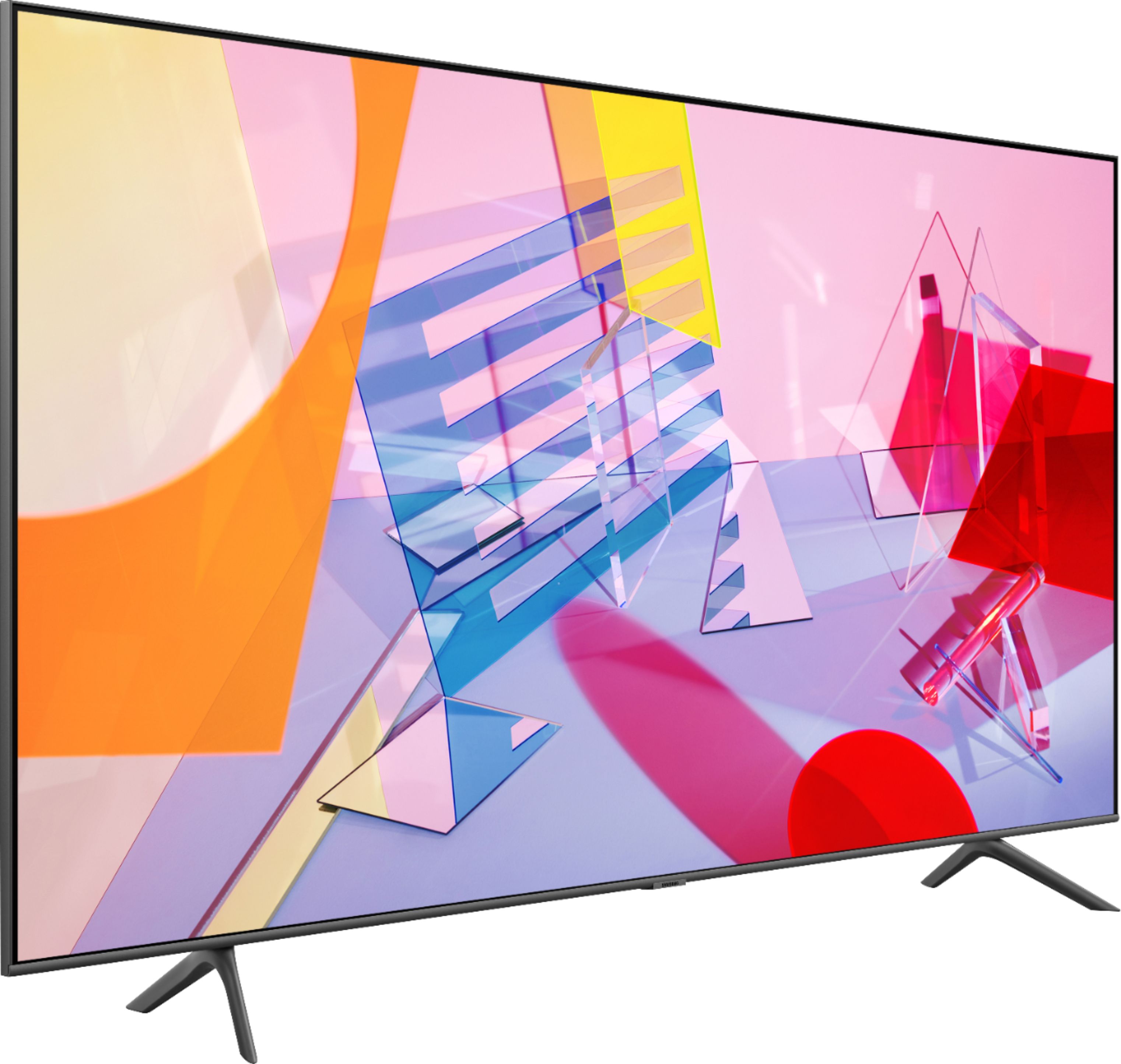
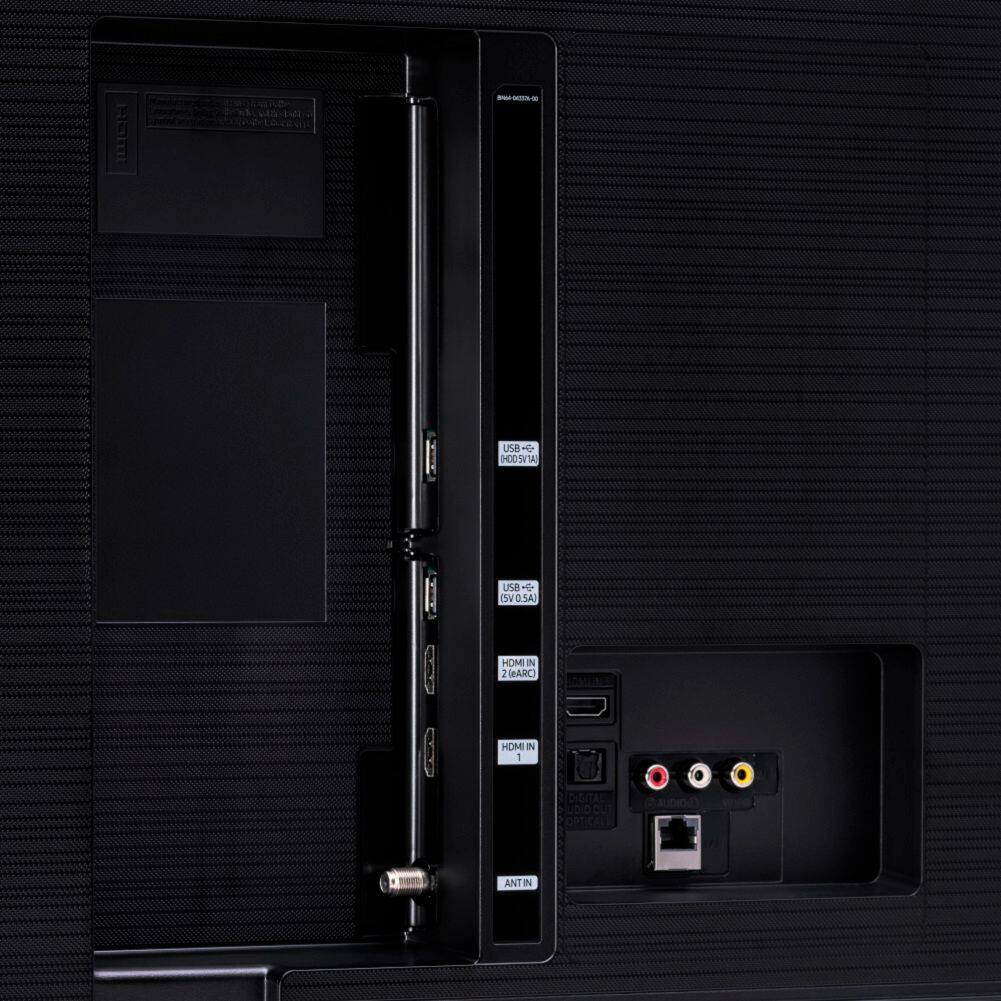
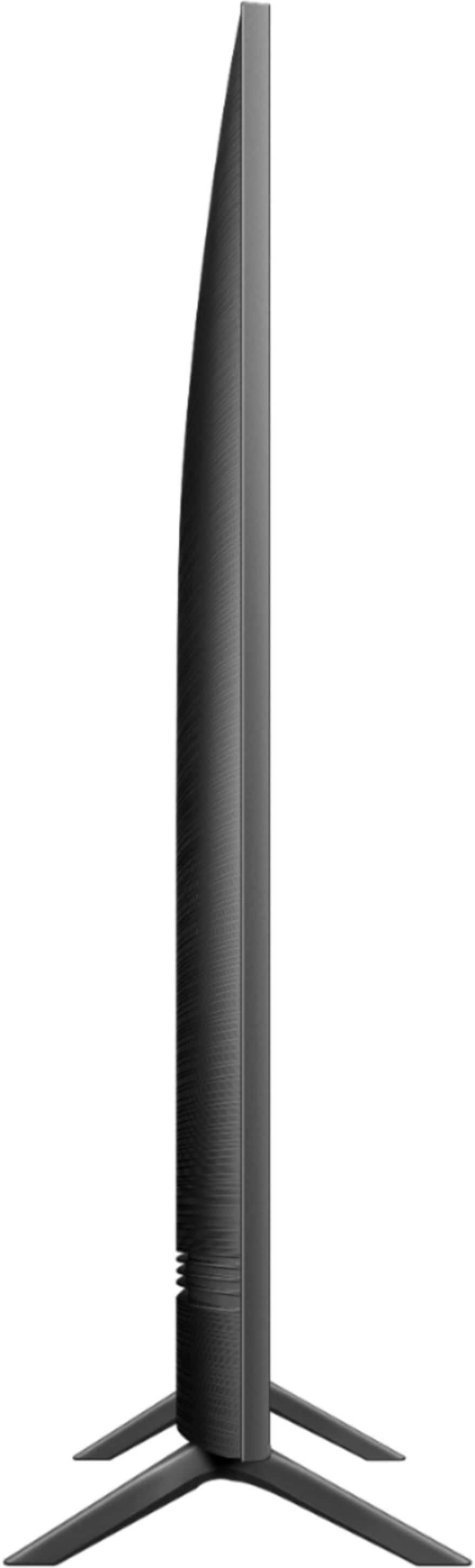
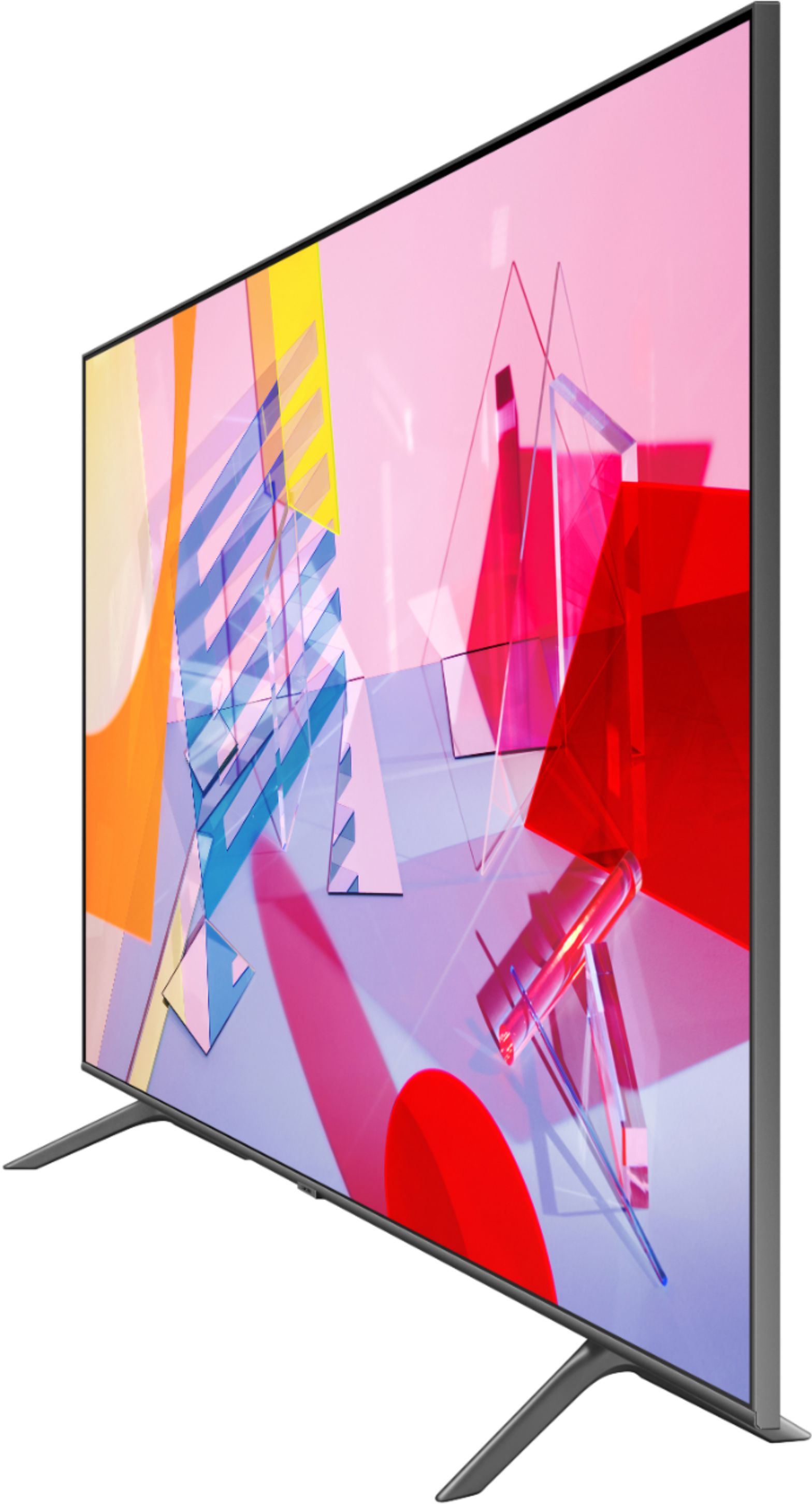

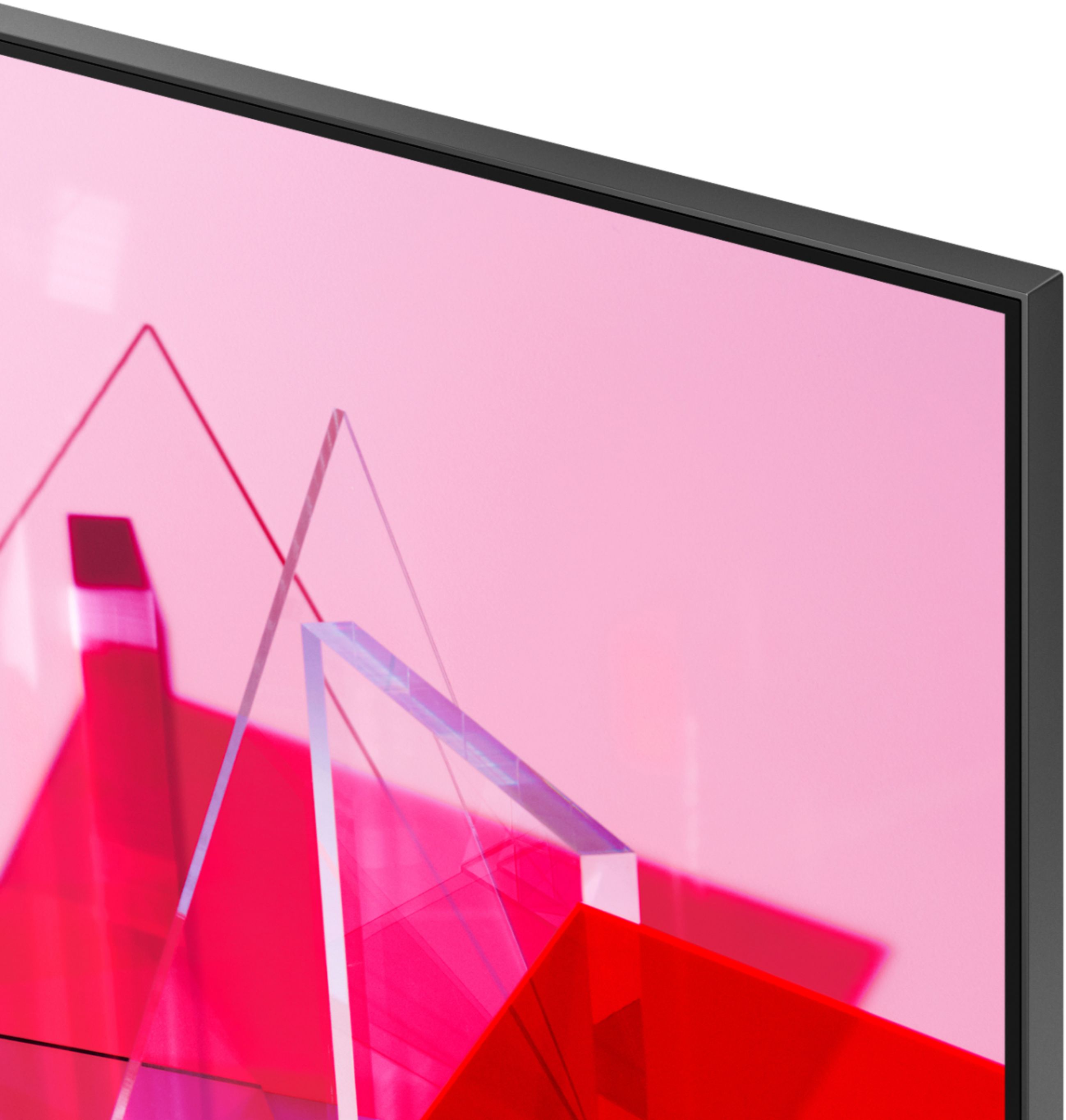
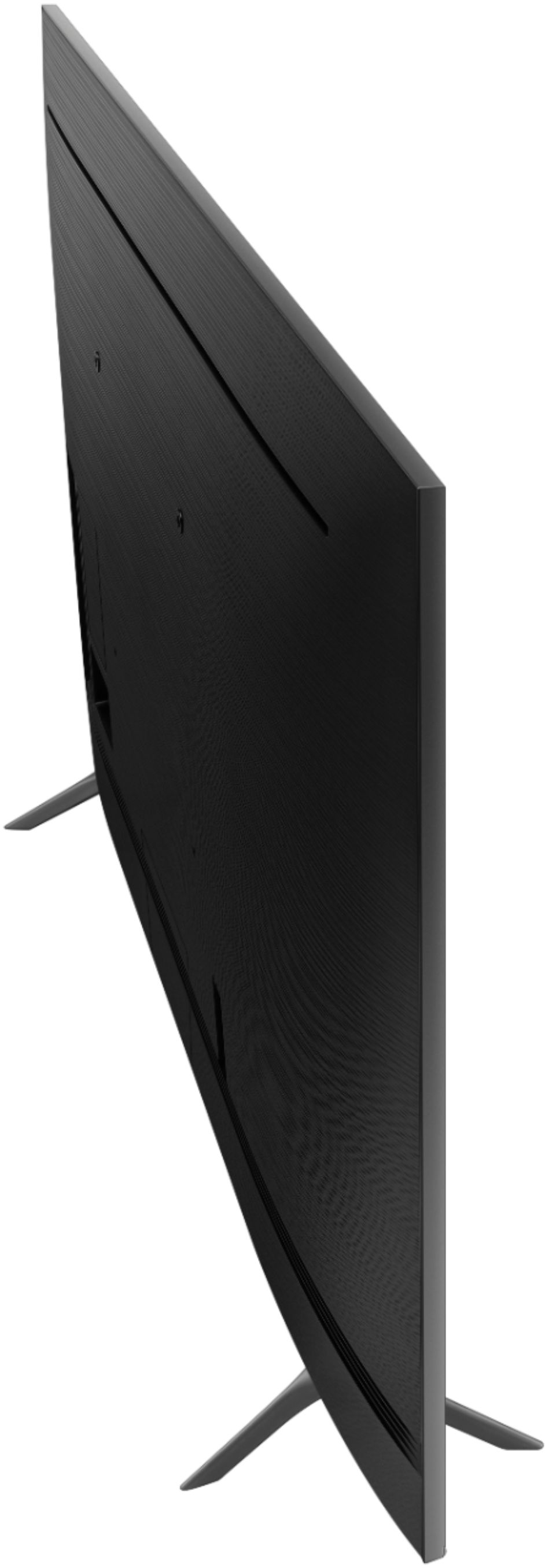
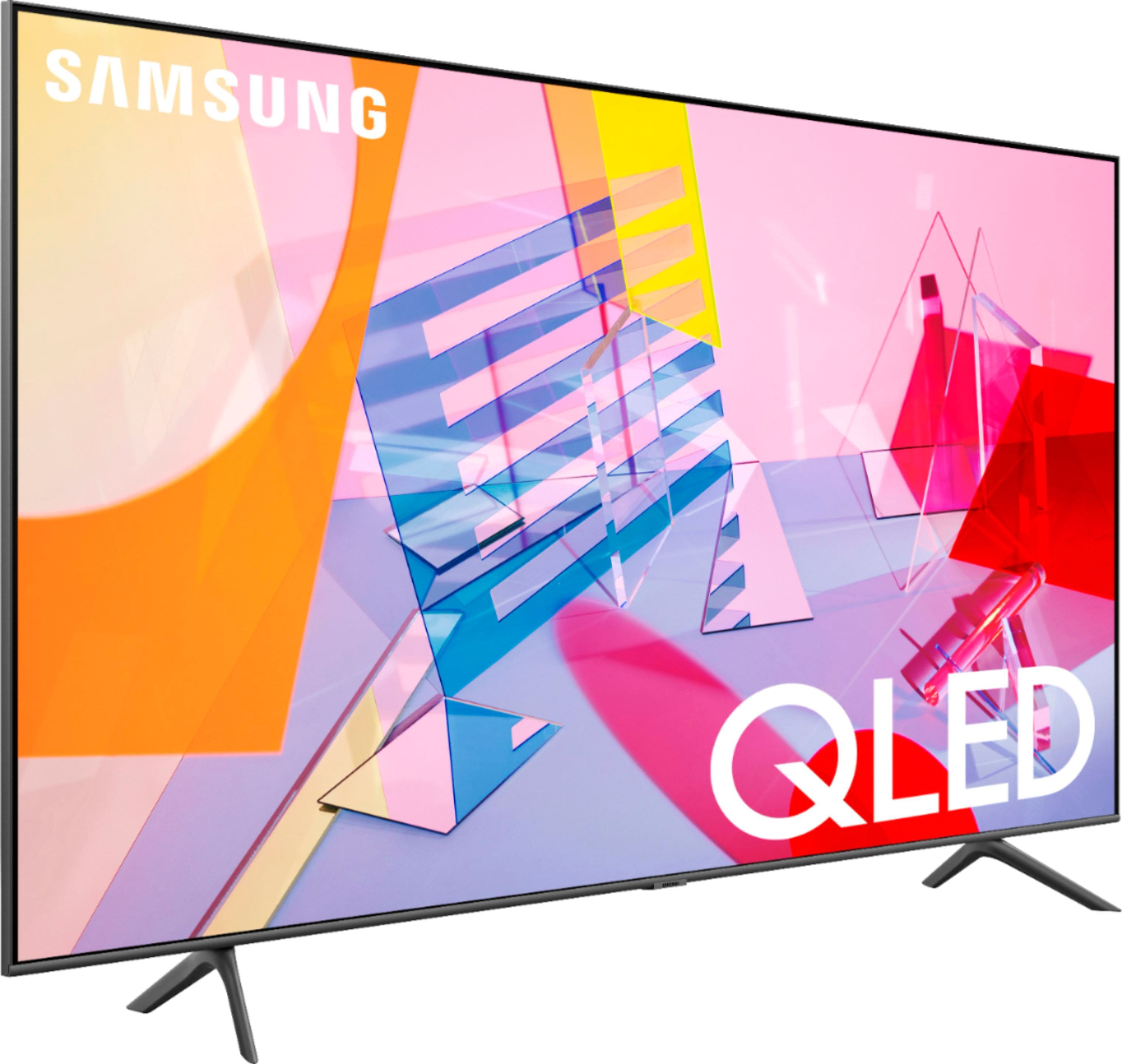
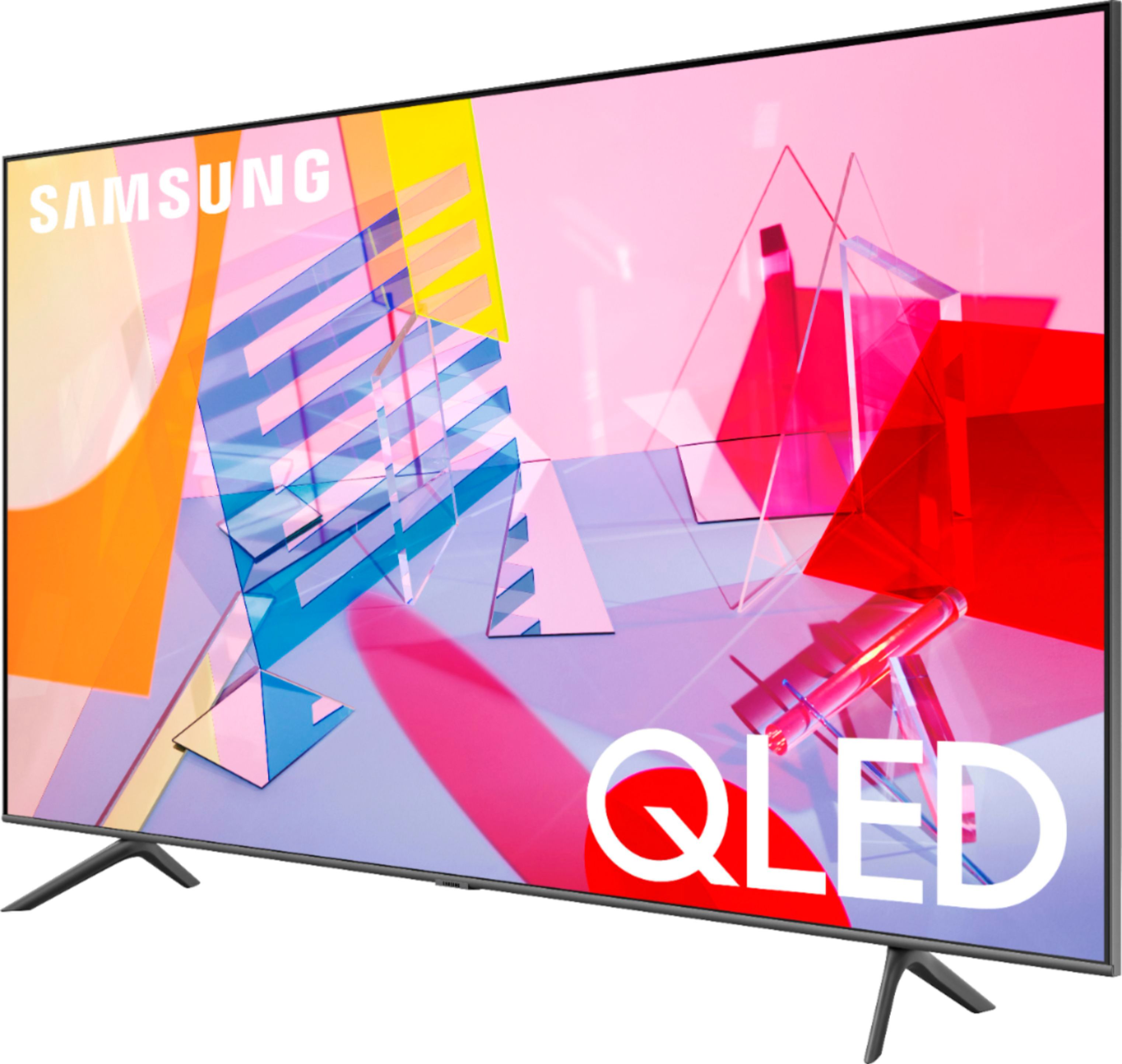
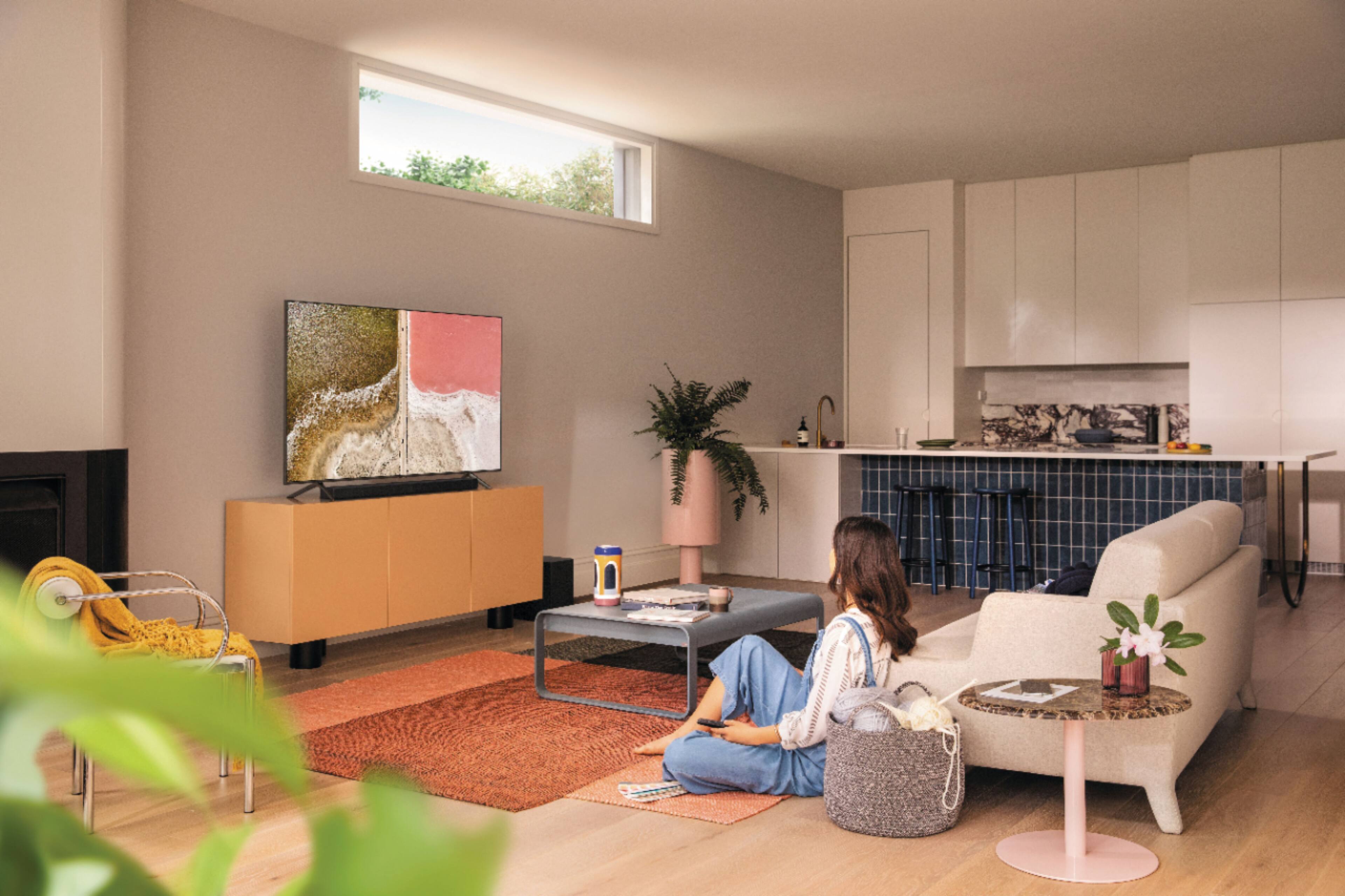
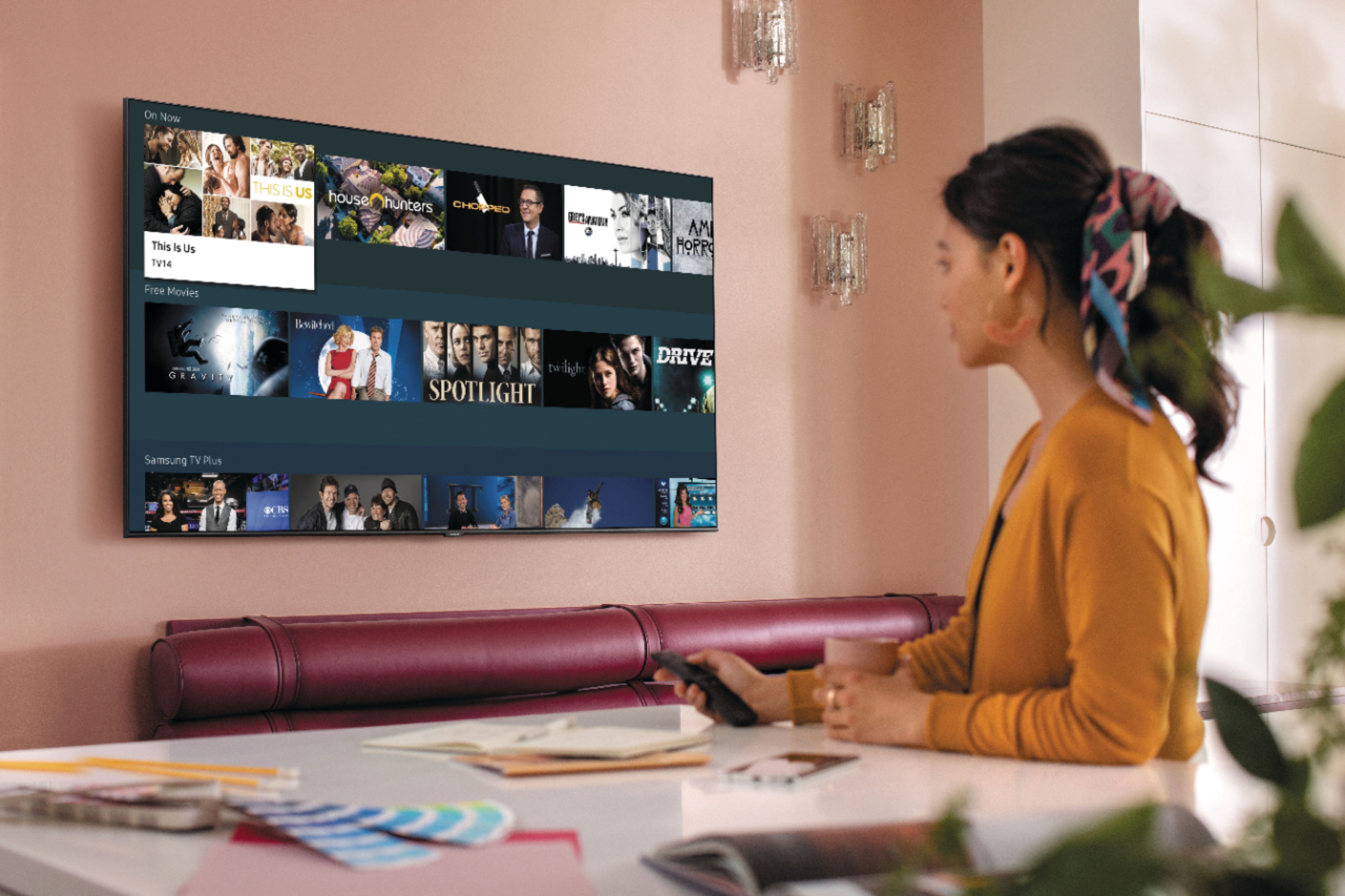
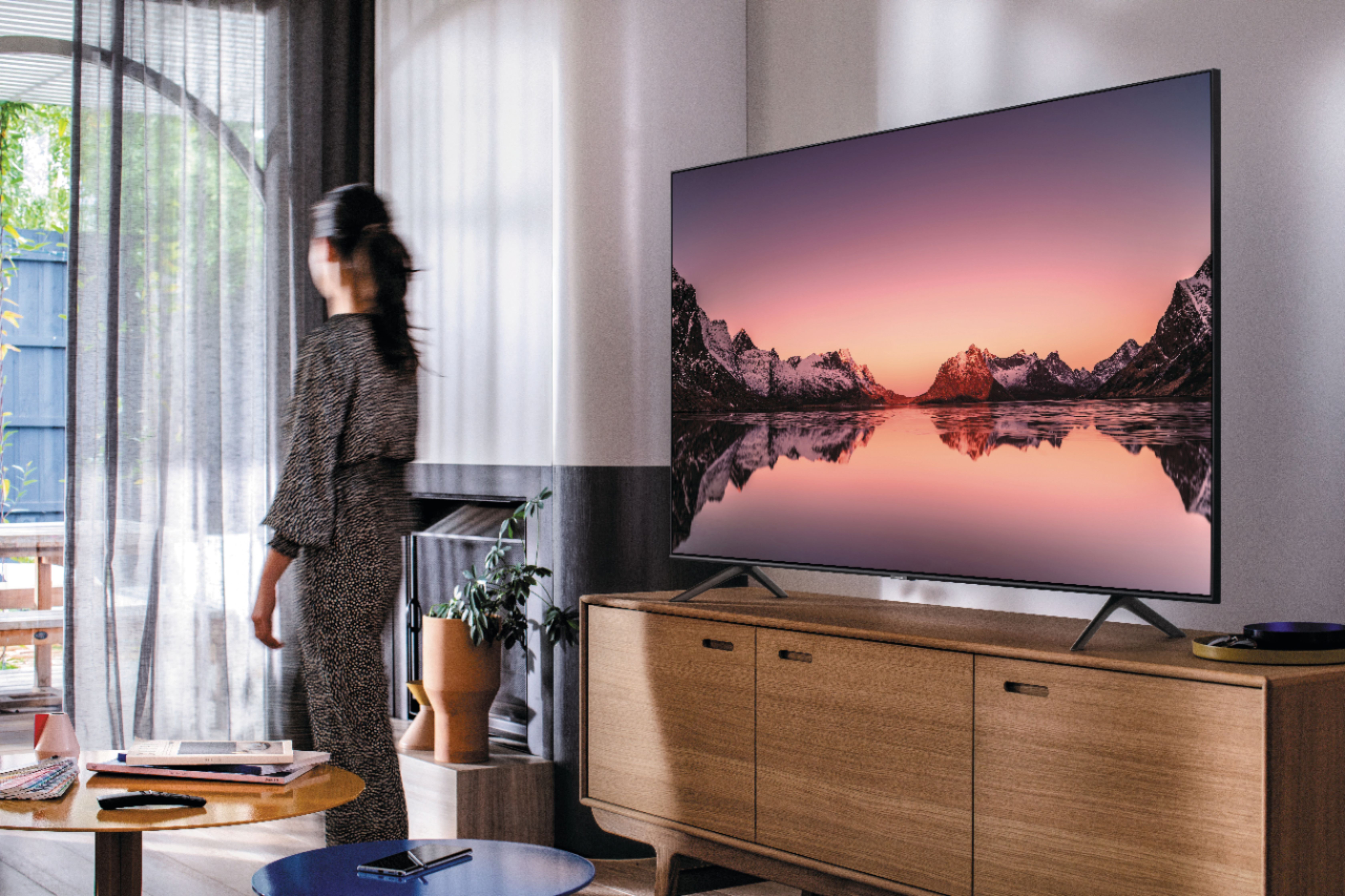








- Model:
- QN75Q60TAFXZA
- SKU:
- 6401711
Rating by feature
- Picture Quality
Rating 4.3 out of 5 stars
- Sound Quality
Rating 4.1 out of 5 stars
- Brightness
Rating 4.3 out of 5 stars
Customers are saying
Customers often highlight the exceptional picture quality, ease of setup, and reasonable price of the 75" Class Q60T Series QLED 4K UHD Smart Tizen TV. Many users rave about the stunning visuals and vibrant colors, while others appreciate the user-friendly interface and simple setup process. However, some users have expressed concerns about the TV's durability, with reports of short lifespans and screen issues.
This summary was generated by AI based on customer reviews.
Tv
||Posted . Owned for 3 weeks when reviewed.This reviewer received promo considerations or sweepstakes entry for writing a review.Wanted a different tv but had none of the ones I wanted in stock don't trust the shipping process
I would recommend this to a friend- Cons mentioned:Reliability
Disappointef
||Posted . Owned for less than 1 week when reviewed.This reviewer received promo considerations or sweepstakes entry for writing a review.Bought 5 may and worked for 12 days. Then broke. Very disappointing.
No, I would not recommend this to a friendBrand response from Samsung
Posted .Joe51,
I apologize for the disappointment and inconveniences you have had.
Samsung is committed to providing the best possible product experience, quality, and value. We back this Q60T TV with a 1-year limited manufacturer's warranty, including authorized repair for manufacturer defect, if purchased brand-new directly from an authorized seller.
Please reach out to us via any of the following so that we can provide troubleshooting or begin warranty service.
1) Phone: 1-800-SAMSUNG
Available 8AM – 9PM EST (Mon-Fri)
2) LiveChat: https://www.samsung.com/us/support/#contact_us_for_support
3) Facebook Messenger: https://www.facebook.com/samsungsupport
4) Twitter: https://twitter.com/SamsungSupport
We hope to hear from you soon and assist you with a satisfactory solution.
-Samsung Ambassador
- Pros mentioned:Picture quality
Nice tv for the size an price.
||Posted . Owned for 1 week when reviewed.This reviewer received promo considerations or sweepstakes entry for writing a review.I like the size and it looks great in my home. But it isn't mine.
I would recommend this to a friendBrand response from Samsung
Posted .Bobby,
Thank you for your review.
Should you ever decide to give Samsung TVs a try and have questions or need assistance with settings, setup, or features, please know we are always here to help.
Simply give us a call at 1-800-SAMSUNG (ask for TVs) Available 8AM – 12PM EST, 7 days a week
You can also check out our entire 2020 TV lineup from our 85" 8K flagship Q950TS QLED TV to our lifestyle The Frame Series and more at: https://www.samsung.com/us/televisions-home-theater/tvs/all-tvs/
-Samsung Ambassador
Nice for 6 months.
||Posted . Owned for 8 months when reviewed.This reviewer received promo considerations or sweepstakes entry for writing a review.RV was great when it worked. Samsung is sending someone to pick it up and refund us the full purchase price. Received it in July of 2020. Screen flickers from blue to black and Samsung cannot get the parts. Not looking forward to dealing with Best Buy again.
No, I would not recommend this to a friendOK
||Posted . Owned for 1 month when reviewed.This reviewer received promo considerations or sweepstakes entry for writing a review.Its ok.. I dont see any differance from the cheaper tv I went to get in the first place.
No, I would not recommend this to a friendBrand response from Samsung
Posted .bigtv:
Thank you for purchasing the Samsung Q60T TV and for your review. I am sorry to hear that you are not completely happy with your TV’s picture. There are several image settings you can adjust to your liking such as Picture Mode and Expert Settings.
Choose a Picture Mode by going to Settings > Picture > Picture Mode and choose from Dynamic, Standard, Natural, Movie, or Filmmaker Mode.
You can further adjust your sharpness, brightness, contrast, color, tint, contrast, white balance, and more by going to Settings > Picture > Expert Settings
Please also give us the opportunity to assist you with image quality adjustments tailored to your preferred viewing experience. You can reach us via any of the following options:
1) Phone: 1-800-SAMSUNG (ask for TVs), available 8AM – 12AM EST 7 days a week
2) LiveChat: https://www.samsung.com/us/support/#contact_us_for_support
3) Facebook Messenger: https://www.facebook.com/samsungsupport
4) Twitter: https://twitter.com/SamsungSupport
5) The Samsung Members Community is also a great resource for getting help from Samsung moderators and customers: https://us.community.samsung.com
If you have not already done so, we invite you to register your new Samsung product at: https://www.samsung.com/us/account/signin/?redirect=https%3A%2F%2Fwww.samsung.com%2Fus%2Fsupport%2Fregister%2F
Registering your product gives you access to easy warranty support, convenient opt-in to special promos and offers, faster troubleshooting and service, and quick notification of system updates.
~ Samsung Solutions
Good
||Posted . Owned for 9 months when reviewed.This reviewer received promo considerations or sweepstakes entry for writing a review.Good quallity works ok display contrast no good only can see on dark rooms
No, I would not recommend this to a friend- Pros mentioned:Picture quality
After 1 year picture aiutostars and has to change
||Posted .This reviewer received promo considerations or sweepstakes entry for writing a review.Great picture quality but this is the 2nd Samsung tv that I purchased and after 1 year encountered issues were the picture screen auto starts and hace ended up having to take it back or send for repairs.
No, I would not recommend this to a friend A bit disappointed
||Posted . Owned for 3 weeks when reviewed.This reviewer received promo considerations or sweepstakes entry for writing a review.Picture is a bit unclear. May have to call to see if it can be fixed.
No, I would not recommend this to a friendVery good picture
||Posted . Owned for 1 month when reviewed.This reviewer received promo considerations or sweepstakes entry for writing a review.Very disappointed, unable to adjust picture size. Forced to watch movies with black border top and bottom. Forced to review multiple apps ,that I don’t use, on lower half of screen when attempting to go to favorite apps. Finally, while watching movies the voices are garbled and only three voice adjustments available.
No, I would not recommend this to a friendBrand response from Samsung
Posted .Nothappy,
Thank you for your purchase and review.
You can change the size of the picture displayed on the TV screen to 16:9 Standard, Custom, or 4:3.
Go to Settings -Picture- Picture Size Settings
To optimize the sound depending on the surroundings, select Adaptive Sound+.
Go to Settings -General- Intelligent Mode Settings- Adaptive Sound+
If the issue with picture size or sound clarity remain despite the above adjustments, please reach out to us for further trouble shooting.
Our Customer Support can be reached at:
1) Phone: 1-800-SAMSUNG (ask for TVs), available 8AM – 12AM EST 7 days a week
2) LiveChat: https://www.samsung.com/us/support/#contact_us_for_support
3) Facebook Messenger: https://www.facebook.com/samsungsupport
4) Twitter: https://twitter.com/SamsungSupport
If you have not already done so, we invite you to register your new Samsung product at: https://www.samsung.com/us/account/signin/?redirect=https%3A%2F%2Fwww.samsung.com%2Fus%2Fsupport%2Fregister%2F
Registering your product gives you access to easy warranty support, convenient opt-in to special promos and offers, faster troubleshooting and service, and quick notification of system updates.
-Samsung Ambassador
the picture isn't the clearest
||Posted . Owned for 3 weeks when reviewed.This reviewer received promo considerations or sweepstakes entry for writing a review.the clearly isn't the best or the pixel in the picture quality is just average.
No, I would not recommend this to a friendBrand response from Samsung
Posted .JJHICKS,
Thank you for your purchase and review.
Your Q60T QLED 4K TV will upscale as best as possible any content sent to it. The closer your content is to 4K, the better the image will look on the screen.
Here are some tips to help improve the picture clarity:
1. HDMI cables are recommended for optimal HD viewing.
2. If you have an analog cable box or satellite box, upgrade to a digital cable box or satellite box.
3. Change the output resolution of your devices, such as digital broadcast receiver, IPTV, and
set-top box to UHD or HD.
Thank you for sharing your thoughts.
The TV will upscale as best as possible any content sent to it. The closer your content is to 4K, the better the image will look on the screen.
4. Adjust Sharpness and Clarity under Expert settings.
Here is a link to the downloadable eManual, where you can find a detailed guide to configuring advanced picture setting (pages 92-93):
https://downloadcenter.samsung.com/content/UM/202006/20200618112841534/NIKATSCT-3.0.7_EM_NIKE_USA_ENG_200527.0.pdf
Our customer care team is always happy to help should you have any questions about picture settings or other features.
You can contact Samsung TV Support via:
1) Phone: 1-800-SAMSUNG (ask for TVs), available 8AM – 12AM EST 7 days a week
2) LiveChat: https://www.samsung.com/us/support/#contact_us_for_support
3) Facebook Messenger: https://www.facebook.com/samsungsupport
4) Twitter: https://twitter.com/SamsungSupport
5) The Samsung Members Community is also a great resource for getting help from Samsung moderators and customers: https://us.community.samsung.com
If you have not already done so, we invite you to register your new Samsung product at:
https://www.samsung.com/us/account/signin/?redirect=https%3A%2F%2Fwww.samsung.com%2Fus%2Fsupport%2Fregister%2F&user=dsr-registration
Registering your product gives you access to easy warranty support, convenient opt-in to special promos and offers, faster troubleshooting and service, and quick notification of system updates.
-Samsung Ambassador
Good tv
||Posted . Owned for 3 weeks when reviewed.This reviewer received promo considerations or sweepstakes entry for writing a review.Good value, easy to set up. The only issue is it keeps dropping WiFi
I would recommend this to a friendBrand response from Samsung
Posted .MikeM:
Thank you for purchasing the Samsung Q60T TV and for your review. I am very sorry that you are experiencing internet connection issues.
You may want to go through these steps to check your network connection:
1) First, please be sure you have the latest firmware update.
Using your TV's remote, navigate to Settings, and select Support. Select Software Update, and then select Update Now. New updates will be downloaded and installed on your TV. Updates usually take a few minutes; please do not turn off the TV until the update is complete. When the update is finished, the TV will restart automatically.
You may also want to enable automatic updates for future convenience.
Select Settings > Support > Software Update, then select Auto Update.
2) Check the distance between the TV and your modem or access point. The distance should not exceed 50 ft. (15.2 m).
3) Minimize interference by not using or turning off wireless devices. Also, verify that there are no obstacles between the TV and the modem or access point. (Wi-Fi strength can be decreased by appliances, cordless phones, stone walls/fireplaces, etc.)
4) Perform a network test to check if there is a network problem.
Press the Home button on your remote. Navigate to Settings > Support > Device Care > Self Diagnosis> Smart Hub Connection Test
5) Try a cold reboot of your TV by pressing and holding the power button for 5+ seconds until the TV turns off and on again.
For further assistance or service, please contact us via any of the following options:
1) Phone: 1-800-SAMSUNG (ask for TVs), available 8AM – 12AM EST 7 days a week
2) LiveChat: https://www.samsung.com/us/support/#contact_us_for_support
3) Facebook Messenger: https://www.facebook.com/samsungsupport
4) Twitter: https://twitter.com/SamsungSupport
5) The Samsung Members Community is also a great resource for getting help from Samsung moderators and customers: https://us.community.samsung.com
If you have not already done so, we invite you to register your new Samsung product at: https://www.samsung.com/us/account/signin/?redirect=https%3A%2F%2Fwww.samsung.com%2Fus%2Fsupport%2Fregister%2F
Registering your product gives you access to easy warranty support, convenient opt-in to special promos and offers, faster troubleshooting and service, and quick notification of system updates.
~ Samsung Solutions
I wouldn’t buy it again
||Posted . Owned for 3 weeks when reviewed.This reviewer received promo considerations or sweepstakes entry for writing a review.Poor black level contrast, visible moire patterns, very narrow viewing angle, doesn’t automatically seek the active HDMI input , awkward set up menu. This tv would be okay for a sports bar, but it’s not a home theater quality display.
No, I would not recommend this to a friendMs
||Posted . Owned for 7 months when reviewed.This reviewer received promo considerations or sweepstakes entry for writing a review.Had to receive service for the same problem twice.
No, I would not recommend this to a friendGreat tv
||Posted .This reviewer received promo considerations or sweepstakes entry for writing a review.Great tv but the graphics on some of the things suck
I would recommend this to a friendBrand response from Samsung
Posted .Avp1:
Thank you for purchasing the Samsung Q60T TV and for your review. I am sorry to hear that you are not completely happy with your TV’s picture. There are several image settings you can adjust to your liking such as Picture Mode and Expert Settings.
Choose a Picture Mode by going to Settings > Picture > Picture Mode and choose from Dynamic, Standard, Natural, Movie, or Filmmaker Mode.
You can further adjust your sharpness, brightness, contrast, color, tint, contrast, white balance, and more by going to Settings > Picture > Expert Settings
Please also give us the opportunity to assist you with image quality adjustments tailored to your preferred viewing experience. You can reach us via any of the following options:
1) Phone: 1-800-SAMSUNG (ask for TVs), available 8AM – 12AM EST 7 days a week
2) LiveChat: https://www.samsung.com/us/support/#contact_us_for_support
3) Facebook Messenger: https://www.facebook.com/samsungsupport
4) Twitter: https://twitter.com/SamsungSupport
5) The Samsung Members Community is also a great resource for getting help from Samsung moderators and customers: https://us.community.samsung.com
If you have not already done so, we invite you to register your new Samsung product at: https://www.samsung.com/us/account/signin/?redirect=https%3A%2F%2Fwww.samsung.com%2Fus%2Fsupport%2Fregister%2F
Registering your product gives you access to easy warranty support, convenient opt-in to special promos and offers, faster troubleshooting and service, and quick notification of system updates.
~ Samsung Solutions
QLED...So So
||Posted . Owned for 3 weeks when reviewed.This reviewer received promo considerations or sweepstakes entry for writing a review.Picture quality not much different than competition.
No, I would not recommend this to a friendBrand response from Samsung
Posted .Habachie:
Thank you for purchasing the Samsung Q60T 4K Smart TV and for your review. There are several image settings you can adjust to your liking such as Picture Mode and Expert Settings.
Choose a Picture Mode by going to Settings > Picture > Picture Mode and choose from Dynamic, Standard, Natural, Movie, or Filmmaker Mode.
You can further adjust your sharpness, brightness, contrast, color, tint, contrast, white balance, and more by going to Settings > Picture > Expert Settings
Please also give us the opportunity to assist you with image quality adjustments tailored to your preferred viewing experience. You can reach us via any of the following options:
1) Phone: 1-800-SAMSUNG (ask for TVs), available 8AM – 12AM EST 7 days a week
2) LiveChat: https://www.samsung.com/us/support/#contact_us_for_support
3) Facebook Messenger: https://www.facebook.com/samsungsupport
4) Twitter: https://twitter.com/SamsungSupport
5) The Samsung Members Community is also a great resource for getting help from Samsung moderators and customers: https://us.community.samsung.com
If you have not already done so, we invite you to register your new Samsung product at: https://www.samsung.com/us/account/signin/?redirect=https%3A%2F%2Fwww.samsung.com%2Fus%2Fsupport%2Fregister%2F
Registering your product gives you access to easy warranty support, convenient opt-in to special promos and offers, faster troubleshooting and service, and quick notification of system updates.
~ Samsung Solutions
- Cons mentioned:Remote control
Bad
||Posted . Owned for 2 weeks when reviewed.This reviewer received promo considerations or sweepstakes entry for writing a review.Not even 2 weeks and it’s started to have problems it’s power on and off by itself the remote stopped working same time nothing shows on screen very disappointing 75 inch tv
No, I would not recommend this to a friendBrand response from Samsung
Posted .Abomoe:
Thank you for purchasing the Samsung Q60T TV. I am sorry to hear that you are experiencing issues with your TV including a power cycling issue where your TV is turning itself on and off repeatedly.
Please try a few trouble-shooting steps that may help solve the issue:
1) Check the power cable for damage and proper connection.
2) If the cable is bent, broken, kinked, pinched, pressed excessively (possibly by a heavy object on top of it) or damaged, this is likely the cause of the issue. Replace the cable.
3) Unplug the TV from the wall outlet for 30 seconds, and then plug it back in.
4) If the power cycling allows enough time in between powering on and off, try updating the TV to the latest firmware. There is a risk, however. If the TV turns off during the software update, it could damage the TV. Updates can take up to 30 minutes depending on network speed, so if the TV is not turning off too frequently, try updating the software.
5) TVs which can connect to SmartThings can be turned on using compatible devices, sometimes automatically. However, if abnormal "power on" signals are sent through the wireless network, they will trigger this function and make the TV turn on. If you do not want this function, navigate to
Settings > General > Network > Expert Settings > Power On with Mobile, and turn the setting off.
If the issue persists after these steps, then the TV will need service.
Please contact us so that we can better investigate your issue and assist you towards a solution or replacement.
1) Phone: 1-800-SAMSUNG (ask for TVs), available 8AM – 12AM EST 7 days a week
2) LiveChat: https://www.samsung.com/us/support/#contact_us_for_support
3) Facebook Messenger: https://www.facebook.com/samsungsupport
4) Twitter: https://twitter.com/SamsungSupport
5) The Samsung Members Community is also a great resource for getting help from Samsung moderators and customers: https://us.community.samsung.com
If you have not already done so, we invite you to register your new Samsung product at: https://www.samsung.com/us/account/signin/?redirect=https%3A%2F%2Fwww.samsung.com%2Fus%2Fsupport%2Fregister%2F
Registering your product gives you access to easy warranty support, convenient opt-in to special promos and offers, faster troubleshooting and service, and quick notification of system updates.
~ Samsung Solutions
third world install & communication
||Posted . Owned for 1 month when reviewed.This reviewer received promo considerations or sweepstakes entry for writing a review.I purchase the TV over I month ago. It is still not installed at my home. My install which was scheduled over one month out had to be cancelled because I went into the hospital earlier that morning. Now I have attempted to reschedule but you require rescheduling in person not over the phone. We I reschedule in will be another month out. Congrats that makes it over 2 months since you have received full payment! Your install work force operates in a silo. Your install information is not integrated with in store software. Your software is a train wreck.
No, I would not recommend this to a friendSamsung TV
||Posted .This reviewer received promo considerations or sweepstakes entry for writing a review.It would never update stuff right so I'll never will get that tv again I have another tv Samsung from best buy and it is wonderful it is a Samsung smart TV 8 series i love it
No, I would not recommend this to a friendBrand response from Samsung
Posted .Samsungtv:
I am very sorry that you experienced update issues with your Q60T TV. You can update in three ways: through the internet, with a USB device, or automatically.
Internet: Using your TV's remote, navigate to Settings, and select Support. Select Software Update, and then select Update Now. New updates will be downloaded and installed on your TV. Updates usually take a few minutes; please do not turn off the TV until the update is complete. When the update is finished, the TV will restart automatically. If there aren't any new updates, select OK to exit.
Automatically: You may want to enable automatic updates for convenience. The TV updates automatically while you are watching. When the background update is completed, it is applied the next time the TV is turned on. If you agree to the Smart Hub terms and conditions, Auto Update is set to On automatically. If you want this function disabled, use the Select button to turn it off.
Select Settings > Support > Software Update, then select Auto Update.
USB: If you would like to update your software using USB, please check for the latest version at: https://www.samsung.com/us/support/owners/product/qled-tv-q60t-2020
If you need further assistance or have any questions, please contact Samsung Customer Support.
1) Phone: 1-800-SAMSUNG (ask for TVs), available 8AM – 12AM EST 7 days a week
2) LiveChat: https://www.samsung.com/us/support/#contact_us_for_support
3) Facebook Messenger: https://www.facebook.com/samsungsupport
4) Twitter: https://twitter.com/SamsungSupport
5) The Samsung Members Community is also a great resource for getting help from Samsung moderators and customers: https://us.community.samsung.com
If you have not already done so, we invite you to register your new Samsung product at: https://www.samsung.com/us/account/signin/?redirect=https%3A%2F%2Fwww.samsung.com%2Fus%2Fsupport%2Fregister%2F
Registering your product gives you access to easy warranty support, convenient opt-in to special promos and offers, faster troubleshooting and service, and quick notification of system updates.
~ Samsung Solutions
Short warranty
||Posted . Owned for 1.5 years when reviewed.This reviewer received promo considerations or sweepstakes entry for writing a review.It was good while it lasted. Don't buy a TV with at least a three-year warranty. Never with a single year warranty.
No, I would not recommend this to a friendLasted just over a month
||Posted . Owned for 1 month when reviewed.This reviewer received promo considerations or sweepstakes entry for writing a review.I am surprised to learn how many people have had issues with Samsungs. My video started fluctuating after having the TV for just over a month, with the audio cutting out with video (no image). Having worked in the stores for many years, I knew Samsung to be one of the better quality brands so this is disheartening.
No, I would not recommend this to a friend