Customer Ratings & Reviews
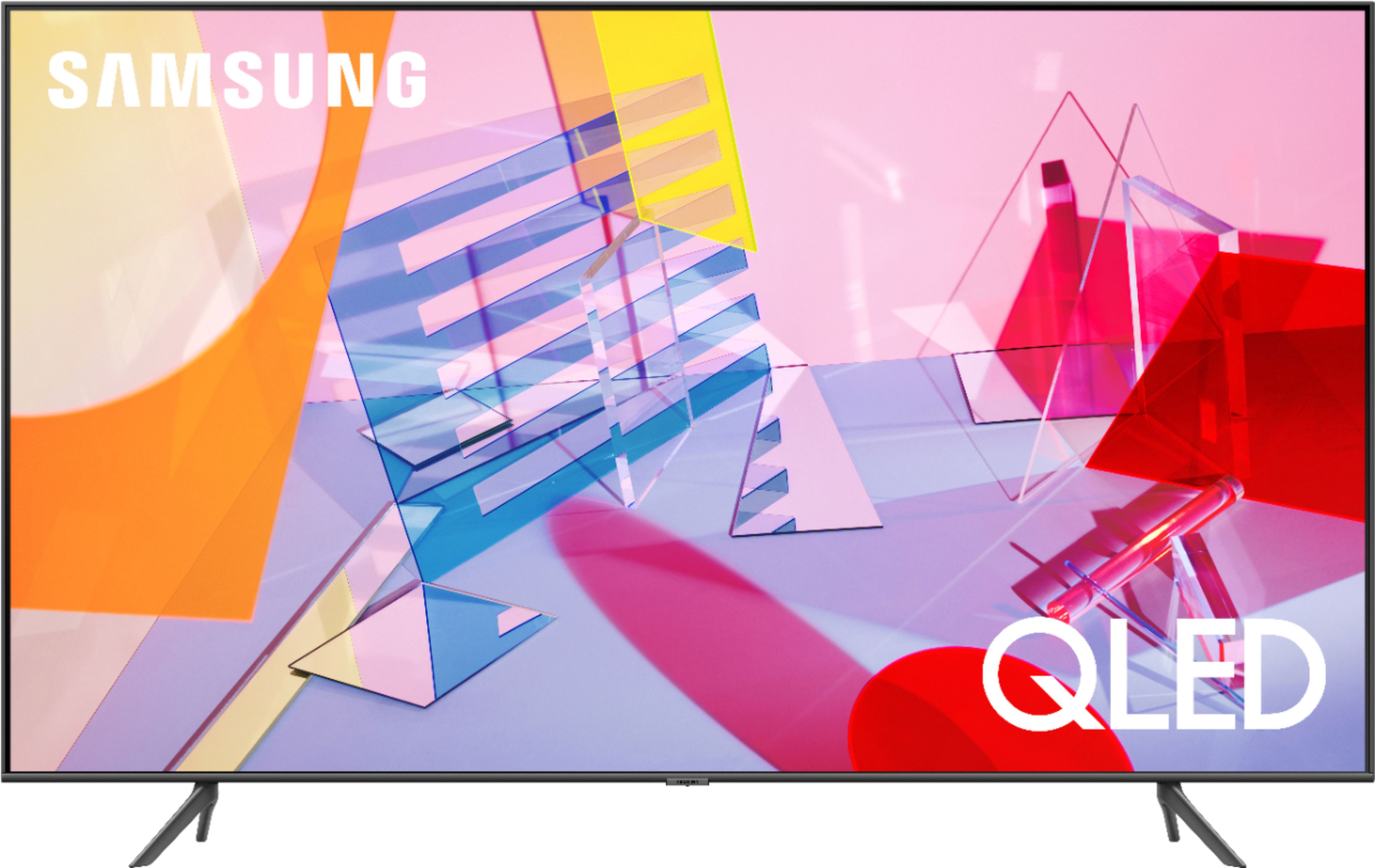
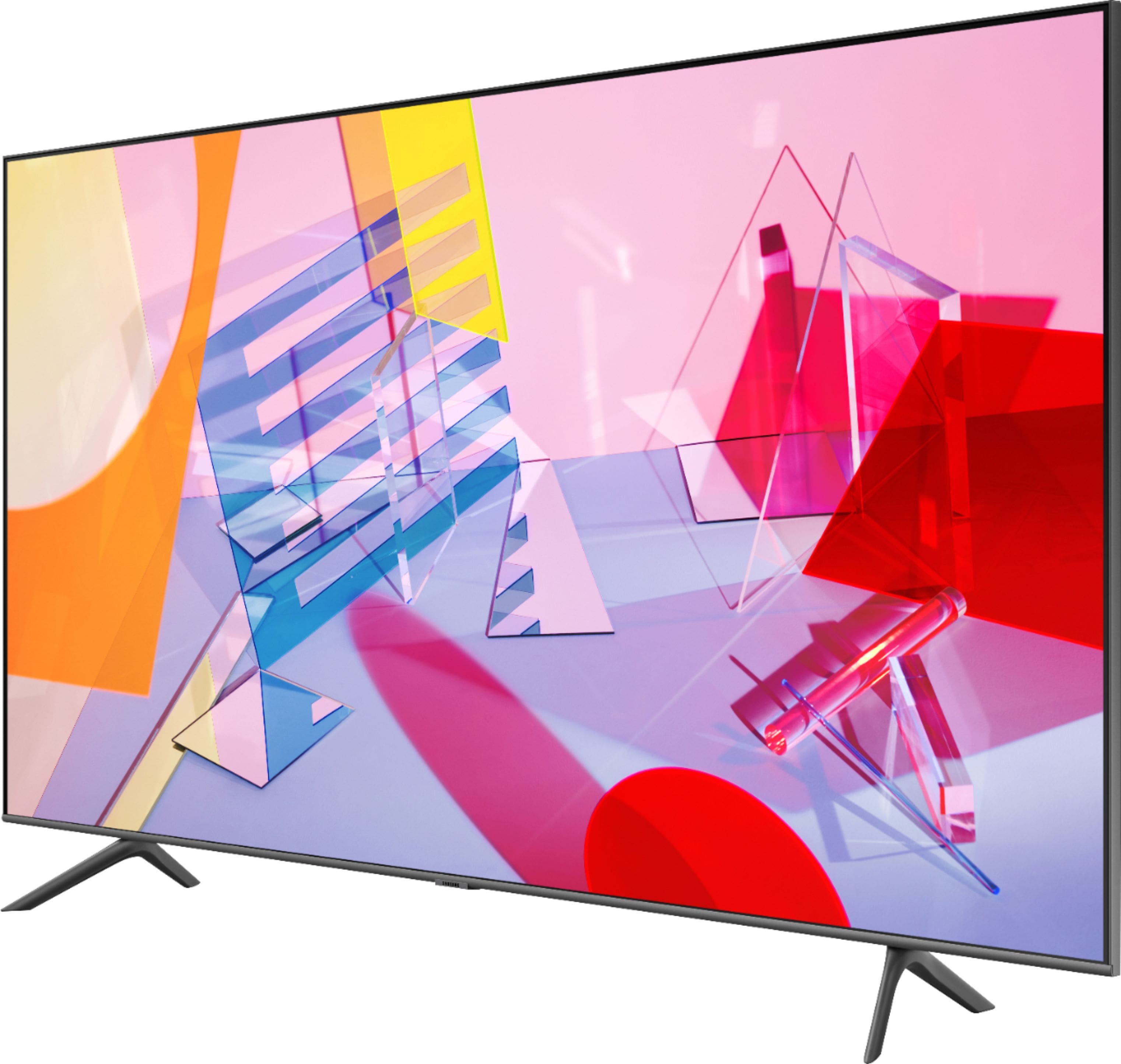
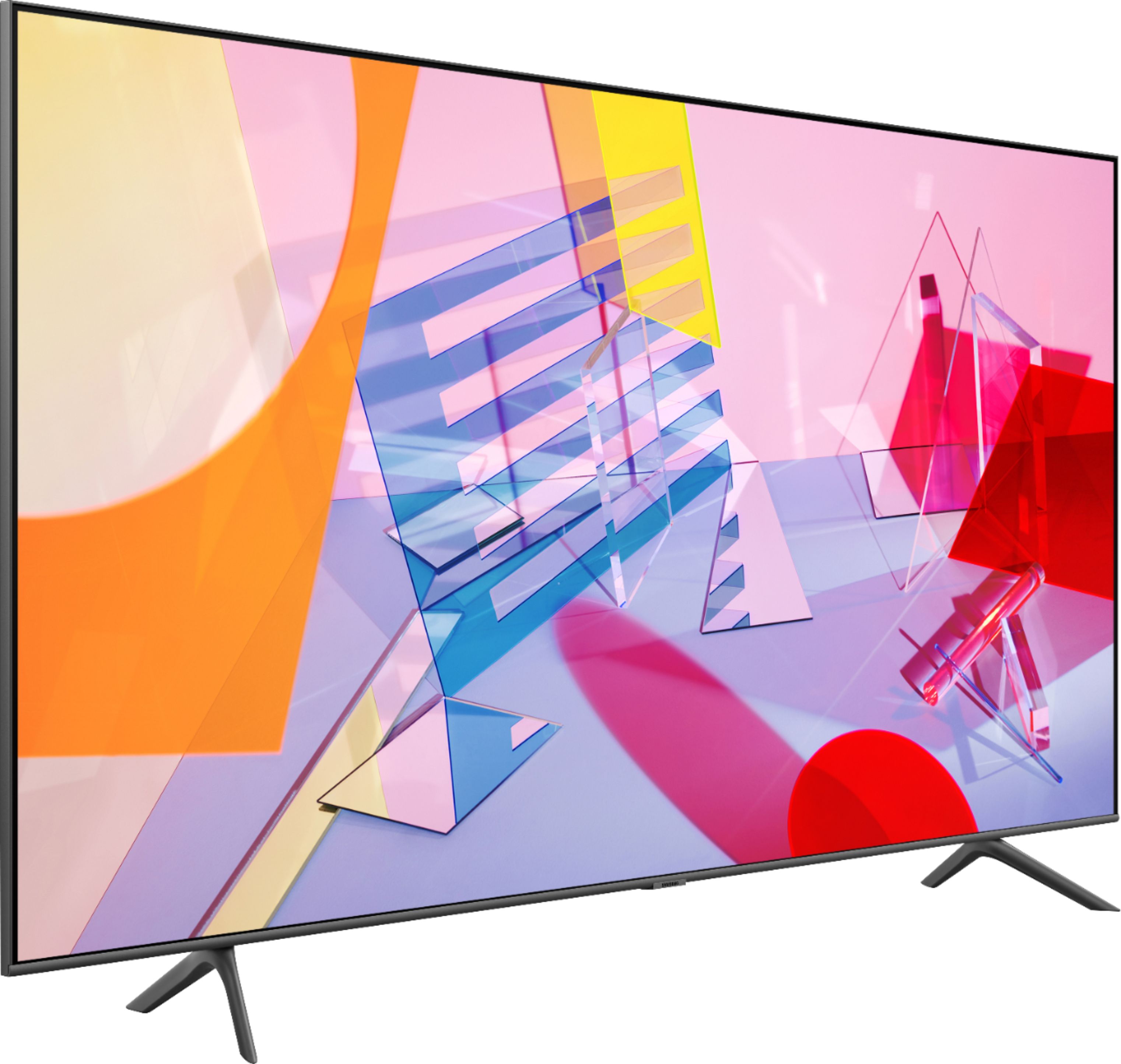
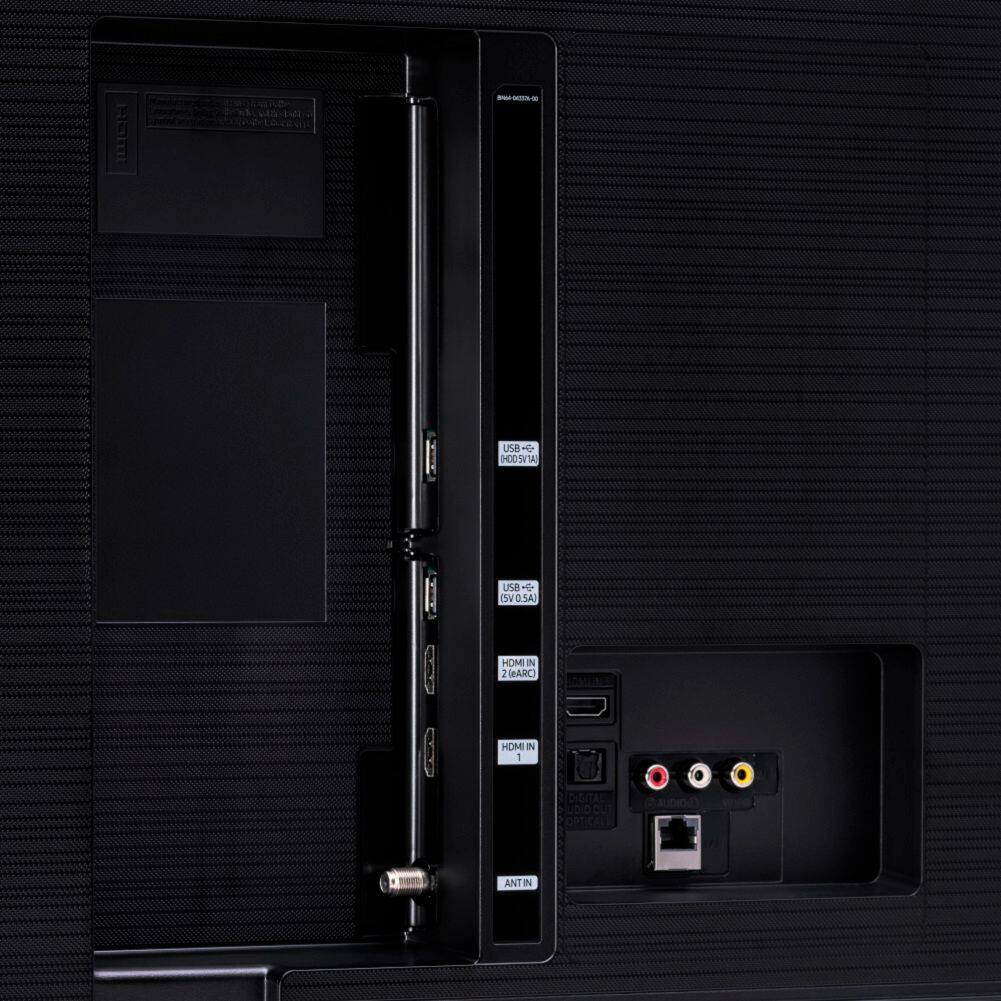
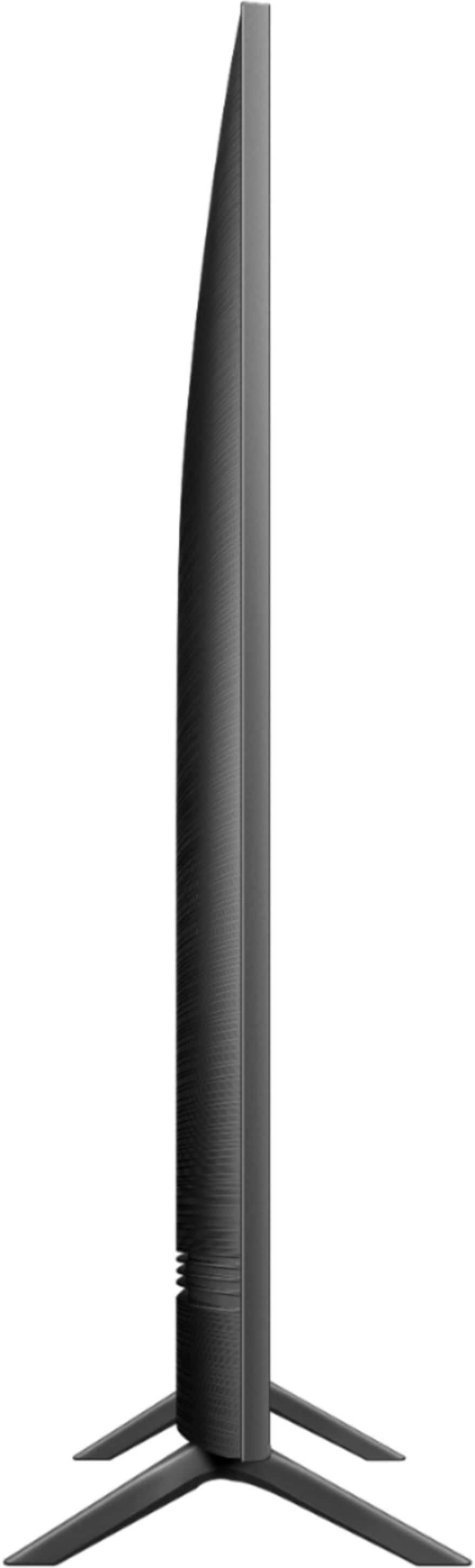
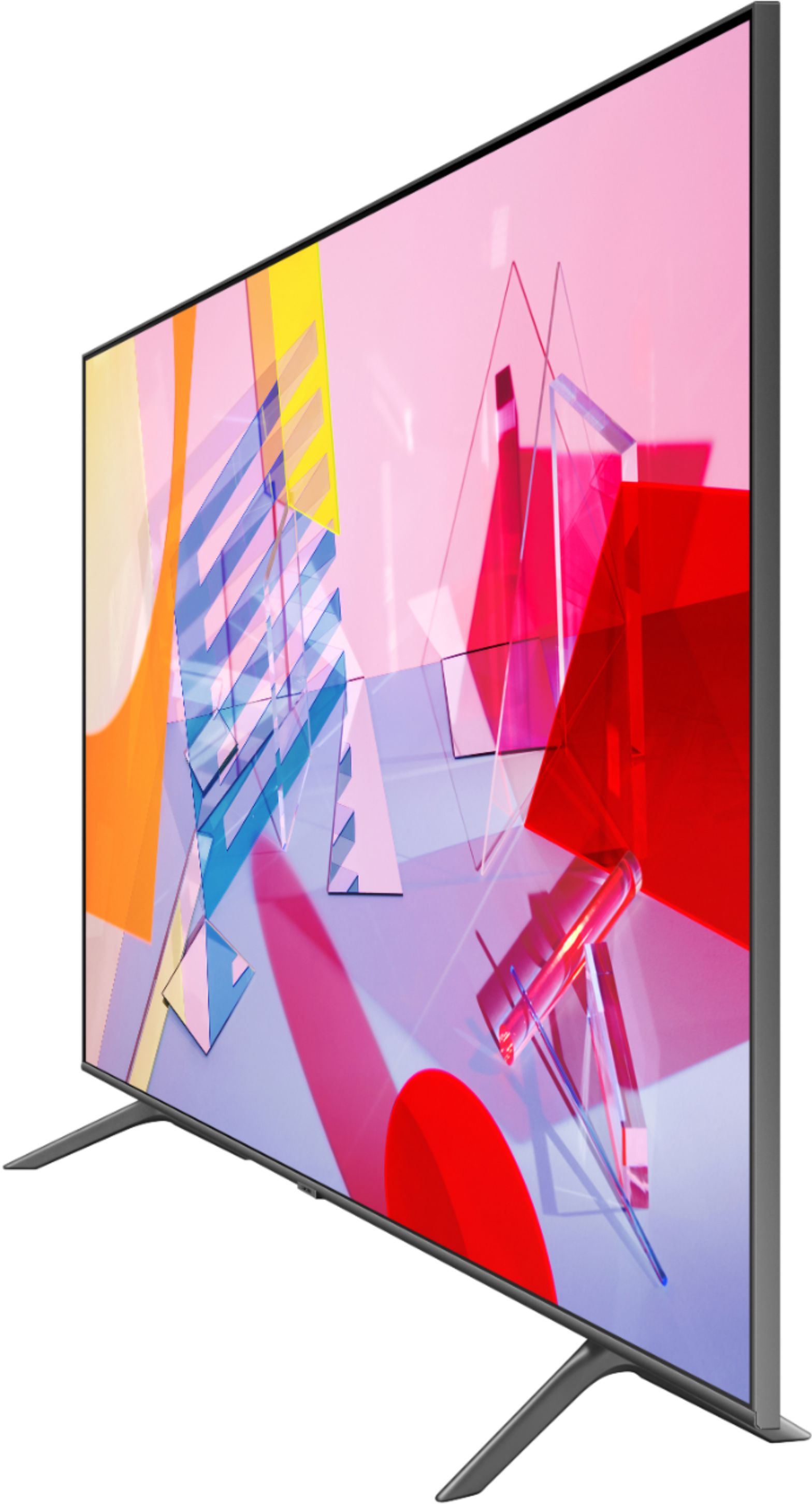

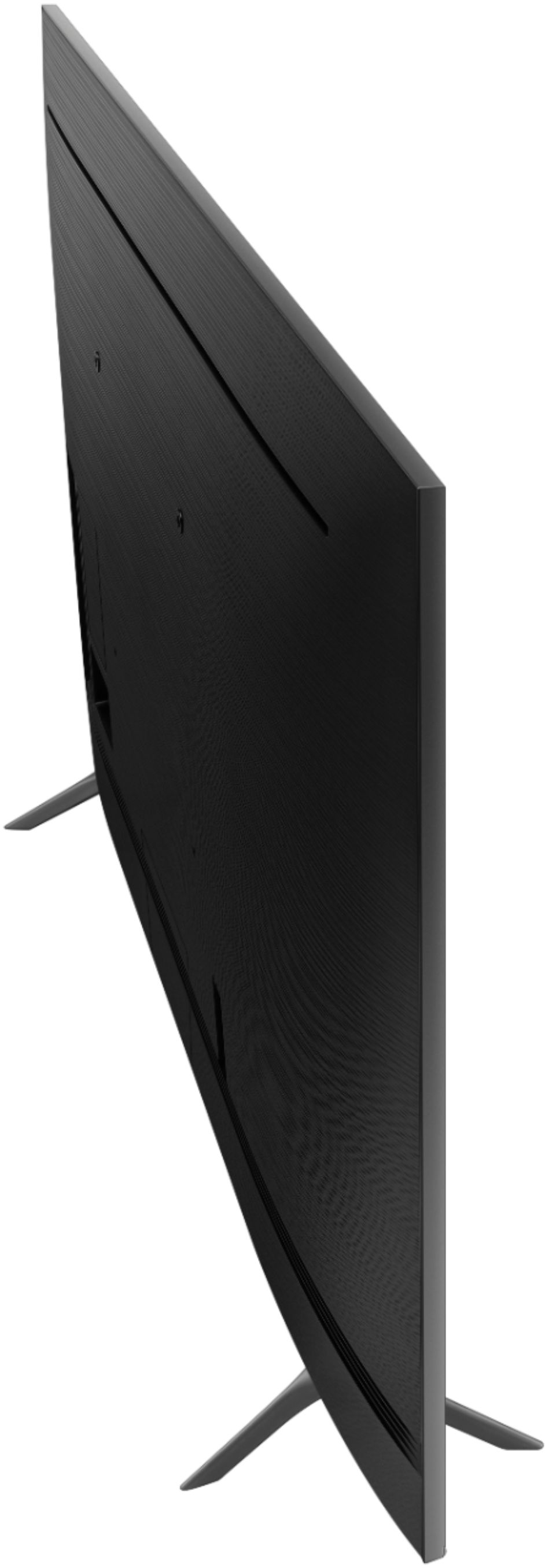
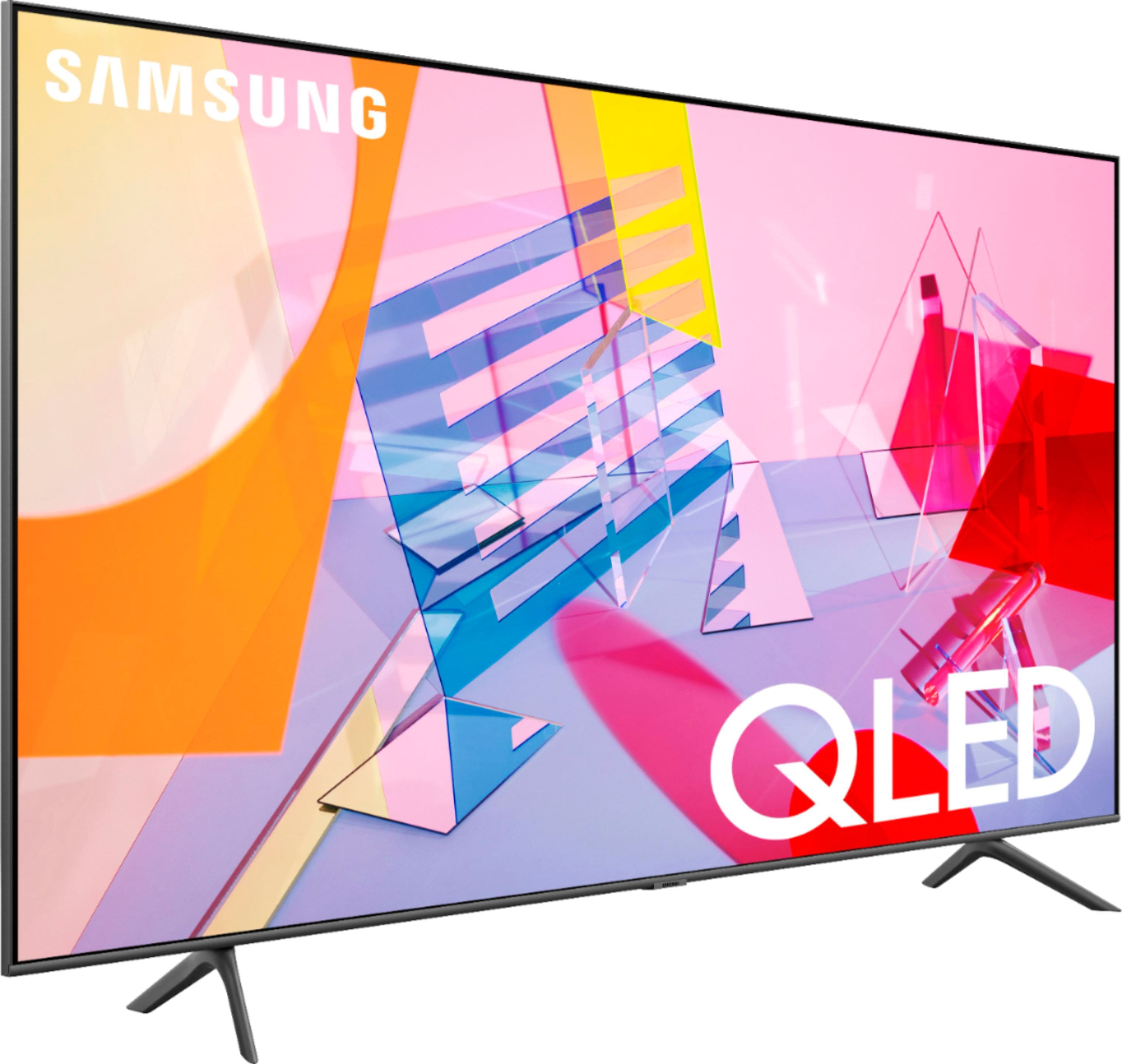
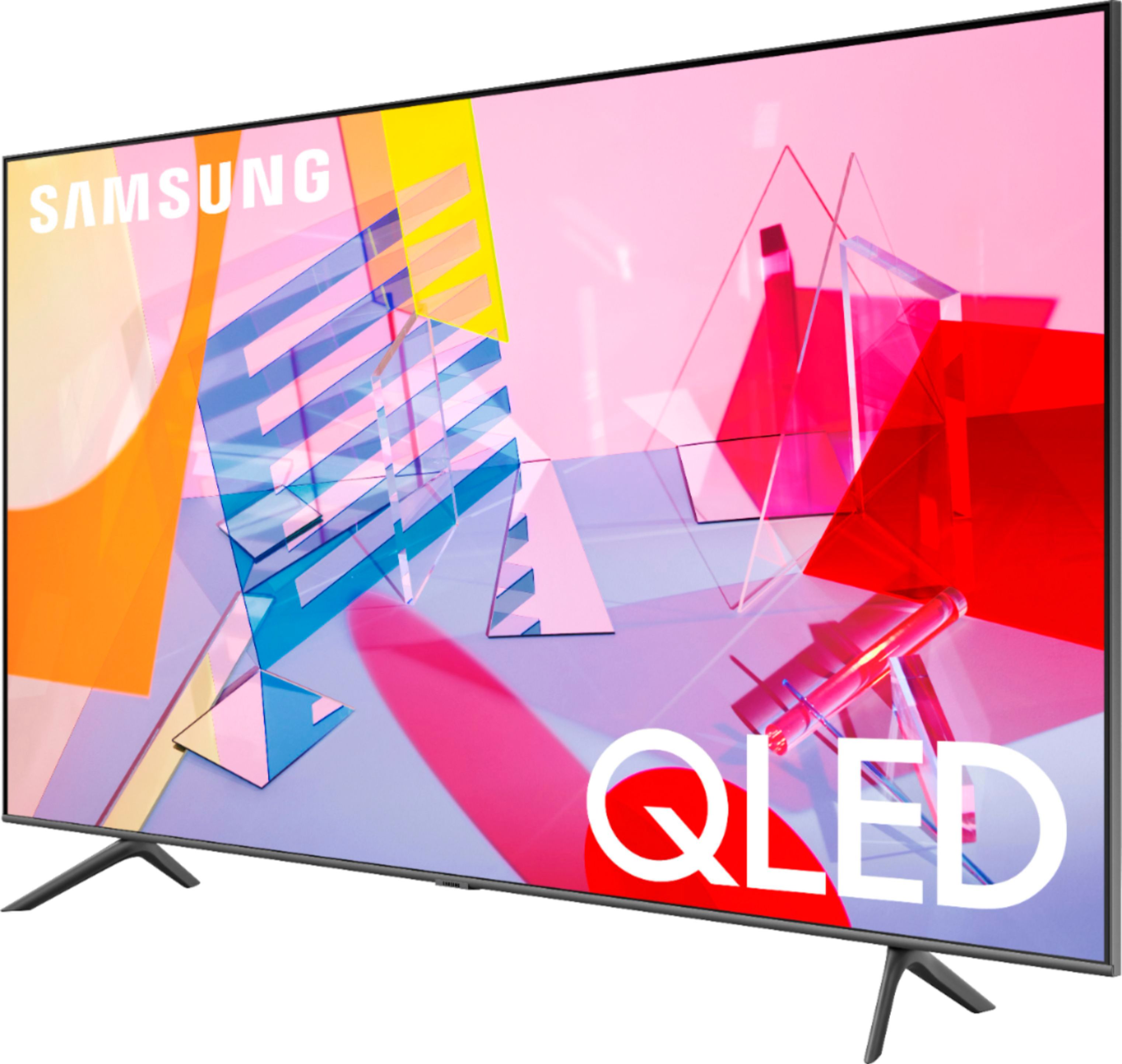
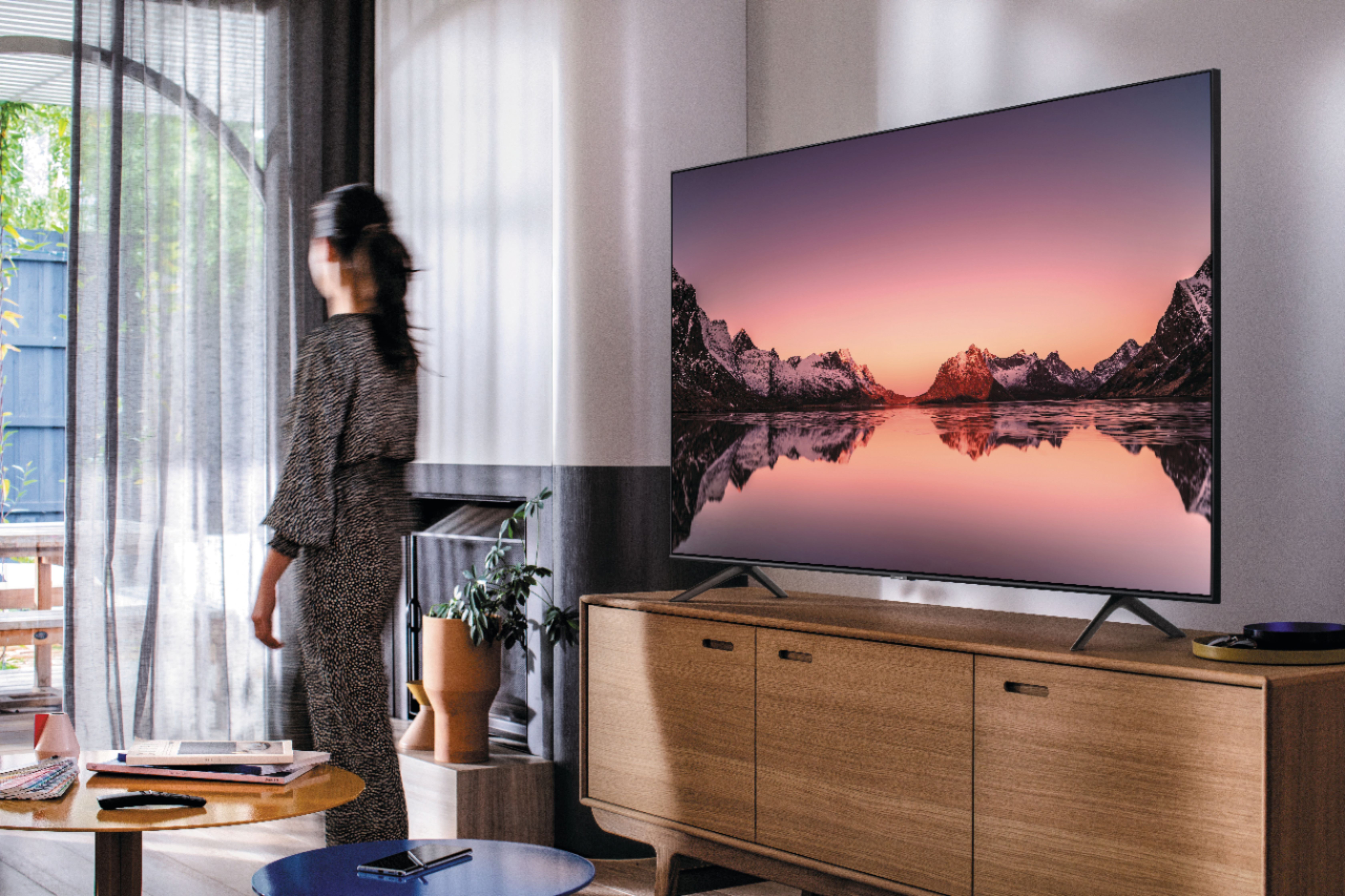








- Model:
- QN75Q60TAFXZA
- SKU:
- 6401711
Rating by feature
- Picture Quality
Rating 4.3 out of 5 stars
- Sound Quality
Rating 4.1 out of 5 stars
- Brightness
Rating 4.3 out of 5 stars
Customers are saying
Customers often highlight the exceptional picture quality, ease of setup, and reasonable price of the 75" Class Q60T Series QLED 4K UHD Smart Tizen TV. Many users rave about the stunning visuals and vibrant colors, while others appreciate the user-friendly interface and simple setup process. However, some users have expressed concerns about the TV's durability, with reports of short lifespans and screen issues.
This summary was generated by AI based on customer reviews.
Susansreview
||Posted . Owned for less than 1 week when reviewed.This reviewer received promo considerations or sweepstakes entry for writing a review.Rude Rude Rude!!!!! Kendra was rude and nasty we got money back and left she was at front door being a nasty person telling us our parking was wrong and she refused to help us just walked off like she owned the place I complained to the guy I checked out with
No, I would not recommend this to a friendBrand response from Samsung
Posted .susansreview:
Thank you for purchasing the Samsung Q60T QLED TV and sharing your review. I am sorry to hear of your poor purchase experience.
I hope setup went smoothly with your new TV, and you are now enjoying the picture brought to you by the Dual LED backlight technology.
If you should ever have questions on setup, features or operation, Samsung is ready to help you with enjoying your new TV. You can reach Samsung Support at:
1) Phone: 1-800-SAMSUNG (ask for TVs), available 8AM – 12AM EST 7 days a week
2) LiveChat: https://www.samsung.com/us/support/#contact_us_for_support
3) Facebook Messenger: https://www.facebook.com/samsungsupport
4) Twitter: https://twitter.com/SamsungSupport
5) The Samsung Members Community is also a great resource for getting help from Samsung moderators and customers: https://us.community.samsung.com
If you have not already done so, we invite you to register your new Samsung product at: https://www.samsung.com/us/account/signin/?redirect=https%3A%2F%2Fwww.samsung.com%2Fus%2Fsupport%2Fregister%2F
Registering your product gives you access to easy warranty support, convenient opt-in to special promos and offers, faster troubleshooting and service, and quick notification of system updates.
~ Samsung Solutions
Broke after two years
||Posted . Owned for more than 2 years when reviewed.This reviewer received promo considerations or sweepstakes entry for writing a review.It’s only been a year and now repair man seems this television unrepairable! He even said stop buying Samsung tv’s as he is seeing an increase in this types of issues!
No, I would not recommend this to a friendScreen all of a sudden went black...
||Posted . Owned for 2 months when reviewed.This reviewer received promo considerations or sweepstakes entry for writing a review.Worked great until it stopped working all of sudden. Was gaming and the screen automatically went dark and started cycling power on and off. My suggestion is avoid buying this tv.
No, I would not recommend this to a friendBrand response from Samsung
Posted .Tovar:
Thank you for purchasing the Samsung Q60T TV. I am sorry to hear that you are experiencing a power cycling issue where your TV is turning itself on and off repeatedly.
Please try a few trouble-shooting steps that may help solve the issue:
1) Check the power cable for damage and proper connection.
2) If the cable is bent, broken, kinked, pinched, pressed excessively (possibly by a heavy object on top of it) or damaged, this is likely the cause of the issue. Replace the cable.
3) Unplug the TV from the wall outlet for 30 seconds, and then plug it back in.
4) If the power cycling allows enough time in between powering on and off, try updating the TV to the latest firmware. There is a risk, however. If the TV turns off during the software update, it could damage the TV. Updates can take up to 30 minutes depending on network speed, so if the TV is not turning off too frequently, try updating the software.
5) TVs which can connect to SmartThings can be turned on using compatible devices, sometimes automatically. However, if abnormal "power on" signals are sent through the wireless network, they will trigger this function and make the TV turn on. If you do not want this function, navigate to
Settings > General > Network > Expert Settings > Power On with Mobile, and turn the setting off.
If the issue persists after these steps, then the TV will need service.
Please contact us so that we can better investigate your issue and assist you towards a solution or replacement.
1) Phone: 1-800-SAMSUNG (ask for TVs), available 8AM – 12AM EST 7 days a week
2) LiveChat: https://www.samsung.com/us/support/#contact_us_for_support
3) Facebook Messenger: https://www.facebook.com/samsungsupport
4) Twitter: https://twitter.com/SamsungSupport
5) The Samsung Members Community is also a great resource for getting help from Samsung moderators and customers: https://us.community.samsung.com
If you have not already done so, we invite you to register your new Samsung product at: https://www.samsung.com/us/account/signin/?redirect=https%3A%2F%2Fwww.samsung.com%2Fus%2Fsupport%2Fregister%2F
Registering your product gives you access to easy warranty support, convenient opt-in to special promos and offers, faster troubleshooting and service, and quick notification of system updates.
~ Samsung Solutions
Do not recommend
||Posted . Owned for 2 months when reviewed.This reviewer received promo considerations or sweepstakes entry for writing a review.Do not recommend-had the TV less than 60 days and TV turns on and off by itself continuously, have to unplug for it to stop. For the price I paid for the TV not worth the frustration. Super upset that the TV failed in less than 2 months.
No, I would not recommend this to a friendBrand response from Samsung
Posted .SaLe:
Thank you for purchasing the Samsung Q60T TV. I am sorry to hear that you are experiencing a power cycling issue where your TV is turning itself on and off repeatedly.
Please try a few trouble-shooting steps that may help solve the issue:
1) Check the power cable for damage and proper connection.
2) If the cable is bent, broken, kinked, pinched, pressed excessively (possibly by a heavy object on top of it) or damaged, this is likely the cause of the issue. Replace the cable.
3) Unplug the TV from the wall outlet for 30 seconds, and then plug it back in.
4) If the power cycling allows enough time in between powering on and off, try updating the TV to the latest firmware. There is a risk, however. If the TV turns off during the software update, it could damage the TV. Updates can take up to 30 minutes depending on network speed, so if the TV is not turning off too frequently, try updating the software.
5) TVs which can connect to SmartThings can be turned on using compatible devices, sometimes automatically. However, if abnormal "power on" signals are sent through the wireless network, they will trigger this function and make the TV turn on. If you do not want this function, navigate to
Settings > General > Network > Expert Settings > Power On with Mobile, and turn the setting off.
If the issue persists after these steps, then the TV will need service.
Please contact us so that we can better investigate your issue and assist you towards a solution or replacement.
1) Phone: 1-800-SAMSUNG (ask for TVs), available 8AM – 12AM EST 7 days a week
2) LiveChat: https://www.samsung.com/us/support/#contact_us_for_support
3) Facebook Messenger: https://www.facebook.com/samsungsupport
4) Twitter: https://twitter.com/SamsungSupport
5) The Samsung Members Community is also a great resource for getting help from Samsung moderators and customers: https://us.community.samsung.com
If you have not already done so, we invite you to register your new Samsung product at: https://www.samsung.com/us/account/signin/?redirect=https%3A%2F%2Fwww.samsung.com%2Fus%2Fsupport%2Fregister%2F
Registering your product gives you access to easy warranty support, convenient opt-in to special promos and offers, faster troubleshooting and service, and quick notification of system updates.
~ Samsung Solutions
Black horizontal line
||Posted . Owned for 8 months when reviewed.This reviewer received promo considerations or sweepstakes entry for writing a review.Purchased 8 months ago and the TV was perfect. Now it has a black line that runs horizontally from side to side that seems to appear when the TV is initially turned on. The line will go away after several hours of use.
No, I would not recommend this to a friendScreen went out.
||Posted . Owned for 1 year when reviewed.This reviewer received promo considerations or sweepstakes entry for writing a review.Died within 1 year of purchasing, for such an expensive TV it should have lasted much longer. Only used in my house maybe 3hrs per week so extensive use was not the issue here. Poorly constructed television.
No, I would not recommend this to a friendSamsung tv
||Posted .This reviewer received promo considerations or sweepstakes entry for writing a review.Horrible tv. Bought it in January and it’s already went out. Tv won’t stay on. Didn’t get a protection plan but thank goodness for only having it less than a year and Samsung is refunding my money.
No, I would not recommend this to a friendBad Screen. TV went out in less than 2 years.
||Posted . Owned for 1.5 years when reviewed.This reviewer received promo considerations or sweepstakes entry for writing a review.Purchased our tv Oct. of 2020. Yesterday July 25th of 2022 our screen goes out. It flickers every now and then with a dark blue color and goes black again.
No, I would not recommend this to a friendTV display not working after 13 months
||Posted . Owned for 1 year when reviewed.This reviewer received promo considerations or sweepstakes entry for writing a review.The TV broke after 13 months exactly and display is gone and check with Samsung support the cost to repair just for screen is 980$, warranty expires 1 month before.
No, I would not recommend this to a friendDisappointed
||Posted . Owned for 1 month when reviewed.This reviewer received promo considerations or sweepstakes entry for writing a review.Picture quality wasn’t very good. The Q80 should be their baseline as any models below that are subpar. Still a fan of Samsung but Ended up returning and purchasing an OLED TV.
No, I would not recommend this to a friendBrand response from Samsung
Posted .GreatTV:
Thank you for sharing your review of the Samsung Q60T TV. I am very sorry that you were not completely happy with image quality and have decided to return it.
Should you ever decide to give Samsung TVs another try and have questions or need assistance with settings, setup, or features, please know we are always here to help.
Again, my sincerest apologies. We hope to regain you as a customer in the future.
1) Phone: 1-800-SAMSUNG (ask for TVs), available 8AM – 12AM EST 7 days a week
2) LiveChat: https://www.samsung.com/us/support/#contact_us_for_support
3) Facebook Messenger: https://www.facebook.com/samsungsupport
4) Twitter: https://twitter.com/SamsungSupport
5) The Samsung Members Community is also a great resource for getting help from Samsung moderators and customers: https://us.community.samsung.com
If you have not already done so, we invite you to register your new Samsung product at: https://www.samsung.com/us/account/signin/?redirect=https%3A%2F%2Fwww.samsung.com%2Fus%2Fsupport%2Fregister%2F
Registering your product gives you access to easy warranty support, convenient opt-in to special promos and offers, faster troubleshooting and service, and quick notification of system updates.
~ Samsung Solutions
Samsung disappoints agian.
||Posted . Owned for 4 months when reviewed.This reviewer received promo considerations or sweepstakes entry for writing a review.TV started power cycling on its own on 20 Dec 20, approx 6 months from purchase. Have had multiple issues with Samsung tvs in the past. This is the last one I will ever buy.
No, I would not recommend this to a friendBrand response from Samsung
Posted .adamsfam:
Thank you for purchasing the Samsung Q60T TV. I am sorry to hear that you are experiencing a power cycling issue where your TV is turning itself on and off repeatedly.
Please try a few trouble-shooting steps that may help solve the issue:
1) Check the power cable for damage and proper connection.
2) If the cable is bent, broken, kinked, pinched, pressed excessively (possibly by a heavy object on top of it) or damaged, this is likely the cause of the issue. Replace the cable.
3) Unplug the TV from the wall outlet for 30 seconds, and then plug it back in.
4) If the power cycling allows enough time in between powering on and off, try updating the TV to the latest firmware. There is a risk, however. If the TV turns off during the software update, it could damage the TV. Updates can take up to 30 minutes depending on network speed, so if the TV is not turning off too frequently, try updating the software.
5) TVs which can connect to SmartThings can be turned on using compatible devices, sometimes automatically. However, if abnormal "power on" signals are sent through the wireless network, they will trigger this function and make the TV turn on. If you do not want this function, navigate to
Settings > General > Network > Expert Settings > Power On with Mobile, and turn the setting off.
If the issue persists after these steps, then the TV will need service.
Please contact us so that we can better investigate your issue and assist you with troubleshooting assistance or warranty service.
1) Phone: 1-800-SAMSUNG (ask for TVs), available 8AM – 12AM EST 7 days a week
2) LiveChat: https://www.samsung.com/us/support/#contact_us_for_support
3) Facebook Messenger: https://www.facebook.com/samsungsupport
4) Twitter: https://twitter.com/SamsungSupport
5) The Samsung Members Community is also a great resource for getting help from Samsung moderators and customers: https://us.community.samsung.com
If you have not already done so, we invite you to register your new Samsung product at: https://www.samsung.com/us/account/signin/?redirect=https%3A%2F%2Fwww.samsung.com%2Fus%2Fsupport%2Fregister%2F
Registering your product gives you access to easy warranty support, convenient opt-in to special promos and offers, faster troubleshooting and service, and quick notification of system updates.
~ Samsung Solutions
Great tv problems with best by
||Posted . Owned for 1 month when reviewed.This reviewer received promo considerations or sweepstakes entry for writing a review.I understand this is an out of box product, but it could wrap or attaching to the best by box. Completely unsafe to carry and terrible on inside information.
I would recommend this to a friendNot worth the money
||Posted . Owned for 5 months when reviewed.This reviewer received promo considerations or sweepstakes entry for writing a review.Just 5 months later and the the TV screen is not displaying anything reviews said bad transformers and all this with out a power outage. Not bad for a $1,400 Tv.
No, I would not recommend this to a friendIts a mess up tv
||Posted . Owned for 1 year when reviewed.This reviewer received promo considerations or sweepstakes entry for writing a review.Purchased last year July 2020, and its black out last week of Aug. 2021. For 1 year and 1 month its a junk now. I dont recommend. Its a mess.
No, I would not recommend this to a friendDo Not Buy - Junk
||Posted . Owned for 1.5 years when reviewed.This reviewer received promo considerations or sweepstakes entry for writing a review.Terrible TV. Do not buy. We've owned this for less than two years and screen just went black. Out a lot of money! Junk
No, I would not recommend this to a friendNot worth it...
||Posted . Owned for 1 year when reviewed.This reviewer received promo considerations or sweepstakes entry for writing a review.Lasted 15 months before the panel went out. TV repair center said this is a common issue w/ Samsung. Switching back to Sony.
No, I would not recommend this to a friendFront Panel Issue
||Posted . Owned for 1 year when reviewed.This reviewer received promo considerations or sweepstakes entry for writing a review.The front panel shorted out after 17 months. The cost to replace would be as much as new unit.
No, I would not recommend this to a friendSamsung TV from Best buy...trash
||Posted . Owned for 2 months when reviewed.This reviewer received promo considerations or sweepstakes entry for writing a review.2 months old and not working. Don't waste your money here. Best to go elsewhere, maybe spend alittle more but TV will work.
No, I would not recommend this to a friendBrand response from Samsung
Posted .jhook:
I am sorry to hear that you are experiencing issues with your Q60T TV after 2 months.
Samsung is committed to providing the best possible product experience, quality, and value. We back this Samsung TV with a 1-year limited manufacturer's warranty, including authorized repair for manufacturer defect, if purchased brand-new directly from an authorized seller.
Please reach out to Samsung Customer Support so that we can provide troubleshooting or begin warranty service.
1) Phone: 1-800-SAMSUNG (ask for TVs), available 8AM – 12AM EST 7 days a week
2) LiveChat: https://www.samsung.com/us/support/#contact_us_for_support
3) Facebook Messenger: https://www.facebook.com/samsungsupport
4) Twitter: https://twitter.com/SamsungSupport
5) The Samsung Members Community is also a great resource for getting help from Samsung moderators and customers: https://us.community.samsung.com
If you have not already done so, we invite you to register your new Samsung product at: https://www.samsung.com/us/account/signin/?redirect=https%3A%2F%2Fwww.samsung.com%2Fus%2Fsupport%2Fregister%2F
Registering your product gives you access to easy warranty support, convenient opt-in to special promos and offers, faster troubleshooting and service, and quick notification of system updates.
~ Samsung Solutions
Bad Pictures and Color
||Posted . Owned for 1 year when reviewed.This reviewer received promo considerations or sweepstakes entry for writing a review.The picture colors are becoming blurry. Blues colors are showing as green and white color greyish.
No, I would not recommend this to a friendTv problem
||Posted . Owned for 1.5 years when reviewed.This reviewer received promo considerations or sweepstakes entry for writing a review.What a piece.Only 1 1/2yrs old it’s done.the cost to fix you might as well get a new tv
No, I would not recommend this to a friend