Customer Ratings & Reviews
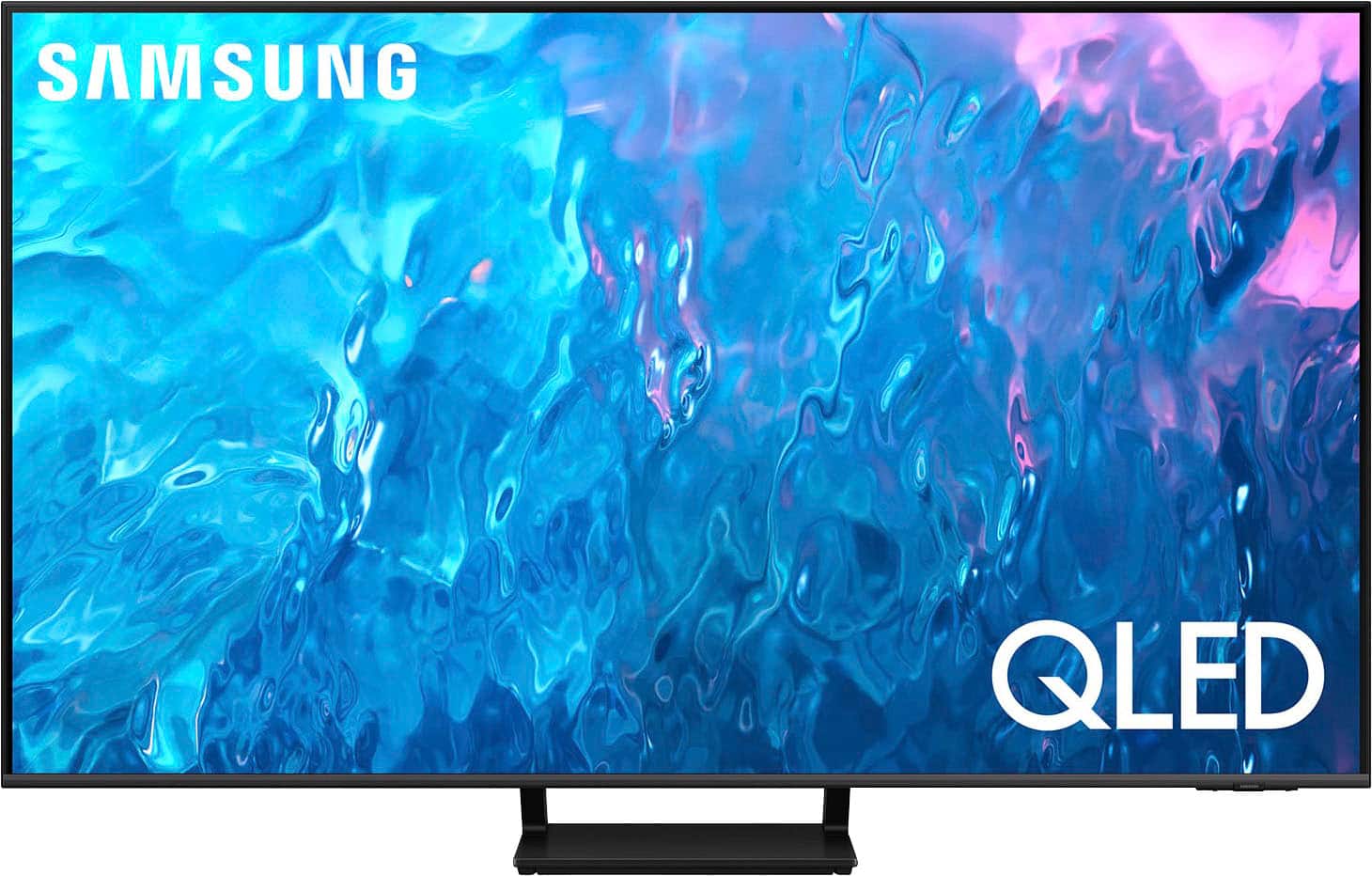
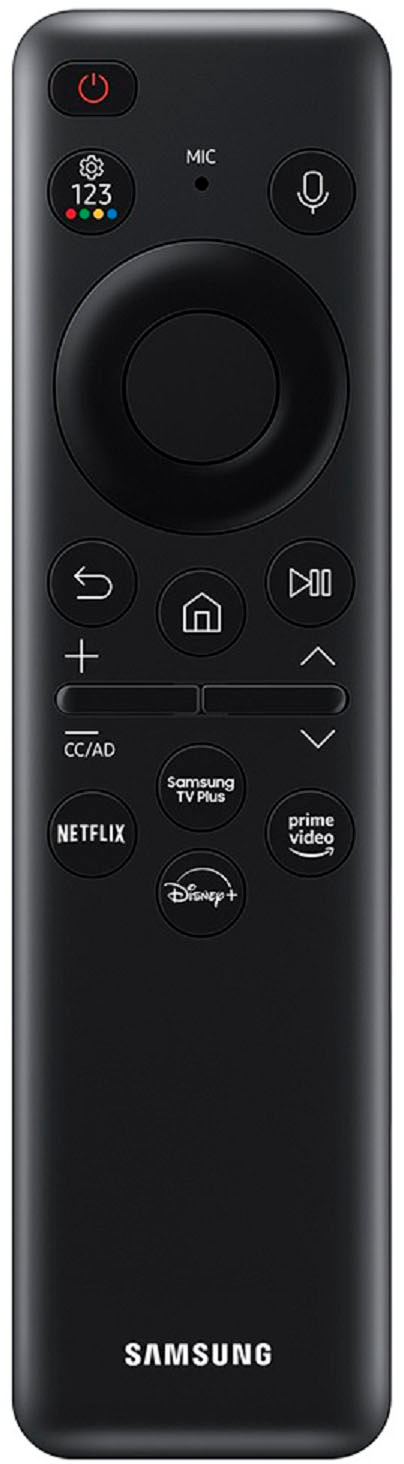
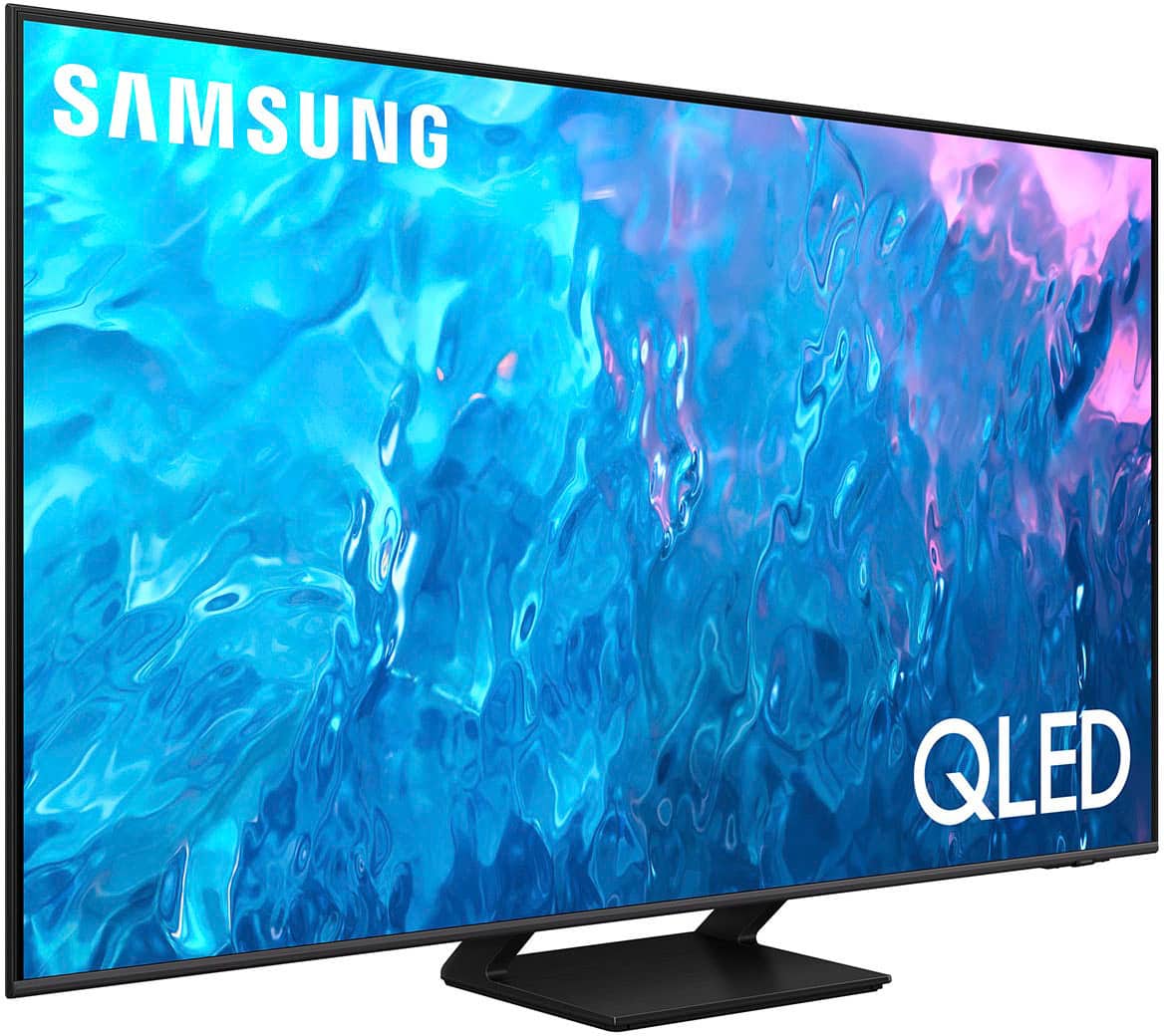
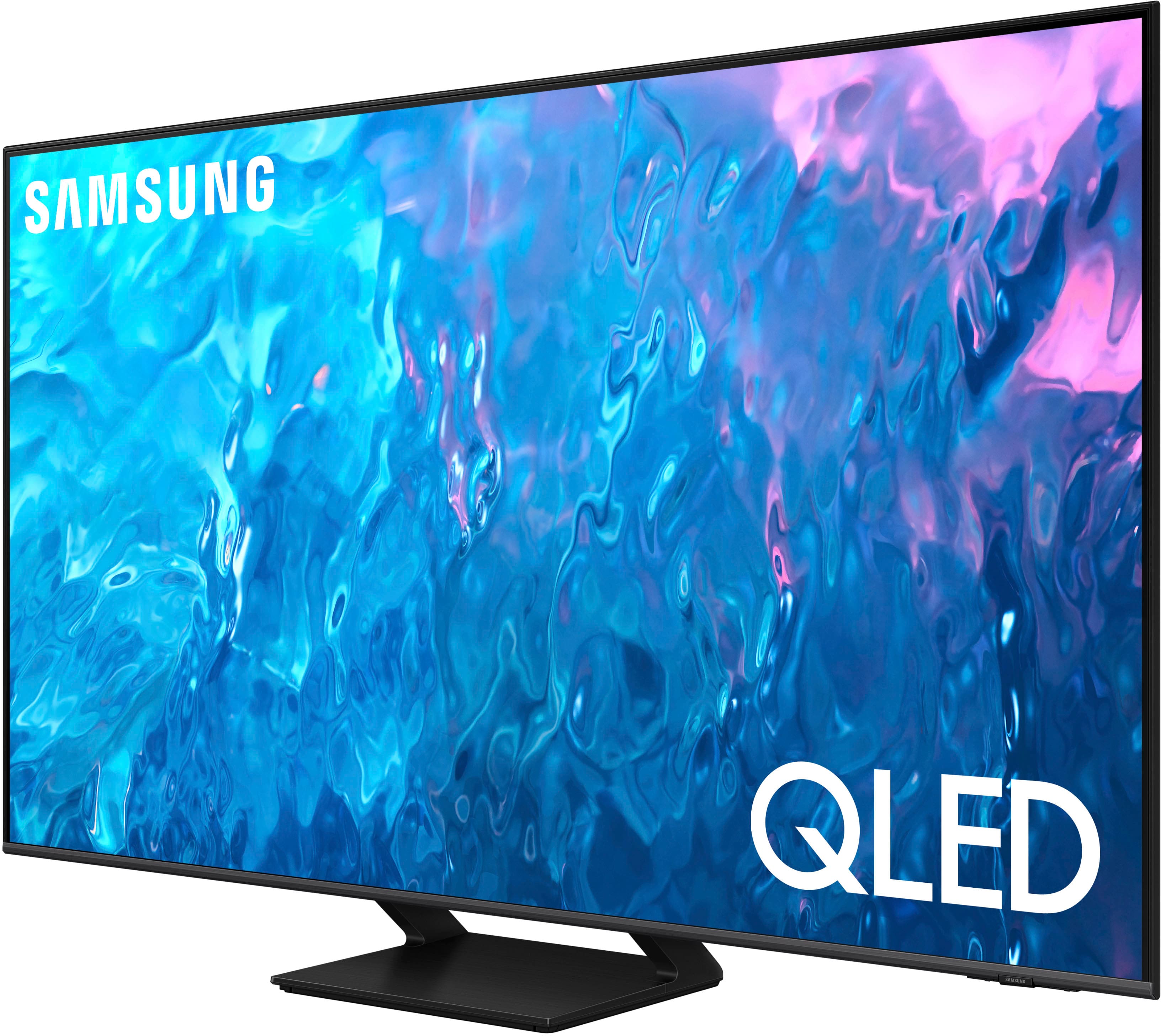




- Model:
- QN75Q70CAFXZA
- SKU:
- 6537336
Rating by feature
- Picture Quality
Rating 4.9 out of 5 stars
- Sound Quality
Rating 4.5 out of 5 stars
- Brightness
Rating 4.8 out of 5 stars
Customers are saying
Customers commend the 75" Class Q70C QLED 4K UHD Smart Tizen TV for its exceptional picture quality, vibrant colors, and impressive gaming performance. They appreciate the easy setup process and find the TV to be a great value for its price. While some customers have expressed concerns about the remote control, the overall positive feedback highlights the TV's strengths in delivering an immersive viewing experience.
This summary was generated by AI based on customer reviews.
Would buy again
Posted .This reviewer received promo considerations or sweepstakes entry for writing a review.The Tv is exactly what I was looking. The setup and configuration was easy, and it paired with my Bose sound system without incident. Best Buy team that delivered the TV we’re gave me delivery updates throughout the delivery process. I would buy this TV again.
I would recommend this to a friend- Pros mentioned:Picture quality
great price
Posted .This reviewer received promo considerations or sweepstakes entry for writing a review.great choice, great picture at a great price sound is good and the quality for the price is a very good choice.
I would recommend this to a friend Tv removal
Posted .This reviewer received promo considerations or sweepstakes entry for writing a review.Phil and his partner, arethe best,as well as Patrick,they came and removed 2 tvs in an orderly and timely manner,they were very nice and knowledgeable and friendly,you have a great bunch of workers keep up the good work!
I would recommend this to a friendSatisfied
Posted .This reviewer received promo considerations or sweepstakes entry for writing a review.Great option! It was hard to choose the tv we needed but honestly this tv is really good for playing games and watching our fav shows
I would recommend this to a friendMediocre Tv
Posted .This reviewer received promo considerations or sweepstakes entry for writing a review.Very good display colors. The size of the tv makes 4k look very cheap and 1080p like. The youtube settings do not work and the resolution of youtube for videos that supports 4k doesnt work which is odd. Gaming is the only good part about it
No, I would not recommend this to a friendBrand response from Samsung
Posted .Jack,
Thank you for sharing your thoughts on the picture quality of your Q70C TV. To ensure you’ve got the latest image quality updates, please confirm that your TV is up to date with the latest firmware version. You can check by going to: Home > Menu > Settings > Support > Software Update.
The TV will upscale as best as possible any content sent to it. The closer your content is to 4K, the better the image will look on the screen.
Here are some tips to help improve the picture clarity:
1) HDMI cables are recommended for optimal HD viewing.
2) If you have an analog cable box or satellite box, upgrade to a digital cable box or satellite box.
3) Change the output resolution of your devices, such as digital broadcast receiver, IPTV, and set-top box to UHD or HD.
4) You can further adjust your sharpness, brightness, contrast, color, and more by going to Menu > Settings > All Settings > Picture > Expert Settings
5) Choose a Picture Mode by going to Menu > Settings > All Settings > Picture > Picture Mode and choose from Dynamic, Movie, or Filmmaker Mode.
If the YouTube app is not working as expected, you can try cold booting your TV by holding down the power button on your remote for 5+ sec until the TV turns off and on again, deleting and downloading the apps again, and completing full reset of Smart Hub to correct the issue.
You may also want to further optimize performance with the self-diagnostic tool, which checks memory, frees up unused cached memory, and closes background apps. Go to: Home > Menu > Settings > Support > Device Care > Start Device Care
I hope these tips help you enjoy your new product.
You can always contact us for further help at 1-800-SAMSUNG, 8AM - 12AM EST, 7 days a week. Our LiveChat agents are also available by clicking on the ‘Support’ link on our website.
~ Samsung Specialist
- Pros mentioned:Picture quality
Schmooze
Posted .This reviewer received promo considerations or sweepstakes entry for writing a review.I have the 78 curve 9500 and the 65 curve they have much much better picture and also cost me a bundle
I would recommend this to a friendBrand response from Samsung
Posted .ChaimA,
We appreciate your thoughts on the picture quality of Samsung’s Q70C TV. If the image you’re seeing isn’t to your liking, there are several picture settings you may want to adjust.
Go to Home > left direction button > Settings > All Settings > Picture > Picture Mode
...and select the mode that best fits your usage:
1. Standard: Is the default mode suitable for general viewing environments
2. Dynamic: Makes the picture brighter and clearer in bright viewing environments
3. Eco: Provided to save energy
4. Movie: Suitable for watching TV or movies in a dark room
5. Filmmaker Mode: Provides source content just as the creators intended. If the image is defined as Filmmaker Mode, it’ll automatically switch to Filmmaker Mode while watching.
You can also fine-tune your picture with expert settings such as brightness, contrast, sharpness and more (All Settings > Picture > Expert Settings).
For further assistance with settings adjustments, please contact Samsung Customer Support at 1-800-SAMSUNG, 8AM - 12AM EST, 7 days a week. Our LiveChat agents are also available by clicking on the ‘Support’ link on our website.
~ Samsung Specialist
Quality good
Posted .This reviewer received promo considerations or sweepstakes entry for writing a review.Every time when watching reg tv channels, takes to menu with paid movies. Have to go back, exit and go to tv channel. Annoying. Can’t find to manually change pic quality from “say” movie to standard and more. Some tv series like documentary when need to watch in “movie mode”. Also keeps disconnecting from “wired” network and goes to WiFi. Also was annoying and disconnected . Otherwise fine tv
I would recommend this to a friendTV freezes when streaming live
Posted .This reviewer received promo considerations or sweepstakes entry for writing a review.I don't know if anyone else has experienced the same issue that I experienced. When streaming live events, the TV freezes often. I missed crucial plays of the Superbowl when my TV froze more than 10 times. When this happens, I have no problems streaming with my phone. I have no problem streaming content that is not live. A technician came by and said that the problem lies with the TV and not with the internet. I returned the TV and I replaced it with the same model. Fingers crossed
No, I would not recommend this to a friendBrand response from Samsung
Posted .GianfrancoP,
We appreciate your feedback on the response time, and for optimal performance, we ask that you please ensure you've got the latest firmware version installed on your Q70C TV. You can check this by going to: Home > Menu > Settings > Support > Software Update.
You may also want to further optimize performance with the self-diagnostic tool, which checks memory, frees up unused cached memory, and closes background apps. Go to: Home > Menu > Settings > Support > Device Care > Start Device Care
I hope these tips help you enjoy your new product.
You can always contact us for further help at 1-800-SAMSUNG, 8AM - 12AM EST, 7 days a week. Our LiveChat agents are also available by clicking on the ‘Support’ link on our website.
~ Samsung Specialist
Continous problems with this TV
Posted .This reviewer received promo considerations or sweepstakes entry for writing a review.This Samsung TV was definitely a disappointment. We got it in 2021 in our new house. After a year of use, just as the warranty has expired, it started dropping WiFi connection, initially once a week and turning TV off and back on would help, then once a day, and finally resetting the TV stopped helping. So, obviously they have a dysfunctional wireless adapter, which they are unable to fix for years (and there are lot of unhappy customers, just check related online discussions on Samsung forums). OK, we ended up doing LAN internet connection and it seemed to fix it, but next we wanted to install Sonos sound system (the Arc) and it only worked for about a month and then guess what, the TV started dropping the connection with Sonos. Guess what, turns out this is also a known issue for Sonos users! At this point there seem to be no cure, and Samsung does not care. This expensive TV has been a continuous source of trouble since after its warranty has expired, and it looks like it will always be, so I strongly recommend against it.
No, I would not recommend this to a friendCan’t stream Xfinity
Posted .This reviewer received promo considerations or sweepstakes entry for writing a review.We bought the tv to stream Xfinity and it is not compatible. The current version is 1002 and the firmware is not compatible with the cpu mail board for any other up to date version so we cannot stream that app.
No, I would not recommend this to a friendBrand response from Samsung
Posted .AllysonB,
We appreciate your review of Samsung’s Q70C TV. So we can better understand the issues you’re experiencing and provide you with troubleshooting assistance, please reach out to Samsung Customer Support at 1-800-SAMSUNG, 8AM - 12AM EST, 7 days a week.
Our LiveChat agents are also available by clicking on the ‘Support’ link on our website.
~ Samsung Specialist