Customer Ratings & Reviews
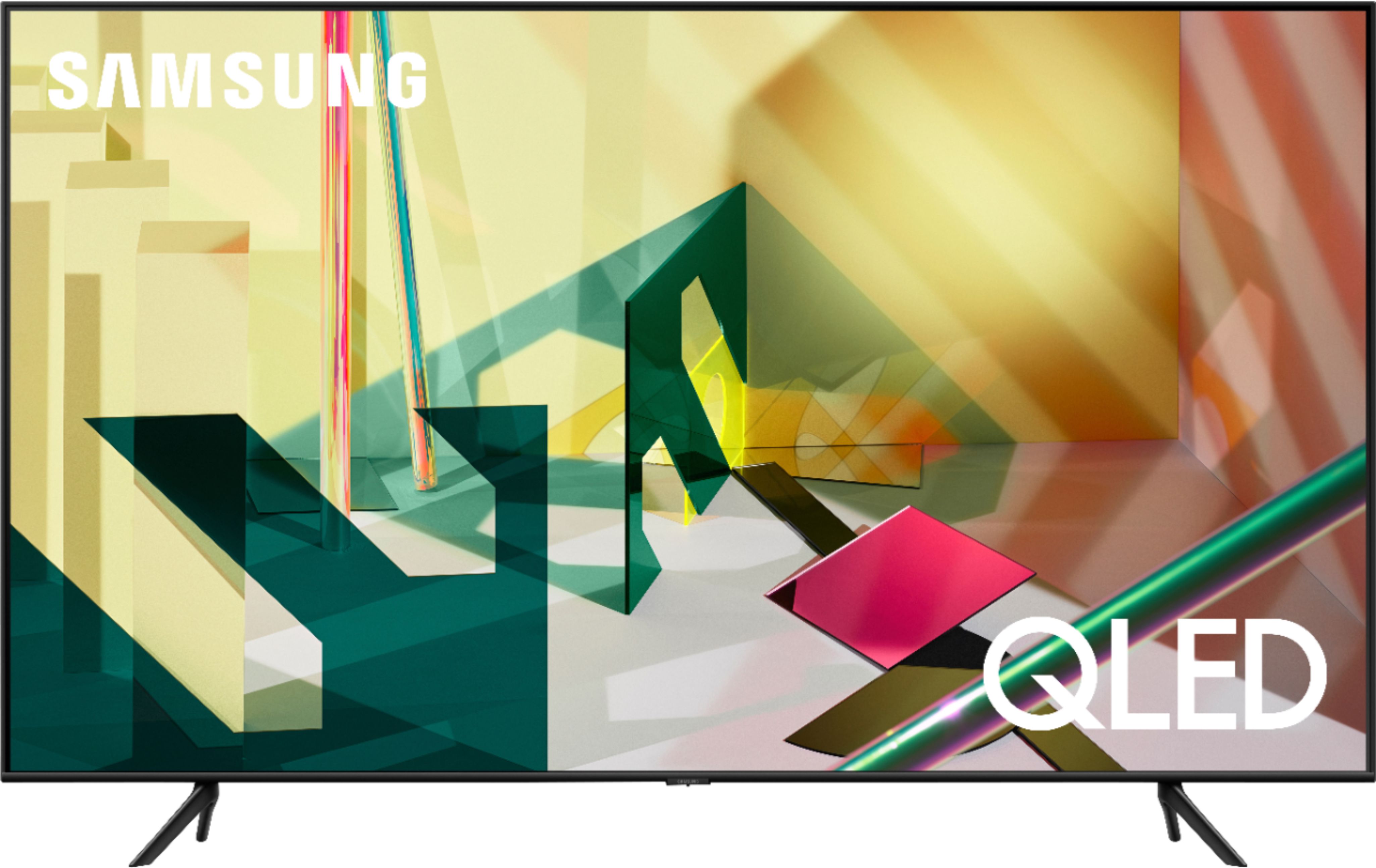
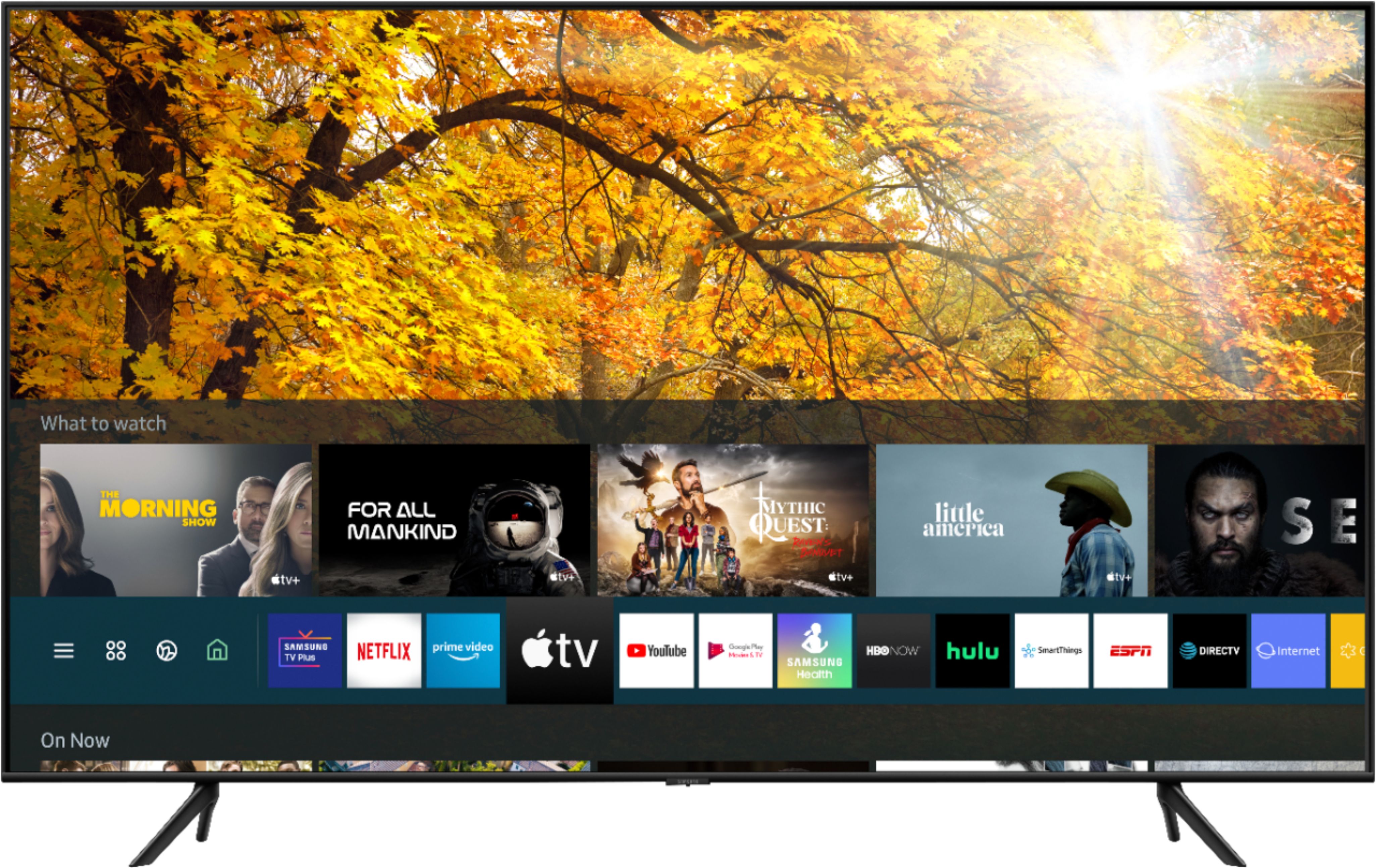
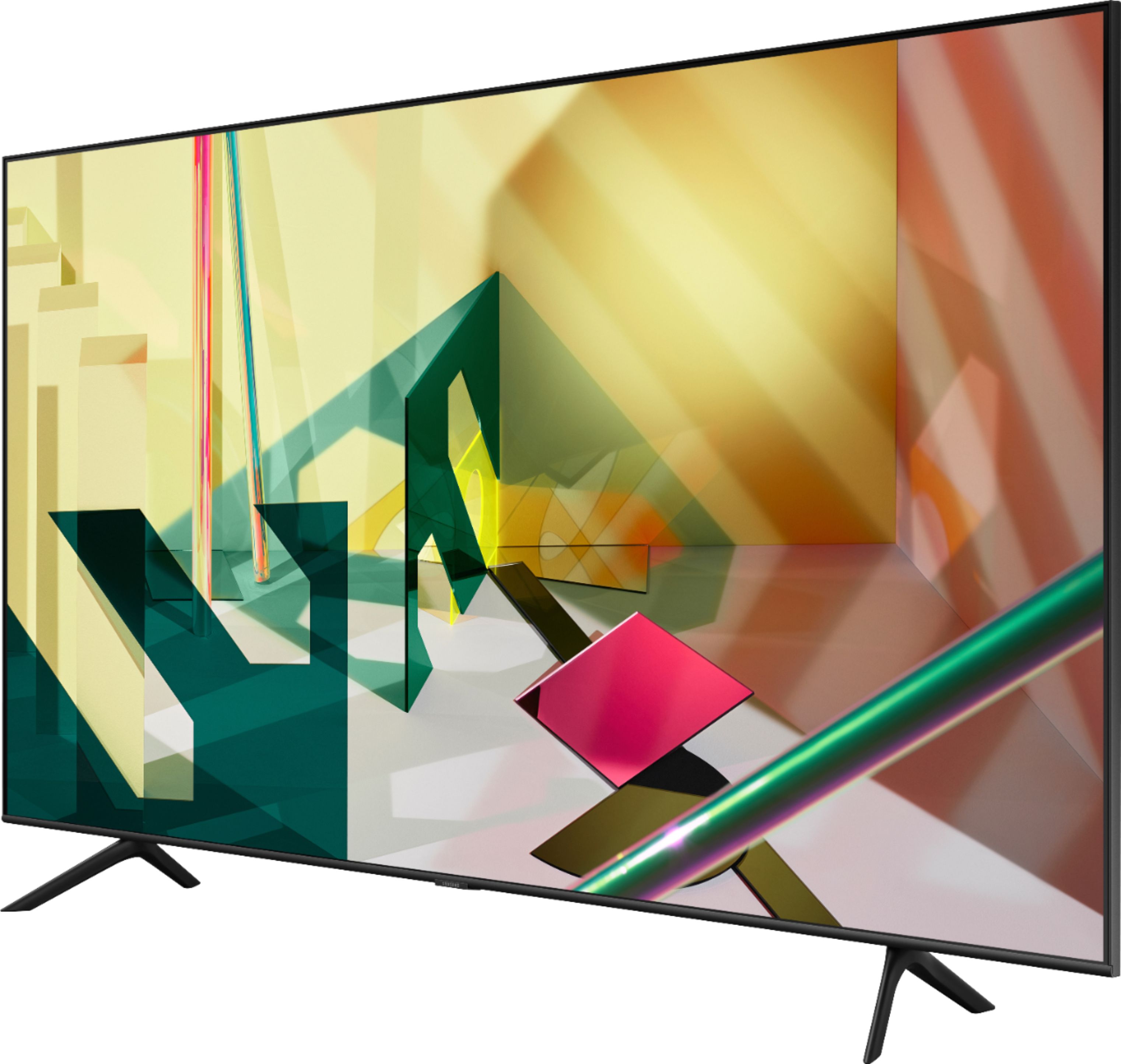
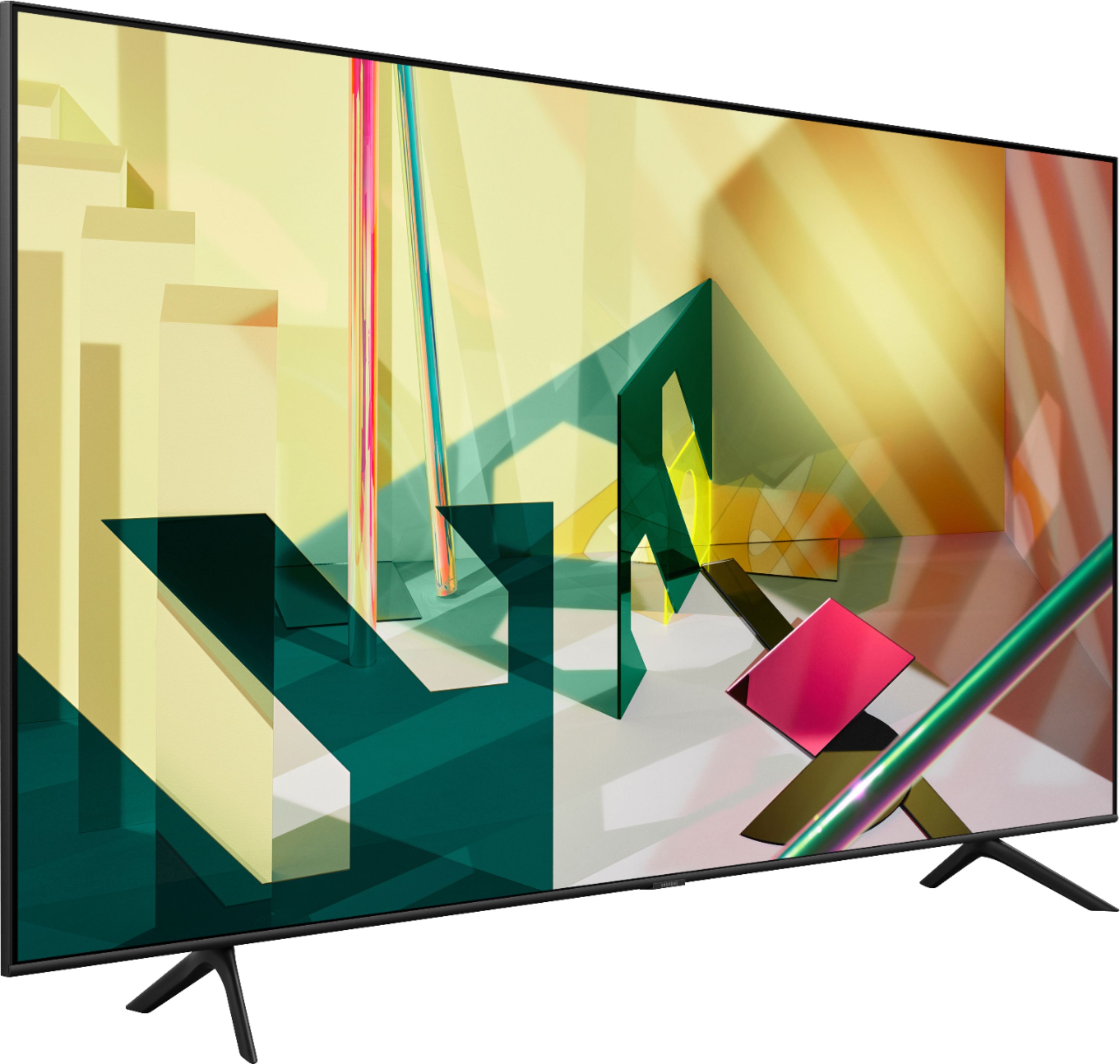


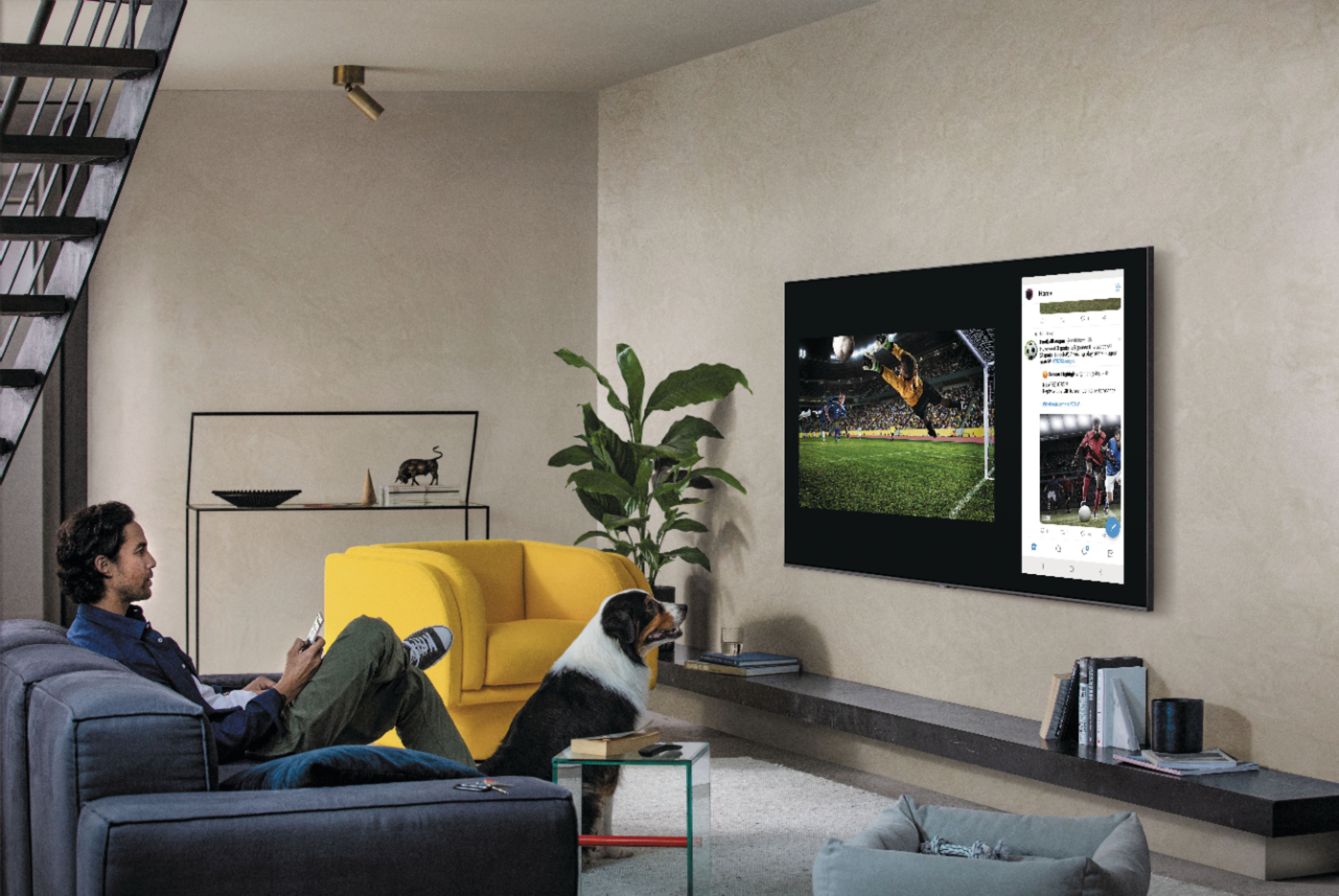
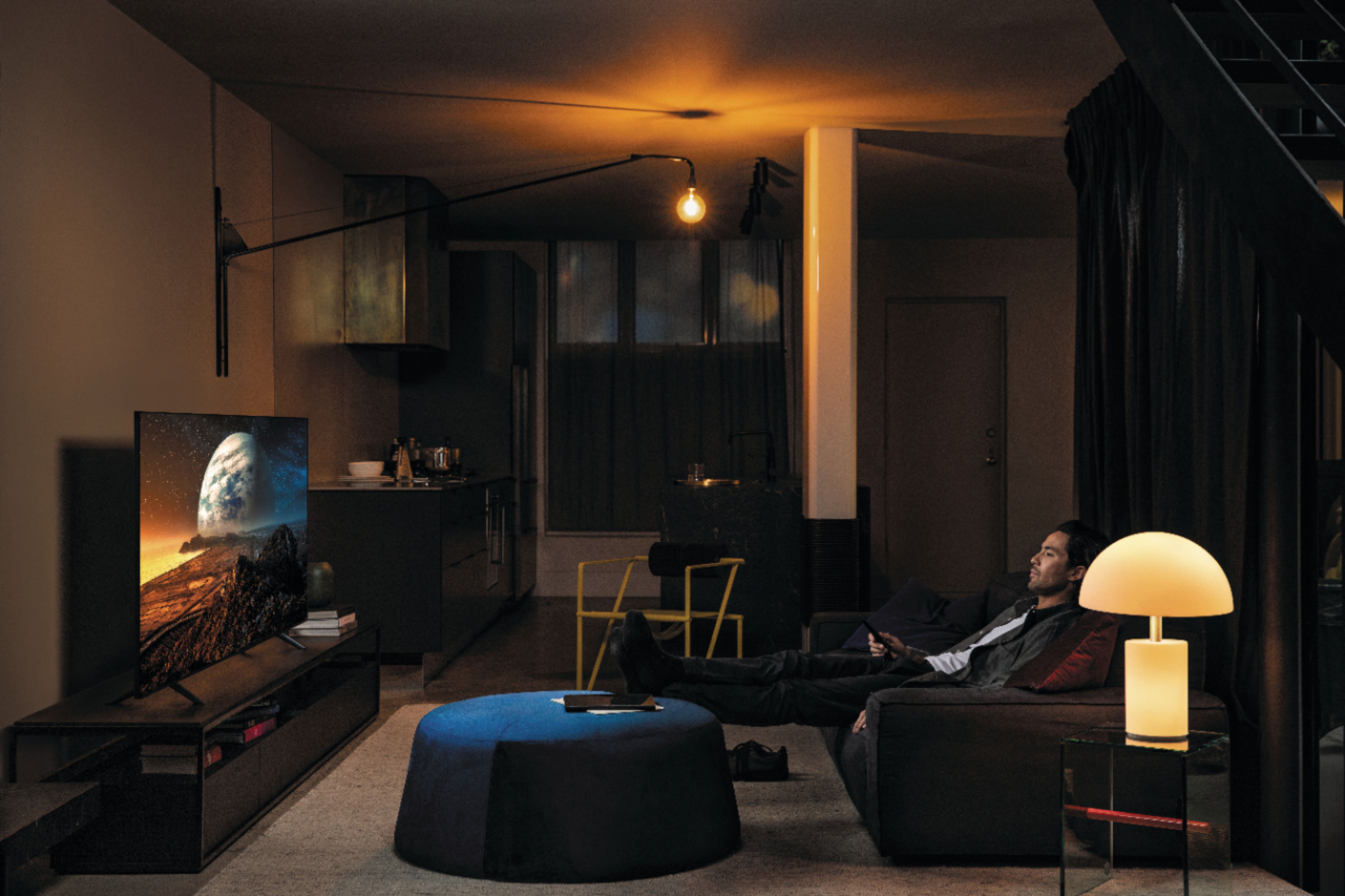







- Model:
- QN75Q70TAFXZA
- SKU:
- 6402404
Rating by feature
- Picture Quality
Rating 4.3 out of 5 stars
- Sound Quality
Rating 4.0 out of 5 stars
- Brightness
Rating 4.4 out of 5 stars
Customers are saying
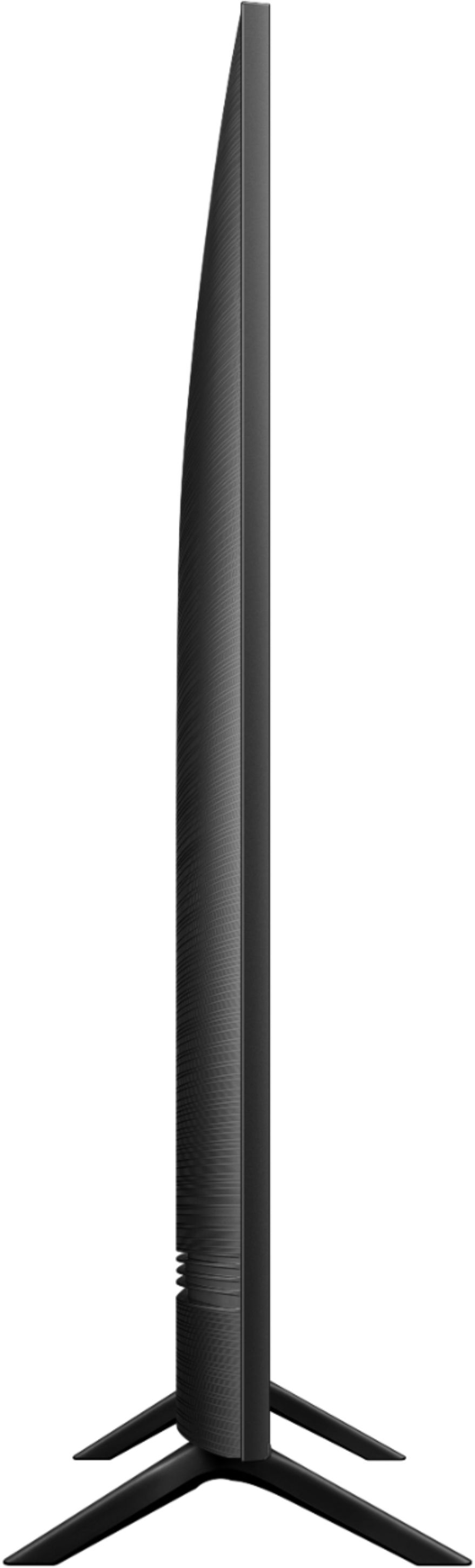
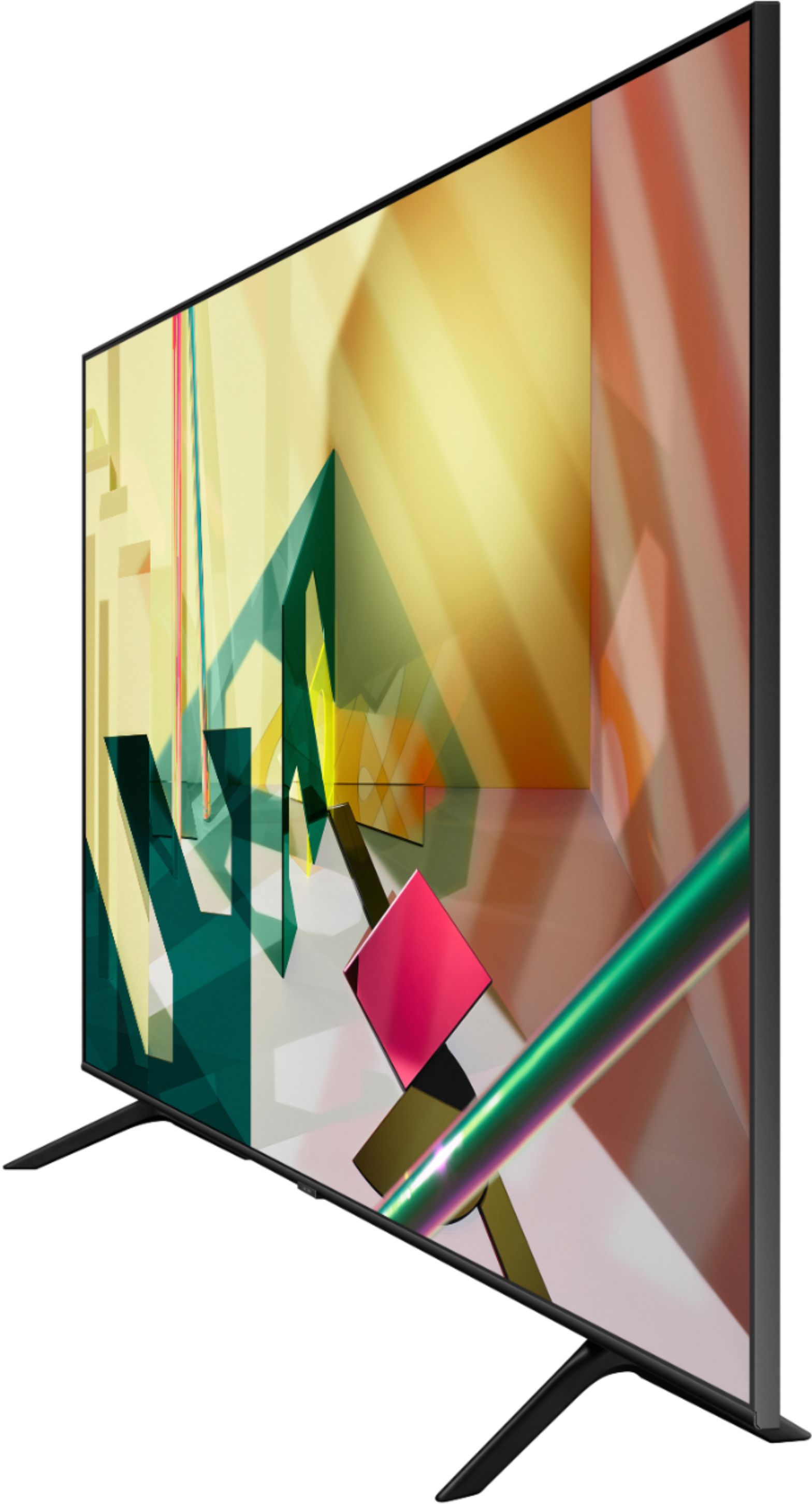
Customers commend the 75" Class Q70T Series QLED 4K UHD Smart Tizen TV for its exceptional picture quality, vibrant colors, and large screen. They appreciate the easy setup and find it to be a great value for the price. However, some customers have concerns about the sensitivity of the remote control, short lifespan, and lack of a longer warranty.
This summary was generated by AI based on customer reviews.
- Cons mentioned:Reliability
Broke in 7 Months
||Posted . Owned for 8 months when reviewed.This reviewer received promo considerations or sweepstakes entry for writing a review.I have been buying Samsung products for years with great results until this purchase. I have had the TV for about 7 months and the screen went out. Prior to the screen going the the tv seemed glitchy compared to other Samsung’s I have owned. The tv has great features but it is not reliable for the price. I contacted Samsung once the screen went out since it is still under warranty and it has been almost a month without it being fixed. They claim the delay is due to parts but when I bought the TV it arrived in a few days.
No, I would not recommend this to a friend - Cons mentioned:Warranty
First Samsung disappointment
||Posted . Owned for 5 months when reviewed.This reviewer received promo considerations or sweepstakes entry for writing a review.This is my 9th Samsung. My screen turned dark blue and all the sound went off. The warranty people came to look at it and said they would need an entire new panel. I’ve had this tv 5 months. Very disappointed as my other Samsung’s were bulletproof and I’m always telling people to buy Samsung. To make matters worse, I have to chase down the warranty people, I still have no idea when they’re gonna fix his TV.
No, I would not recommend this to a friend Average tv
||Posted .This reviewer received promo considerations or sweepstakes entry for writing a review.Nice tv. But not much different than the 65 inch Samsung that I purchased 4 yrs ago. QLED adds color but not much different than the 4 yr old Samsung. Save your money and buy the basic 75 inch tv if your just watching tv.
No, I would not recommend this to a friendBrand response from Samsung
Posted .Tony:
Thank you for purchasing the Samsung Q70T TV and for your review. Our 2020 Q70T series is distinguished by advancements such as our Quantum Processor 4K and proprietary Dual LED technology. It offers exceptional viewing enjoyment with 100% color volume, and optimal overall picture according to the scene as well as to your room environment, such as the lighting condition.
Our customer care team is always happy to help should you have any questions about our 2020 TVs.
1) Phone: 1-800-SAMSUNG (ask for TVs), available 8AM – 12AM EST 7 days a week
2) LiveChat: https://www.samsung.com/us/support/#contact_us_for_support
3) Facebook Messenger: https://www.facebook.com/samsungsupport
4) Twitter: https://twitter.com/SamsungSupport
5) The Samsung Members Community is also a great resource for getting help from Samsung moderators and customers: https://us.community.samsung.com
If you have not already done so, we invite you to register your new Samsung product at: https://www.samsung.com/us/account/signin/?redirect=https%3A%2F%2Fwww.samsung.com%2Fus%2Fsupport%2Fregister%2F
Registering your product gives you access to easy warranty support, convenient opt-in to special promos and offers, faster troubleshooting and service, and quick notification of system updates.
~ Samsung Solutions
So disappointing
||Posted .This reviewer received promo considerations or sweepstakes entry for writing a review.I was so excited for this tv, and then so disappointed when I got it. Daytime exteriors looked great, but darker scenes had really bad clouding. Also, the interface wasn’t user friendly, or intuitive.
No, I would not recommend this to a friendBrand response from Samsung
Posted .JDawg:
Thank you for purchasing the Samsung Q70T TV and for your review. I am very sorry you are not completely happy with the backlight uniformity you are seeing. Samsung Direct Full Array Backlighting controls the backlight more precisely for deeper blacks and less blooming. We also appreciate your feedback regarding the user interface. Your feedback is important to us and will be shared with our internal teams.
Please give us the opportunity to assist you with image quality adjustments tailored to your preferred viewing experience. You can reach us via any of the following options:
1) Phone: 1-800-SAMSUNG (ask for TVs), available 8AM – 12AM EST 7 days a week
2) LiveChat: https://www.samsung.com/us/support/#contact_us_for_support
3) Facebook Messenger: https://www.facebook.com/samsungsupport
4) Twitter: https://twitter.com/SamsungSupport
5) The Samsung Members Community is also a great resource for getting help from Samsung moderators and customers: https://us.community.samsung.com
If you have not already done so, we invite you to register your new Samsung product at: https://www.samsung.com/us/account/signin/?redirect=https%3A%2F%2Fwww.samsung.com%2Fus%2Fsupport%2Fregister%2F
Registering your product gives you access to easy warranty support, convenient opt-in to special promos and offers, faster troubleshooting and service, and quick notification of system updates.
~ Samsung Solutions
- Cons mentioned:Reliability
tv broke
||Posted . Owned for 7 months when reviewed.This reviewer received promo considerations or sweepstakes entry for writing a review.Owned for about 7 months, started watching it one day and it just went off, than just kept going from black screen to blue screen, called geek squad and they have to send someone out to replace motherboard, if your buying this TV get the 5 year warranty from geek squad, samsung quality has gone down
No, I would not recommend this to a friend Bad sports picture
||Posted . Owned for 3 weeks when reviewed.This reviewer received promo considerations or sweepstakes entry for writing a review.I purchased this TV to watch hockey games and the hockey games the picture is blurry tried everything and nothing seems to work still waiting for a answer from Samsung
No, I would not recommend this to a friendDisappointed
||Posted . Owned for less than 1 week when reviewed.This reviewer received promo considerations or sweepstakes entry for writing a review.Had for a few days then noticed a foot wide horizontal darker area. Noticed specifically when watching at night. Now that I see it stretch horizontally down the entire screen can notice during day. Issue kind of like the review for the person wanting the tv for a theater room. I’m a big Samsung fan and have a 65 inch 60R that doesn’t have this issue. Seems like the backlight on the TV is messed up. At night the TV has brighter lights around the edge of the TV. No matter how I adjusted, none of these problems would go away. Even tried Blueray, Netflix, and cable. Poor no matter what. I’ve heard Samsung cheapened this years models... if so, I’m scared to return and go through the same thing with another. They are heavy!! I’m sure Samsung will recommend me moving up to a 80T but why should I have to pay more... shouldn’t a $2,000 TV work and look great!
No, I would not recommend this to a friendBrand response from Samsung
Posted .ccreed3,
Thank you for purchasing and reviewing this Samsung Q70T QLED TV.
I am sorry to hear that you are experiencing banding on the screen.
To best assist you with identifying and trouble-shooting the issue, we would like to schedule an on-site technician visit.
Please contact Samsung Customer Support to setup an appointment.
We can be reached at 1-800-SAMSUNG (ask for TVs) Available 8AM - 12AM EST.
You can also use LiveChat by inserting this into your browser: https://www.samsung.com/us/support/#contact_us_for_support
Again, thank you for taking the time to share your thoughts on this product.
We hope to hear from you soon.
-Samsung Ambassador
Good but not great
||Posted . Owned for 1 month when reviewed.This reviewer received promo considerations or sweepstakes entry for writing a review.It’s good but not spectacular. Frankly I expected a better picture and more quality at this price point. Probably would not buy again unless it was on a super sale.
No, I would not recommend this to a friendBrand response from Samsung
Posted .Drew:
Thank you for purchasing the Samsung Q70T TV and for your review. I am sorry to hear that you are not completely happy with your TV’s picture quality. There are several image settings you can adjust to your liking such as Picture Mode and Expert Settings.
Choose a Picture Mode by going to Settings > Picture > Picture Mode and choose from Dynamic, Standard, Natural, Movie, or Filmmaker Mode.
You can further adjust your sharpness, brightness, contrast, color, tint, contrast, white balance, and more by going to Settings > Picture > Expert Settings
Please also give us the opportunity to assist you with image quality adjustments tailored to your preferred viewing experience. You can reach us via any of the following options:
1) Phone: 1-800-SAMSUNG (ask for TVs), available 8AM – 12AM EST 7 days a week
2) LiveChat: https://www.samsung.com/us/support/#contact_us_for_support
3) Facebook Messenger: https://www.facebook.com/samsungsupport
4) Twitter: https://twitter.com/SamsungSupport
5) The Samsung Members Community is also a great resource for getting help from Samsung moderators and customers: https://us.community.samsung.com
If you have not already done so, we invite you to register your new Samsung product at: https://www.samsung.com/us/account/signin/?redirect=https%3A%2F%2Fwww.samsung.com%2Fus%2Fsupport%2Fregister%2F
Registering your product gives you access to easy warranty support, convenient opt-in to special promos and offers, faster troubleshooting and service, and quick notification of system updates.
~ Samsung Solutions
- Cons mentioned:Tv quality
Samsung is poor value for your money
||Posted . Owned for more than 2 years when reviewed.This reviewer received promo considerations or sweepstakes entry for writing a review.Really loved this television, but 2 years and 9 days later, the television won't turn on and now I must go out and purchase another. I am a huge Samsung fan and all my TV's are from that brand, but it's time to switch. Extremely disappointed in the quality of your products
No, I would not recommend this to a friend Good TV, bad sound system
||Posted .This reviewer received promo considerations or sweepstakes entry for writing a review.TV has been a decent buy, only issue I currently have is with the speaker.It is not loud, you will need a external speaker for a decent size room
No, I would not recommend this to a friendBrand response from Samsung
Posted .DIPIN:
Thank you for purchasing the Samsung Q70T TV and for your review. I am sorry to hear that you are experiencing issues with low volume. One possible cause for the low volume is the source. Some sources have their own volume control which might be set too low.
Please check the volume control of the external device (cable box or satellite box, DVD, Blu-ray, etc.) connected to your TV. Also, check the cable connection between an external device and the TV and then try cable connection again.
We recommend you try a Sound Test under Support > Self Diagnosis > Start Sound Test.
Another way to check the source volume is to test an internal streaming source like Netflix or YouTube to compare.
You may also want to select from several Sound Modes and advanced settings to meet your personal preferences. Press the Home button on your remote, and then navigate to Settings > Sound > Sound Mode
I hope this helps improve your audio experience. Should you need further assistance or have any questions, please contact Samsung Customer Support.
1) Phone: 1-800-SAMSUNG (ask for TVs), available 8AM – 12AM EST 7 days a week
2) LiveChat: https://www.samsung.com/us/support/#contact_us_for_support
3) Facebook Messenger: https://www.facebook.com/samsungsupport
4) Twitter: https://twitter.com/SamsungSupport
5) The Samsung Members Community is also a great resource for getting help from Samsung moderators and customers: https://us.community.samsung.com
If you have not already done so, we invite you to register your new Samsung product at: https://www.samsung.com/us/account/signin/?redirect=https%3A%2F%2Fwww.samsung.com%2Fus%2Fsupport%2Fregister%2F
Registering your product gives you access to easy warranty support, convenient opt-in to special promos and offers, faster troubleshooting and service, and quick notification of system updates.
~ Samsung Solutions
Defective Replacement Policy
||Posted . Owned for 1 week when reviewed.This reviewer received promo considerations or sweepstakes entry for writing a review.Received the run-around when trying to replace the TV which was defective. Finally received a replacement after speaking with several people.
No, I would not recommend this to a friend- Pros mentioned:Picture quality
Samsung
||Posted . Owned for 1 month when reviewed.This reviewer received promo considerations or sweepstakes entry for writing a review.Great Television, but way to expensive. It does have a good picture, and I love the size of it.
No, I would not recommend this to a friend Not great like the hype
||Posted . Owned for 1 month when reviewed.This reviewer received promo considerations or sweepstakes entry for writing a review.For the price honestly the quality and functions of this tv aren't great. I feel that I didn't make a wise decision buying this expensive tv and that frankly this Qled is not at all like it is hyped up to be such as in the picture quality, sound and it's sharpness. Honestly Samsung needs to work on building better quality technology so people can get what they paid for. This tv is about worth half the price they are charging.
No, I would not recommend this to a friendBrand response from Samsung
Posted .TimJay:
Thank you for purchasing the Samsung Q70T TV and for your review. You can adjust the settings for picture and sound according to your preferences.
Choose a Picture Mode by going to Settings > Picture > Picture Mode and choose from Dynamic, Standard, Natural, Movie, or Filmmaker Mode.
You can further adjust your brightness, contrast, color, and more by going to Settings > Picture > Expert Settings
To adjust your sound preferences, go to Settings > Sound > Sound Mode and Settings > Sound > Expert Settings
Please also give us the opportunity to assist you with quality adjustments tailored to your preferred viewing and listening experience. You can reach us via any of the following options:
1) Phone: 1-800-SAMSUNG (ask for TVs), available 8AM – 12AM EST 7 days a week
2) LiveChat: https://www.samsung.com/us/support/#contact_us_for_support
3) Facebook Messenger: https://www.facebook.com/samsungsupport
4) Twitter: https://twitter.com/SamsungSupport
5) The Samsung Members Community is also a great resource for getting help from Samsung moderators and customers: https://us.community.samsung.com
If you have not already done so, we invite you to register your new Samsung product at: https://www.samsung.com/us/account/signin/?redirect=https%3A%2F%2Fwww.samsung.com%2Fus%2Fsupport%2Fregister%2F
Registering your product gives you access to easy warranty support, convenient opt-in to special promos and offers, faster troubleshooting and service, and quick notification of system updates.
~ Samsung Solutions
Disappointed
Posted .This reviewer received promo considerations or sweepstakes entry for writing a review.I love Samsung products. We bought this from Best Buy. In less than 30 days something happen which I can’t explain. See photos
No, I would not recommend this to a friendDon't buy this, perhaps don't buy Samsung either.
||Posted . Owned for 2 months when reviewed.This reviewer received promo considerations or sweepstakes entry for writing a review.What a terrible TV, it was working just fine, but it did arrive with some darker lines along the bottom - probably from packaging being too harsh against the tv screen. But it gets worse - within a month the TV stopped connecting to wi-fi. Unplug, reset modem, sometimes it works but most of the time, once you resume to the TV or hit any button to pause or rewind a streaming show, it kicks off the modem and cannot find it. I have had 4 Samsung TVs and been happy with the first three. This one has been terrible and after much googling have found the 107 error and invalid MAC address is a problem and to request a new TV. Disappointed. Won't be fun bringing in a 75" TV and having to unmount the heaving thing.
No, I would not recommend this to a friendBrand response from Samsung
Posted .DSAZ:
I am very sorry for the issues you are experiencing with your Q70T TV. To address the Wi-Fi connection issue, a firmware update is available with may help improved your connection.
Using your TV's remote, navigate to Settings, and select Support. Select Software Update, and then select Update Now. New updates will be downloaded and installed on your TV. Updates usually take a few minutes; please do not turn off the TV until the update is complete. When the update is finished, the TV will restart automatically.
To check the lines on your screen, navigate to Settings > Support > Self Diagnosis > Picture Test, and then follow the on-screen directions.
If the lines appear during the picture test, please contact us to request service.
If the lines do not appear during the picture test, then the problem may be an external device, and not your TV. Try replacing the cable that is connecting the external device to the TV. If the lines still appear after replacing the cable, troubleshoot the external device.
Samsung Customer Support can help you troubleshoot or set up a service appointment.
1) Phone: 1-800-SAMSUNG (ask for TVs), available 8AM – 12AM EST 7 days a week
2) LiveChat: https://www.samsung.com/us/support/#contact_us_for_support
3) Facebook Messenger: https://www.facebook.com/samsungsupport
4) Twitter: https://twitter.com/SamsungSupport
5) The Samsung Members Community is also a great resource for getting help from Samsung moderators and customers: https://us.community.samsung.com
If you have not already done so, we invite you to register your new Samsung product at: https://www.samsung.com/us/account/signin/?redirect=https%3A%2F%2Fwww.samsung.com%2Fus%2Fsupport%2Fregister%2F
Registering your product gives you access to easy warranty support, convenient opt-in to special promos and offers, faster troubleshooting and service, and quick notification of system updates.
~ Samsung Solutions
Refresh rate not good.
||Posted . Owned for 6 months when reviewed.This reviewer received promo considerations or sweepstakes entry for writing a review.Refresh rate is not as good as the settings say it should be. Sports are not fun to watch on it.
No, I would not recommend this to a friendDisappointed
||Posted . Owned for 1 year when reviewed.This reviewer received promo considerations or sweepstakes entry for writing a review.Bought Nov 2020, went out March 2021, repaired mother board, went again jan 2022- screen went out, got credit for a new tv. Disappointed with Samsung, have always loved Samsung tv as i still have a 55 inch thats 15yo just now screen gets occasional lines that go away with tapping.
No, I would not recommend this to a friendDo your research - Buy a 2019 model !!!!!
||Posted . Owned for 3 weeks when reviewed.This reviewer received promo considerations or sweepstakes entry for writing a review.Bought the 2020 Q70T thinking it was an upgrade compared to the 2019 Q70R. I was wrong. All 2020 models have been downgraded when compared to the 2019 models. I returned the 2020 Q70T and bought a 2019 Q80R which is the equivalent to the 2020 Q90T for a fraction of the price. Do your research - Buy a 2019 model (if you can get your hands on one). You can thank me later. Misleading marketing by Samsung.
No, I would not recommend this to a friendBrand response from Samsung
Posted .MrCoolSocks,
Thank you for purchasing and reviewing this 75inch Samsung Q70T QLED Smart TV.
Our 2020 Q70T series comes with Improved Adaptive Picture that adds adjustment for finer detail and contrast based on your room lighting.
It also comes with Real Game Enhancer Plus, a package of innovative technology that optimizes the image and sound output for ultimate gaming experience.
The new Multiview allows you to send what’s on your phone screen to your TV, and let you watch what's on your TV and your smartphone on the same screen at the same time.
We have partnered with the most popular personal assistants to fit right in to your smart home. Use Bixby, Amazon Alexa and Google Assistant to search favorite shows, control devices, play favorite music, change channels, and many more all hands free.
Here is a link to the Q70T product page, where you can find details of all the features, eManual, and other useful product support information: https://www.samsung.com/us/televisions-home-theater/tvs/qled-4k-tvs/65-class-q70t-qled-4k-uhd-hdr-smart-tv-2020-qn65q70tafxza/
Should you have questions, please contact us at 1-800-SAMSUNG and a representative will gladly help you.
You can also reach us via LiveChat: http://www.samsung.com/us/support/contact
Or by Facebook Messenger: https://www.facebook.com/samsungsupport
Find us on Twitter: https://twitter.com/SamsungSupport
If you have not already done so, we invite you to register your new Samsung product at: https://www.samsung.com/us/account/signin/?redirect=https%3A%2F%2Fwww.samsung.com%2Fus%2Fsupport%2Fregister%2F
Registering your product gives you access to easy warranty support, convenient opt-in to special promos and offers, faster troubleshooting and service, and quick notification of system updates.
-Samsung Ambassador
Poor colors
||Posted . Owned for 1 month when reviewed.This reviewer received promo considerations or sweepstakes entry for writing a review.The colors on the screen don’t look as good as when we saw it at store.
No, I would not recommend this to a friendNot great I reordered the 85”
||Posted . Owned for 1 week when reviewed.This reviewer received promo considerations or sweepstakes entry for writing a review.Not great picture contrast etc don’t like it at all
No, I would not recommend this to a friendBrand response from Samsung
Posted .J0j0,
I am sorry to hear that you are not happy with your Q70T QLED 4K TV.
Our 2020 Q70T series comes with Improved Adaptive Picture that adds adjustment for finer detail and contrast based on your room lighting.
You can try Dynamic Picture Mode, or manually adjust the Brightness settings to your liking.
Go to Home> Settings> Picture> Expert Settings> Brightness
We also recommend you check if Power Saving Mode has been enabled.
Go to Settings> General> Eco Solution> Power Saving Mode.
Please also make sure that your TV has the latest firmware update, version 1301.5
You can find the update at:
https://www.samsung.com/us/support/owners/product/qled-tv-q70t-2020
For instructions on how to update your firmware, please go to: samsung.com/us/support/answer/ANS00062224/
Should you need further assistance, please contact our TV Support at:
1) Phone: 1-800-SAMSUNG (ask for TVs), available 8AM – 12AM EST 7 days a week
2) LiveChat: https://www.samsung.com/us/support/#contact_us_for_support
3) Facebook Messenger: https://www.facebook.com/samsungsupport
4) Twitter: https://twitter.com/SamsungSupport
5) The Samsung Members Community is also a great resource for getting help from Samsung moderators and customers: https://us.community.samsung.com
If you have not already done so, we invite you to register your new Samsung product at:
https://www.samsung.com/us/account/signin/?redirect=https%3A%2F%2Fwww.samsung.com%2Fus%2Fsupport%2Fregister%2F&user=dsr-registration
Registering your product gives you access to easy warranty support, convenient opt-in to special promos and offers, faster troubleshooting and service, and quick notification of system updates.
Again, thank you for taking the time to share your thoughts. Your feedback helps us continuously deliver best-in-class products and service.
-Samsung Ambassador