Customer Ratings & Reviews
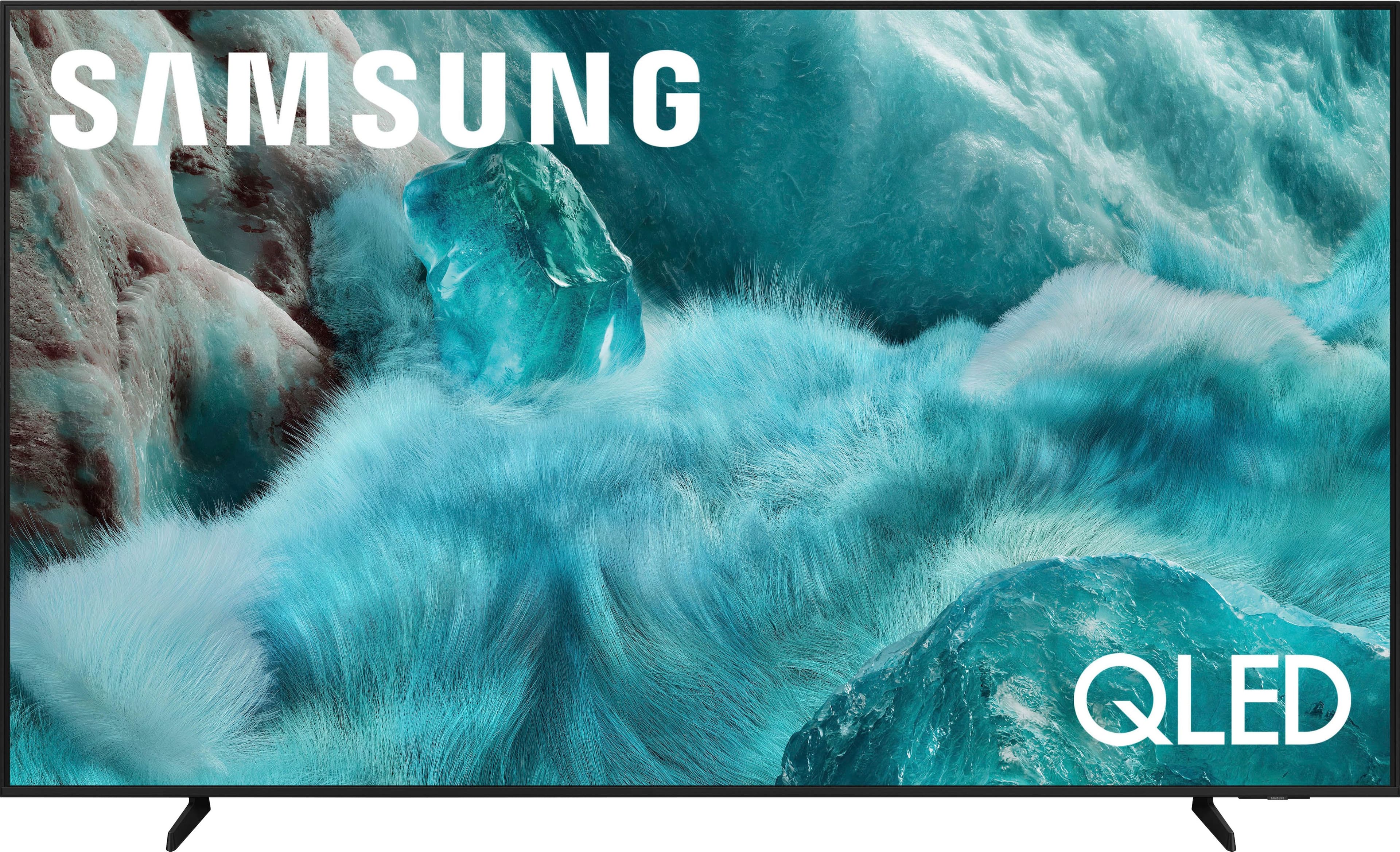
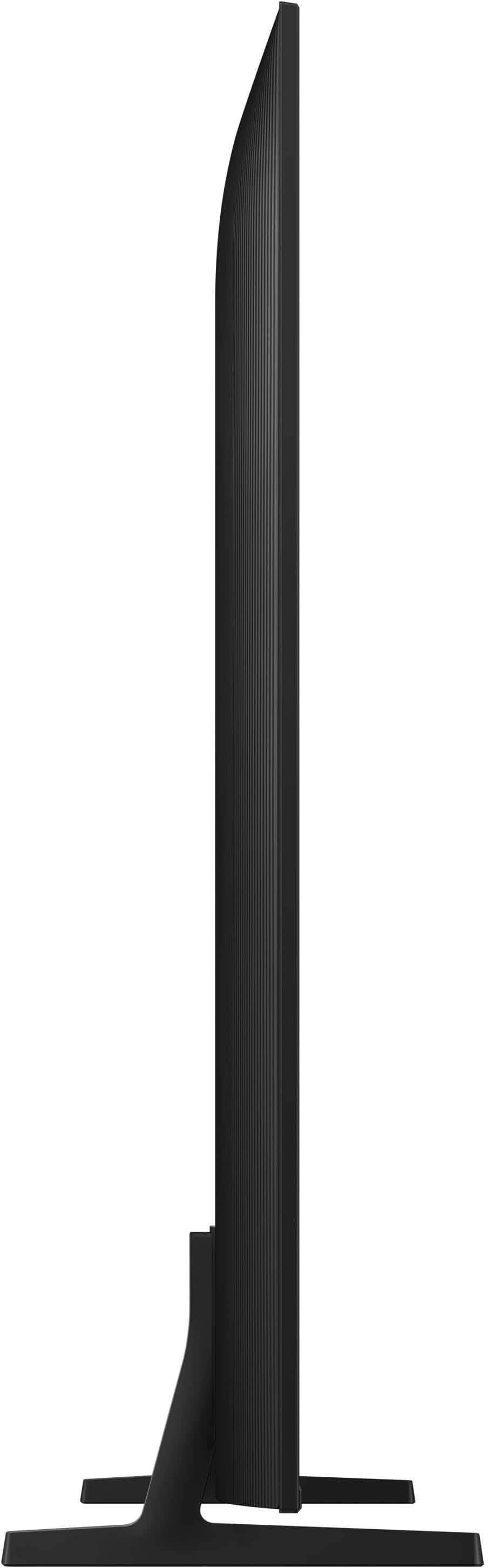

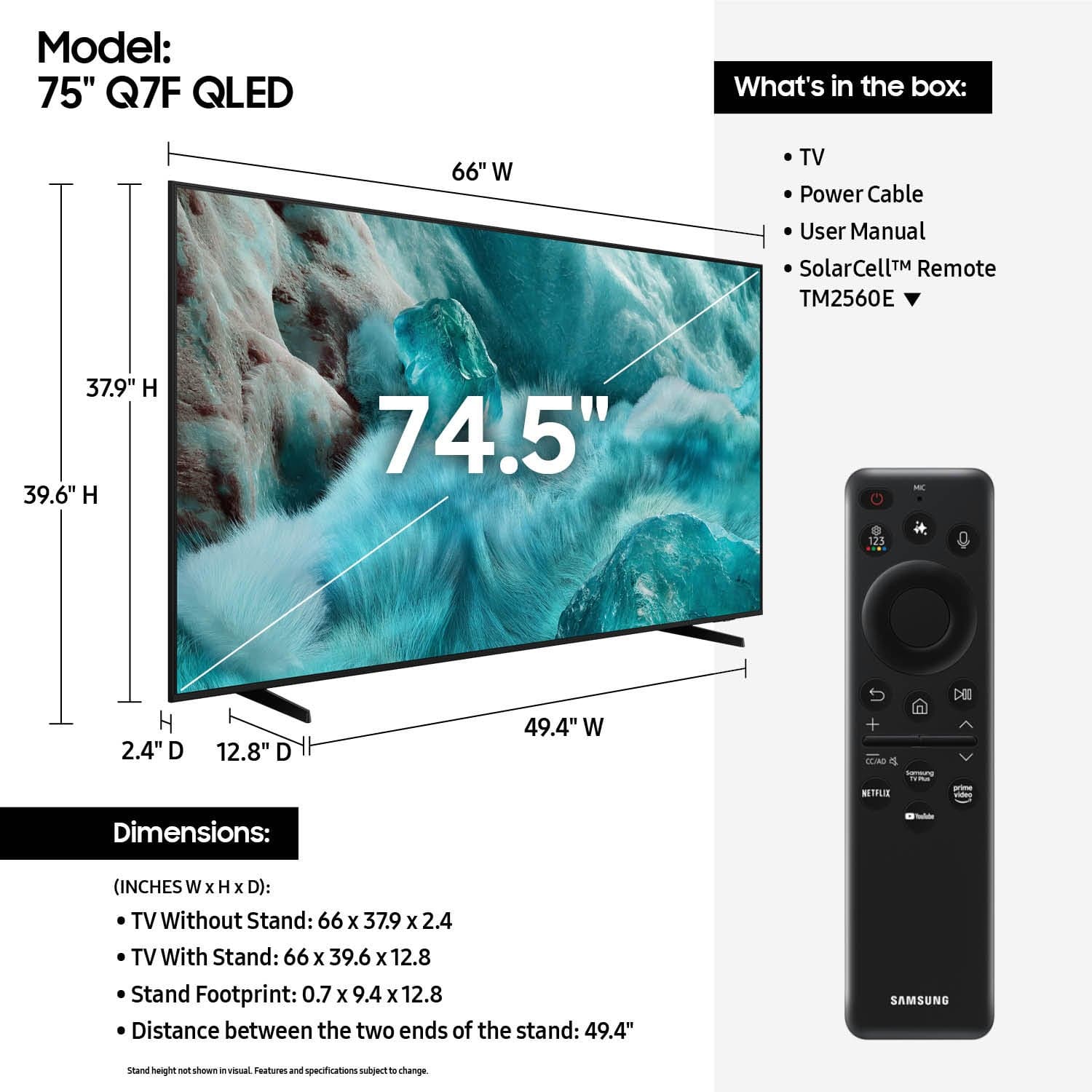











- Model:
- QN75Q7FAAFXZA
- SKU:
- 10187650
Rating by feature
- Picture Quality
Rating 4.8 out of 5 stars
- Sound Quality
Rating 4.6 out of 5 stars
- Brightness
Rating 4.8 out of 5 stars
Open box.
||Posted . Owned for 2 weeks when reviewed.This reviewer received promo considerations or sweepstakes entry for writing a review.I bought it open box and it was label as excellent conditions. After two days the screen went out.
I would recommend this to a friendBrand response from Samsung
Posted .LADR,
We appreciate you sharing your experience. As your unit was purchased in open-box condition, we recommend contacting Best Buy directly for support with your purchase.
Once your issue is resolved, please know we’re here to help with setup, features, or any questions you may have. Call us at 1-800-SAMSUNG (8AM – 9PM EST Mon – Fri, 8AM – 6PM Sat – Sun), or visit the ‘Support’ link on our website to connect with a LiveChat agent.
~ Samsung Specialist
Family room tv
||Posted .This reviewer received promo considerations or sweepstakes entry for writing a review.Good Tv not as bright as I would like it to be. Factor setting to much red in TV,
I would recommend this to a friendProfessional Customer Services
||Posted . Owned for 1 month when reviewed.This reviewer received promo considerations or sweepstakes entry for writing a review.The Best Buy store sales attendant were very helpful and professional
I would recommend this to a friendLoving my big screen Samsung QLED TV.
||Posted . Owned for 1 month when reviewed.This reviewer received promo considerations or sweepstakes entry for writing a review.Very good optics and delivered as advertised. A great buy.
I would recommend this to a friendMr John
||Posted . Owned for 3 weeks when reviewed.This reviewer received promo considerations or sweepstakes entry for writing a review.The Samsung TV is a very nice picture. The 75” is perfect hanging on the wall.
I would recommend this to a friendMust buy!
||Posted . Owned for 1 month when reviewed.This reviewer received promo considerations or sweepstakes entry for writing a review.Great buy! Would recommend for any movie or sports lovers!
I would recommend this to a friendQled 75”
||Posted .This reviewer received promo considerations or sweepstakes entry for writing a review.The product it’s ok, good quality, the only problem is, when you’re watching live tv or any live sports doesn’t load as it’s supposed to. Sometimes you see it blurry.
I would recommend this to a friendBrand response from Samsung
Posted .Unknown,
Thank you for your feedback on the Samsung Q7F TV and your experience when watching fast-motion content. If the picture appears blurry or unnatural during high-speed scenes, there are several settings you can adjust to improve motion clarity.
Go to: Home > left directional key > Settings > All Settings > Picture > Expert Settings, and review these key settings:
Picture Clarity Settings
• Off: Disables all motion enhancement
• Auto: Automatically adjusts motion clarity based on content
• Custom: Enables manual control of:
o Judder Reduction: Smooths motion in film-based content
o LED Clear Motion: Increases sharpness during fast movement
o Noise Reduction: Helps reduce distortion in lower-quality sources
Additional Picture Controls
• Brightness – Adjust overall image brightness
• Contrast – Controls the difference between light and dark areas
• Sharpness – Enhances the definition of object edges
• Color – Adjusts color intensity for more natural or vivid tones
We hope these settings help improve your viewing experience, especially with fast-moving content. If you'd like further assistance, feel free to reach out to Samsung Support at 1-800-SAMSUNG, 8AM – 12AM EST, 7 days a week. LiveChat is also available via the ‘Support’ link on our website.
~ Samsung Specialist
Best Buy is the best
||Posted . Owned for 1 week when reviewed.This reviewer received promo considerations or sweepstakes entry for writing a review.The sellers are excellent and with patience, I made a good purchase with Best Buy credit. I can pay up to 24 times. I am satisfied.
I would recommend this to a friendHappy customer
||Posted . Owned for 3 weeks when reviewed.This reviewer received promo considerations or sweepstakes entry for writing a review.Very good service and attentive staff And very good item
I would recommend this to a friendTv
||Posted . Owned for less than 1 week when reviewed.This reviewer received promo considerations or sweepstakes entry for writing a review.Love the tv, it’s big but fits our needs 10/10 recommend
I would recommend this to a friendPerfection
||Posted . Owned for 2 weeks when reviewed.This reviewer received promo considerations or sweepstakes entry for writing a review.Everyone was wonderful from the salesperson to his manager to the installerS
I would recommend this to a friendGreat
||Posted . Owned for 1 week when reviewed.This reviewer received promo considerations or sweepstakes entry for writing a review.You guys are great,very helpful in answering my questions
I would recommend this to a friendGreat product
||Posted . Owned for 1 month when reviewed.This reviewer received promo considerations or sweepstakes entry for writing a review.Love this TV! Excellent quality for the price. Highly recommend for anyone looking for a great deal.
I would recommend this to a friendDeal of the summer
||Posted . Owned for 1 week when reviewed.This reviewer received promo considerations or sweepstakes entry for writing a review.A great deal at bestbuy and staffs was very helpful
I would recommend this to a friend- Pros mentioned:Picture quality
ok tv
||Posted . Owned for 2 weeks when reviewed.This reviewer received promo considerations or sweepstakes entry for writing a review.ok quality was ok look better in store and sound was more loud
No, I would not recommend this to a friendBrand response from Samsung
Posted .Hi Billy,
Thank you for sharing your thoughts on the picture and sound quality of your Samsung Q7F TV. To help enhance both, we recommend adjusting some of the settings on your TV.
First, please ensure your TV is running the latest firmware, as updates may include important picture quality enhancements. Go to: Home > Left directional button > Settings > Support > Software Update > Update Now.
Then, select a Picture Mode that best fits your environment: Home > Home > left directional key > Settings > All Settings > Picture > Picture Mode.
1. Standard – Default mode for general viewing
2. Dynamic – Brighter and clearer in well-lit rooms
3. Eco – Optimized for energy saving
4. Movie – Best for watching in dark environments
5. Filmmaker Mode – Preserves content exactly as intended by creators
You may also want to try disabling certain energy-saving features, which can automatically adjust brightness and affect how the screen looks.
Go to: Settings > All Settings > General & Privacy > Power and Energy Saving, then turn off Brightness Optimization, Energy Saving Solution, Motion Lighting, and/or Contrast Enhancer.
Next, to adjust the sound on your TV go to Settings > All Settings > Sound > Sound Mode.
• Standard: Balanced sound without emphasis on any one range
• Optimized: Enhanced effects and spacious sound
• Amplify: Boosts mid and high tones to make dialogue clearer
You can also explore Expert Settings to fine-tune options such as Balance, Equalizer, Auto Volume, and more to match your personal preferences.
We hope these tips are helpful. If you need any further assistance, please don’t hesitate to call us at 1-800-SAMSUNG, available from 8AM - 12AM EST, seven days a week. You can also chat with one of our agents by clicking the ‘Support’ link on our website for:
• Live Chat
• Manuals, Software, & Warranty Info
~ Samsung Advisor
Great find
||Posted . Owned for 1 month when reviewed.This reviewer received promo considerations or sweepstakes entry for writing a review.Love the smart Tv great investment highly recommend this model
I would recommend this to a friendThe best TV option
||Posted .This reviewer received promo considerations or sweepstakes entry for writing a review.Great video quality and a complete features experience
I would recommend this to a friendSatisfied customer
||Posted . Owned for 2 weeks when reviewed.This reviewer received promo considerations or sweepstakes entry for writing a review.Sales ppl were helpful. Wish i would've known about this place sooner.
I would recommend this to a friendNice television, picture quality is lacking
||Posted . Owned for 1 month when reviewed.This reviewer received promo considerations or sweepstakes entry for writing a review.Nice, huge television. I thought that I wouldn't like it after mounting it and turning it on. The picture quality was a disappointment considering the price point on this bad boy. I thought it would be a little crisper with brighter colors and deeper blacks. I did a little tweaking of the settings to get the picture to look somewhat decent. However, at this price point, I still think the picture quality should have been a lot better. I had a 65in Samsung from 2014 and a 40in from 2010 that looks as good if not better than as this television.
I would recommend this to a friendBrand response from Samsung
Posted .Hi CoolJHenny,
We appreciate your input on the picture quality of Samsung’s Q7F TV. If the image isn’t meeting your expectations, there are several adjustments you can make to improve your viewing experience.
Start by selecting a Picture Mode that best fits your environment: Home > Home > left directional key > Settings > All Settings > Picture > Picture Mode
1. Standard – Default mode for general viewing
2. Dynamic – Brighter and clearer in well-lit rooms
3. Eco – Optimized for energy saving
4. Movie – Best for watching in dark environments
5. Filmmaker Mode – Preserves content exactly as intended by creators
You can also enhance your experience by enabling AI Mode, which automatically adjusts picture and sound based on your surroundings and usage patterns: Settings > All Settings > Advanced Features > AI Mode Settings > AI Mode
If these adjustments don’t improve your picture quality, feel free to contact Samsung Customer Support at 1-800-SAMSUNG, available 8AM – 12AM EST, 7 days a week. You can also LiveChat with an agent or find helpful guides by visiting the ‘Support’ section of our website.
~ Samsung Advisor
Good quality tv for the price
||Posted . Owned for 2 weeks when reviewed.This reviewer received promo considerations or sweepstakes entry for writing a review.Not as good as mynlast QLED samsung TV in regards with hues and dynamic motion picture but quite good for its price range.
I would recommend this to a friend