Customer Ratings & Reviews
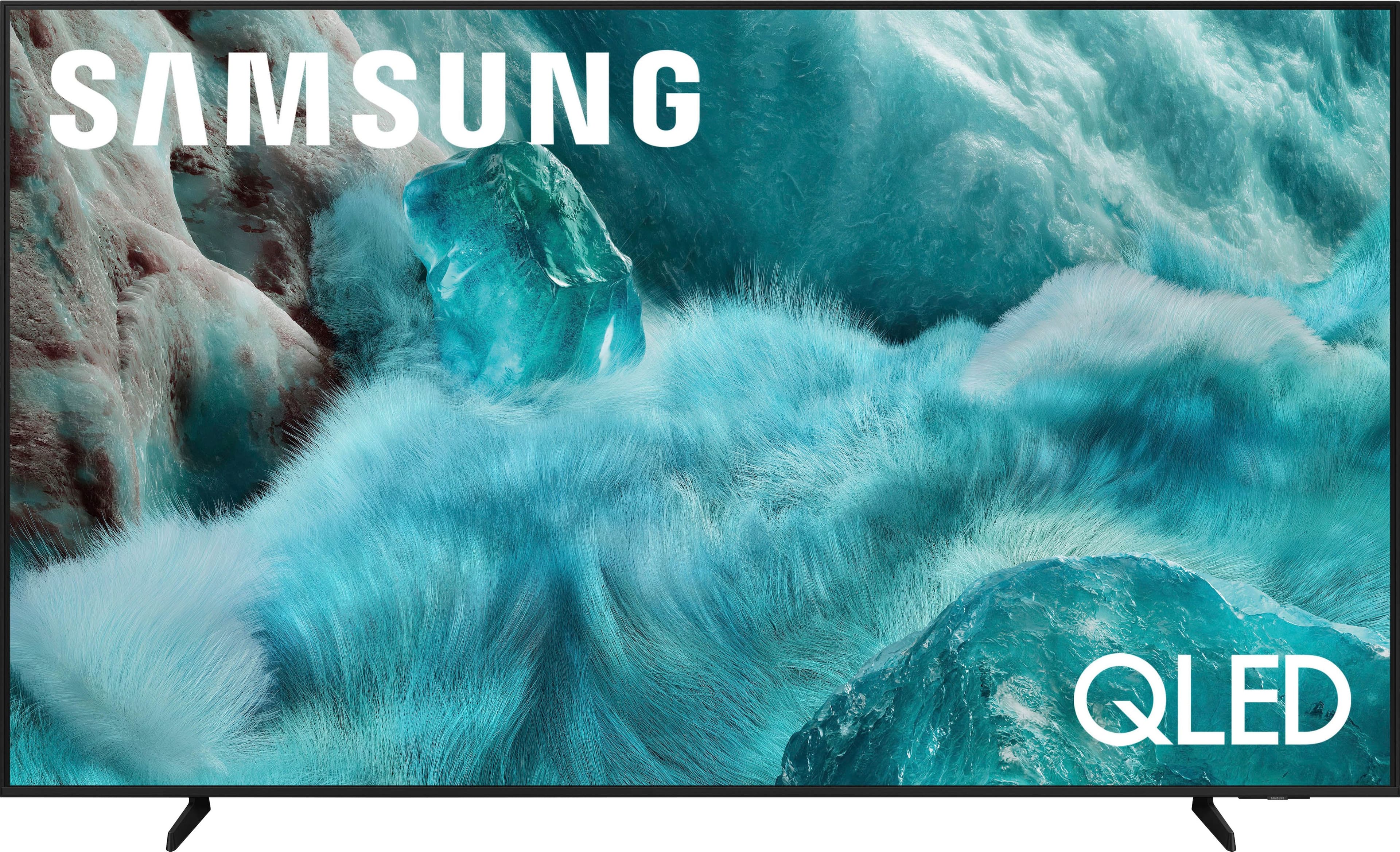
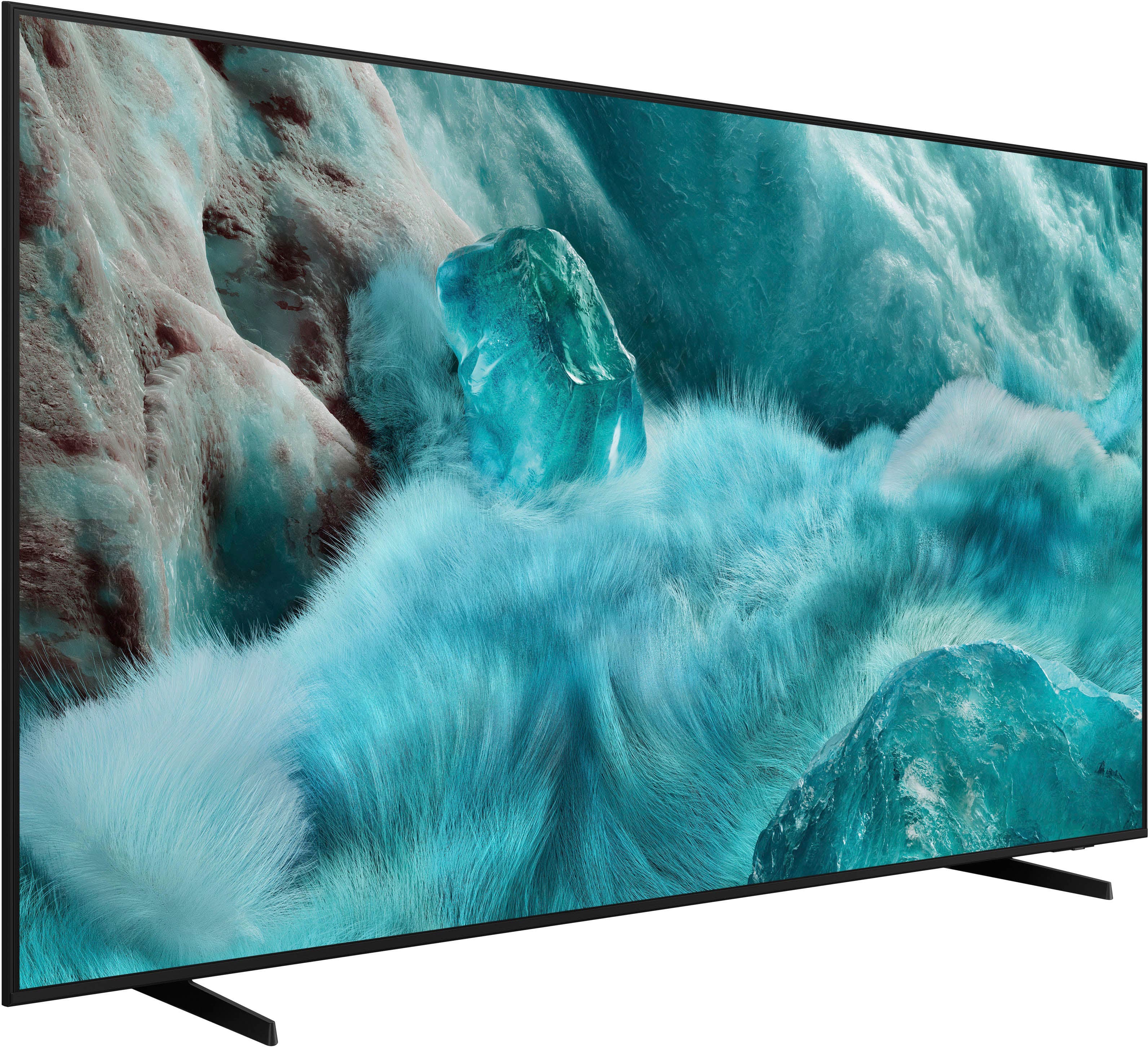
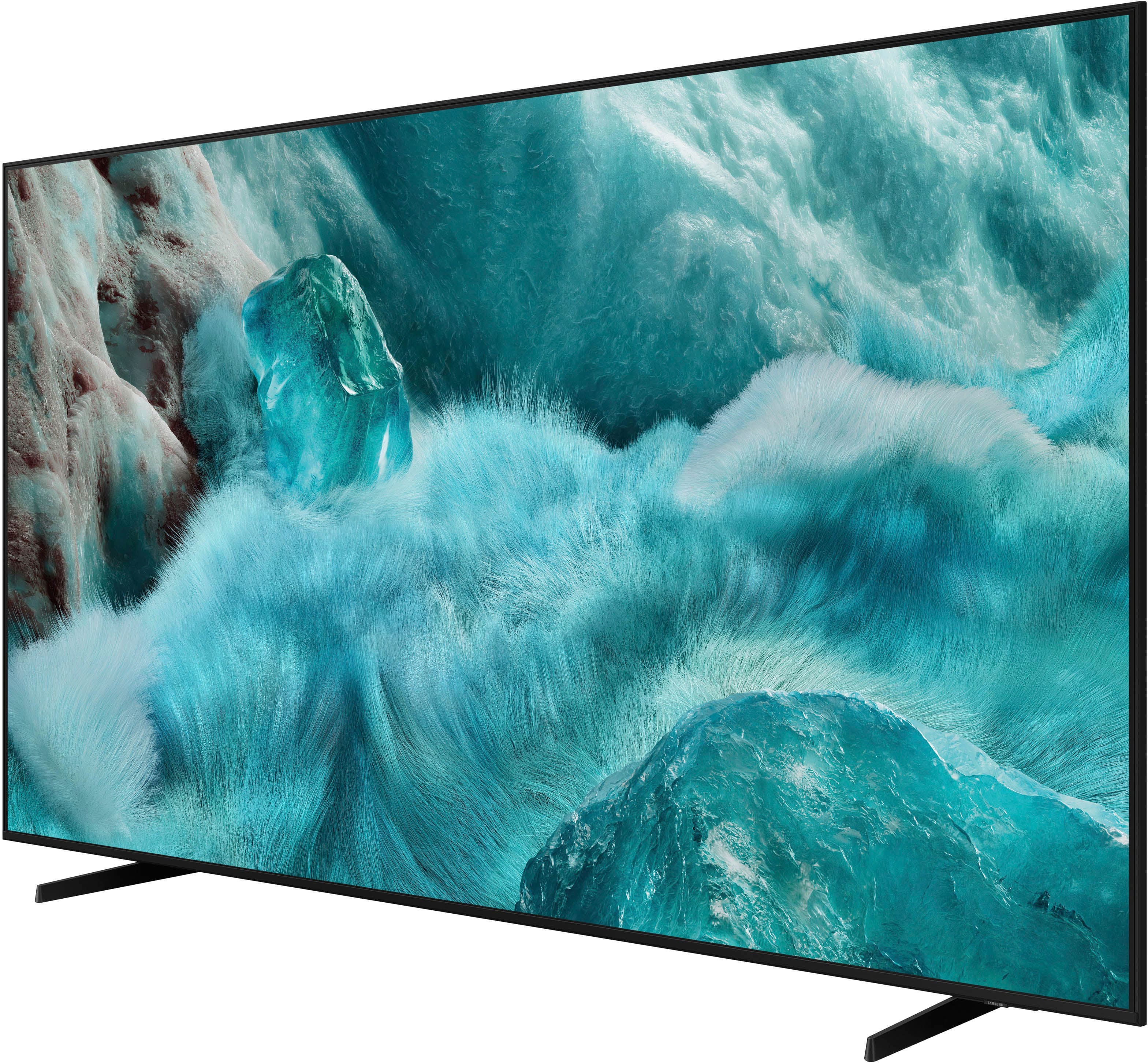
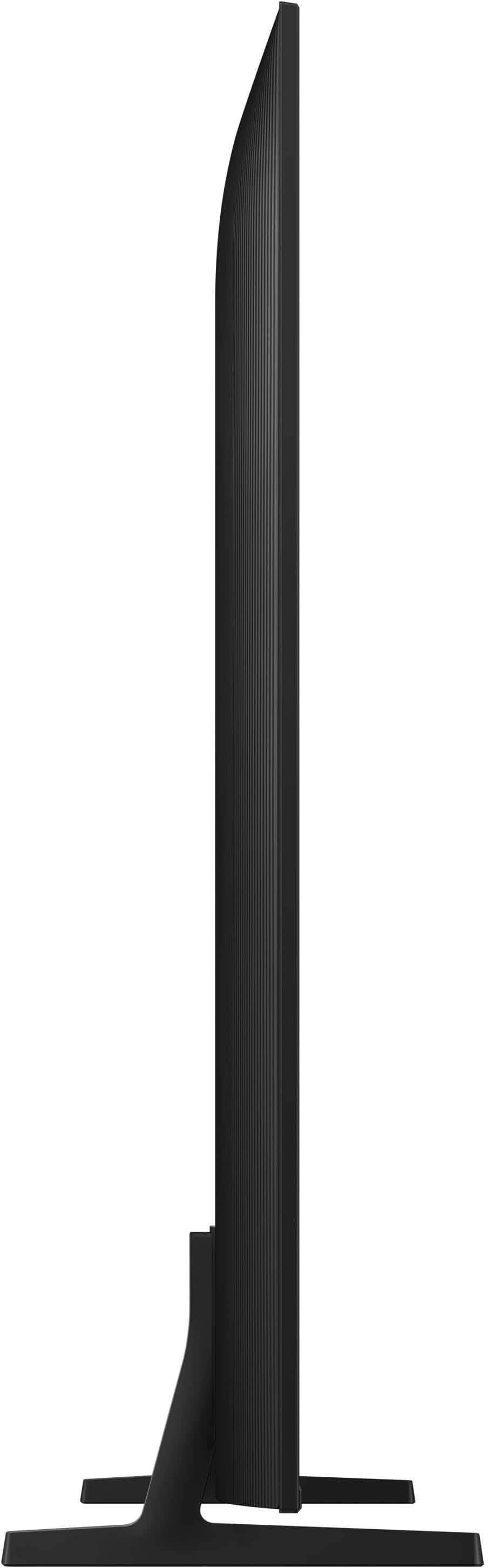

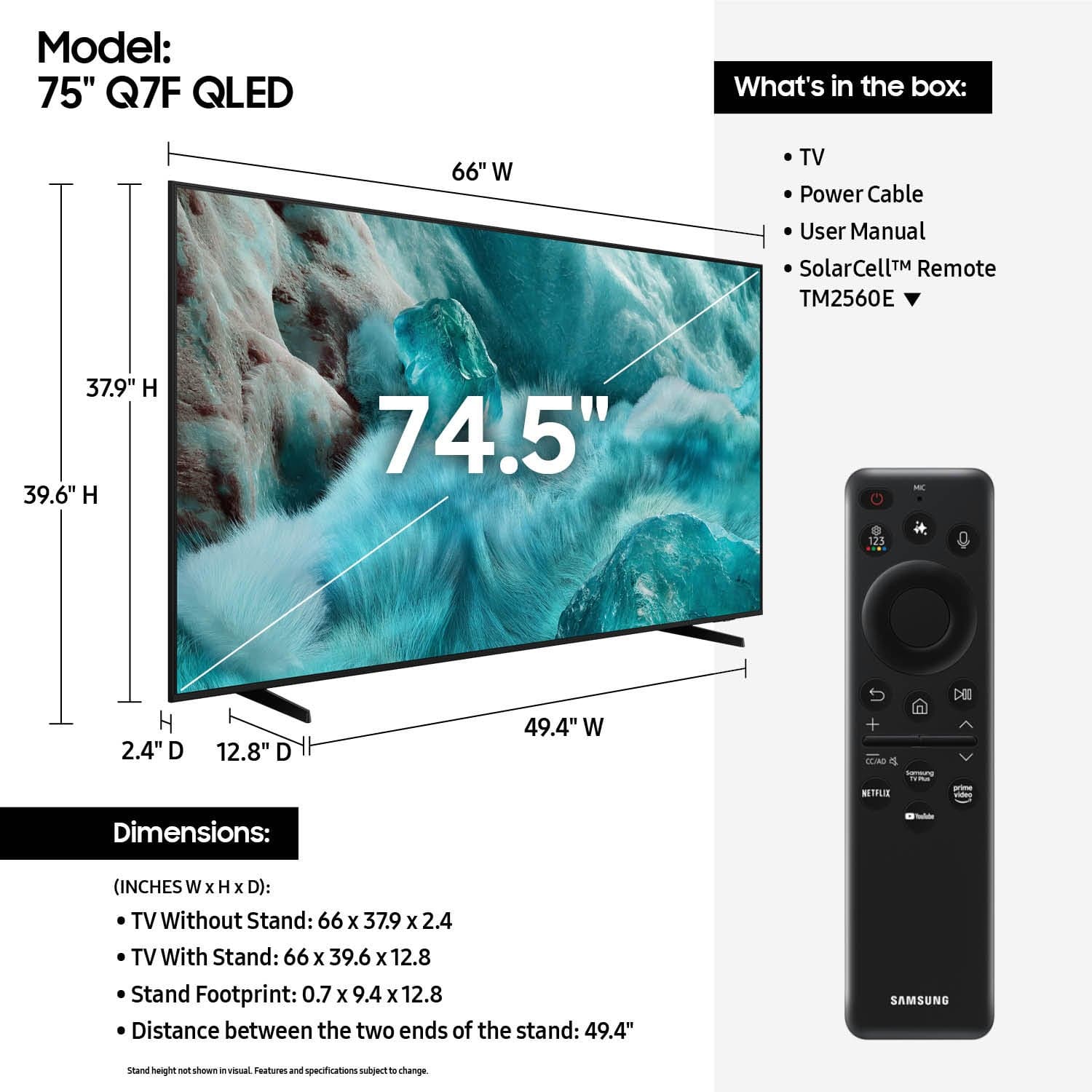











- Model:
- QN75Q7FAAFXZA
- SKU:
- 10214380
Rating by feature
- Picture Quality
Rating 4.8 out of 5 stars
- Sound Quality
Rating 4.6 out of 5 stars
- Brightness
Rating 4.8 out of 5 stars
to a friend
Tv samsung
||Posted . Owned for 2 weeks when reviewed.This reviewer received promo considerations or sweepstakes entry for writing a review.La pantalla se ve super clara sin dudarlo la recomendaria
I would recommend this to a friendSatisfied
||Posted . Owned for less than 1 week when reviewed.This reviewer received promo considerations or sweepstakes entry for writing a review.Salesperson was very educated to help me with my decision. Took the time to answer my questions and explain the difference.
I would recommend this to a friendSamsung review
||Posted . Owned for 1 month when reviewed.This reviewer received promo considerations or sweepstakes entry for writing a review.Samsung TVs are great for all programs. Easy to download apps and everyday shows
I would recommend this to a friendBest Buy takes care of you
||Posted . Owned for 2 months when reviewed.This reviewer received promo considerations or sweepstakes entry for writing a review.Great TV. It was delivered on time. The folks that did the delivery went above and beyond. They were super awesome and deserve a raise.
I would recommend this to a friendVery good product
||Posted .This reviewer received promo considerations or sweepstakes entry for writing a review.Product is very good and reliable I will recommend
I would recommend this to a friendSamsung TV
||Posted . Owned for 1 month when reviewed.This reviewer received promo considerations or sweepstakes entry for writing a review.Great TV and The salesman was very knowledgeable about all TVs
I would recommend this to a friendTop notch
||Posted .This reviewer received promo considerations or sweepstakes entry for writing a review.Great quality & value for the price. QLED is so sharp, vivid & clear.
I would recommend this to a friendGood choice!
||Posted . Owned for 1 week when reviewed.This reviewer received promo considerations or sweepstakes entry for writing a review.great quality for the price! easy to mount. Navigation is fast and the smaller control shape is a charm
I would recommend this to a friendBest Value
||Posted . Owned for 2 months when reviewed.This reviewer received promo considerations or sweepstakes entry for writing a review.Honestly could not get a bettery visual experience at this price. 10/10, could not be happier with my purchase!
I would recommend this to a friendOpen box.
||Posted . Owned for 2 weeks when reviewed.This reviewer received promo considerations or sweepstakes entry for writing a review.I bought it open box and it was label as excellent conditions. After two days the screen went out.
I would recommend this to a friendBrand response from Samsung
Posted .LADR,
We appreciate you sharing your experience. As your unit was purchased in open-box condition, we recommend contacting Best Buy directly for support with your purchase.
Once your issue is resolved, please know we’re here to help with setup, features, or any questions you may have. Call us at 1-800-SAMSUNG (8AM – 9PM EST Mon – Fri, 8AM – 6PM Sat – Sun), or visit the ‘Support’ link on our website to connect with a LiveChat agent.
~ Samsung Specialist
Professional Customer Services
||Posted . Owned for 1 month when reviewed.This reviewer received promo considerations or sweepstakes entry for writing a review.The Best Buy store sales attendant were very helpful and professional
I would recommend this to a friendLoving my big screen Samsung QLED TV.
||Posted . Owned for 1 month when reviewed.This reviewer received promo considerations or sweepstakes entry for writing a review.Very good optics and delivered as advertised. A great buy.
I would recommend this to a friendFamily room tv
||Posted .This reviewer received promo considerations or sweepstakes entry for writing a review.Good Tv not as bright as I would like it to be. Factor setting to much red in TV,
I would recommend this to a friendMust buy!
||Posted . Owned for 1 month when reviewed.This reviewer received promo considerations or sweepstakes entry for writing a review.Great buy! Would recommend for any movie or sports lovers!
I would recommend this to a friendMr John
||Posted . Owned for 3 weeks when reviewed.This reviewer received promo considerations or sweepstakes entry for writing a review.The Samsung TV is a very nice picture. The 75” is perfect hanging on the wall.
I would recommend this to a friendQled 75”
||Posted .This reviewer received promo considerations or sweepstakes entry for writing a review.The product it’s ok, good quality, the only problem is, when you’re watching live tv or any live sports doesn’t load as it’s supposed to. Sometimes you see it blurry.
I would recommend this to a friendBrand response from Samsung
Posted .Unknown,
Thank you for your feedback on the Samsung Q7F TV and your experience when watching fast-motion content. If the picture appears blurry or unnatural during high-speed scenes, there are several settings you can adjust to improve motion clarity.
Go to: Home > left directional key > Settings > All Settings > Picture > Expert Settings, and review these key settings:
Picture Clarity Settings
• Off: Disables all motion enhancement
• Auto: Automatically adjusts motion clarity based on content
• Custom: Enables manual control of:
o Judder Reduction: Smooths motion in film-based content
o LED Clear Motion: Increases sharpness during fast movement
o Noise Reduction: Helps reduce distortion in lower-quality sources
Additional Picture Controls
• Brightness – Adjust overall image brightness
• Contrast – Controls the difference between light and dark areas
• Sharpness – Enhances the definition of object edges
• Color – Adjusts color intensity for more natural or vivid tones
We hope these settings help improve your viewing experience, especially with fast-moving content. If you'd like further assistance, feel free to reach out to Samsung Support at 1-800-SAMSUNG, 8AM – 12AM EST, 7 days a week. LiveChat is also available via the ‘Support’ link on our website.
~ Samsung Specialist
Best Buy is the best
||Posted . Owned for 1 week when reviewed.This reviewer received promo considerations or sweepstakes entry for writing a review.The sellers are excellent and with patience, I made a good purchase with Best Buy credit. I can pay up to 24 times. I am satisfied.
I would recommend this to a friendTv
||Posted . Owned for less than 1 week when reviewed.This reviewer received promo considerations or sweepstakes entry for writing a review.Love the tv, it’s big but fits our needs 10/10 recommend
I would recommend this to a friendHappy customer
||Posted . Owned for 3 weeks when reviewed.This reviewer received promo considerations or sweepstakes entry for writing a review.Very good service and attentive staff And very good item
I would recommend this to a friendPerfection
||Posted . Owned for 2 weeks when reviewed.This reviewer received promo considerations or sweepstakes entry for writing a review.Everyone was wonderful from the salesperson to his manager to the installerS
I would recommend this to a friend