Customer Ratings & Reviews

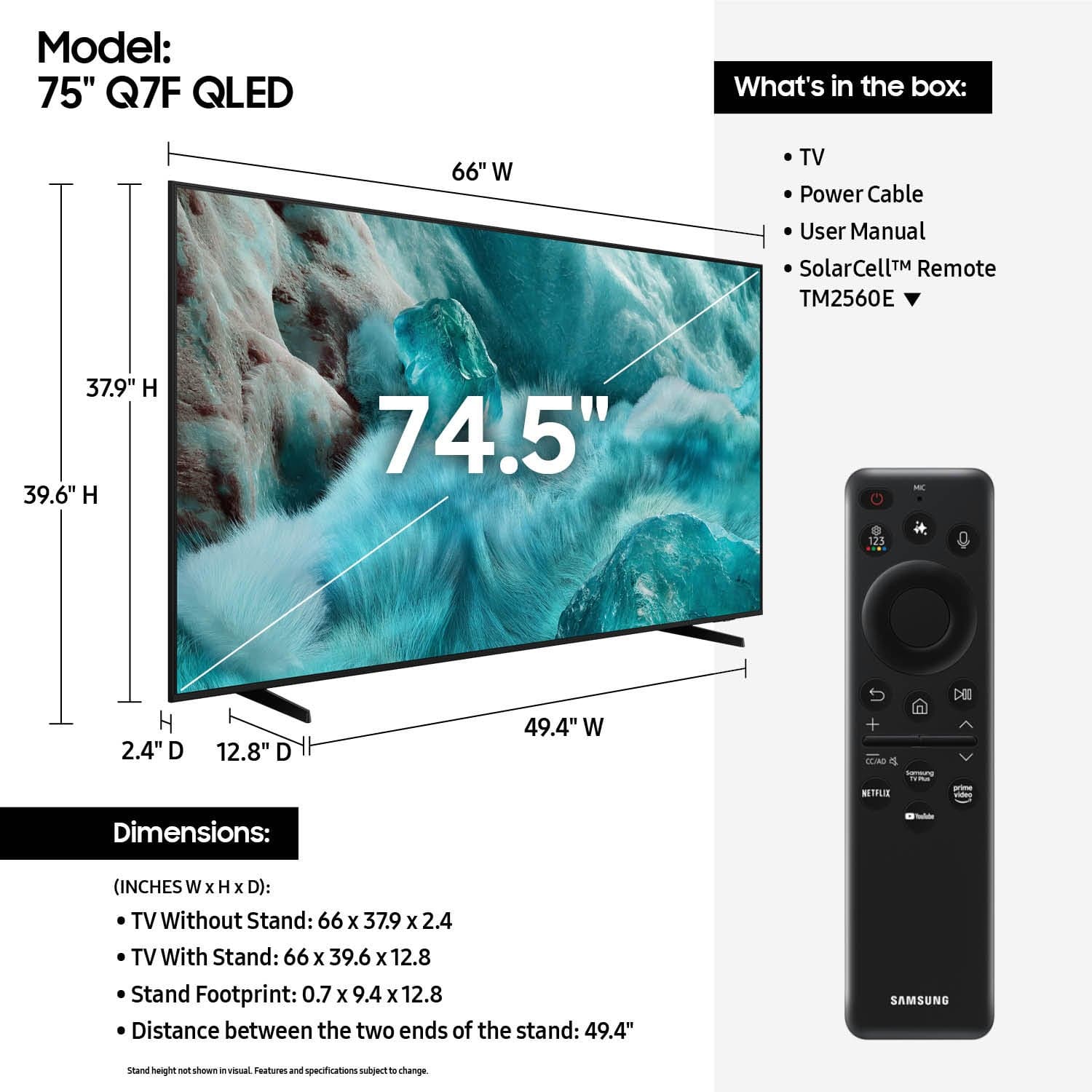











- Model:
- QN75Q7FAAFXZA
- SKU:
- 6619142
Rating by feature
- Picture Quality
Rating 4.8 out of 5 stars
- Sound Quality
Rating 4.6 out of 5 stars
- Brightness
Rating 4.8 out of 5 stars
Customers are saying
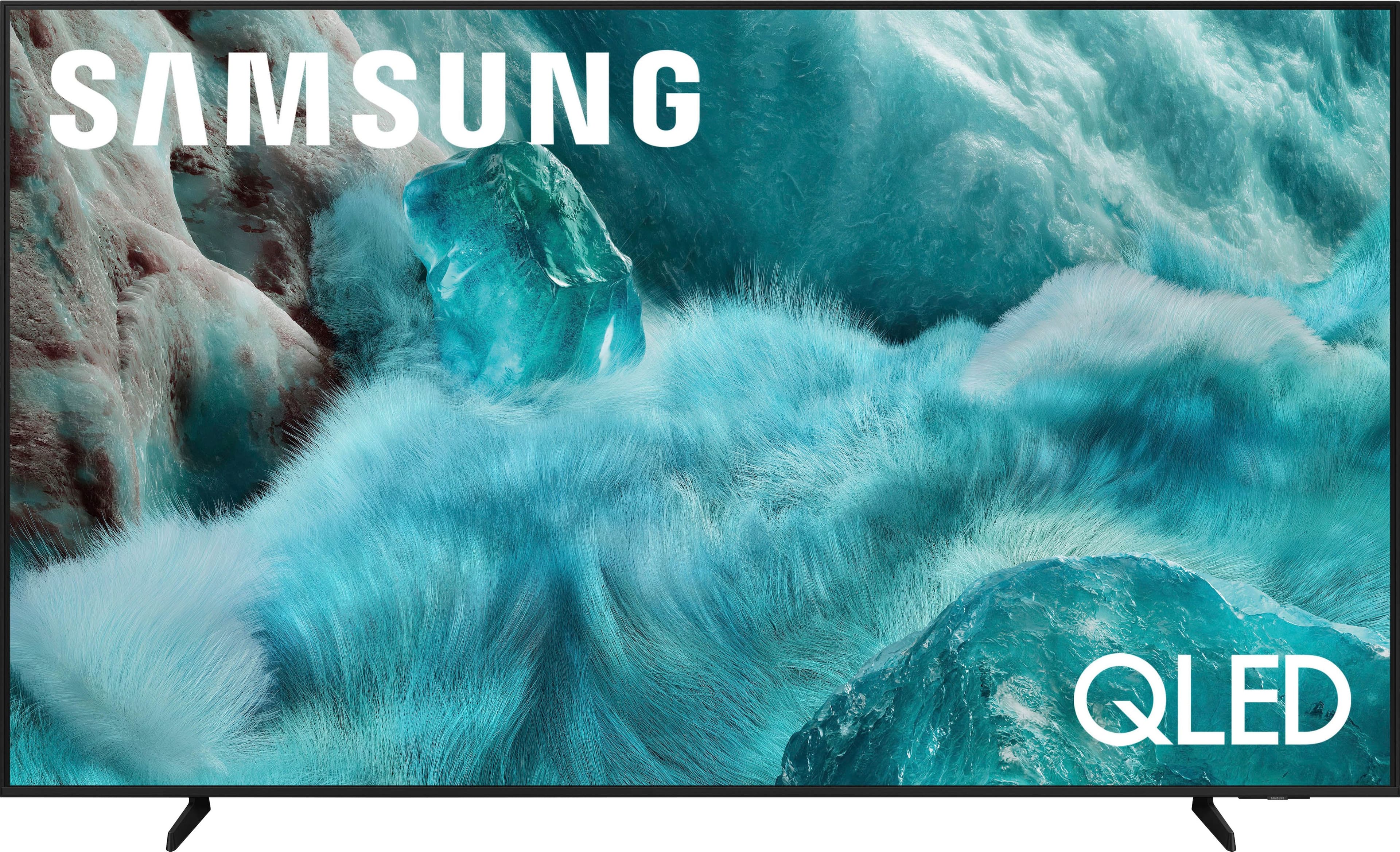
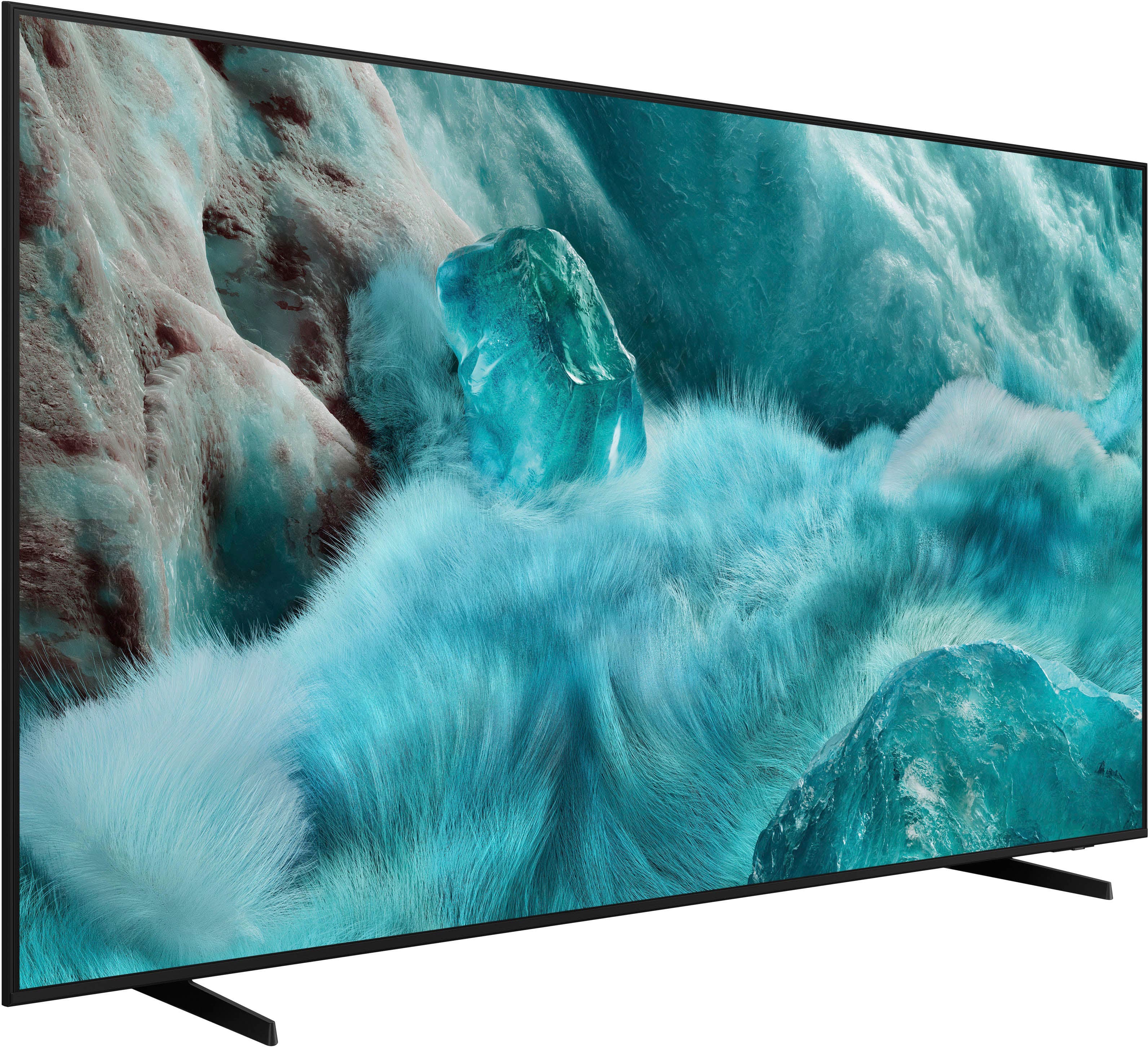
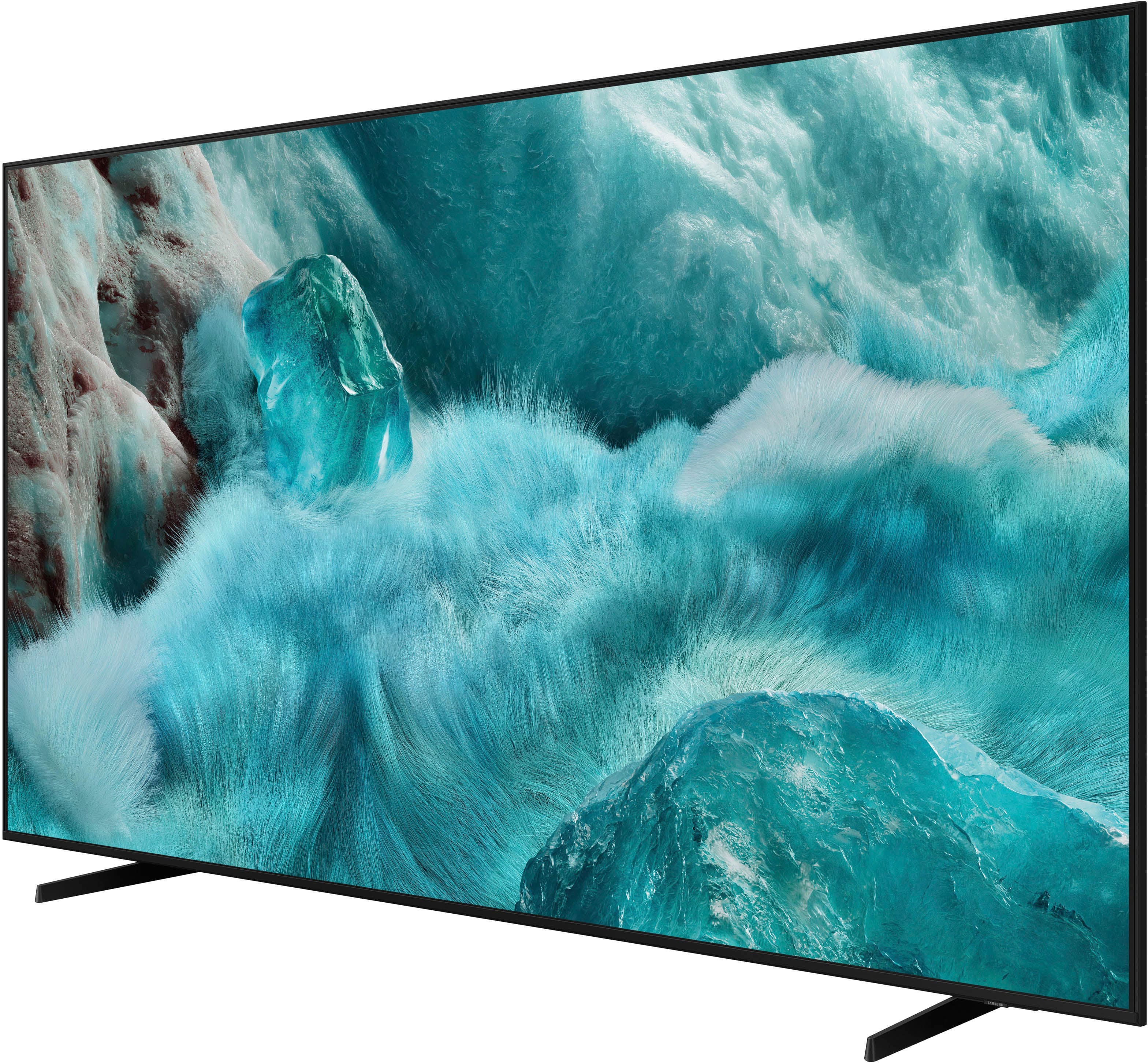
Customers value the beautiful picture quality of the 75” Class Q7F Series QLED 4K UHD SamsungVision AI Smart Tizen TV (2025). Users find the TV easy to setup and appreciate its size and brightness. Additionally, the solar-powered remote control is a welcomed feature.
This summary was generated by AI based on customer reviews.
Samsung tv
||Posted . Owned for 1 month when reviewed.This reviewer received promo considerations or sweepstakes entry for writing a review.So far I love my new tv. It’s bigger than my old tv and easier to see. I may get a sound bar to help with hearing better.
I would recommend this to a friendPhil is the man!
||Posted . Owned for 1 week when reviewed.This reviewer received promo considerations or sweepstakes entry for writing a review.Phil helped me out BIG TIME when buying my QLED. He taught me what TVs were like nowadays and I ended up with exactly what I wanted. I will go out of my way to be helped by him again.
I would recommend this to a friend75” Samsung Tv
||Posted . Owned for 2 weeks when reviewed.This reviewer received promo considerations or sweepstakes entry for writing a review.Samsung Tv was on sale and was definitely worth the purchase , good quality with QLED.
I would recommend this to a friendHeyneer
||Posted . Owned for 1 month when reviewed.This reviewer received promo considerations or sweepstakes entry for writing a review.Excellent choice, love samsung tv, I def recommend it
I would recommend this to a friend- Pros mentioned:Picture quality
Excellent tv
||Posted .This reviewer received promo considerations or sweepstakes entry for writing a review.This tv is an excellent tv it’s bright and colorful I like the tv very muvh
I would recommend this to a friend Great Purchase
||Posted .This reviewer received promo considerations or sweepstakes entry for writing a review.Haven’t had it very long yet but it’s been great so far. Enjoying all the updated features. One of the nicest things is being able to use one remote as opposed to multiple.
I would recommend this to a friendGreat tv
||Posted . Owned for 2 months when reviewed.This reviewer received promo considerations or sweepstakes entry for writing a review.Edwin readily answered all our questions and made sure we were happy with our purchase.
I would recommend this to a friend- Pros mentioned:Picture quality
Big TV
||Posted . Owned for 3 weeks when reviewed.This reviewer received promo considerations or sweepstakes entry for writing a review.TV is good quality for the price, picture is good colors are sharp and clear.
I would recommend this to a friend Samsung TV
||Posted .This reviewer received promo considerations or sweepstakes entry for writing a review.Amazing product!! The TV is great for watching games!!
I would recommend this to a friend- Pros mentioned:Picture quality
75 tv
||Posted . Owned for 1 month when reviewed.This reviewer received promo considerations or sweepstakes entry for writing a review.Picture quality is nice but having issues with a high pitch sound occasionally
No, I would not recommend this to a friendBrand response from Samsung
Posted .NicoleW,
We appreciate you sharing your experience regarding an unusual sound coming from your TV. The cause may vary depending on where the sound is coming from and how your system is set up.
• If the sound is coming from your TV speakers, or if you're using an external audio device like a soundbar, please double-check that the audio cable is securely connected to the correct audio output on the external device.
• If you're using an antenna or cable connection, a weak signal may result in sound distortion. You can check your broadcast signal level by going to: Settings > Support > Device Care > Self Diagnosis > Broadcast Signal
• If the sound seems to come from the back of the TV, it may be the result of thermal expansion or contraction of the outer casing. This can cause a soft popping noise and is considered normal - it does not indicate a malfunction, and your TV remains safe to use.
We also recommend running a Sound Test to check for audio issues: Home > left directional key > Settings > Support > Device Care > Self Diagnosis > Sound Test
If the issue continues or you’d like assistance, feel free to contact Samsung Support at 1-800-SAMSUNG, 8AM – 12AM EST, 7 days a week. LiveChat and additional support resources are also available through the Support link on our website.
~ Samsung Specialist
Still working to improve
||Posted . Owned for 1 month when reviewed.This reviewer received promo considerations or sweepstakes entry for writing a review.Not seeing the same picture crispness as the screen in the store. Have tried picture adjustments and have seen some improvement, but not quite the vividness of the showroom model. Will be reaching out for tech assistance
I would recommend this to a friendThe best TV
||Posted .This reviewer received promo considerations or sweepstakes entry for writing a review.Great product and the best quality of the screen, definitely I recommend it for everyone
I would recommend this to a friendGet TV from Samsung 75 in Qled ..
||Posted . Owned for 2 weeks when reviewed.This reviewer received promo considerations or sweepstakes entry for writing a review.The geek squad did a great job installing the TV ..and helped with programming it and sold me a New Sonos sound bar nice very nice thanks
I would recommend this to a friendEarly Christmas
||Posted .This reviewer received promo considerations or sweepstakes entry for writing a review.Very nice TV. It was an early Christmas gift for our kids. Price was right too
I would recommend this to a friendAs advised
||Posted . Owned for 2 weeks when reviewed.This reviewer received promo considerations or sweepstakes entry for writing a review.Very good entry level off led tv for the money....
I would recommend this to a friend6959 Brandywine RD
||Posted . Owned for 1 month when reviewed.This reviewer received promo considerations or sweepstakes entry for writing a review.It was a good experience with Best Buy when purchasing a Samsung TV with AI feature and I am very comfortable and happy with this TV. Thank you, Best Buy, for this transaction.
I would recommend this to a friendGreat
||Posted . Owned for 1 month when reviewed.This reviewer received promo considerations or sweepstakes entry for writing a review.Great visuals and the controller for the tv has some neat features
I would recommend this to a friendExcellent television
||Posted . Owned for 8 months when reviewed.This reviewer received promo considerations or sweepstakes entry for writing a review.Samsung tvs are the most durable and highest quality.
I would recommend this to a friendSamsung tv
||Posted .This reviewer received promo considerations or sweepstakes entry for writing a review.Overall the tv is excellent. However Best Buy charged my bank account 2x and wouldn’t make it right.
I would recommend this to a friendSamsung 75”
||Posted .This reviewer received promo considerations or sweepstakes entry for writing a review.Great tv! Excellent service and support with pickup too.
I would recommend this to a friend