Customer Ratings & Reviews
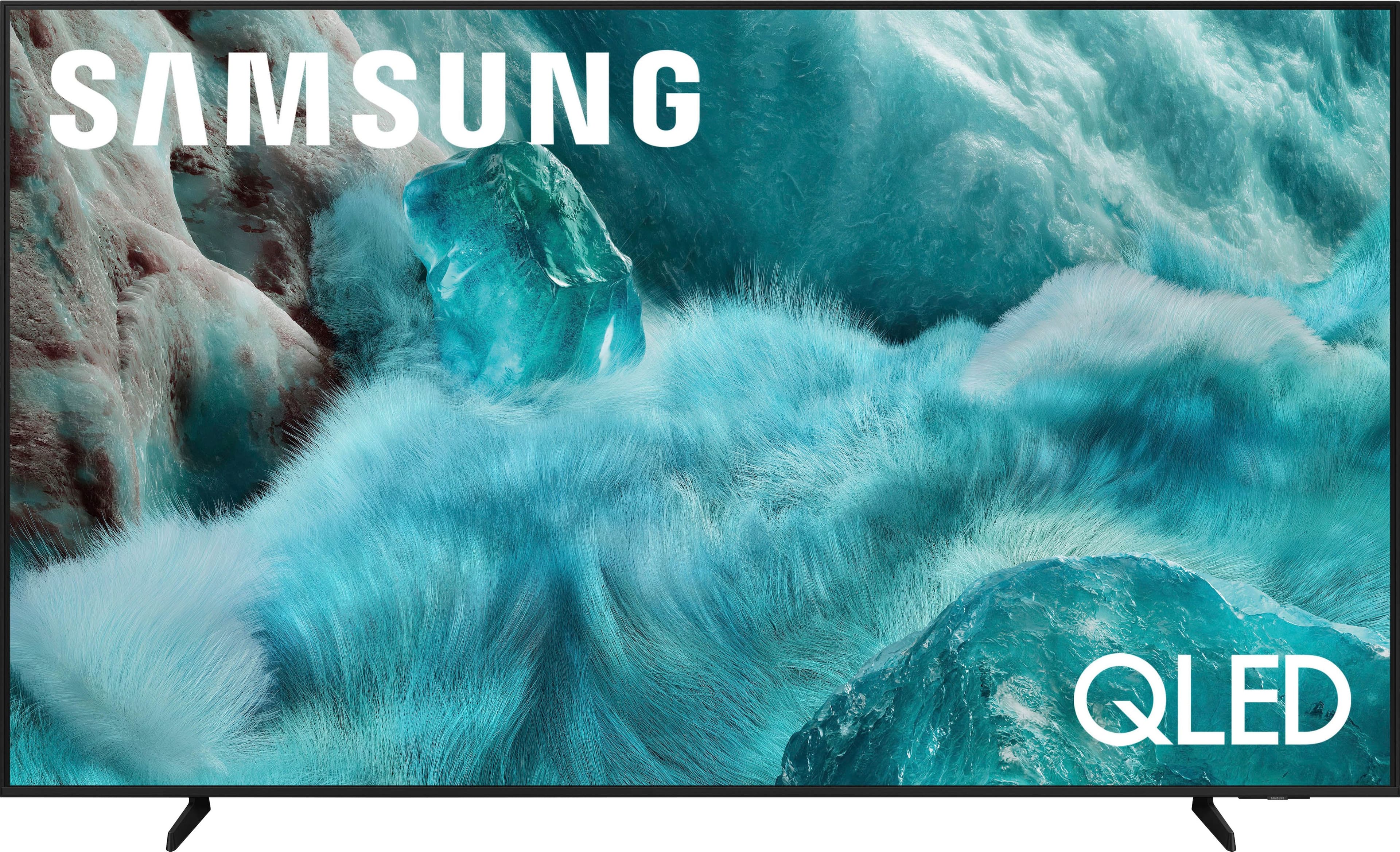
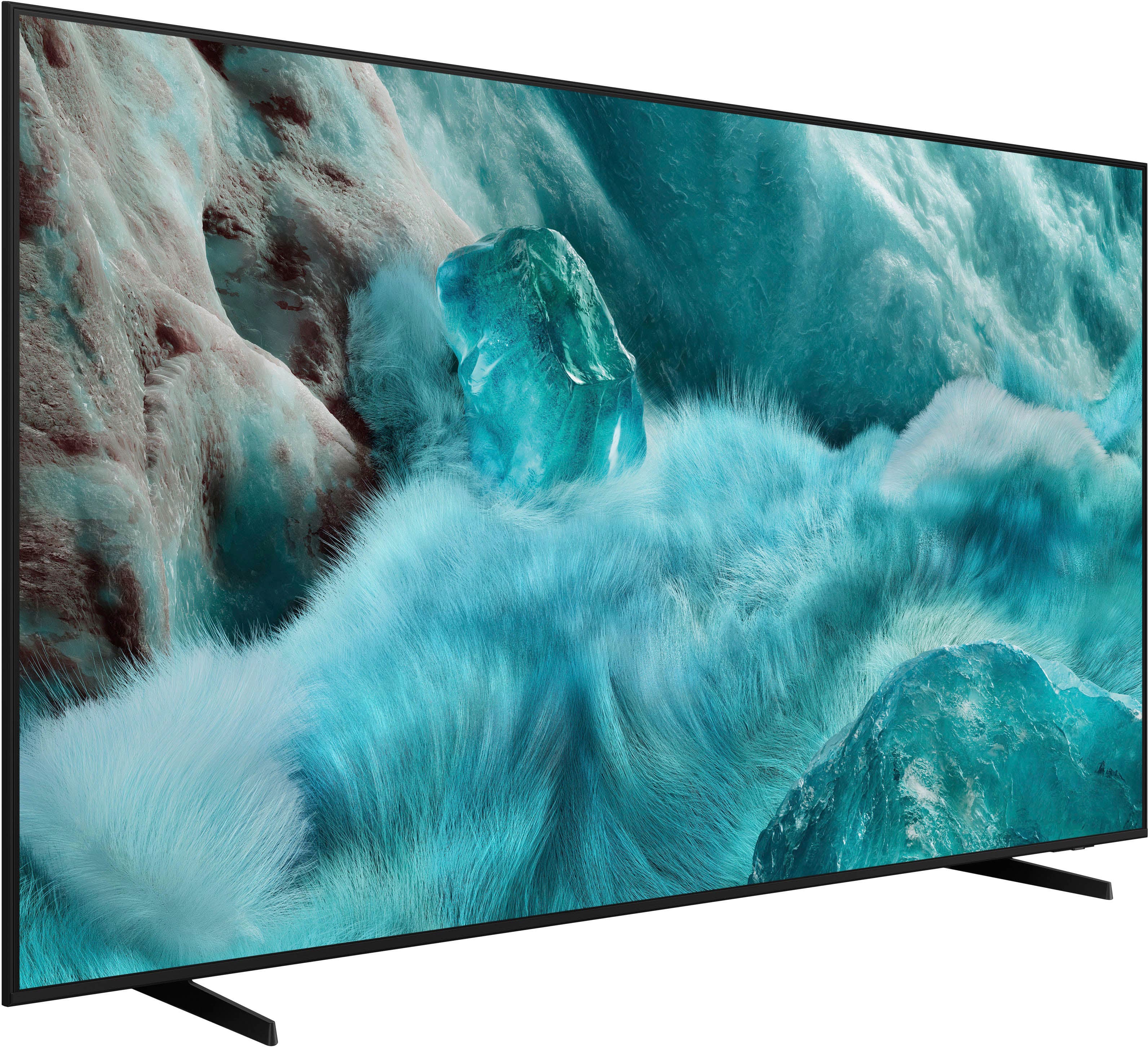
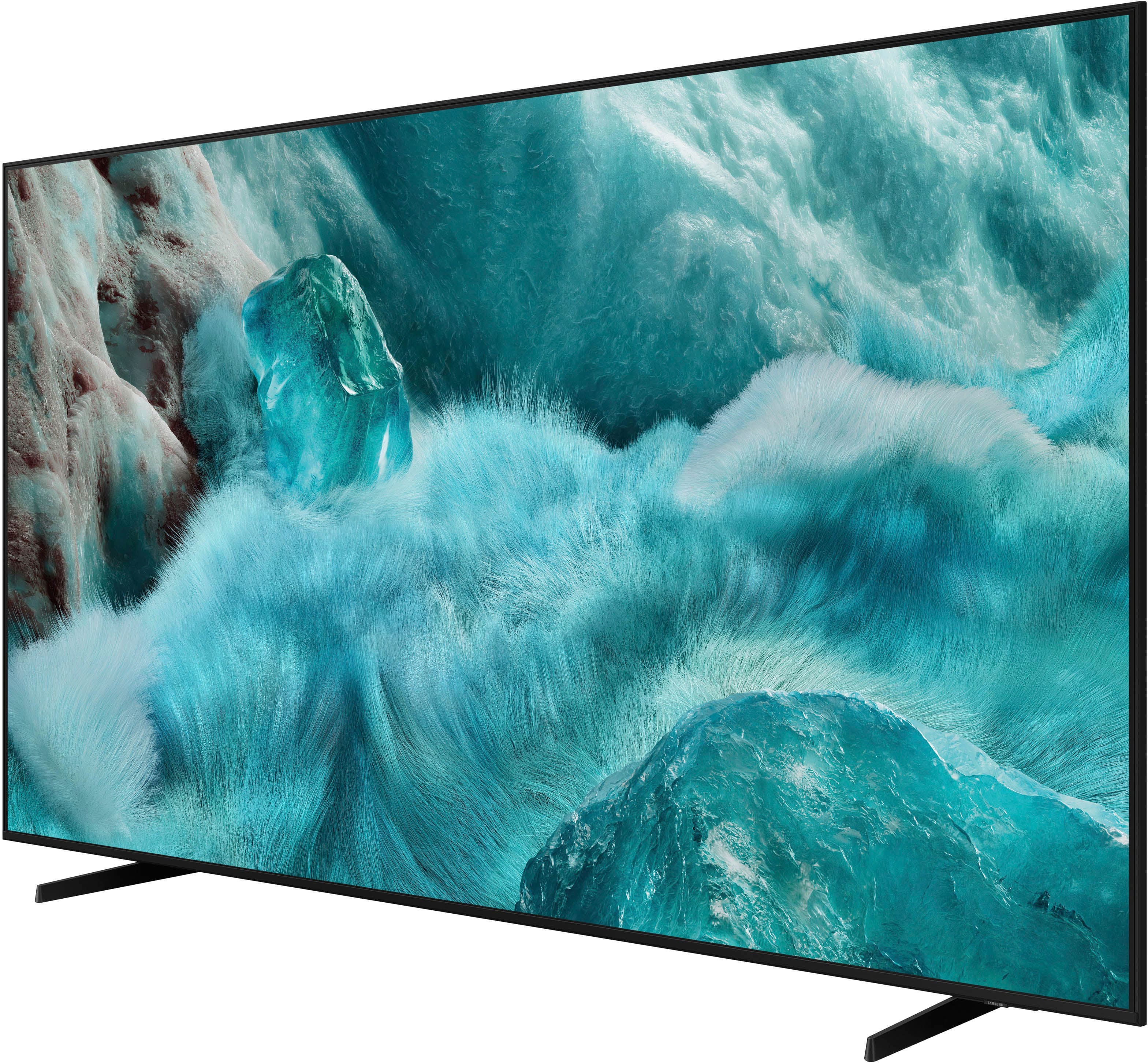
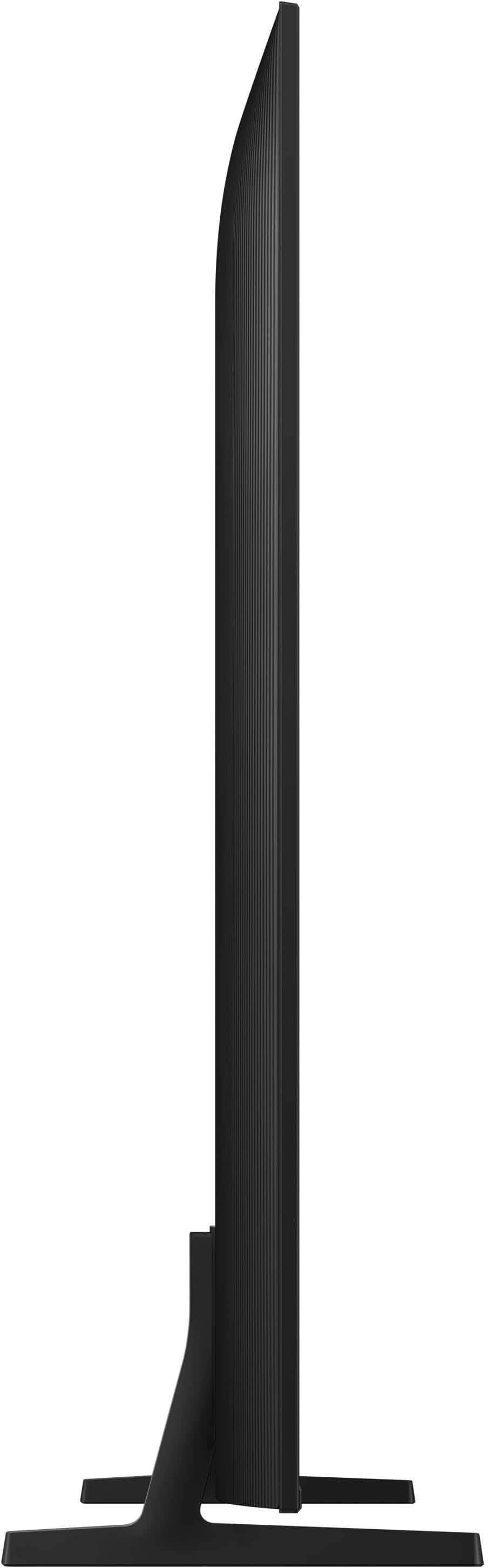



- Model:
- QN75Q7FAAFXZA
- SKU:
- 6619142
Rating by feature
- Picture Quality
Rating 4.8 out of 5 stars
- Sound Quality
Rating 4.6 out of 5 stars
- Brightness
Rating 4.8 out of 5 stars
Customers are saying
Customers are satisfied with the product's excellent picture quality, which is frequently highlighted. They also appreciate its ease of use, convenient setup, perfect size, brightness, and reliable connectivity, along with the simple remote control. However, a few customers have noted that its motion handling may not be ideal for watching live sports.
This summary was generated by AI based on customer reviews.
Love Best Buy.!!!
||Posted . Owned for 2 weeks when reviewed.This reviewer received promo considerations or sweepstakes entry for writing a review.Absolutely amazing Tv for the money got it during there early Black Friday deals, couldn’t be happier with the right setup this Tv is unbeatable user friendly has specific game mode settings for us gamers out there..!!!
I would recommend this to a friend- Pros mentioned:Picture quality
New TV
||Posted .This reviewer received promo considerations or sweepstakes entry for writing a review.I always get exceptional service with Best Buy. Great new TV.
I would recommend this to a friend - Pros mentioned:Picture quality
75 in Samsung QLED
||Posted . Owned for 1 week when reviewed.This reviewer received promo considerations or sweepstakes entry for writing a review.Picture is good sound quality will need to upgraded. Will be needing a surround sound.
I would recommend this to a friend - Pros mentioned:Picture quality
Good purchase!!
||Posted . Owned for 1 week when reviewed.This reviewer received promo considerations or sweepstakes entry for writing a review.Good price, good image!! This TV are a good purchase!!
I would recommend this to a friend TV Samsung
||Posted . Owned for 1 month when reviewed.This reviewer received promo considerations or sweepstakes entry for writing a review.Absolutely beautiful TV, the screen is of very good quality, I'm in love!
I would recommend this to a friend75” Samsung
||Posted .This reviewer received promo considerations or sweepstakes entry for writing a review.Love this tv, bought the 65”. Version 5yrs ago & still have it
I would recommend this to a friendMy experience
||Posted . Owned for 1 month when reviewed.This reviewer received promo considerations or sweepstakes entry for writing a review.Loved the work the geek squad did on installing my tv they where fast and very knowledgeable
I would recommend this to a friendBest purchase
||Posted . Owned for 1 week when reviewed.This reviewer received promo considerations or sweepstakes entry for writing a review.This was an awesome purchase. I had an older Samsung 55 in. Love the upgraded system. The remote is also rechargeable via cord or light.
I would recommend this to a friendVery bad picture quality in dark
||Posted . Owned for 1 week when reviewed.This reviewer received promo considerations or sweepstakes entry for writing a review.Not sure if my tv was defective but picture quality is very low. Did not expect it from Samsung brand. Having old 65 inch Samsung in my bedroom that has much better picture quality and better meny response. I would summaries if all units are the same this is just trash tv.
No, I would not recommend this to a friendBrand response from Samsung
Posted .AndriiS,
We appreciate your feedback on the picture quality of Samsung’s Q7F TV. If the image doesn’t quite match your preferences, there are several adjustments you can make to better suit your viewing environment and content type.
First, please ensure your TV is running the latest firmware, as updates may include important picture quality enhancements. Go to: Home > Left directional button > Settings > Support > Software Update > Update Now
To explore picture mode options, navigate to: Home > Left directional button > Settings > All Settings > Picture > Picture Mode. Options include:
• Standard – Ideal for general viewing
• Dynamic – Brighter and more vibrant for well-lit spaces
• Eco – Optimized for energy efficiency
• Movie – Best for viewing in low light
• Filmmaker Mode – Preserves the content creator’s intent and disables motion smoothing for supported content
You can further customize your image by going to: Settings > All Settings > Picture > Expert Settings, where you can adjust Brightness, Contrast, Color Tone, Sharpness, Contrast Enhancer and more.
If you’d like help finding the best picture settings for your preferences, please don’t hesitate to contact Samsung Support at 1-800-SAMSUNG, available 8AM – 12AM EST, 7 days a week. You can also LiveChat with an agent or explore additional resources on our website by clicking the ‘Support’ link.
~ Samsung Specialist
75 QLED Tv
||Posted .This reviewer received promo considerations or sweepstakes entry for writing a review.My recent purchase was so simple and easy. I arranged my drop of dates and it showed up as designed.
I would recommend this to a friendSamsung meesed up on the remote
||Posted . Owned for 2 months when reviewed.This reviewer received promo considerations or sweepstakes entry for writing a review.The remote is to small i always push the rong button and the tv goes to another app i think its a little to small the picture quality is not so good i have a older model and im happyur with that one
No, I would not recommend this to a friendBrand response from Samsung
Posted .Joeylovessamsung,
Thank you for sharing your thoughts on the SolarCell Remote. If you have any questions or need help, we’re always here. Call 1-800-SAMSUNG from 8AM - 12AM EST, seven days a week, or connect with a LiveChat agent anytime by selecting ‘Support’ on our website.
~ Samsung Specialist
Excellent
||Posted . Owned for 1 month when reviewed.This reviewer received promo considerations or sweepstakes entry for writing a review.excellent product and the sharpness of the colors is excellent
I would recommend this to a friendGood TV
||Posted . Owned for 3 weeks when reviewed.This reviewer received promo considerations or sweepstakes entry for writing a review.Overall good item, not the best picture brightness for a living room
I would recommend this to a friendBrand response from Samsung
Posted .Bladimir,
We’re sorry to hear you’re not fully satisfied with the picture quality on your Samsung Q7F TV. If the image appears too dark, we suggest disabling certain energy-saving features, which can automatically adjust brightness and affect how the screen looks.
Go to: Settings > All Settings > General & Privacy > Power and Energy Saving, then turn off Brightness Optimization, Energy Saving Solution, Motion Lighting, and/or Contrast Enhancer.
You can also adjust the Picture Mode to better suit your environment: Settings > All Settings > Picture > Picture Mode
• Standard – Default mode for general viewing
• Dynamic – Brighter and clearer, ideal for well-lit rooms
• Movie – Best for dark room viewing
• Eco – Energy-saving mode
• Filmmaker Mode – Preserves content as intended by creators
To fine-tune brightness, go to: Home > left directional key > Settings > All Settings > Picture > Expert Settings, then adjust the Brightness level (0–50) to your preference.
Lastly, please make sure your TV is running the latest firmware: Home > Home > left directional key > Settings > Support > Software Update > Update Now
We hope these tips help improve your viewing experience. If you need further support, feel free to contact us at 1-800-SAMSUNG, 8AM – 12AM EST, 7 days a week. LiveChat is also available via the ‘Support’ link on our website.
~ Samsung Specialist
Lines on tv
||Posted . Owned for 3 months when reviewed.This reviewer received promo considerations or sweepstakes entry for writing a review.Tv ended up with lines on it after 4 months of use.
No, I would not recommend this to a friendBrand response from Samsung
Posted .Shanelh4,
Thank you for sharing your experience with Samsung’s Q7F. If your TV is displaying lines on the screen, we recommend the following steps to help isolate the issue:
1. Check all input cable connections for any external devices (e.g., HDMI, streaming boxes, Blu-ray players)
2. Switch channels or inputs to see if the issue appears across all sources
3. Run a Picture Test to check for panel-related issues: Settings > Support > Device Care > Self Diagnosis > Picture Test
4. Perform a cold boot by holding the power button on your remote for about 10 seconds
5. Ensure your TV has the latest software installed: Settings > Support > Software Update
If the issue continues after these steps, the TV may require service. For further assistance, please contact Samsung Support at 1-800-SAMSUNG, 8AM – 12AM EST, 7 days a week. LiveChat and additional support resources are also available through the Support link on our website.
~ Samsung Specialist
Broke Screen in New 75” Tv
||Posted .This reviewer received promo considerations or sweepstakes entry for writing a review.The screen was broke after I opened the box and being as though I had to wait 2 weeks for my installers to come over Best Buy told me it was nothing they can do because the 15 day period had expired. As many thousands of dollars I’ve spent at this store you’d think it would be a remedy to solve this. But nope, I’ll definitely refrain from spending any money at Best Buy for a while
No, I would not recommend this to a friendBrand response from Samsung
Posted .OrondeM,
Please know that you're leaving a review and 1-star rating for the Q7F TV, but we’re sorry to hear of your experience with Best Buy, nonetheless. You may want to consider providing your feedback directly to the Best Buy store where the purchase was made.
If you have questions about the TV itself, Samsung is here to help. You can reach us at 1-800-SAMSUNG, 8AM – 12AM EST, 7 days a week. LiveChat agents are also available by clicking the ‘Support’ link on our website.
~ Samsung Specialist
- Pros mentioned:Brightness, Picture quality, Size
Stunning Picture Quality — Amazing Upgrade at 75 I
||Posted . Owned for 1 week when reviewed.This reviewer received promo considerations or sweepstakes entry for writing a review.This Samsung 75-inch TV is incredible. The picture quality is extremely sharp, the colors are rich and vibrant, and the brightness makes everything look clear even in a bright room. Movies, sports, and gaming all look smooth with no lag or motion issues. Setup was quick and easy, and the smart features run fast with zero delay when switching apps. The sound is surprisingly good for a TV this slim, and it pairs perfectly with my soundbar for a full theater feel. The size makes a huge difference — it transforms the whole room and makes watching anything feel more immersive. Overall, this TV delivers excellent performance and is absolutely worth it.
I would recommend this to a friend - Pros mentioned:Ease of use, Picture quality, Setup
Terrific TV
||Posted . Owned for 1 month when reviewed.This reviewer received promo considerations or sweepstakes entry for writing a review.Amazing picture and very easy to set up. And the guys that were assisted me again the car were very nice
I would recommend this to a friend - Pros mentioned:Ease of use, Picture quality, Setup
Amazing clarity
||Posted . Owned for 6 months when reviewed.This reviewer received promo considerations or sweepstakes entry for writing a review.Amazing tv with amazing clarity. It was super easy to set up and it feel no less than a movie theatre screen.
I would recommend this to a friend - Pros mentioned:Brightness, Picture qualityCons mentioned:Motion handling
A Movie Beast With a Slight Sports Allergy
||Posted . Owned for 2 months when reviewed.This reviewer received promo considerations or sweepstakes entry for writing a review.Upgraded to this 75-inch Samsung and wow — it’s basically like having a mini movie theater in my living room. Movies look chef’s kiss, TV shows look super crisp, and even my snacks taste better when I’m watching them on this screen. Now… sports. Let’s just say when the players start running fast, things get a little blurry — like the TV is also trying to run with them but gets tired halfway. It’s not terrible, just noticeable enough that I went, “Hmm… was that a pass or a magic trick?” But honestly, aside from that one quirk, this TV is a beast. Fantastic brightness, great colors, easy setup, and the size alone makes every guest say, “Bro… seriously?” Overall: Amazing for movies and everyday watching. Sports fans might notice some blur — but still absolutely a great buy.
I would recommend this to a friend - Pros mentioned:Picture quality
samsung OLED
Posted .This reviewer received promo considerations or sweepstakes entry for writing a review.We recently purchased the Samsung 75” Class Q7F Series QLED 4K UHD SamsungVision AI Smart Tizen TV (2025), and it has been a great addition to our home. The picture quality is outstanding — bright, sharp, and incredibly clear, especially when watching sports and movies in 4K. Colors look vivid and natural, and the larger 75” screen really makes everything feel more immersive. Great sound. Delivery and installation on time and service was great
I would recommend this to a friend