Customer Ratings & Reviews
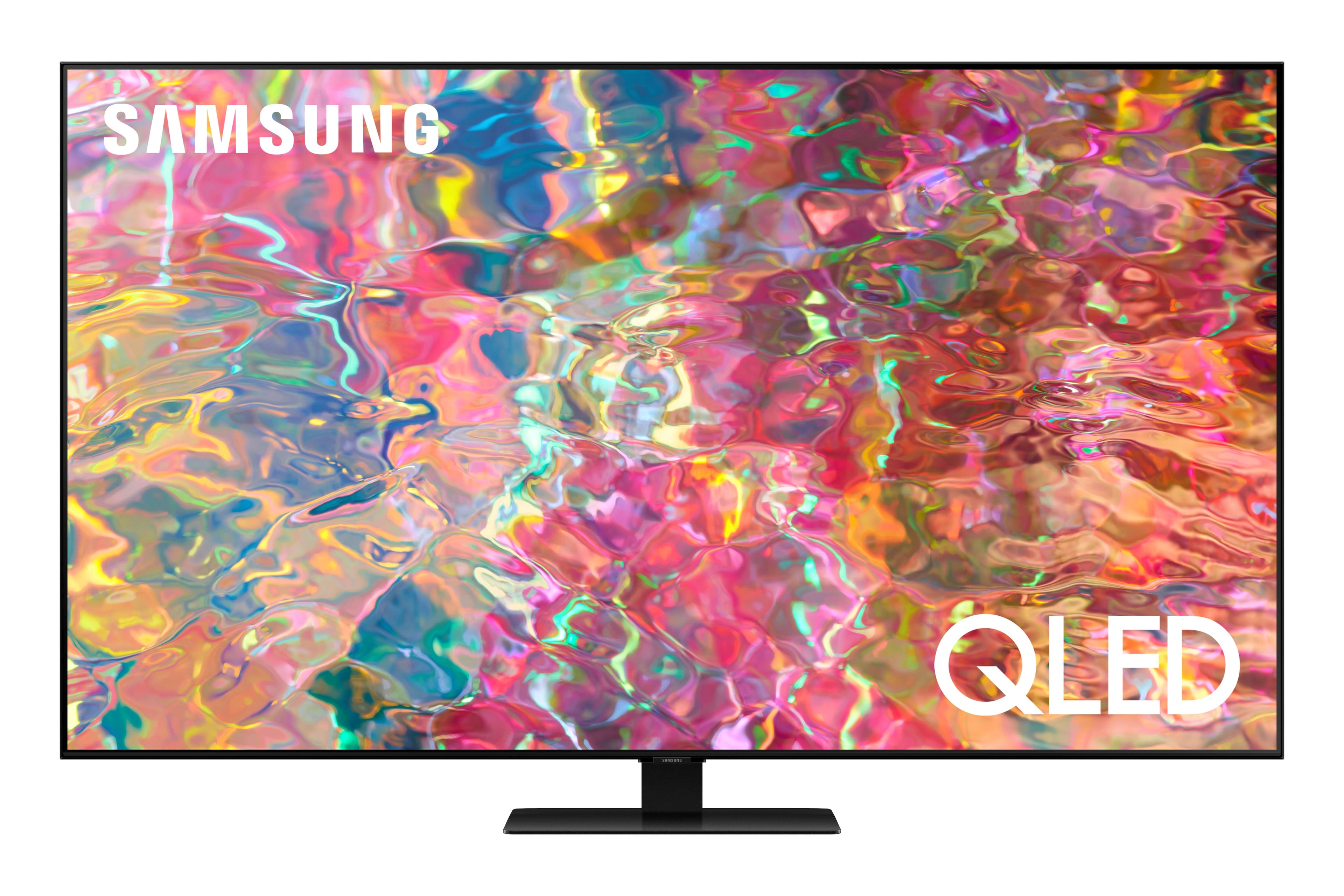
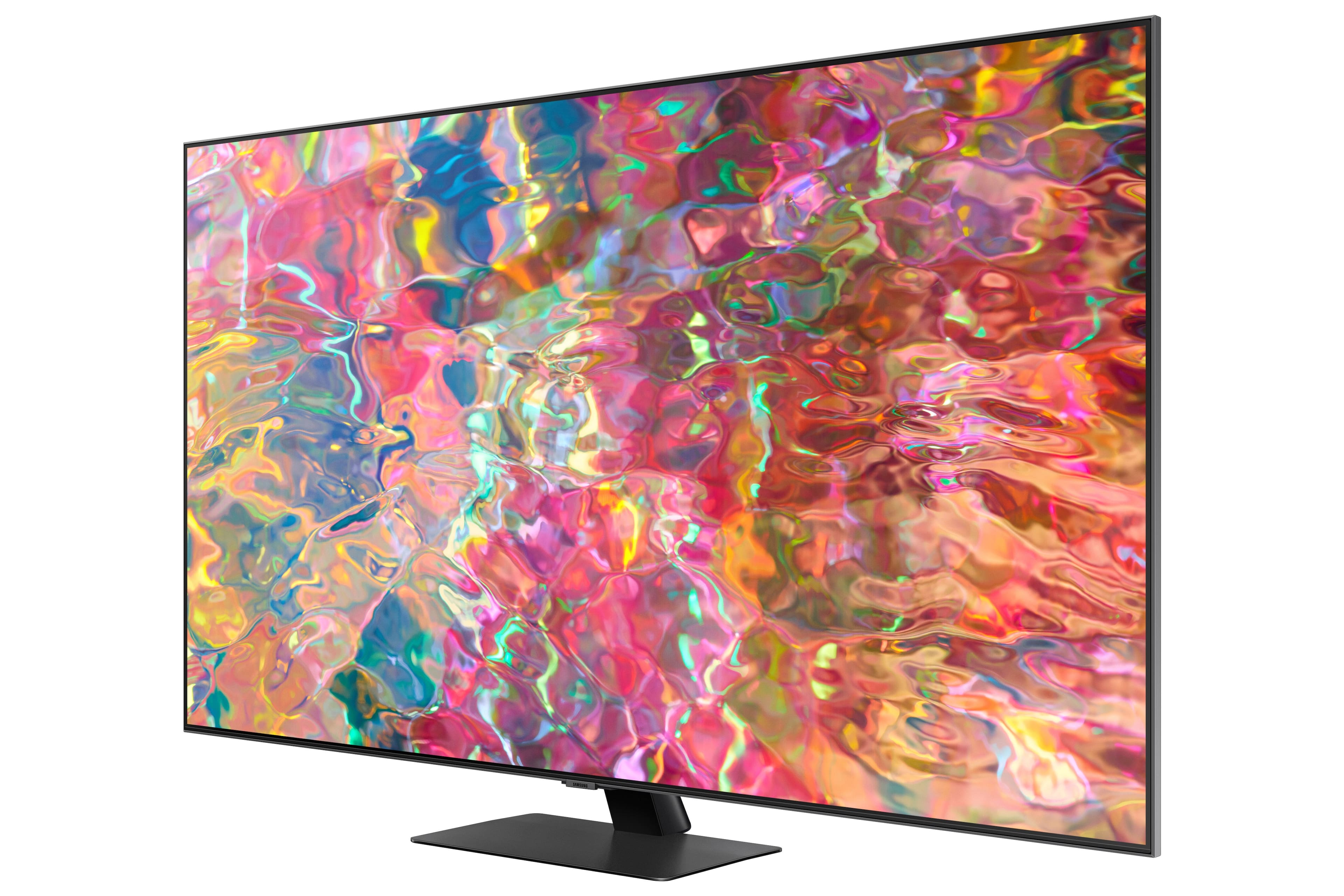
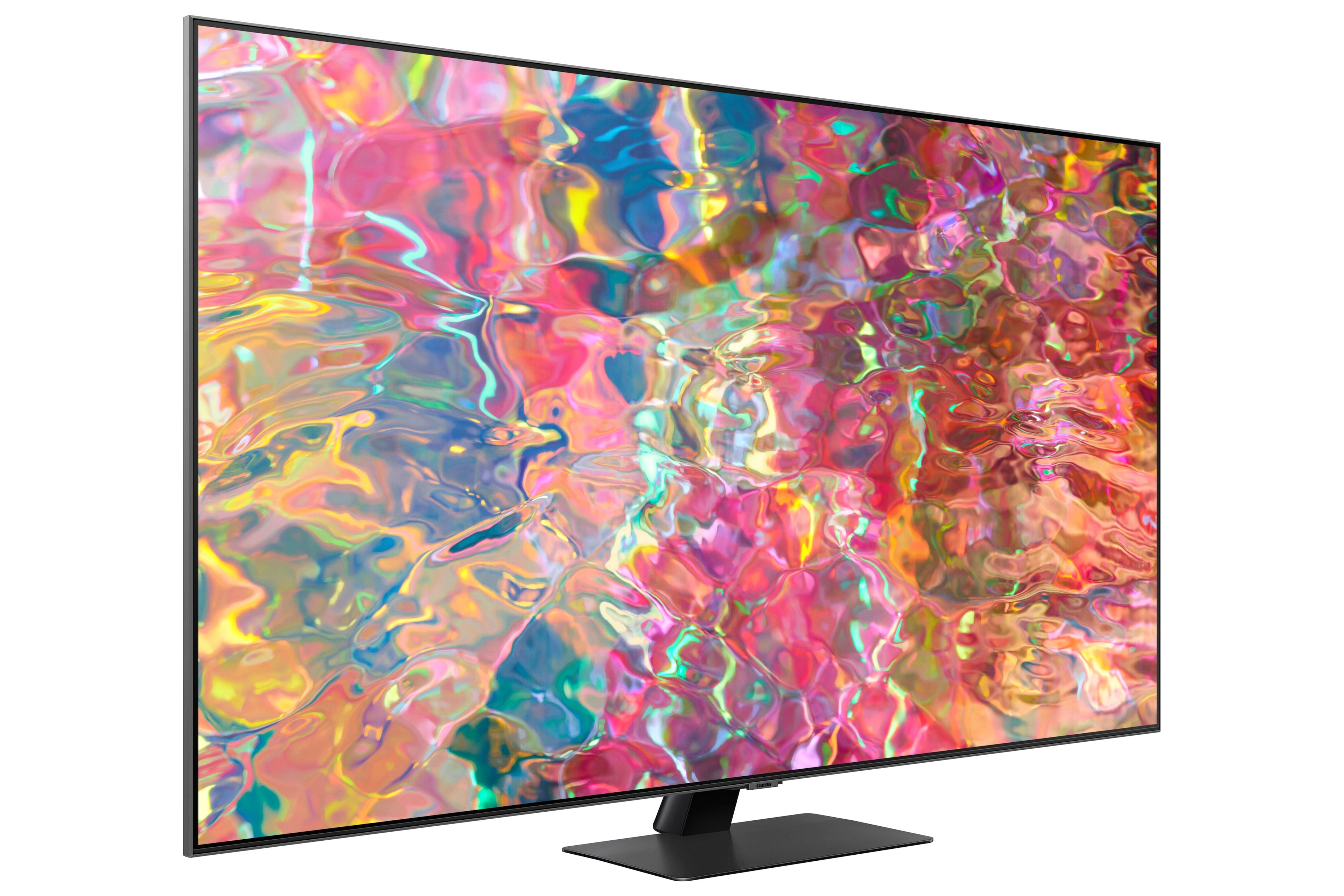
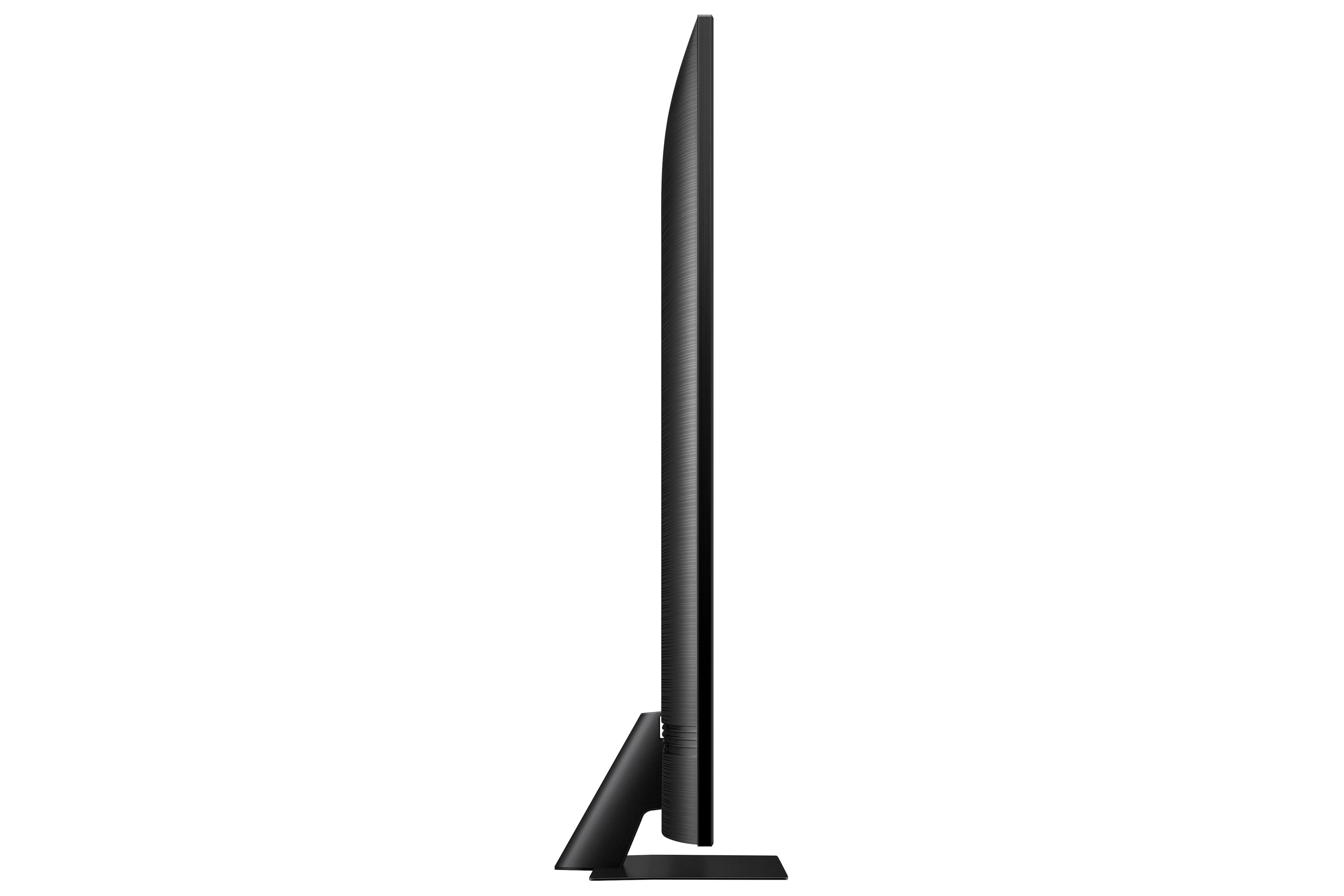

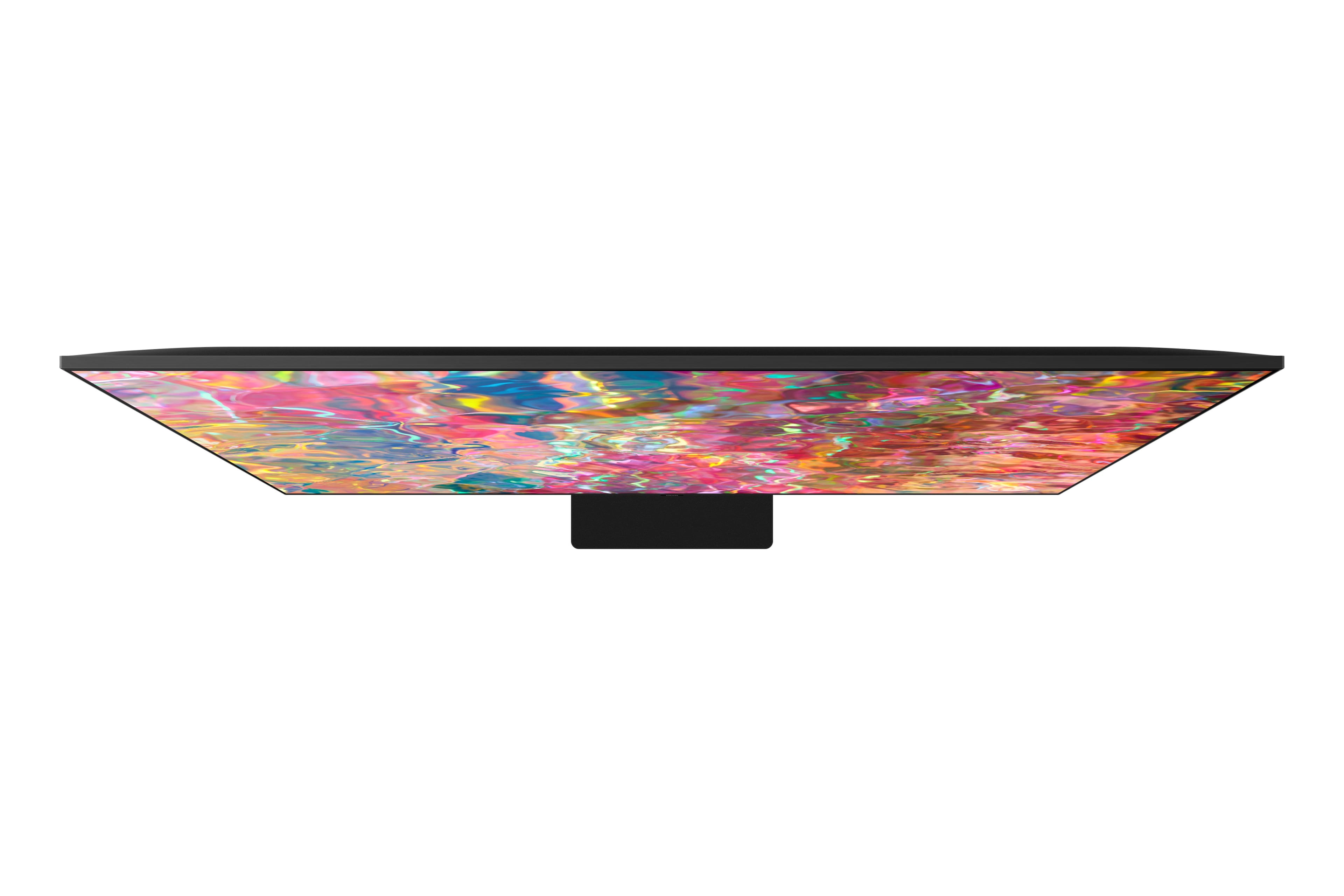
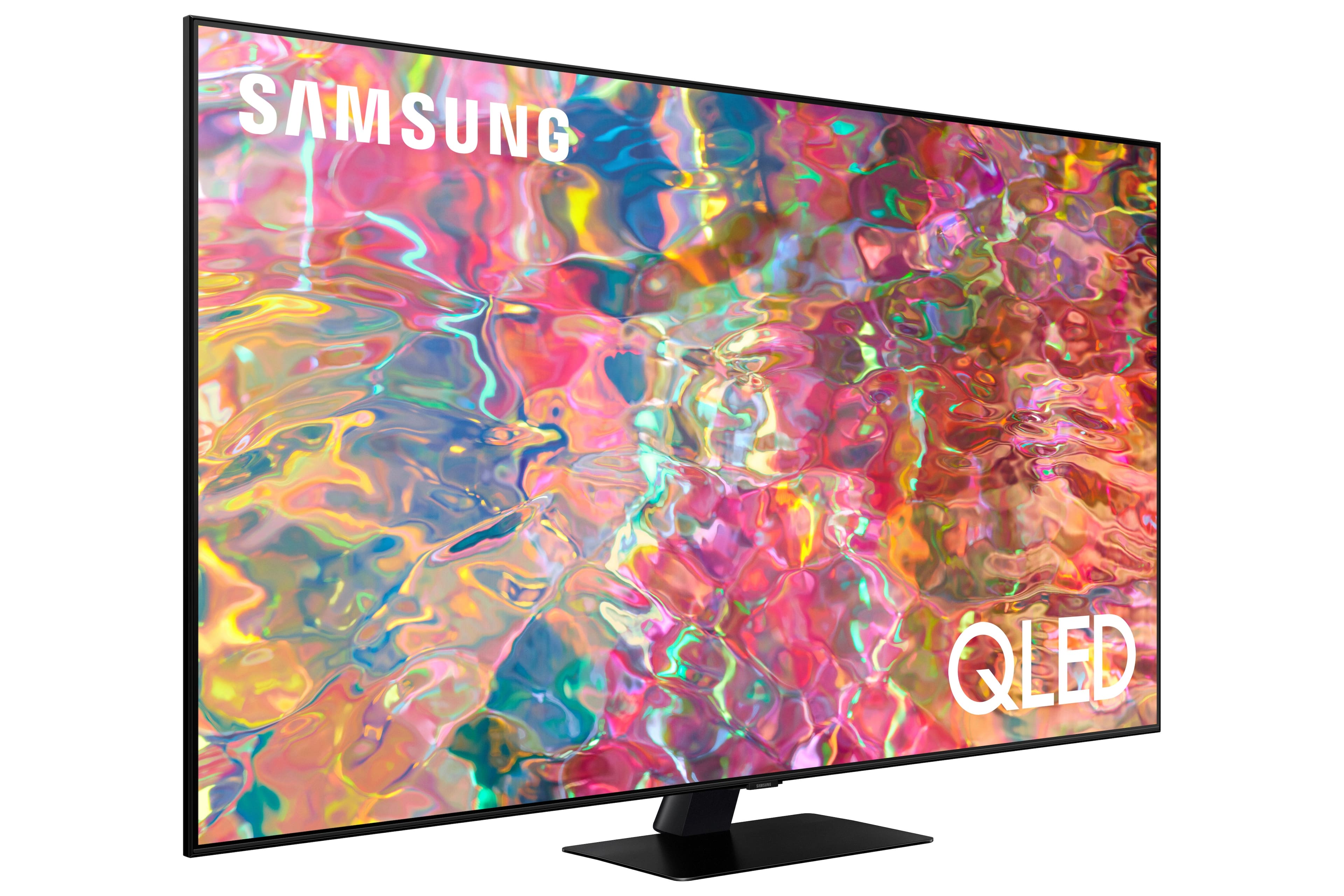
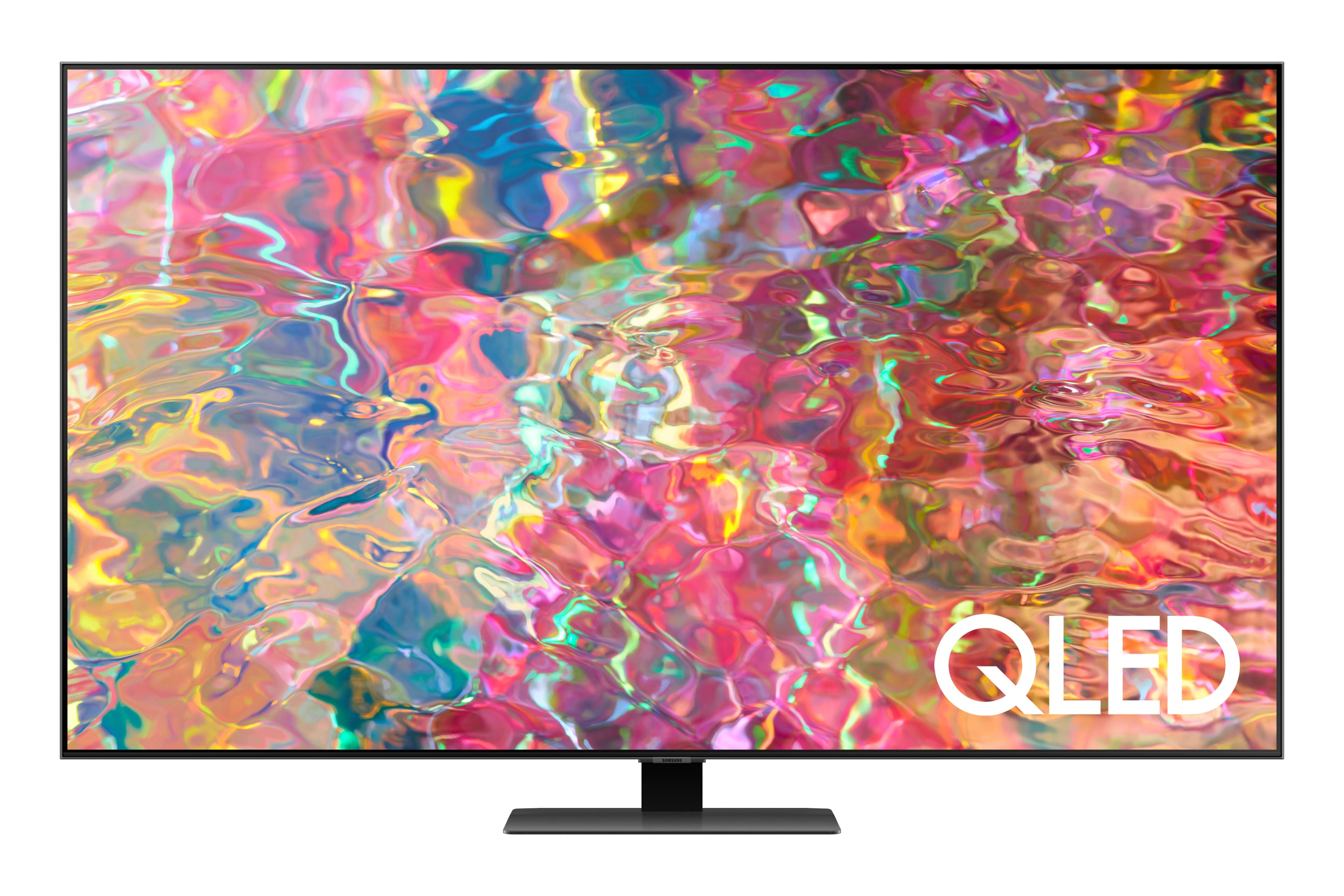
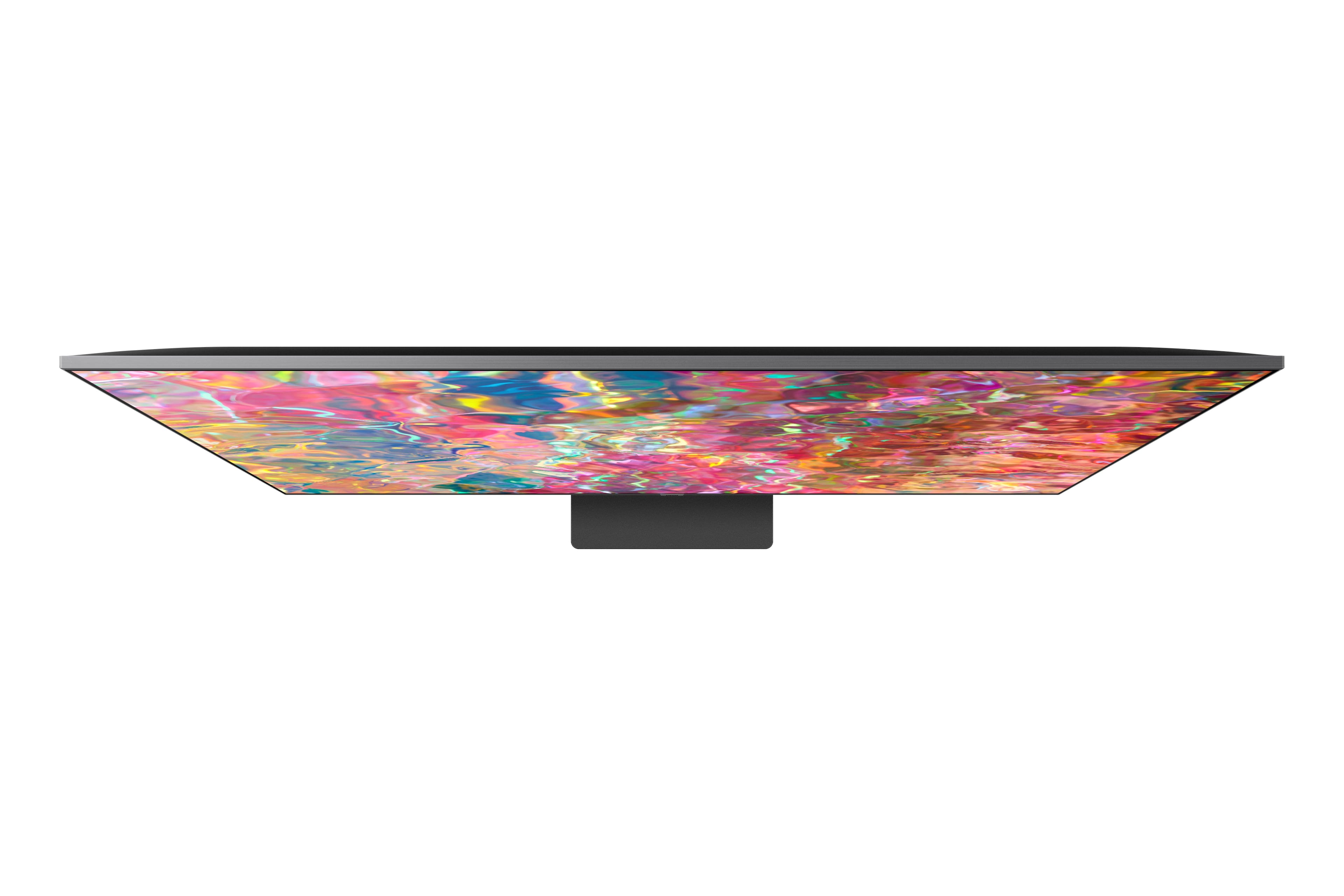
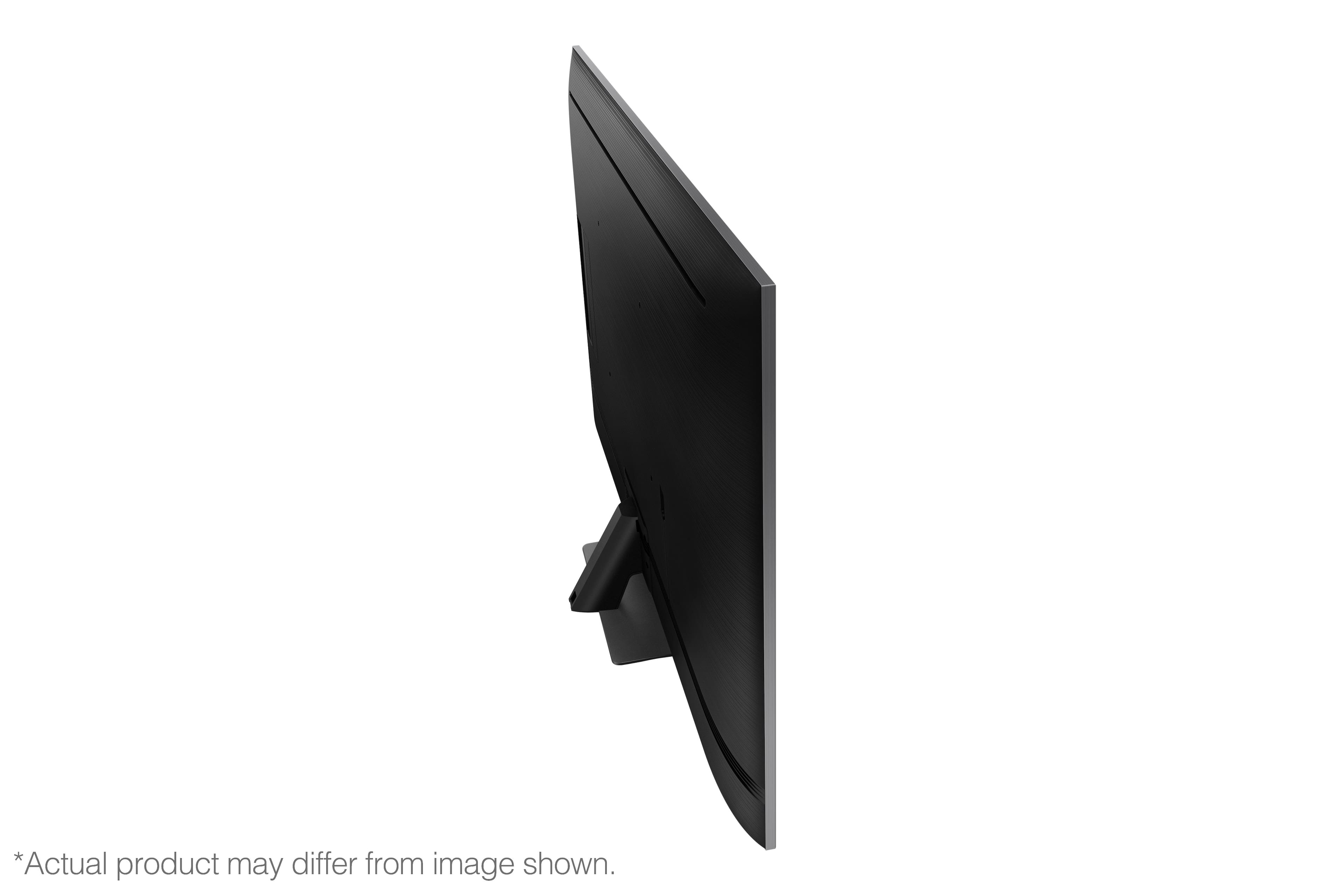
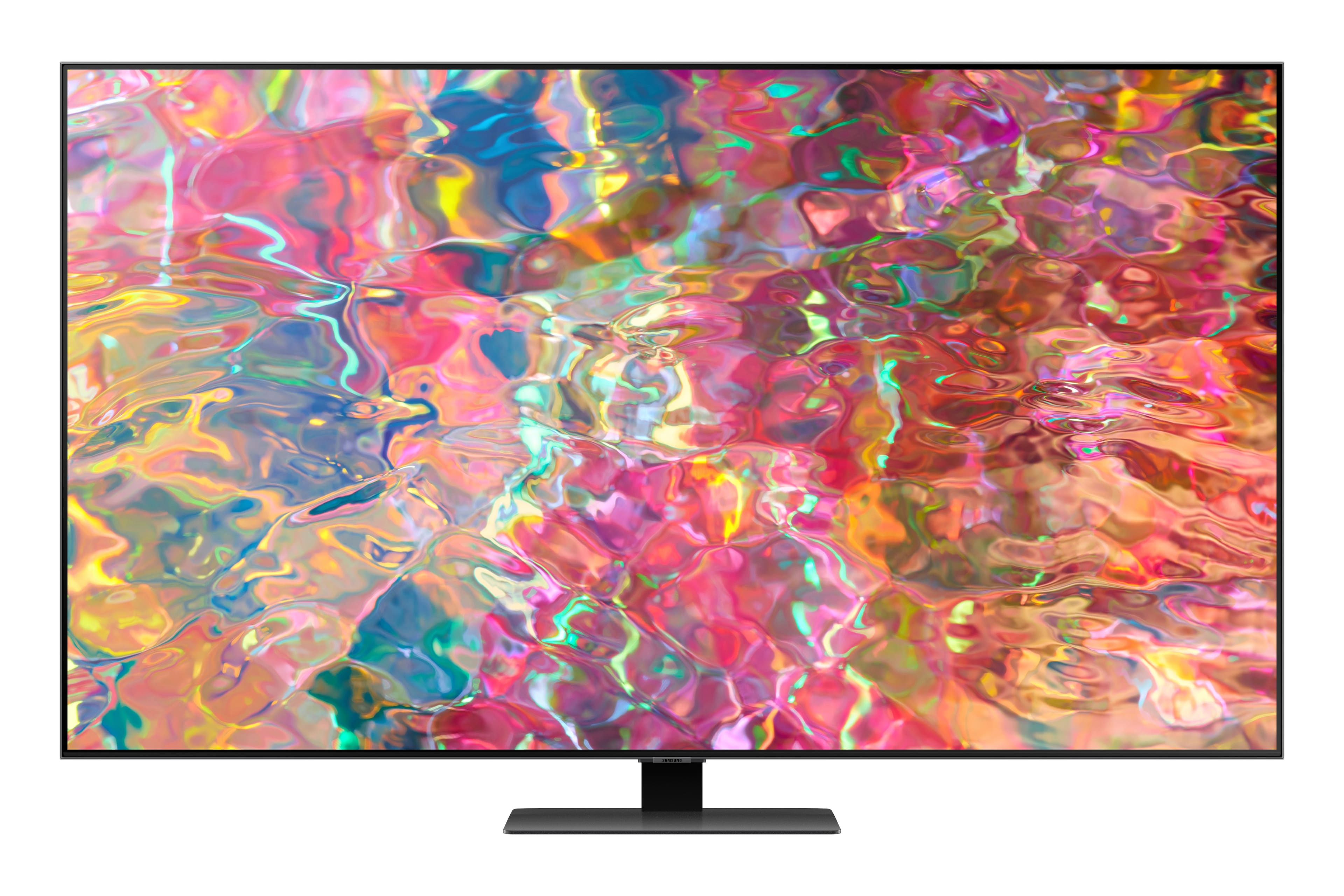
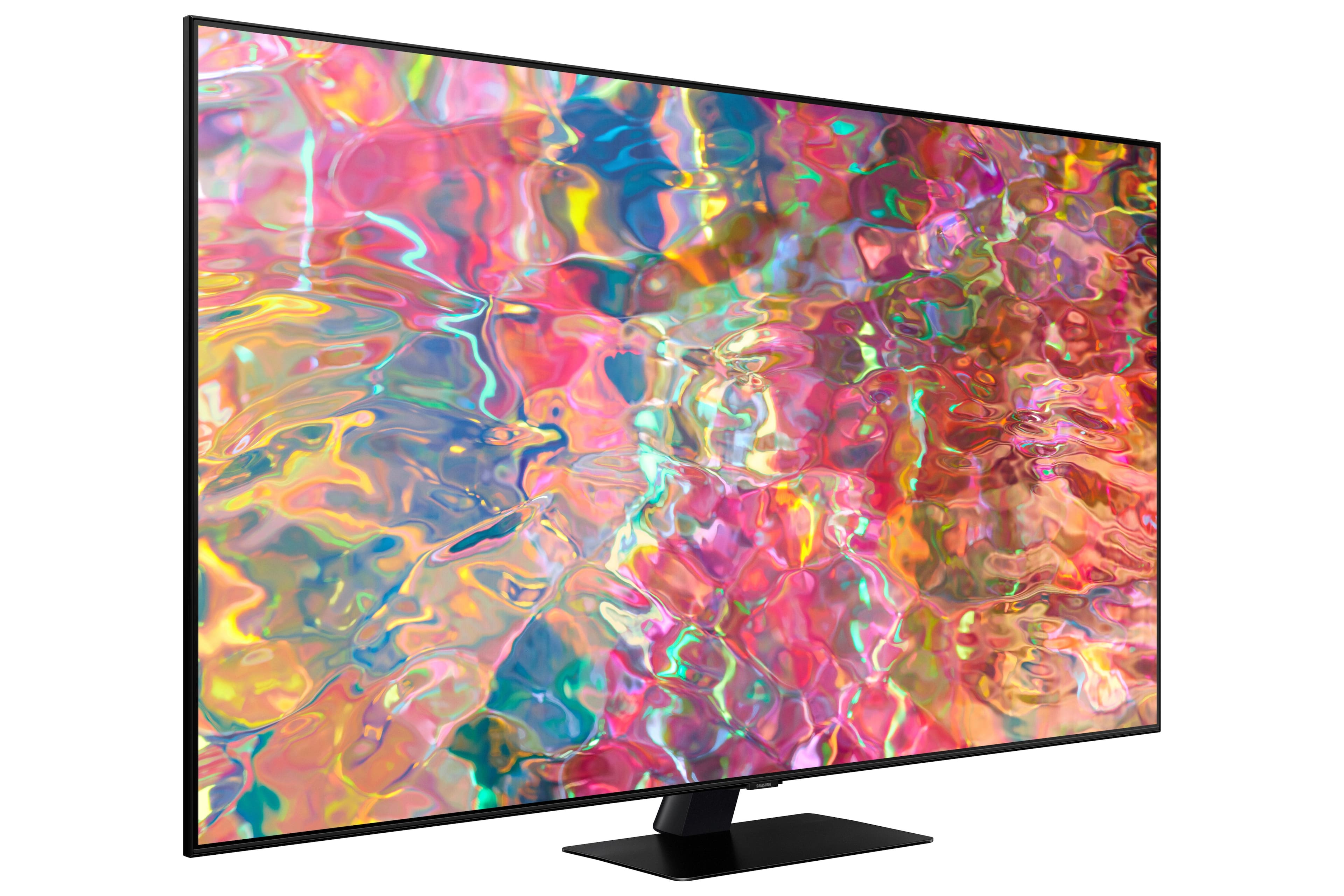
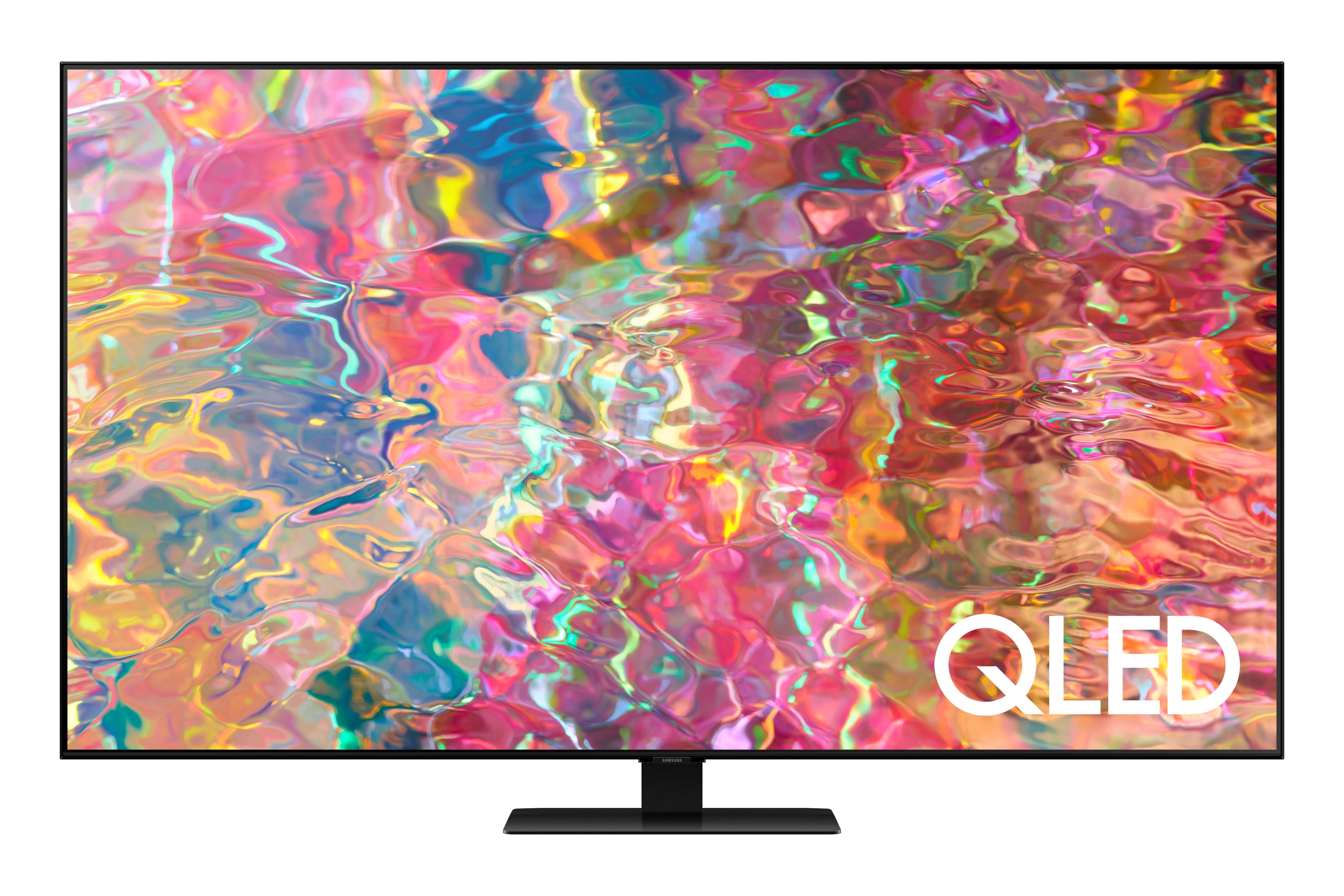
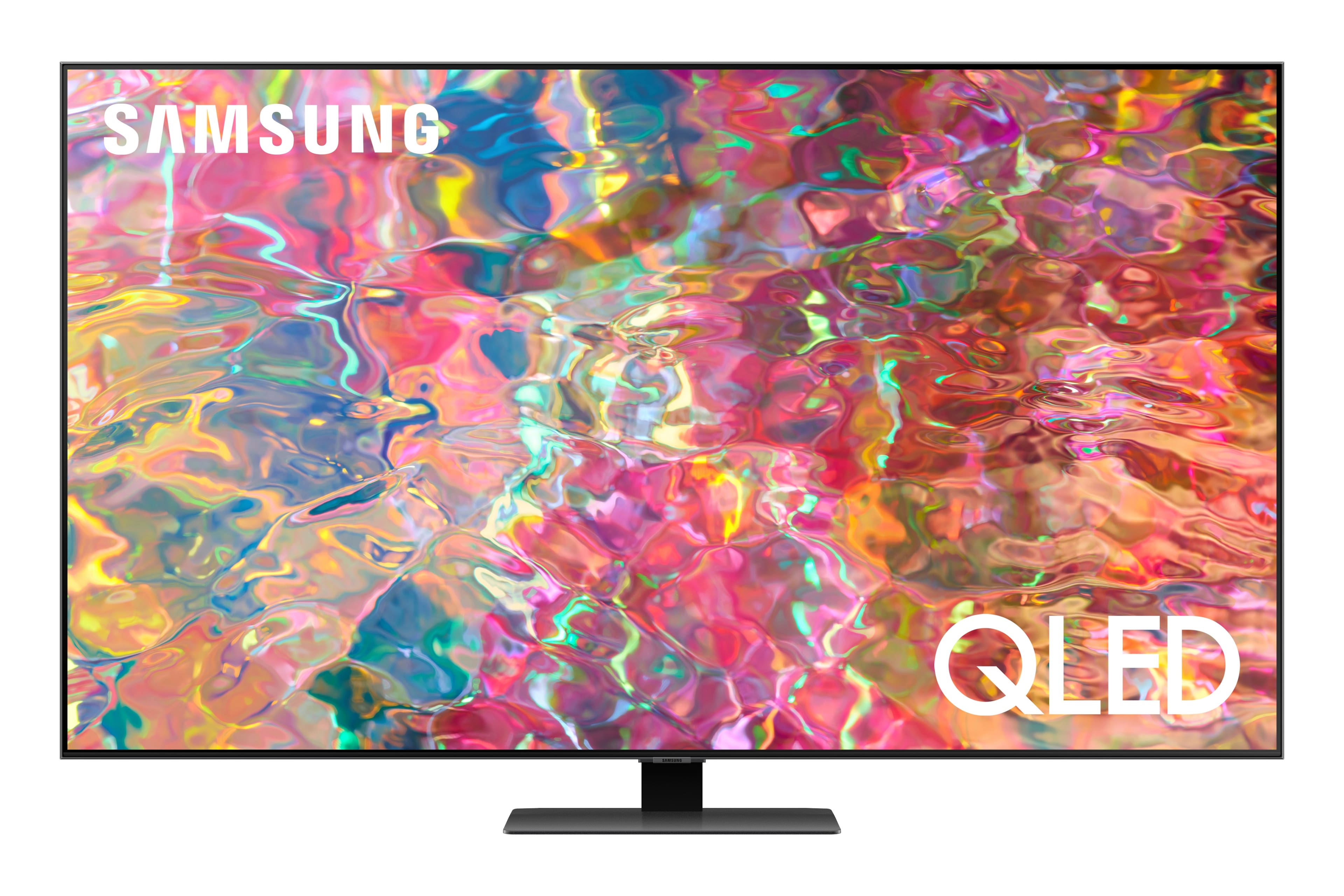
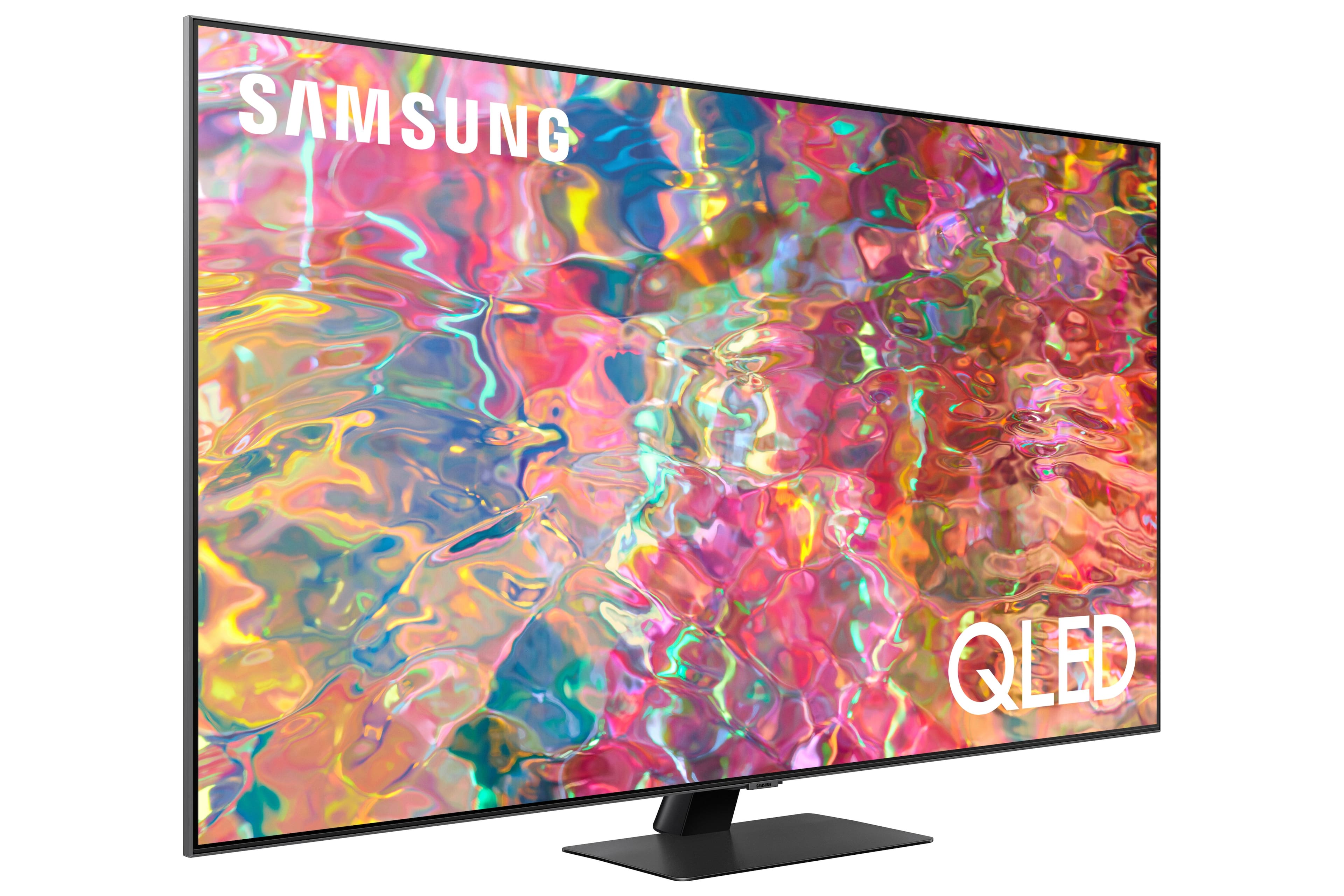











- Model:
- QN75Q80BAFXZA
- SKU:
- 6503079
Rating by feature
- Picture Quality
Rating 4.8 out of 5 stars
- Sound Quality
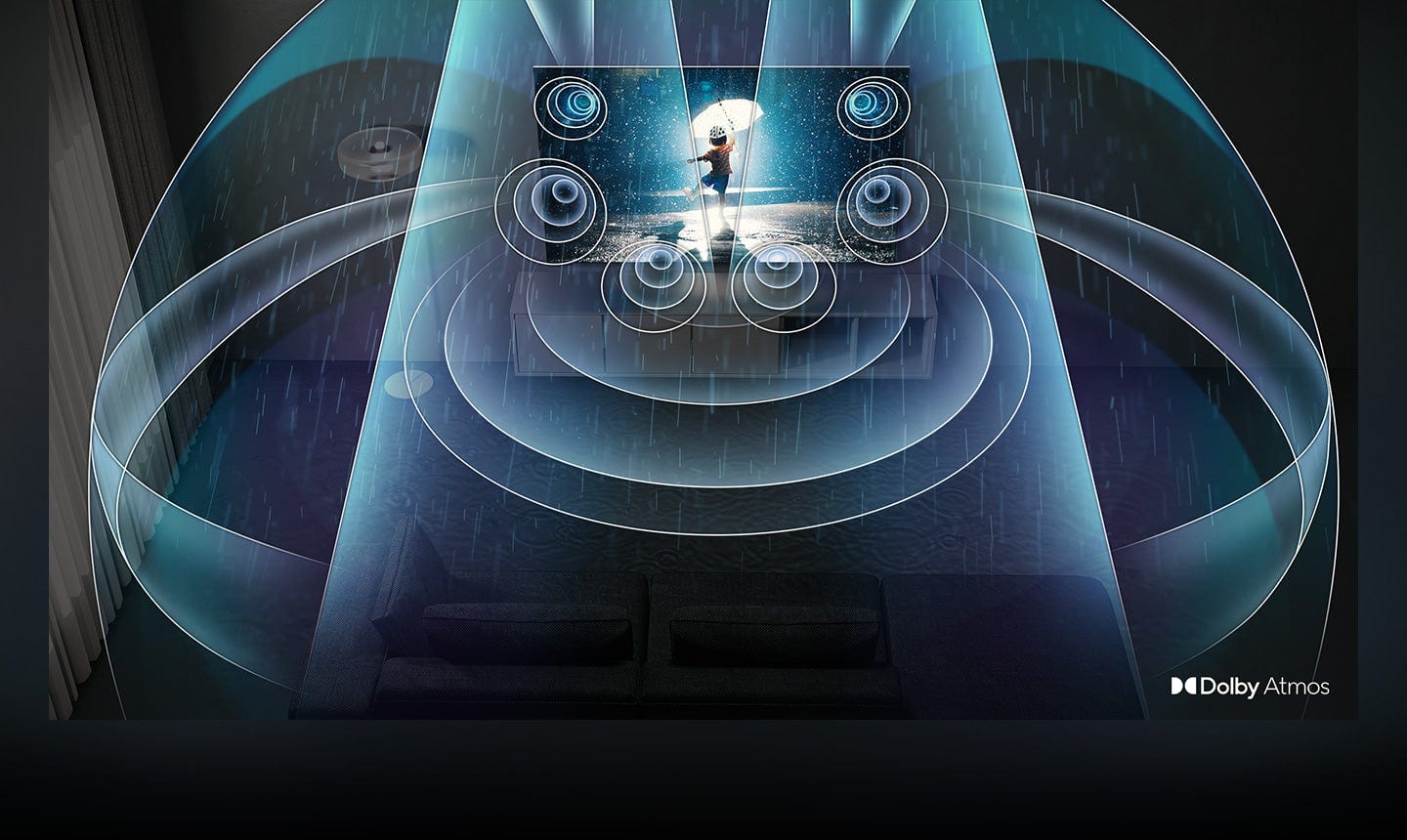
Rating 4.6 out of 5 stars
- Brightness
Rating 4.8 out of 5 stars
Customers are saying
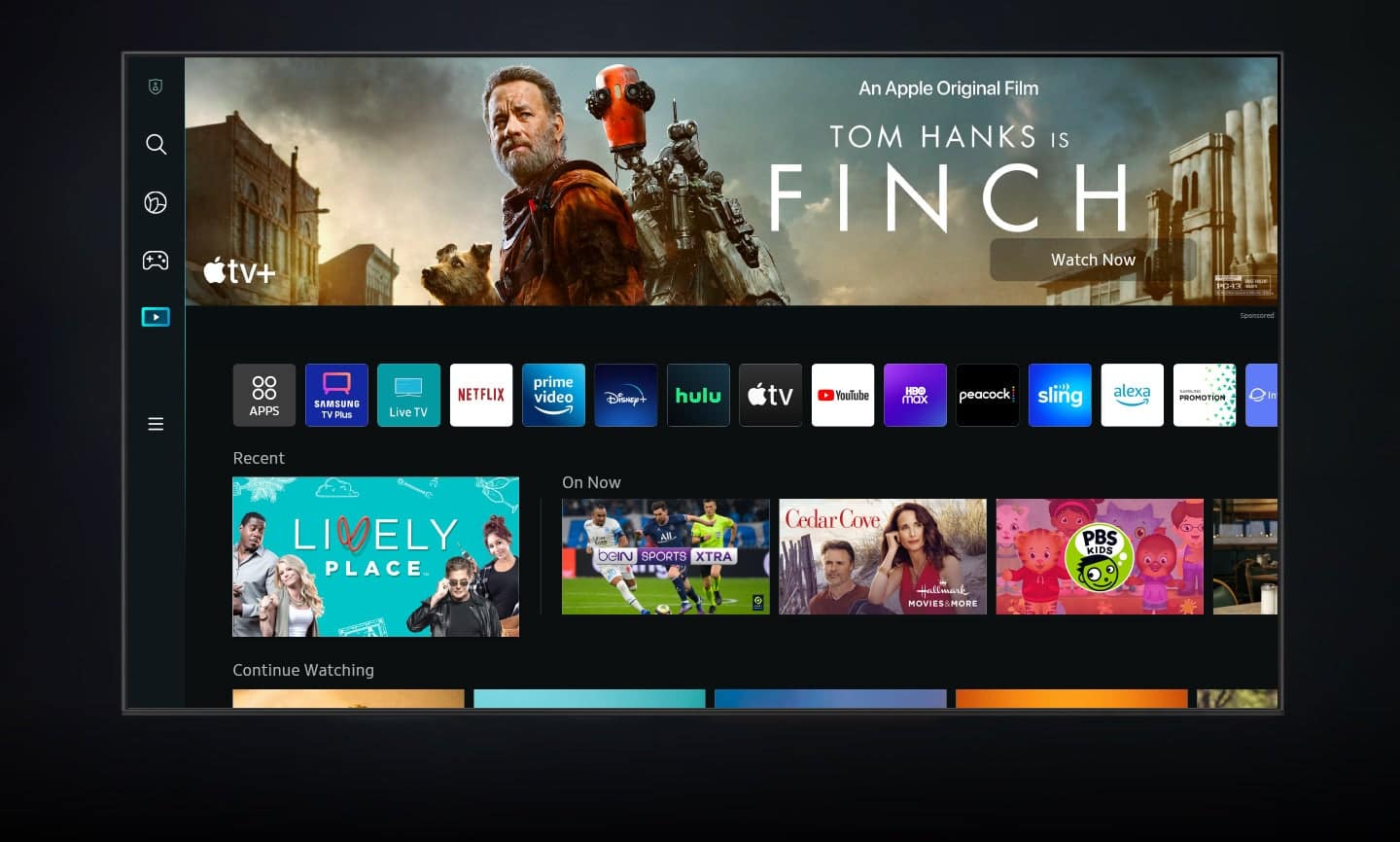
Customers value the 75” Class Q80B QLED 4K Smart Tizen TV for its exceptional picture quality, vivid colors, and immersive sound experience. They appreciate the easy setup process and find the TV to be a great value for the price. While some customers have expressed concerns about the remote control, the overall positive feedback highlights the TV's impressive features and performance.
This summary was generated by AI based on customer reviews.
no
||Posted . Owned for 1 month when reviewed.This reviewer received promo considerations or sweepstakes entry for writing a review.Quick delivery and set up. Geek Squad set it up and Im very happy
I would recommend this to a friendLoving my Smart TV!
||Posted . Owned for 1 month when reviewed.This reviewer received promo considerations or sweepstakes entry for writing a review.Makes me feel like I’m in a theatre. Love it! Whole family enjoys it!
I would recommend this to a friendLove it
||Posted . Owned for 2 months when reviewed.This reviewer received promo considerations or sweepstakes entry for writing a review.Love my tv. Was professionally installed by the geek squad
I would recommend this to a friendSamsung
||Posted . Owned for 3 weeks when reviewed.This reviewer received promo considerations or sweepstakes entry for writing a review.I like the television very well, the technology level is excellent.
I would recommend this to a friendGeek squad
||Posted .This reviewer received promo considerations or sweepstakes entry for writing a review.Everything went great! The guys were very good at their jobs
I would recommend this to a friendGreat TV
||Posted .This reviewer received promo considerations or sweepstakes entry for writing a review.Great TV. Looks great in our space and good picture quality.
I would recommend this to a friendNew TV
||Posted . Owned for 2 weeks when reviewed.This reviewer received promo considerations or sweepstakes entry for writing a review.Love the new TV. Delivery and setup were fast and thorough.
I would recommend this to a friendGreat quality!
||Posted . Owned for 3 months when reviewed.This reviewer received promo considerations or sweepstakes entry for writing a review.Love this tv and am a huge loyal buyer of Samsung smart tvs!
I would recommend this to a friendSAMSUNG 75" Q80B
||Posted . Owned for less than 1 week when reviewed.This reviewer received promo considerations or sweepstakes entry for writing a review.IMPRESSED WITH EVERYTHING EXCEPT THE AUDIO WASN'T AS GOOD AS THE SONY IT REPLACED. I WAS HOWEVER ABLE TO SOLVE THAT BY TWEAKING MY SOUND STSTEM.
I would recommend this to a friendBrand response from Samsung
Posted .Hi there,
Thanks for your review! We appreciate your feedback on the Q80B TV's sound quality, and I'm glad to hear you were able to make adjustments to improve the audio to your preference.
If there’s anything we can ever help with, please call us at 1-800-SAMSUNG, 8AM - 12AM EST, 7 days a week. Or visit us on the Samsung website and click on the ‘Support’ link for:
1) LiveChat
2) Manuals, Software, & Warranty Info
~ Samsung Specialist
Great purchase!
||Posted .This reviewer received promo considerations or sweepstakes entry for writing a review.So far this TV has been fantastic. No issues! Would recommend!
I would recommend this to a friendBR TV
||Posted . Owned for 2 weeks when reviewed.This reviewer received promo considerations or sweepstakes entry for writing a review.It was time to upgrade the TV in our bedroom and it is great.
I would recommend this to a friendSamsung 75
||Posted . Owned for 1 month when reviewed.This reviewer received promo considerations or sweepstakes entry for writing a review.Sound from soundbar doesn't always match picture. Adjustments have not worked.
I would recommend this to a friendBrand response from Samsung
Posted .TimD,
We appreciate your feedback on the lip sync issues you’re experiencing with your Q80B TV. This could possibly be a source issue, but if you’re hearing an audio delay across all sources/channels and you have a receiver, soundbar, or other speakers connected to your TV, you can access the Audio Delay settings to increase the audio delay. Go to: Menu > Settings > All Settings > Sound > Expert Settings > Digital Output Audio Delay
Our 2022 TVs have an audio Pass-Through feature, which allows the audio signal to be sent out unprocessed to an external soundbar or receiver connected to the TV. The external device then processes the audio, thereby eliminating the added step of processing by the TV, which adds delay.
On your TV, go to: Menu > Settings > All Settings > Sound > Expert Settings > Digital Audio Output Format > Pass-Through
Please also be sure you’re running the latest firmware. You can check to see what software version your TV is using and if there is an available update through the settings on your TV. Go to: Menu > Settings > Support > Software Update.
If you’ve tried these steps and your issue persists, please contact us for troubleshooting and a Support agent will gladly assist.
1) 1-800-SAMSUNG, 8AM - 12AM EST, 7 days a week.
2) LiveChat with an agent by clicking the ‘Support’ link on the Samsung website homepage.
We look forward to hearing from you.
~ Samsung Specialist
New big screen
||Posted . Owned for 3 weeks when reviewed.This reviewer received promo considerations or sweepstakes entry for writing a review.Good value for the size, average pic & sound quality
I would recommend this to a friendTV
||Posted . Owned for 1 month when reviewed.This reviewer received promo considerations or sweepstakes entry for writing a review.Great buy! Definitely recommend, the picture is so clear and fits great in our living room.
I would recommend this to a friendDo not buy this TV
||Posted . Owned for 10 months when reviewed.This reviewer received promo considerations or sweepstakes entry for writing a review.The 75" screen was defective after 30 days. Samnsung was terrible to deal with After months of back and forth to get the Screen replaced, turned out that they do not make a 75" replacement screen to begin with. Worst tv experience ever
No, I would not recommend this to a friendQuality
||Posted . Owned for 3 weeks when reviewed.This reviewer received promo considerations or sweepstakes entry for writing a review.Very good and very satisfying product. Highly recommended
I would recommend this to a friendIt's ok
||Posted . Owned for 1 month when reviewed.This reviewer received promo considerations or sweepstakes entry for writing a review.Not much difference from a lower model. I thought the picture would be excellent. I don't know if it that there's not much content available for the quality or is just not that good. Either way, it's just ok.
No, I would not recommend this to a friendBrand response from Samsung
Posted .Hi Pana68,
Thank you for your review of the Samsung Q80B TV. If the picture you see out of the box is not to your liking, there are several picture settings you may want to try adjusting.
You can select the Picture Mode that provides the best viewing experience. Go to Home > Menu > Settings > All Settings > Picture > Picture Mode.
1) Standard: Is the default mode suitable for general viewing environments.
2) Movie: It is suitable for watching TV or movies in a dark room.
3) Dynamic: Makes the picture brighter and clearer in bright viewing environments.
4) Filmmaker Mode: You can watch the source content (e.g., movie) as it is. If the image is defined as Filmmaker Mode, it will automatically switch to Filmmaker Mode while watching.
You can also go to Home > Menu > Settings > All Settings > Picture > Expert Settings to manually fine-tune your image.
For further assistance with settings adjustments, please contact Samsung Customer Support at 1-800-SAMSUNG, 8 AM - 12 AM EST, seven days a week. Or visit us on the Samsung website and click on the ‘Support’ link for:
1) LiveChat with an agent
2) Manuals, Software, & Warranty Info
~ Samsung Specialist
Internet connect
||Posted . Owned for 3 weeks when reviewed.This reviewer received promo considerations or sweepstakes entry for writing a review.Unfortunately the TV wasnt working. Couldnt connect to the internet. Best buy is doing the right thing and refunding.
No, I would not recommend this to a friendBrand response from Samsung
Posted .Mike,
It’s unfortunate to hear of the issues that have caused you to return your Q80B TV. Your experience is very important to us and will be shared with our product team.
Please know we’re always here to help, and we could’ve provided additional troubleshooting assistance to resolve any issues you were experiencing.
Should you ever decide to give Samsung TVs another try and have questions or need help with settings, setup, or features, please know we’re here to help. Call us at 1-800-SAMSUNG, 8AM - 12AM EST, 7 days a week.
LiveChat with an agent as well as manuals, software, and warranty info can be found at the ‘Support’ link on our Samsung website.
We hope to regain you as a customer in the future.
~ Samsung Specialist
Ok TV went for the Q90B instead
||Posted .This reviewer received promo considerations or sweepstakes entry for writing a review.This TV was ok I sit pretty close and the resolution was not what I expected so I went to the next model up instead
No, I would not recommend this to a friendBrand response from Samsung
Posted .Smashmasta,
We appreciate you sharing your experience with Samsung’s Q80B TV and detailing the reasons you have decided to replace it with a different model. Thank you for being a loyal Samsung customer.
Your feedback on this model is important to us and will be shared with our internal teams.
Should you have questions or need assistance with settings, setup, or features with your new Samsung QN90B TV, please know we are always here to help. You can reach Samsung Support at 1-800-SAMSUNG, 8AM - 12AM EST, 7 days a week. Or visit us on the Samsung website and click on the ‘Support’ link for:
• LiveChat
• Manuals, Software, & Warranty Info
~ Samsung Specialist
Could’ve been better
||Posted . Owned for 1 week when reviewed.This reviewer received promo considerations or sweepstakes entry for writing a review.picture quality is not all that. Im guessing with a smaller size instead of the 75” would’ve show muxh better
No, I would not recommend this to a friendBrand response from Samsung
Posted .JamaicaMeCraziiii,
Thank you for sharing your thoughts on the picture quality of your Q80B TV. To ensure you’ve got the latest image quality updates, please confirm that your TV is up to date with the latest firmware version. You can check by going to: Home > Menu > Settings > Support > Software Update.
If the picture you’re seeing is still not to your liking after updating firmware, there are several picture settings you may want to try adjusting.
Go to Home > Menu > Settings > All Settings > Picture > Picture Mode
...and select the mode that best fits your usage:
1) Standard: Is the default mode suitable for general viewing environments.
2) Movie: Is suitable for watching TV or movies in a dark room.
3) Dynamic: Makes the picture brighter and clearer in bright viewing environments.
4) Filmmaker Mode: You can watch the source content (e.g., movie) as it is. If the image is defined as Filmmaker Mode, it will automatically switch to Filmmaker Mode while watching.
You can also go to: Home > Menu > Settings > All Settings > Picture > Expert Settings to manually fine tune your image.
For further assistance with settings adjustments, please contact Samsung Customer Support at 1-800-SAMSUNG, 8AM - 12AM EST, 7 days a week. Or visit us on the Samsung website and click on the ‘Support’ link for:
• LiveChat
• Manuals, Software, & Warranty Info
~ Samsung Specialist