Customer Ratings & Reviews
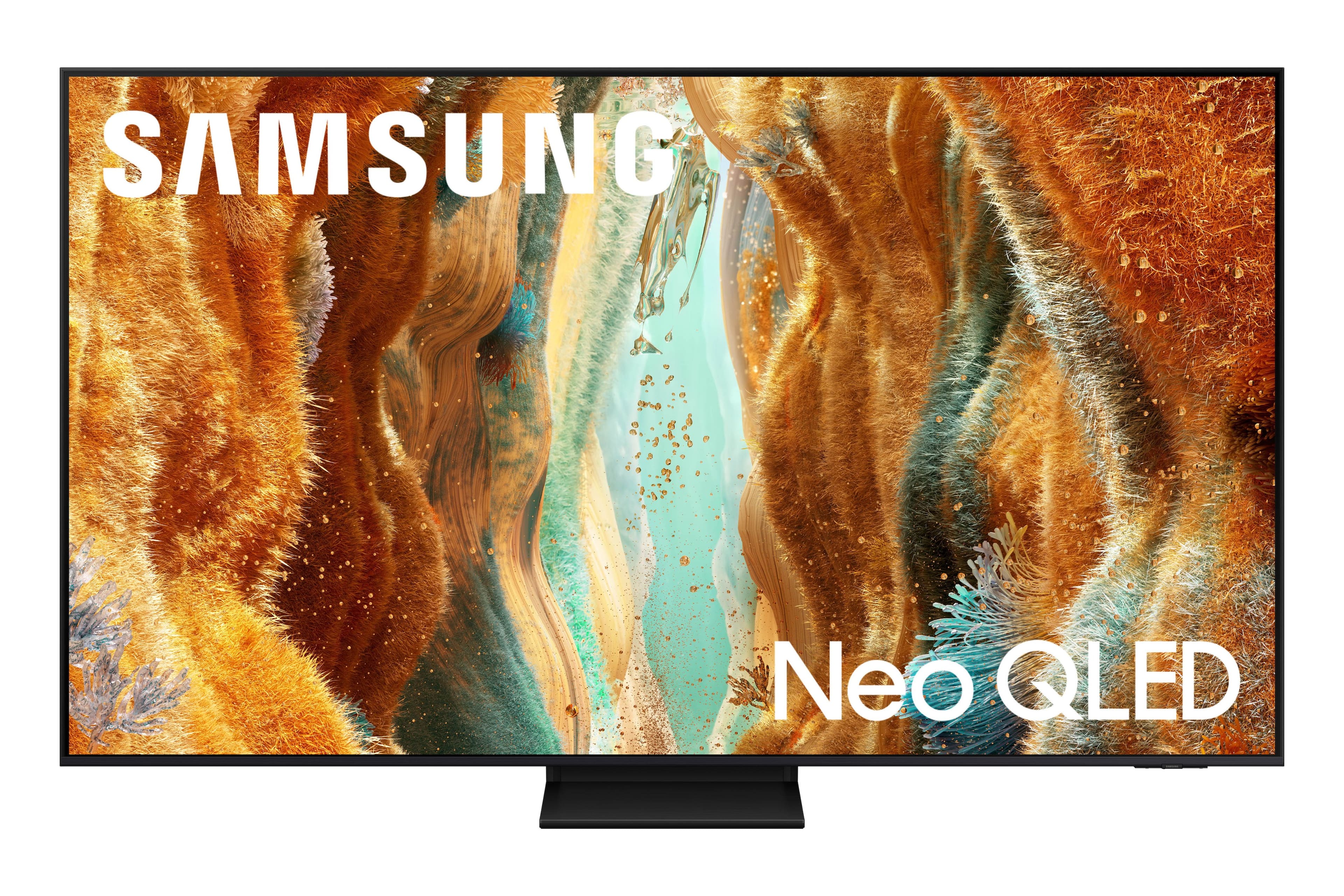

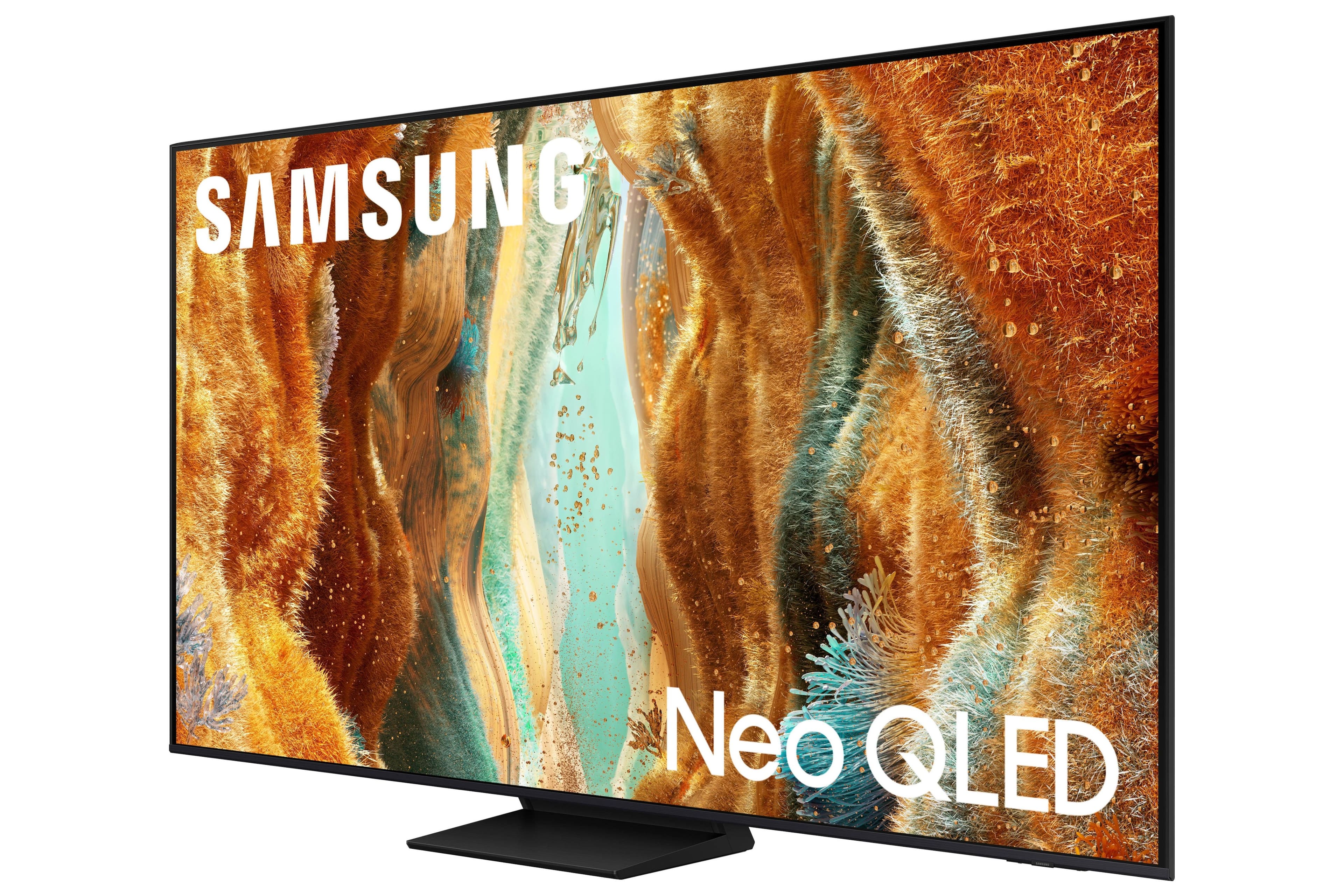
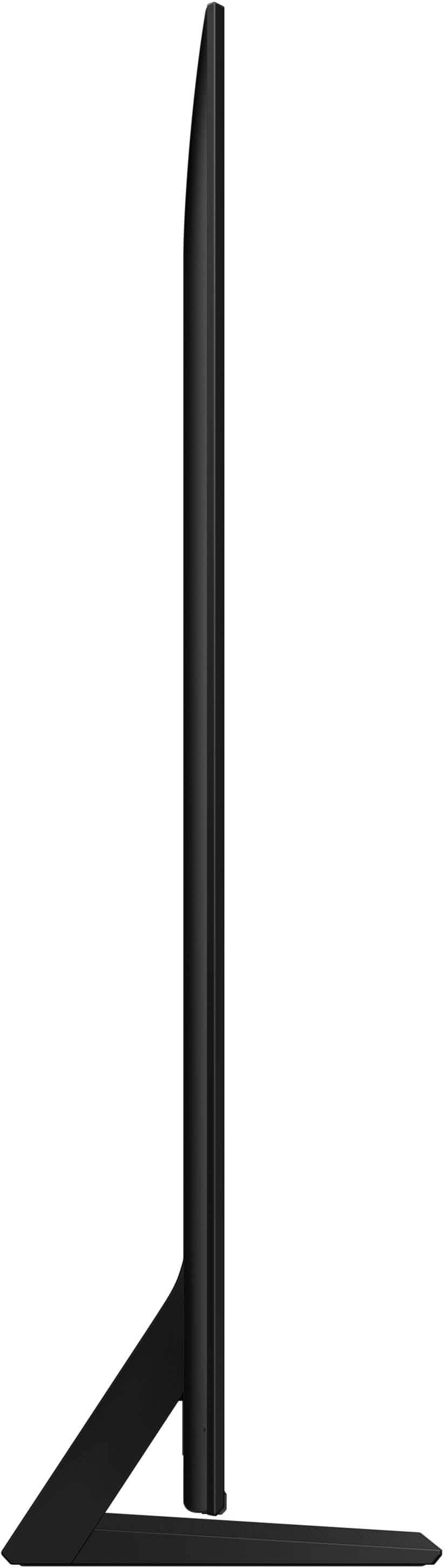
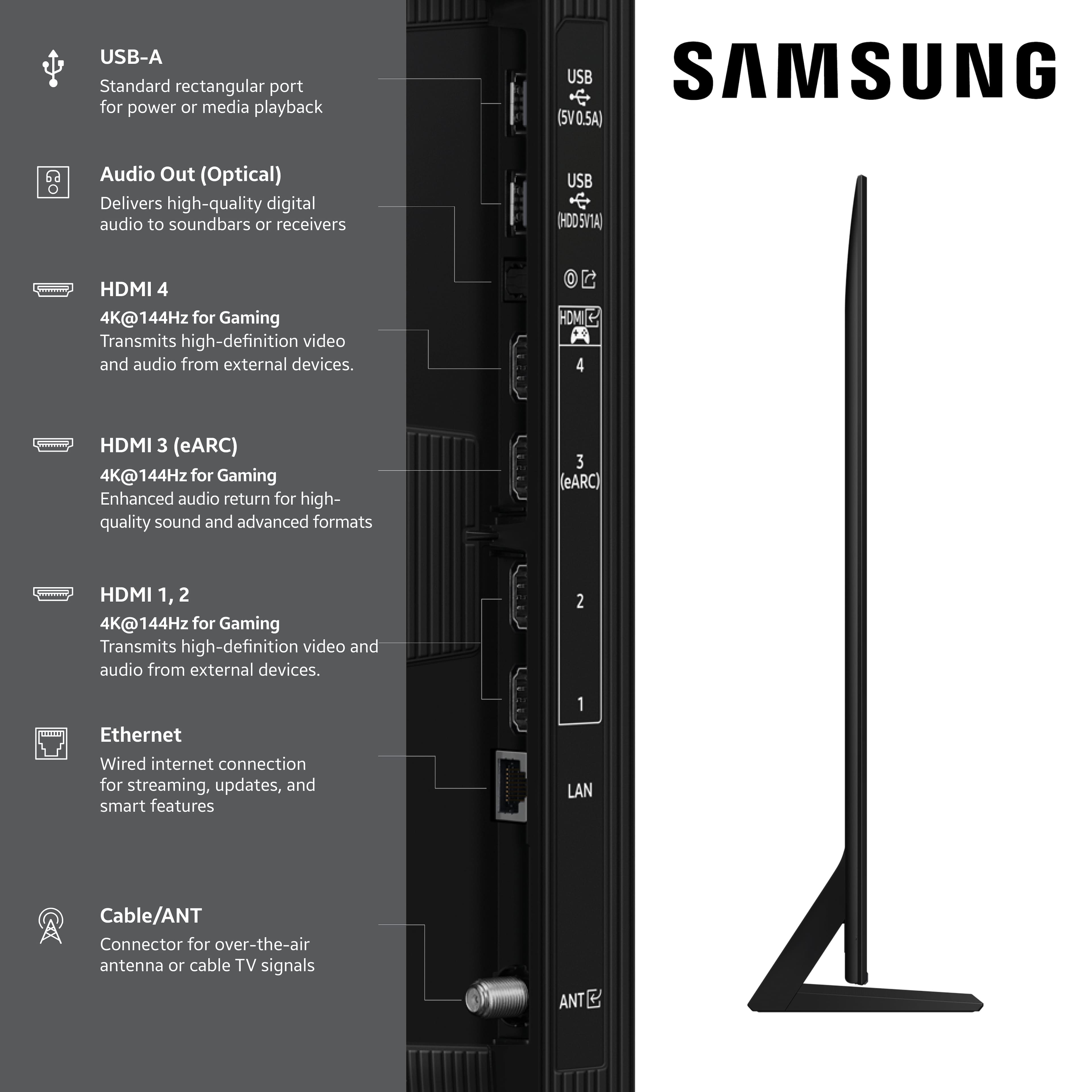





- Model:
- QN75QN70FAFXZA
- |
- SKU:
- 10517840
Customer reviews
Rating 4.8 out of 5 stars with 305 reviews
(305 customer reviews)Rating by feature
- Picture Quality4.8
Rating 4.8 out of 5 stars
- Sound Quality4.7
Rating 4.7 out of 5 stars
- Brightness4.9
Rating 4.9 out of 5 stars
Rated 5 out of 5 stars
New TV
||Posted . Owned for 2 weeks when reviewed.This reviewer received promo considerations or sweepstakes entry for writing a review.Me and my family love our new TV. So crystal clear and for a great price!
This review is from Samsung - 75” Class QN70F Series Neo QLED Mini LED 4K UHD SamsungVision AI Smart Tizen TV (2025)
I would recommend this to a friend- Pros mentioned:Picture quality
Rated 5 out of 5 stars
Great Tv for a Great Price
||Posted .This reviewer received promo considerations or sweepstakes entry for writing a review.Easy Setup, great picture quality. No complaints at all.
This review is from Samsung - 75” Class QN70F Series Neo QLED Mini LED 4K UHD SamsungVision AI Smart Tizen TV (2025)
I would recommend this to a friend - Pros mentioned:Picture quality
Rated 5 out of 5 stars
Soundtv
||Posted . Owned for 3 weeks when reviewed.This reviewer received promo considerations or sweepstakes entry for writing a review.Picture and sound are really great,l love that,l would recommend friends.
This review is from Samsung - 75” Class QN70F Series Neo QLED Mini LED 4K UHD SamsungVision AI Smart Tizen TV (2025)
I would recommend this to a friend - Pros mentioned:Picture quality
Rated 5 out of 5 stars
Best tv
||Posted . Owned for 1 month when reviewed.This reviewer received promo considerations or sweepstakes entry for writing a review.very quality tv. I love the quality of the sound and brightness
This review is from Samsung - 75” Class QN70F Series Neo QLED Mini LED 4K UHD SamsungVision AI Smart Tizen TV (2025)
I would recommend this to a friend - Pros mentioned:Picture quality
Rated 5 out of 5 stars
Samsung-75” class QN70F
||Posted . Owned for 3 weeks when reviewed.This reviewer received promo considerations or sweepstakes entry for writing a review.Very happy with the picture and the performance. Installation was easy.
This review is from Samsung - 75” Class QN70F Series Neo QLED Mini LED 4K UHD SamsungVision AI Smart Tizen TV (2025)
I would recommend this to a friend Rated 5 out of 5 stars
Samsung TV
||Posted . Owned for 1 month when reviewed.This reviewer received promo considerations or sweepstakes entry for writing a review.So far enjoying this new TV. only issue I have had is sometimes sporting events aren’t real clear.
This review is from Samsung - 75” Class QN70F Series Neo QLED Mini LED 4K UHD SamsungVision AI Smart Tizen TV (2025)
I would recommend this to a friend- Pros mentioned:Picture quality
Rated 4 out of 5 stars
good tv
||Posted . Owned for 2 weeks when reviewed.This reviewer received promo considerations or sweepstakes entry for writing a review.The picture is good. We had some trouble setting everything up--"smart" tv's are sometimes too smart for their own good. Too much extra.
This review is from Samsung - 75” Class QN70F Series Neo QLED Mini LED 4K UHD SamsungVision AI Smart Tizen TV (2025)
I would recommend this to a friend - Pros mentioned:Picture quality
Rated 5 out of 5 stars
Satisfied
||Posted . Owned for 3 weeks when reviewed.This reviewer received promo considerations or sweepstakes entry for writing a review.Great purchase still haven’t opened it yet though.
This review is from Samsung - 75” Class QN70F Series Neo QLED Mini LED 4K UHD SamsungVision AI Smart Tizen TV (2025)
I would recommend this to a friend - Pros mentioned:Picture quality
Rated 5 out of 5 stars
Love my new TV
||Posted .This reviewer received promo considerations or sweepstakes entry for writing a review.Lovd the tv. Picture quality is grear and was very easy to set up. Im very happy with the purchase.
This review is from Samsung - 75” Class QN70F Series Neo QLED Mini LED 4K UHD SamsungVision AI Smart Tizen TV (2025)
I would recommend this to a friend - Pros mentioned:Picture quality
Rated 5 out of 5 stars
Samsung QN70F Review
||Posted . Owned for 1 month when reviewed.This reviewer received promo considerations or sweepstakes entry for writing a review.Best bang for the buck. The quality and clarity is amazing. 4k is vibrant.
This review is from Samsung - 75” Class QN70F Series Neo QLED Mini LED 4K UHD SamsungVision AI Smart Tizen TV (2025)
I would recommend this to a friend - Pros mentioned:Picture quality
Rated 5 out of 5 stars
Easy to access everything like the remote control
||Posted . Owned for 1 month when reviewed.This reviewer received promo considerations or sweepstakes entry for writing a review.Picture is quality, sound is very good as well, its good highly recomended
This review is from Samsung - 75” Class QN70F Series Neo QLED Mini LED 4K UHD SamsungVision AI Smart Tizen TV (2025)
I would recommend this to a friend - Pros mentioned:Picture quality
Rated 4 out of 5 stars
75 in samsung qled
||Posted . Owned for 1 month when reviewed.This reviewer received promo considerations or sweepstakes entry for writing a review.I usually buy sony.. its currently 13 years old and 55in... still good picture.. samsung qled 75in.. good picture .. still early days
This review is from Samsung - 75” Class QN70F Series Neo QLED Mini LED 4K UHD SamsungVision AI Smart Tizen TV (2025)
I would recommend this to a friend Rated 5 out of 5 stars
Amazing
||Posted . Owned for less than 1 week when reviewed.This reviewer received promo considerations or sweepstakes entry for writing a review.Went from a 55 inch Samsung tv to this 75 inch tv. Just as the World Cup is around the corner I’m ready to have a good time with all the games
This review is from Samsung - 75” Class QN70F Series Neo QLED Mini LED 4K UHD SamsungVision AI Smart Tizen TV (2025)
I would recommend this to a friend- Pros mentioned:Picture quality
Rated 5 out of 5 stars
Perfect
||Posted . Owned for 2 weeks when reviewed.This reviewer received promo considerations or sweepstakes entry for writing a review.The television turned out to be more beautiful than I thought and the image quality is amazing
This review is from Samsung - 75” Class QN70F Series Neo QLED Mini LED 4K UHD SamsungVision AI Smart Tizen TV (2025)
I would recommend this to a friend - Pros mentioned:Picture quality
Rated 5 out of 5 stars
Best in Class
||Posted . Owned for 3 weeks when reviewed.This reviewer received promo considerations or sweepstakes entry for writing a review.Excellent Picture, Best in class Esthetically Attractive
This review is from Samsung - 75” Class QN70F Series Neo QLED Mini LED 4K UHD SamsungVision AI Smart Tizen TV (2025)
I would recommend this to a friend - Pros mentioned:Picture quality
Rated 5 out of 5 stars
Best Purchase
||Posted .This reviewer received promo considerations or sweepstakes entry for writing a review.I have this product for over 2 years now and I still can't get over it! Love it so much
This review is from Samsung - 75” Class QN70F Series Neo QLED Mini LED 4K UHD SamsungVision AI Smart Tizen TV (2025)
I would recommend this to a friend - Pros mentioned:Picture quality
Rated 5 out of 5 stars
Great TV
||Posted .This reviewer received promo considerations or sweepstakes entry for writing a review.Love this TV Picture is Awesome Everything at your fingertips
This review is from Samsung - 75” Class QN70F Series Neo QLED Mini LED 4K UHD SamsungVision AI Smart Tizen TV (2025)
I would recommend this to a friend Rated 5 out of 5 stars
Samsung TV
||Posted .This reviewer received promo considerations or sweepstakes entry for writing a review.The best quality I have ever experienced. The resolution is so crystal clear, it makes you feel like you're there
This review is from Samsung - 75” Class QN70F Series Neo QLED Mini LED 4K UHD SamsungVision AI Smart Tizen TV (2025)
I would recommend this to a friend- Pros mentioned:Picture quality
Rated 5 out of 5 stars
Happy costemer
||Posted . Owned for 3 weeks when reviewed.This reviewer received promo considerations or sweepstakes entry for writing a review.Irá a really good TV so happy to have in home you shoukd buy one
This review is from Samsung - 75” Class QN70F Series Neo QLED Mini LED 4K UHD SamsungVision AI Smart Tizen TV (2025)
I would recommend this to a friend - Pros mentioned:Picture quality
Rated 5 out of 5 stars
Would buy again
||Posted .This reviewer received promo considerations or sweepstakes entry for writing a review.Love this picture! It was a great addition to our home! Sports and movies, it's like your right in it!
This review is from Samsung - 75” Class QN70F Series Neo QLED Mini LED 4K UHD SamsungVision AI Smart Tizen TV (2025)
I would recommend this to a friend