Customer Ratings & Reviews
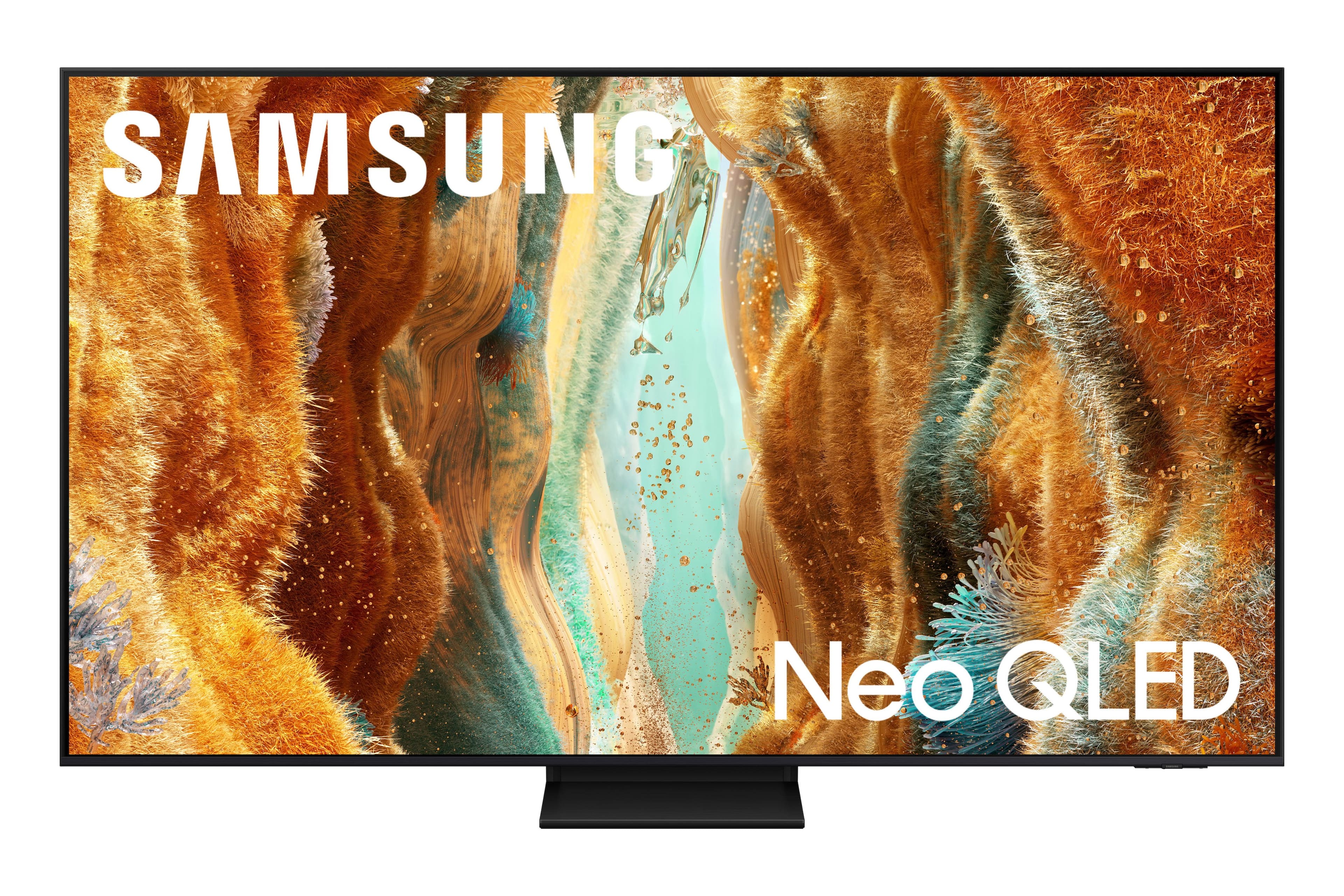

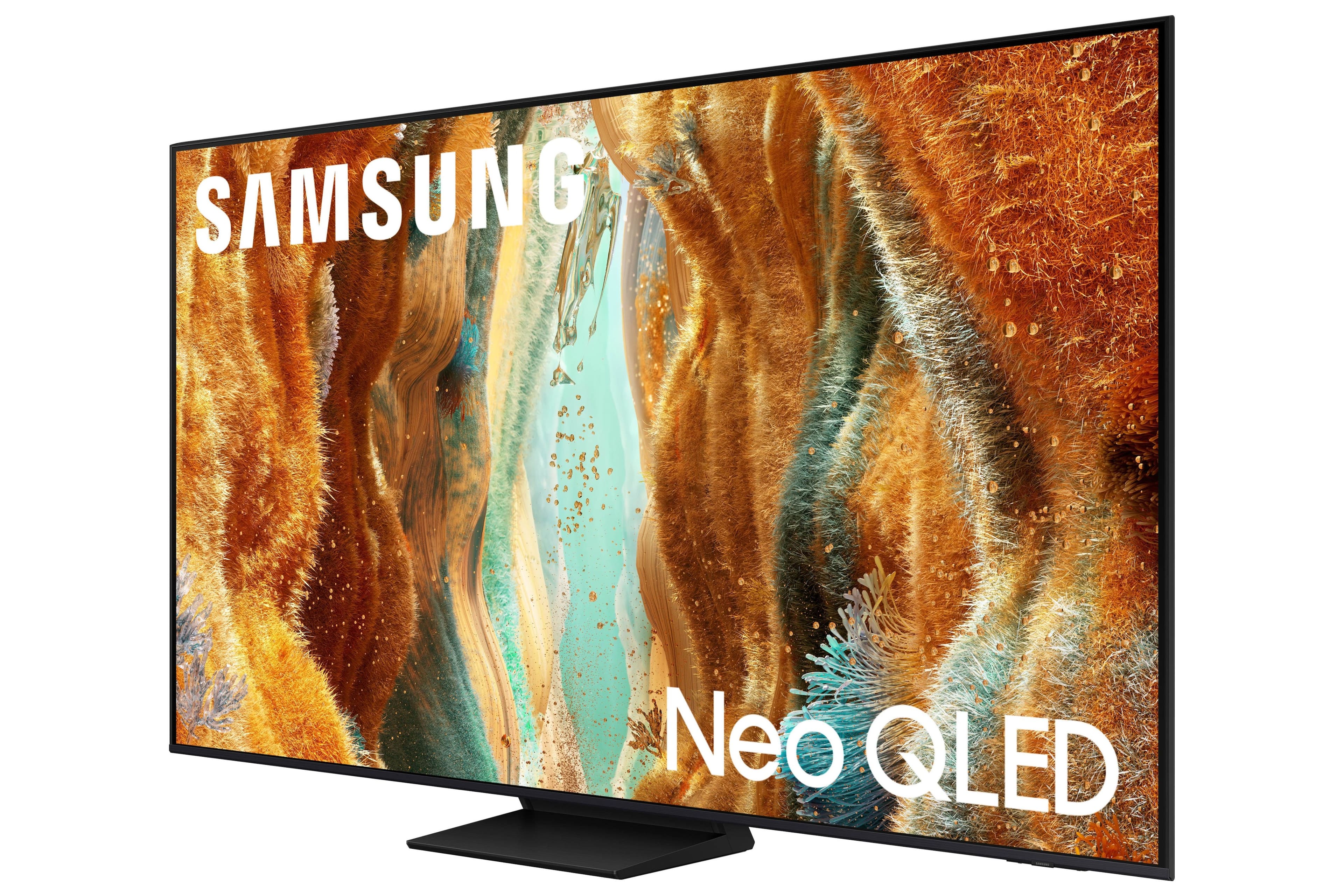
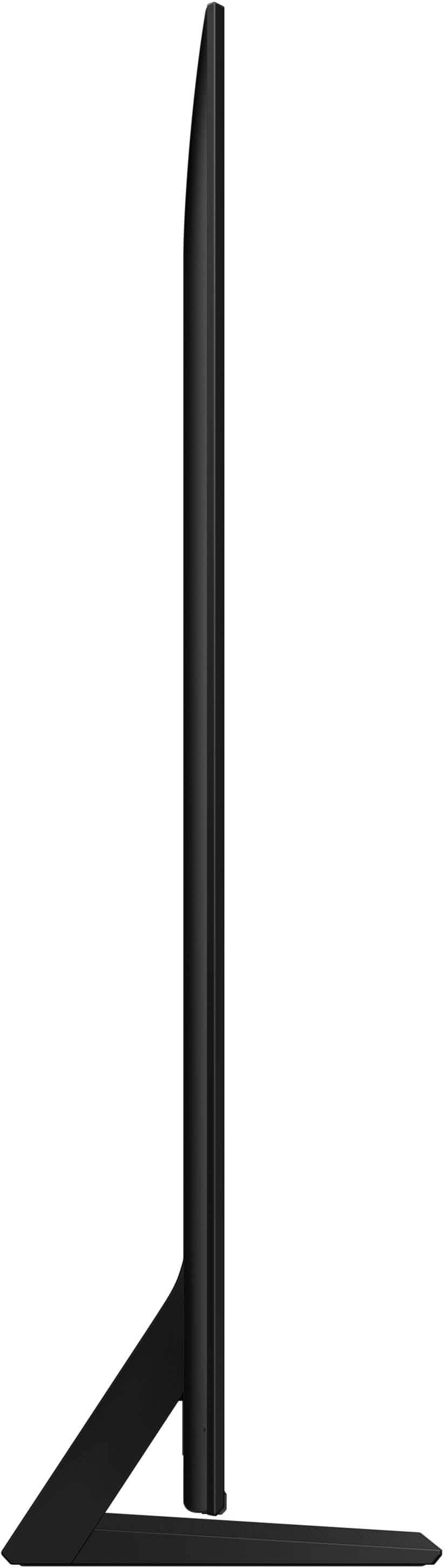
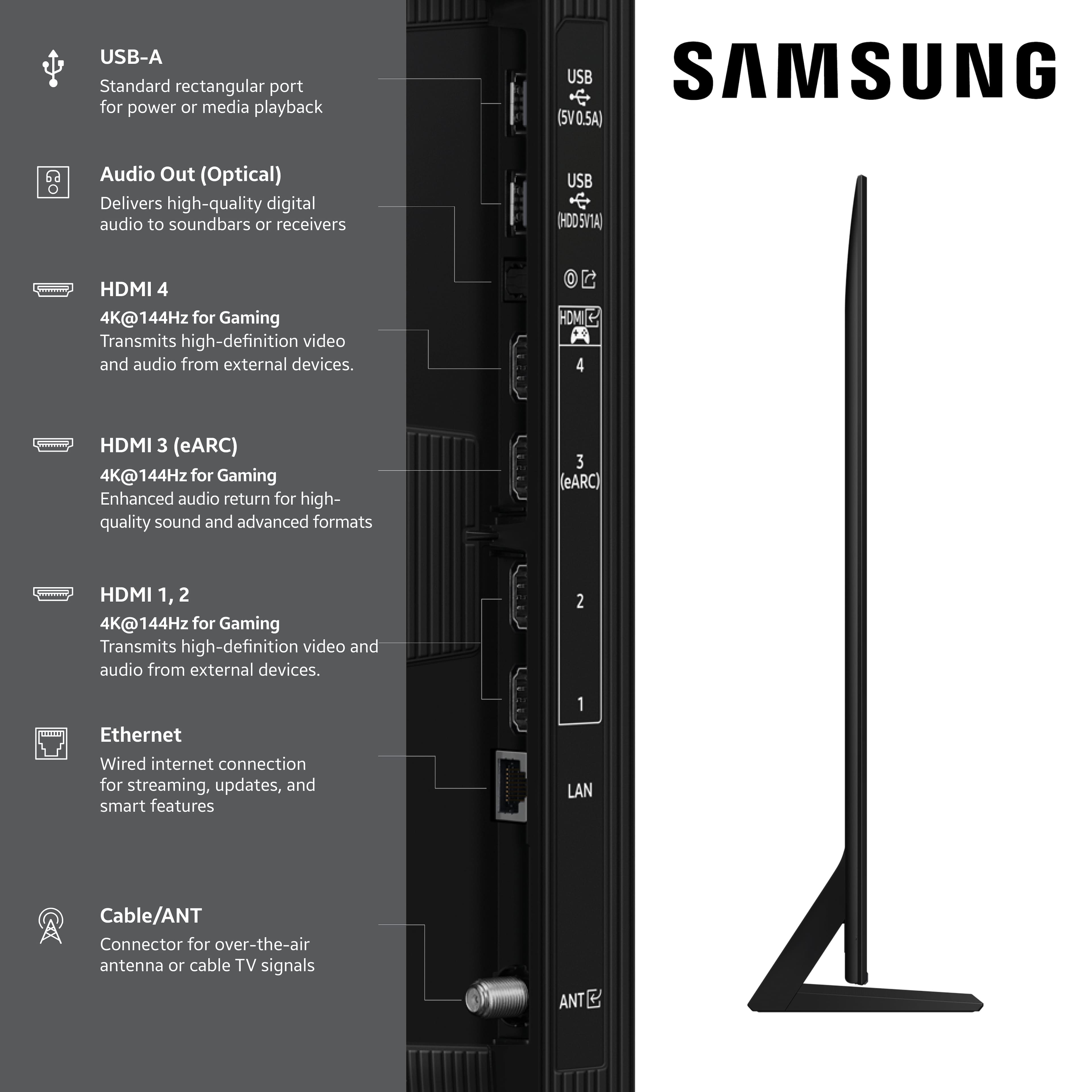
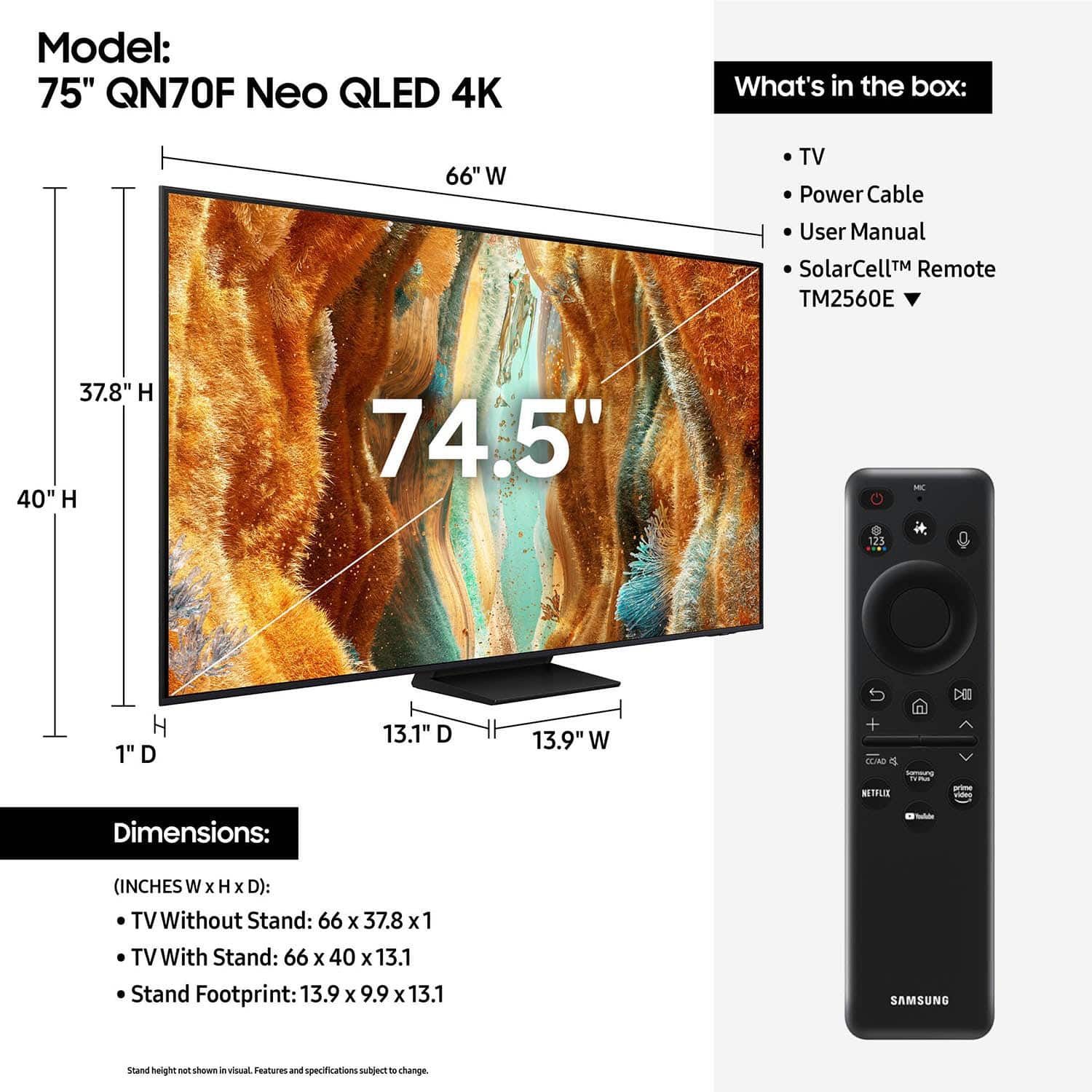
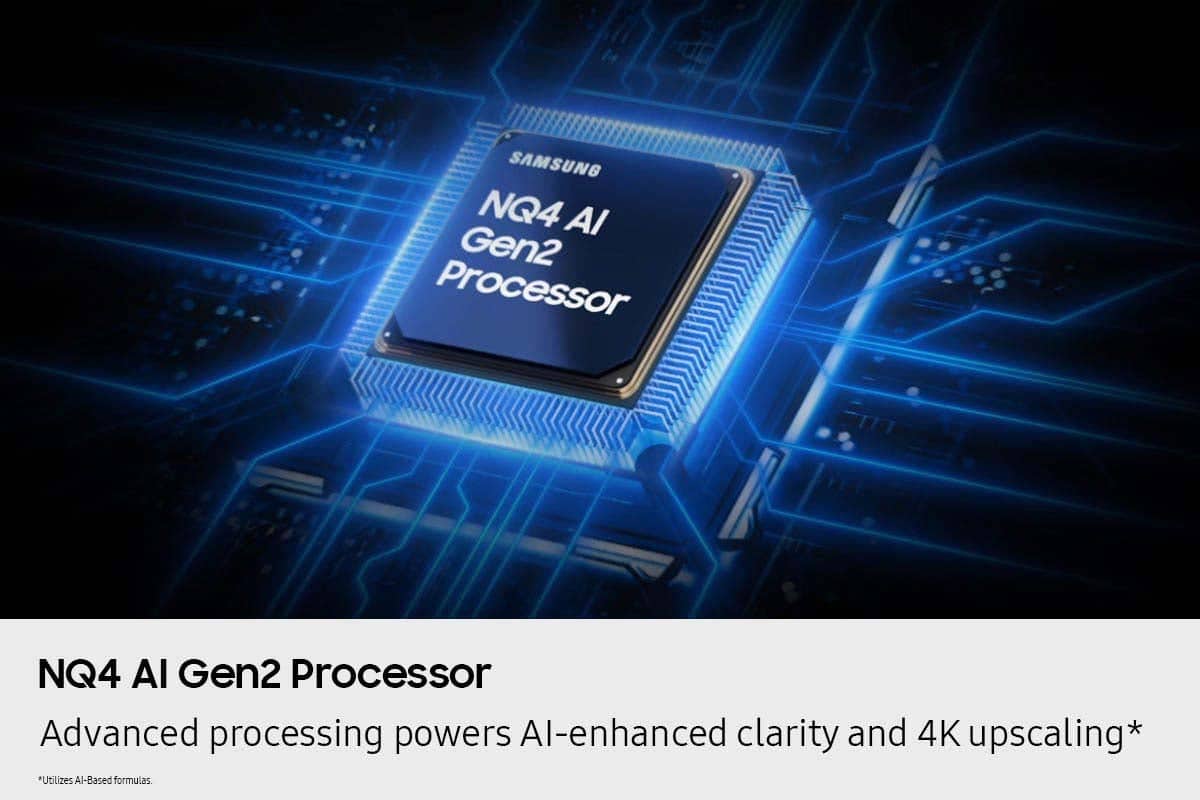
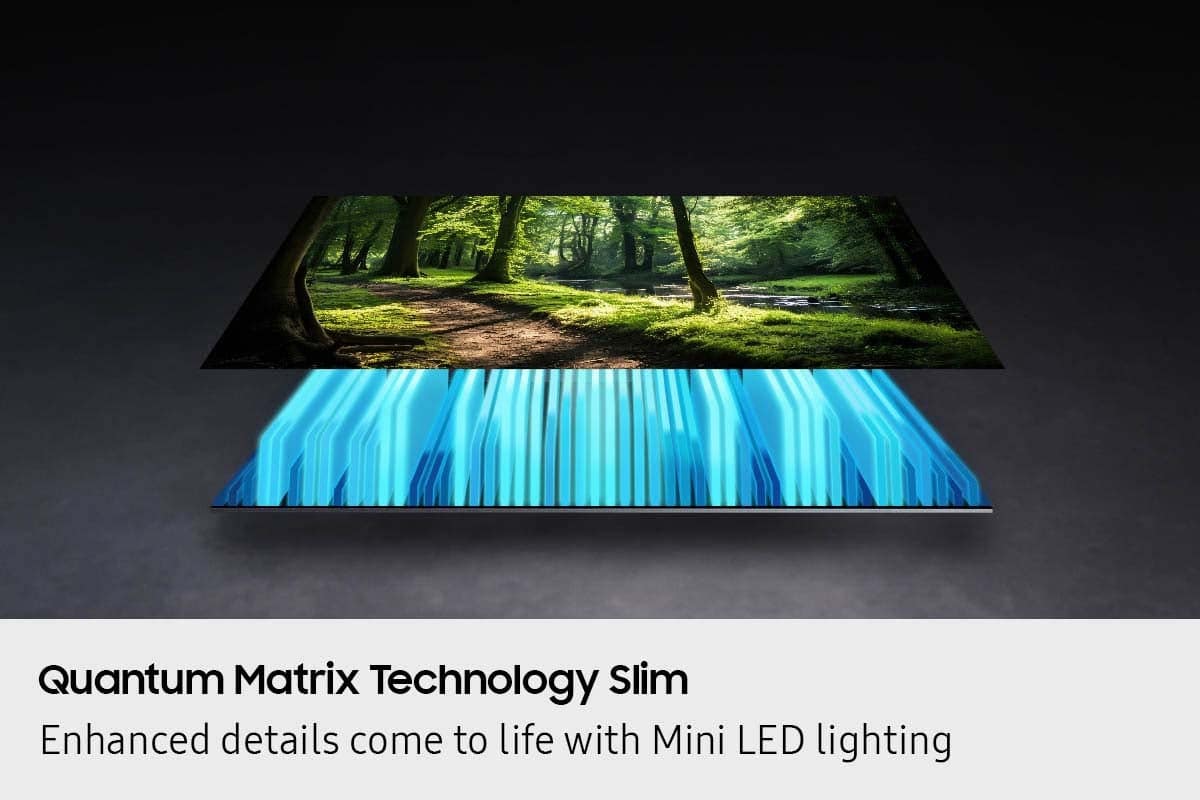
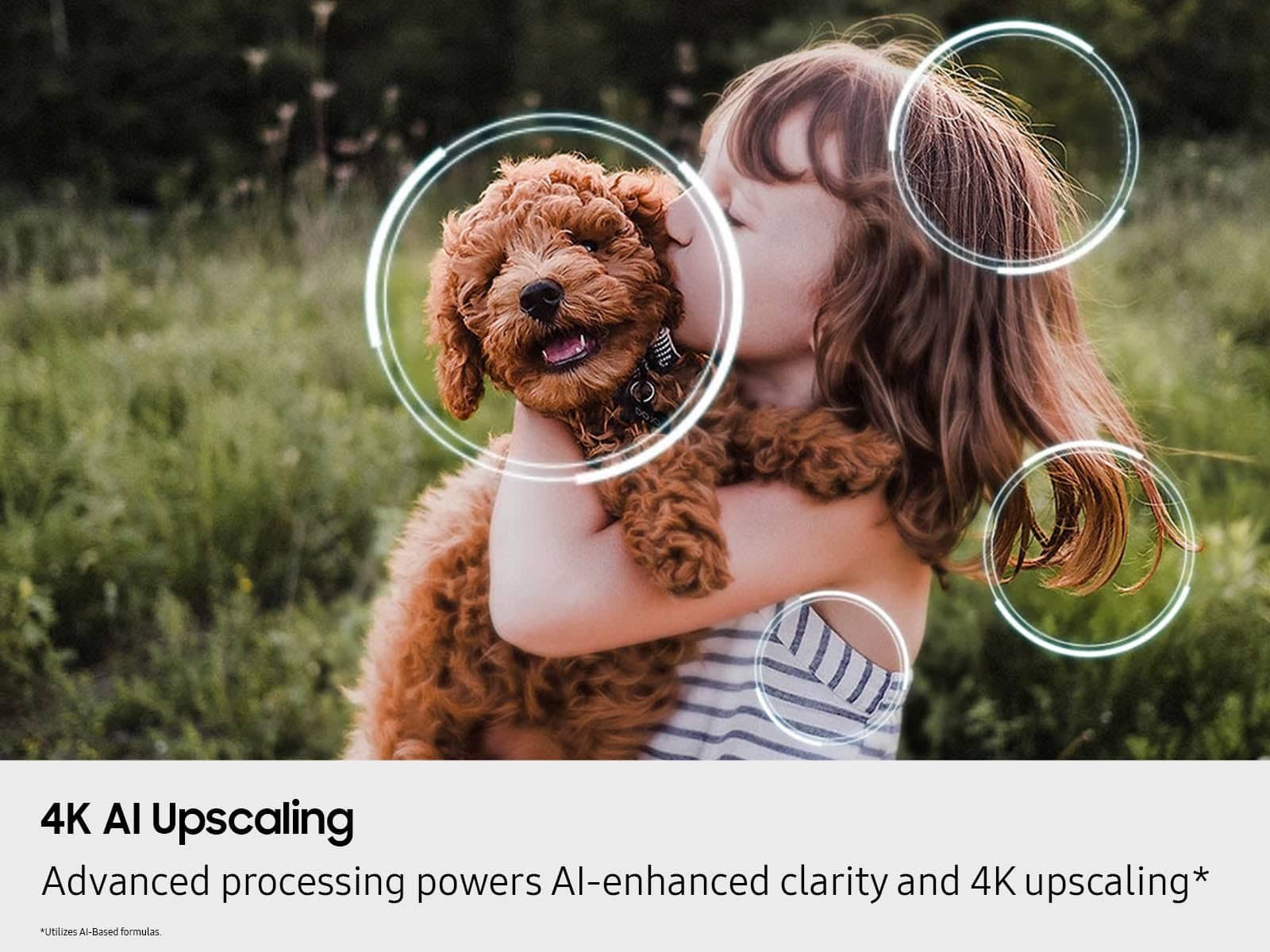




- Model:
- QN75QN70FAFXZA
- SKU:
- 10736047
Rating by feature
- Picture Quality
Rating 4.8 out of 5 stars
- Sound Quality
Rating 4.7 out of 5 stars
- Brightness
Rating 4.9 out of 5 stars
to a friend
Very Happy!
Posted .This reviewer received promo considerations or sweepstakes entry for writing a review.Love my new 75 inch Samsung TV! I really love the Neo QLED 4K!
I would recommend this to a friendSAMSUNG Neo OLED
Posted .This reviewer received promo considerations or sweepstakes entry for writing a review.This samsung NEO OLED, The aize and the picture quality is amazing
I would recommend this to a friendBest Buy a one stop shop
Posted .This reviewer received promo considerations or sweepstakes entry for writing a review.Excellent product and service..friendly courteous ..good value
I would recommend this to a friendChristal UHD much better
Posted .This reviewer received promo considerations or sweepstakes entry for writing a review.Most complicated TV I had to adjust, at least 13 settings and still blurred and no contrast all washed out.
No, I would not recommend this to a friendBrand response from Samsung
Posted .DanR,
We appreciate your input on the picture quality of Samsung’s QN70F TV. If the image isn’t meeting your expectations, there are several adjustments you can make to improve your viewing experience.
First, please ensure your TV is running the latest firmware, as updates may include important picture quality enhancements. Go to: Home > Left directional button > Settings > Support > Software Update > Update Now
Then, select a Picture Mode that best fits your environment: Home > Home > left directional key > Settings > All Settings > Picture > Picture Mode
1. Standard – Default mode for general viewing
2. Dynamic – Brighter and clearer in well-lit rooms
3. Eco – Optimized for energy saving
4. Movie – Best for watching in dark environments
5. Filmmaker Mode – Preserves content exactly as intended by creators
You can also enhance your experience by enabling AI Mode, which automatically adjusts picture and sound based on your surroundings and usage patterns: Settings > All Settings > Advanced Features > AI Mode Settings > AI Mode
If these adjustments don’t improve your picture quality, feel free to contact Samsung Customer Support at 1-800-SAMSUNG (8AM – 9PM EST Mon – Fri, 8AM – 6PM Sat – Sun). You can also LiveChat with an agent or find helpful guides by visiting the ‘Support’ section of our website.
~ Samsung Specialist