Customer Ratings & Reviews
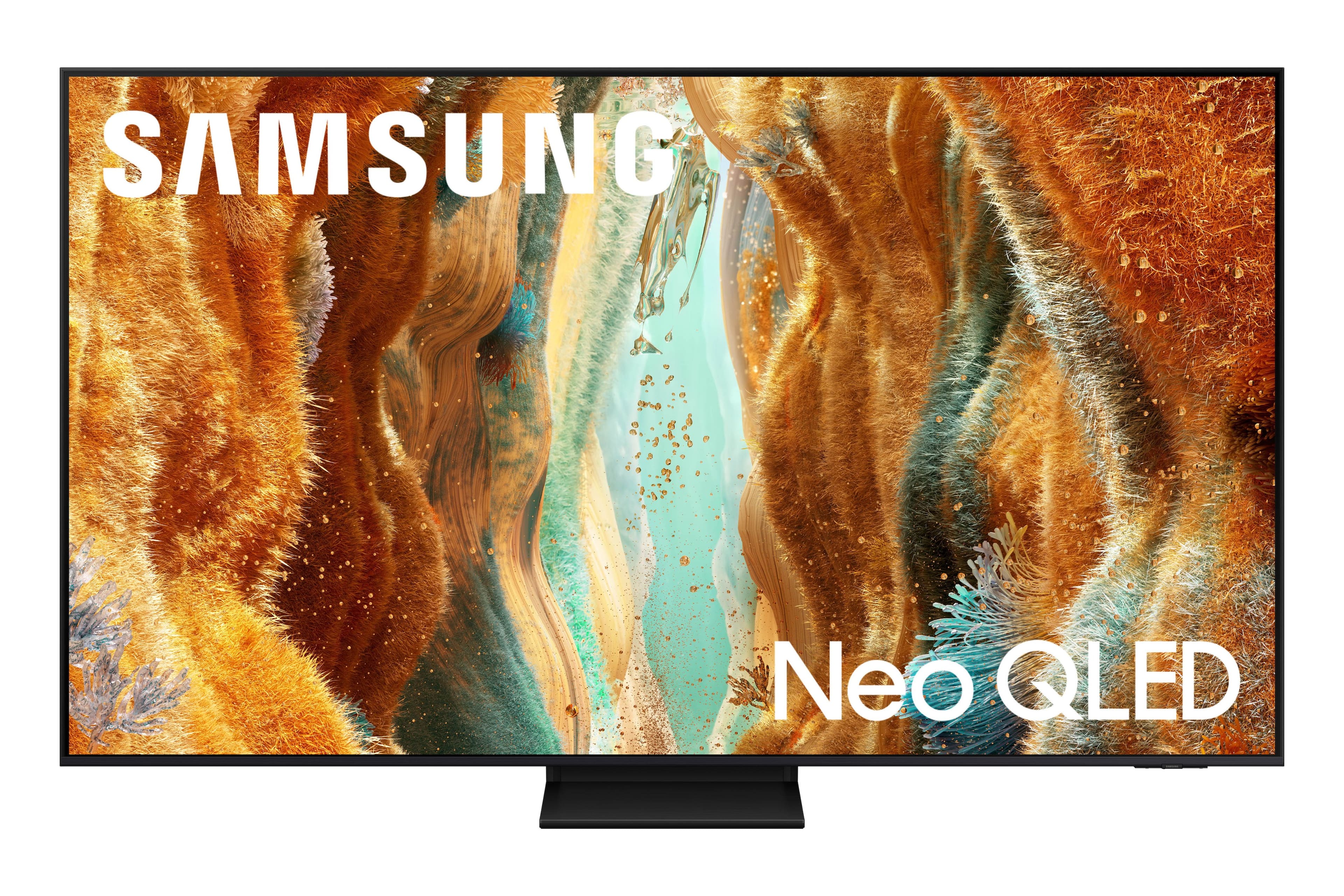

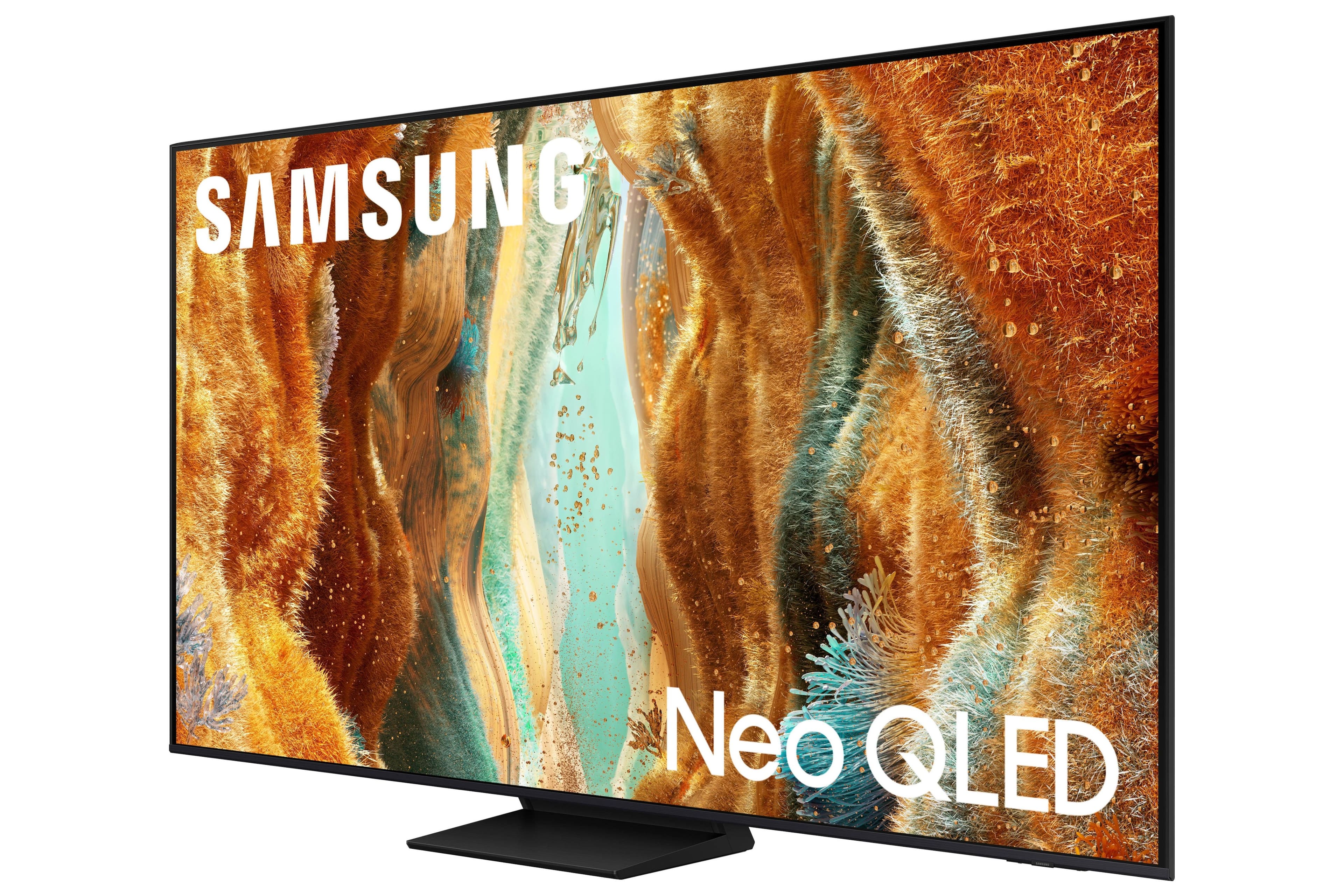
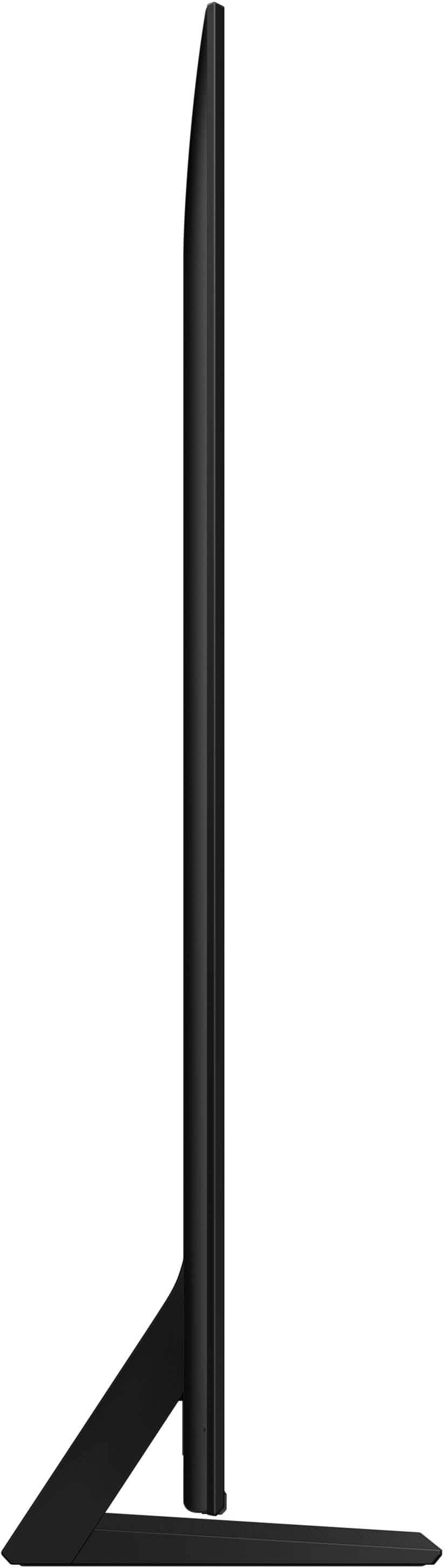
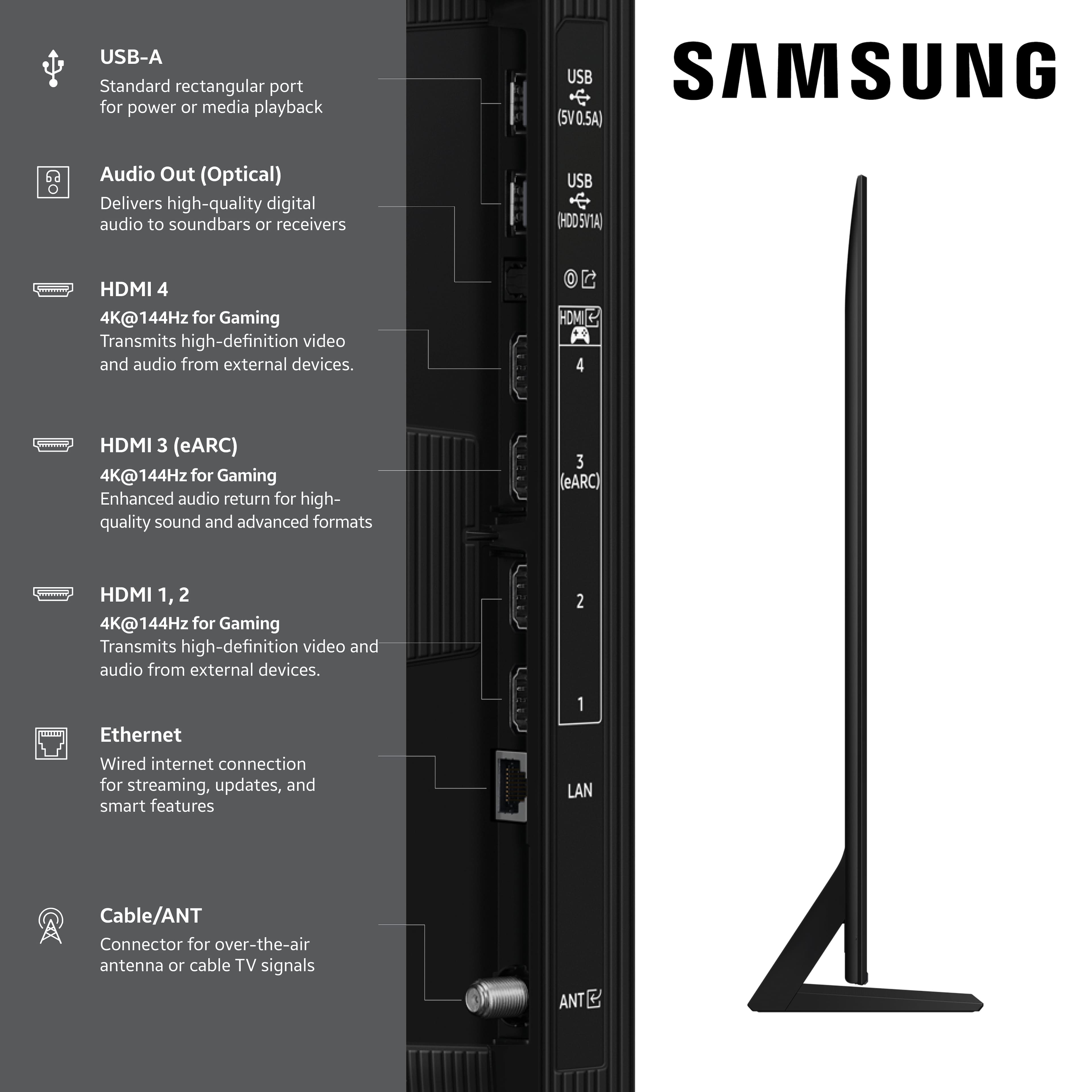
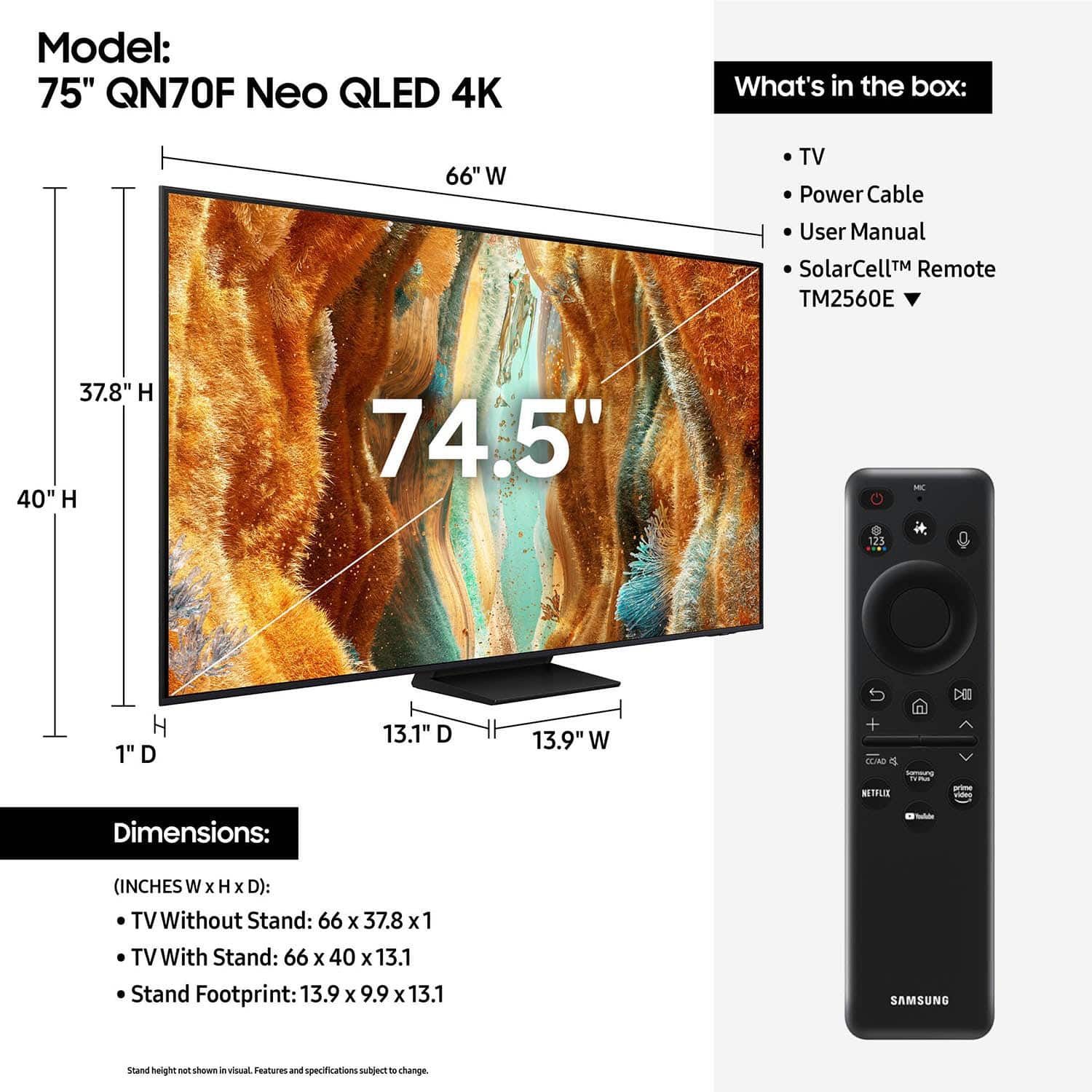
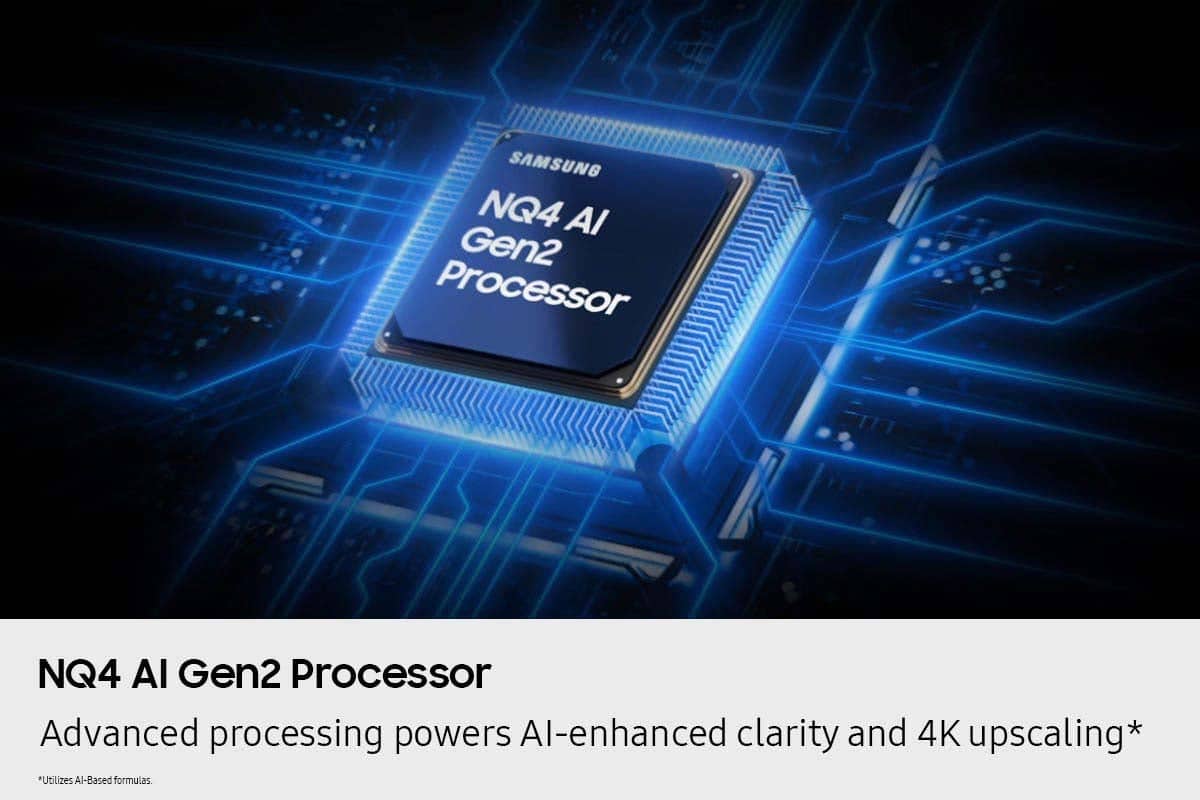
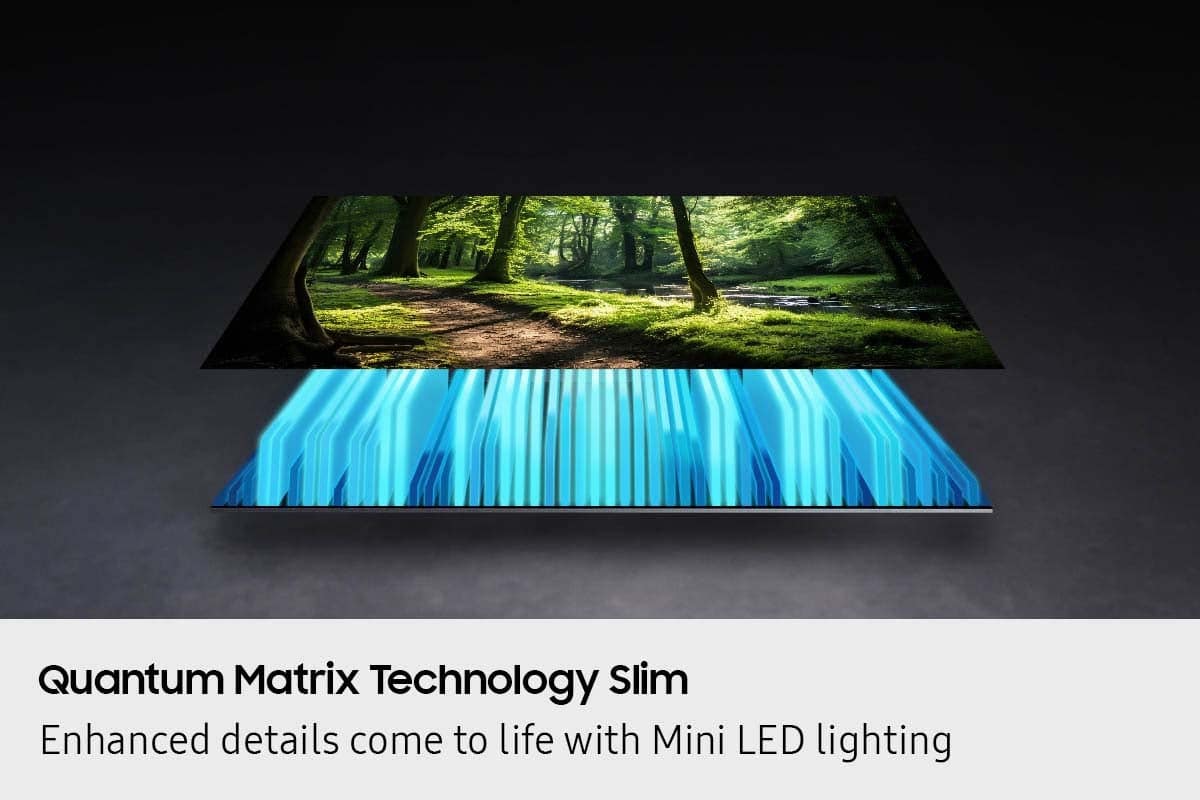





- Model:
- QN75QN70FAFXZA
- SKU:
- 10785543
Rating by feature
- Picture Quality
Rating 4.8 out of 5 stars
- Sound Quality
Rating 4.7 out of 5 stars
- Brightness
Rating 4.9 out of 5 stars
- Pros mentioned:Picture quality
Great TV
||Posted . Owned for 1 month when reviewed.This reviewer received promo considerations or sweepstakes entry for writing a review.This TV is great. The picture quality is amazing. Set up was fairly simple.
I would recommend this to a friend - Pros mentioned:Picture quality
Install services suck
||Posted .This reviewer received promo considerations or sweepstakes entry for writing a review.Love the TV. Hate the process of getting it installed.
I would recommend this to a friend - Pros mentioned:Picture quality
Television review
||Posted . Owned for 1 week when reviewed.This reviewer received promo considerations or sweepstakes entry for writing a review.Spectacular and would purchase again. Highly recommended
I would recommend this to a friend Great Quality, Great Price
||Posted . Owned for 1 month when reviewed.This reviewer received promo considerations or sweepstakes entry for writing a review.Great product - crystal clear picture at an amazing price!
I would recommend this to a friend- Pros mentioned:Picture quality
Great tv
||Posted .This reviewer received promo considerations or sweepstakes entry for writing a review.Great tv does everything I could want picture is perfect
I would recommend this to a friend - Pros mentioned:Picture quality
Samsung 75 inch
||Posted .This reviewer received promo considerations or sweepstakes entry for writing a review.great Tv. will always go with Samsung for all electronic products
I would recommend this to a friend - Pros mentioned:Picture quality
Amazing for the price
||Posted . Owned for less than 1 week when reviewed.This reviewer received promo considerations or sweepstakes entry for writing a review.The tv is nice with vivid colors and the ai is really cool. But i wish the multiscreen was better to run any app on it.
I would recommend this to a friend - Pros mentioned:Picture quality
Samsung 75"
||Posted . Owned for 1 month when reviewed.This reviewer received promo considerations or sweepstakes entry for writing a review.Clear picture and good sound. Setup was a little daunting.
I would recommend this to a friend - Pros mentioned:Picture quality
Picture good
||Posted . Owned for 1 month when reviewed.This reviewer received promo considerations or sweepstakes entry for writing a review.Good picture & like the updated app selection. Size is right for my room.
I would recommend this to a friend Tv Review
||Posted . Owned for 2 weeks when reviewed.This reviewer received promo considerations or sweepstakes entry for writing a review.Tv is awesome i love it the pictures are awesome it sounds very clear
I would recommend this to a friendExcellent TV
||Posted . Owned for 2 weeks when reviewed.This reviewer received promo considerations or sweepstakes entry for writing a review.Love the product. Dislike the delivery department. Not delivered as originally planned everone else have to be cancel because to their delivery delays
I would recommend this to a friend- Pros mentioned:Picture quality
75 inch TV
||Posted .This reviewer received promo considerations or sweepstakes entry for writing a review.Great TV, great service. I would recommend this TV
I would recommend this to a friend - Pros mentioned:Picture quality
My amazing TV
||Posted . Owned for 1 month when reviewed.This reviewer received promo considerations or sweepstakes entry for writing a review.Una imagen y sonido sencillamente espectacular, lo recomiendo al 100%
I would recommend this to a friend - Pros mentioned:Picture quality
My opinion
||Posted . Owned for 1 month when reviewed.This reviewer received promo considerations or sweepstakes entry for writing a review.Good Tv..wish there was a tutorial on how to use everything. No actual directions.
I would recommend this to a friendBrand response from Samsung
Posted .Kmgt,
Thanks for your review. Samsung’s accessibility features Learn TV Remote and Learn Menu Screen are designed to help users get familiar with the remote and menu layout – without affecting normal TV operation.
• Learn TV Remote: Pressing any button (except Power) will announce the button name and function, helping users learn their location and purpose. Enable via: Settings > All Settings > General & Privacy > Accessibility > Learn TV Remote; Exit by pressing the Return key twice.
• Learn Menu Screen: As you navigate your TV menus, the TV will announce each menu item and its function - without applying any changes. Enable via: Settings > All Settings > General & Privacy > Accessibility > Learn Menu Screen; Exit by pressing the Return key twice.
You can also download the full e-Manual and more by visiting Samsung’s website then navigating to: Support > Manual & Software > TVs & Home Theater. From there, you can search for and select your QN70F TV model to view or download the available guides.
The e-Manual and Remote Control Guide are also conveniently built into your TV: Settings > Support > Tips and User Guides
If you need additional help, please contact Samsung Support at 1-800-SAMSUNG, 8AM – 12AM EST, 7 days a week. LiveChat agents are also available through the ‘Support’ link on our website.
~ Samsung Specialist
Samsung tv
||Posted . Owned for 1 month when reviewed.This reviewer received promo considerations or sweepstakes entry for writing a review.Very professional and extremely efficient. I would highly recommend Best Buy to purchase any electrical device.
I would recommend this to a friendTV review
||Posted . Owned for 1 month when reviewed.This reviewer received promo considerations or sweepstakes entry for writing a review.great product, good deal for the money, no issues thus far
I would recommend this to a friendGreat purchase
||Posted . Owned for 1 month when reviewed.This reviewer received promo considerations or sweepstakes entry for writing a review.We are very happy with the TV Sports on this are excellent. After some research found the price was less than $5 different than anywhere else
I would recommend this to a friend75" samsung adventure
||Posted . Owned for 3 weeks when reviewed.This reviewer received promo considerations or sweepstakes entry for writing a review.Nice TV it does not come with instructions. So everything is a shot in the dark. Don't expect a smooth ride. The remote quality is very thin. If you leave it laying around, fear will instantly strikes you. You can change the picture quality to suit your vision,tv setting can be adjusted,but again no instructions.
I would recommend this to a friendBrand response from Samsung
Posted .Hi DawnD,
We appreciate you sharing your experience. To help you get the most from your TV and remote functions, you can download the full e-Manual and more by visiting Samsung’s website then navigating to: Support > Manual & Software > TVs & Home Theater. From there, you can search for and select your QN70F TV model to view or download the available guides.
The e-Manual & Remote Control Guide are also conveniently built into your TV: Settings > Support > Tips and User Guides.
For additional guidance, your TV also includes Accessibility features designed to assist with navigation and remote use.
• Learn Menu Screen provides audio guidance for on-screen menus by announcing the name and function of each item as you scroll – without making any changes. This is especially helpful for users who are visually impaired or new to Smart TV menus. Enable via: Settings > All Settings > General & Privacy > Accessibility > Learn Menu Screen. To exit, press the Return key twice.
• Learn TV Remote helps users become familiar with the layout and function of each button on the Samsung remote. Pressing a button (other than Power) will prompt the TV to announce its name and purpose, again without affecting TV operation. Enable via: Settings > All Settings > General & Privacy > Accessibility > Learn TV Remote. To exit, press the Return key twice.
If you’d like more assistance with these features, please reach Samsung Support at 1-800-SAMSUNG, available 8AM – 12AM EST, 7 days a week. LiveChat agents are also available through the ‘Support’ link on our website.
~ Samsung Specialist
My Samsung!!
||Posted .This reviewer received promo considerations or sweepstakes entry for writing a review.I love this TV!! Samsung is the one for sure. I bought my last Samsung in 2017.. it’s still going strong!! I upgraded from 65 inch to 75 inch!! You can’t go wrong with Samsung!!
I would recommend this to a friendSamsung makes a quality product.
||Posted .This reviewer received promo considerations or sweepstakes entry for writing a review.Best value for the money. Samsung has always been the leader in this market. I have owned several with no issues at all.
I would recommend this to a friend