Customer Ratings & Reviews
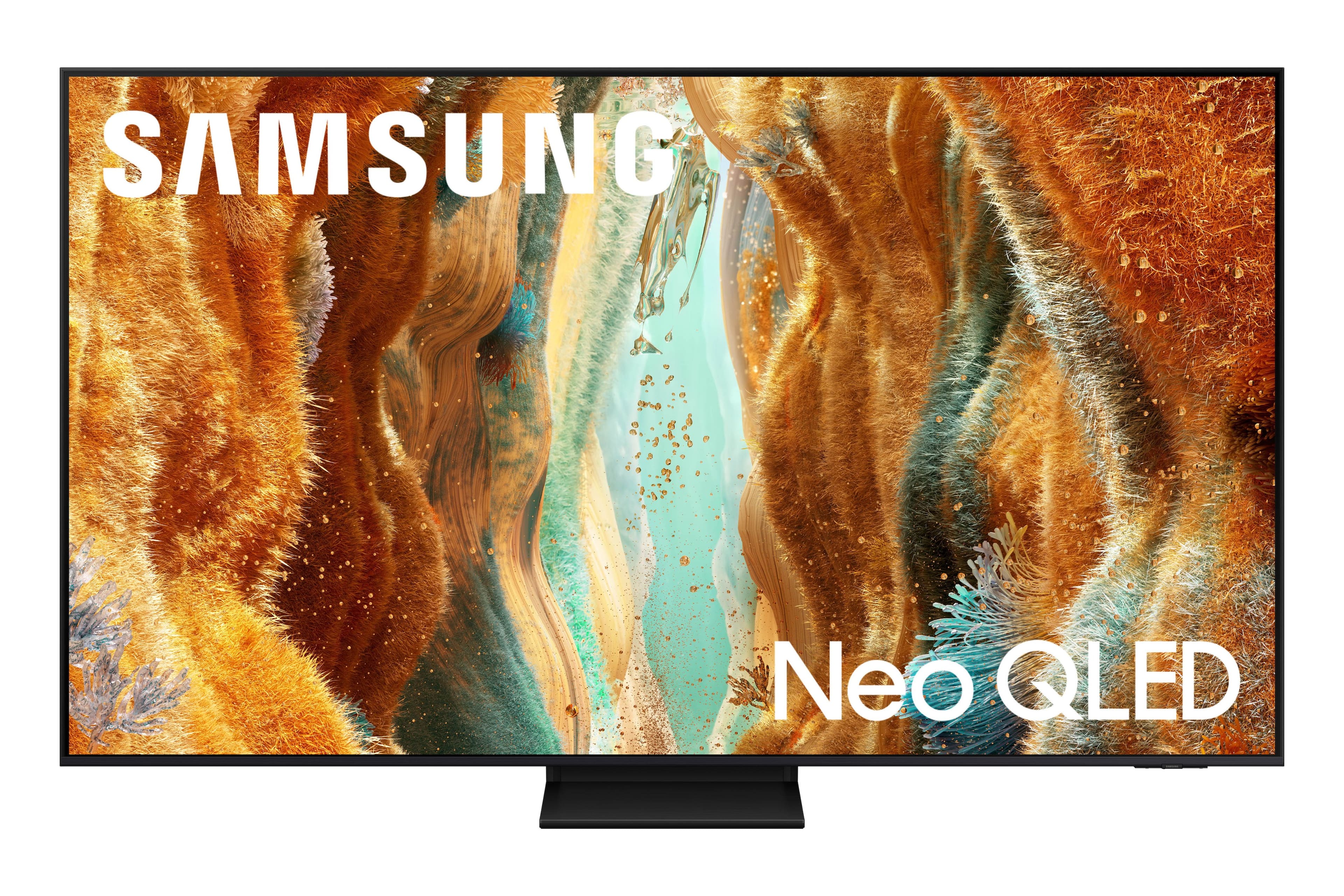

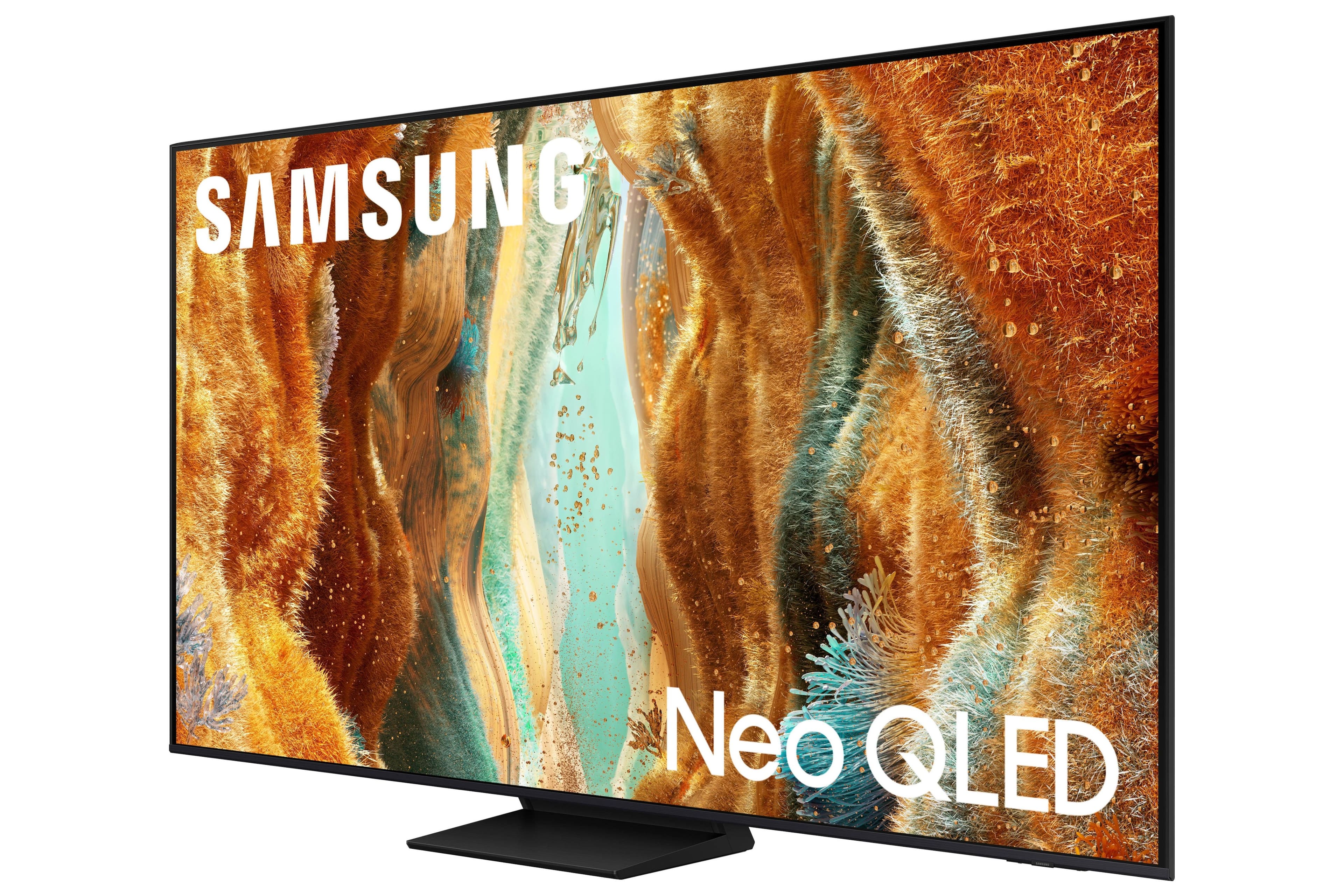
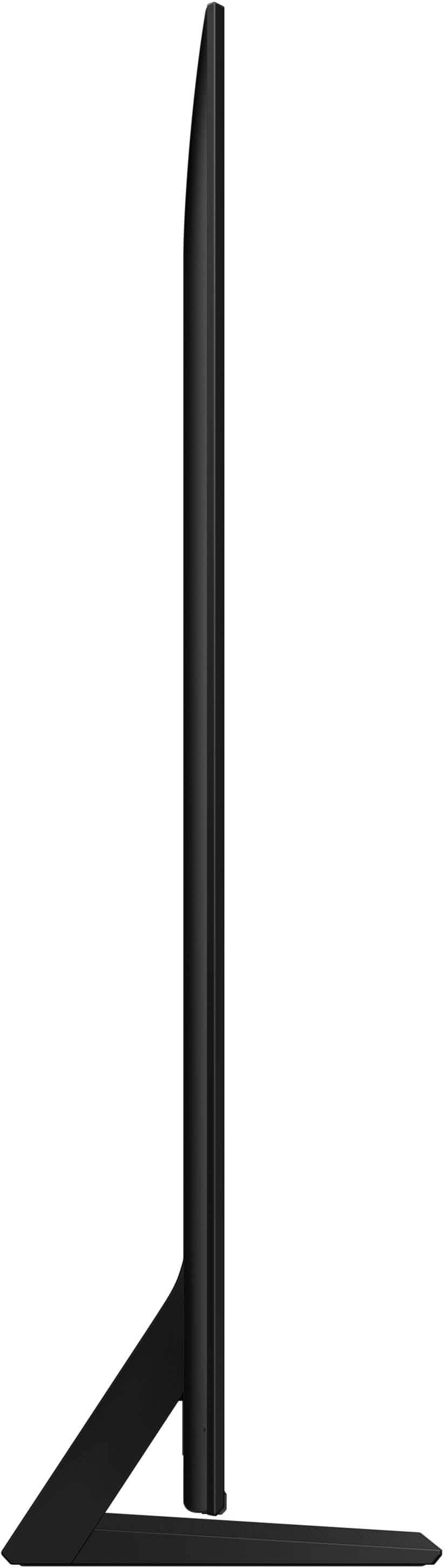
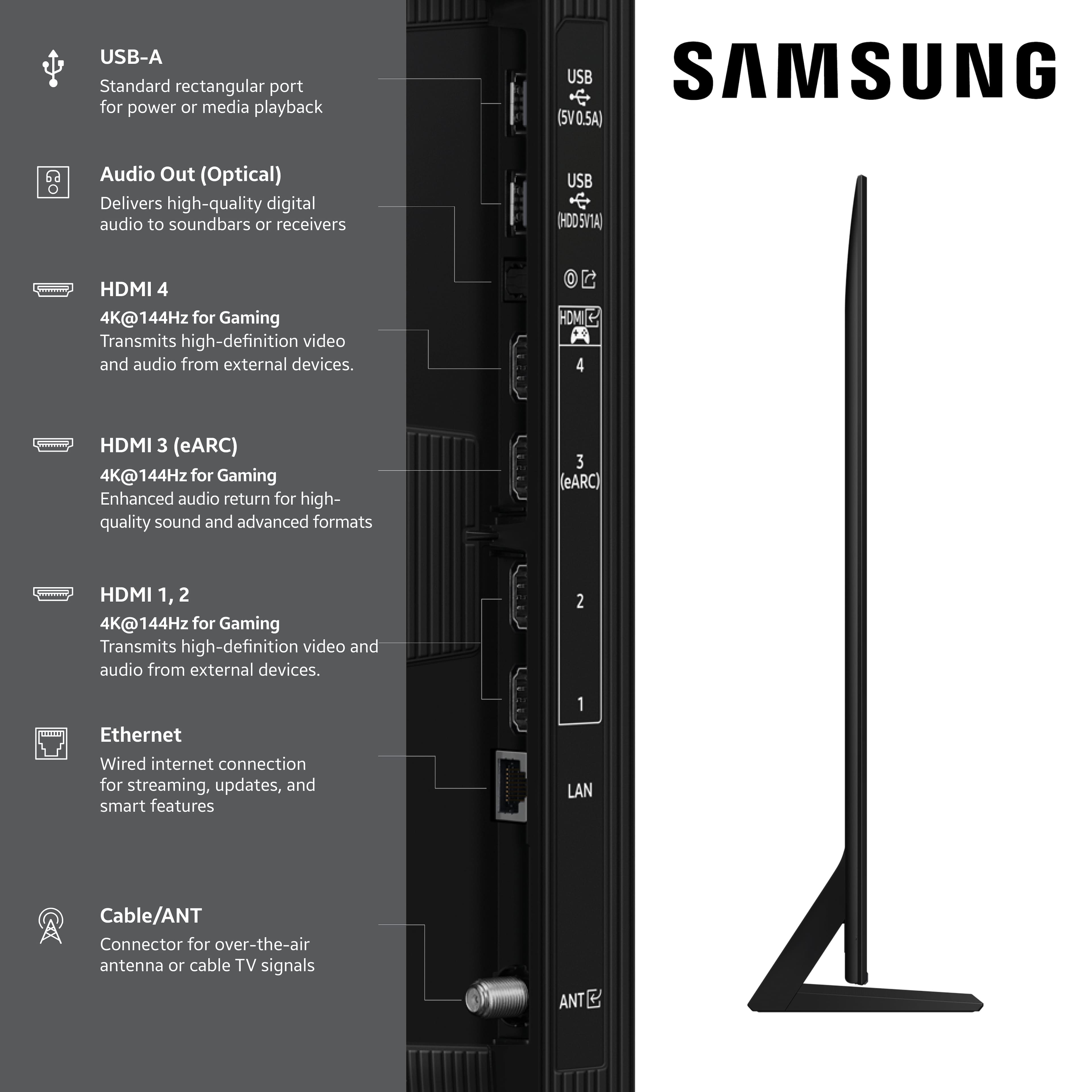
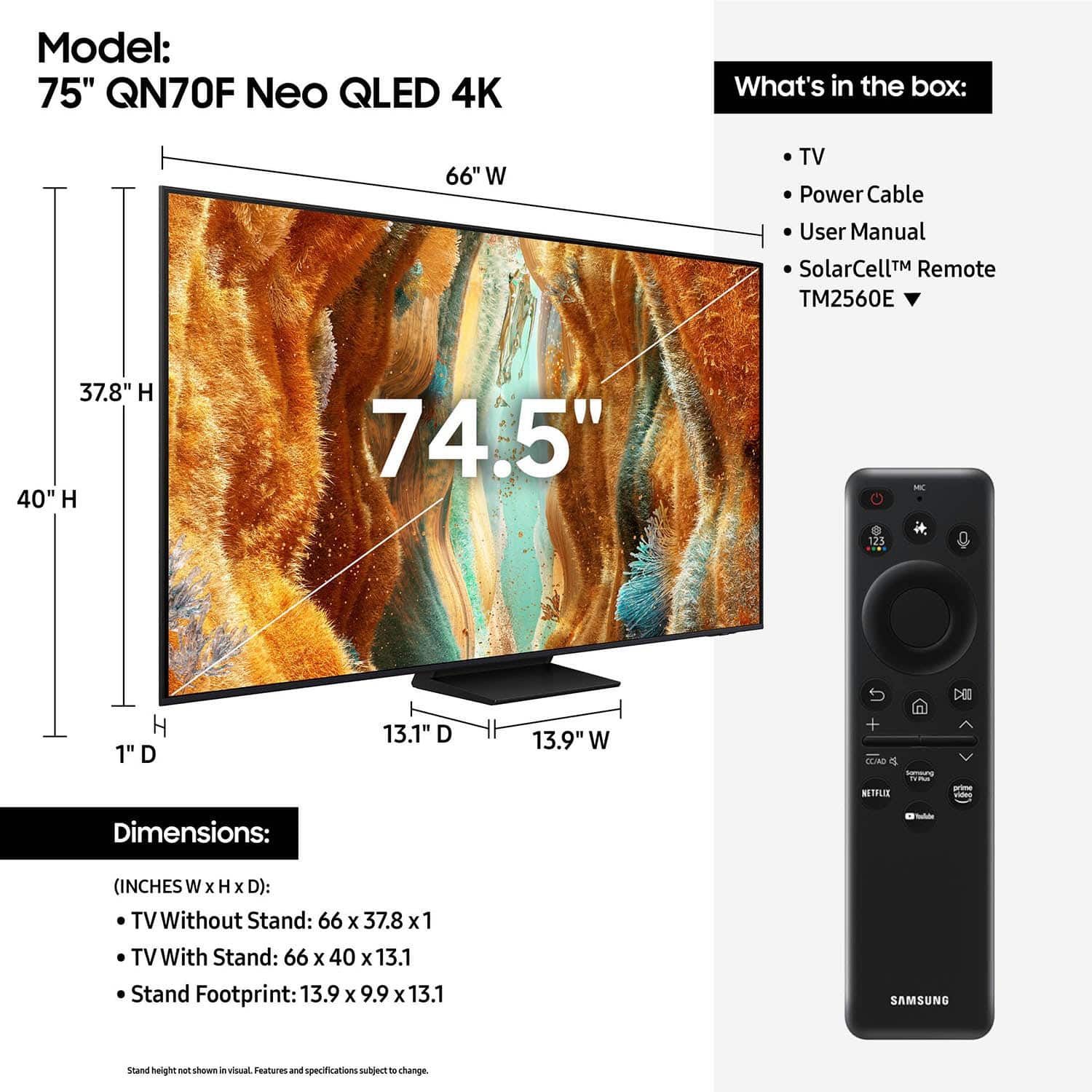
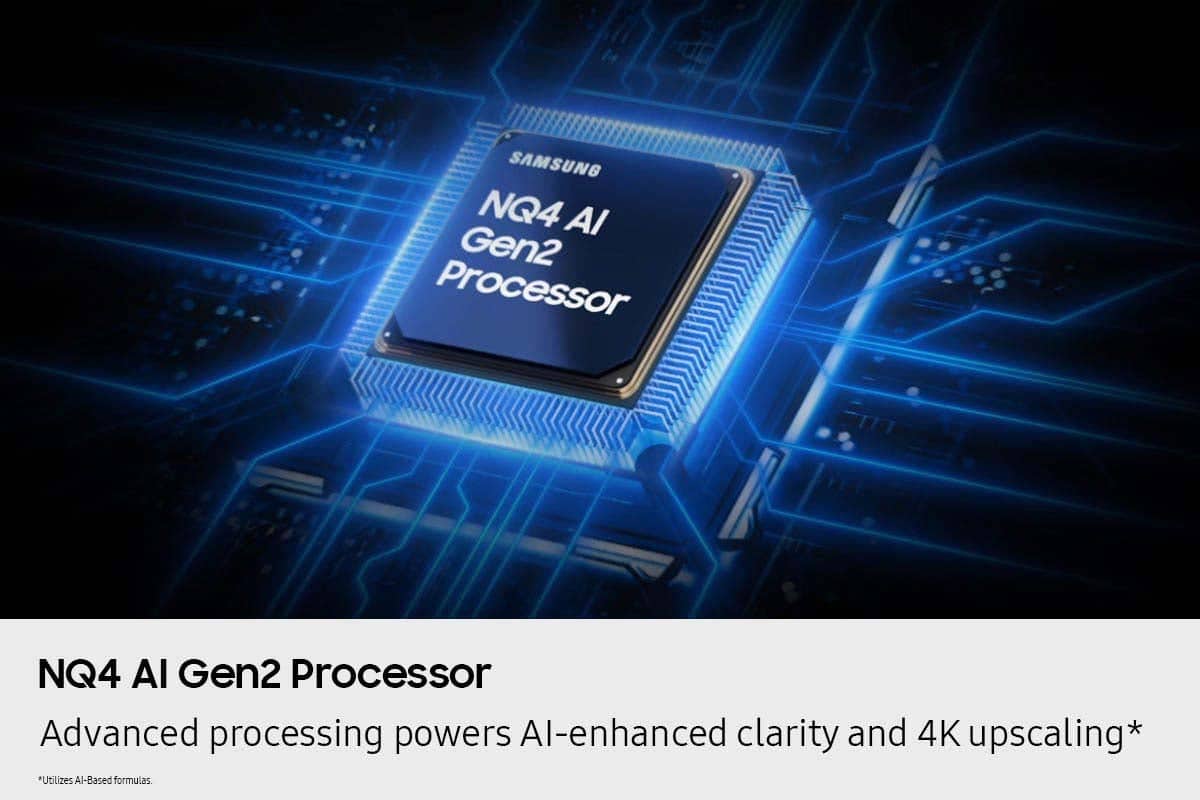
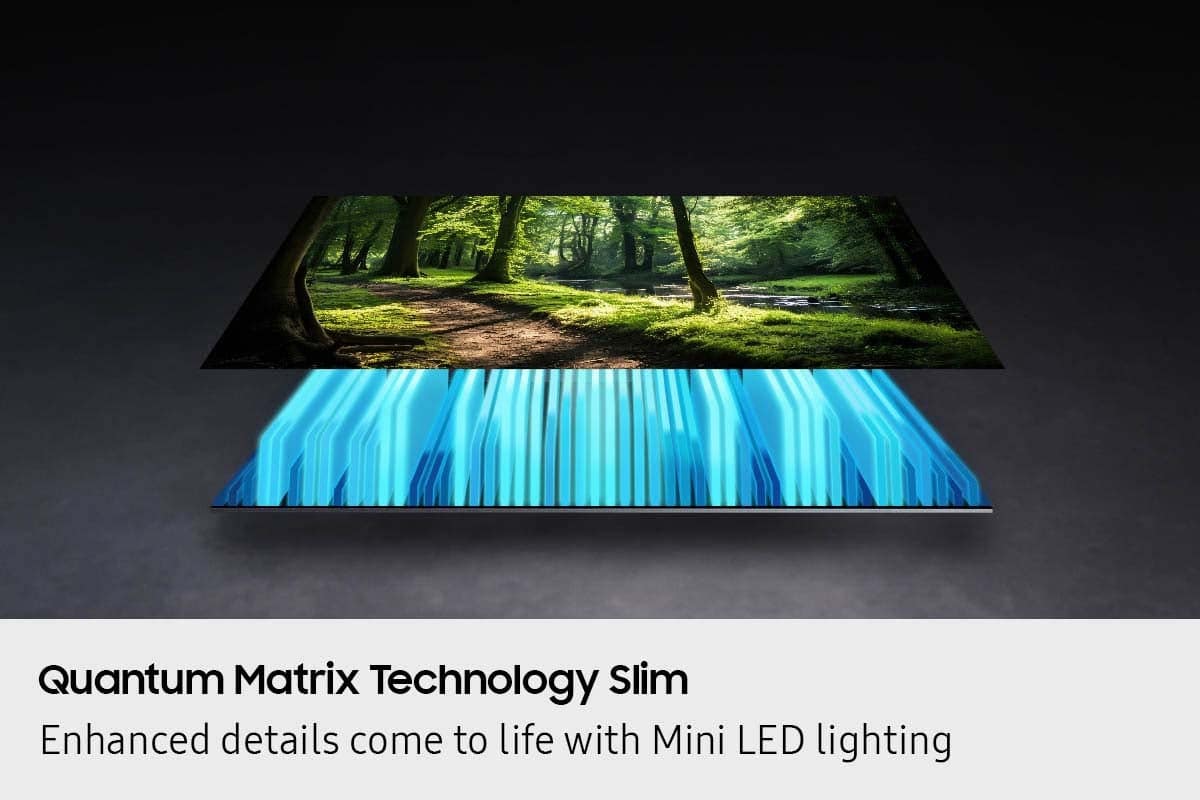
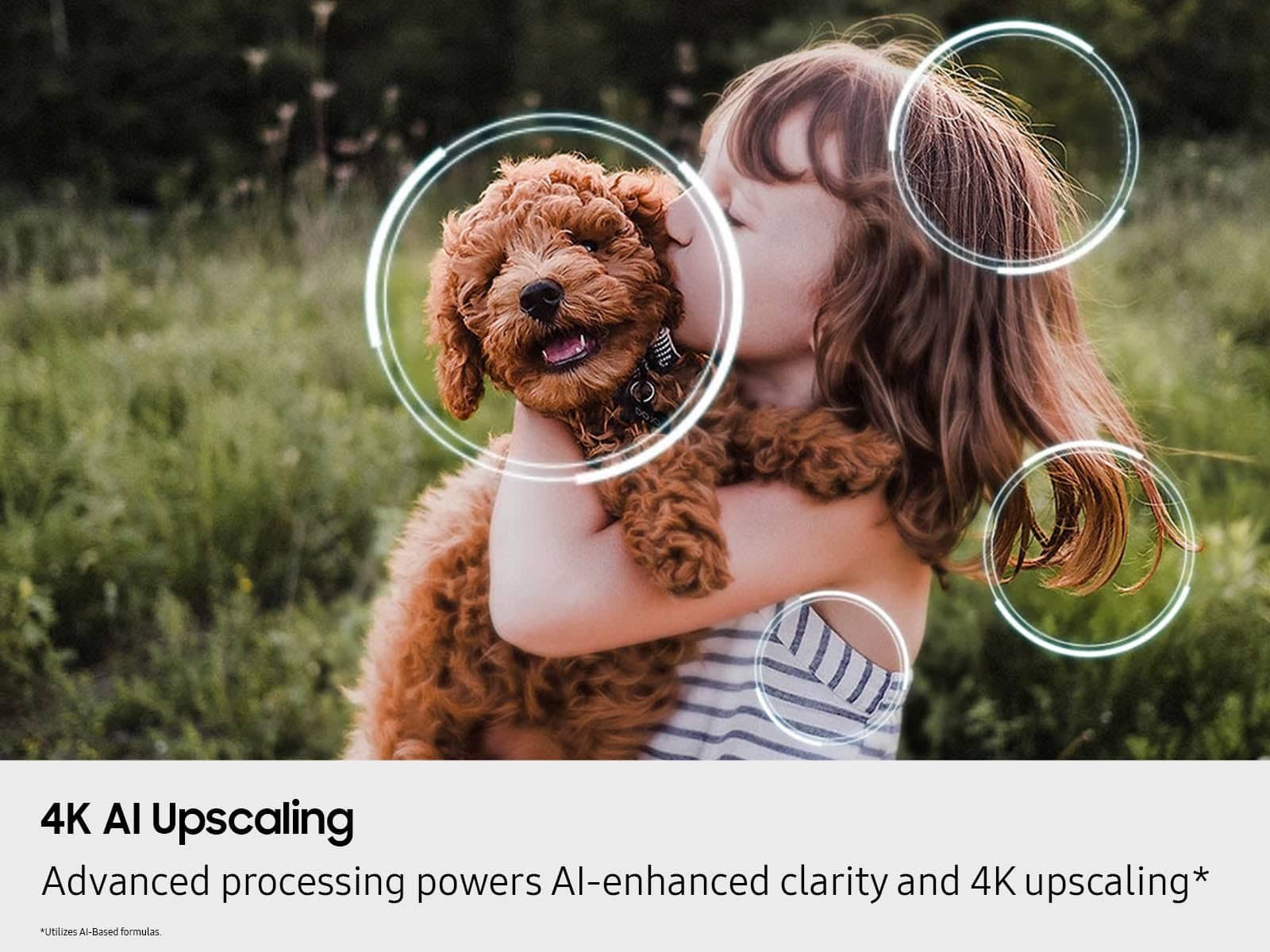




- Model:
- QN75QN70FAFXZA
- SKU:
- 6614338
Rating by feature
- Picture Quality
Rating 4.8 out of 5 stars
- Sound Quality
Rating 4.7 out of 5 stars
- Brightness
Rating 4.9 out of 5 stars
Customers are saying
Customers are impressed with the high picture quality and overall performance of the 75” Class QN70F Series Neo QLED TV. Users find the TV easy to set up, making the transition from older models seamless. However, some customers have noted that the brightness levels, specifically white tones, can be intense.
This summary was generated by AI based on customer reviews.
Beautiful picture!
Posted .This reviewer received promo considerations or sweepstakes entry for writing a review.God!--What a gorgeous picture---Glad I picked out this one---Expensive but worth every dollar---
I would recommend this to a friendSamsung tv
Posted .This reviewer received promo considerations or sweepstakes entry for writing a review.Amazing tv good price great picture latest technology
I would recommend this to a friendTv samsung
Posted .This reviewer received promo considerations or sweepstakes entry for writing a review.Jason Yassel was very nice and on time. I recommen this delivery service
I would recommend this to a friendBest TV
Posted .This reviewer received promo considerations or sweepstakes entry for writing a review.Perfect picture! Best tv we have ever had. Would recommend to anyone
I would recommend this to a friendTv-tastic
Posted .This reviewer received promo considerations or sweepstakes entry for writing a review.This tv has elevated the viewing experience. With a game mode which includes a mini map enhancing option, target assist, and so much more!
I would recommend this to a friend- Pros mentioned:Picture quality
Great Tv!
Posted .This reviewer received promo considerations or sweepstakes entry for writing a review.Easy to set up, great picture, fast processing time
I would recommend this to a friend Great
Posted .This reviewer received promo considerations or sweepstakes entry for writing a review.Great tv, was actually surprised of the quality!!!! Especially at this piece point!!!
I would recommend this to a friend- Pros mentioned:Picture quality
Mostly Meh
Posted .This reviewer received promo considerations or sweepstakes entry for writing a review.Good picture on most streaming platforms. Gives broadcast news host weird unnatural complexions. Probably not much better overall than models at half the price.
No, I would not recommend this to a friendBrand response from Samsung
Posted .DeanH,
Thank you for sharing your thoughts on your Samsung QN70F TV’s image quality. Your TV is designed to upscale content to the best possible quality based on the resolution of the source. In general, the closer your content is to native 4K, the sharper and more detailed it will appear on screen.
Here are some tips to help improve picture clarity and overall upscaling performance:
1. Use HDMI cables for the best high-definition signal.
2. If you’re using an analog cable or satellite box, consider upgrading to a digital box for better signal quality.
3. Change the output resolution of connected devices (like a cable box, streaming device, or IPTV box) to UHD or HD, if supported.
4. Go to Settings > All Settings > Picture > Expert Settings to fine-tune options like Sharpness, Brightness, Contrast, and Color.
5. Select a Picture Mode that fits your environment: Settings > All Settings > Picture > Picture Mode – try Dynamic, Movie, or Filmmaker Mode.
6. Explore Picture Clarity Settings under Expert Settings for added detail enhancement. Use Auto or Custom to adjust Judder Reduction, LED Clear Motion, and Noise Reduction.
7. Enable AI Mode, which automatically analyzes the content and your environment to deliver optimized picture and sound. Go to: Settings > All Settings > Advanced Features > AI Mode Settings
8. Ensure your TV is running the latest firmware to benefit from performance improvements and the latest enhancements: Settings > Support > Software Update > Update Now
If you’d like personalized help fine-tuning these settings, please reach out to Samsung Support at 1-800-SAMSUNG, available 8AM – 12AM EST, 7 days a week. You can also LiveChat with an agent or find helpful guides by visiting the ‘Support’ section of our website.
~ Samsung Specialist
New 75 in T.V. purchase
Posted .This reviewer received promo considerations or sweepstakes entry for writing a review.Great product --Great service with the set up. The team also corrected some issues with my other T.V. controllers. Thx.
I would recommend this to a friendBeing busy
Posted .This reviewer received promo considerations or sweepstakes entry for writing a review.Geeat customer service, delivery was on time, professional and courteous staff.
I would recommend this to a friendVery Happy!
Posted .This reviewer received promo considerations or sweepstakes entry for writing a review.Love my new 75 inch Samsung TV! I really love the Neo QLED 4K!
I would recommend this to a friendSAMSUNG Neo OLED
Posted .This reviewer received promo considerations or sweepstakes entry for writing a review.This samsung NEO OLED, The aize and the picture quality is amazing
I would recommend this to a friendBest Buy a one stop shop
Posted .This reviewer received promo considerations or sweepstakes entry for writing a review.Excellent product and service..friendly courteous ..good value
I would recommend this to a friendChristal UHD much better
Posted .This reviewer received promo considerations or sweepstakes entry for writing a review.Most complicated TV I had to adjust, at least 13 settings and still blurred and no contrast all washed out.
No, I would not recommend this to a friendBrand response from Samsung
Posted .DanR,
We appreciate your input on the picture quality of Samsung’s QN70F TV. If the image isn’t meeting your expectations, there are several adjustments you can make to improve your viewing experience.
First, please ensure your TV is running the latest firmware, as updates may include important picture quality enhancements. Go to: Home > Left directional button > Settings > Support > Software Update > Update Now
Then, select a Picture Mode that best fits your environment: Home > Home > left directional key > Settings > All Settings > Picture > Picture Mode
1. Standard – Default mode for general viewing
2. Dynamic – Brighter and clearer in well-lit rooms
3. Eco – Optimized for energy saving
4. Movie – Best for watching in dark environments
5. Filmmaker Mode – Preserves content exactly as intended by creators
You can also enhance your experience by enabling AI Mode, which automatically adjusts picture and sound based on your surroundings and usage patterns: Settings > All Settings > Advanced Features > AI Mode Settings > AI Mode
If these adjustments don’t improve your picture quality, feel free to contact Samsung Customer Support at 1-800-SAMSUNG (8AM – 9PM EST Mon – Fri, 8AM – 6PM Sat – Sun). You can also LiveChat with an agent or find helpful guides by visiting the ‘Support’ section of our website.
~ Samsung Specialist
Qn70f
Posted .This reviewer received promo considerations or sweepstakes entry for writing a review.Itozen is not for me I prefer the google operating system.
I would recommend this to a friendBrand response from Samsung
Posted .Thank you for sharing your thoughts on Samsung's QN70F TV. If there’s anything we can assist with, please don’t hesitate to call us at 1-800-SAMSUNG (8AM – 9PM EST Mon – Fri, 8AM – 6PM Sat – Sun), or reach us via text anytime. You can also visit ‘Support’ on our website for:
• Live Chat
• Manuals, Software, & Warranty Info
~ Samsung Specialist
TV NOT GREAT
Posted .This reviewer received promo considerations or sweepstakes entry for writing a review.I don't recommend THIS FOR A LIVINGROOM SETTING IT'S NOT VERY CLEAR
No, I would not recommend this to a friendBrand response from Samsung
Posted .JEFF,
We appreciate your input on the picture quality of Samsung’s QN70F TV. If the image isn’t meeting your expectations, there are several adjustments you can make to improve your viewing experience.
First, please ensure your TV is running the latest firmware, as updates may include important picture quality enhancements. Go to: Home > Left directional button > Settings > Support > Software Update > Update Now
Then, select a Picture Mode that best fits your environment: Home > Home > left directional key > Settings > All Settings > Picture > Picture Mode
1. Standard – Default mode for general viewing
2. Dynamic – Brighter and clearer in well-lit rooms
3. Eco – Optimized for energy saving
4. Movie – Best for watching in dark environments
5. Filmmaker Mode – Preserves content exactly as intended by creators
You can also enhance your experience by enabling AI Mode, which automatically adjusts picture and sound based on your surroundings and usage patterns: Settings > All Settings > Advanced Features > AI Mode Settings > AI Mode
If these adjustments don’t improve your picture quality, feel free to contact Samsung Customer Support at 1-800-SAMSUNG (8AM – 9PM EST Mon – Fri, 8AM – 6PM Sat – Sun). You can also LiveChat with an agent or find helpful guides by visiting the ‘Support’ section of our website.
~ Samsung Specialist