Customer Ratings & Reviews
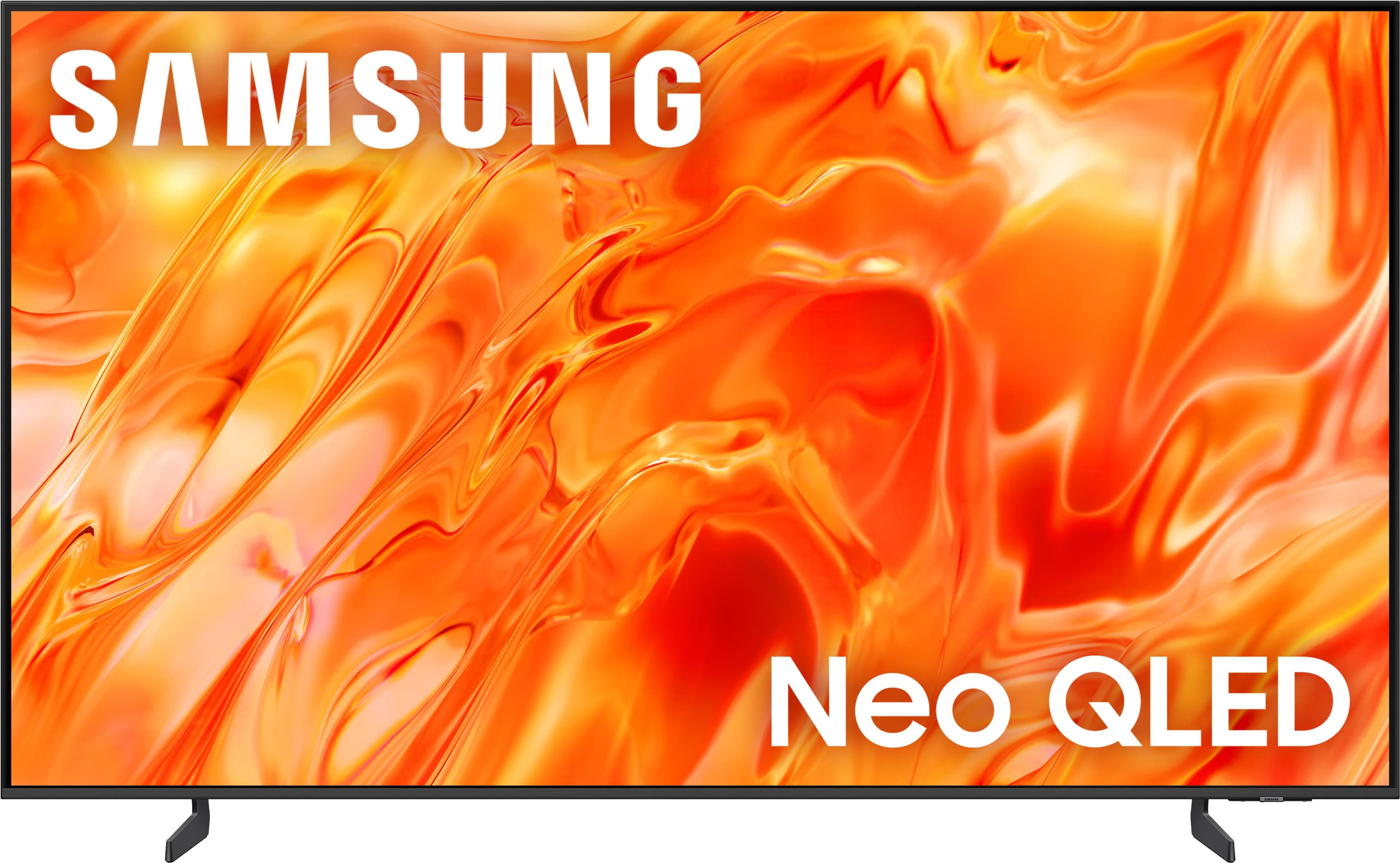
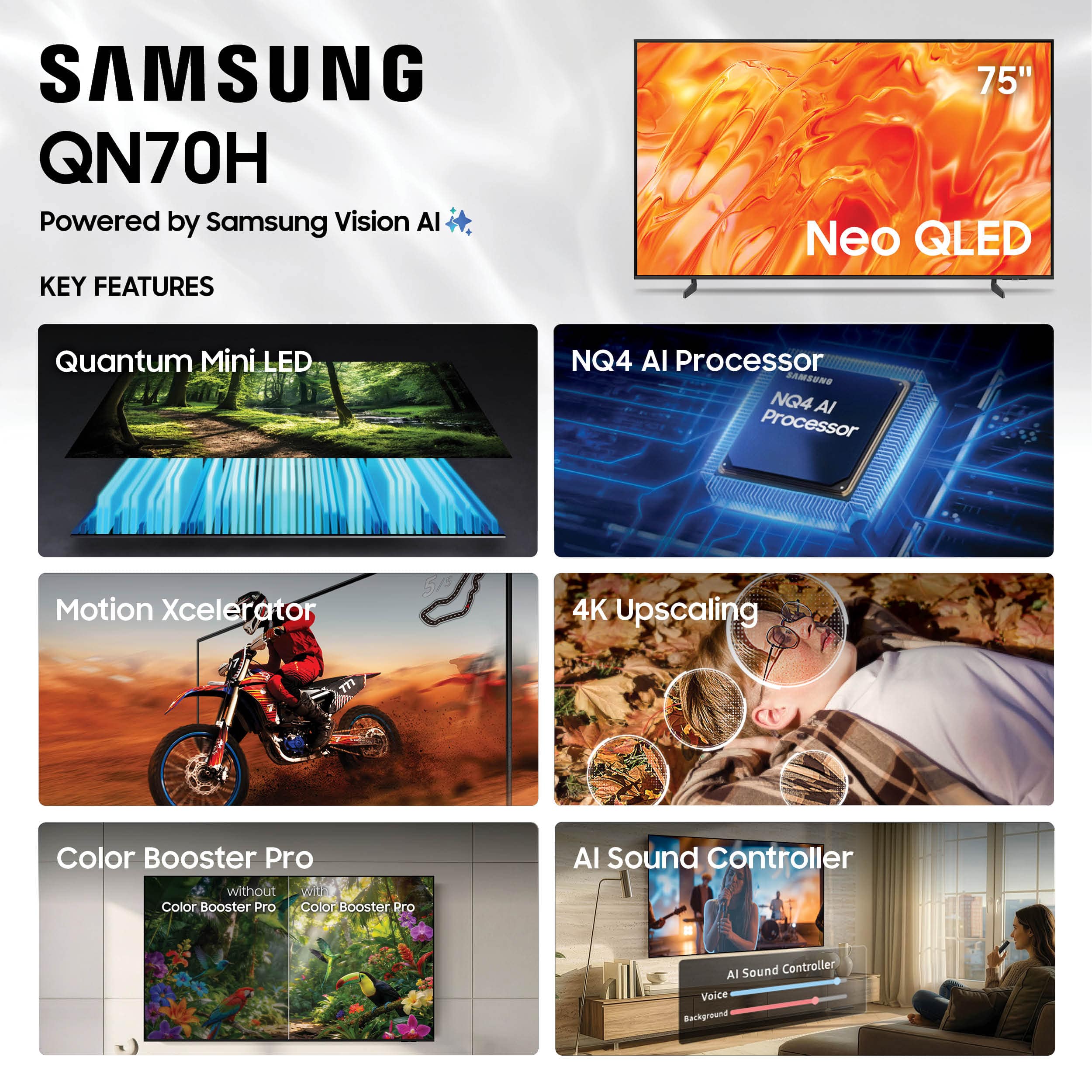

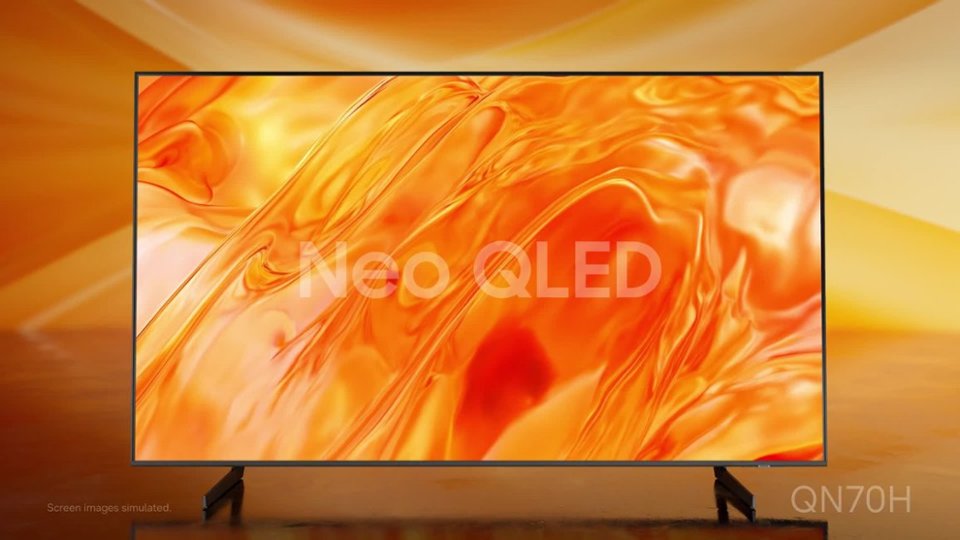


- Model:
- QN75QN70HAFXZA
- SKU:
- 6671352
to a friend
Great Picture but the apps are glitchy.
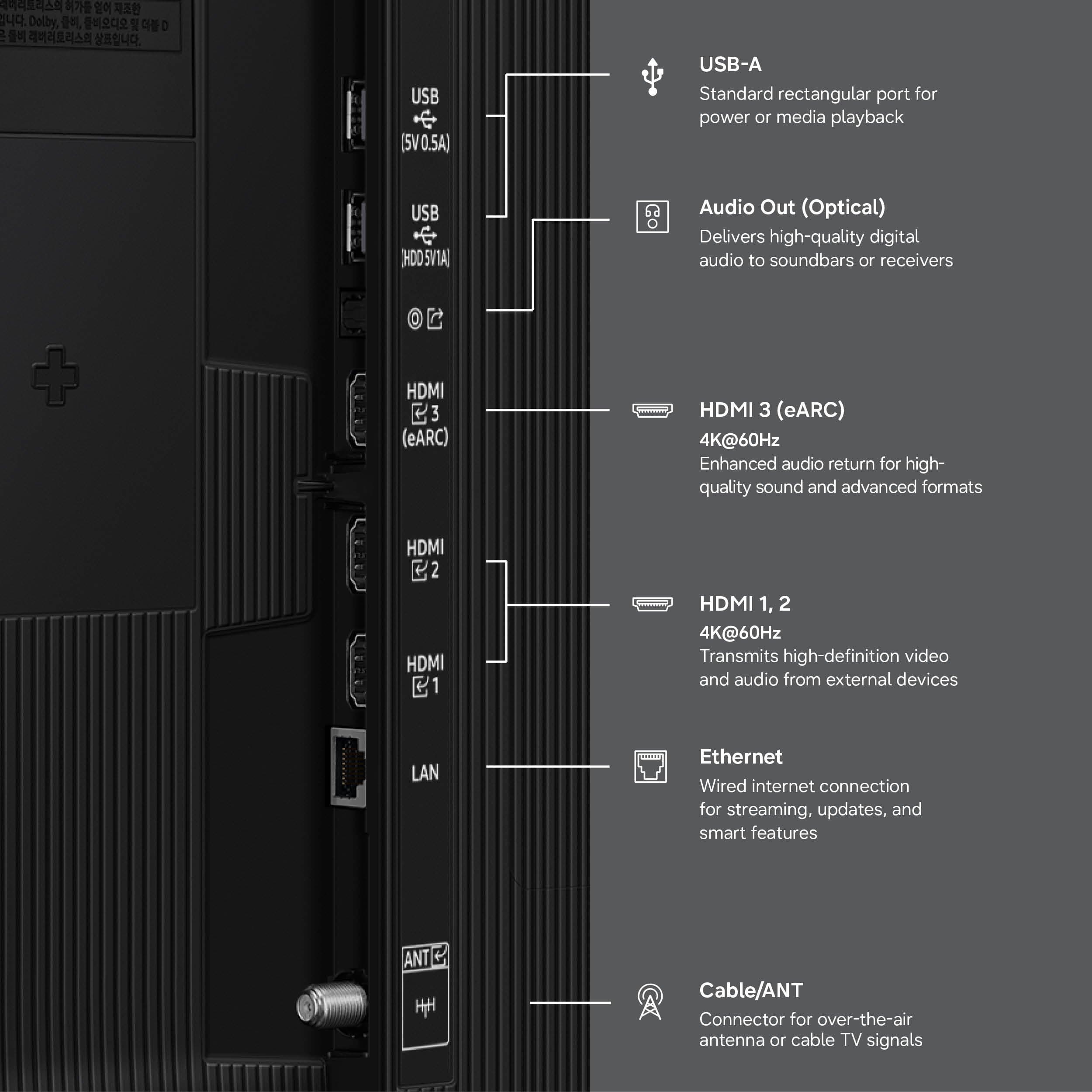
||Posted . Owned for 3 weeks when reviewed.This reviewer received promo considerations or sweepstakes entry for writing a review.The picture is really good, but, if you use any TV aps, Sling, Apple TV, etc., there are slight pauses almost like it skips the video and audio. I was using a ROKU on my old set and was hoping to stop using it with this TV, but with the glitches, I guess I’ll stick with the ROKU. And, not enough HDMI inputs. It only has 3 where the set I replaced and 4. If you have a lot of video toys, this set is not for you. Also, I just bought the TV on 6/25/26 for $1499 and now I see it is listed today for $1247.99. I should have waited for the holiday sale.
No, I would not recommend this to a friendBrand response from Samsung
Posted .Hi VernonP,
We appreciate your feedback regarding your QN70H TV’s performance. If you're experiencing slow apps, freezing, or lag in general response time, try the following steps:
1. Check for firmware updates – Keeping your TV up to date can resolve many performance issues: Home > top directional key > Settings > Support > Software Update > Update Now
2. Run Device Care – This tool checks system memory, frees up cached data, and closes background apps that could be slowing things down: Home > top directional key > Settings > Support > Device Care > Start Device Care
3. Cold boot your TV – With the TV powered on, press and hold the Power button on your remote for 5+ seconds until the TV restarts. This helps refresh the system.
If you're still noticing performance issues after these steps, please contact Samsung Support at 1-800-SAMSUNG (8AM – 9PM EST Mon – Fri, 8AM – 6PM Sat – Sun). You can also connect with a LiveChat agent via the ‘Support’ link on our website.
~ Samsung Specialist