Customer Ratings & Reviews
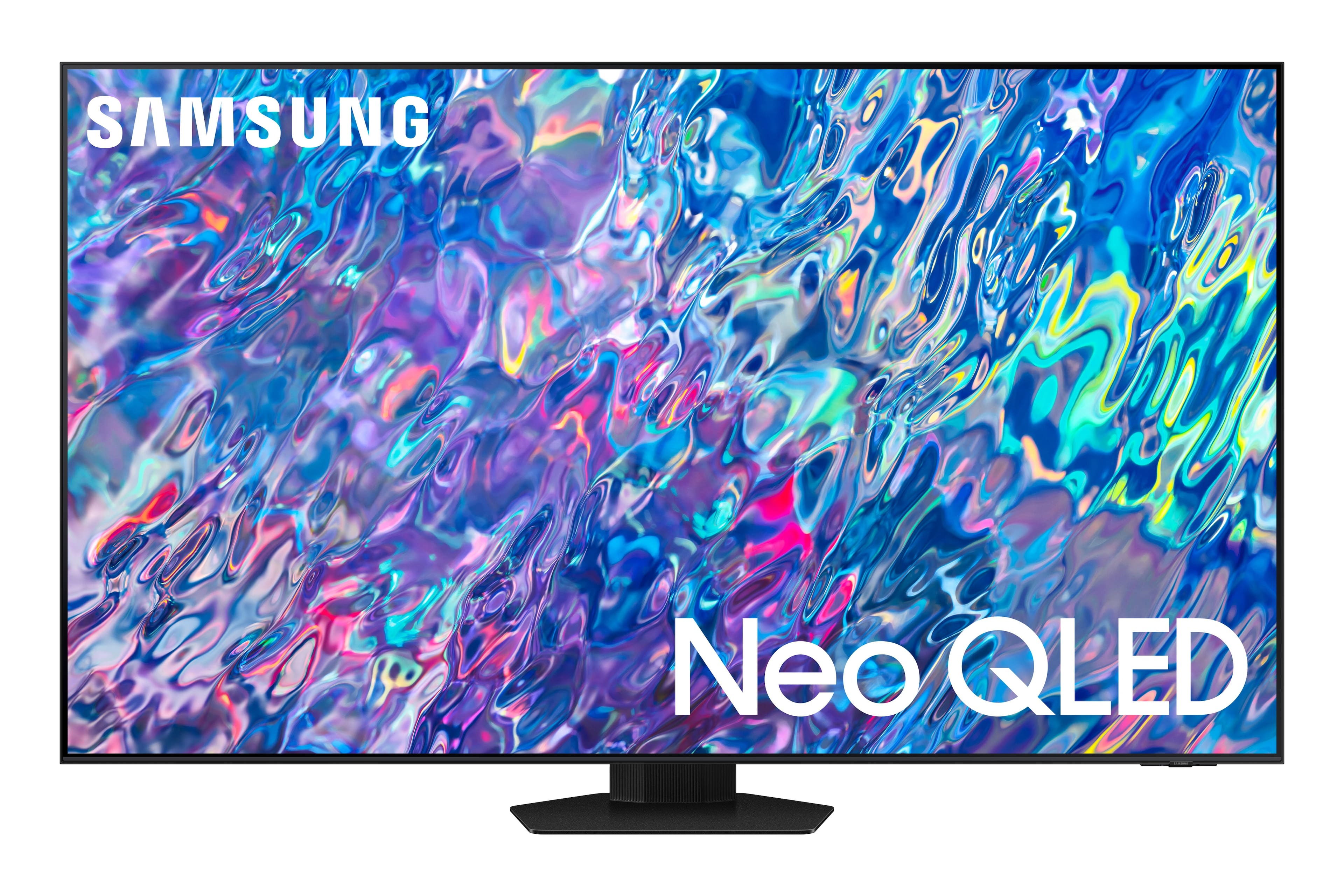
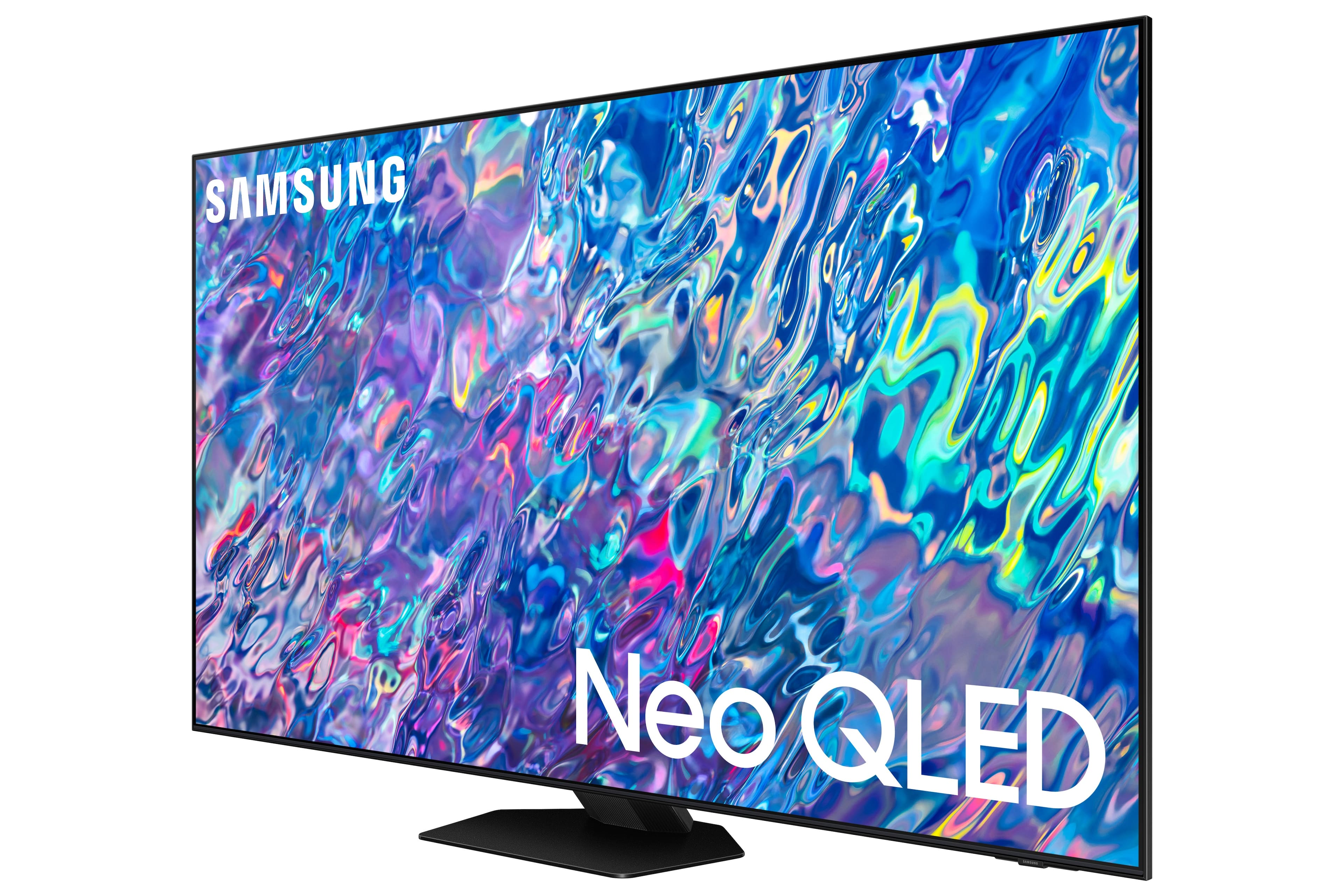
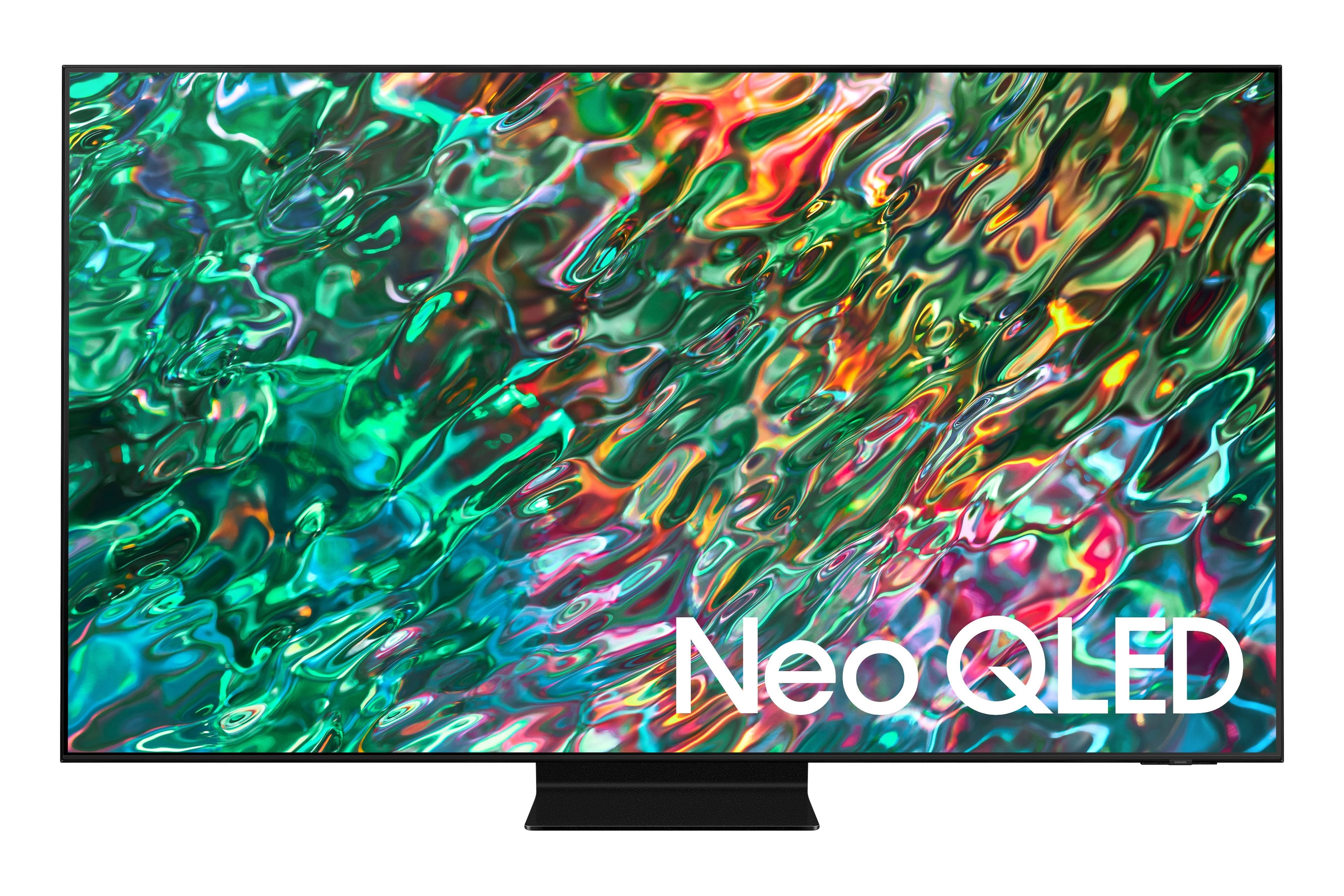
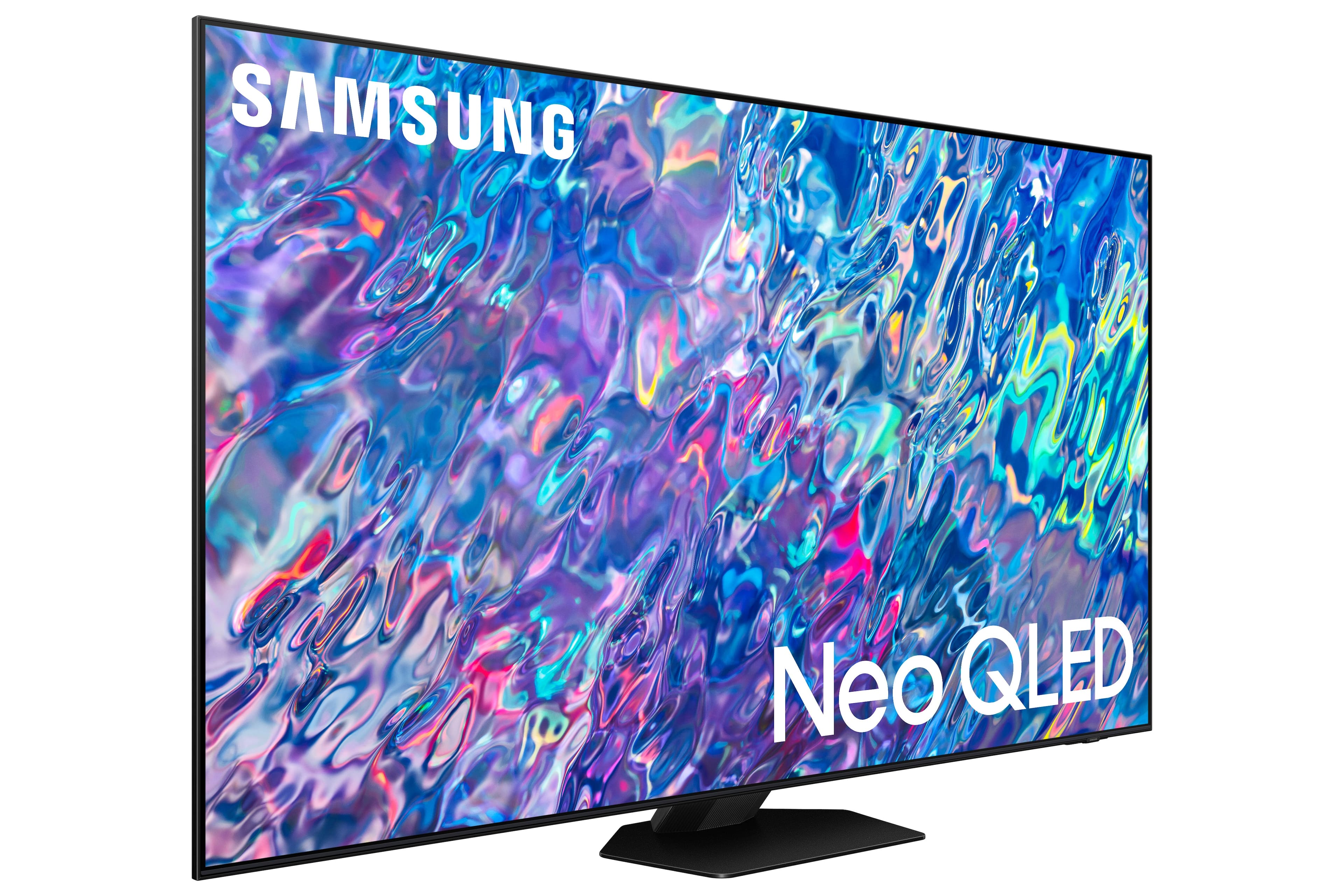
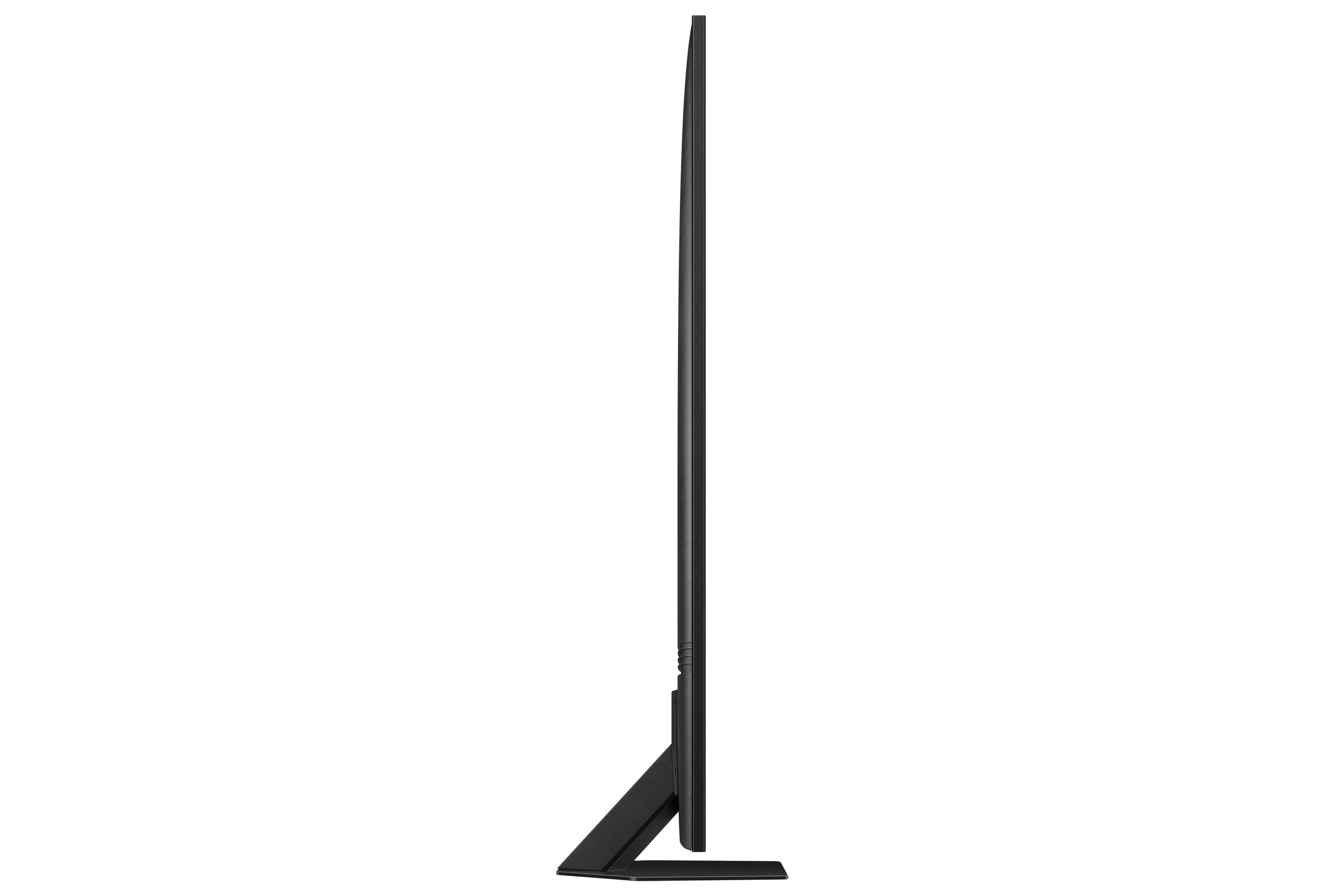
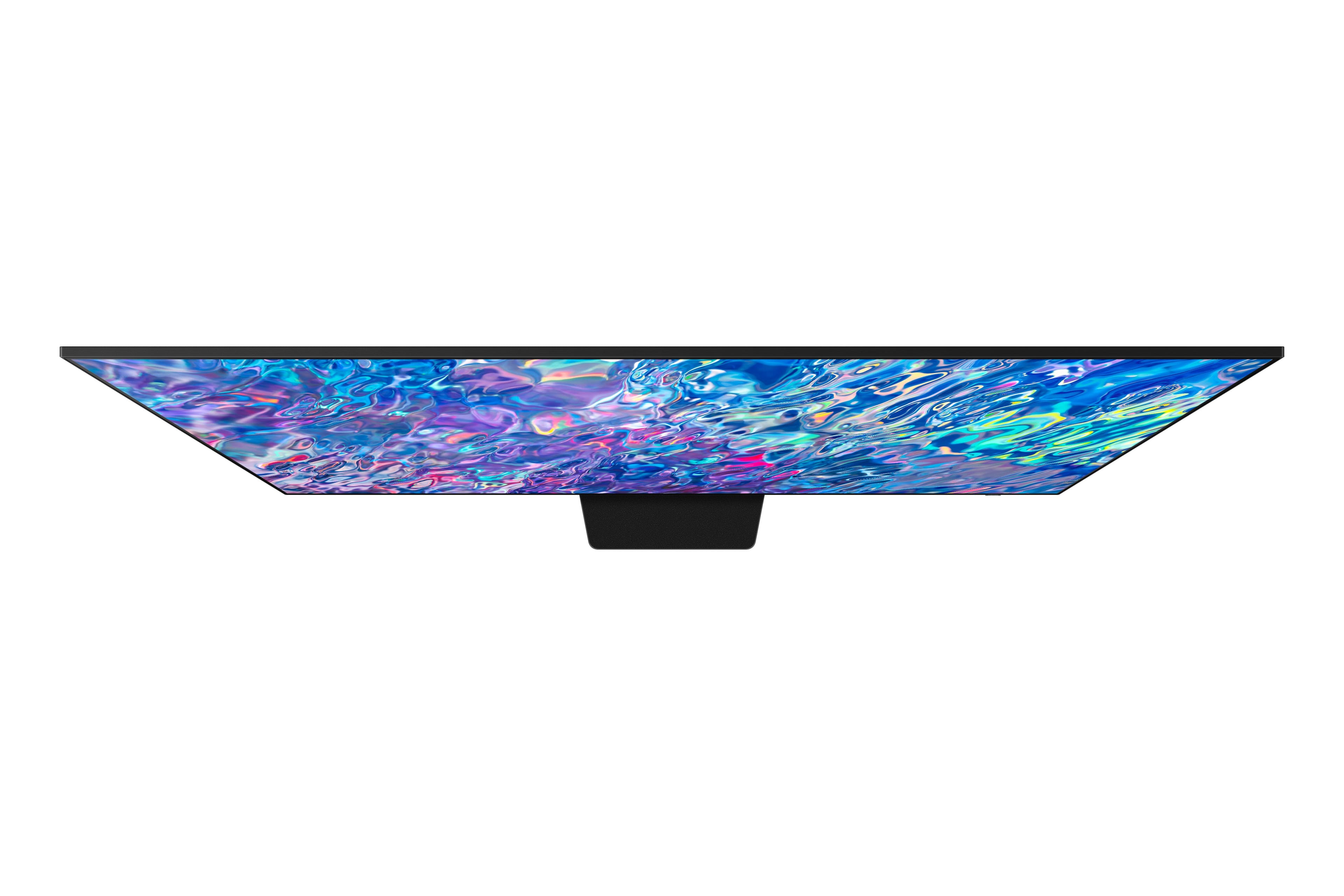
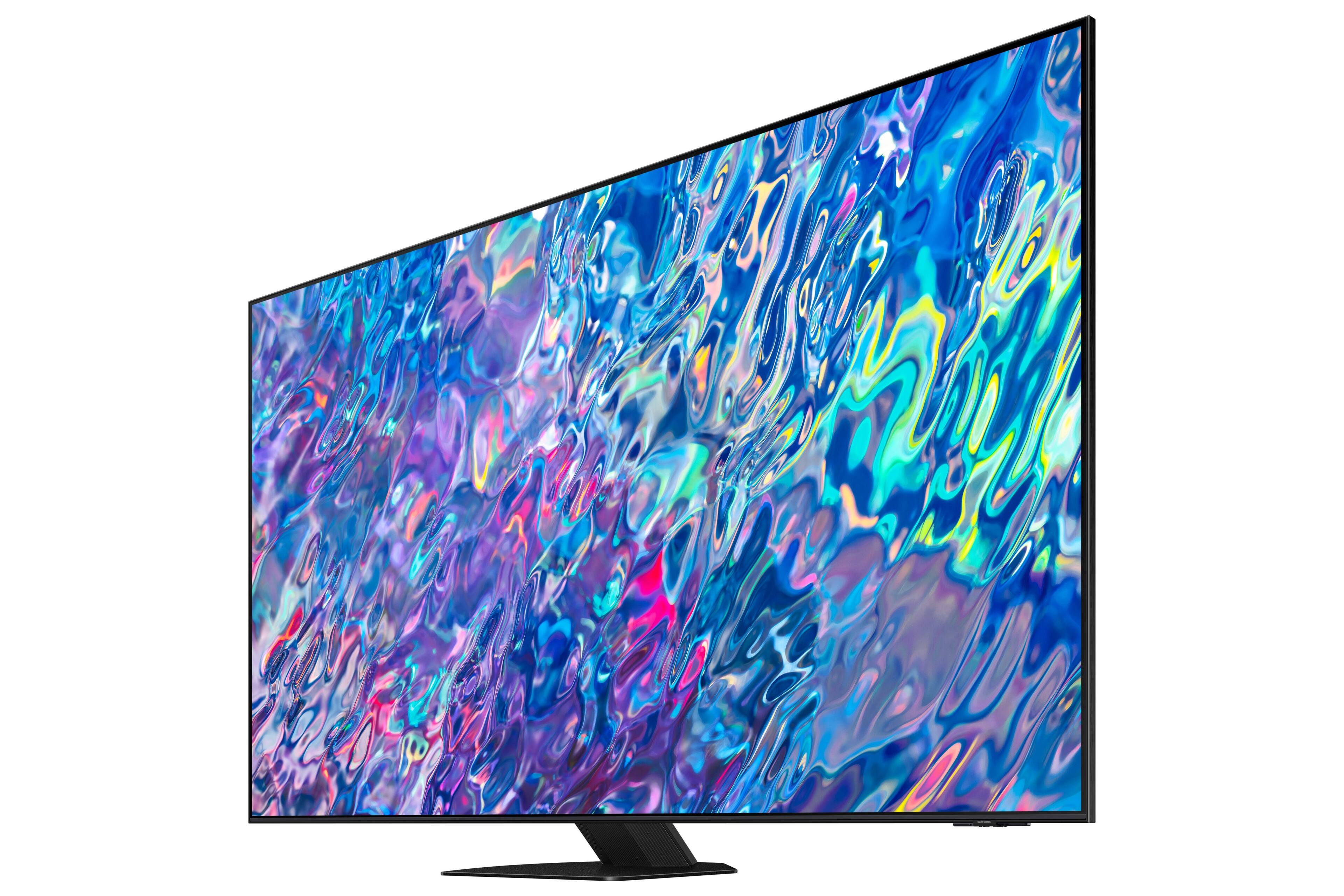
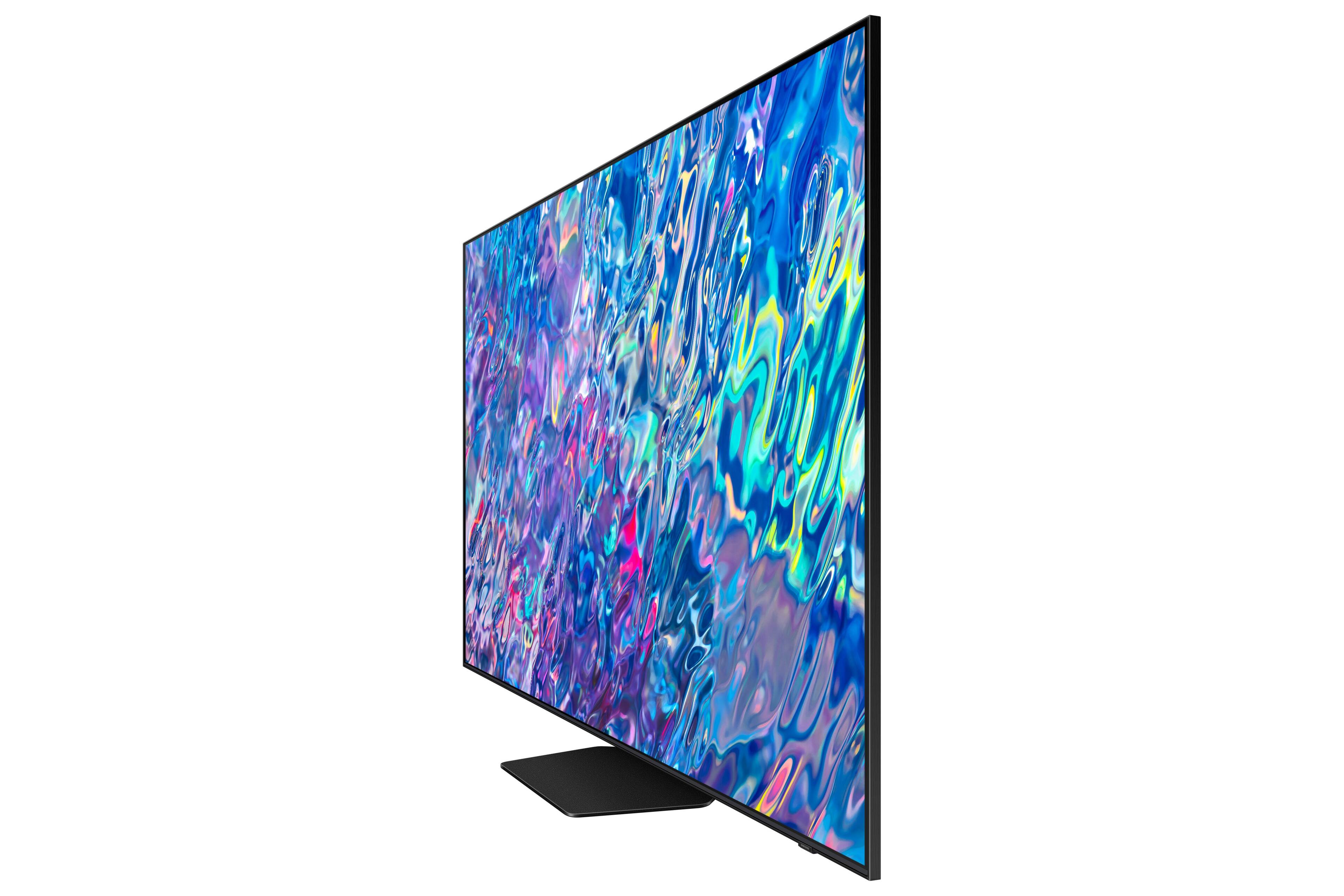
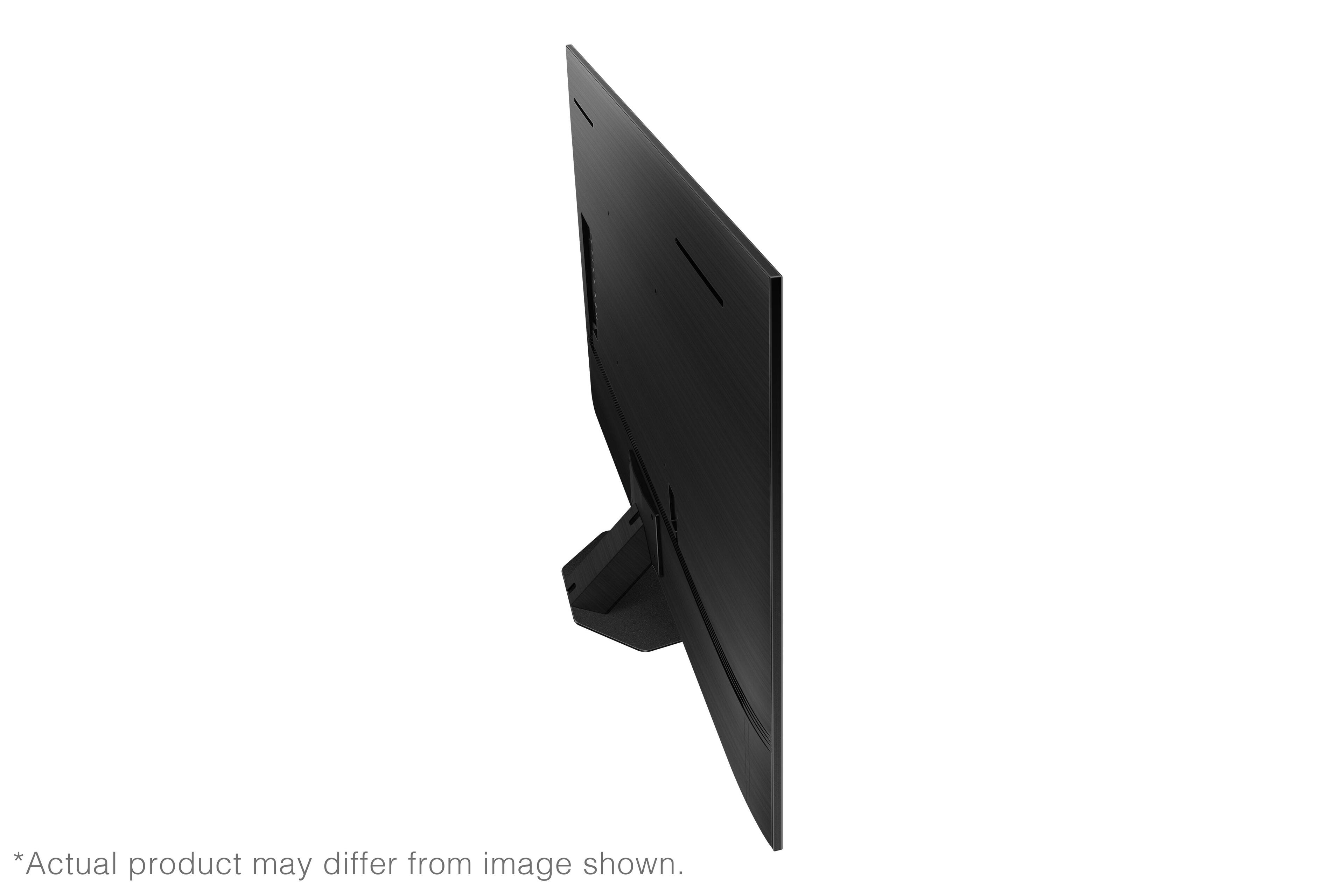
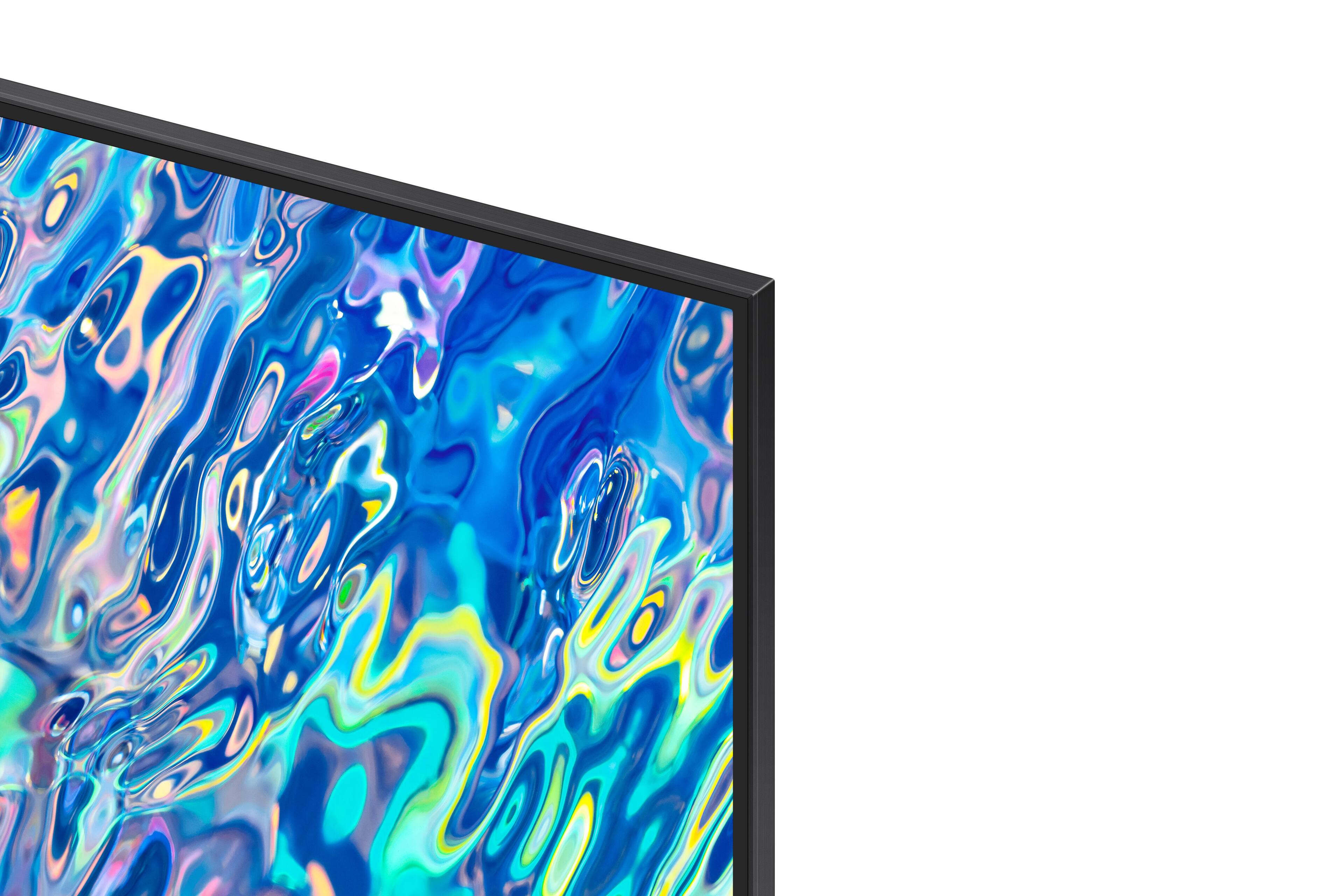
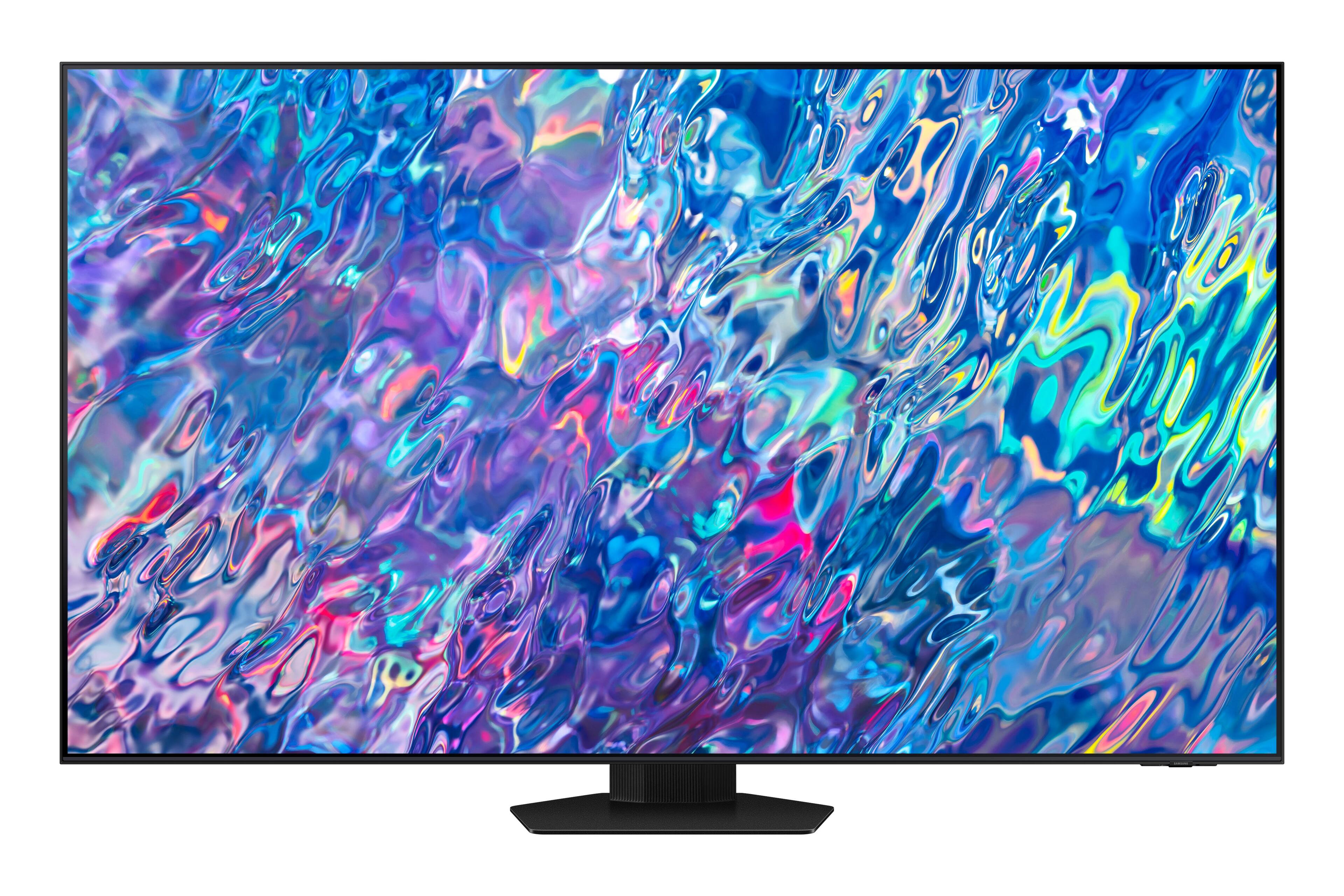
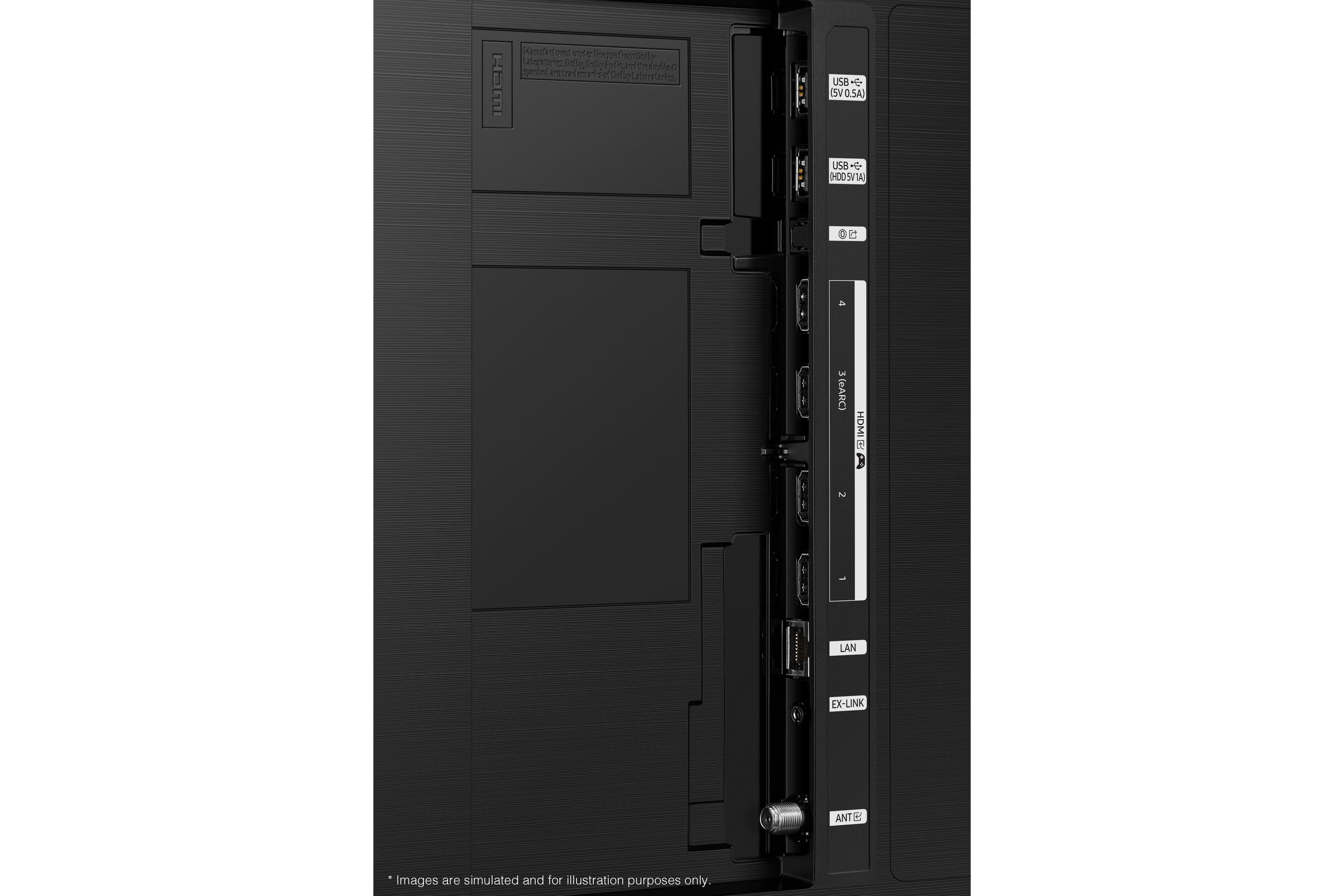










- Model:
- QN75QN85BAFXZA
- SKU:
- 6500302
Rating by feature
- Picture Quality
Rating 4.8 out of 5 stars
- Sound Quality
Rating 4.6 out of 5 stars
- Brightness
Rating 4.8 out of 5 stars
Customers are saying
Customers are delighted by the 75” Class QN85B Neo QLED 4K Smart Tizen TV’s stunning picture quality, vibrant colors, and reasonable price. They appreciate the easy setup process and find the remote control user-friendly. The TV’s large screen and good sound quality enhance the overall viewing experience, making it a great choice for gaming and movie nights.
This summary was generated by AI based on customer reviews.
- Pros mentioned:Picture quality
Satisfied
||Posted . Owned for 1 month when reviewed.This reviewer received promo considerations or sweepstakes entry for writing a review.Easy setup and great picture. Highly recommend this model
I would recommend this to a friend Average product
||Posted . Owned for 1 month when reviewed.This reviewer received promo considerations or sweepstakes entry for writing a review.Not impressed, slow remote response, bad Bluetooth connectivity etc etc. was expecting it to perform better than my 8 series for the price this one is at
No, I would not recommend this to a friend- Pros mentioned:Picture quality
75 inch Samsung neo tv review.
||Posted . Owned for 1 month when reviewed.This reviewer received promo considerations or sweepstakes entry for writing a review.Great TV bright colors. I like all Samsung products.
I would recommend this to a friend - Pros mentioned:Picture quality
Great TV
||Posted .This reviewer received promo considerations or sweepstakes entry for writing a review.Great TV, easy set up, good overall picture quality
I would recommend this to a friend - Pros mentioned:Picture quality
A+++
||Posted . Owned for 1 week when reviewed.This reviewer received promo considerations or sweepstakes entry for writing a review.The picture on the new Neo tv is pretty good. A plus.
I would recommend this to a friend - Pros mentioned:Color
Love it!
||Posted . Owned for 3 weeks when reviewed.This reviewer received promo considerations or sweepstakes entry for writing a review.If you like your colors vibrant, then this is your TV set!
I would recommend this to a friend - Pros mentioned:Picture quality
Very Nice
||Posted . Owned for 1 month when reviewed.This reviewer received promo considerations or sweepstakes entry for writing a review.Beautiful picture but the base is a bit flimsy. Fairly easy to set up.
I would recommend this to a friend Samsung Neo
||Posted . Owned for 3 weeks when reviewed.This reviewer received promo considerations or sweepstakes entry for writing a review.Not always in focus and faces are often too red otherwise it seems pretty good. Picture is too bright for a dark room. The purchasing experience from best buy was 1 star. Delivery issues had me driving to best buy and having to purchase another one justso i could take it home without waiting another week.
No, I would not recommend this to a friendBrand response from Samsung
Posted .AdrianC,
Thank you for sharing your thoughts on the picture quality of your QN85B TV. To ensure you’ve got the latest image quality updates, please confirm that your TV is up to date with the latest firmware version. You can check by going to: Home > Menu > Settings > Support > Software Update.
If the picture you’re seeing is still not to your liking after updating firmware, there are several picture settings you may want to try adjusting.
Go to Home > Menu > Settings > All Settings > Picture > Picture Mode
...and select the mode that best fits your usage:
1) Standard: Is the default mode suitable for general viewing environments.
2) Movie: Is suitable for watching TV or movies in a dark room.
3) Dynamic: Makes the picture brighter and clearer in bright viewing environments.
4) Filmmaker Mode: You can watch the source content (e.g., movie) as it is. If the image is defined as Filmmaker Mode, it will automatically switch to Filmmaker Mode while watching.
You can also go to: Home > Menu > Settings > All Settings > Picture > Expert Settings to manually fine tune your image.
For further assistance with settings adjustments, please contact Samsung Customer Support at 1-800-SAMSUNG, 8AM - 12AM EST, 7 days a week. Our LiveChat agents are also available by clicking on the ‘Support’ link on our website.
~ Samsung Specialist
Careful of Solar Remote for $2000 TV
||Posted . Owned for 1 year when reviewed.This reviewer received promo considerations or sweepstakes entry for writing a review.Remote broke within a year. Had to replace on my own.
No, I would not recommend this to a friendBest Buy saves the Day!
||Posted . Owned for 1 month when reviewed.This reviewer received promo considerations or sweepstakes entry for writing a review.Great TV - we hope! Best Buy was terrific when the same Samsung model died when less than a year old. Store Manager Kim and her faithful sidekick Rachel were so very helpful.
I would recommend this to a friend- Pros mentioned:Picture quality
Tv
||Posted .This reviewer received promo considerations or sweepstakes entry for writing a review.Nice big picture perfect definitely will recommend
I would recommend this to a friend - Pros mentioned:Picture quality
Glare issue
||Posted . Owned for 1 month when reviewed.This reviewer received promo considerations or sweepstakes entry for writing a review.Glare is still an issue. Picture is great. Not sure I would replace last tv.
No, I would not recommend this to a friendBrand response from Samsung
Posted .Jar1,
Thank you for purchasing the QN85B TV and for sharing your feedback regarding screen reflection. The light conditions of each room environment are different. For optimal glare control, we recommend positioning the TV to minimize incident light falling on the screen or consulting a professional installer.
Anti-Reflection designed to minimize ambient light reflection is featured on our 55” QN90B series and higher.
Should you ever have questions or need help with TV features, specs, or operation, we are here to help. You can call us at 1-800-SAMSUNG, 8AM - 12AM EST, 7 days a week. Or visit us on the Samsung website and click on the ‘Support’ link for:
• LiveChat
• Manuals, Software, & Warranty Info
~ Samsung Specialist
- Pros mentioned:Picture quality
Good Picture
||Posted . Owned for 1 month when reviewed.This reviewer received promo considerations or sweepstakes entry for writing a review.Good picture quality, not great like it was in the store.
No, I would not recommend this to a friendBrand response from Samsung
Posted .Pickytvperson,
Thank you for sharing your thoughts on the picture quality of your QN85B TV. To ensure your picture is fully optimized, please be sure your TV is up to date with the latest firmware version, as this includes picture quality updates. You can check this by going to: Home > Menu > Settings > Support > Software Update.
If the picture you’re seeing out-of-the-box is not to your liking after performing any available firmware updates, there are several picture settings you may want to try adjusting.
Go to Home > Menu > Settings > All Settings > Picture > Picture Mode
...and select the mode that best fits your usage:
1) Standard: Is the default mode suitable for general viewing environments.
2) Movie: Is suitable for watching TV or movies in a dark room.
3) Dynamic: Makes the picture brighter and clearer in bright viewing environments.
4) Filmmaker Mode: You can watch the source content (e.g., movie) as it is. If the image is defined as Filmmaker Mode, it will automatically switch to Filmmaker Mode while watching.
You can also go to: Home > Menu > Settings > All Settings > Picture > Expert Settings to manually fine tune your image.
For further assistance with settings adjustments, please contact Samsung Customer Support at 1-800-SAMSUNG, 8AM - 12AM EST, 7 days a week. Or visit us on the Samsung website and click on the ‘Support’ link for:
1) LiveChat
2) Manuals, Software, & Warranty Info
~ Samsung Specialist
Not best option on market
||Posted . Owned for 1 month when reviewed.This reviewer received promo considerations or sweepstakes entry for writing a review.Not the quality expected from Samsung. Do not buy this TV, quality of picture is not impressive and auto sensors are worthless. For tolerable quality of picture, I ended up doing custom calibration through SmartThings app.
No, I would not recommend this to a friendBrand response from Samsung
Posted .Patel,
Thank you for sharing your thoughts on the picture quality of your QN85B TV. To ensure you’ve got the latest image quality updates, please confirm that your TV is up to date with the latest firmware version. You can check by going to: Home > Menu > Settings > Support > Software Update.
If the picture you’re seeing is still not to your liking after updating firmware, there are several picture settings you may want to try adjusting.
Go to Home > Menu > Settings > All Settings > Picture > Picture Mode
...and select the mode that best fits your usage:
1) Standard: Is the default mode suitable for general viewing environments.
2) Movie: Is suitable for watching TV or movies in a dark room.
3) Dynamic: Makes the picture brighter and clearer in bright viewing environments.
4) Filmmaker Mode: You can watch the source content (e.g., movie) as it is. If the image is defined as Filmmaker Mode, it will automatically switch to Filmmaker Mode while watching.
You can also go to: Home > Menu > Settings > All Settings > Picture > Expert Settings to manually fine tune your image.
For further assistance with settings adjustments, please contact Samsung Customer Support at 1-800-SAMSUNG, 8AM - 12AM EST, 7 days a week. Or visit us on the Samsung website and click on the ‘Support’ link for:
• LiveChat
• Manuals, Software, & Warranty Info
~ Samsung Specialist
Disappointing TV
||Posted . Owned for 1 month when reviewed.This reviewer received promo considerations or sweepstakes entry for writing a review.Not the best quality picture. Actually quite disappointed.
No, I would not recommend this to a friendOutpaces the Sony and everyway
||Posted . Owned for 2 weeks when reviewed.This reviewer received promo considerations or sweepstakes entry for writing a review.Purchased a Sony TV online and returned it immediately and went back to the Samsung just can't beat the interface in quality and no Google tv Junk
I would recommend this to a friendNice TV great job on installation !
||Posted . Owned for 2 weeks when reviewed.This reviewer received promo considerations or sweepstakes entry for writing a review.Upgraded from my Sony 65 inch TV and love this one. Total tech installation was great and would definitely go this way again.
I would recommend this to a friendSatisfied
||Posted . Owned for 3 weeks when reviewed.This reviewer received promo considerations or sweepstakes entry for writing a review.I like the clearness and how the color is very clear. You are able to see the screen from the side view clearly.
I would recommend this to a friendSamsung 75”
||Posted . Owned for 1 month when reviewed.This reviewer received promo considerations or sweepstakes entry for writing a review.This TV is great in my bright living area! The clarity of the picture is excellent.
I would recommend this to a friendGreat TV!
||Posted . Owned for less than 1 week when reviewed.This reviewer received promo considerations or sweepstakes entry for writing a review.Great service this time! The set-up was very easy. The crew was very good. Would use them again.
I would recommend this to a friend