Customer Ratings & Reviews
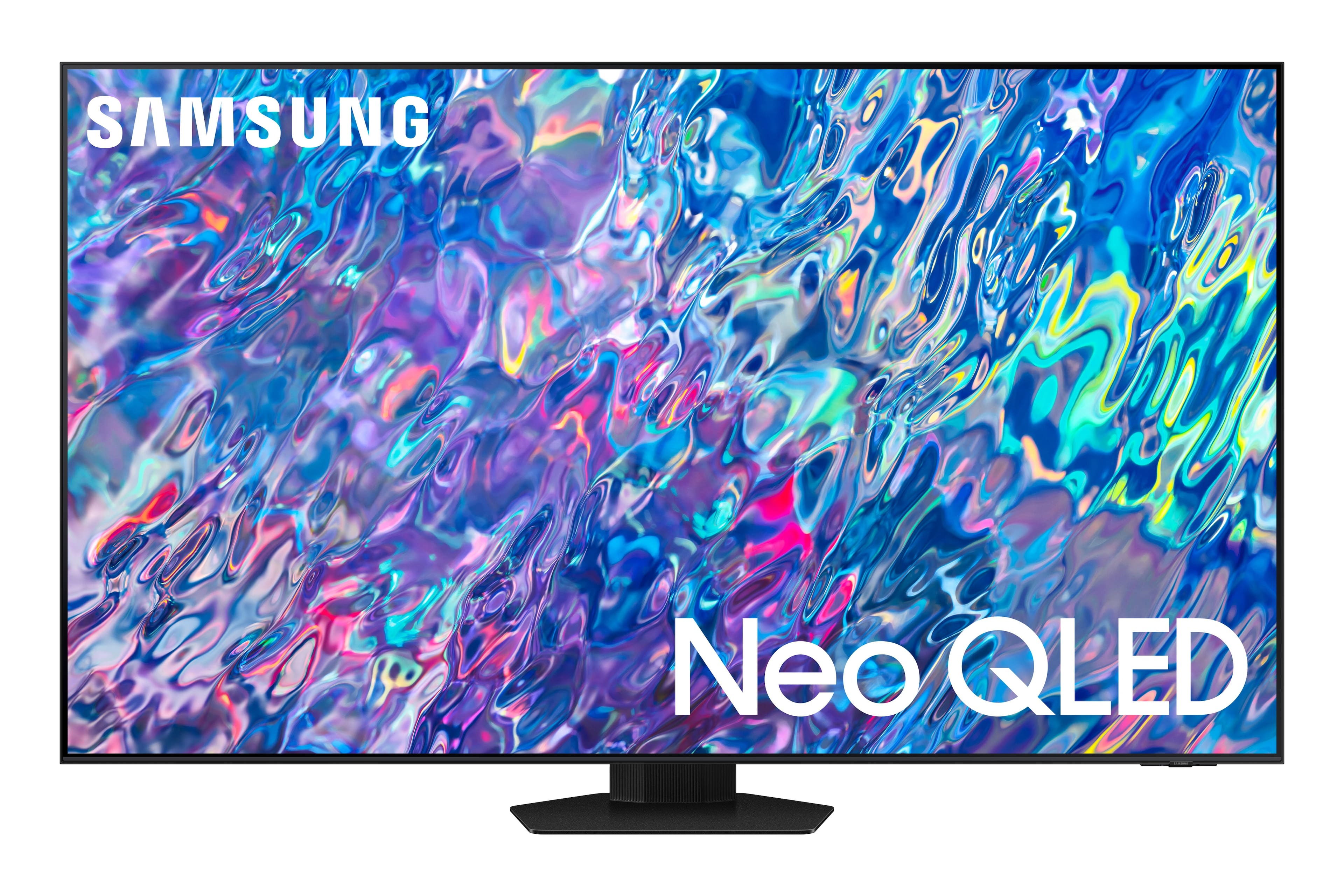
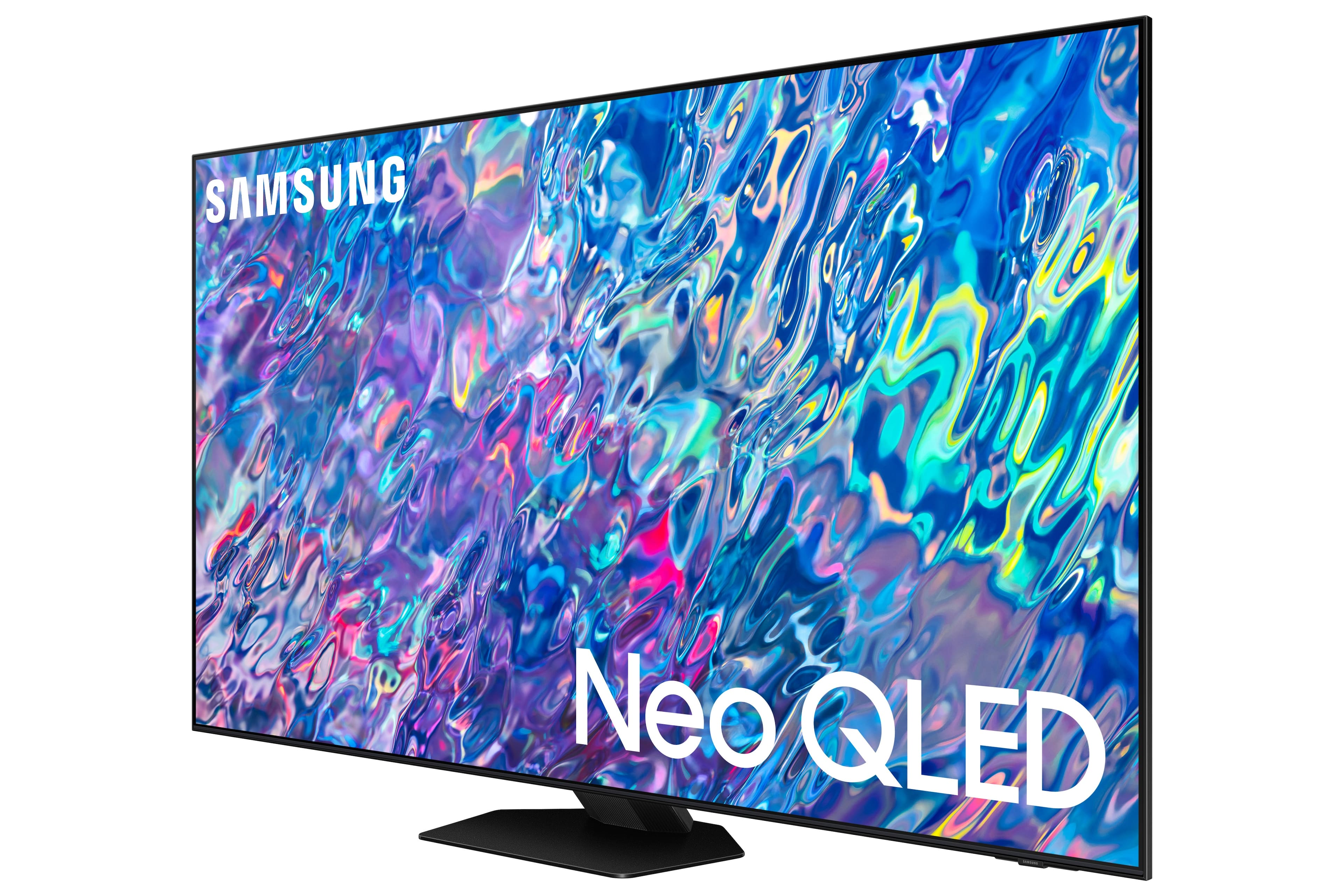
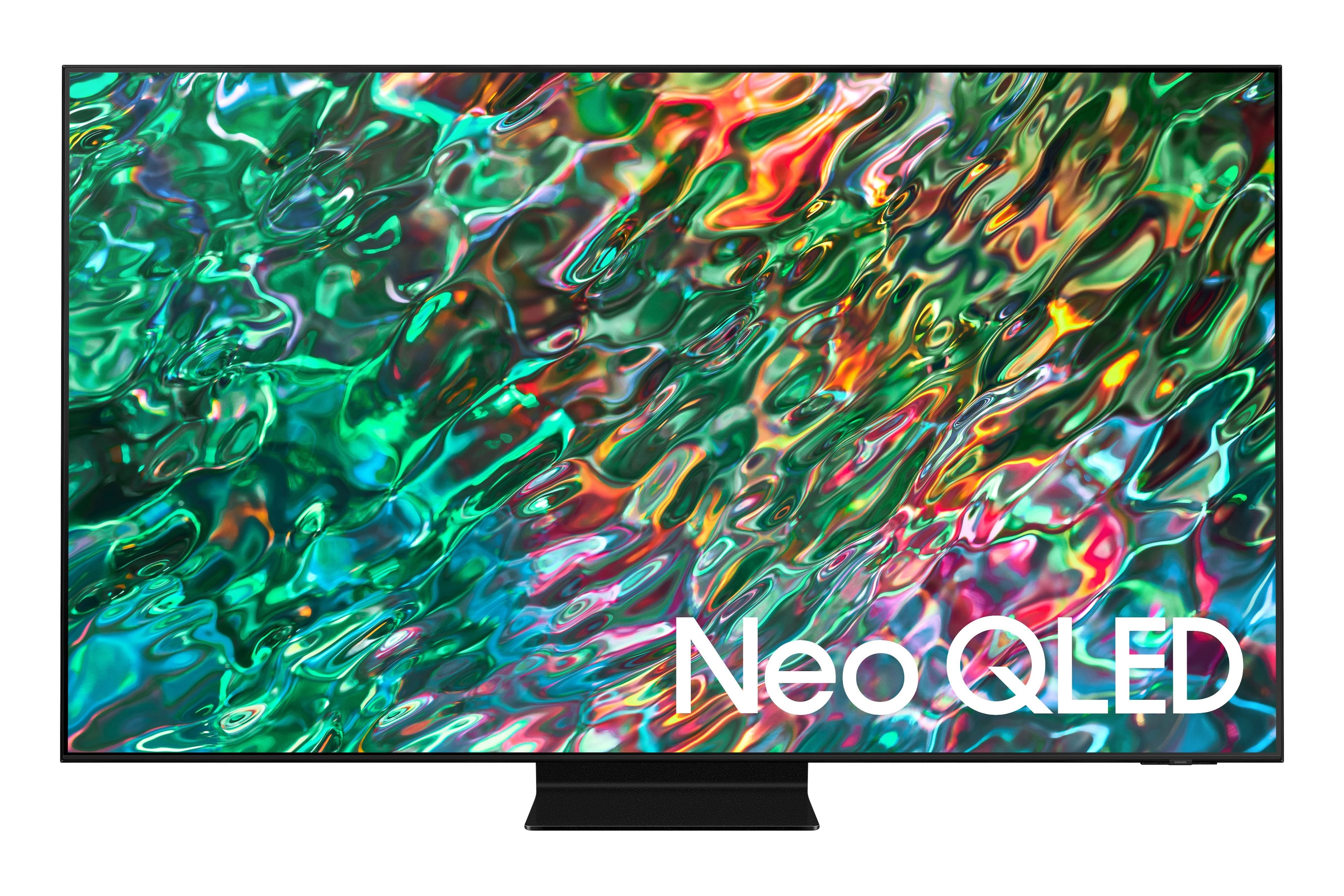
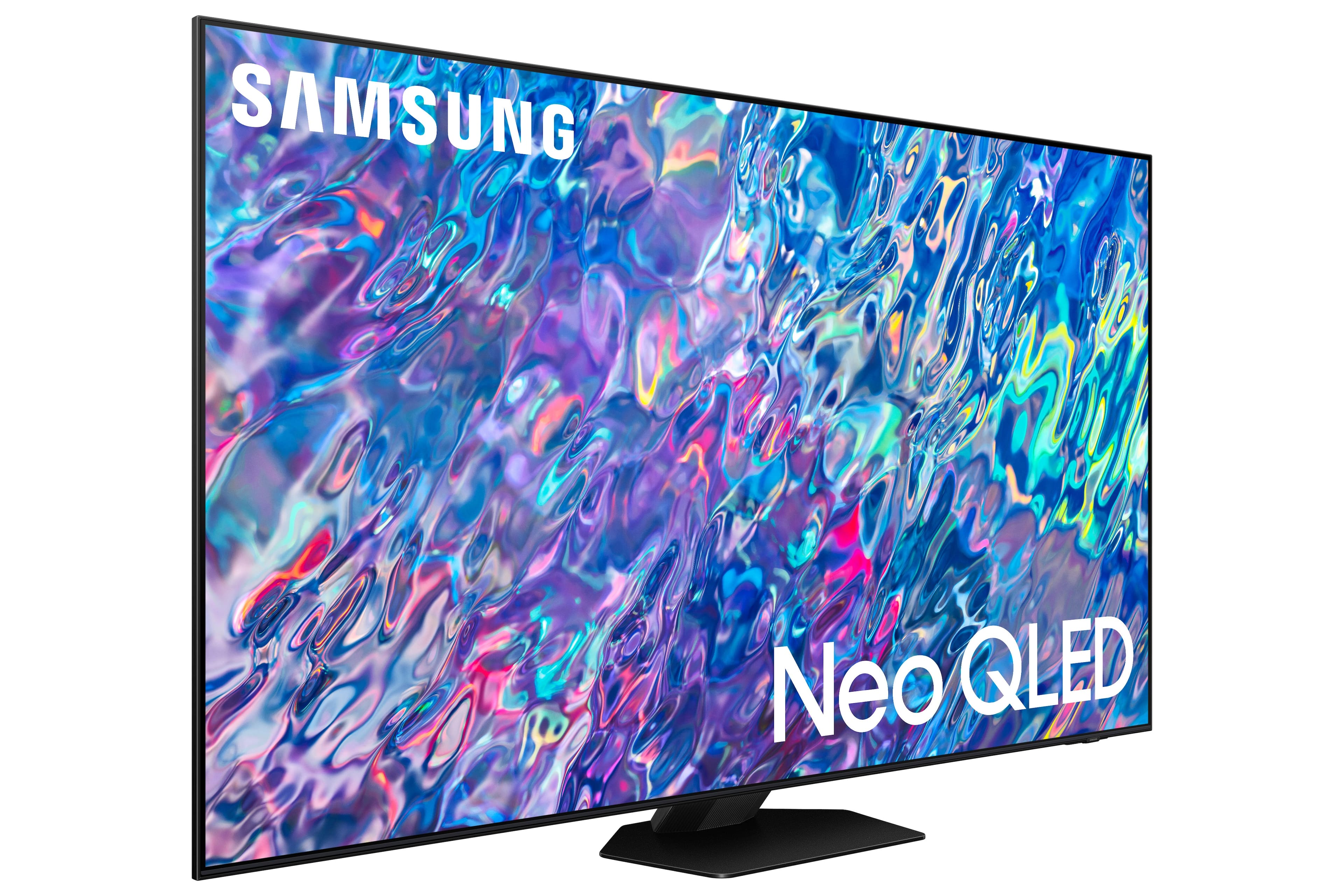
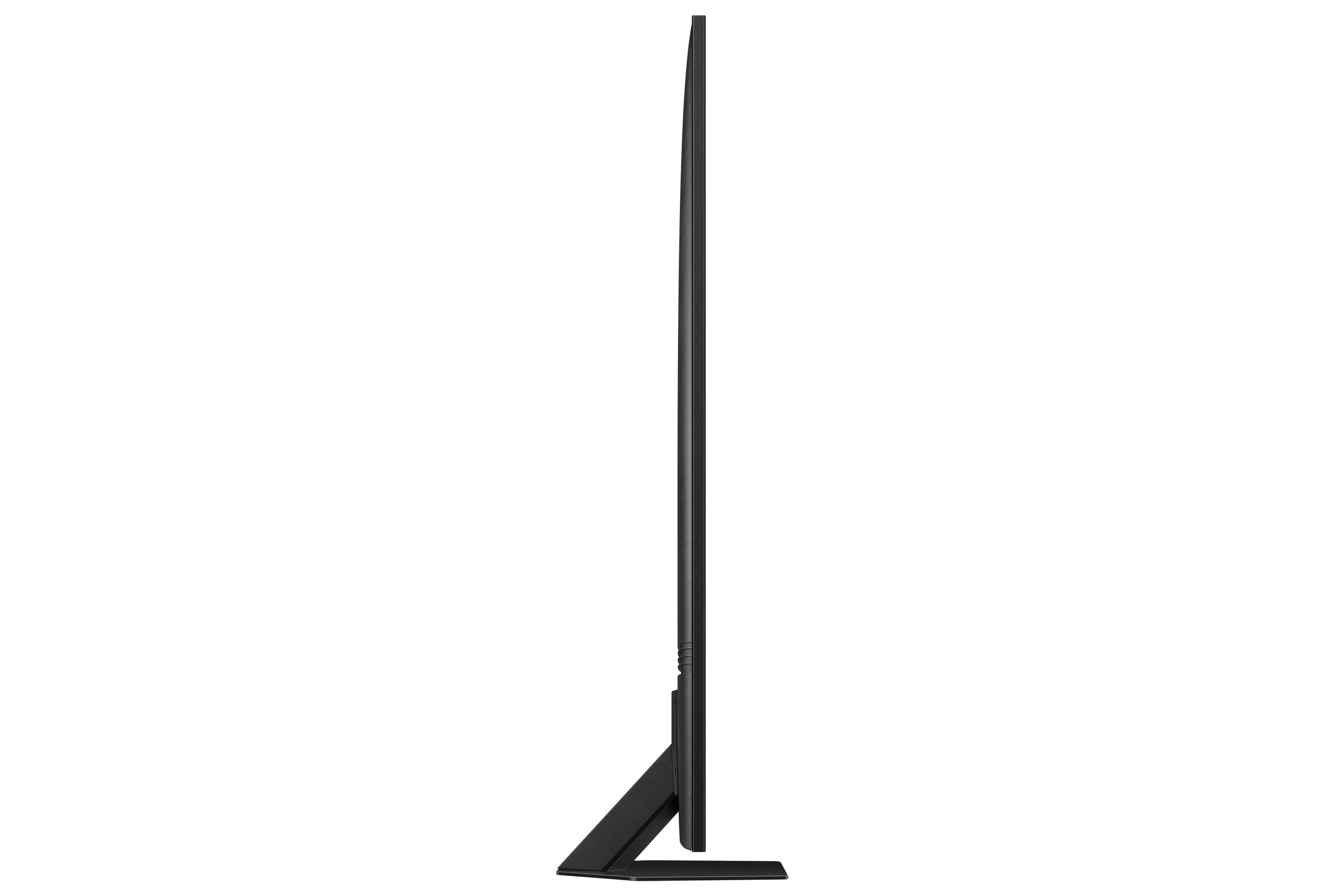
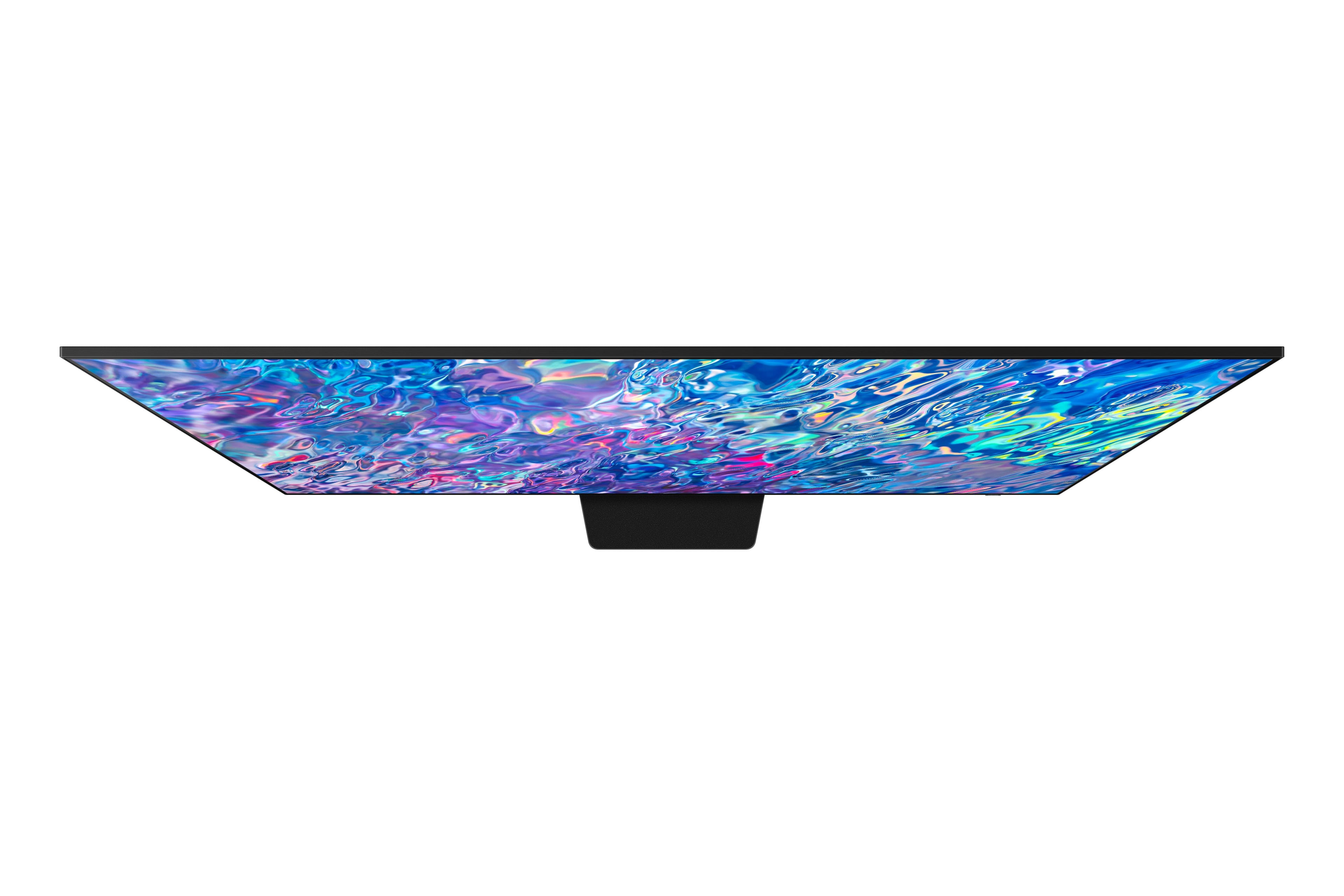
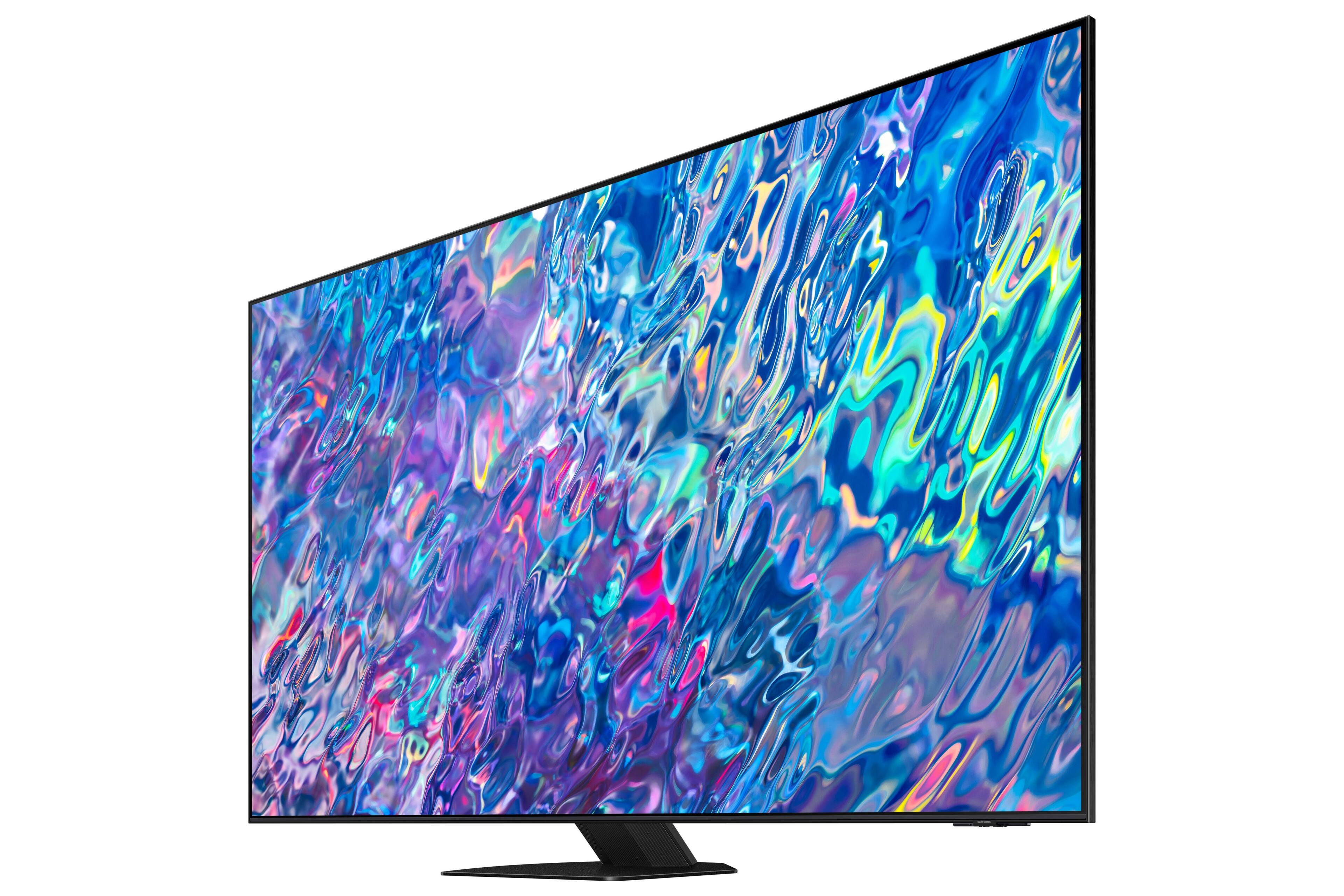
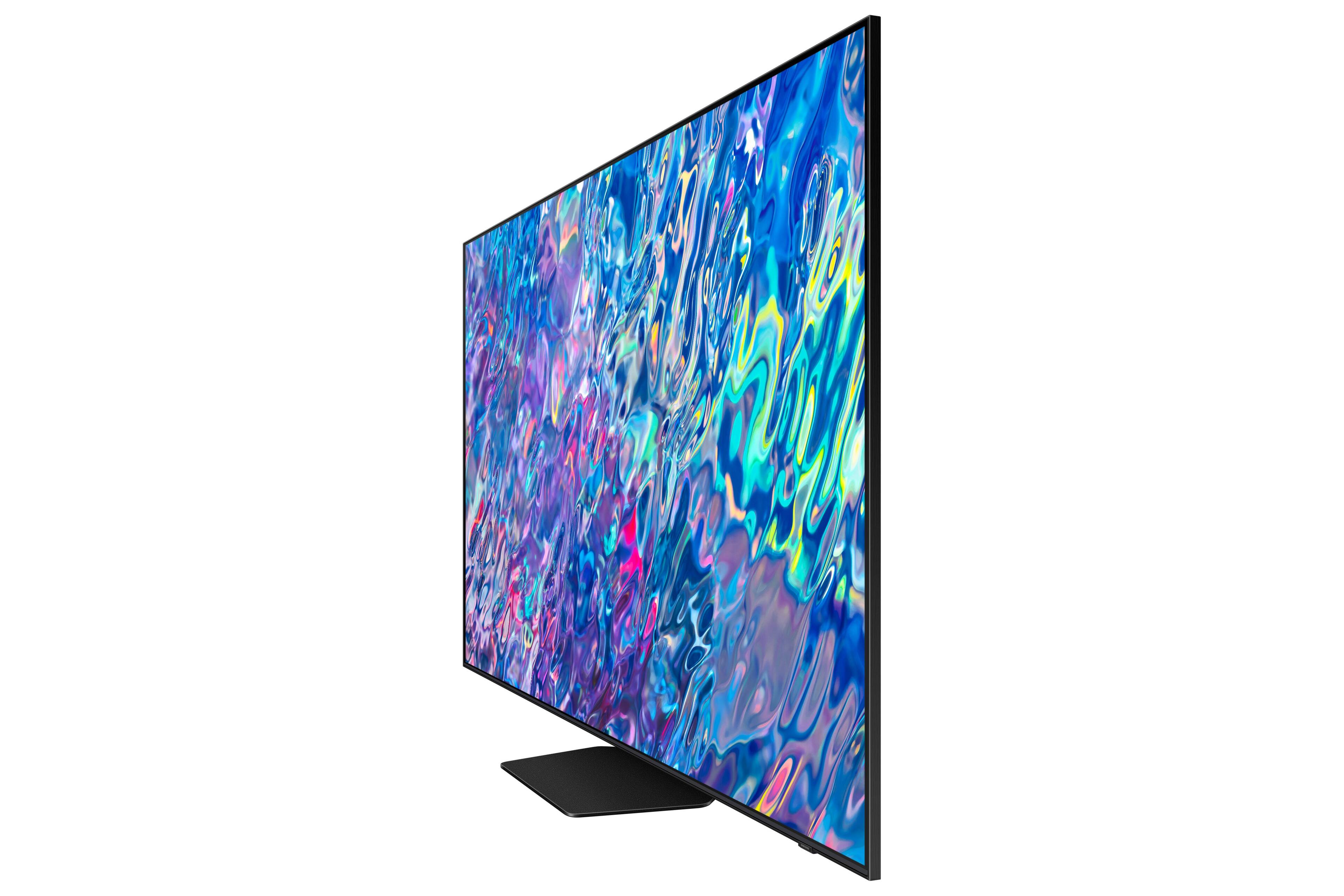
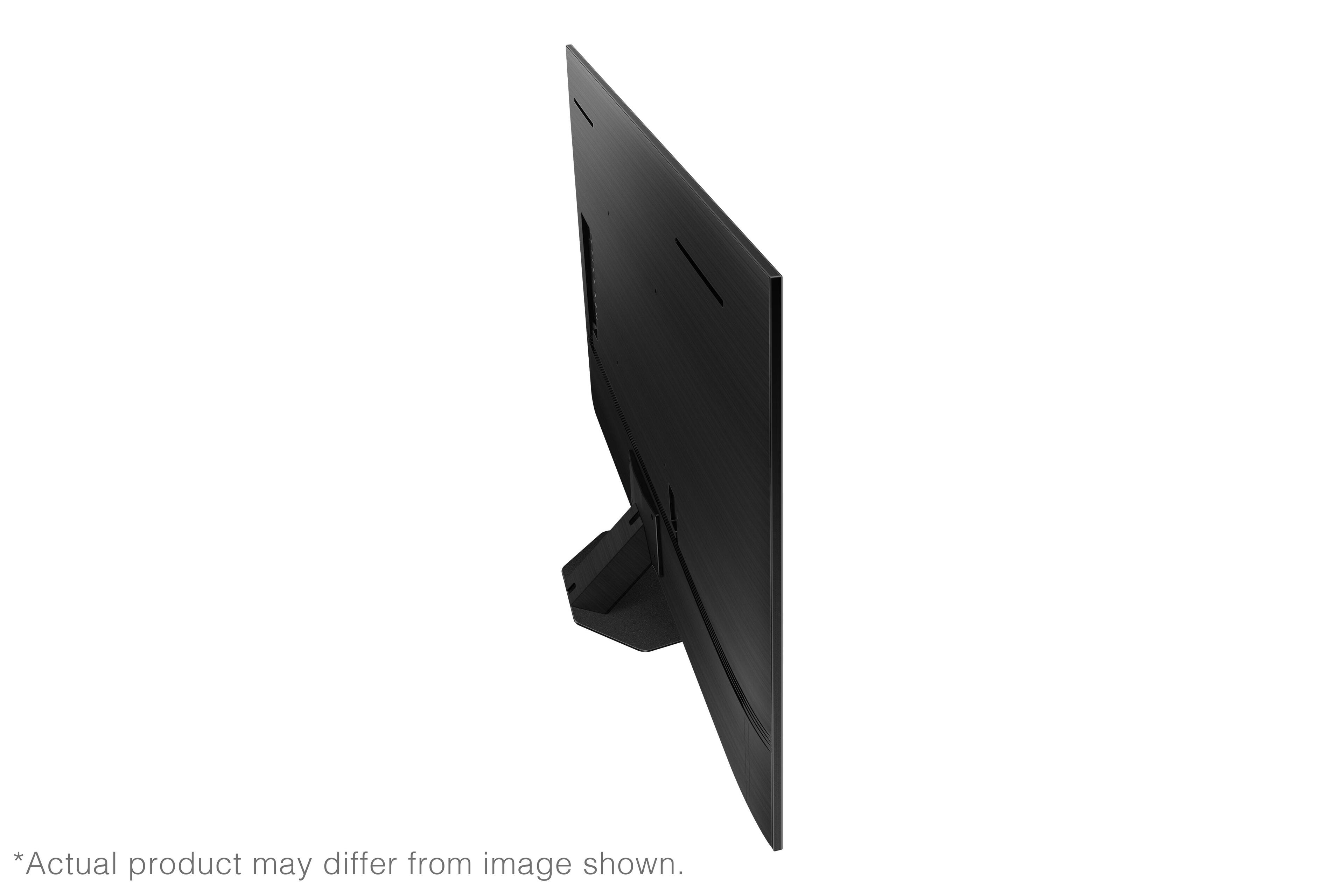
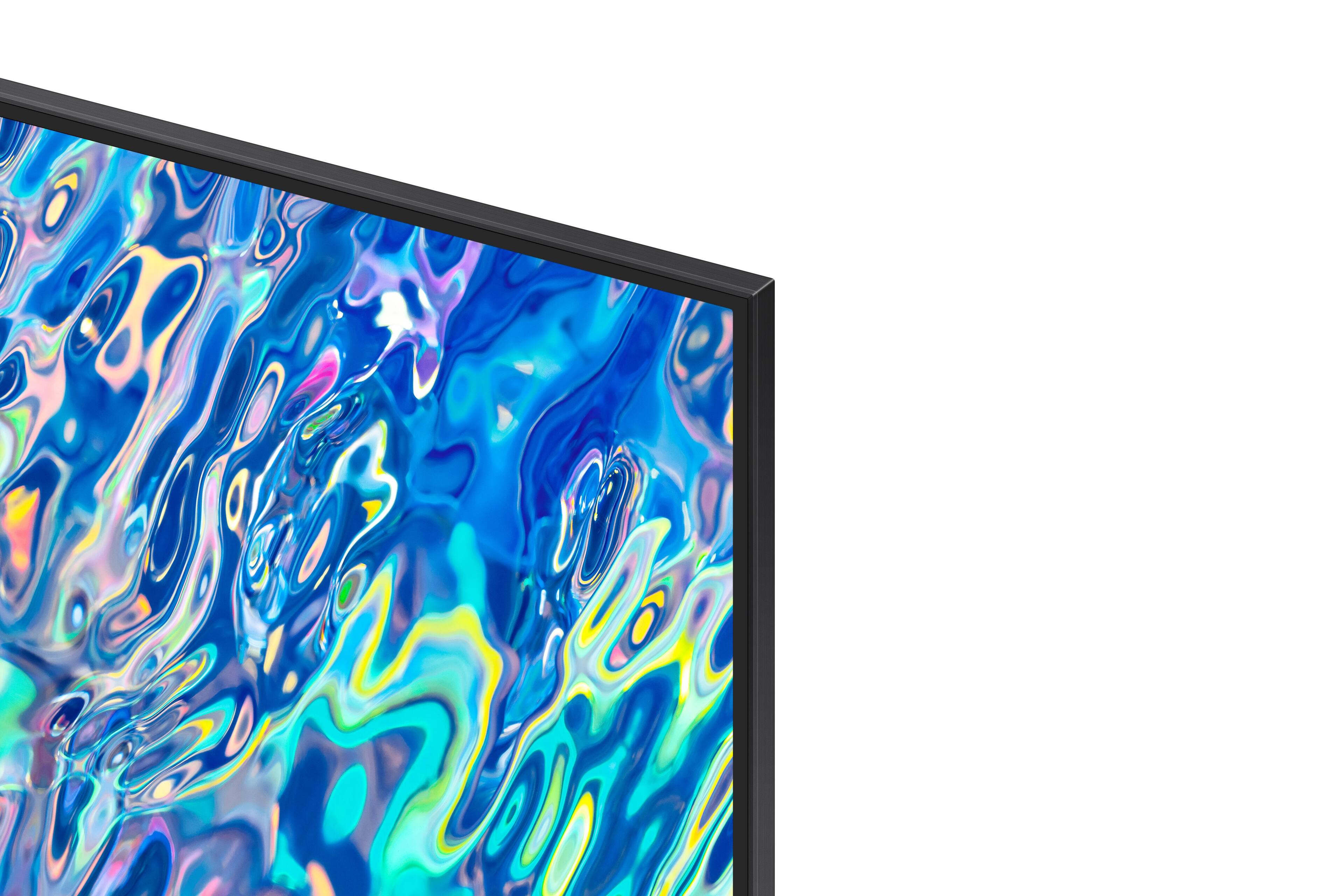
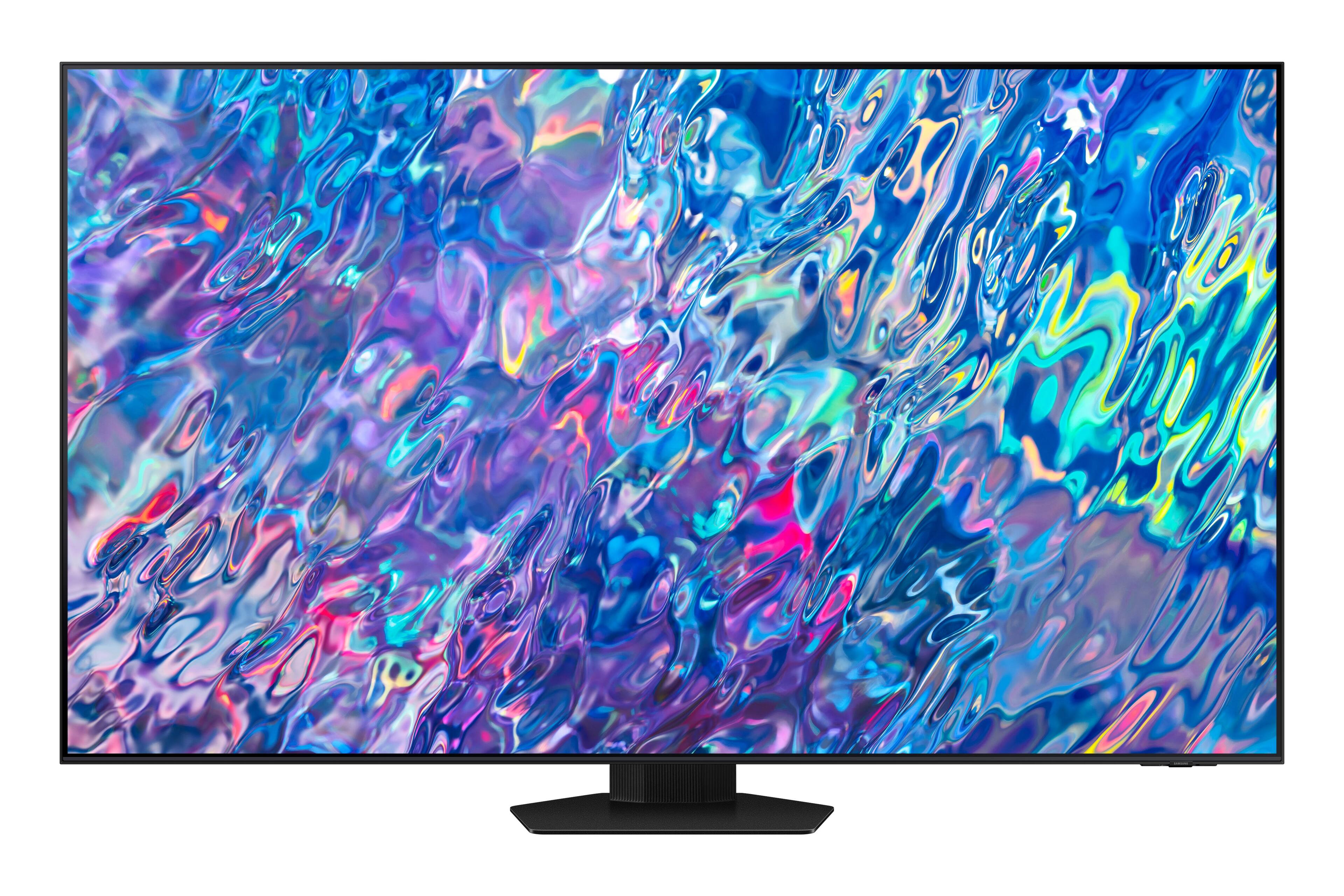
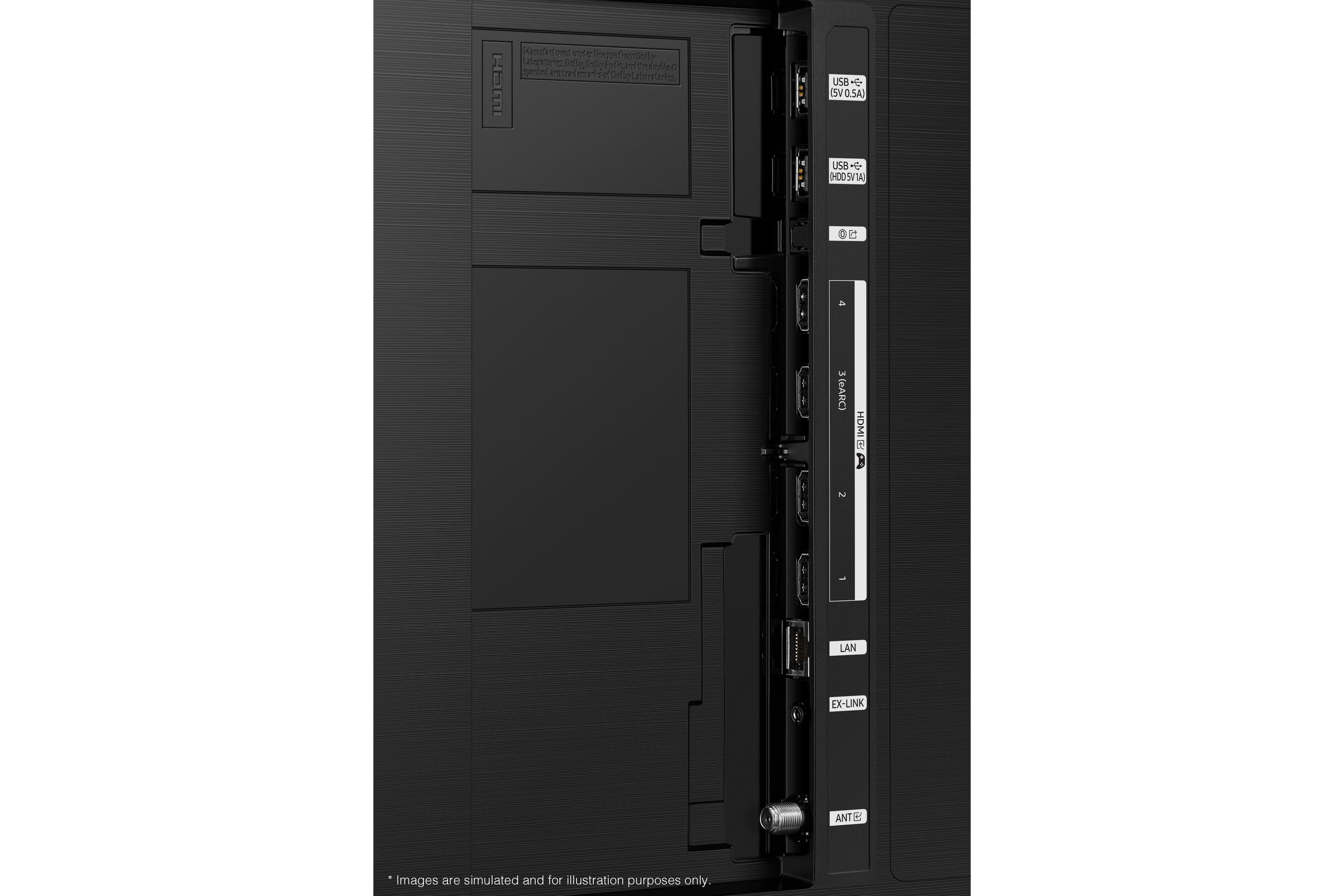











- Model:
- QN75QN85BAFXZA
- SKU:
- 6500302
Rating by feature
- Picture Quality
Rating 4.8 out of 5 stars
- Sound Quality
Rating 4.6 out of 5 stars
- Brightness
Rating 4.8 out of 5 stars
Customers are saying
Customers are delighted by the 75” Class QN85B Neo QLED 4K Smart Tizen TV’s stunning picture quality, vibrant colors, and reasonable price. They appreciate the easy setup process and find the remote control user-friendly. The TV’s large screen and good sound quality enhance the overall viewing experience, making it a great choice for gaming and movie nights.
This summary was generated by AI based on customer reviews.
Great Color
||Posted . Owned for 1 month when reviewed.This reviewer received promo considerations or sweepstakes entry for writing a review.Great TV, and color rendition is amazing for this price point. Very happy with the product.
I would recommend this to a friendAwesome picture
||Posted . Owned for 1 month when reviewed.This reviewer received promo considerations or sweepstakes entry for writing a review.Fantastic color brightness, awesome for watching anything filmed in the latest tech, ie, MLB
I would recommend this to a friendGreat Television
||Posted . Owned for 1 month when reviewed.This reviewer received promo considerations or sweepstakes entry for writing a review.Great Television. Very easy to use and built in software is fantastic. Thanks Samsung!
I would recommend this to a friendNeo Qled
||Posted . Owned for 3 weeks when reviewed.This reviewer received promo considerations or sweepstakes entry for writing a review.Doing everything the specs says .......... We are really happy with the purchase !
I would recommend this to a friendlove it
||Posted .This reviewer received promo considerations or sweepstakes entry for writing a review.great ttttttttttttttttttttttttt ttttttttttttttttttttttttttttttttttttttt ttttttttttttttt
I would recommend this to a friendLove it
||Posted . Owned for 2 weeks when reviewed.This reviewer received promo considerations or sweepstakes entry for writing a review.Love this tv, got a 75” its amazing, gaming experience got me going crazy,
I would recommend this to a friendLove this TV. Geek set up service is critical
||Posted . Owned for 3 weeks when reviewed.This reviewer received promo considerations or sweepstakes entry for writing a review.Really enjoying our new TV and looking forward to exploring all of its capabilities.
I would recommend this to a friendMassa TV
||Posted . Owned for 1 month when reviewed.This reviewer received promo considerations or sweepstakes entry for writing a review.Happy with the guidance, service and installation.
I would recommend this to a friendAwesome sauce
||Posted . Owned for 3 weeks when reviewed.This reviewer received promo considerations or sweepstakes entry for writing a review.Best bang for the buck. Would definitely recommend if in the market for a new tv.
I would recommend this to a friendService
||Posted . Owned for 1 month when reviewed.This reviewer received promo considerations or sweepstakes entry for writing a review.Good and easy decision to buy. Good service. Knowledgeable technicians
I would recommend this to a friendBest tv for the money!! PERIOD!
||Posted . Owned for 2 weeks when reviewed.This reviewer received promo considerations or sweepstakes entry for writing a review.This tv is the besg tv you can get in the 75” range for under $2200.
I would recommend this to a friendSamsung is it
||Posted . Owned for 1 month when reviewed.This reviewer received promo considerations or sweepstakes entry for writing a review.As of to date my Samsung TV is a great choice, for a quality TV
I would recommend this to a friendGreat TV
||Posted .This reviewer received promo considerations or sweepstakes entry for writing a review.Excellent TV..very happy with the quality. Samsung never fails.
I would recommend this to a friendTerrible user interface!!
||Posted . Owned for less than 1 week when reviewed.This reviewer received promo considerations or sweepstakes entry for writing a review.The user interface is horrible!! For a task as simple as changing the input, there is usually an ‘input’ button. There is no ‘input’ button. With no input button, you would think that you could just go to the menu screen and change inputs/sources. Can’t do that either. Press the home button, and there is no ‘exit’ option for home. You would think that you could just hit back, or exit to exit the home screen. Can’t do that either. The ‘back’ button doesn’t exit the home screen, and there is no ‘exit’ option in the home screen. The only way to choose the input is to unplug, then plug in the device so that the tv can automatically connect. Or, you have to find another remote (cable remote) and use another remote’s input button. In order to exit the home screen, you have to go to menu, then try to exit the menu. There are (were) picture settings/presets. I picked ‘game’, but if it doesn’t detect a gaming console, the preset disappears. There are a few other issues, but this user interface is terrible. Never had these issues with other samsung tvs and monitors. The picture clarity is subpar. I thought that it may have been the source, but the quality is the same with other video sources. Seems like a lot of noise with HD sources. I usually have no issues with samsung tvs, decided to go with slightly better specs than my older tv, and it seems like I downgraded.
No, I would not recommend this to a friendBrand response from Samsung
Posted .GKT20,
We appreciate you sharing your experience. Redesigned in 2022, Next Home pulls opens a separate menu that is easier to see and navigate. In addition to the new layout, Next Home has a convenient sidebar on the left. The sidebar is broken down into multiple sections, categorizing different features and settings in a streamlined design. To open Next Home, just press the Home button on your remote. The following tabs will be available:
1. Privacy Choices: Review your TV’s Terms & Conditions, Privacy Policy, and Privacy Center
2. Search: Instead of browsing content aimlessly, you can search for specific movies or shows by typing out keywords in the search bar at the top or saying a command using your remote. Your recent Search History and Popular searches will appear on this page as well.
3. Ambient Mode: Access Ambient Mode settings to customize your TV’s screen when it isn’t being used. You can make your TV display a relaxing photo, a picturesque image, or a funky background to keep things interesting. And if you’re into NFT artwork, Ambient Mode now has an entire NFT section with content from the Nifty Gateway marketplace!
4. Gaming Hub: Run out of console games to play? Check out the new Gaming Hub, a discovery platform that includes games you can stream right on your TV! Browse new releases, indie gems, or simply go back to that one game you can't put down. There are also multiple playing options, so the possibilities are endless.
5. Media: Your hub for all things entertainment. Available streaming apps will display at the top of the screen, such as Netflix, Samsung TV Plus, and more. Next Home will learn your viewing patterns over time and suggest movies and shows based on what you like.
6. Menu: The Menu tab lets you access Settings and Connected Devices. From here, you can access or change most settings on your TV. And of course, you can manage any devices you’ve previously connected or would like to pair.
Please know you can quickly access your TV Settings by pressing the Settings/Number/Color button (below the power button) on your remote. After using the below pathway a few times, pressing this button will remember and quickly configure frequently used functions.
1. Press the Settings/Number/Color button on your remote.
2. Press the UP directional button on your remote. When you press this button, the Settings menu/Virtual number pad/Color pad are displayed.
3. From the Settings menu, you can quickly set the options of your frequently used functions. For advanced settings, select All Settings.
While the Game Mode Picture profile is only available in Game Mode, please know there are several other picture picture modes, as well as more settings you may want to try adjusting.
Go to Home > Menu > Settings > All Settings > Picture > Picture Mode
...and select the mode that best fits your usage:
1) Standard: Is the default mode suitable for general viewing environments.
2) Movie: Is suitable for watching TV or movies in a dark room.
3) Dynamic: Makes the picture brighter and clearer in bright viewing environments.
4) Filmmaker Mode: You can watch the source content (e.g., movie) as it is. If the image is defined as Filmmaker Mode, it will automatically switch to Filmmaker Mode while watching.
While the QN90B will upscale as best as possible any content sent to it, the closer your content is to 4K, the better the image will look on the screen.
Here are some tips to help improve the picture clarity:
1) HDMI cables are recommended for optimal HD viewing.
2) If you have an analog cable box or satellite box, upgrade to a digital cable box or satellite box.
3) Change the output resolution of your devices, such as digital broadcast receiver, IPTV, and set-top box to UHD or HD.
4) You can further adjust your sharpness, brightness, contrast, color, and more by going to Menu > Settings > All Settings > Picture > Expert Settings
If you need more help, Samsung is here for you. Please call us at 1-800-SAMSUNG, 8AM - 12AM EST, 7 days a week. Our LiveChat agents are also available by clicking on the ‘Support’ link on our website.
~ Samsung Specialist
Great TV if you like to watch your TV flickering!!
||Posted . Owned for 2 weeks when reviewed.This reviewer received promo considerations or sweepstakes entry for writing a review.Great Quality Screen, QC doesn't feel great. Screen started to flicker within a week after purchase. Flicking increased when HDMI was being used. Geek Squad stated it could be a defect that the TV was not handling the required refresh rate. So returned and will look at other brands...cough cough Sony!
No, I would not recommend this to a friendBrand response from Samsung
Posted .Tmflcorps19,
I’m sorry to hear the QN85B TV has fallen short of your expectations. Please know we are always here to help, and we could have assisted in providing settings adjustments to resolve any issues you were experiencing.
Should you ever decide to give Samsung TVs another try and have questions or need help with settings, setup, or features, please know we’re here to help. Call us at 1-800-SAMSUNG, 8AM - 12AM EST, 7 days a week.
LiveChat with an agent as well as manuals, software, and warranty info can be found at the ‘Support’ link on our Samsung website.
We hope to regain you as a customer in the future.
~ Samsung Specialist
Samsung 75" Class QN85B Neo QLED 4K Smart Tizen TV
||Posted . Owned for 1 month when reviewed.This reviewer received promo considerations or sweepstakes entry for writing a review.AMAZING 75 inch TV!!! Looks great in our family room! :)
I would recommend this to a friendStunning!
||Posted . Owned for 1 month when reviewed.This reviewer received promo considerations or sweepstakes entry for writing a review.The TV has been working great till now - absolutely in love!
I would recommend this to a friendLove it
||Posted . Owned for 1 month when reviewed.This reviewer received promo considerations or sweepstakes entry for writing a review.Screen is really clear, no glare. Definitely recommend.
I would recommend this to a friend75”
||Posted . Owned for 1 month when reviewed.This reviewer received promo considerations or sweepstakes entry for writing a review.LOVING 75”TV & sound bar. Appreciate geeks installing everything
I would recommend this to a friendMrs.
||Posted .This reviewer received promo considerations or sweepstakes entry for writing a review.it is very good, elwhat else do you want me to write?
I would recommend this to a friend