Customer Ratings & Reviews
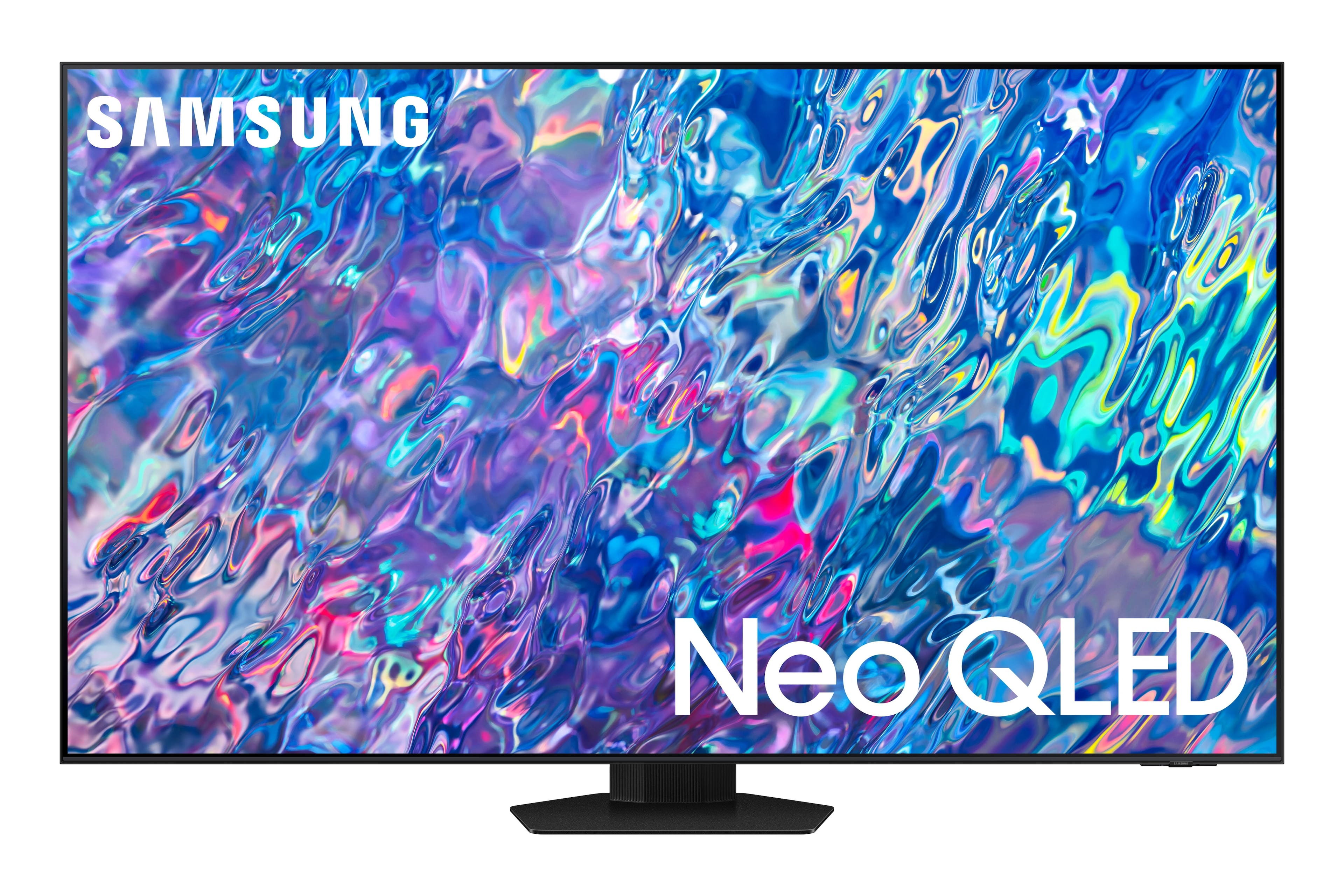
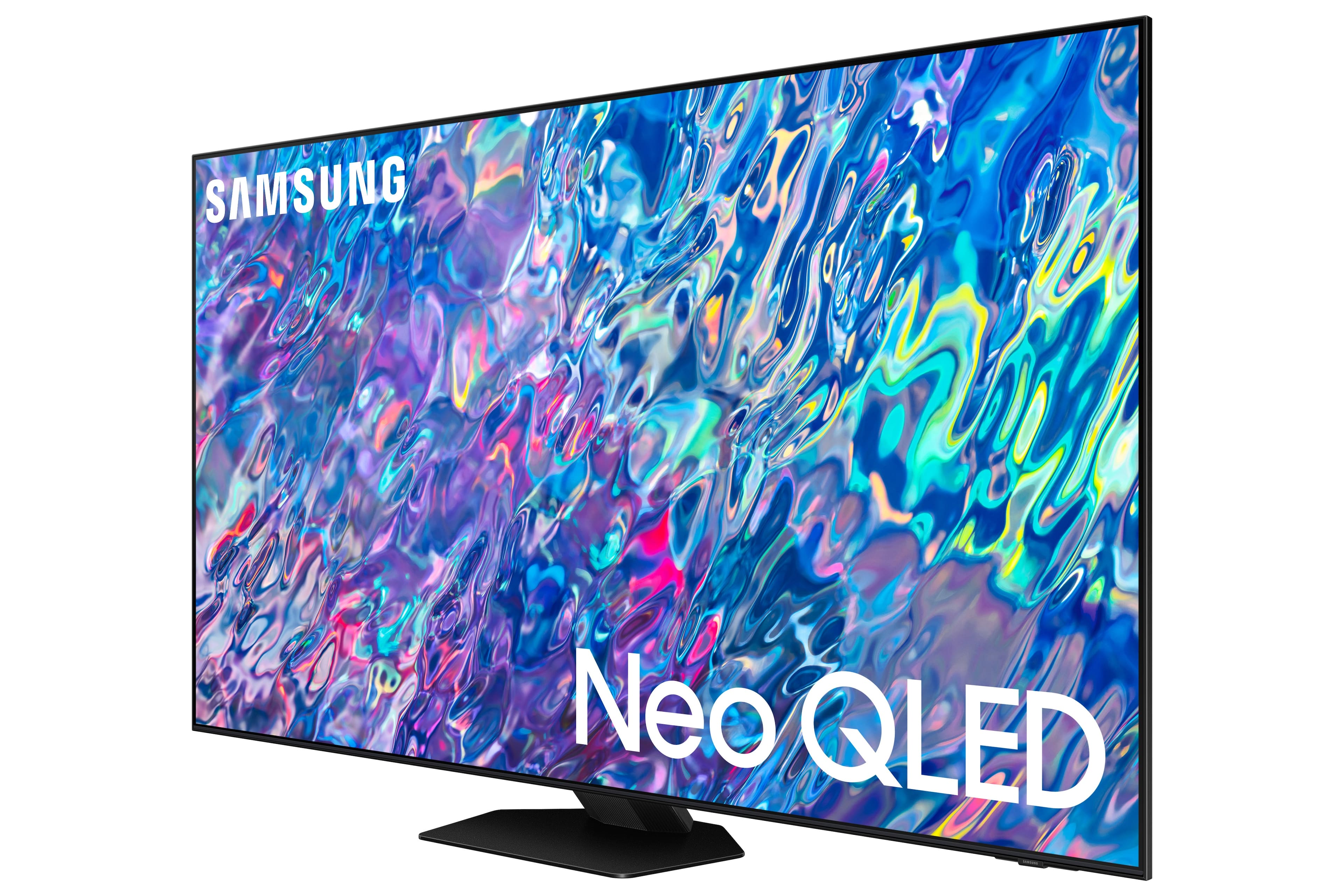
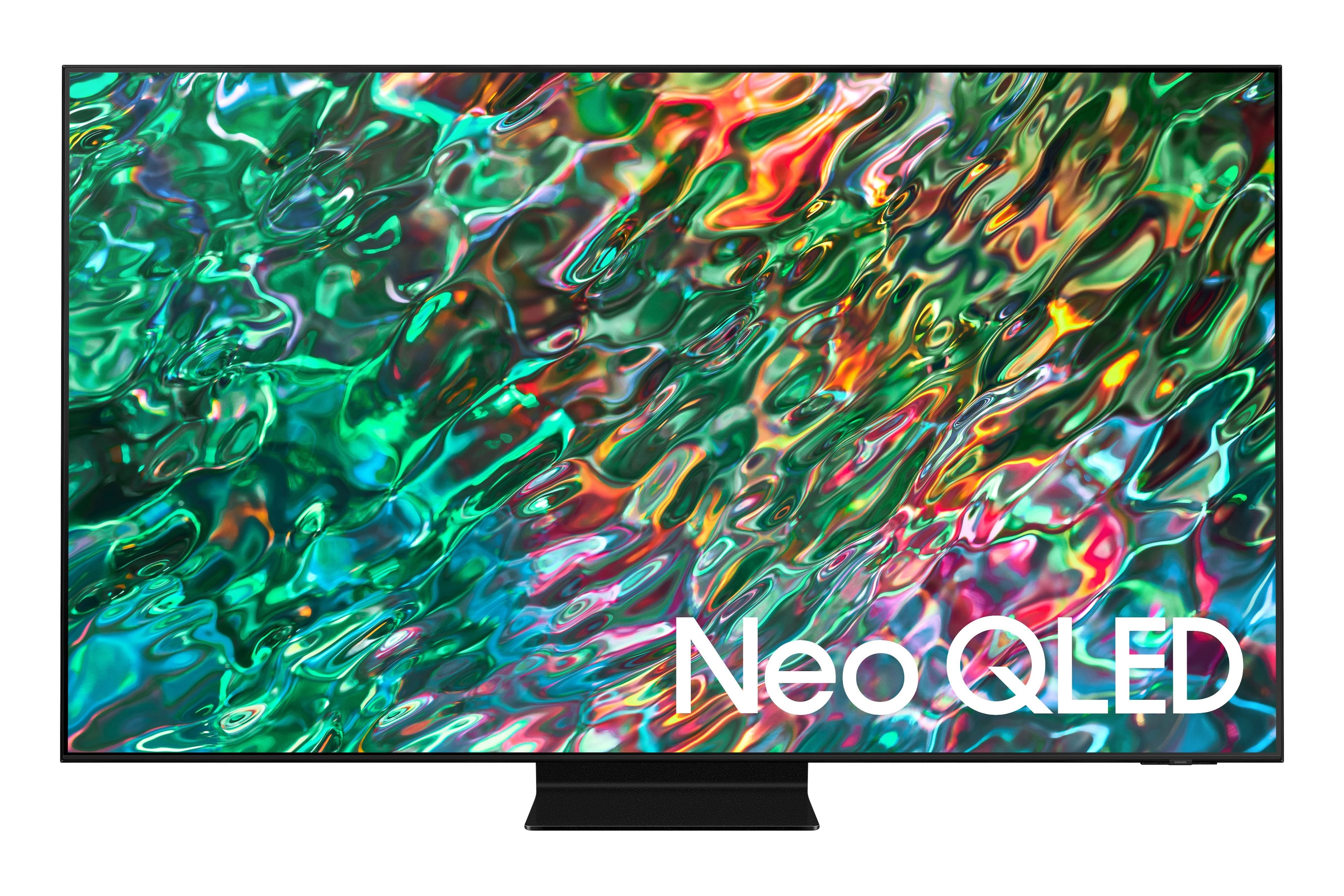
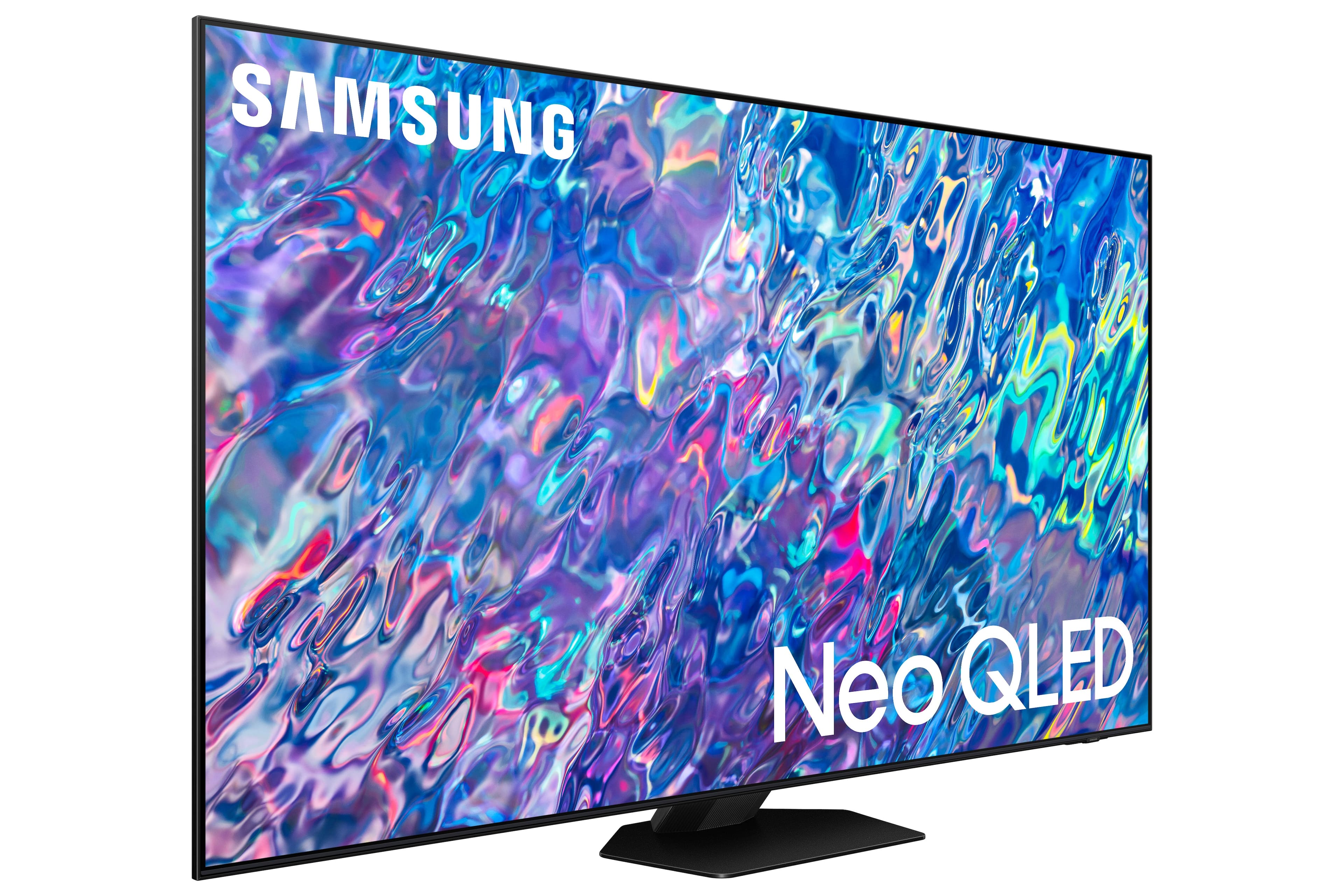
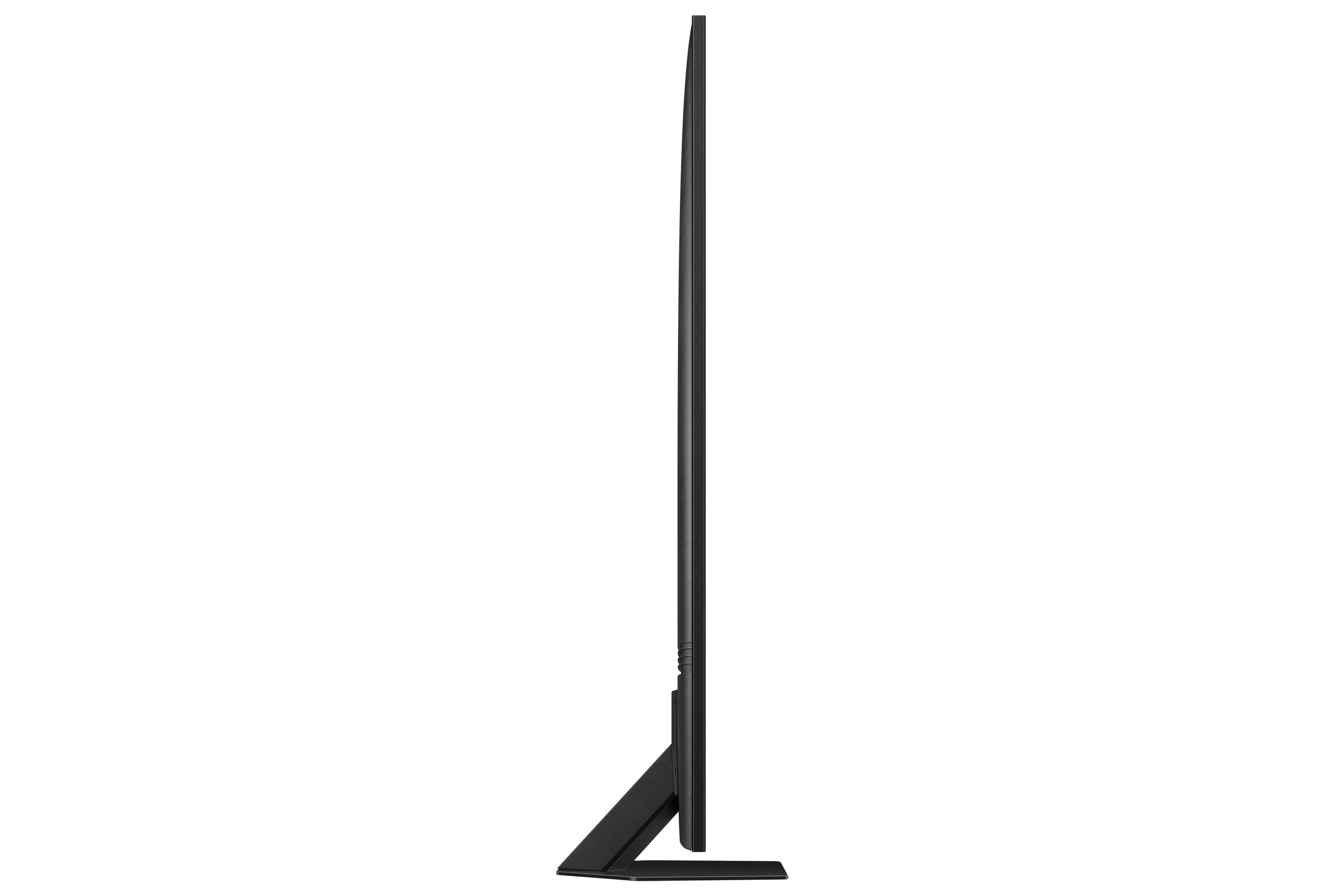
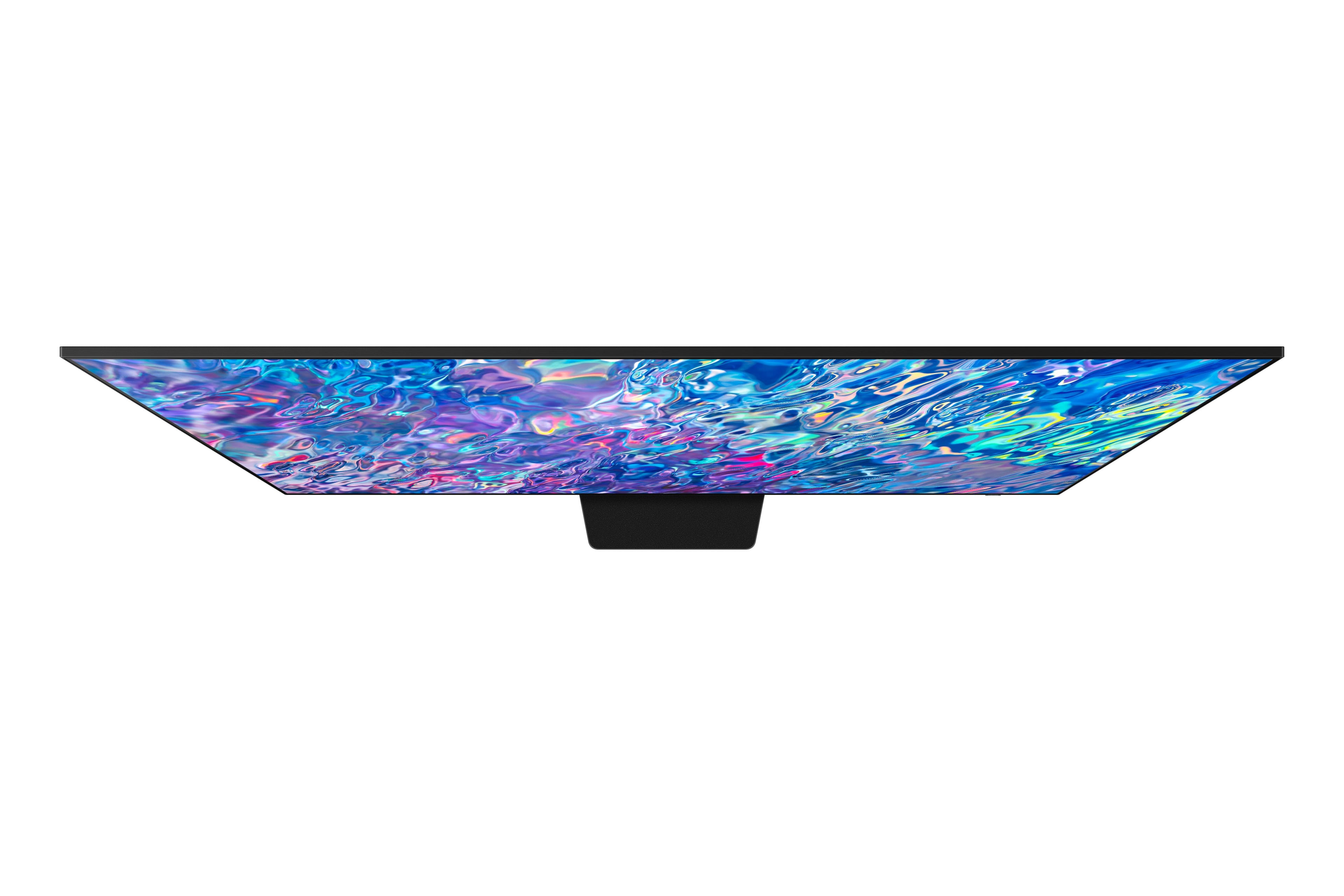
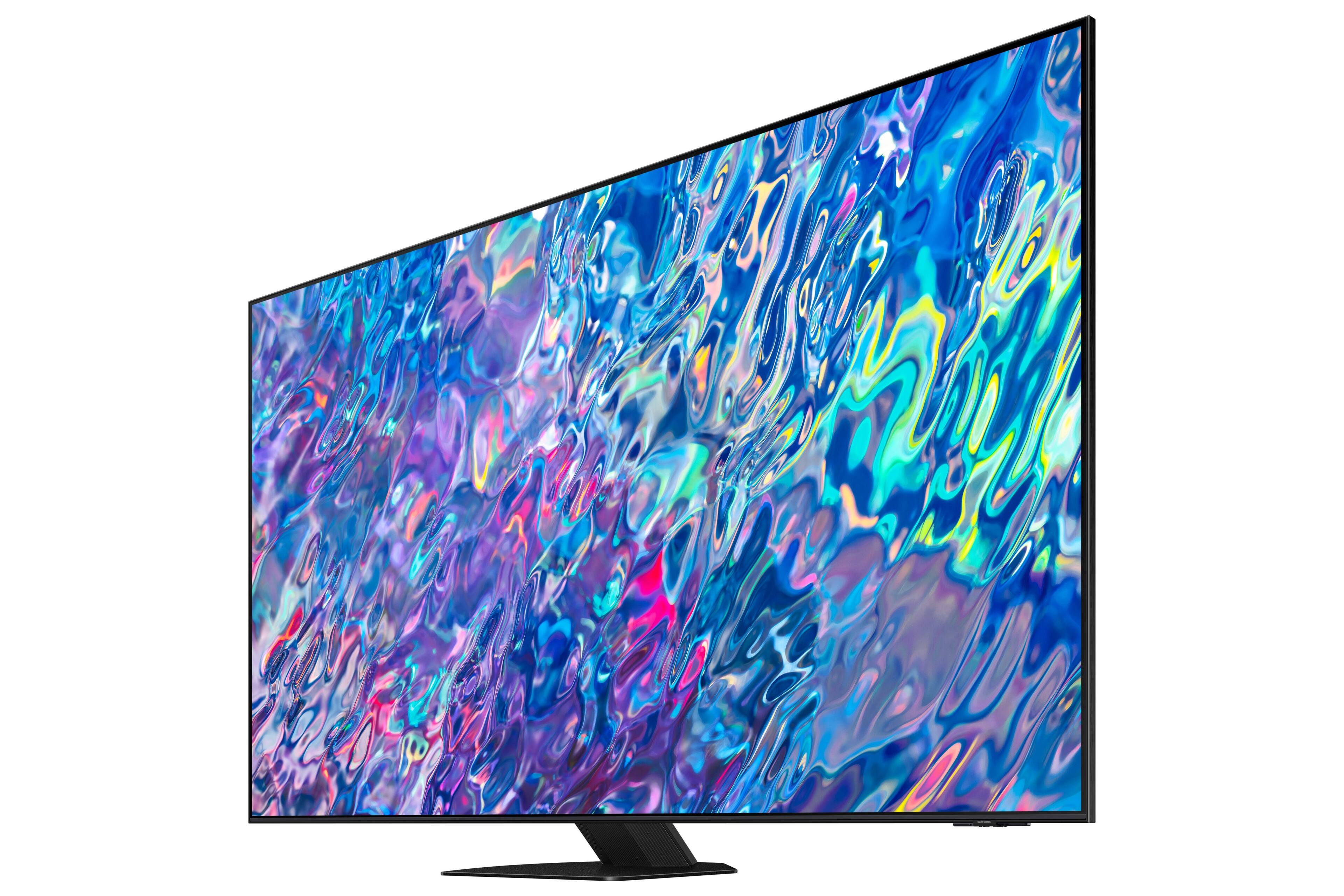
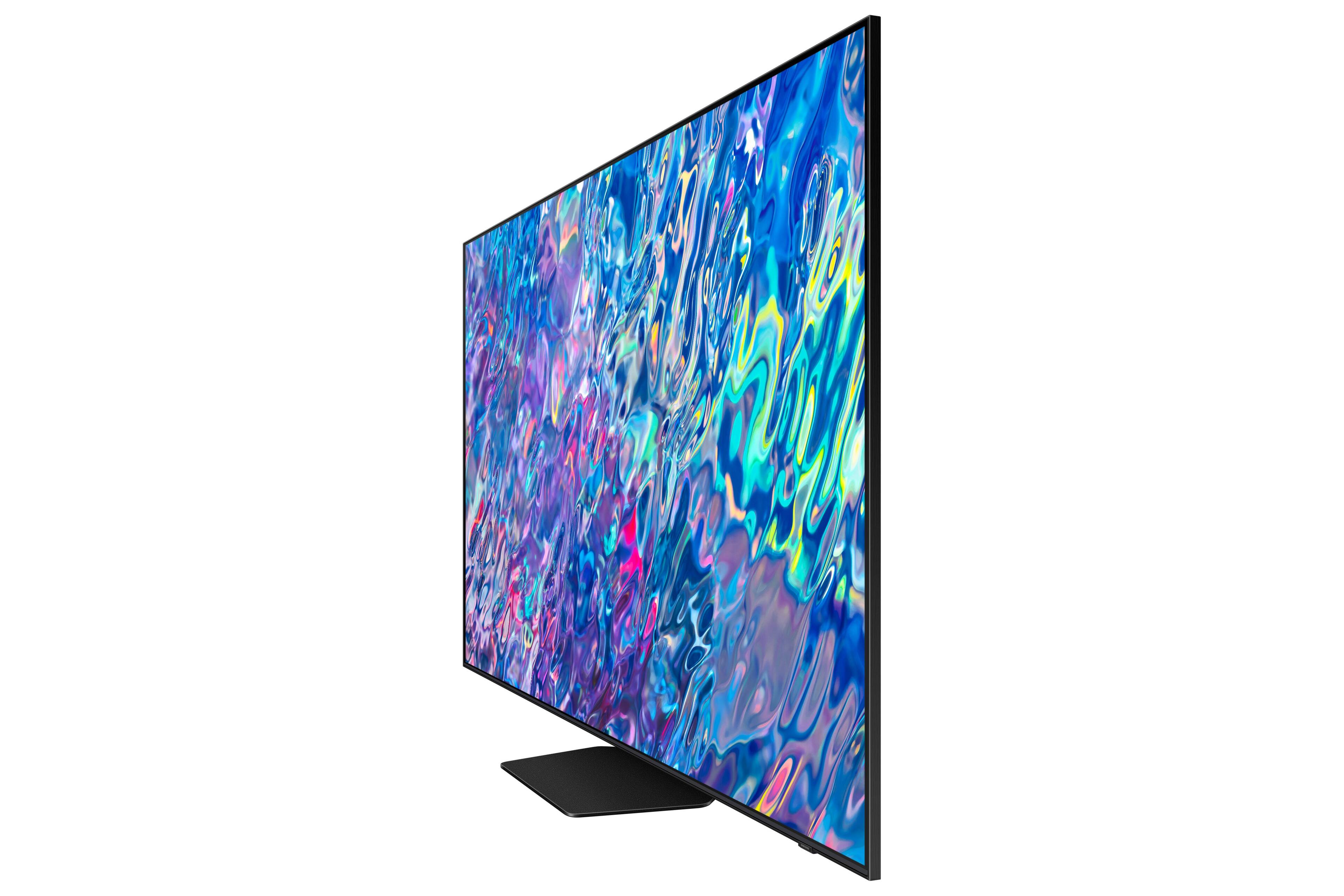
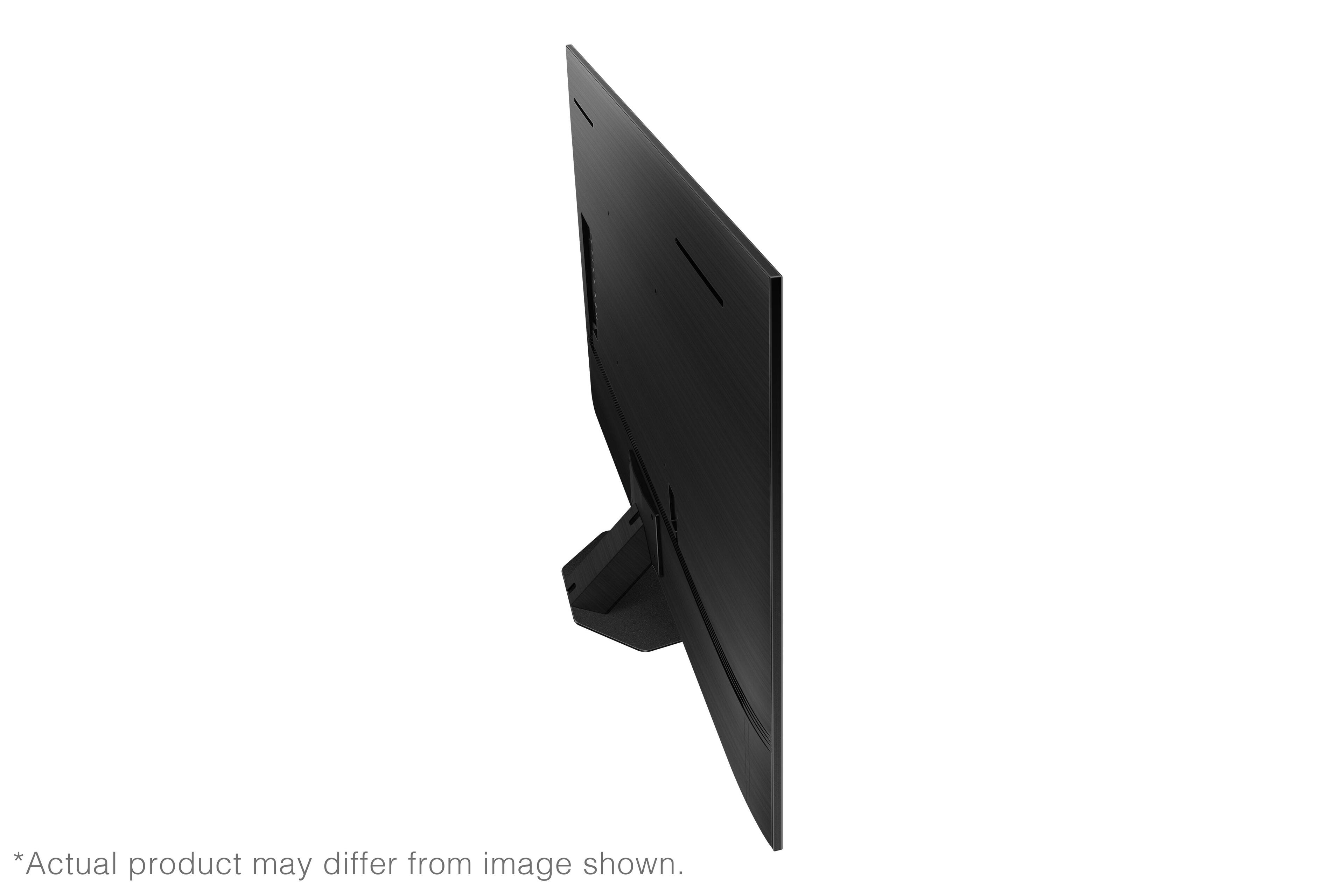
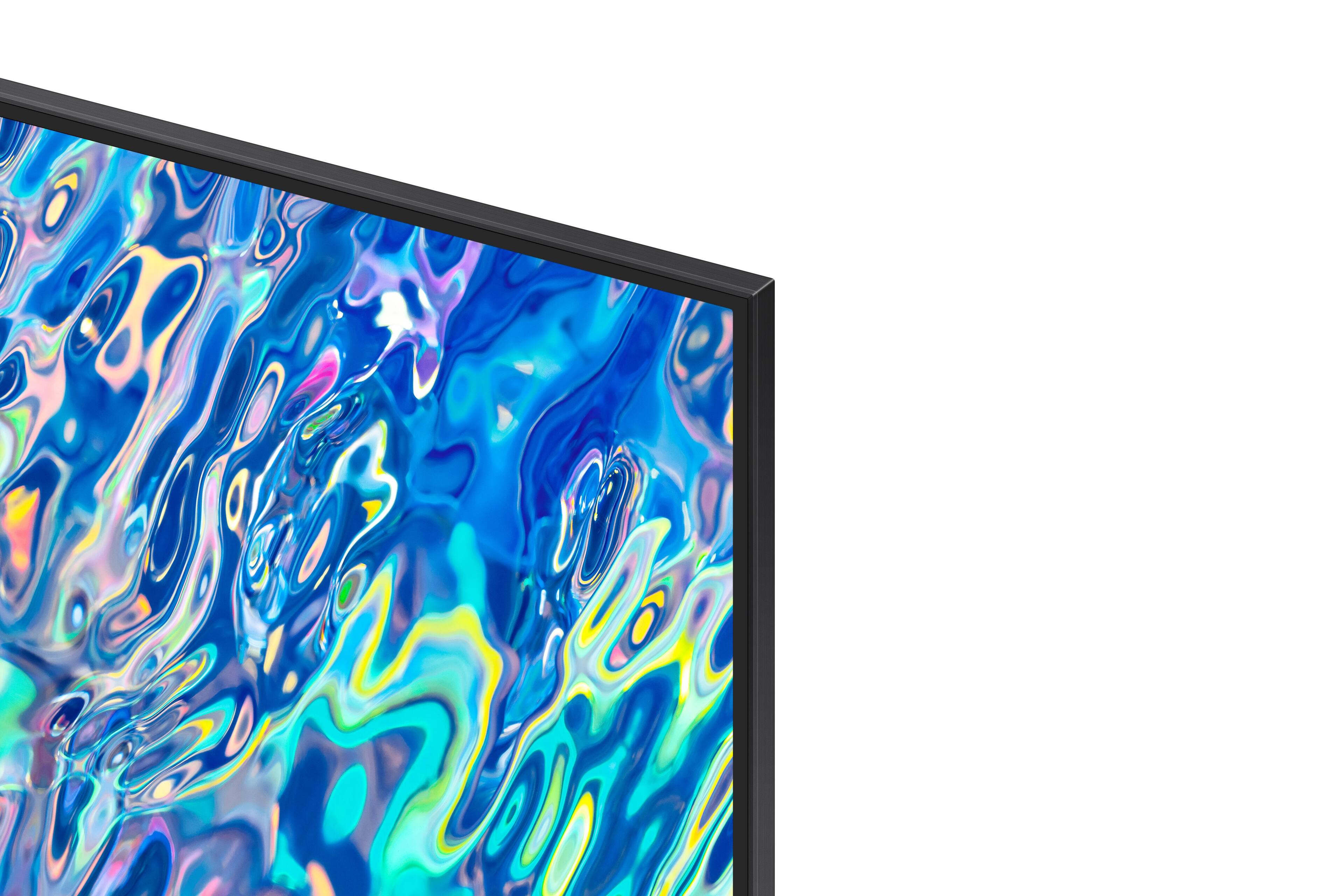
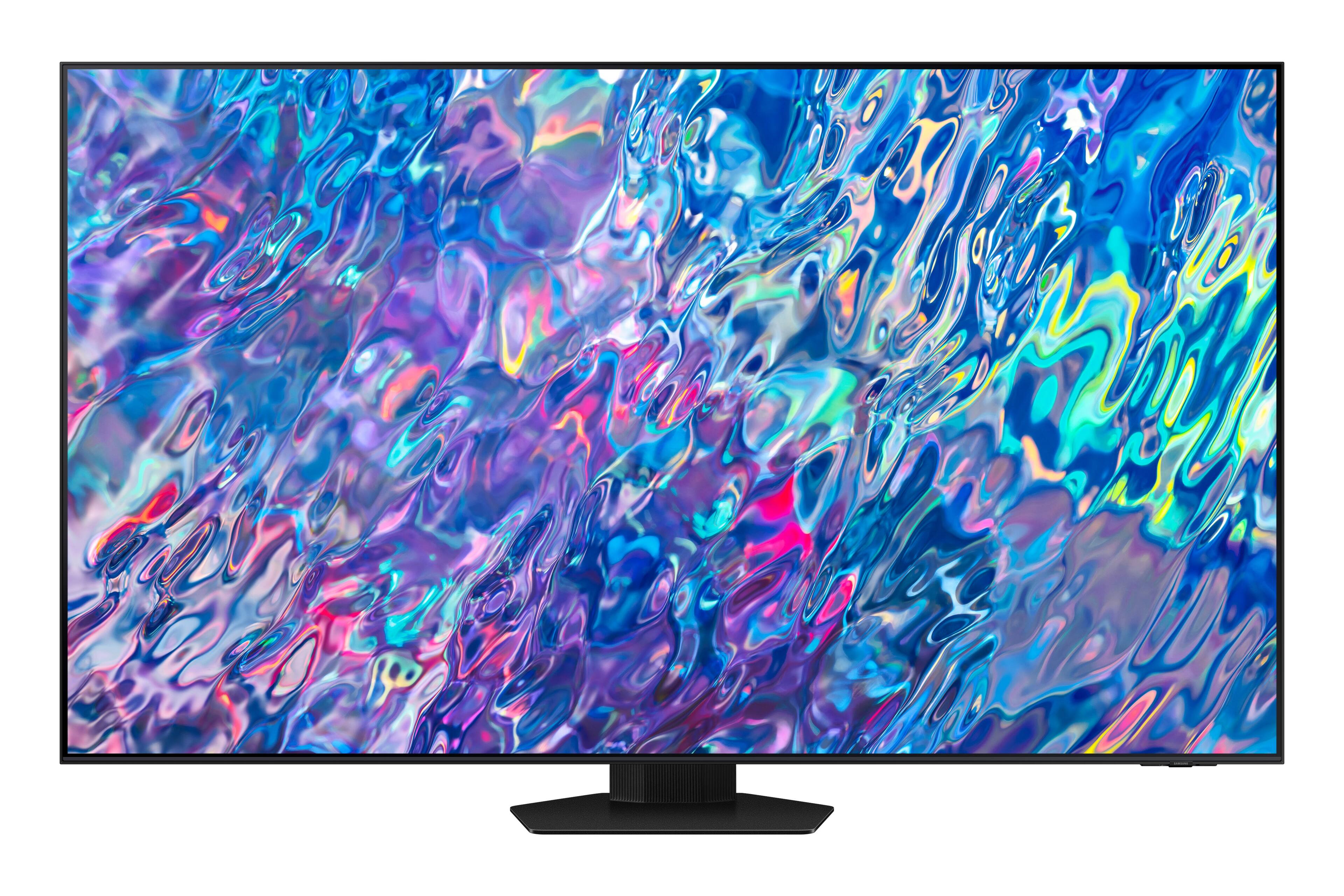
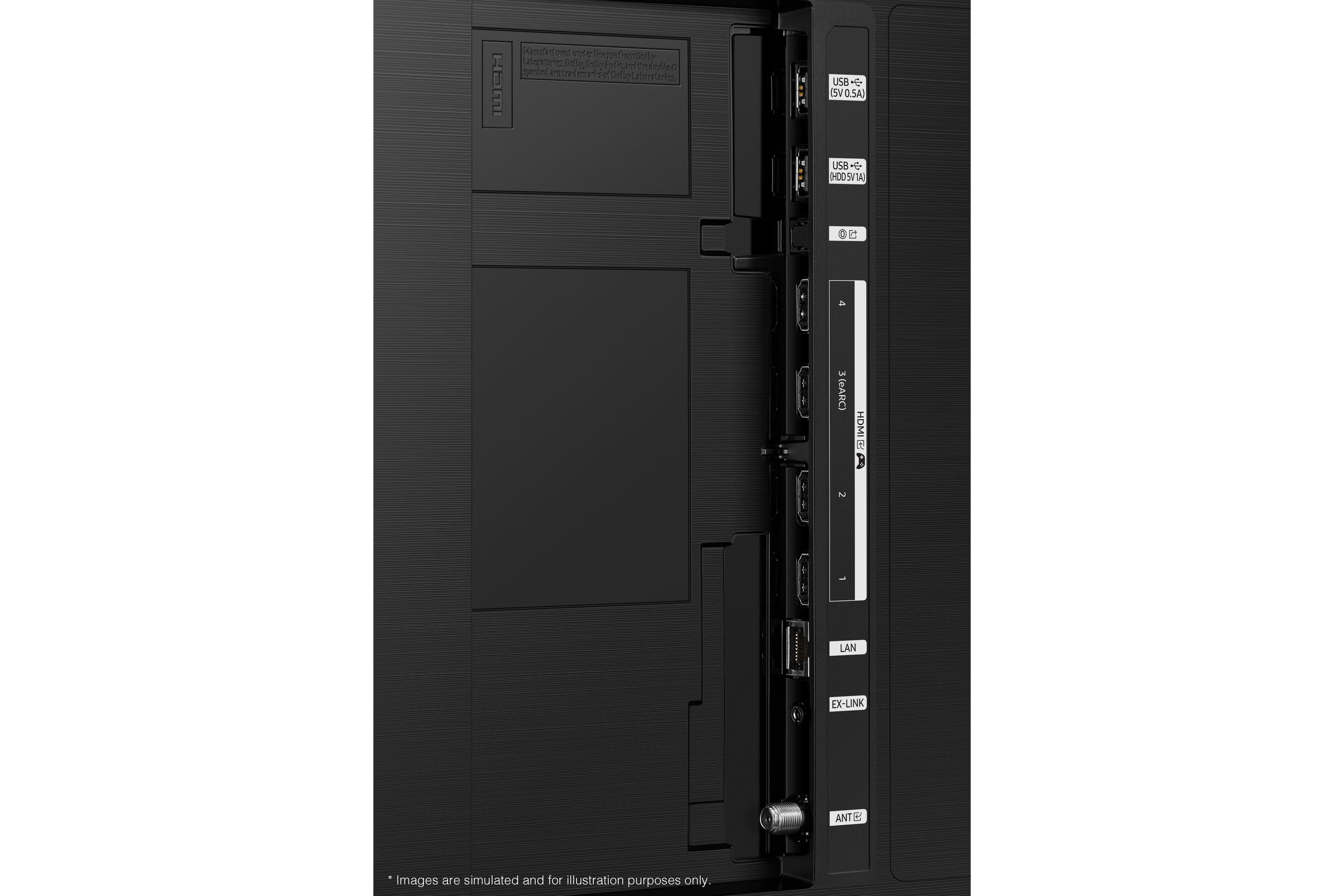









- Model:
- QN75QN85BAFXZA
- SKU:
- 6500302
Rating by feature
- Picture Quality
Rating 4.8 out of 5 stars
- Sound Quality
Rating 4.6 out of 5 stars
- Brightness
Rating 4.8 out of 5 stars
Customers are saying
Customers are delighted by the 75” Class QN85B Neo QLED 4K Smart Tizen TV’s stunning picture quality, vibrant colors, and reasonable price. They appreciate the easy setup process and find the remote control user-friendly. The TV’s large screen and good sound quality enhance the overall viewing experience, making it a great choice for gaming and movie nights.
This summary was generated by AI based on customer reviews.
waste of money
||Posted . Owned for 2 weeks when reviewed.This reviewer received promo considerations or sweepstakes entry for writing a review.The picture I saw in the store is NOTHING like the picture I have at home and that should have been told to me at the time of purchase. My picture has a lot of red and distortion
No, I would not recommend this to a friendBrand response from Samsung
Posted .MarshaS,
Thank you for sharing your thoughts on the picture quality of your QN85B TV. To ensure you’ve got the latest image quality updates, please confirm that your TV is up to date with the latest firmware version. You can check by going to: Home > Menu > Settings > Support > Software Update.
If the picture you’re seeing is still not to your liking after updating firmware, there are several picture settings you may want to try adjusting.
Go to Home > Menu > Settings > All Settings > Picture > Picture Mode
...and select the mode that best fits your usage:
1) Standard: Is the default mode suitable for general viewing environments.
2) Movie: Is suitable for watching TV or movies in a dark room.
3) Dynamic: Makes the picture brighter and clearer in bright viewing environments.
4) Filmmaker Mode: You can watch the source content (e.g., movie) as it is. If the image is defined as Filmmaker Mode, it will automatically switch to Filmmaker Mode while watching.
You can also go to: Menu > Settings > All Settings > Picture > Expert Settings and configure the TV settings to your taste with functions such as Brightness, Contrast, Sharpness, Color, Tint (G/R), and many more.
If adjusting image settings does not improve your picture, please contact Samsung Customer Support at 1-800-SAMSUNG, 8AM - 12AM EST, 7 days a week. Our LiveChat agents are also available by clicking on the ‘Support’ link on our website.
~ Samsung Specialist
Not working properly
||Posted . Owned for 1 week when reviewed.This reviewer received promo considerations or sweepstakes entry for writing a review.has been scheduled for a return/replacement picture starts and stops, sound is inconsistent
No, I would not recommend this to a friendBrand response from Samsung
Posted .changedtoLogitech,
It’s unfortunate to hear that your experience with Samsung’s QN85B TV fell short of expectations. I also want to thank you for giving us a chance to make things right, and we greatly appreciate your patience in having deal with the inconvenience of an exchange.
Should you have questions or concerns regarding the usage or setup of your TV once your issue has been resolved, please contact Samsung Customer Support at 1-800-SAMSUNG, 8AM - 12AM EST, 7 days a week. Our LiveChat agents are also available by clicking on the ‘Support’ link on our website.
~ Samsung Specialist
- Pros mentioned:Picture quality
Amazing TV.
Posted .This reviewer received promo considerations or sweepstakes entry for writing a review.If you haven’t bought a new TV in the last 5 years, prepare to be amazed. After calibration, this picture is as good as looking out a very clean window. I’m not going to comment on apps and such because this is mostly a monitor for me hooked to a 7.2 Denon. I did use the TV sound for a few days. Not terrible until you turn it loud, the speakers face rear and it echoes annoyingly. I don’t think there has been a TV ever made with good sound. This TV is well worth the price. Can’t wait until the cheap ones get this good. We are nearing the point where you won’t be able to tell the cheap from expensive TVs or it will be close enough to not matter for the majority.
I would recommend this to a friend - Pros mentioned:Picture quality
75" Samsung QLED
Posted .This reviewer received promo considerations or sweepstakes entry for writing a review.I bought a 70" Sony in December 2017 that needed to be replaced the picture started turning blue. The Samsung TV is very nice picture is so clear so far no complaints. Customer service at the Tinley Park BestBuy was very helpful in deciding on the brand
I would recommend this to a friend - Pros mentioned:Picture quality
Best TV
Posted .This reviewer received promo considerations or sweepstakes entry for writing a review.Samsung QN85B is the best TV i have owned so far. Excellent Picture Quality and Excellent Sound quality. Love how the picture is so clear.
I would recommend this to a friend - Pros mentioned:Picture quality
Samsung 75 inch tv with sound bar
Posted .This reviewer received promo considerations or sweepstakes entry for writing a review.The tv picture is great so clean and clear Good size
I would recommend this to a friend Extremely dissapointed
Posted .This reviewer received promo considerations or sweepstakes entry for writing a review.Bought TV dec22 - got delivered and installed 1.6.23. Have called Samsung 4 times to date as TV does not respond to Remote scrolling right until after 5 mins of being on but it scrolls left and down. Have re-synced remote as asked every time not that makes any difference, Power level is always at 100% then they say the remote needs replacing. It's not the remote! When I eventually can scroll over to an app (HULU) it starts to load...then reverts back to app list. When going into Netflix...have to wait 5 mins B/4 it will scroll right (again can scroll down of left). On Hulu TV "Constantly" looses connection and reconnects...usually 7 to 10 times an hour. WIFI is less than 20 FT away. Have a 6 year old samsung (65 class) in bedroom 50 feet away using a roku.. ROKU has no connection error. Something wrong with this "new" TV and support to date has not solved any issue. Bought a 5yr warranty, but until the first years is up - it's useless with best buy
No, I would not recommend this to a friend100% Satisfied
Posted .This reviewer received promo considerations or sweepstakes entry for writing a review.Both the shopping experience at Best Buy coupled with the knowledge & professionalism with both Best Buy and the Geek Squad is a winning combo in my book!
I would recommend this to a friendBuy a Sony!
Posted .This reviewer received promo considerations or sweepstakes entry for writing a review.I bought this tv for my elderly father so that he could more easily see the picture. I never expected that the remote control would be such an issue. It is a small, totally black devise measuring approximately 1.5” x 6.5”. There is no lighting so it is impossible to see the buttons at night. Plus, it requires solar charging. Overall, the tv is a huge disappointment. For my uses, it also requires a sound bar. I miss my old Sony! I’ll never buy another Samsung!
No, I would not recommend this to a friendBrand response from Samsung
Posted .SamanthaB,
Your thoughts on the QN85B TV's remote are appreciated and will be shared with our teams. To assist you in learning the various functions and settings of your new Solar Cell remote, you can download the Solar Cell Remote Guide directly from Samsung’s website under ‘Support’ (top right corner) > Manuals & Software > TVs & Home Theater. From there, you can select the QN85B under Samsung Neo QLED 4K > B Model Lineup. You can also find other guides and manuals to further assist you with your TV’s features.
So we can better understand the additional issues you're experiencing and provide you with troubleshooting assistance or warranty service, please reach out to Samsung Customer Support at 1-800-SAMSUNG, 8AM - 12AM EST, 7 days a week. Or visit us on the Samsung website and click on the ‘Support’ link for:
1) LiveChat
2) Manuals, Software, & Warranty Info
~ Samsung Specialist