Customer Ratings & Reviews
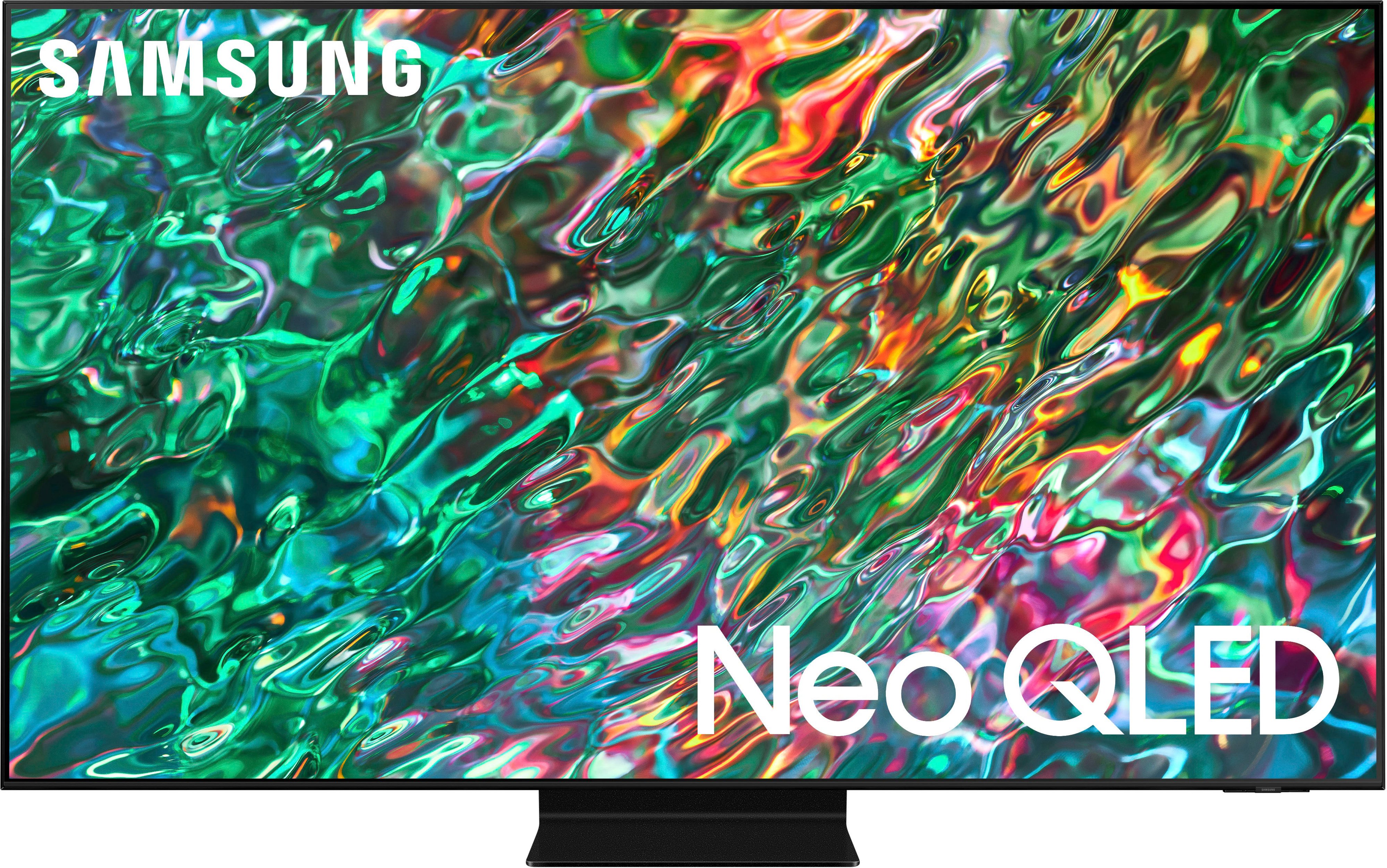
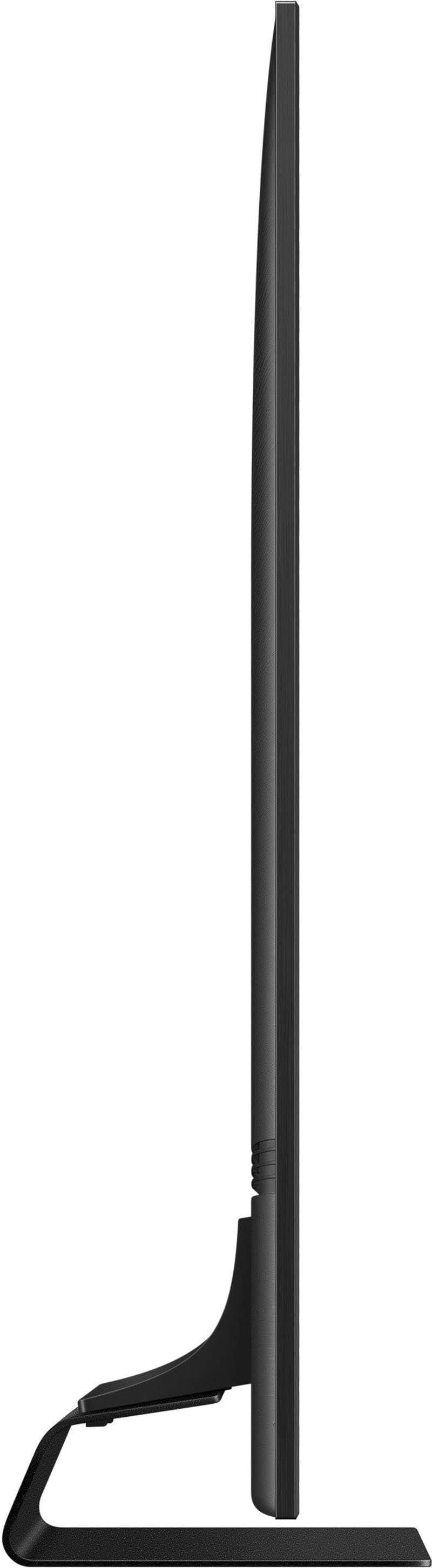
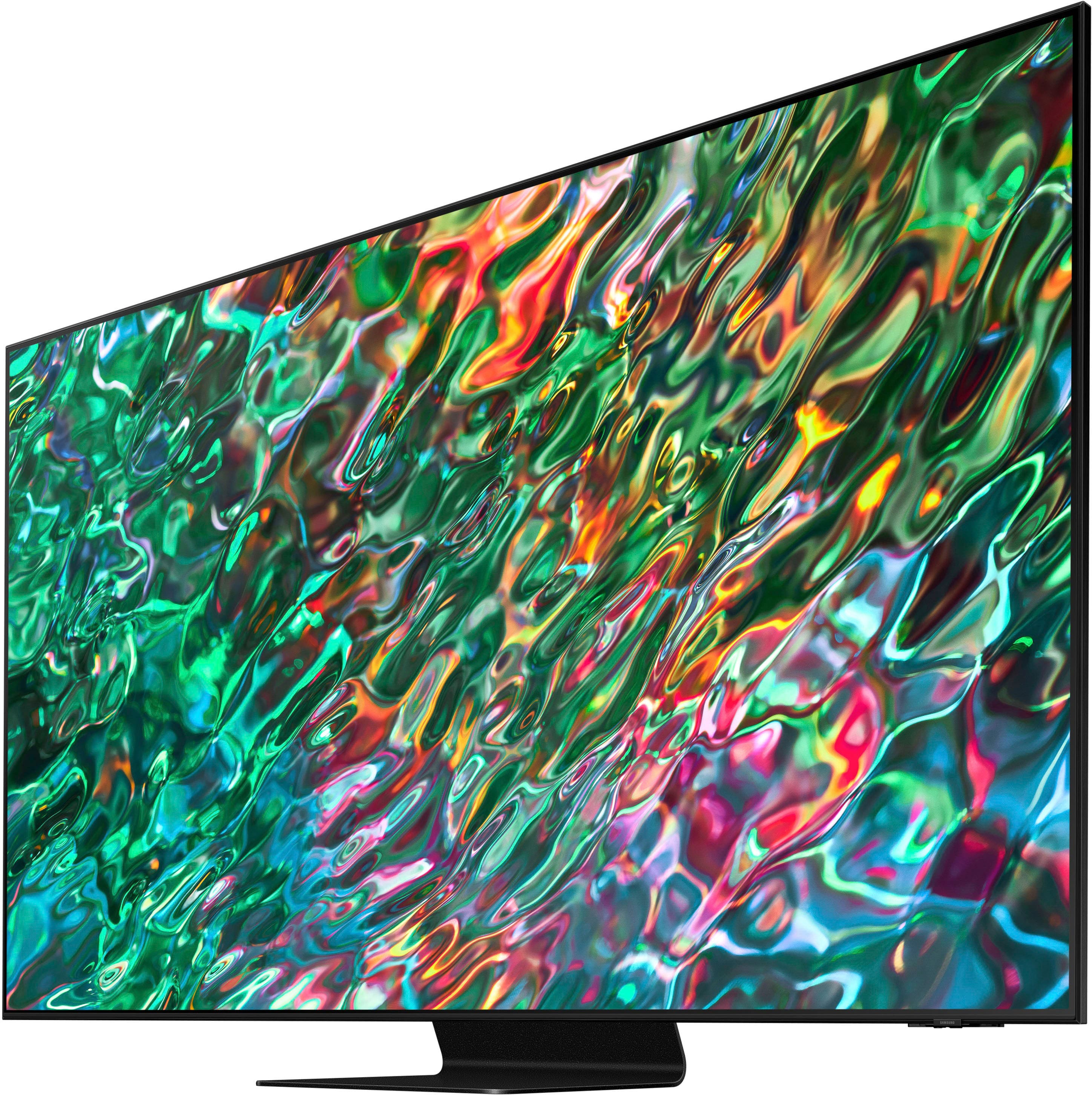

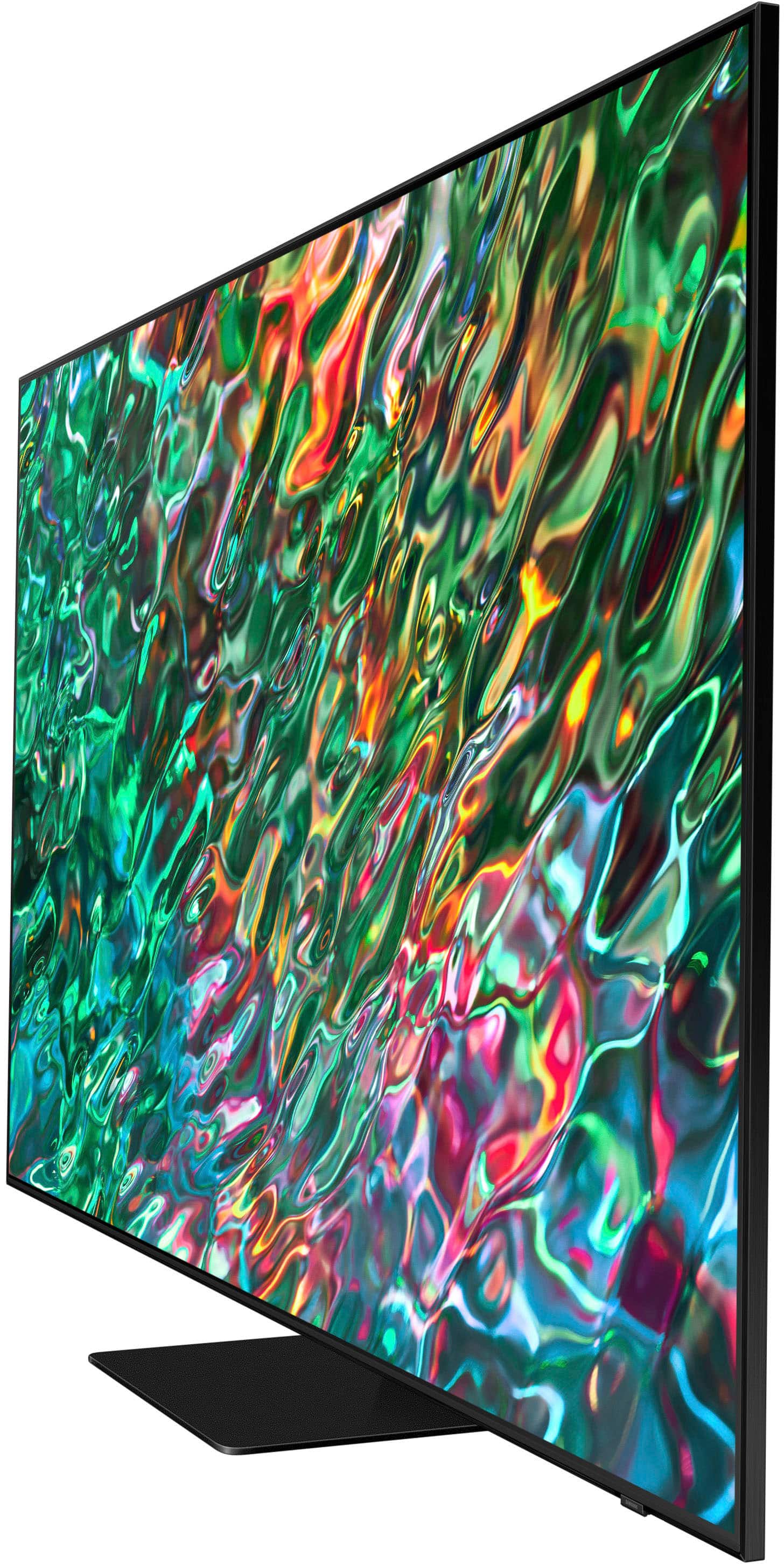
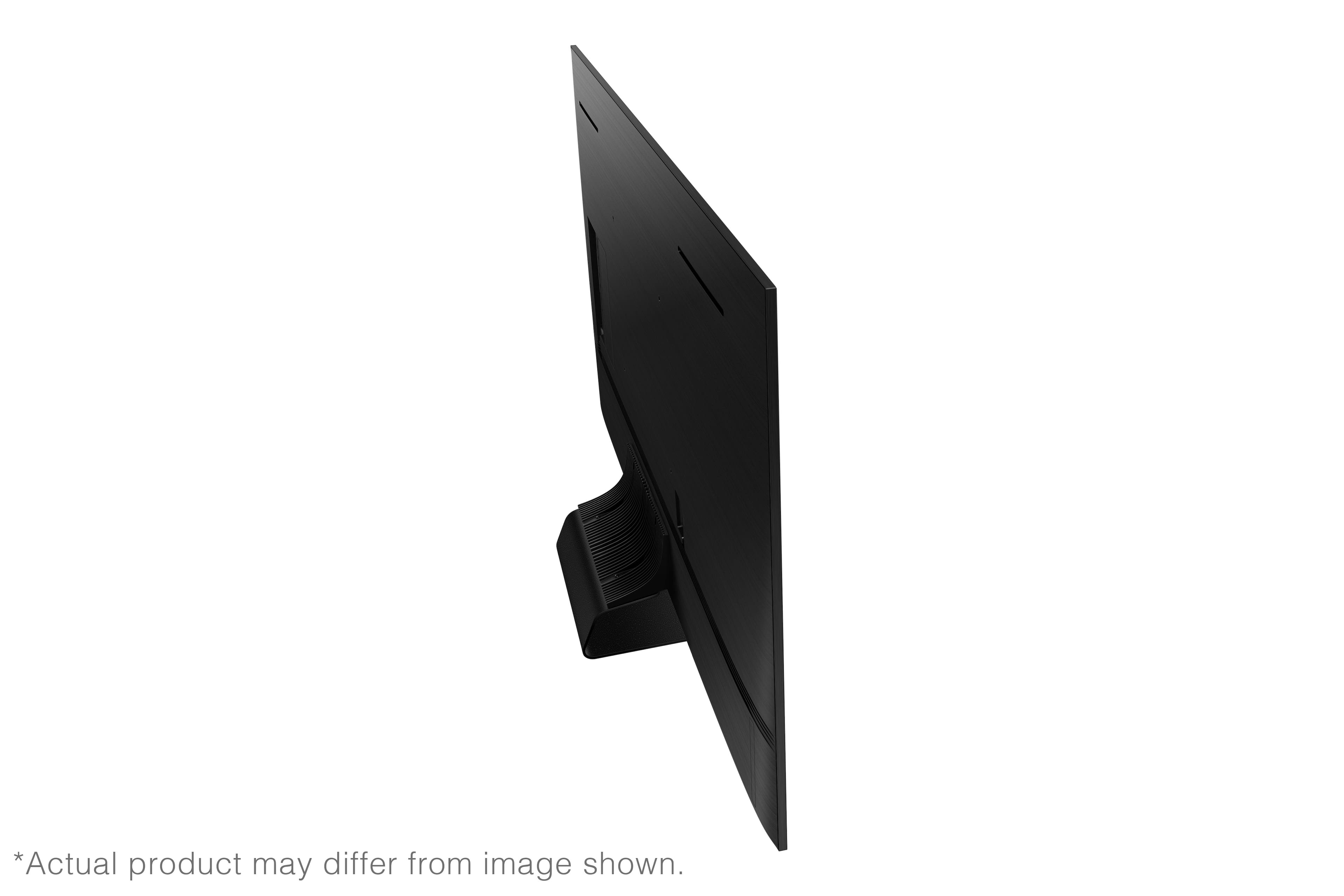
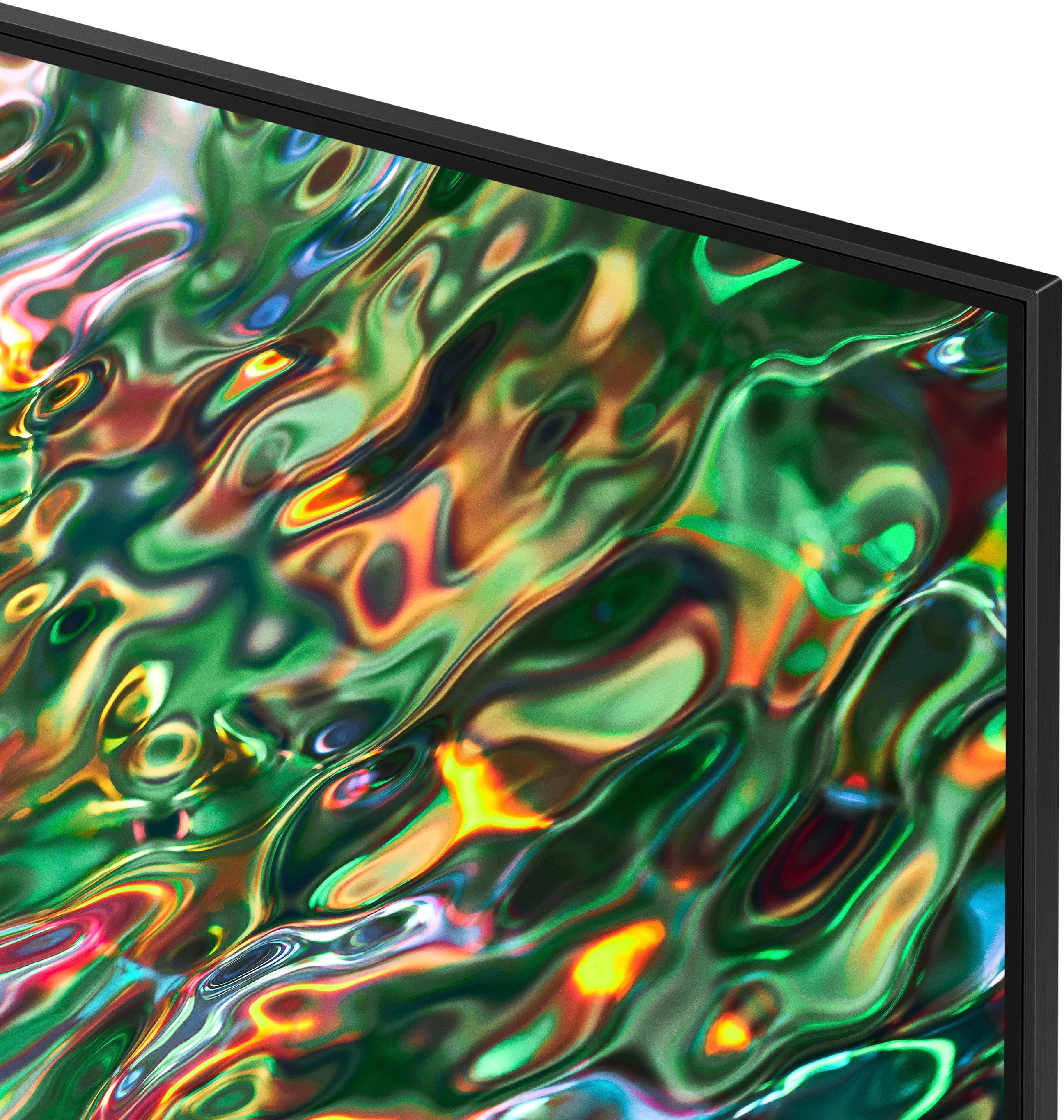
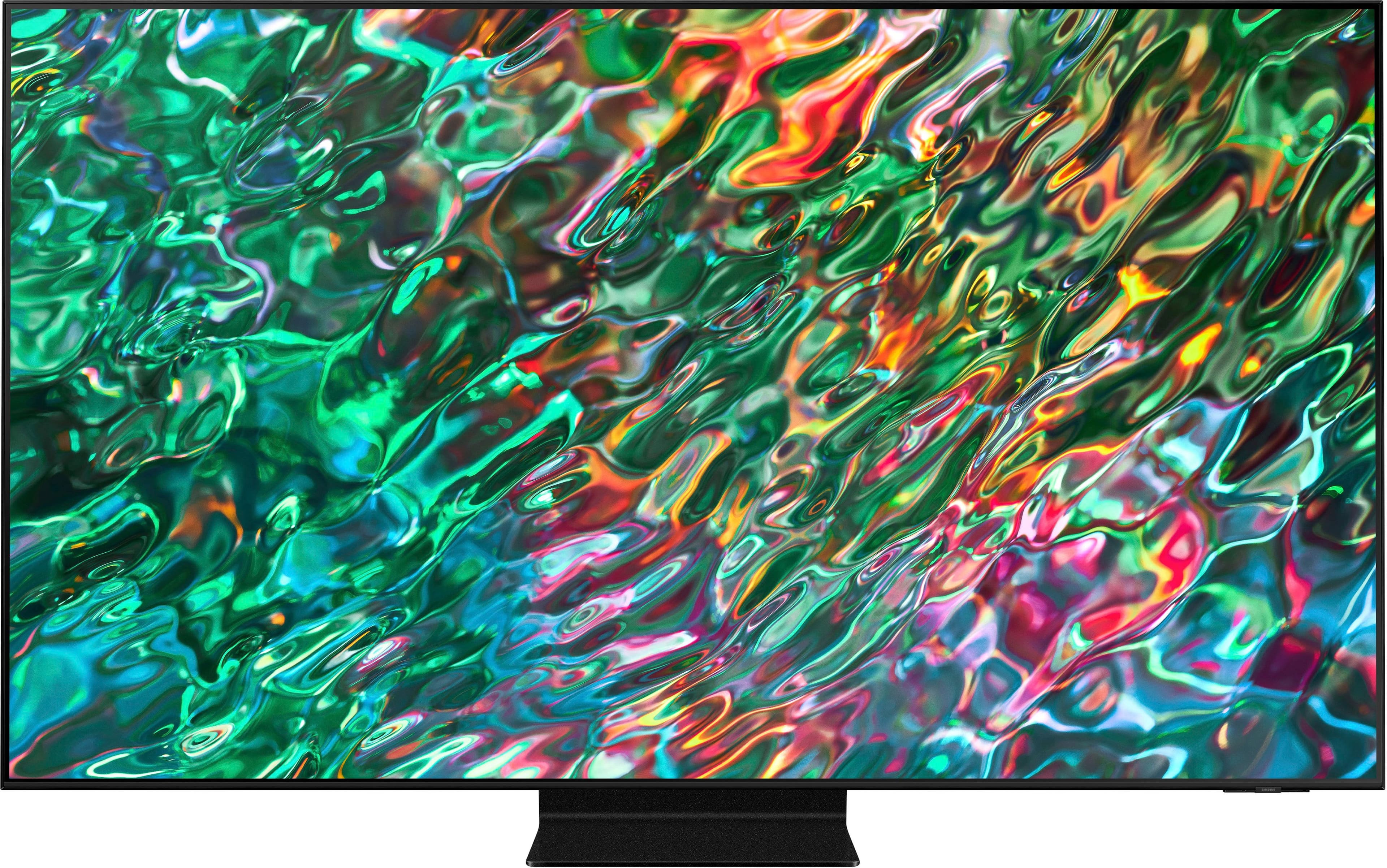
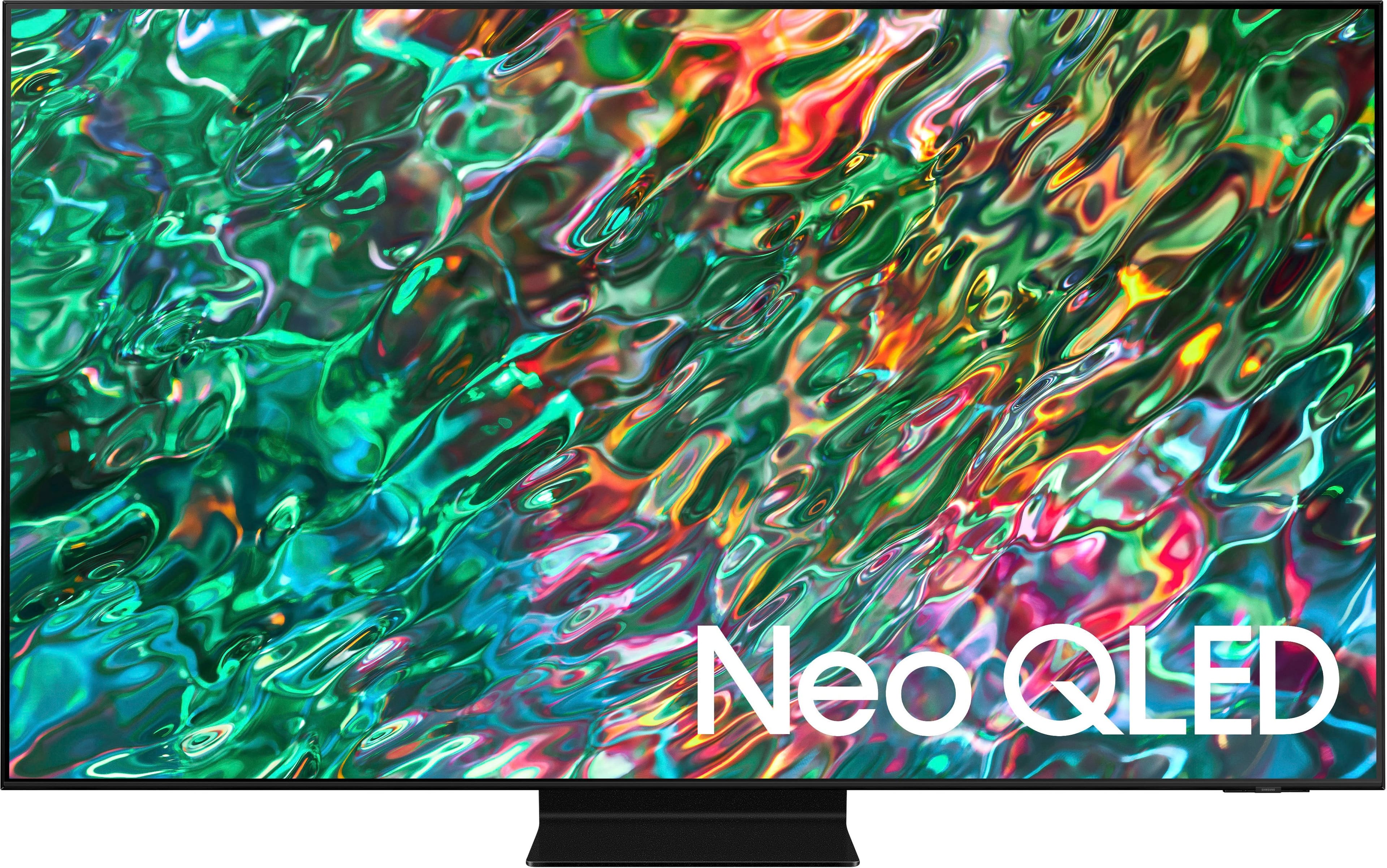
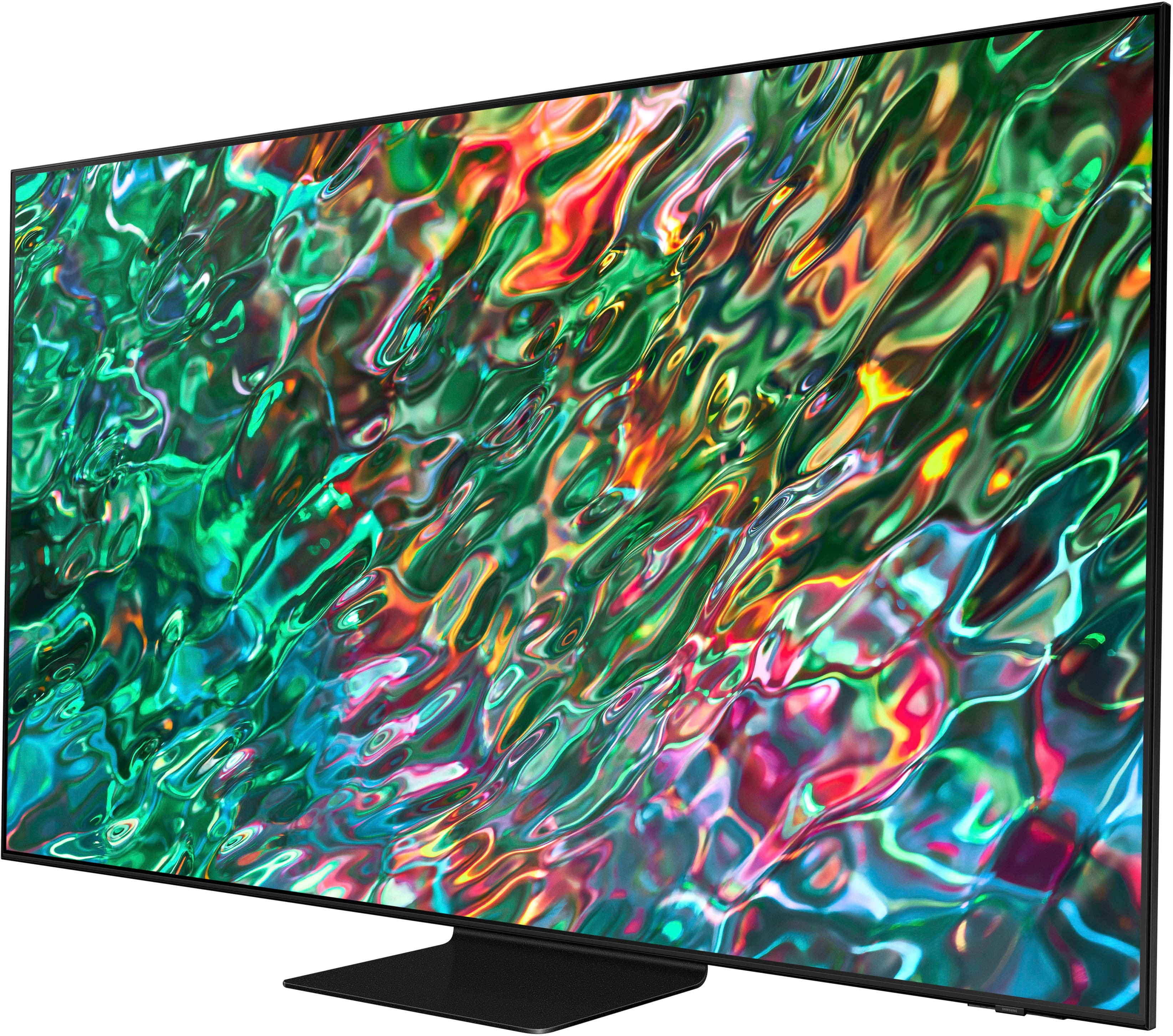
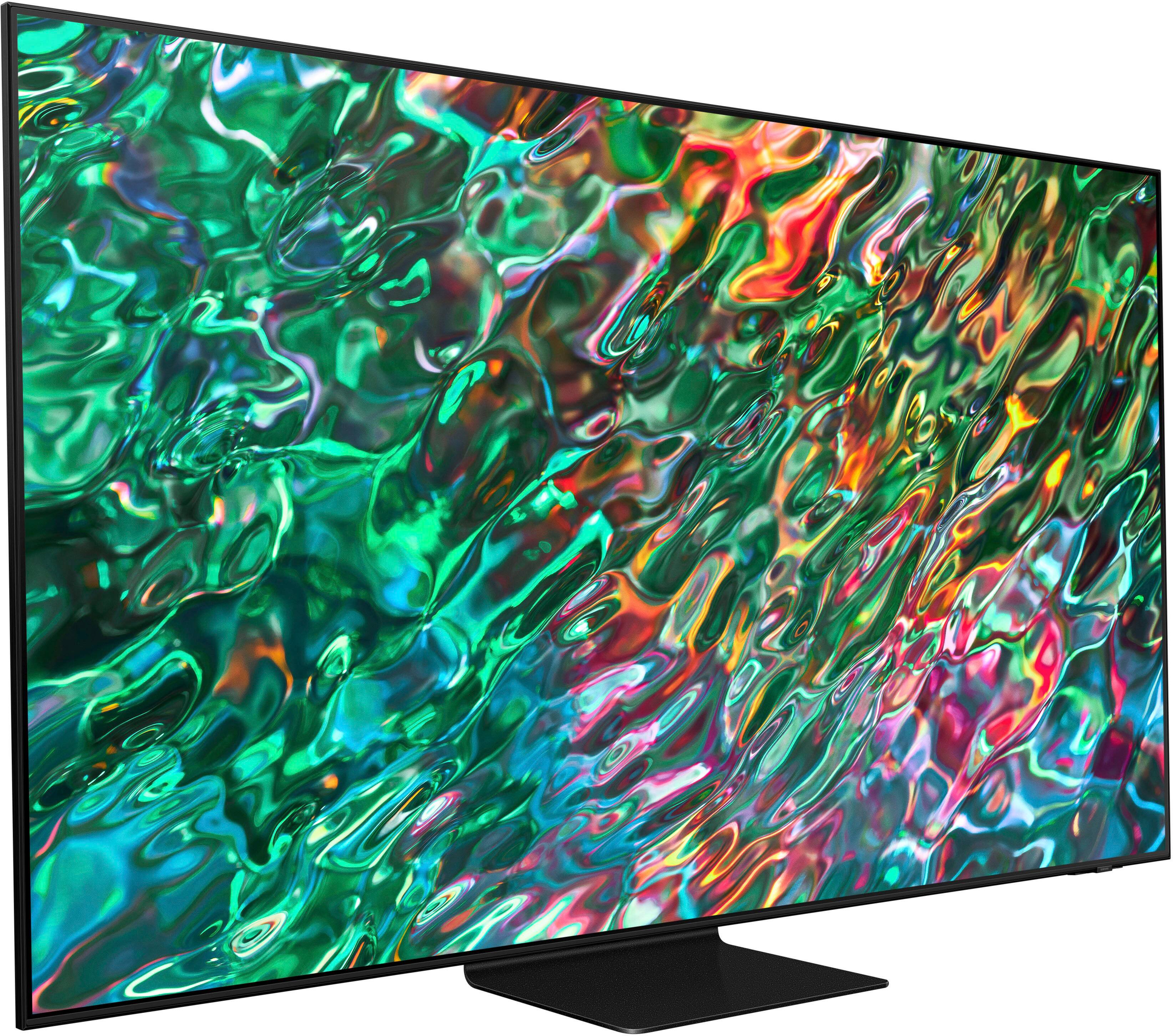





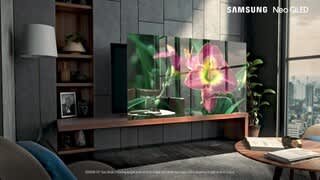




- Model:
- QN75QN90BAFXZA
- SKU:
- 6500633
Rating by feature
- Picture Quality
Rating 4.8 out of 5 stars
- Sound Quality
Rating 4.6 out of 5 stars
- Brightness
Rating 4.9 out of 5 stars
Customers are saying
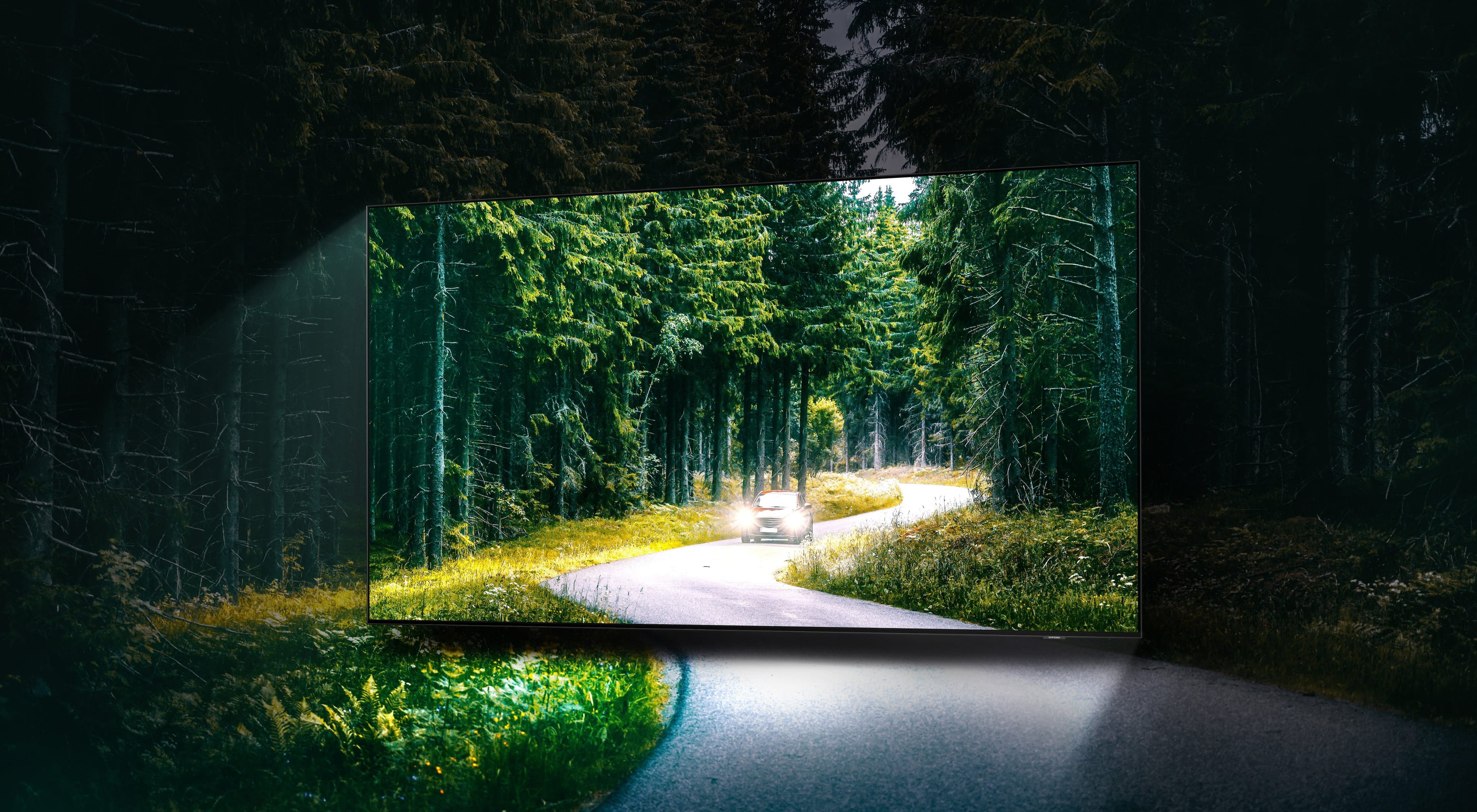
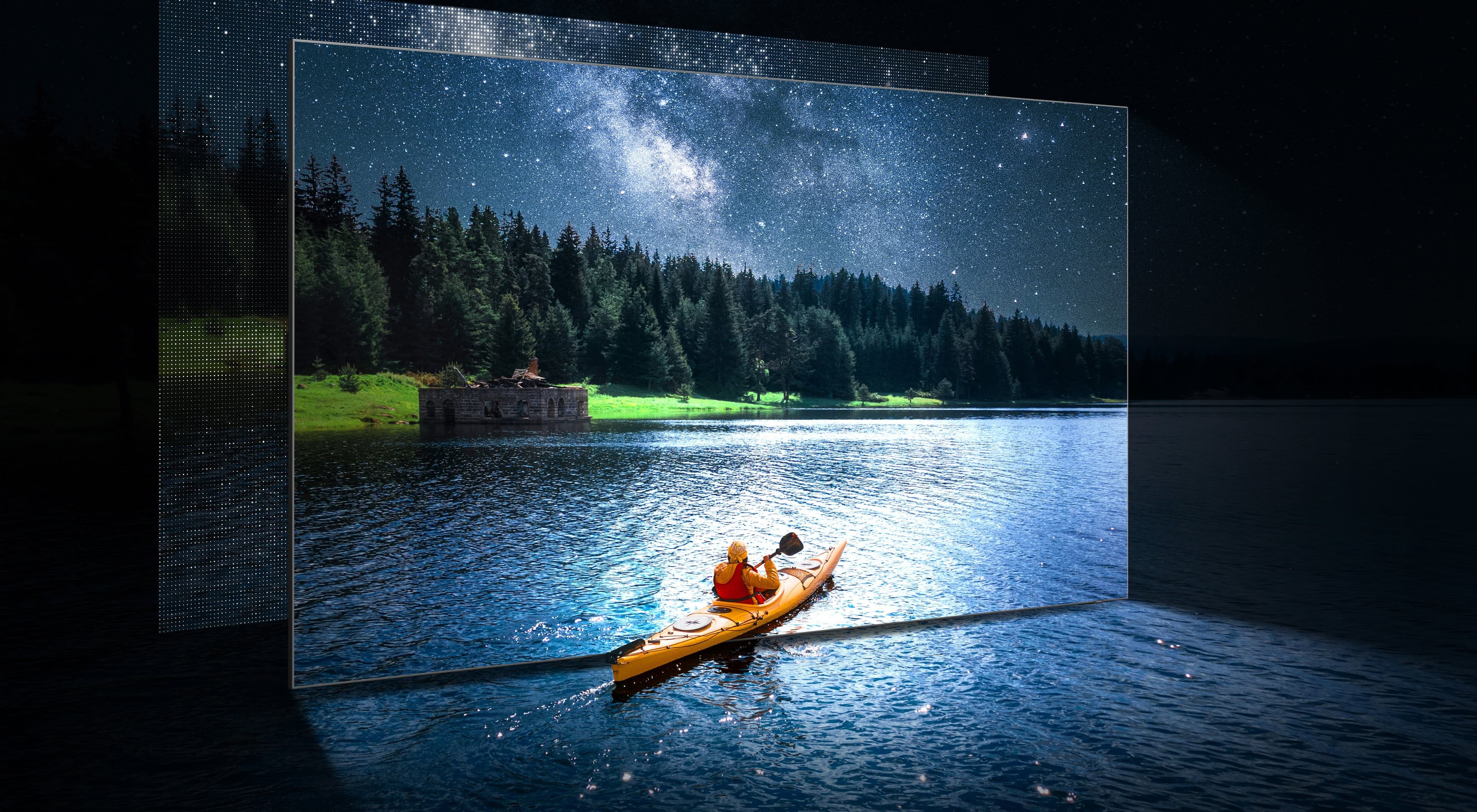
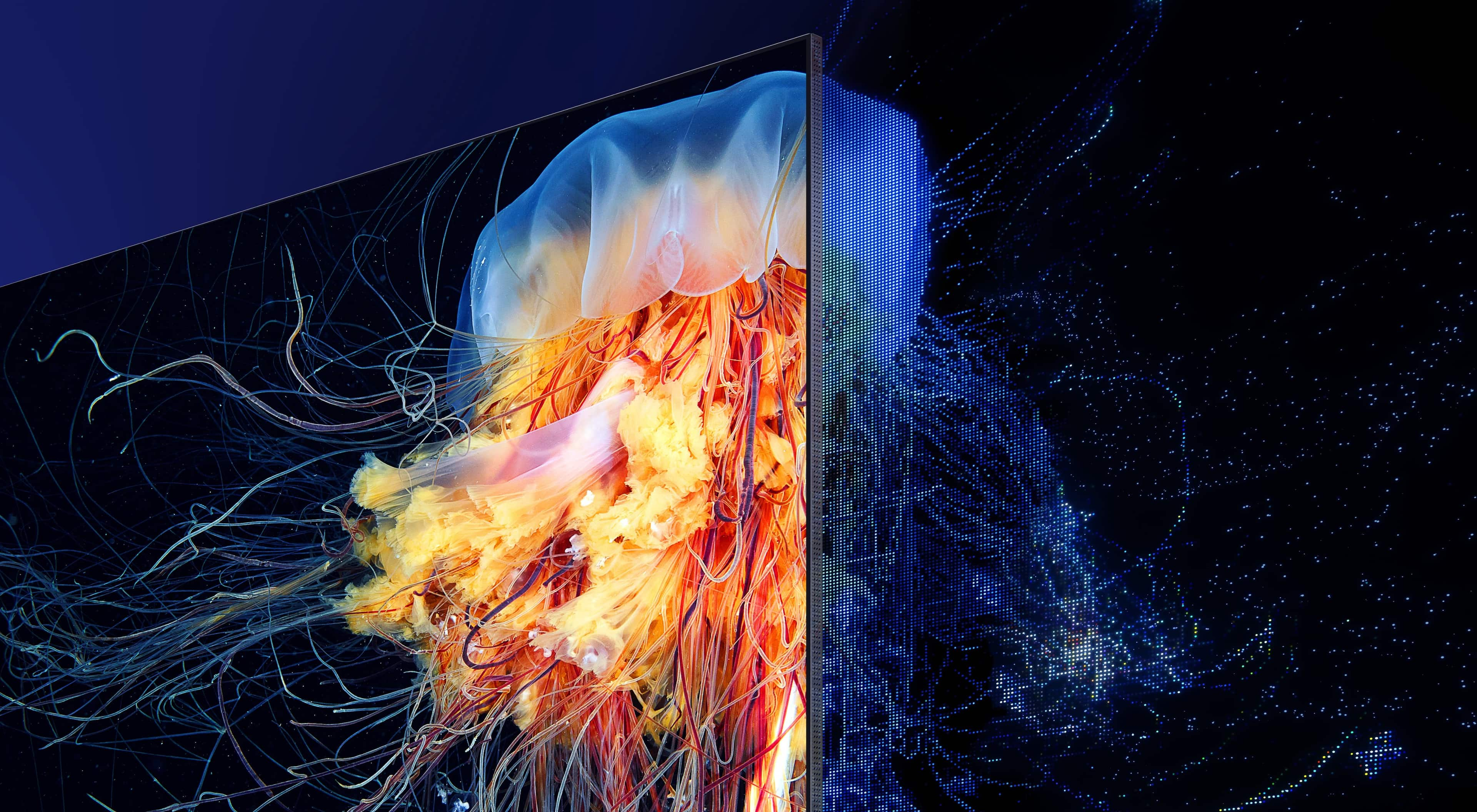
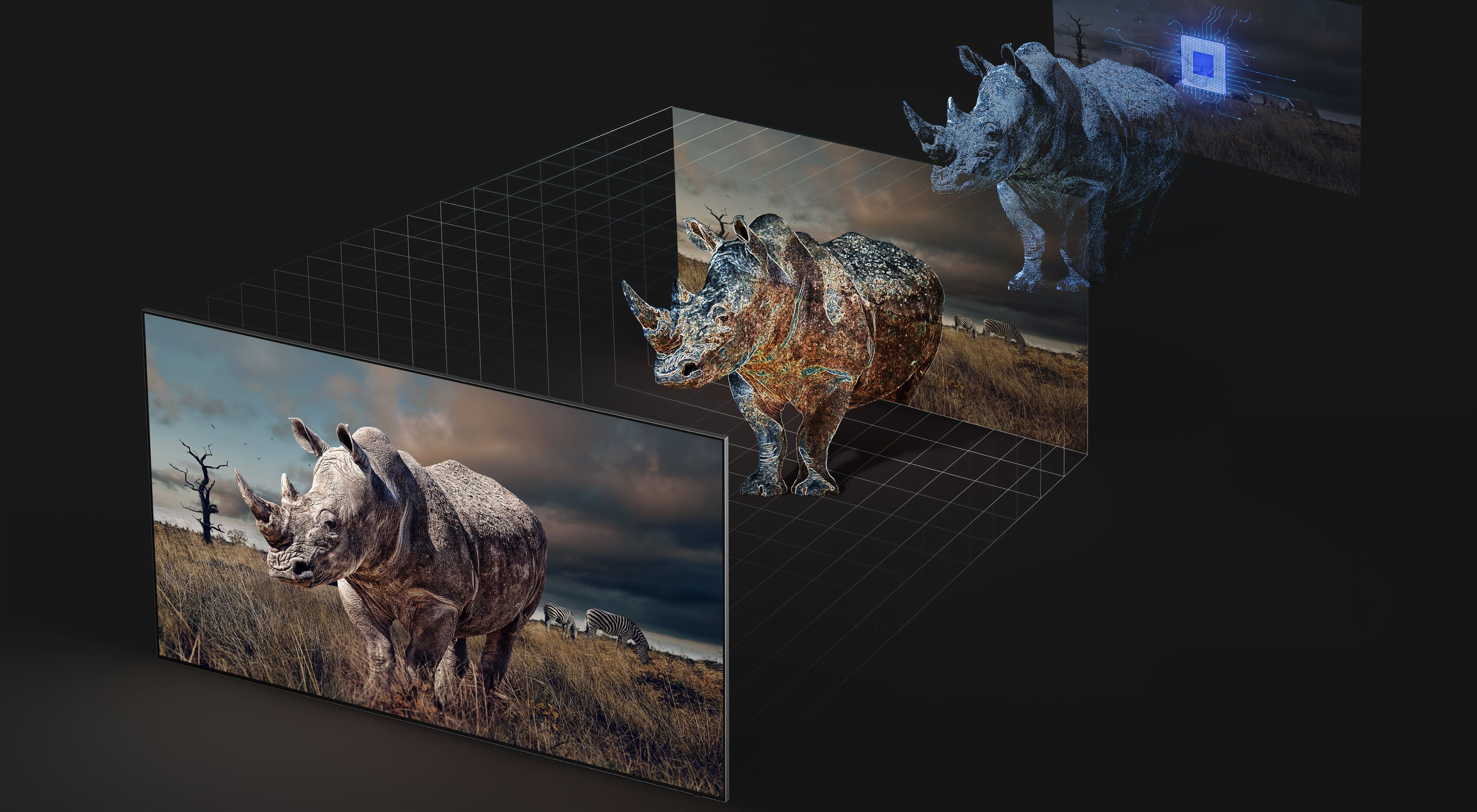
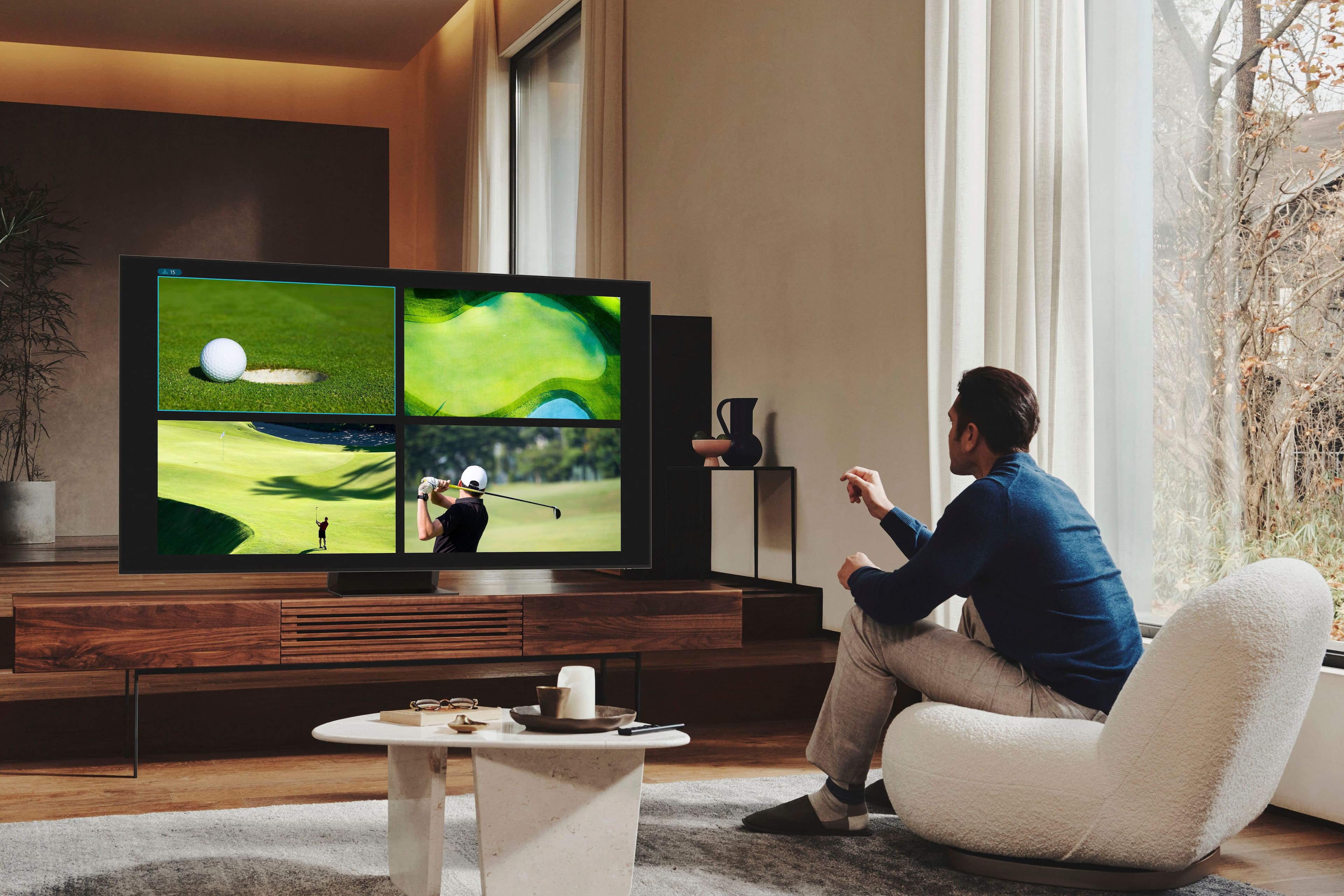
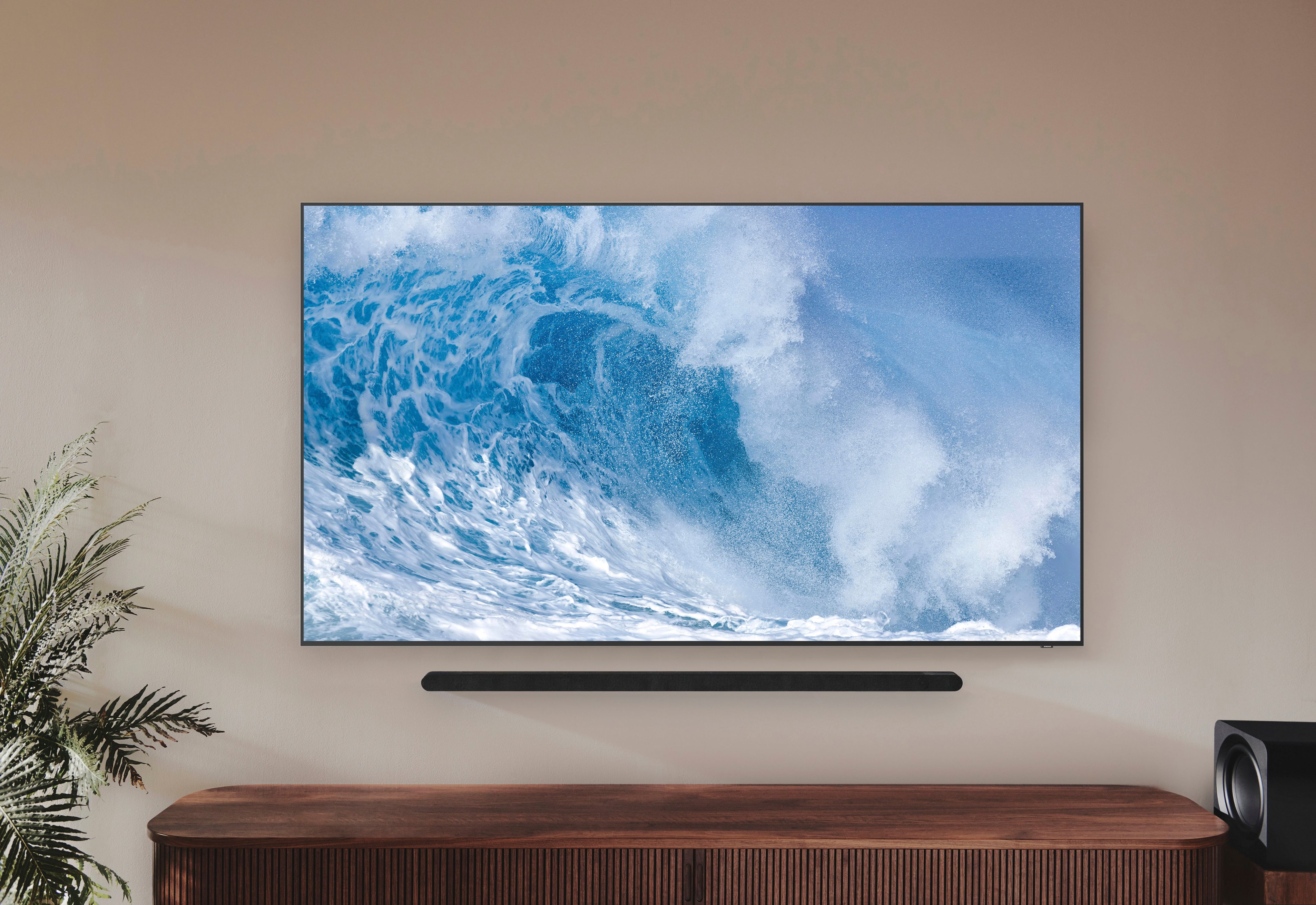
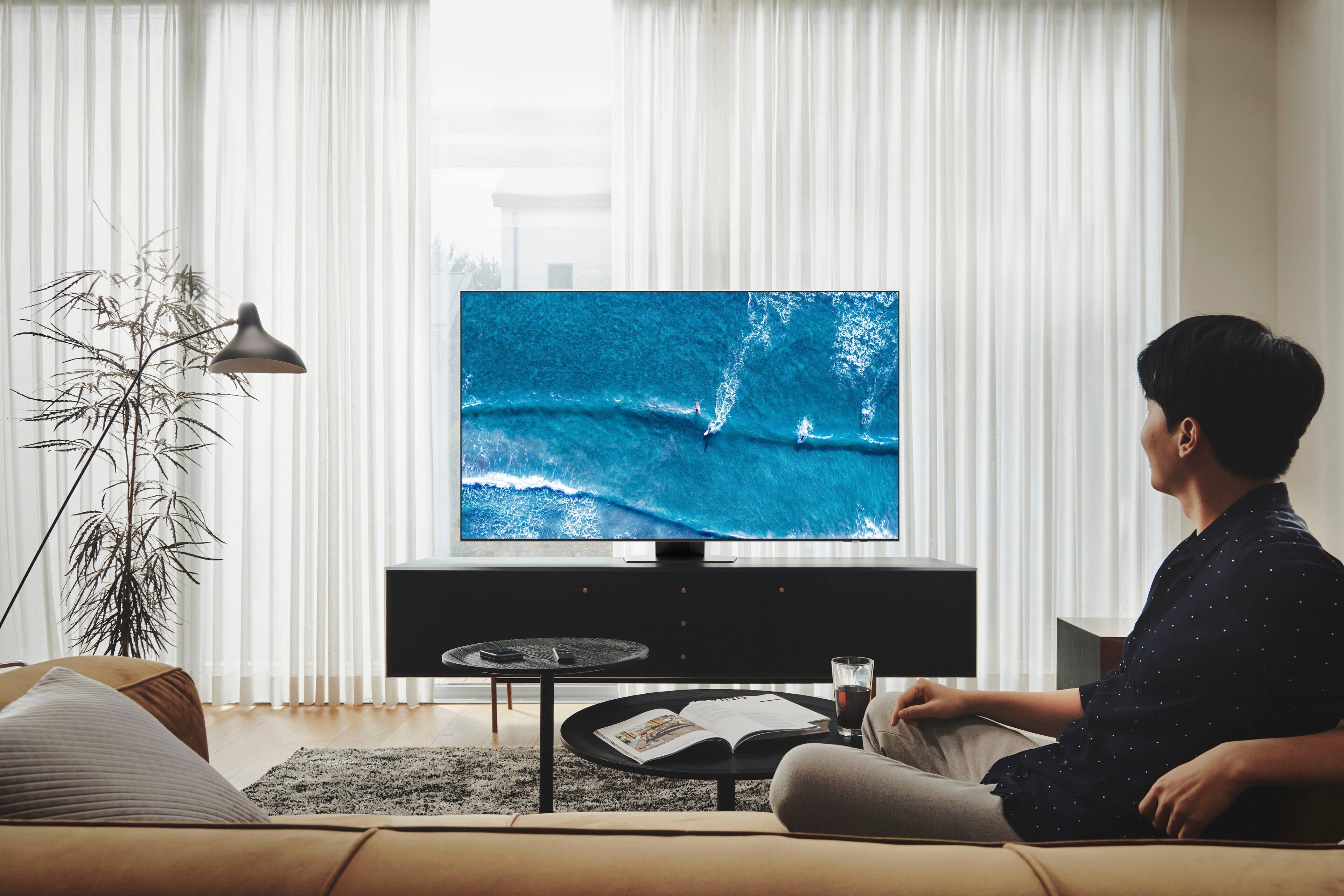
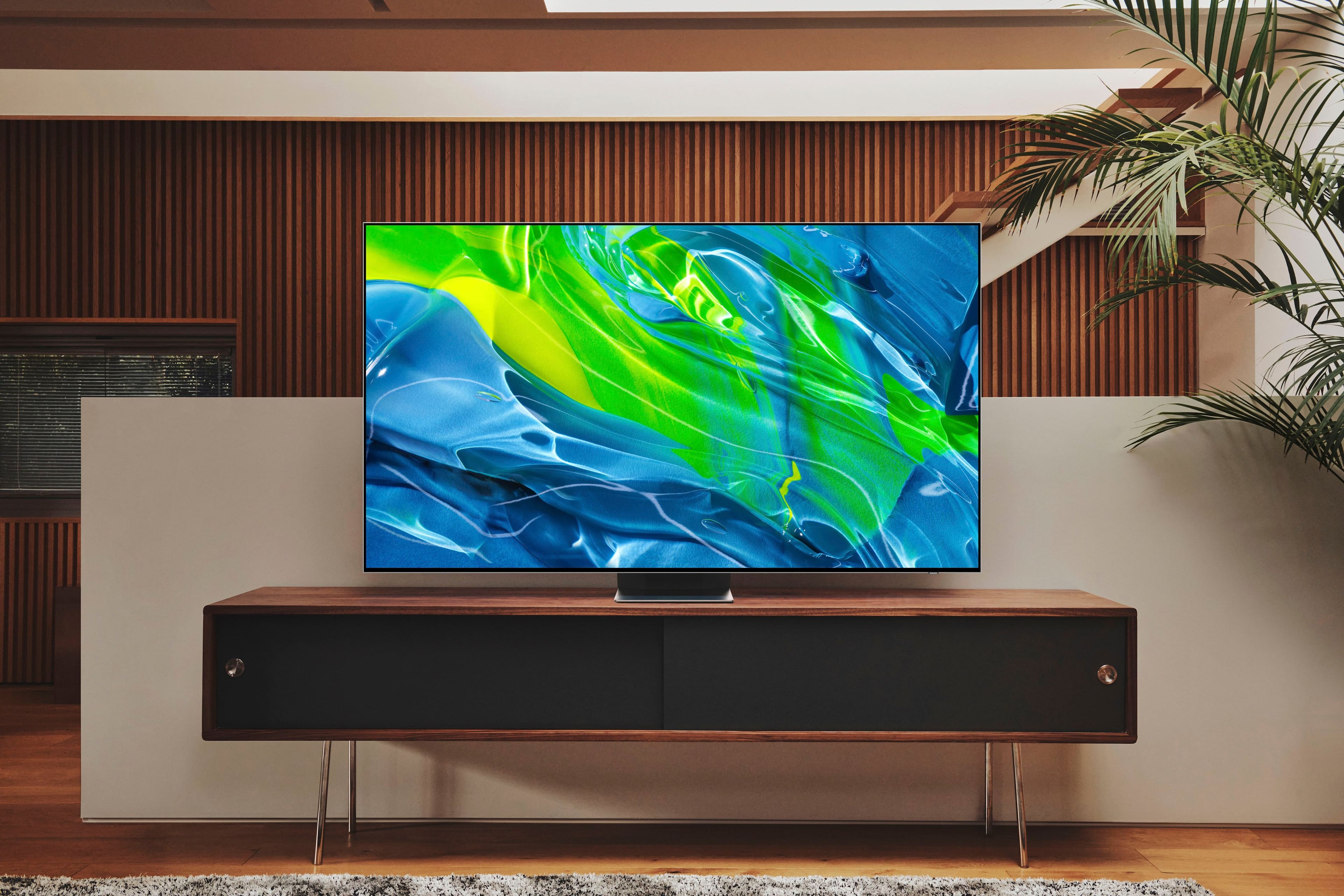
Customers are satisfied with the picture quality, brightness, and ease of use of the 75” Class QN90B Neo QLED 4K Smart Tizen TV. Many also appreciate the deep black levels and good sound quality, although some found the remote control difficult to use and the TV quite heavy. A few users noted issues with the interface speed and occasional screen problems. Overall, the positive feedback on picture quality outweighs the negative comments on other features.
This summary was generated by AI based on customer reviews.
- Pros mentioned:Ease of use, Picture quality
TV exceeded my expatiations
||Posted . Owned for 3 weeks when reviewed.This reviewer received promo considerations or sweepstakes entry for writing a review.TV exceeded my expatiations the picture quality, sound and ease to navigate the apps.
I would recommend this to a friend - Pros mentioned:Picture quality
Theater quality
||Posted . Owned for 1 month when reviewed.This reviewer received promo considerations or sweepstakes entry for writing a review.Amazing picture with depth of clarity and breathtaking colors. Viewing angle is exceptional
I would recommend this to a friend - Pros mentioned:Ease of use, Picture quality
Great TV
||Posted . Owned for 3 weeks when reviewed.This reviewer received promo considerations or sweepstakes entry for writing a review.Great picture quality & easy setup. Stand is in the middle so it will set on smaller stand.
I would recommend this to a friend - Pros mentioned:Brightness, Picture quality
Samsung 75”
||Posted . Owned for 3 weeks when reviewed.This reviewer received promo considerations or sweepstakes entry for writing a review.Excellent picture and amazing colors. Very pleased with purchase. Glad I choose this.
I would recommend this to a friend - Pros mentioned:Picture quality
Perfect tv
||Posted . Owned for 1 month when reviewed.This reviewer received promo considerations or sweepstakes entry for writing a review.Excellent tv very bright picture is great and perfect with the wide viewing angle
I would recommend this to a friend - Pros mentioned:Brightness, Picture quality
Best TV quality
||Posted . Owned for 1 month when reviewed.This reviewer received promo considerations or sweepstakes entry for writing a review.Excellent picture, old shows look great on this tv, crisp bright colors, No glare from lights or sunlight.
I would recommend this to a friend - Pros mentioned:Ease of use, Picture quality
TV
||Posted . Owned for 1 month when reviewed.This reviewer received promo considerations or sweepstakes entry for writing a review.Great TV. Picture quality is fantastic. Sound is great. Looks very nice. TV was easy to setup.
I would recommend this to a friend - Pros mentioned:Ease of use, Picture quality
sam 70 tv
||Posted . Owned for 1 month when reviewed.This reviewer received promo considerations or sweepstakes entry for writing a review.good realistic colors and definition. easy set and works well with sonos sound bar.
I would recommend this to a friend - Pros mentioned:Ease of use, Picture quality
Love this TV
||Posted . Owned for 3 weeks when reviewed.This reviewer received promo considerations or sweepstakes entry for writing a review.Beautiful qualify picture. Love this TV. Highly recommend. Easy to setup and use
I would recommend this to a friend - Pros mentioned:Ease of use, Picture quality
Good buy
||Posted . Owned for 1 week when reviewed.This reviewer received promo considerations or sweepstakes entry for writing a review.Outstanding. Size is perfect. Picture quality, ease of use are what I had hoped for.
I would recommend this to a friend - Pros mentioned:Picture qualityCons mentioned:Interface
Great picture but frustrating user interface
||Posted . Owned for 2 months when reviewed.This reviewer received promo considerations or sweepstakes entry for writing a review.The picture on this TV is great. I don't love it quite as much as my OLED TV but the value for the money was so much better with this one. My only complaint about this TV has to do with the user interface. The trend to simplify remote control devices means the user is forced to do more using the on-screen menus. I would love an input button and a settings button on the remote since I'm frequently accessing those features. The TV sometimes mistakenly chooses the wrong input (it's too smart for its own good sometimes) and sometimes it fails to bring the selected input to full screen on its own and I have to select it on-screen. It's annoying when I don't want to have to use two remotes. For example, most times I can simply use the remote for the device I want to watch (say my FireTV or AppleTV) and the TV will turn on, select the correct sound output, show my media on the screen, etc. Other times, the TV comes on and the input I'm trying to watch is showing only in the little PiP "recently used" window, which I have to select with the Samsung remote, press OK to bring it up full screen. I haven't figured out the rhyme or reason for when it does what. My friend has last year's version of this same model and his interface is completely different and he doesn't have these selection problems. And to get to the settings you have to go over to the main menu, scroll to the bottom and then choose settings and then again choose what kind of settings you want. I wish there were a settings button on the main navigation (and as mentioned on the remote itself). Perhaps for most people who have a very simple set up with only one or two peripherals Samsung decided easy access to settings isn't that important. But if you have a lot of connected devices, and an audio receiver with lots of things connected, this is kinda clunky.
I would recommend this to a friendBrand response from Samsung
Posted .Hi TomP,
We appreciate you sharing your experience with Samsung's QN90B TV. For optimal connectivity and performance, we ask that you please check that you've got the latest firmware version installed on your TV. You can check this by going to: Home > Menu > Settings > Support > Software Update.
While your TV may currently launch a default app or function, please know you can choose what your TV does when you turn it on by going to Menu > Settings > All Settings > General & Privacy > Start Screen Option > Autorun Smart Hub
- Enabling Autorun Smart Hub automatically launches Smart Hub when the TV is turned on. Navigate to this option to enable or disable the feature
- If Autorun Last App is set to on, the last used app is automatically run when you turn on the TV. You can turn this function on or off. Press the Select button at the current menu.
- If you screen mirror your mobile device, Multi View automatically displays the device screen. Navigate to this option to enable or disable the feature.
- Casting YouTube content from the mobile device automatically displays the content on Multi View.
Please also know you can quickly access your TV Settings by pressing the Settings/Number/Color button (below the power button) on your remote. Quick Settings can be used to quickly configure frequently used functions, and each time you press this button, the Settings menu/Virtual number pad/Color pad options are displayed alternately.
1. Press the Settings/Number/Color button on your remote.
2. Press the UP directional button on your remote. When you press this button, the Settings menu/Virtual number pad/Color pad are displayed.
3. From the Settings menu, you can quickly set the options of your frequently used functions. For advanced settings, select All Settings.
If we can help with anything else, please call us at 1-800-SAMSUNG, 8AM - 12AM EST, 7 days a week. LiveChat with an agent as well as manuals, software, and warranty info can be found at the ‘Support’ link on our Samsung website.
~ Samsung Specialist
- Pros mentioned:Brightness, Sound
TV
||Posted . Owned for 3 months when reviewed.This reviewer received promo considerations or sweepstakes entry for writing a review.Great TV! Perfect color and great sound! Definitely would buy again!
I would recommend this to a friend - Pros mentioned:Brightness, Ease of use
Samsung 75"
||Posted . Owned for 1 month when reviewed.This reviewer received promo considerations or sweepstakes entry for writing a review.Working Awesome! Bright colors, easy to install on our wall bracket, and very happy with purchase!
I would recommend this to a friend - Pros mentioned:Black levels, Picture quality
Samsung noe qled
||Posted . Owned for 1 month when reviewed.This reviewer received promo considerations or sweepstakes entry for writing a review.Beautiful picture. The blacks are very vivid. Movies are awsome to watch on this tv.
I would recommend this to a friend - Pros mentioned:Ease of use, Picture quality
Great TV
||Posted . Owned for 3 weeks when reviewed.This reviewer received promo considerations or sweepstakes entry for writing a review.Unbelievable picture, easy set up, counter bracket looks and works great
I would recommend this to a friend - Pros mentioned:Brightness, Picture quality
75” Samsung TV.
||Posted . Owned for less than 1 week when reviewed.This reviewer received promo considerations or sweepstakes entry for writing a review.We love our new 75” Samsung TV. The picture is great - images and color very vivid.
I would recommend this to a friend - Pros mentioned:Brightness, Picture quality
Excellent large screen TV
||Posted . Owned for 1 week when reviewed.This reviewer received promo considerations or sweepstakes entry for writing a review.Excellent large screen TV with clear picture and great brightness and contrast.
I would recommend this to a friend - Pros mentioned:Picture quality
Awesome TV!
||Posted . Owned for 1 week when reviewed.This reviewer received promo considerations or sweepstakes entry for writing a review.Bougt this to replace a 2018 Q80 75. Picture enancements are noticiboe but not by alot. The major difference is playing video games on a next gen consoles (series X/ps5). Have not tried a 4K hard disk yet, but streaming Avengers in ultra high def was amazing. Minor/instant shuttering on certain fast moving scenes, but nothing abnormal. Highly recommend if you havent purchased a high end TV in the last three years.
I would recommend this to a friend - Pros mentioned:Picture quality
TV
||Posted . Owned for 1 month when reviewed.This reviewer received promo considerations or sweepstakes entry for writing a review.We have a 58 inch Samsung tv that we have had for nine years with a fantastic picture move it to another room and bought a 75 inch Samsung TV this tv has the antiglare screen the picture quality and sound is outstanding very happy with our purchase, and we would recommend this TV highly you will not be disappointed !!!!
I would recommend this to a friend - Pros mentioned:Picture quality
Samsung 75" Class QN90B Neo QLED 4K Smart Tizen TV
||Posted . Owned for 3 weeks when reviewed.This reviewer received promo considerations or sweepstakes entry for writing a review.We went into the store with a specific budget and asked the associate to help us select the best tv for the money. He did exactly that. We couldn't be more pleased with our Samsung 75" Class N90B Neo QLED 4K Smart Tizen TV. Picture quality and overall shape and design exceeded our expectations as did the associate, his knowledge and the overall customer service he provided.
I would recommend this to a friend