Customer Ratings & Reviews
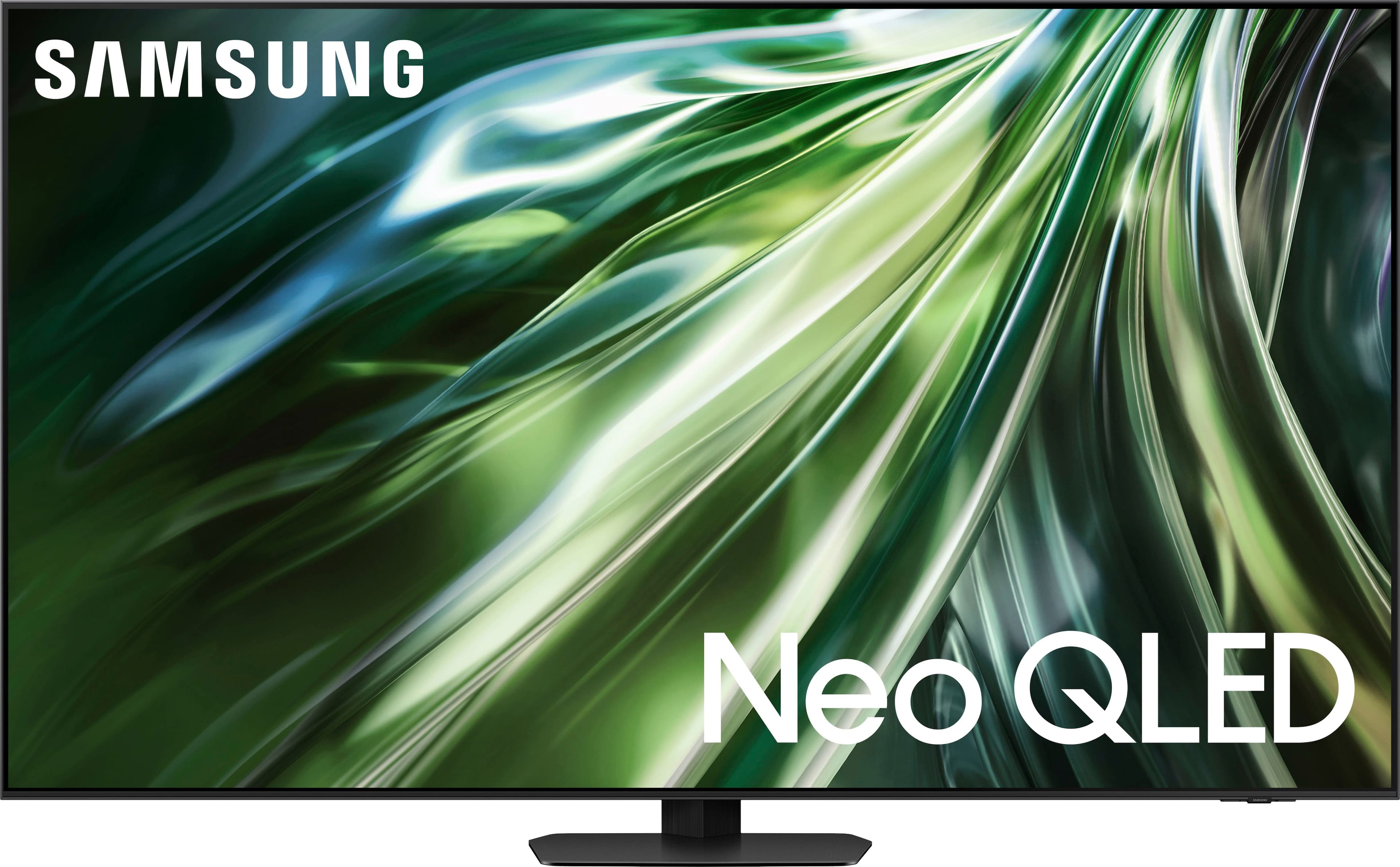

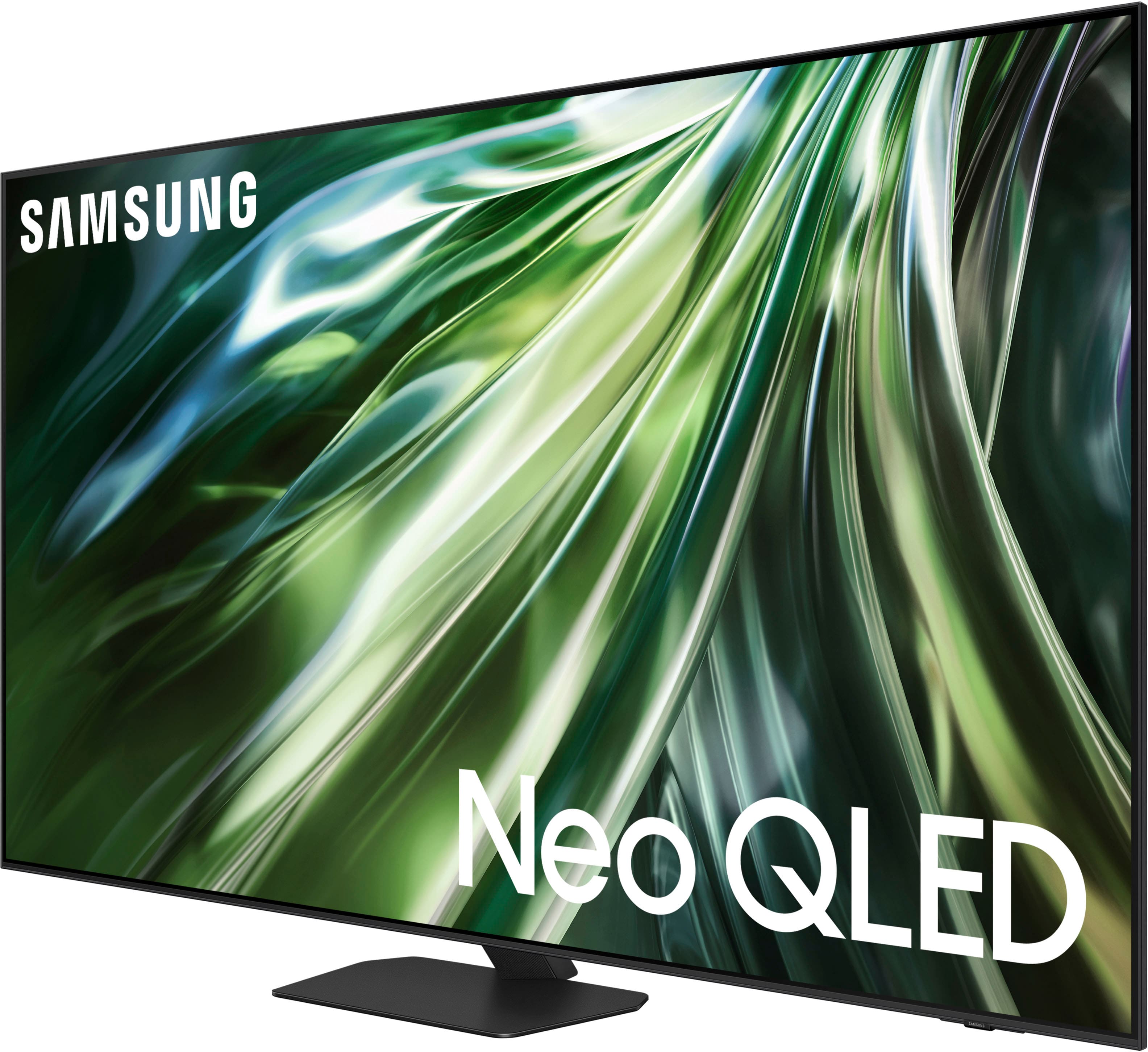
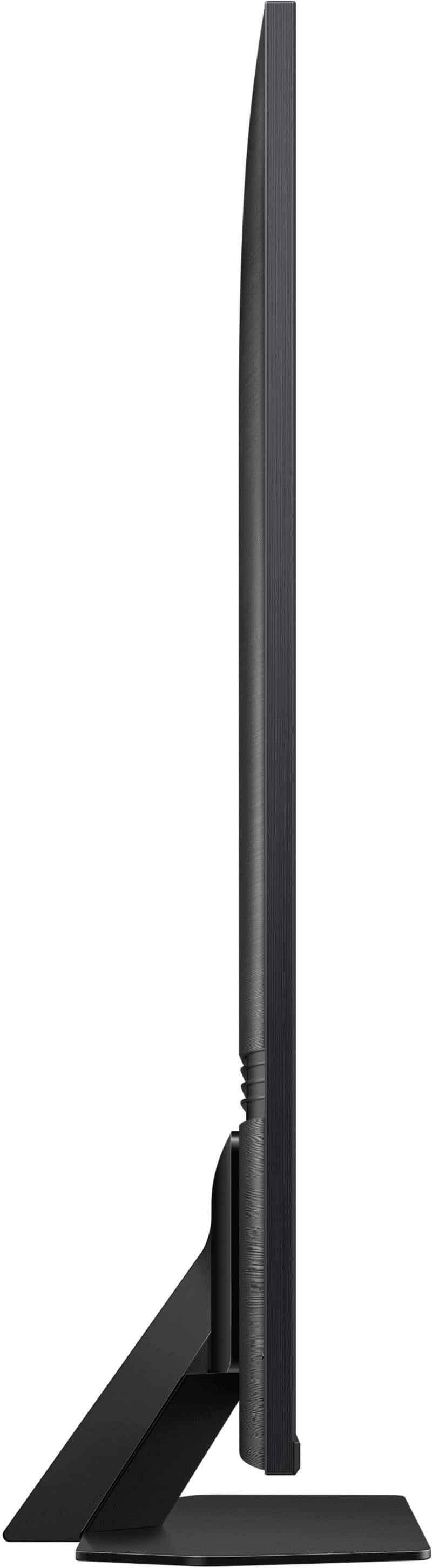
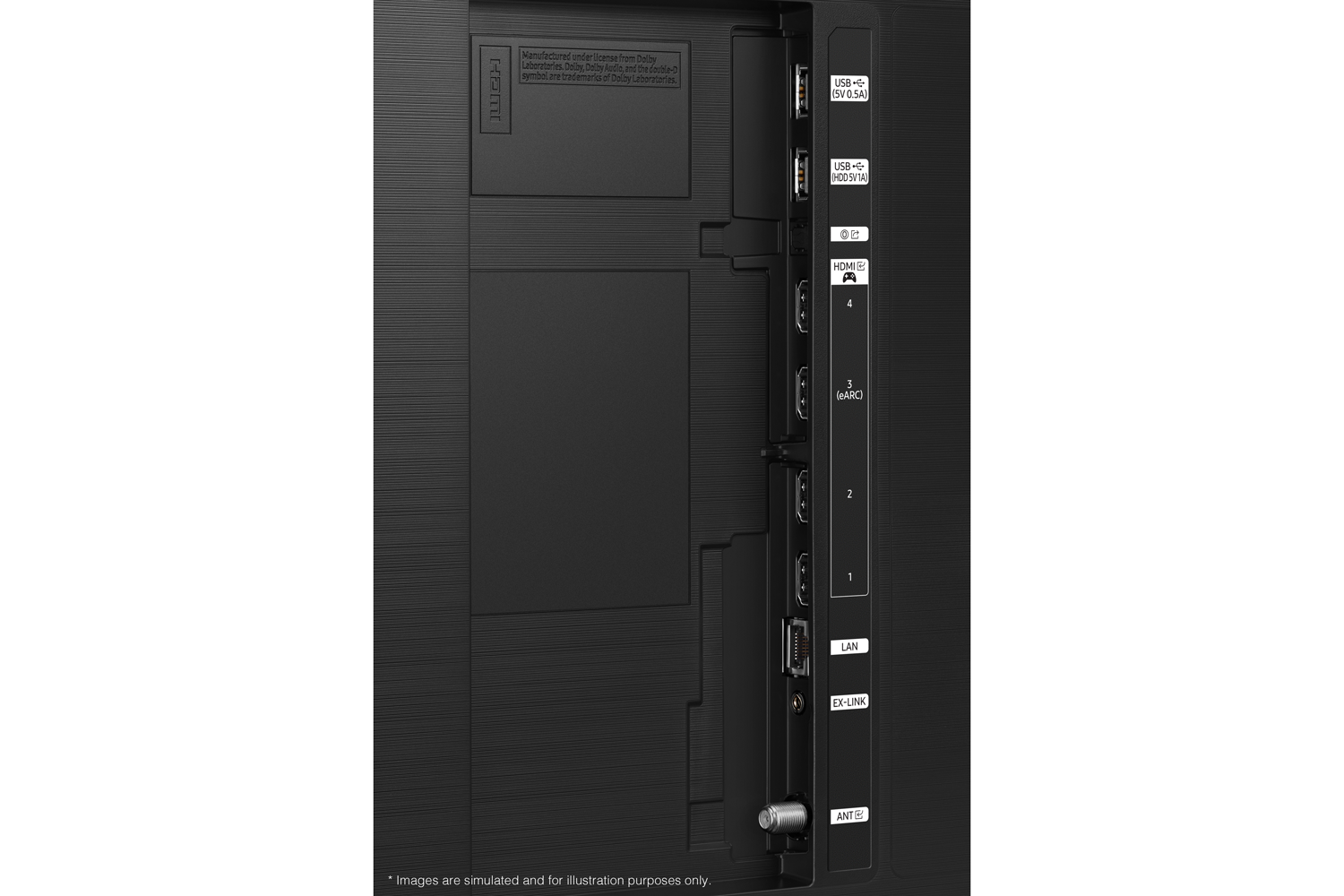
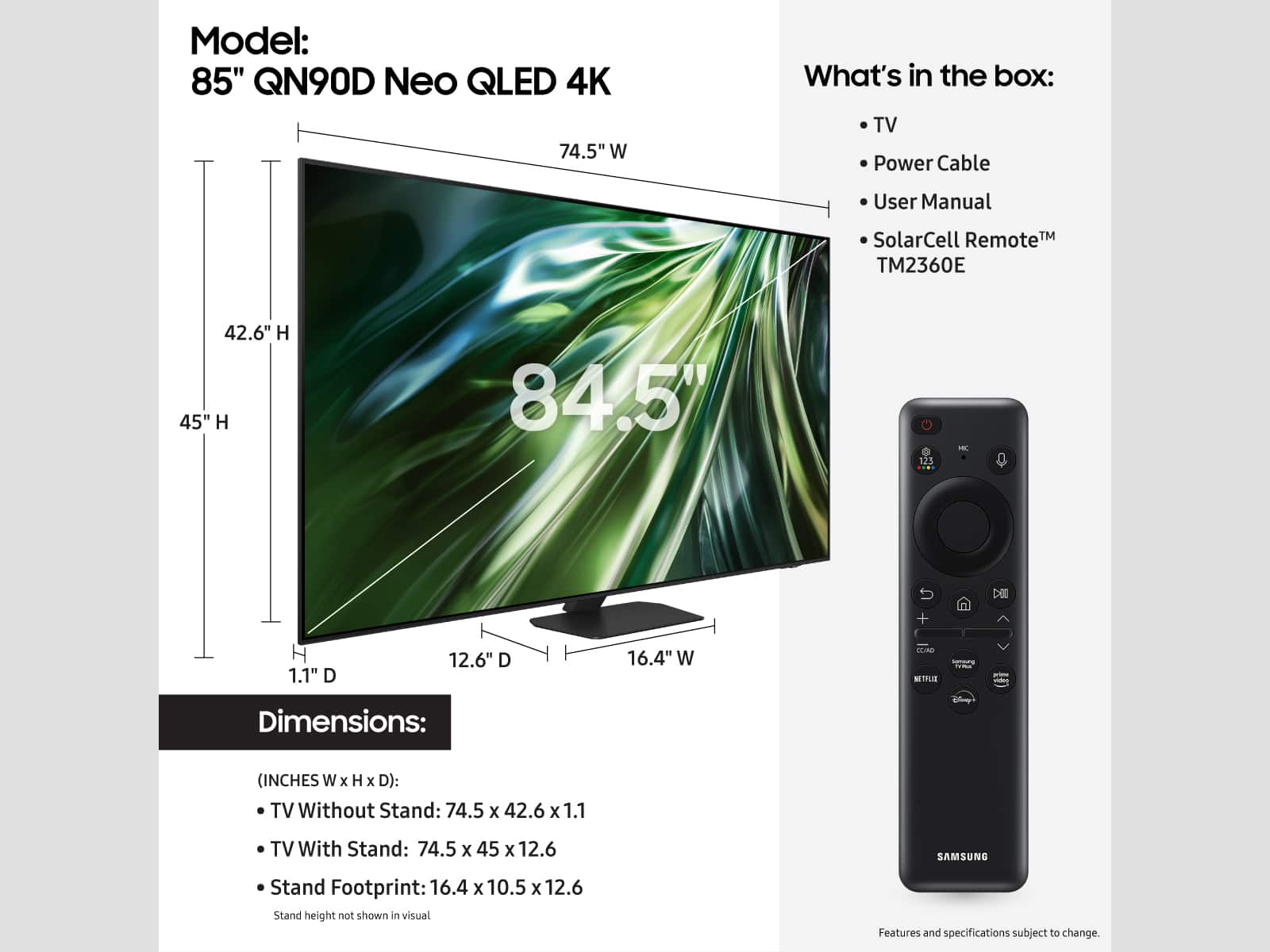









- Model:
- QN75QN90DAFXZA
- SKU:
- 10187621
Rating by feature
- Picture Quality
Rating 4.9 out of 5 stars
- Sound Quality
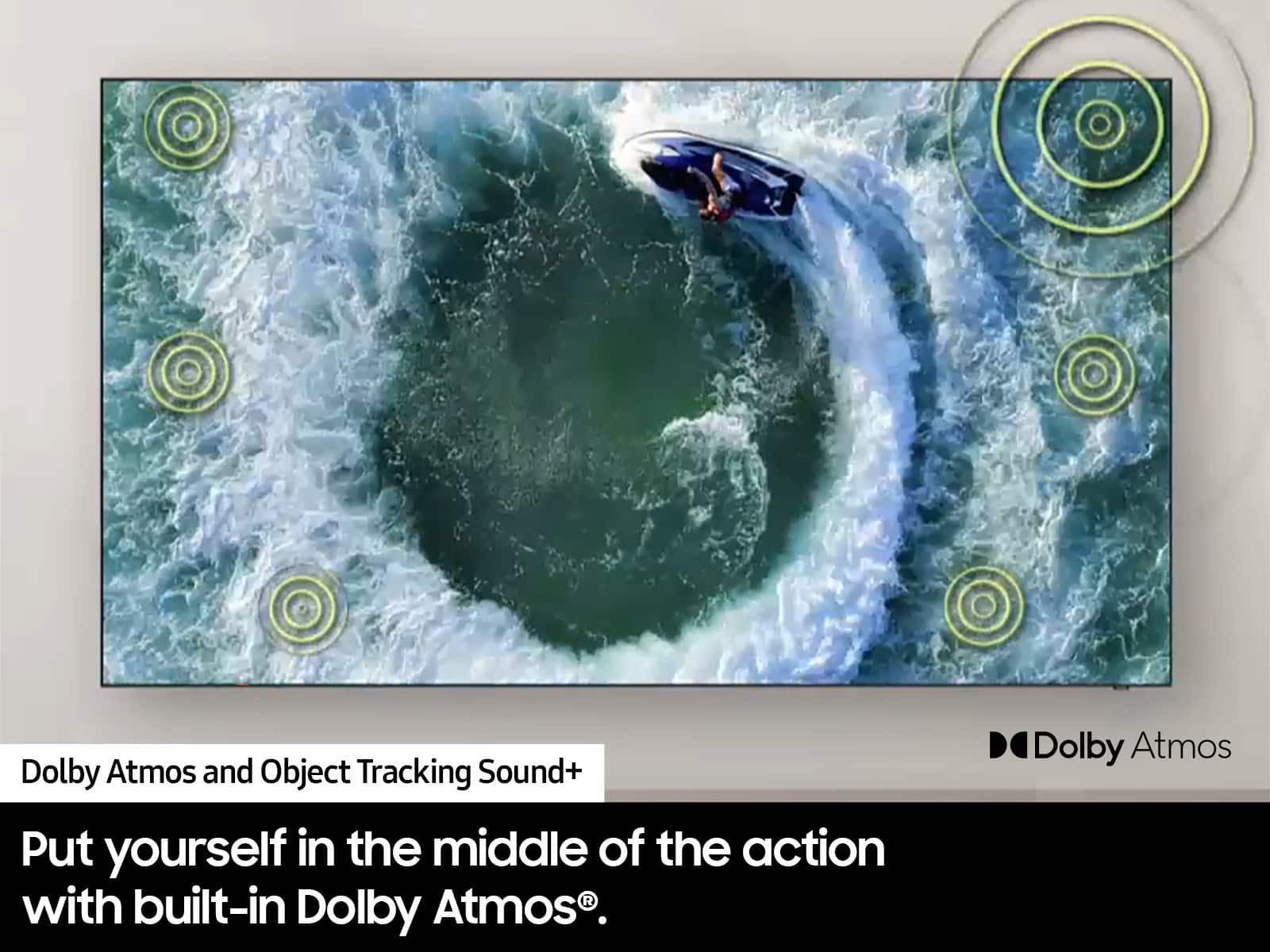
Rating 4.7 out of 5 stars
- Brightness
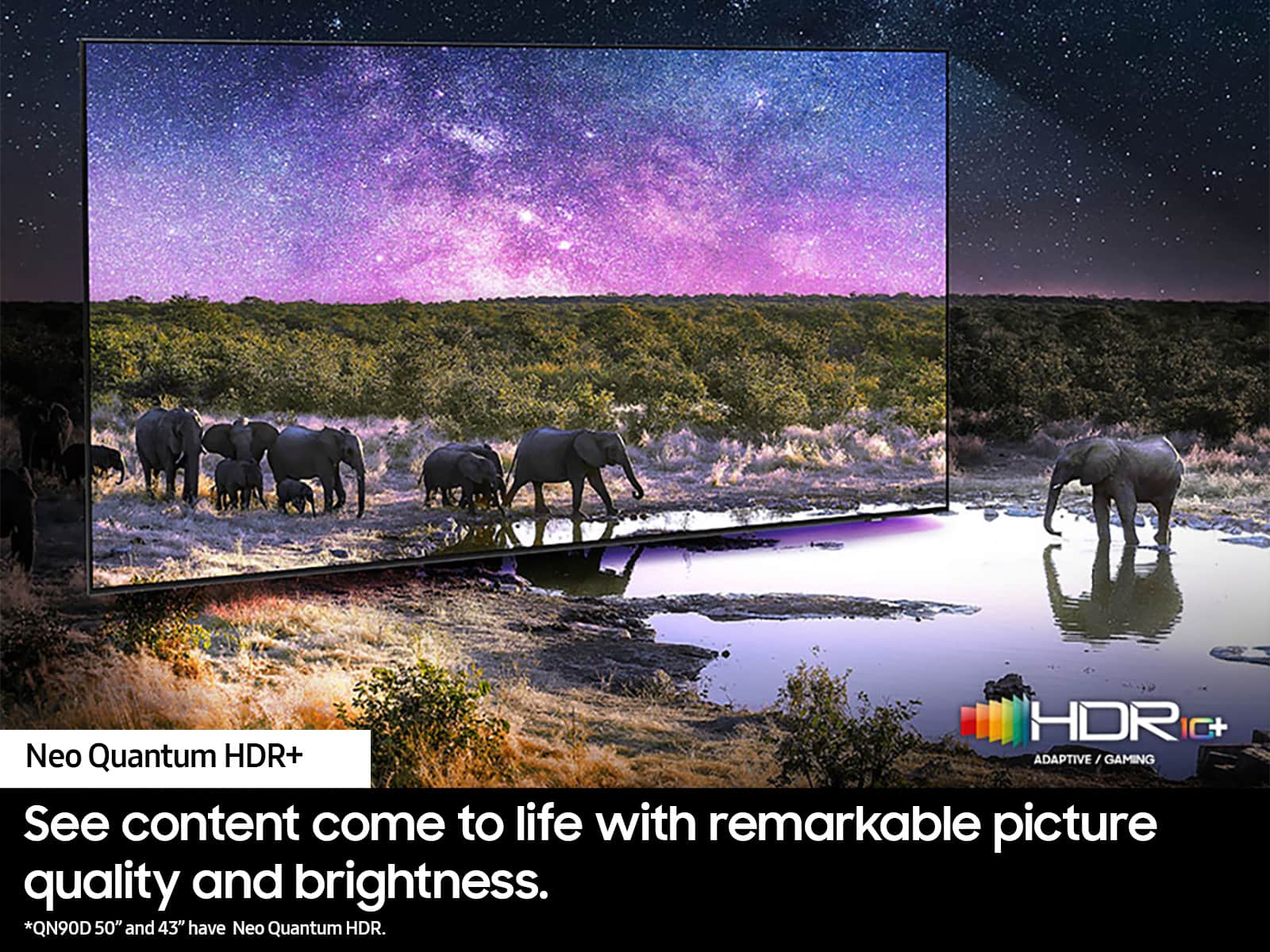
Rating 4.9 out of 5 stars
to a friend
Glare
||Posted . Owned for 1 month when reviewed.This reviewer received promo considerations or sweepstakes entry for writing a review.Paid premium price for this t.v. and it has a serious glare problem. When I questioned you I was told it was too late to do anything. This is really a rip off.
No, I would not recommend this to a friendBrand response from Samsung
Posted .PaulaC,
Thank you for your review of the QN90D TV and for sharing your feedback regarding screen glare. Please know that your TV is engineered with Anti-Glare Technology designed to minimize ambient light reflections. We understand that light conditions of each room environment are different. For optimal glare control, we recommend repositioning the TV to minimize incident light falling on the screen or consulting a professional installer.
Should you ever have questions or need help, Samsung is here for you. Just give us a call at 1-800-SAMSUNG, 8AM - 12AM EST, 7 days a week. Our LiveChat agents are also available by clicking on the ‘Support’ link on our website.
~ Samsung Specialist
Great picture
Posted .This reviewer received promo considerations or sweepstakes entry for writing a review.The picture quality is amazing. It was worth the upgrade from a avg tv. Easy to use,easy to set up
I would recommend this to a friendAwesome TV
Posted .This reviewer received promo considerations or sweepstakes entry for writing a review.I am very pleased with this Samsung 75 inch TV. The picture quality is awesome and it fits perfectly in my living room and was great to watch the Superbowl on. Just what I needed. The techs that set everything up top notch I must say.
I would recommend this to a friendSamsung NEO QLED
Posted .This reviewer received promo considerations or sweepstakes entry for writing a review.Good TV so far, very crisp, clear, and good quality.
I would recommend this to a friendSamsung 75” TV smart tv Neo
Posted .This reviewer received promo considerations or sweepstakes entry for writing a review.We love our new Samsung 75” Neo. Smart TV. It gives out a clear picture & it’s perfect on the wall that we chose to put it on.
I would recommend this to a friendVery happy
Posted .This reviewer received promo considerations or sweepstakes entry for writing a review.Love it! Great picture. Happy that we selected this TV
I would recommend this to a friendGreat
Posted .This reviewer received promo considerations or sweepstakes entry for writing a review.Great tv. Easy to install and set up. Very image and picture quality
I would recommend this to a friendGreat picture quality
Posted .This reviewer received promo considerations or sweepstakes entry for writing a review.Finally found a Tv that meets my expectations. Beautiful picture in dark and bright areas. Able to see the tv from different angles in the room.
I would recommend this to a friendDefective and Disappointing
Posted .This reviewer received promo considerations or sweepstakes entry for writing a review.I was expecting alot from this tv. I use my QN85bd. as a standard of measure for all tvs that come into our house. This tv that I bought un 2022 has superior contrast, perfect whites, and perfect color. The QN90D has massive blooming, heavy ABL, huge defective motion handling issues. You also have to adjust your picture settings for everything you watch. This tv never gets as bright as it says it does and the Tizen OS is glitchy and defective at best. The screen is yellowy an no amount of calibration will fix it. Contrast is a joke. Don't waste your money.
No, I would not recommend this to a friendBest TV I have owned
Posted .This reviewer received promo considerations or sweepstakes entry for writing a review.Mounted this TV and it has an amazing picture. Plenty of options available through the either WiFi or wired connection. No more Samsung connection box which is a big plus. Only trouble I have is turning it off.
I would recommend this to a friendSamsung 75" Class QN90D TV
Posted .This reviewer received promo considerations or sweepstakes entry for writing a review.Just got this tv, no complaints. Everything is good quality, and easy to use. I gave it 4 star on everything. For the price I paid it was excellent 5 stars.
I would recommend this to a friendGreat purchase at a great price
Posted .This reviewer received promo considerations or sweepstakes entry for writing a review.excellent from the moment the 75er was turned on. Samsung makes them great.
I would recommend this to a friendTv
Posted .This reviewer received promo considerations or sweepstakes entry for writing a review.Clear picture Easy remote Great sound Simple transition to apps
I would recommend this to a friendGreat tv
Posted .This reviewer received promo considerations or sweepstakes entry for writing a review.All that was promised. We are older, and love the brightness.
I would recommend this to a friendSamsung TV
Posted .This reviewer received promo considerations or sweepstakes entry for writing a review.Absolutely Amazing TV! Would recommend this TV to any!
I would recommend this to a friendAwesome picture
Posted .This reviewer received promo considerations or sweepstakes entry for writing a review.This tv has an awesome picture and the anti-glare is worth the extra upcharge.
I would recommend this to a friendBrand response from Samsung
Posted .Tdail,
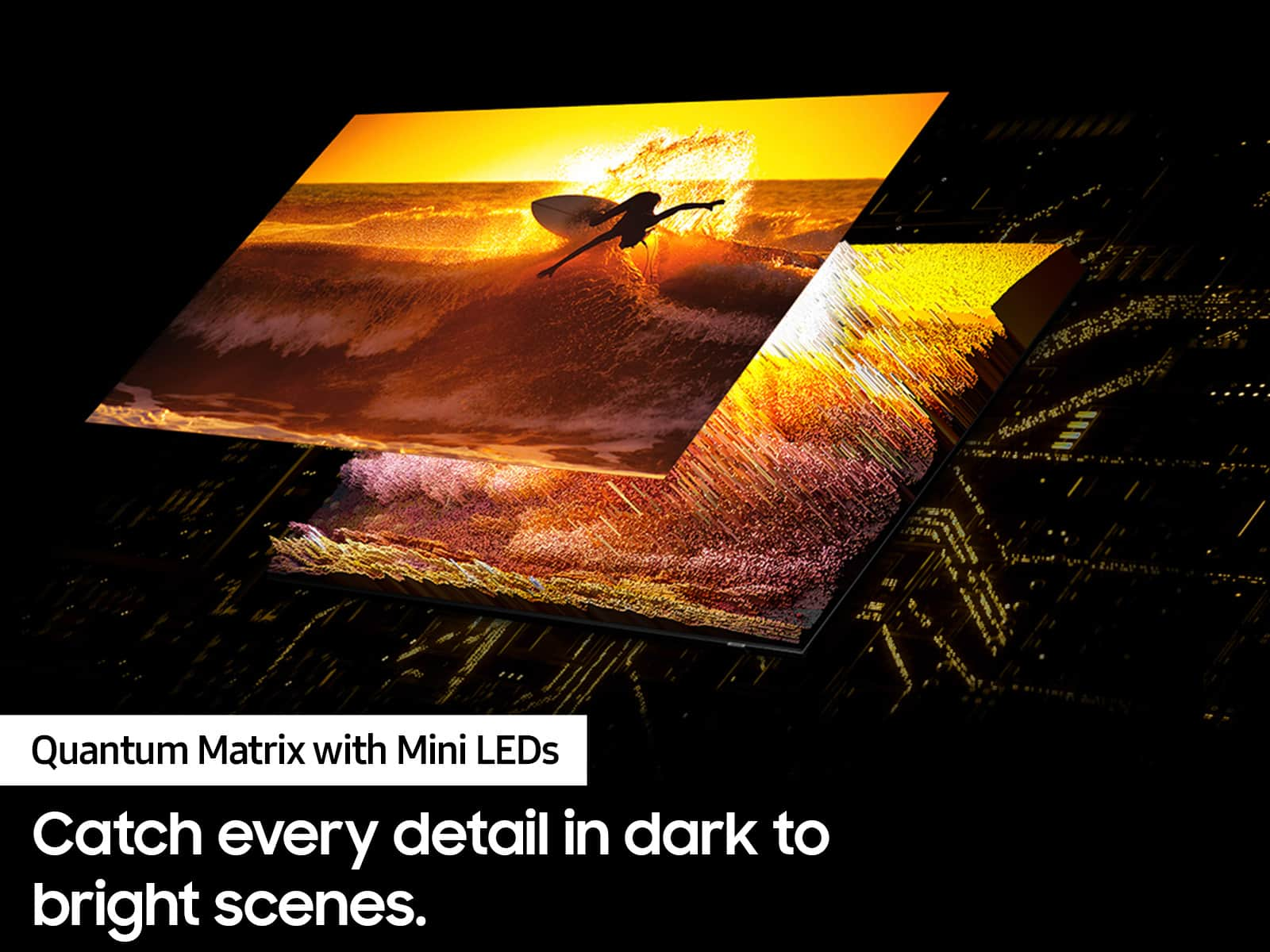
Thanks for your review! I’m glad you’re enjoying the picture quality of the QN90D TV. Brought to you by our exclusive Quantum Matrix Technology, your new TV provides a brilliantly intense picture, even in the daylight. Further powered by a vast grid of Samsung’s ultra-precise Quantum Mini LEDs, it takes exact control of the individual zones of light in your picture for breathtaking color and contrast.
If there’s anything we can ever help with, please call us at 1-800-SAMSUNG, 8AM - 12AM EST, 7 days a week. Or visit us on the Samsung website and click on the ‘Support’ link for:
• LiveChat
• Manuals, Software, & Warranty Info
~ Samsung Specialist
Samsung 75"
Posted .This reviewer received promo considerations or sweepstakes entry for writing a review.The installers were great and took time to explain the television to me. It is fenominal
I would recommend this to a friendTheir return time is inaccurate
Posted .This reviewer received promo considerations or sweepstakes entry for writing a review.They would not honor the return date on my app. The tv panel was defective and my app stated I had 60 days to return the tv. I just wanted to exchange it. When I went to confirm, they stated I actually only had 15 days (even though my app stated I had 60) and I even escalated to executive staff who stated they could do nothing for me. Won’t be buying TVs from them ever again. They don’t even honor information on their app. Shame.
No, I would not recommend this to a friendGood picture, poorly built
Posted .This reviewer received promo considerations or sweepstakes entry for writing a review.Flimsy. Touched it andbulbs broke and samsung refuses to even look at it. High price for a cheap product
No, I would not recommend this to a friendFailed at 17 months
Posted .This reviewer received promo considerations or sweepstakes entry for writing a review.I am unable to recommend this Samsung TV due to its failure after 17 months. The main circuit board needed replacement. Numerous forums and message boards report similar issues with QLED and Frame TVs, indicating a common problem where some of the apps work, but others like Hulu and YouTube TV ceases to function. Samsung did not provide any assistance in resolving this matter even though the repair person stated that it was a common problem. He even had the part ready before he diagnosed it. The replacement cost over $500. It is too bad, because the TV looks good, but Do Not Buy.
No, I would not recommend this to a friendBrand response from Samsung
Posted .Hi ChrisD,
Thank you for sharing your experience, and I’m sorry to hear you're having issues with your QN90D TV. If your unit is no longer covered under the 1-year Manufacturer’s Warranty, Samsung can still help. You can locate a certified service center in your area by visiting: https://www.samsung.com/us/support/service/locations/
If you have any questions during the process, Samsung Support is available at 1-800-SAMSUNG, 8AM – 12AM EST, 7 days a week. Or visit us on the Samsung website and click on the ‘Support’ link for:
• LiveChat
• Manuals, Software, & Warranty Info
~ Samsung Advisor