Customer Ratings & Reviews
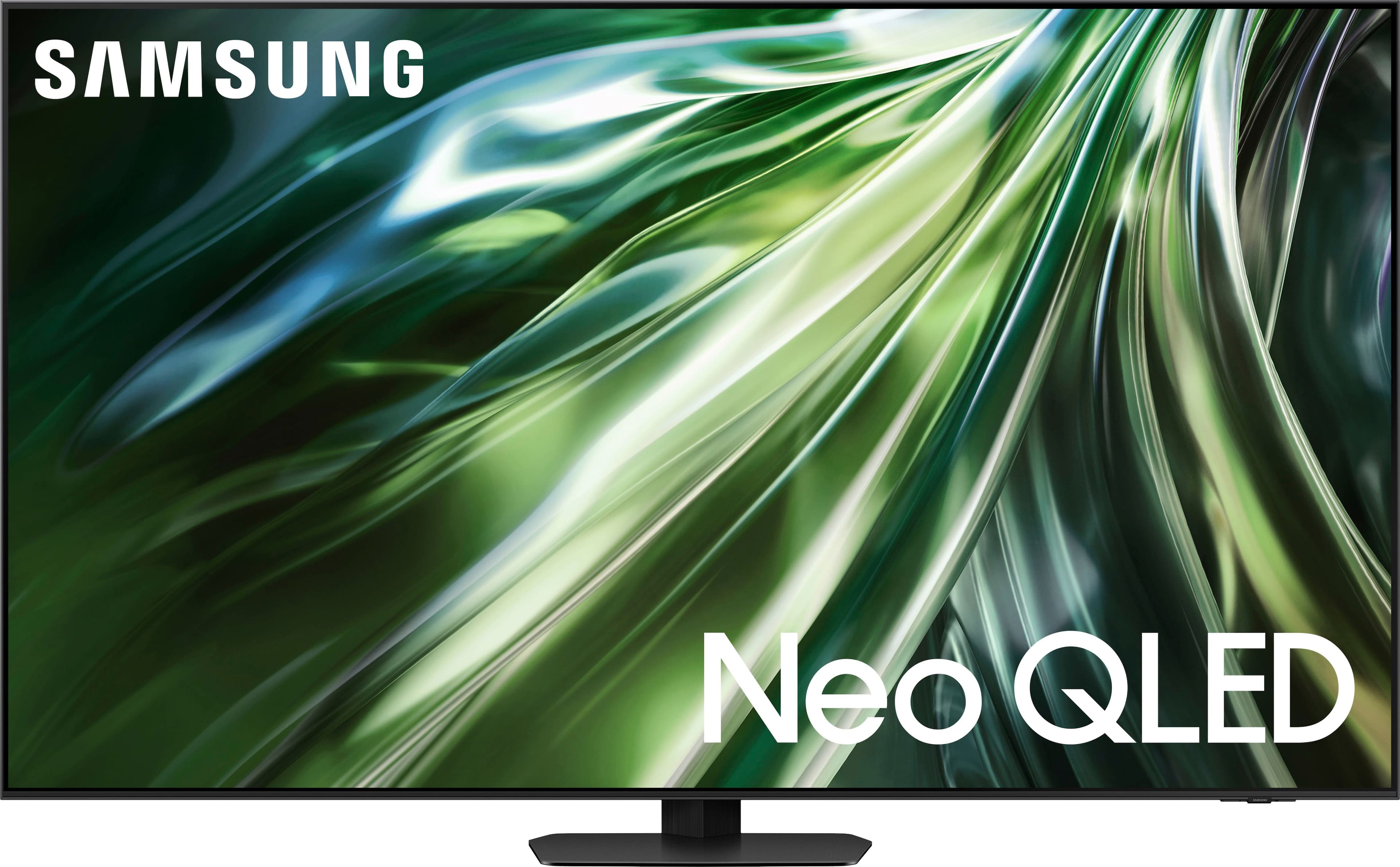

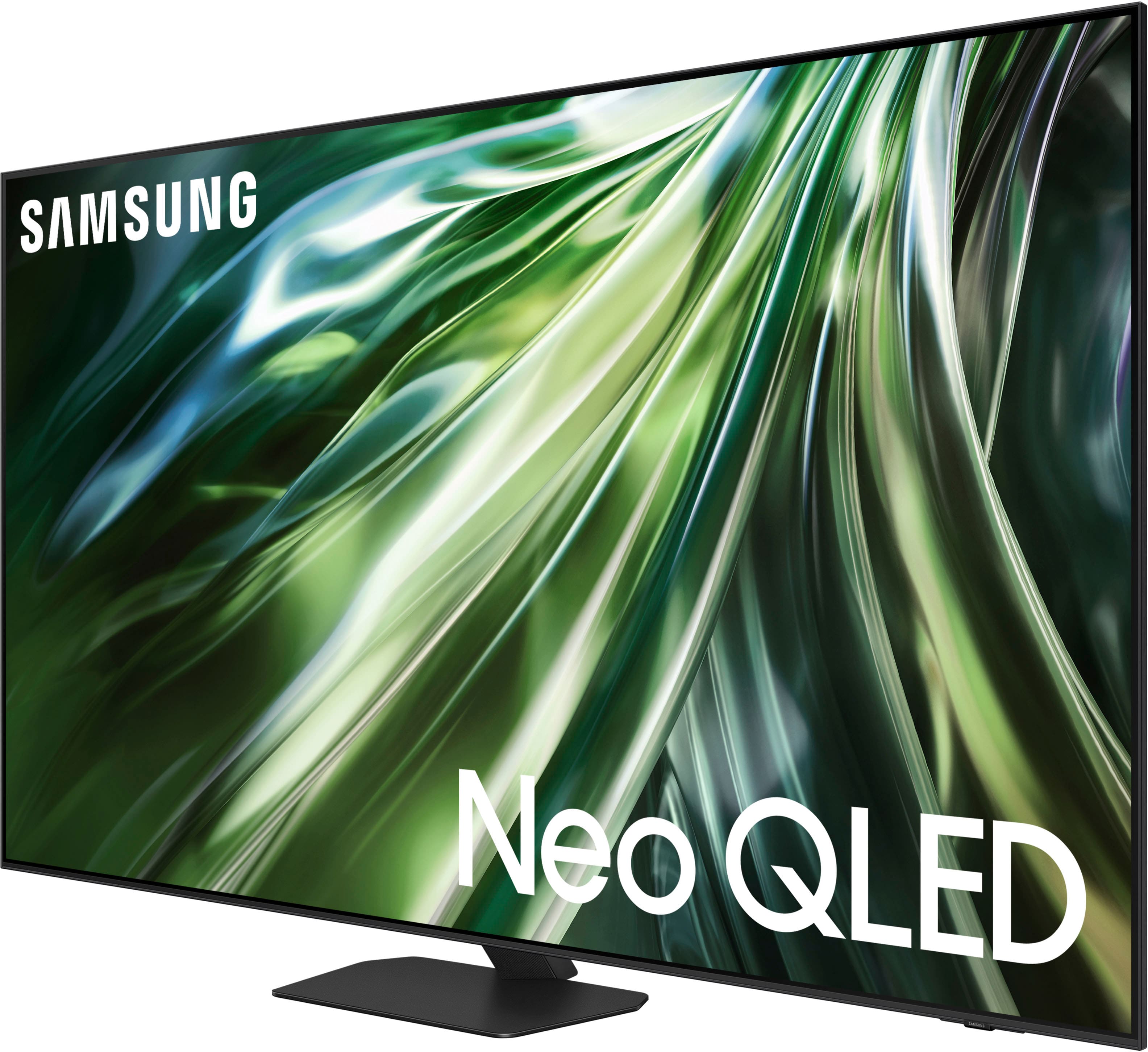
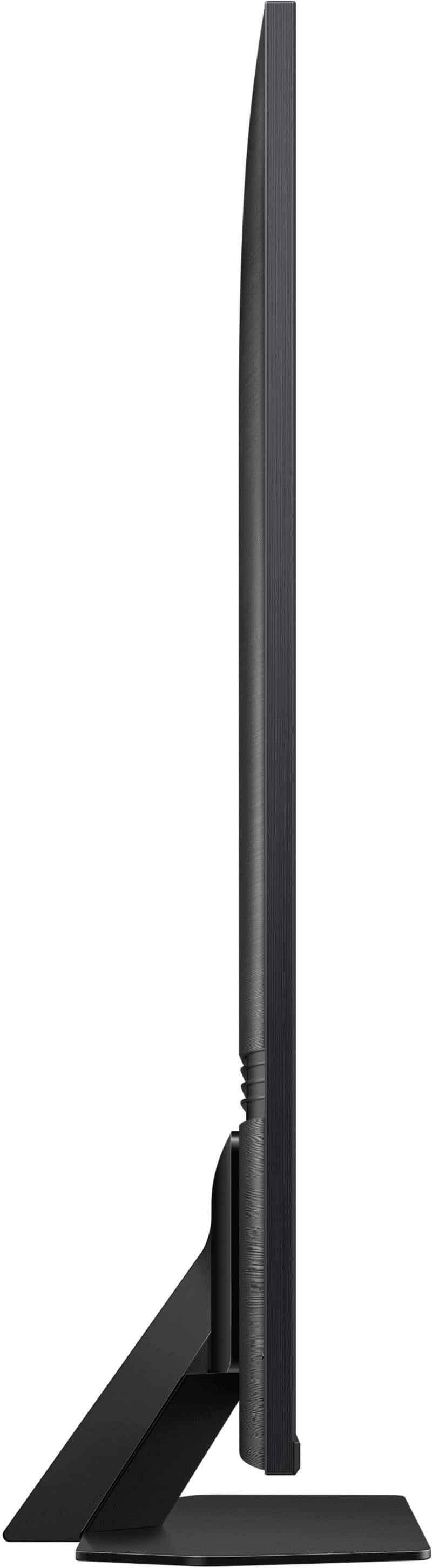
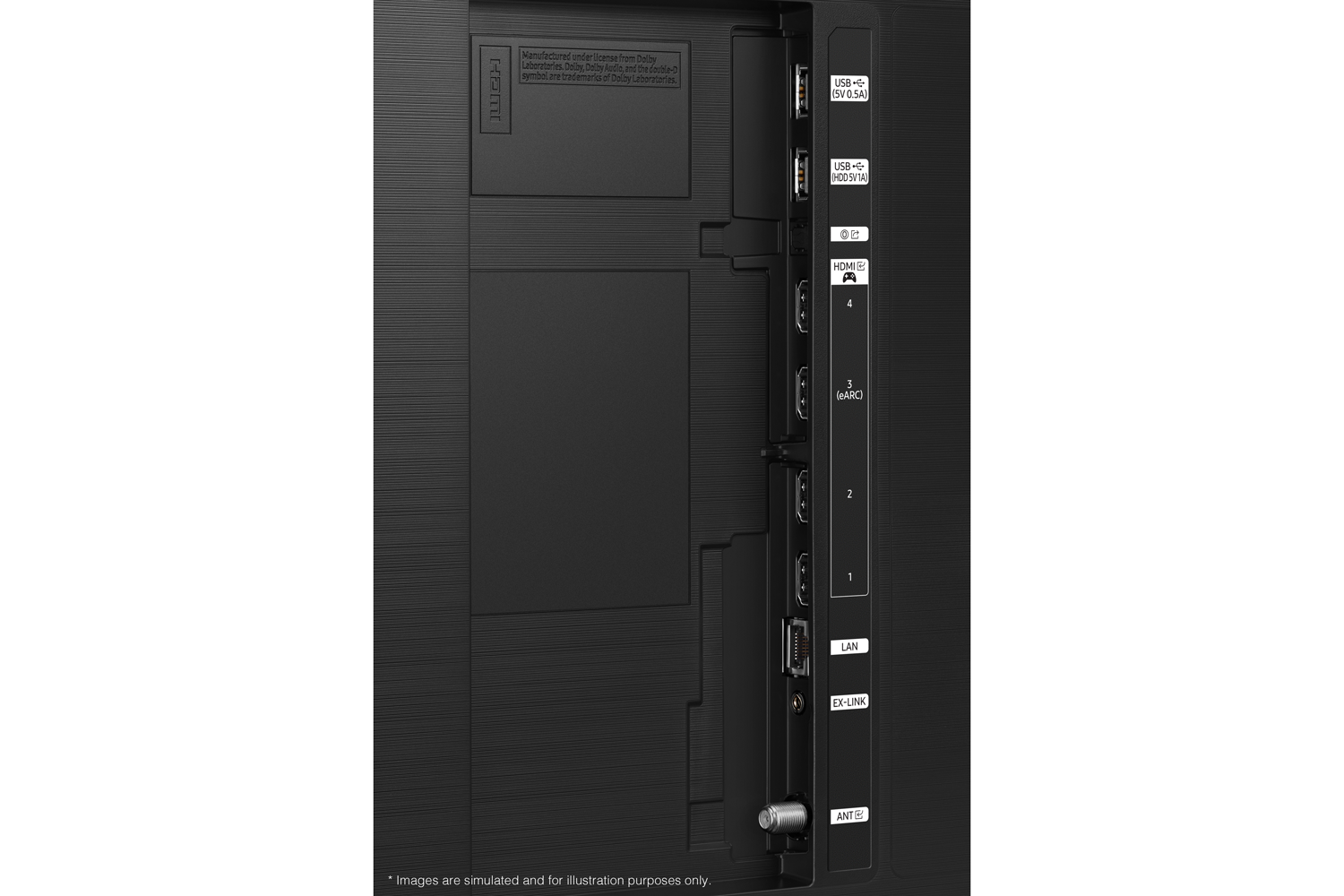
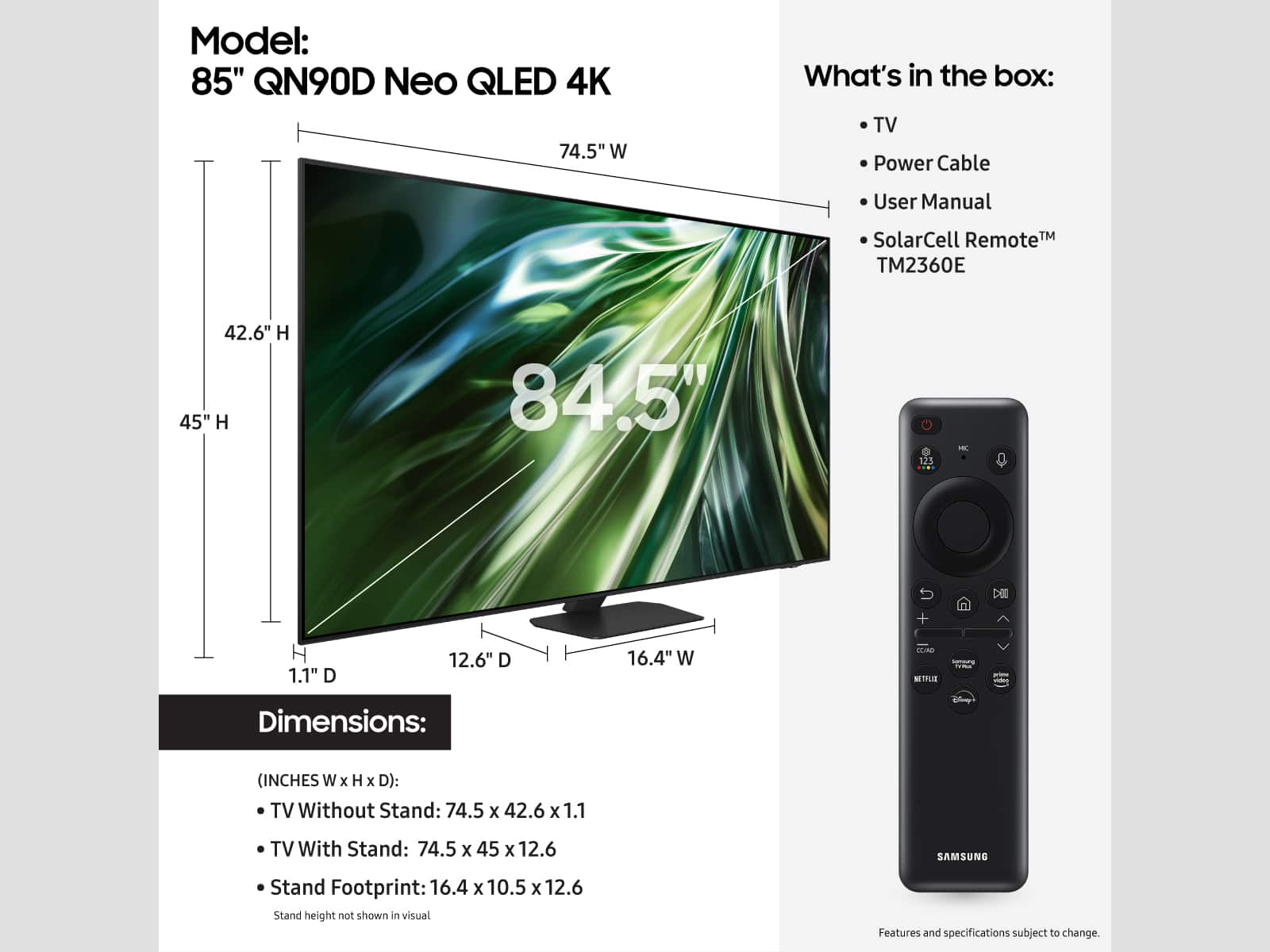
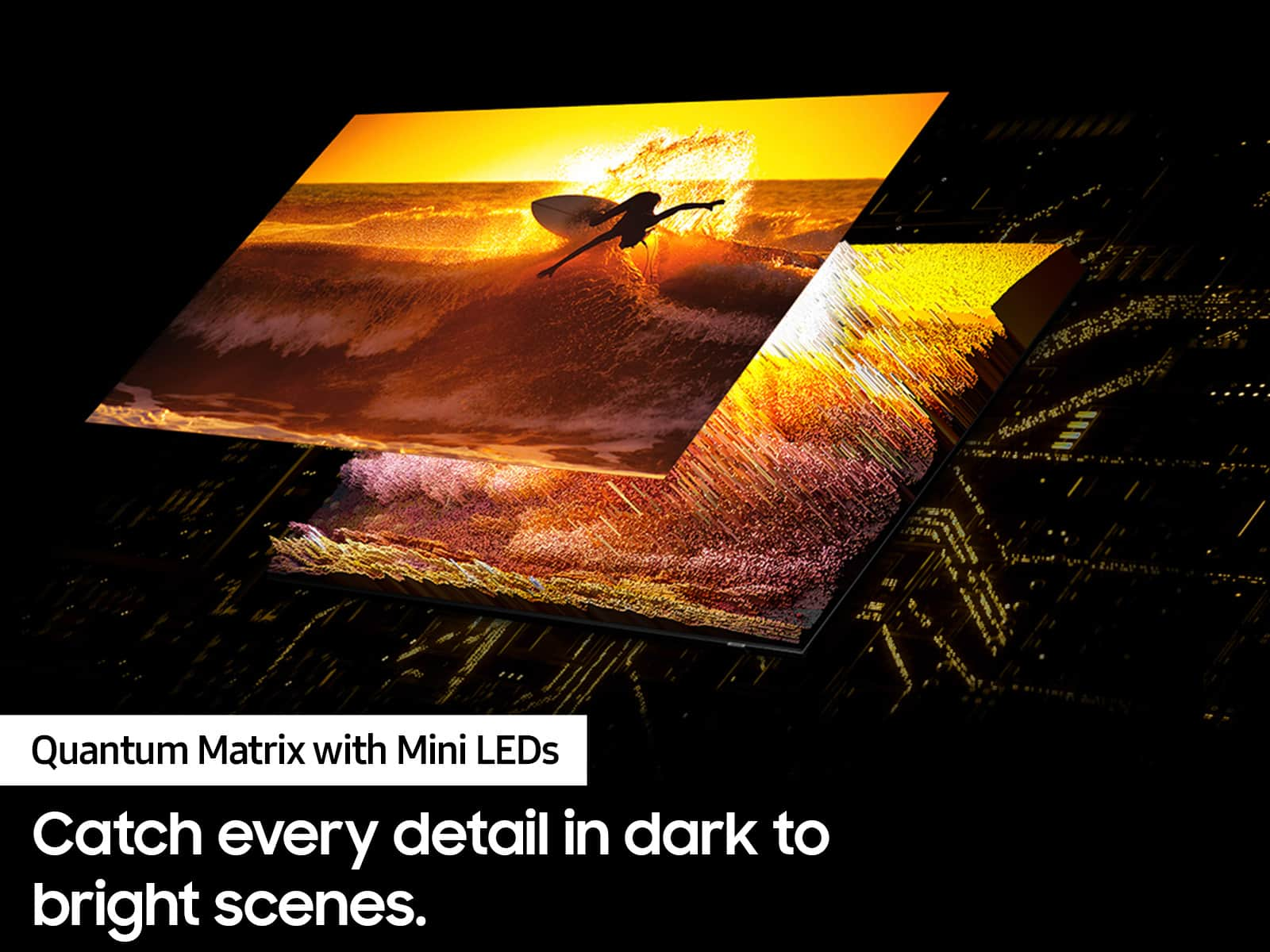
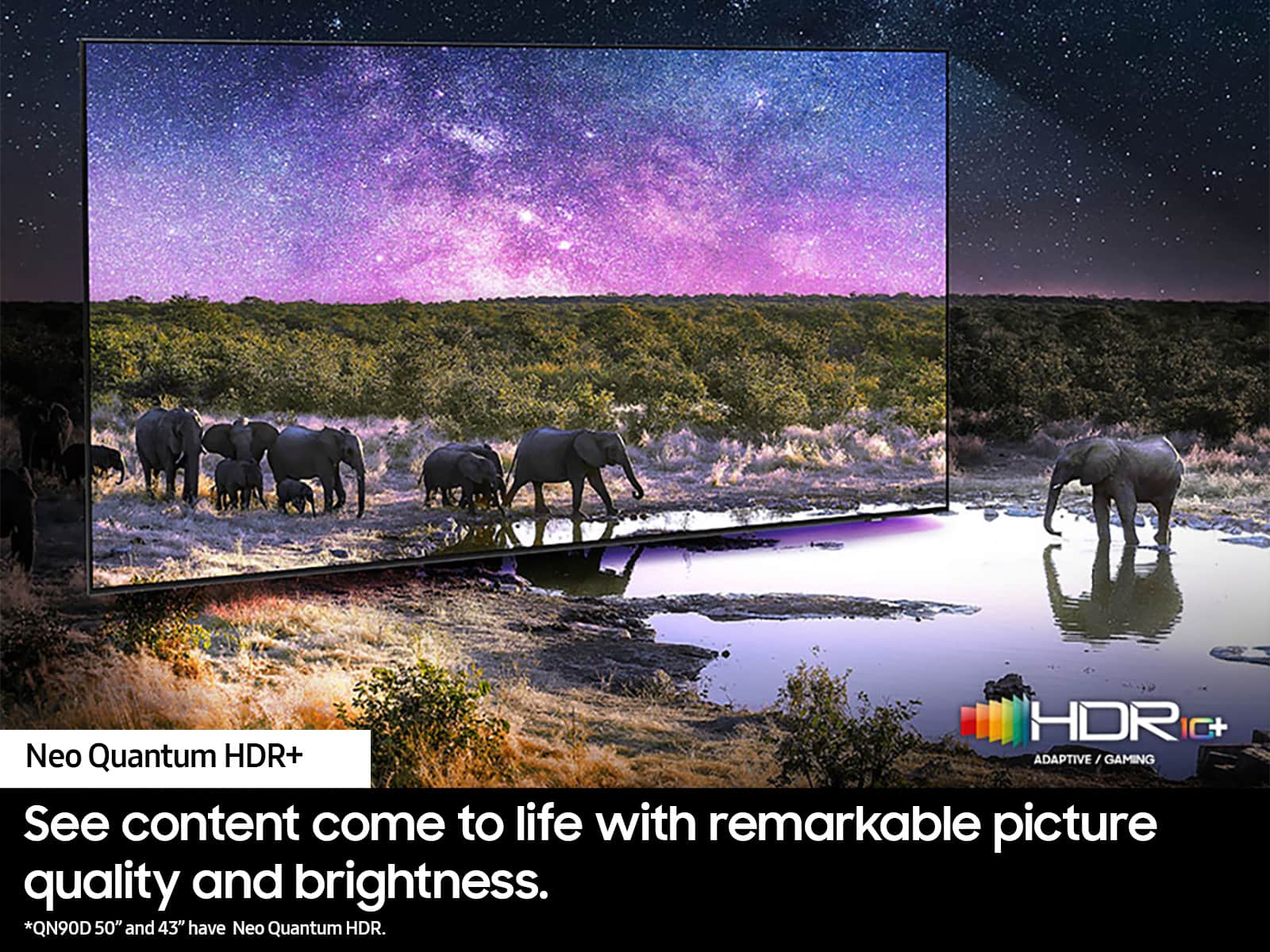


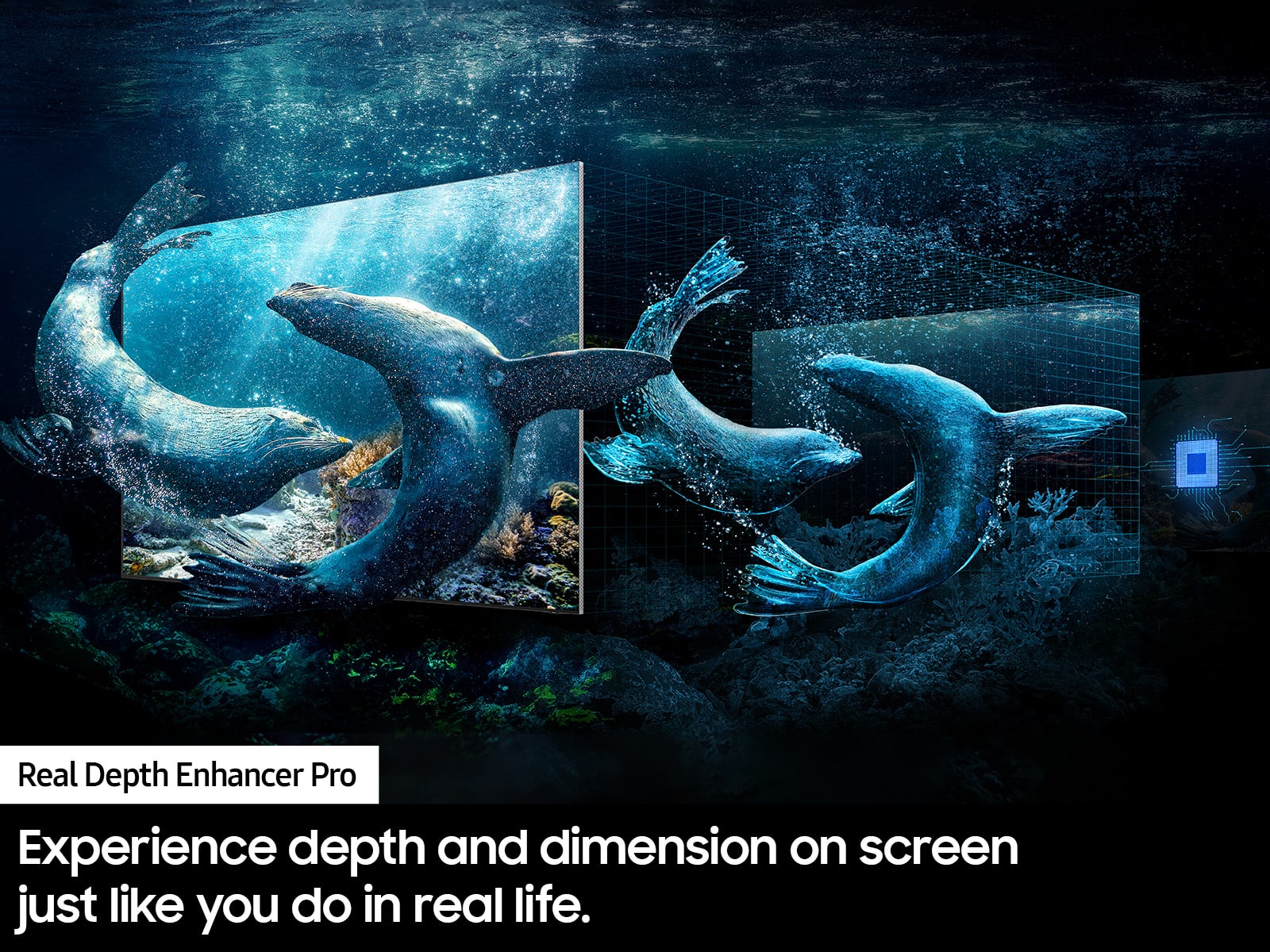








- Model:
- QN75QN90DAFXZA
- SKU:
- 10187621
Rating by feature
- Picture Quality
Rating 4.9 out of 5 stars
- Sound Quality
Rating 4.7 out of 5 stars
- Brightness
Rating 4.9 out of 5 stars
to a friend
Horrible Broadcast Picture - Great 4K Picture
Posted .This reviewer received promo considerations or sweepstakes entry for writing a review.After much angst coming from an LG OLED which, suffered major Burn In, we saw this 75" QN90D in-store. Of course the store only displays 4K content - not Broadcast TV (e.g,, Xfinity). 4K content is amazing on this TV, but very limited. (mostly Netflix, occasionally some on Xfinity). However, after setting up, we are very disappointed with this and are seriously ready to return. Faces are washed out, lack detail, very heavy orange tint. Sports & movement in general has weird stuttering/blurring. And Yes, we have spent HOURS in the plethora of settings on this TV to try to get decent picture. The OLED was such a better picture - albeit the Burn-In was a major issue. Really too bad - we were hoping THIS QN90D was the perfect replacement.
No, I would not recommend this to a friendBrand response from Samsung
Posted .TimothyC
TimothyC
TimothyC
Hi,
Thank you for sharing your thoughts on the picture quality of your QN90D TV. To ensure you’ve got the latest image quality updates, please confirm that your TV is up to date with the latest firmware version. You can check by going to: Home > Menu > Settings > Support > Software Update.
I see that you have already tried adjusting your image, but I did want to share the following adjustments with you, just in case:
Go to Home > left direction button > Settings > All Settings > Picture > Picture Mode
...and select the mode that best fits your usage:
1. Standard: Is the default mode suitable for general viewing environments
2. Dynamic: Makes the picture brighter and clearer in bright viewing environments
3. Eco: Provided to save energy
4. Movie: Suitable for watching TV or movies in a dark room
5. Filmmaker Mode: Provides source content just as the creators intended. If the image is defined as Filmmaker Mode, it’ll automatically switch to Filmmaker Mode while watching.
You can also fine-tune your picture with expert settings such as brightness, contrast, sharpness and more (All Settings > Picture > Expert Settings).
Intelligent Mode also enables the TV to recognize and analyze the surroundings, noise, content, and your usage patterns to provide the best viewing experience. You can enable Intelligent Mode by going to Menu > Settings > All Settings > General & Privacy > Intelligent Mode Settings > Intelligent Mode.
If adjusting image settings does not improve your picture, please contact Samsung Customer Support at 1-800-SAMSUNG, 8AM - 12AM EST, 7 days a week. Or visit us on the Samsung website and click on the ‘Support’ link for:
• LiveChat
• Manuals, Software, & Warranty Info
~ Samsung Specialist
Jacking Around the Price
Posted .This reviewer received promo considerations or sweepstakes entry for writing a review.Didn’t you just have this on sale for $1799?????? Who in the right mind would pay this price for that product? And why do you keep jacking around the price?
No, I would not recommend this to a friendBrand response from Samsung
Posted .bigmike,
Please know you are leaving a review and 1-star rating for the QN90D TV, but we appreciate your feedback, nonetheless!
Should you have questions on our TVs, we're here for you. You can reach us at 1-800-SAMSUNG, 8AM - 12AM EST, 7 days a week. Our LiveChat agents are also available by clicking on the ‘Support’ link on our website.
~ Samsung Specialist