Customer Ratings & Reviews











- Model:
- QN75LS03BAFXZA
- SKU:
- 6503086
Rating by feature
- Picture Quality
Rating 4.8 out of 5 stars
- Sound Quality
Rating 4.6 out of 5 stars
- Brightness
Rating 4.8 out of 5 stars
Customers are saying
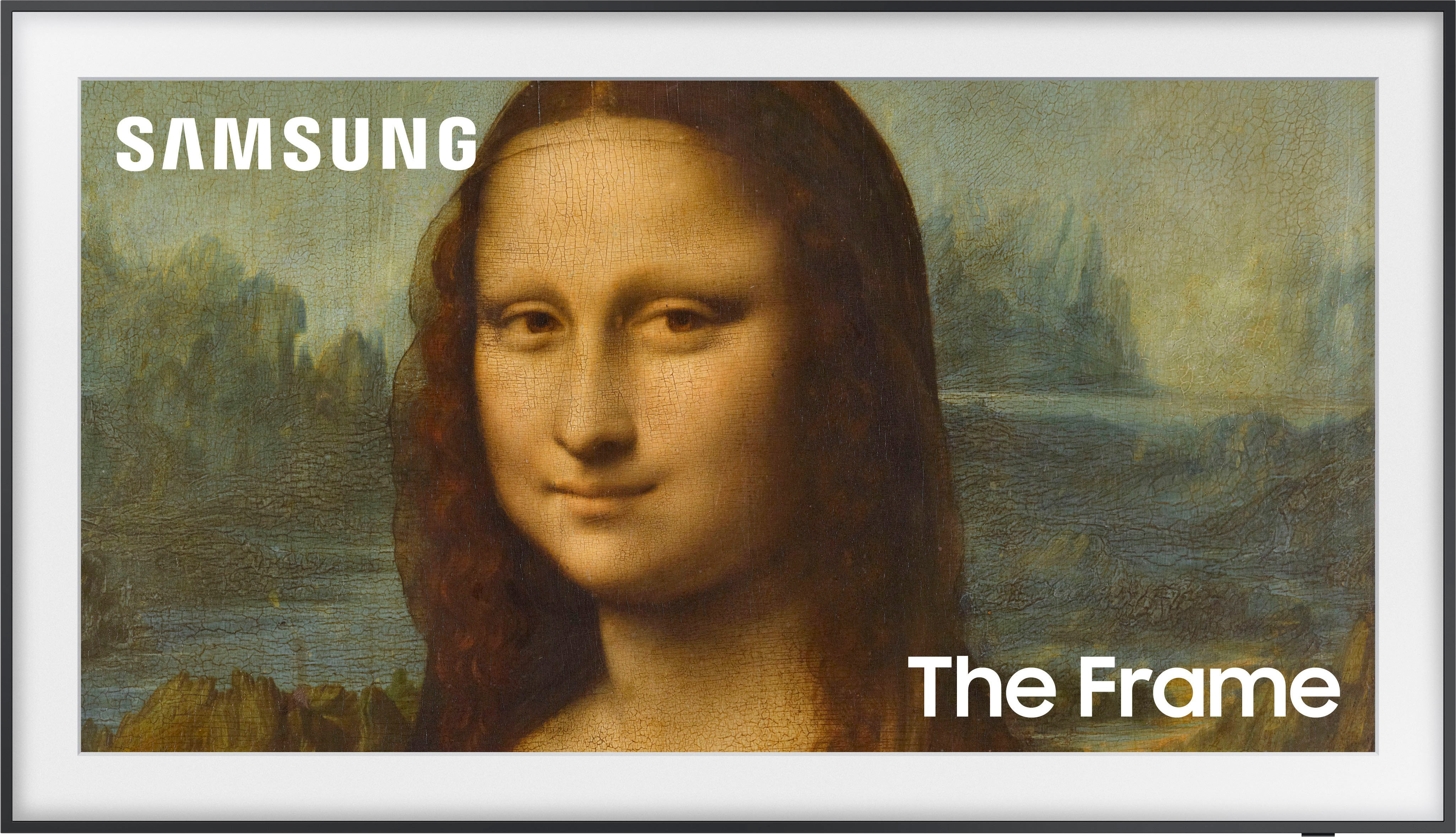
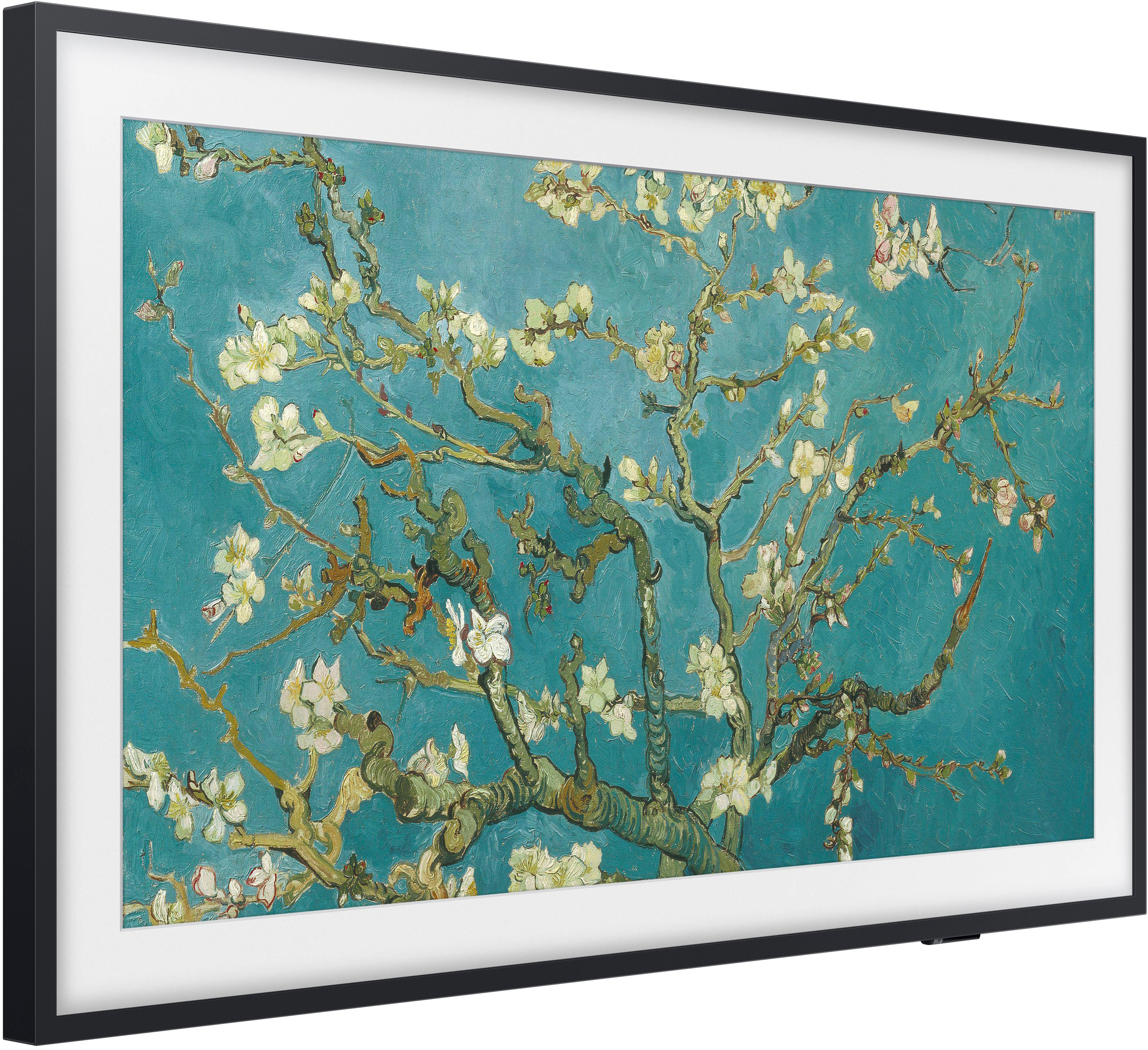
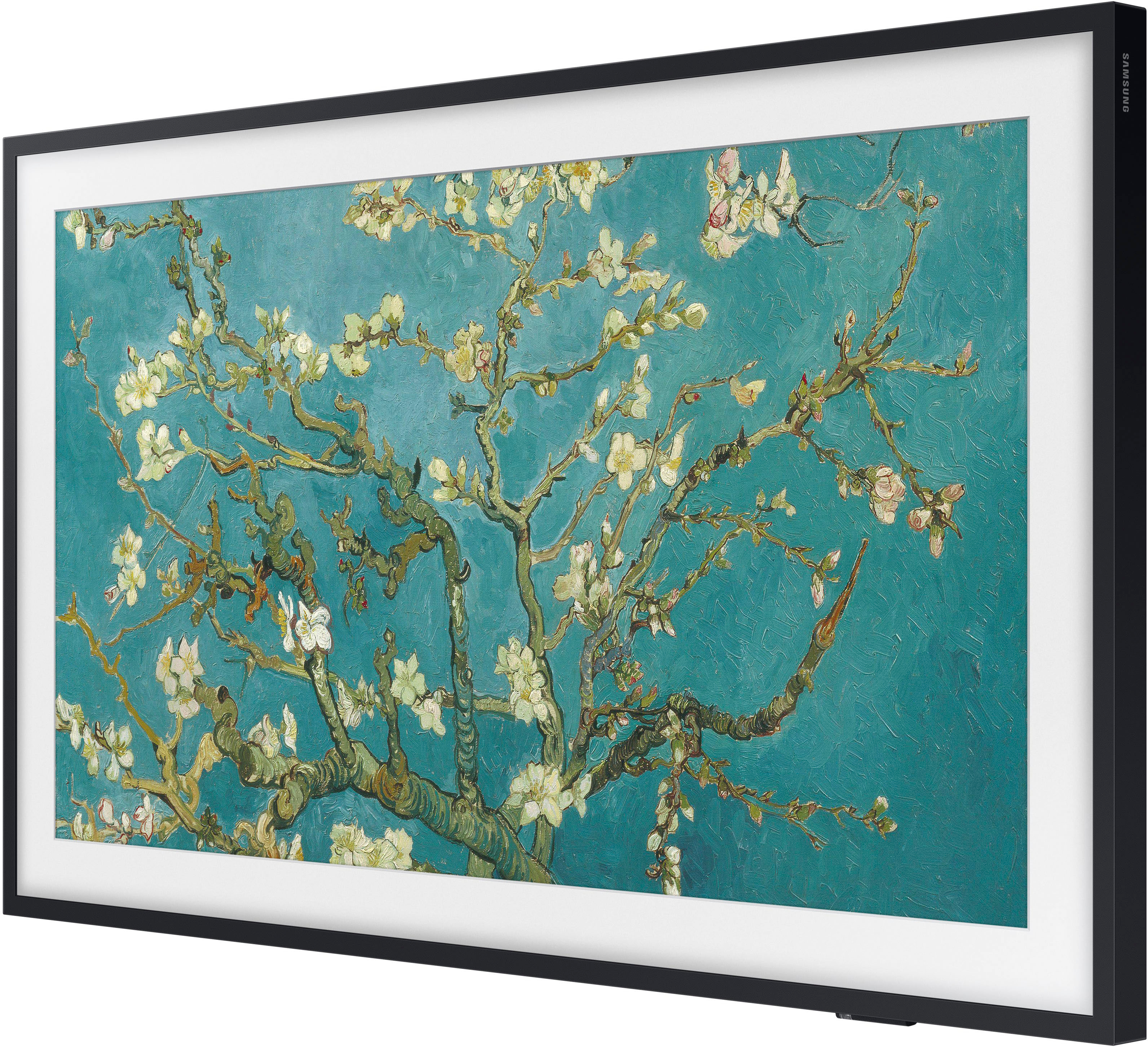
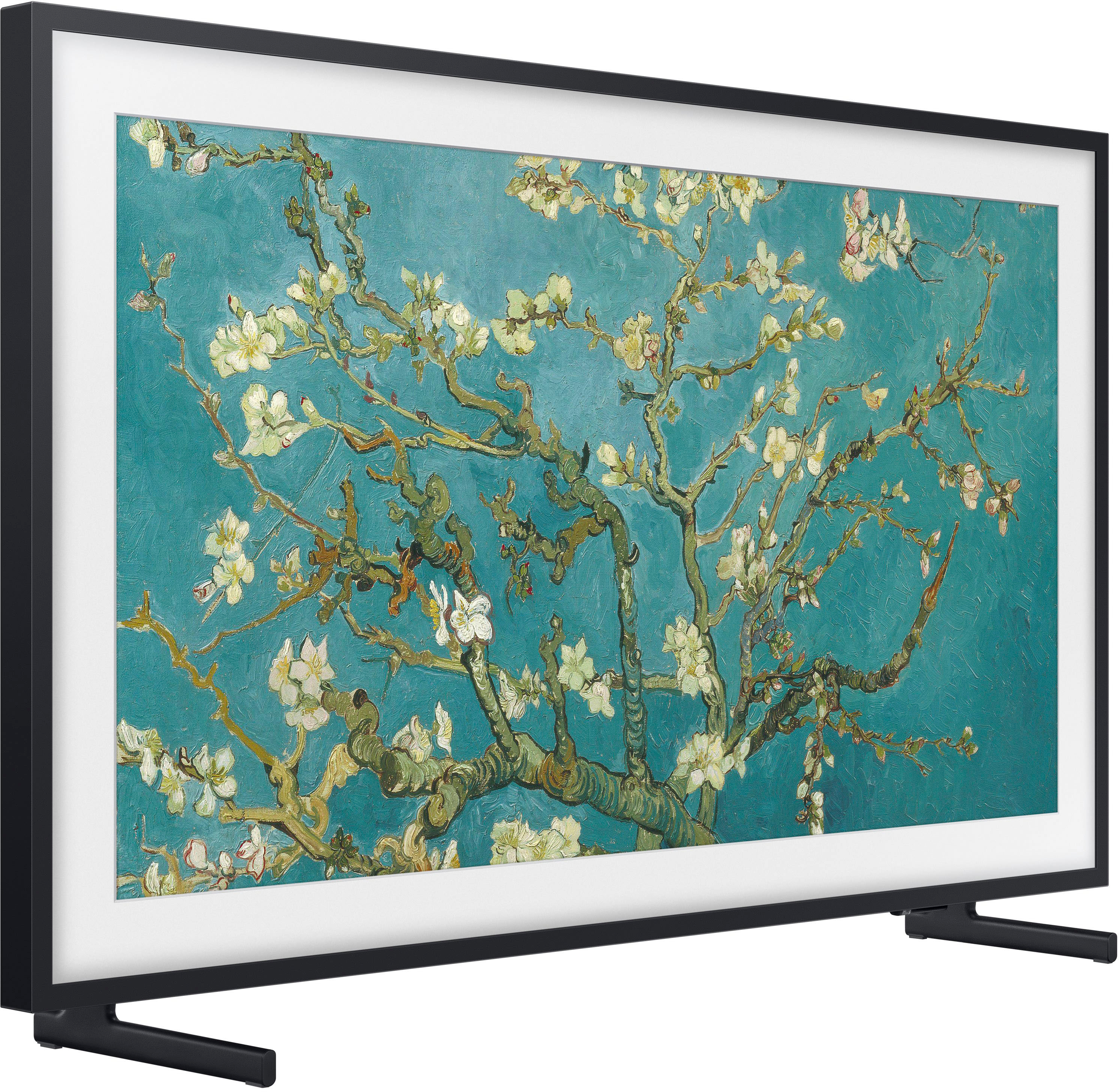
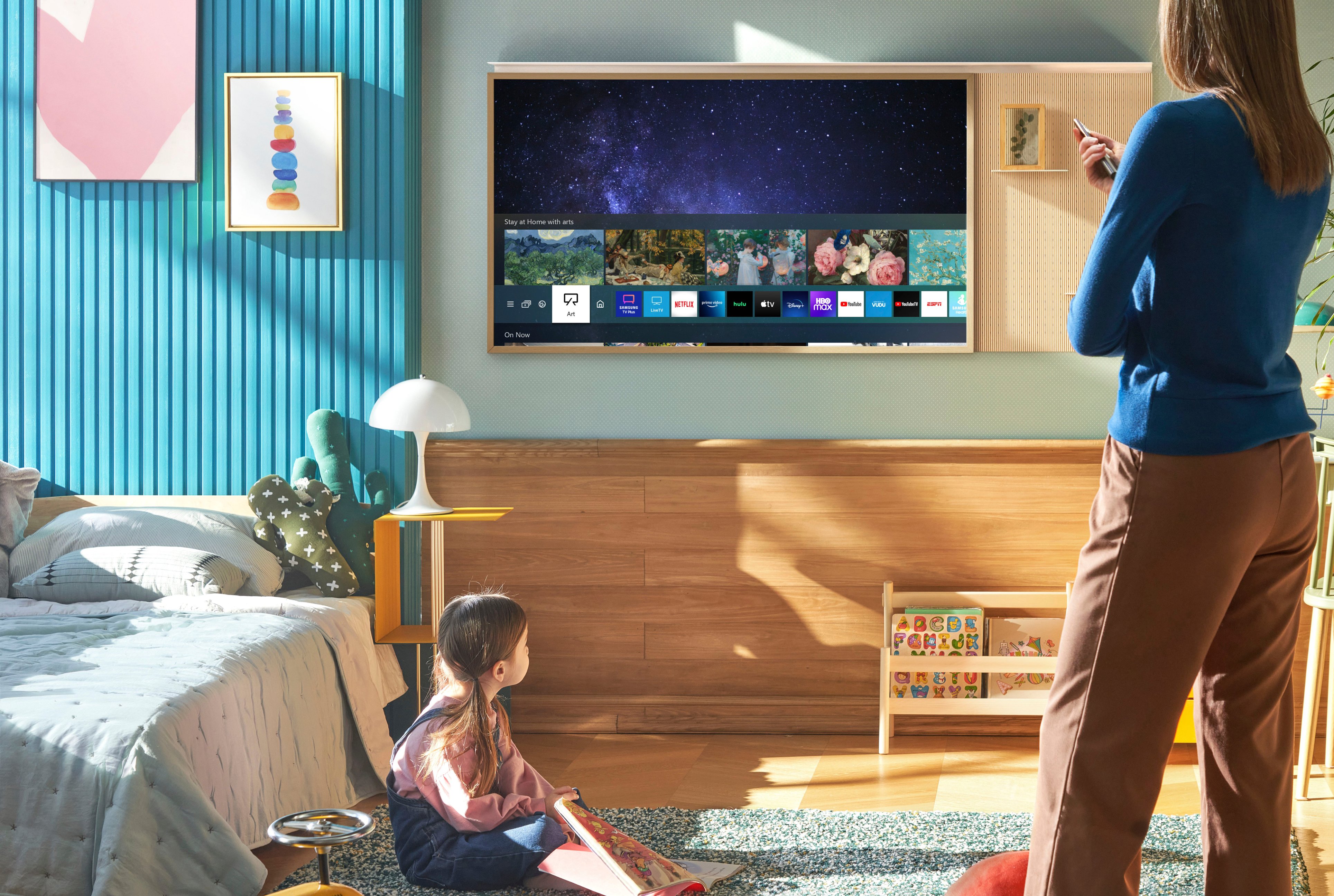
Customers have good things to say about the picture quality and Art Mode of the 75" Class The Frame QLED 4K UHD Smart Tizen TV (2022). Many also appreciate the ease of use and the included wall mount, which allows for a sleek, flush installation. Positive feedback also highlights the matte finish, reducing glare and enhancing the viewing experience. However, some users have noted minor software responsiveness issues.
This summary was generated by AI based on customer reviews.
Beautiful!
||Posted . Owned for 2 weeks when reviewed.This reviewer received promo considerations or sweepstakes entry for writing a review.This is what a smart TV Is all about! My wife and i had to go get the samsung soundbar and sub to complete the system!
I would recommend this to a friendGreat tv
||Posted . Owned for 7 months when reviewed.This reviewer received promo considerations or sweepstakes entry for writing a review.Great tv. Excellent image and not reflective material
I would recommend this to a friendGreat except for setup
||Posted . Owned for 1 month when reviewed.This reviewer received promo considerations or sweepstakes entry for writing a review.Tv is great. Viewing angle isn’t ideal. The setup and the hole in the wall is a lot more than they let on. Go for a normally mounted TV if you just want to put it up and not have to fuss.
I would recommend this to a friendSamsung 75 inch frame tv
||Posted . Owned for 2 weeks when reviewed.This reviewer received promo considerations or sweepstakes entry for writing a review.Simply amazing! Picture frame is beautiful. I would recommend to anyone.
I would recommend this to a friendWe love this tv!!!
||Posted . Owned for 3 weeks when reviewed.This reviewer received promo considerations or sweepstakes entry for writing a review.We love this tv!!! The artwork my wife loaded on this from Samsung as well as from Etsy is incredible!
I would recommend this to a friendGreat product
||Posted .This reviewer received promo considerations or sweepstakes entry for writing a review.Excellent tv, to me it goes and look much better on wall. At first tv was a little slow to react but got in touch with Samsung and so far so good
I would recommend this to a friendSamsung Frame
||Posted . Owned for 3 weeks when reviewed.This reviewer received promo considerations or sweepstakes entry for writing a review.Great TV. Delivery option was convenient. Installation template was easy to use.
I would recommend this to a friendFantastic Service
||Posted . Owned for 3 weeks when reviewed.This reviewer received promo considerations or sweepstakes entry for writing a review.Great TV.. great service by Best Buy.. highly recommend this TV and Best Buy
I would recommend this to a friend- Cons mentioned:Glare
Worth, every cent
||Posted . Owned for less than 1 week when reviewed.This reviewer received promo considerations or sweepstakes entry for writing a review.Not only is this TV beautiful, especially with the extra frame, but it does not have glare. I’m a Samsung fan. I was originally going with a different model that caught this one on sale. The one I have at home does glare this one does not. I’ve just gotten it hooked up the delivery and set up. People did an excellent job.
I would recommend this to a friend A Piece of Art
||Posted . Owned for 1 month when reviewed.This reviewer received promo considerations or sweepstakes entry for writing a review.Just Perfect! Many compliments on its slimdesign and decor picture versus a Blank Black Screen hanging on your wall.
I would recommend this to a friendzebra
||Posted . Owned for 1 year when reviewed.This reviewer received promo considerations or sweepstakes entry for writing a review.Perfect TV, .......................................................... :)
I would recommend this to a friendGreat TV!!!
||Posted . Owned for 1 week when reviewed.This reviewer received promo considerations or sweepstakes entry for writing a review.The matte screen is the best!!! No more glares from the window!!!
I would recommend this to a friendA little lag while openinv the apps
||Posted . Owned for 1 week when reviewed.This reviewer received promo considerations or sweepstakes entry for writing a review.I experienced a little lag in opening and closing the applications. There is no screen off option, i would love if this would have had one but over all nice TV
I would recommend this to a friendBrand response from Samsung
Posted .Aadi,
We appreciate you sharing your experience with The Frame TV. Please know your new TV absolutely features a Picture Off function, allowing you to turn off the TV screen and provide only sound to reduce overall power consumption. When you press a button on the remote other than Volume and Power while the screen is off, the TV screen turns back on.
To enable Picture Off, go to: Menu > Settings > All Settings > General & Privacy > Accessibility > Picture Off = ON.
To improve app responsiveness, please also ensure your Frame TV is running the latest firmware update. You can check this by going to: Home > Menu > Settings > Support > Software Update.
You may also want to further optimize performance with the self-diagnostic tool, which checks memory, frees up unused cached memory, and closes background apps. Go to: Home > Menu > Settings > Support > Device Care > Start Device Care
I hope these tips help you enjoy your new product.
You can always contact us for further help at 1-800-SAMSUNG, 8AM - 12AM EST, 7 days a week. Our LiveChat agents are also available by clicking on the ‘Support’ link on our website.
~ Samsung Specialist
Love it
||Posted .This reviewer received promo considerations or sweepstakes entry for writing a review.Love this product . Highly recommended and can’t beat the price
I would recommend this to a friendGodswill
||Posted . Owned for 2 months when reviewed.This reviewer received promo considerations or sweepstakes entry for writing a review.The separate HDMI CONNECTION Box reminded me of an old school VCR but it serves its purpose.
I would recommend this to a friendGreat TV
||Posted . Owned for 3 weeks when reviewed.This reviewer received promo considerations or sweepstakes entry for writing a review.Great. Everything we wanted. Blends in with her living room set up.
I would recommend this to a friendSamsung Frame ‘22
||Posted . Owned for 1 month when reviewed.This reviewer received promo considerations or sweepstakes entry for writing a review.TV is great overall. There are some light patches on the screen during dark shows that’s a little weird. Also, my installation from Best Buy was not good.
I would recommend this to a friendBrand response from Samsung
Posted .Hi there,
Thank you for sharing your thoughts on the picture quality of The Frame TV. To ensure you’ve got the latest image quality updates, please confirm that your TV is up to date with the latest firmware version. You can check by going to: Home > Menu > Settings > Support > Software Update.
If the picture you’re seeing is still not to your liking after updating firmware, there are several picture settings you may want to try adjusting.
Go to Home > Menu > Settings > All Settings > Picture > Picture Mode
...and select the mode that best fits your usage:
1) Standard: Is the default mode suitable for general viewing environments.
2) Movie: Is suitable for watching TV or movies in a dark room.
3) Dynamic: Makes the picture brighter and clearer in bright viewing environments.
4) Filmmaker Mode: You can watch the source content (e.g., movie) as it is. If the image is defined as Filmmaker Mode, it will automatically switch to Filmmaker Mode while watching.
You can also go to: Home > Menu > Settings > All Settings > Picture > Expert Settings to manually fine tune your image.
I hope these tips help you enjoy your new product.
You can always contact us for further help at 1-800-SAMSUNG, 8AM - 12AM EST, 7 days a week. Our LiveChat agents are also available by clicking on the ‘Support’ link on our website.
~ Samsung Specialist
Love it
||Posted . Owned for 2 weeks when reviewed.This reviewer received promo considerations or sweepstakes entry for writing a review.Great tv so far. Tizen smart app has everything we wanted, so we don’t need our Apple tv anymore.
I would recommend this to a friendScotty’s art TV
||Posted . Owned for 1 month when reviewed.This reviewer received promo considerations or sweepstakes entry for writing a review.Love the art. Love the tv in tv mode. Very high quality resolution.
I would recommend this to a friendGreat!!
||Posted . Owned for 2 months when reviewed.This reviewer received promo considerations or sweepstakes entry for writing a review.I love this Tv and best i have ever used thank you bestbuy.
I would recommend this to a friend