Customer Ratings & Reviews








- Model:
- QN77S85FAEXZA
- |
- SKU:
- 6613452
Customer reviews
Rating 4.8 out of 5 stars with 71 reviews
(71 customer reviews)Rating by feature
- Picture Quality4.9
Rating 4.9 out of 5 stars
- Sound Quality4.6
Rating 4.6 out of 5 stars
- Brightness4.9
Rating 4.9 out of 5 stars
Customers are saying
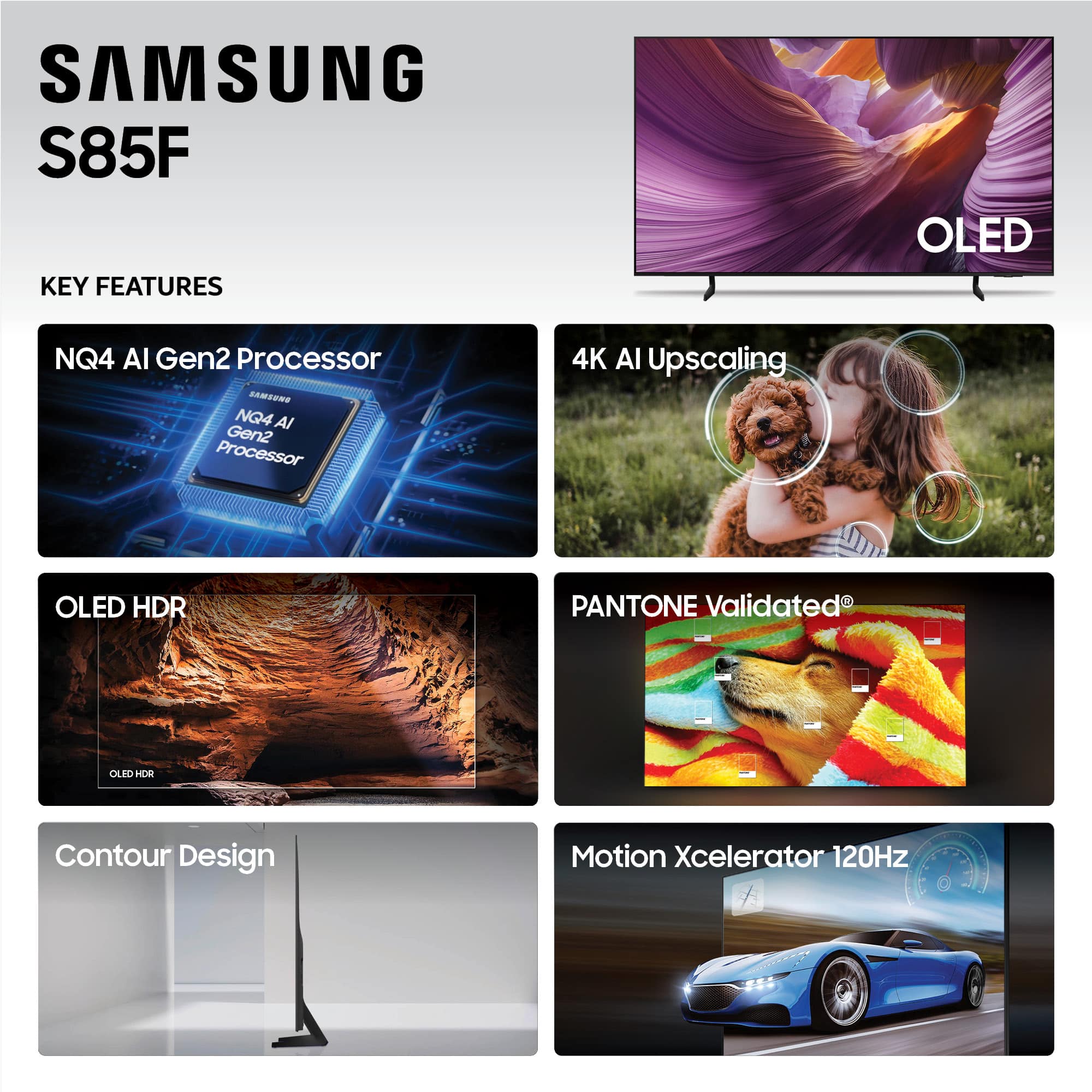
Customers are enthusiastic about the exceptional visual display of the product. They frequently praise its perfect picture quality and stunning OLED capabilities. The product's design also receives positive feedback, with many appreciating its aesthetic appeal.
This summary was generated by AI based on customer reviews.
- Pros mentioned:Picture quality
Rated 5 out of 5 stars
Great
||Posted .This reviewer received promo considerations or sweepstakes entry for writing a review.The TV looks very sharp. Images come out clear, details stand out easily, and even small things are easy to see. Even when the content isn’t 4K, it cleans it up well so everything still looks crisp. Overall, it gives a very clear and clean picture.
I would recommend this to a friend - Pros mentioned:Oled quality
Rated 5 out of 5 stars
OLED Rocks!
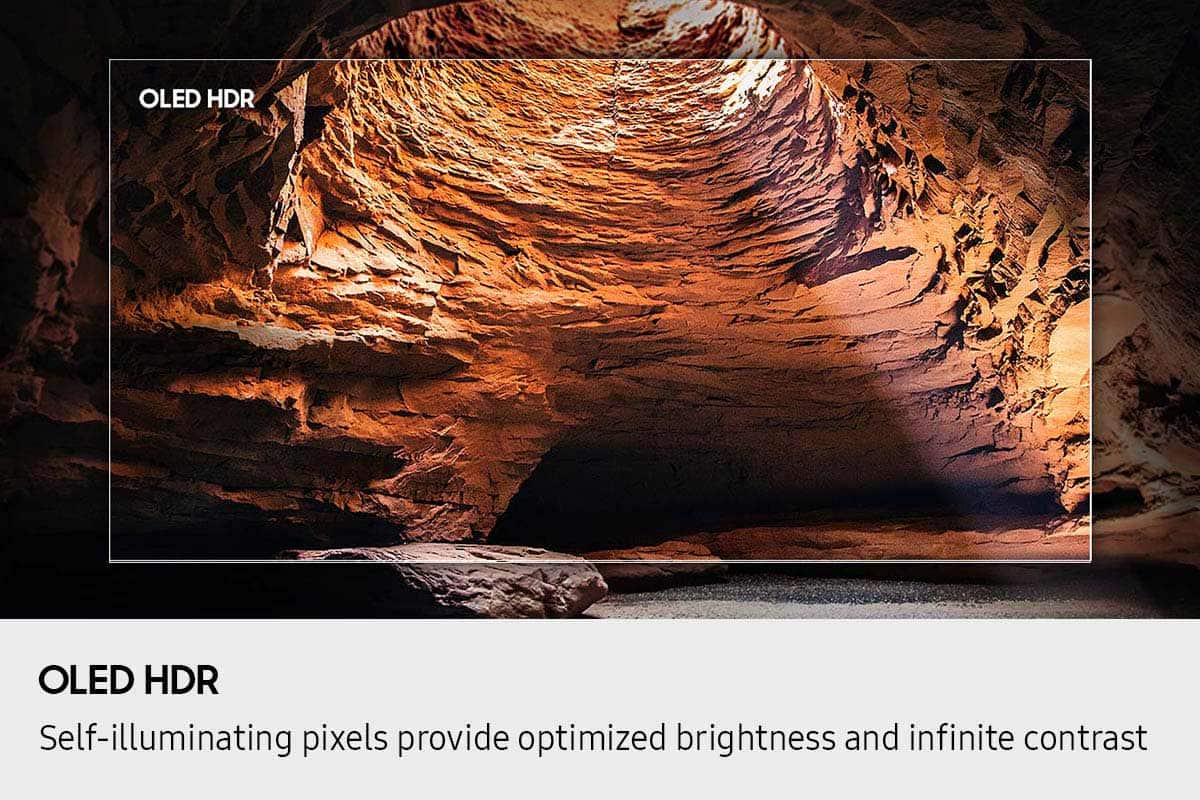
||Posted . Owned for 3 weeks when reviewed.This reviewer received promo considerations or sweepstakes entry for writing a review.This was my 1st OLED tv. Their salesman Trent was super knowledgeable, he explained how each pixel had its own light as opposed to the back lighting on non oled....seeing the difference is game changing. It is now my hope to upgrade every televison in my house and all of my clients to OLED and preferably Samsung
I would recommend this to a friend - Pros mentioned:Picture quality
Rated 5 out of 5 stars
Completely pleased and overwhelmed
||Posted . Owned for 1 week when reviewed.This reviewer received promo considerations or sweepstakes entry for writing a review.I was nervous about purchasing this television. I never had what is considered an oversized television. The sales staff that helped me was very kind, knowledgeable and patient. The picture on this television is amazing, it is almost like being at a live event. I am so happy and pleased with myself for taking the leap.
I would recommend this to a friend Rated 5 out of 5 stars
$400 gift card winner
Posted .This reviewer received promo considerations or sweepstakes entry for writing a review.By far the best tv we’ve had at home , easy to unpack and as well as mounting on the wall the specs of it are awesome , perfect for the family and guest .
I would recommend this to a friend- Pros mentioned:Picture quality
Rated 5 out of 5 stars
Samsung 77 inch S85F Series OLED 4K
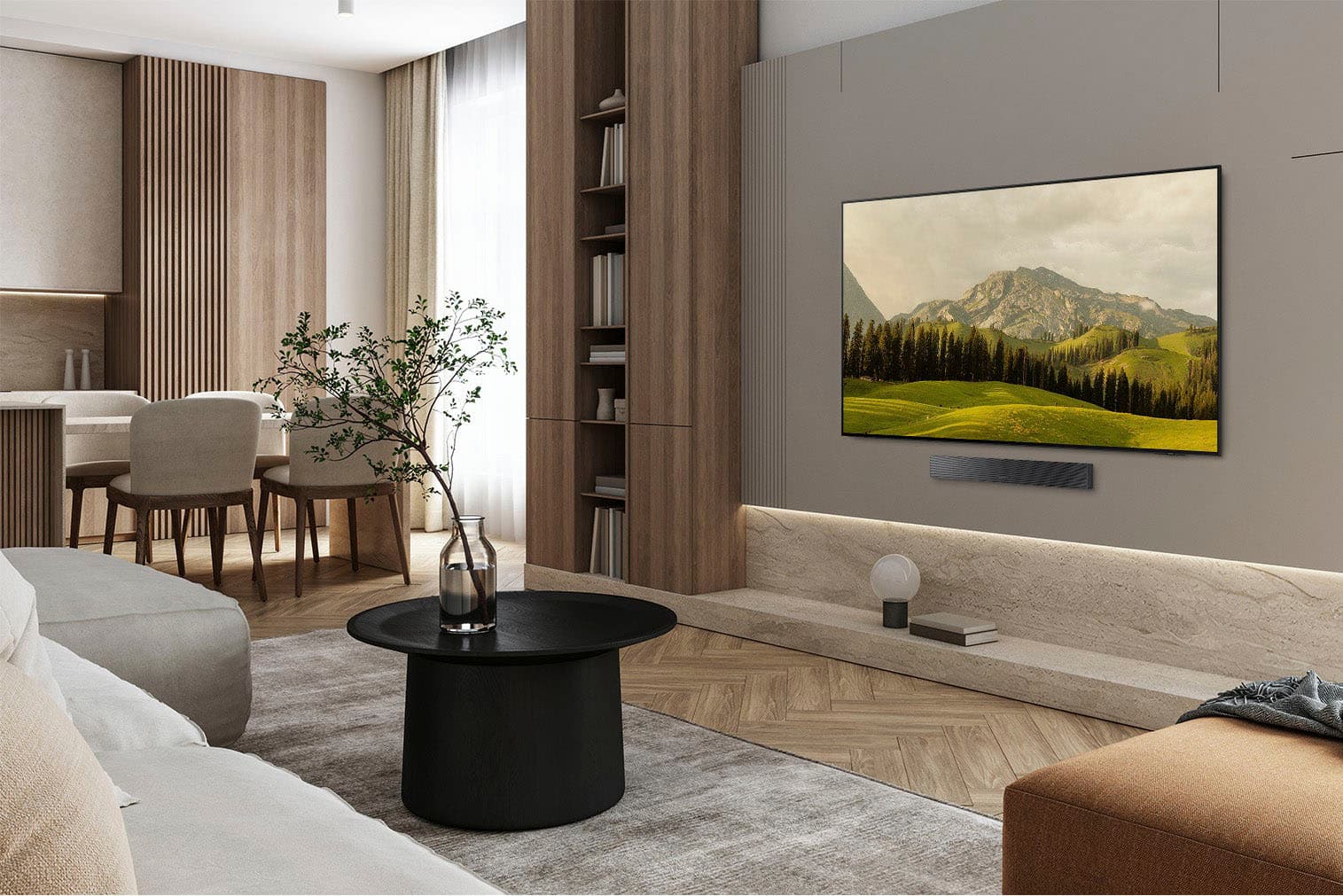
||Posted . Owned for 2 weeks when reviewed.This reviewer received promo considerations or sweepstakes entry for writing a review.The picture quality is brilliant. I have it mounted on the wall and it looks stunning. This TV replaced an older model Samsung 65 inch Smart TV. I must say, Samsung is my favorite brand of television technology. Kelvin Grayson GA
I would recommend this to a friend Rated 5 out of 5 stars
Oled 77” review
Posted .This reviewer received promo considerations or sweepstakes entry for writing a review.Tv looks great and the service was awesome, I’m happy with my purchase
I would recommend this to a friend- Pros mentioned:Picture quality
Rated 5 out of 5 stars
Great upgrade
||Posted . Owned for 3 weeks when reviewed.This reviewer received promo considerations or sweepstakes entry for writing a review.I went from a 2017 qled curved 65 in to this and wow. Great color, not too big, perfect for my living room. For the cost the speakers are underwhelming however i have a decent soundbar with subwoofer so it didnt impact my buying decision.
I would recommend this to a friend - Pros mentioned:Design, Picture quality
Rated 5 out of 5 stars
Mister
||Posted . Owned for 1 month when reviewed.This reviewer received promo considerations or sweepstakes entry for writing a review.Great TV! Fantastic picture, very slim, simply beautiful.
I would recommend this to a friend - Pros mentioned:Oled quality
Rated 5 out of 5 stars
Review
||Posted . Owned for 1 month when reviewed.This reviewer received promo considerations or sweepstakes entry for writing a review.Graphics are great quality is great remote is small and nice
I would recommend this to a friend - Pros mentioned:Picture quality
Rated 5 out of 5 stars
Great quality
||Posted . Owned for 2 weeks when reviewed.This reviewer received promo considerations or sweepstakes entry for writing a review.Clear it sounds good i love it. It has so many new apps the screen is perfect.
I would recommend this to a friend - Pros mentioned:Picture quality
Rated 5 out of 5 stars
Highly recommend
||Posted . Owned for 3 weeks when reviewed.This reviewer received promo considerations or sweepstakes entry for writing a review.Awesome quality picture. Between movies and Ps5 it auto adjusts its brightness/picture quality. User friendly as well for the home menu and navigating apps.
I would recommend this to a friend Rated 5 out of 5 stars
My television
||Posted . Owned for 1 month when reviewed.This reviewer received promo considerations or sweepstakes entry for writing a review.Found this television on line. The one i had to replace got fried bc of a thunderstorm. The store had it went on and bought it. Very happy with it. Nothing real fancy but it replaces my old one and it was very quick and the salesman was great!
I would recommend this to a friend- Pros mentioned:Picture quality
Rated 5 out of 5 stars
Ideal for it's price
||Posted .This reviewer received promo considerations or sweepstakes entry for writing a review.Good picture, ideal dark even during daylight. Was a great price.
I would recommend this to a friend - Pros mentioned:Picture quality
Rated 5 out of 5 stars
Incredible picture.
||Posted . Owned for 1 month when reviewed.This reviewer received promo considerations or sweepstakes entry for writing a review.Great TV, color and picture quality is outstanding. I recommend this TV to anyone whos in the market.
I would recommend this to a friend - Pros mentioned:Picture quality
Rated 5 out of 5 stars
Samsung TV OLED
||Posted . Owned for 2 weeks when reviewed.This reviewer received promo considerations or sweepstakes entry for writing a review.Very nice purchase! The TV offers great value for the price, and the picture quality is perfect. I’m really satisfied with this product.
I would recommend this to a friend - Pros mentioned:Picture quality
Rated 4 out of 5 stars
Theatre quality tv
||Posted . Owned for 1 week when reviewed.This reviewer received promo considerations or sweepstakes entry for writing a review.Good tv clear and realistic but this was second tv that had to be exchanged
I would recommend this to a friend - Pros mentioned:Picture quality
Rated 5 out of 5 stars
Best purchase!
||Posted . Owned for 3 weeks when reviewed.This reviewer received promo considerations or sweepstakes entry for writing a review.The tv was better than I expected. And the price point was incredible.
I would recommend this to a friend Rated 5 out of 5 stars
Great buy on a great TV
||Posted . Owned for 2 weeks when reviewed.This reviewer received promo considerations or sweepstakes entry for writing a review.Our 77" Samsung OLED TV has the best, sharpest, most color accurate that we have ever had. Great TV and a great price. We LOVE it.
I would recommend this to a friend- Pros mentioned:Picture quality
Rated 5 out of 5 stars
Perfect for us
||Posted . Owned for 3 weeks when reviewed.This reviewer received promo considerations or sweepstakes entry for writing a review.My wife and I had an early 4k tv for newrly 11 years, had started giving us some HDMI and audio issues along with pixels going out on the screen. Replaced with this Samsung and it has been amazing, highly recommend, got it onsale at 77” and picture quality is outstanding.
I would recommend this to a friend - Pros mentioned:Picture quality
Rated 5 out of 5 stars
Samsung 77" TV
||Posted . Owned for 1 month when reviewed.This reviewer received promo considerations or sweepstakes entry for writing a review.Would purchase this TV again! The clarity, sound, sizing is all amazing! Just purchased our Xbox controllers for the built in Xbox!
I would recommend this to a friend