Customer Ratings & Reviews

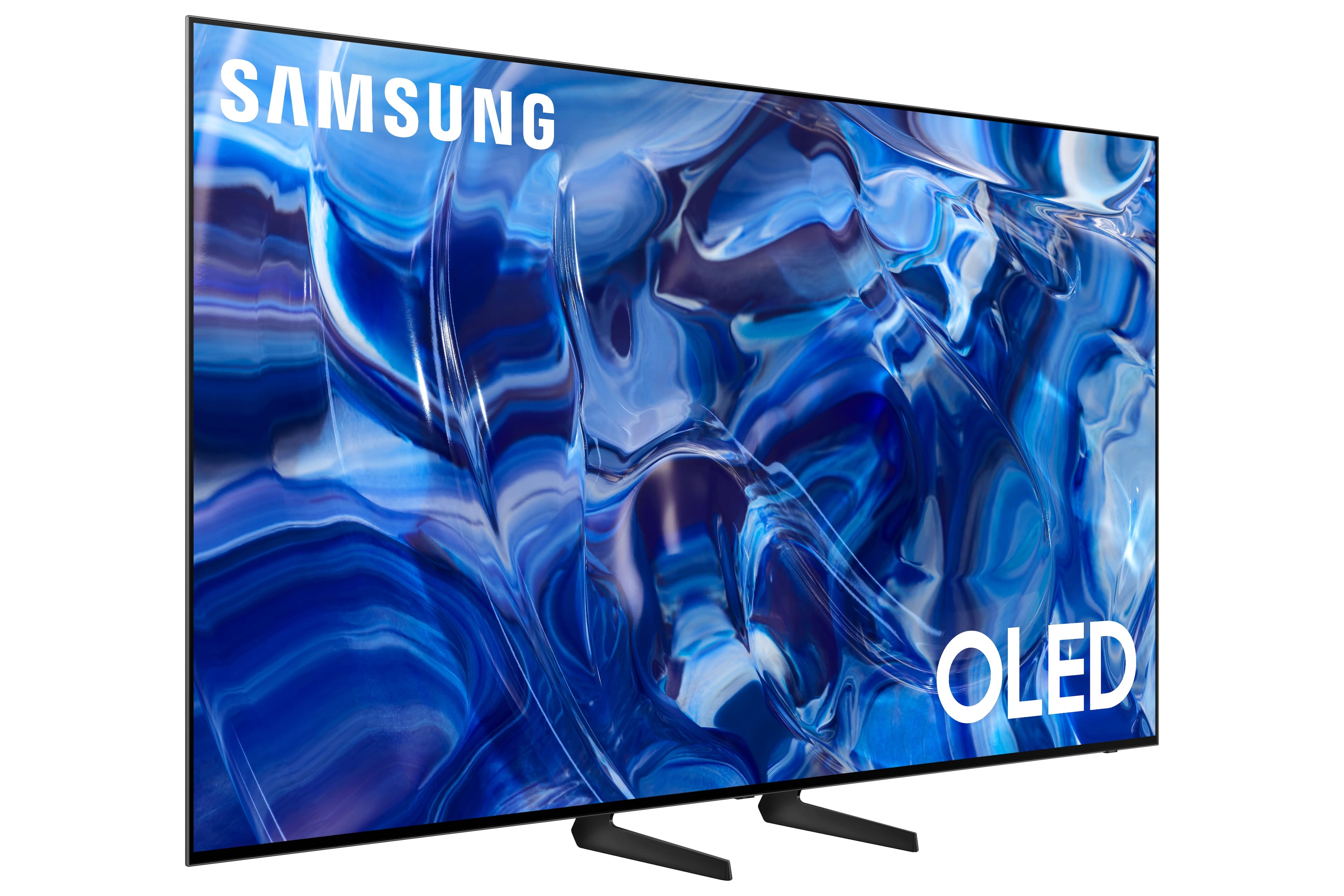
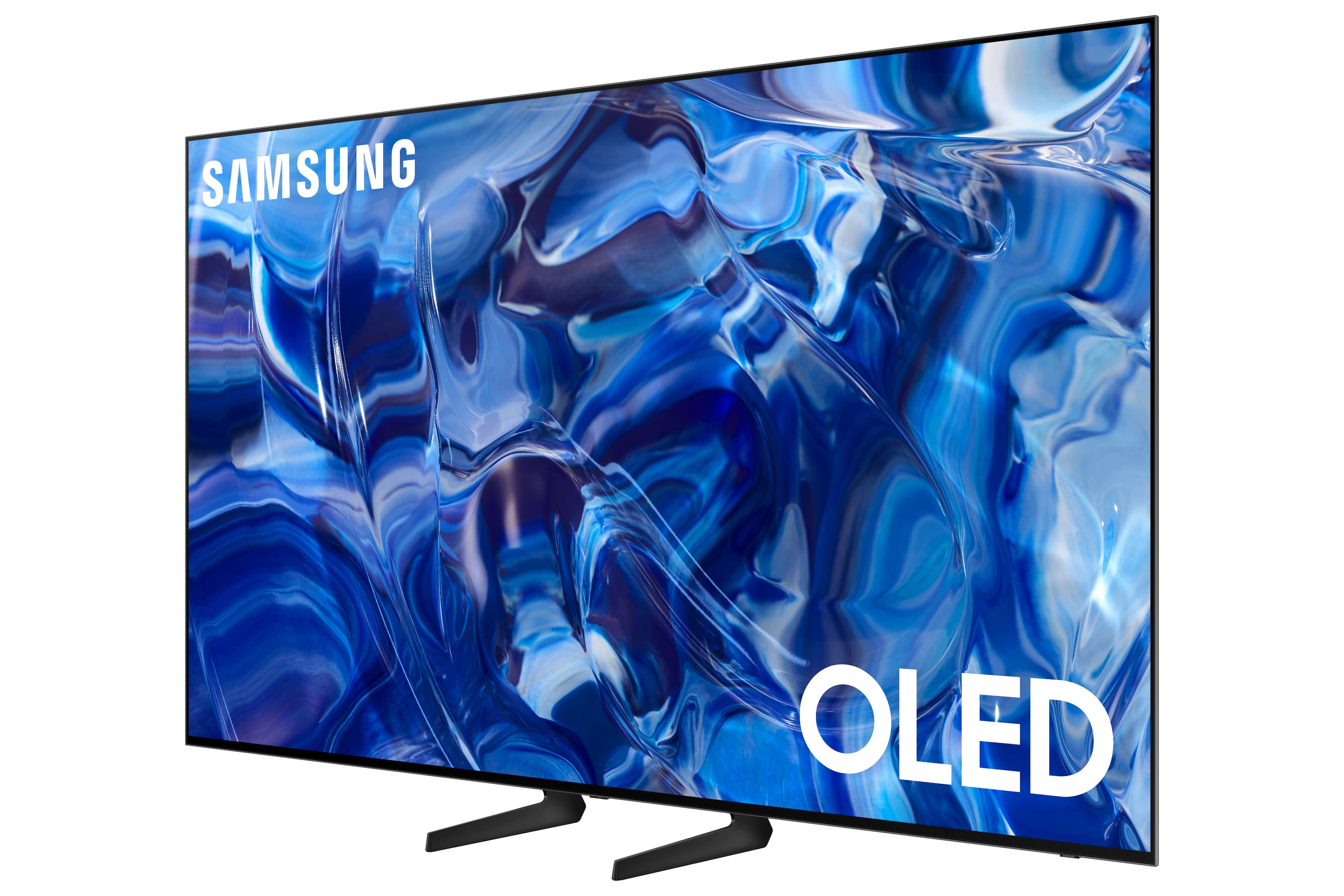
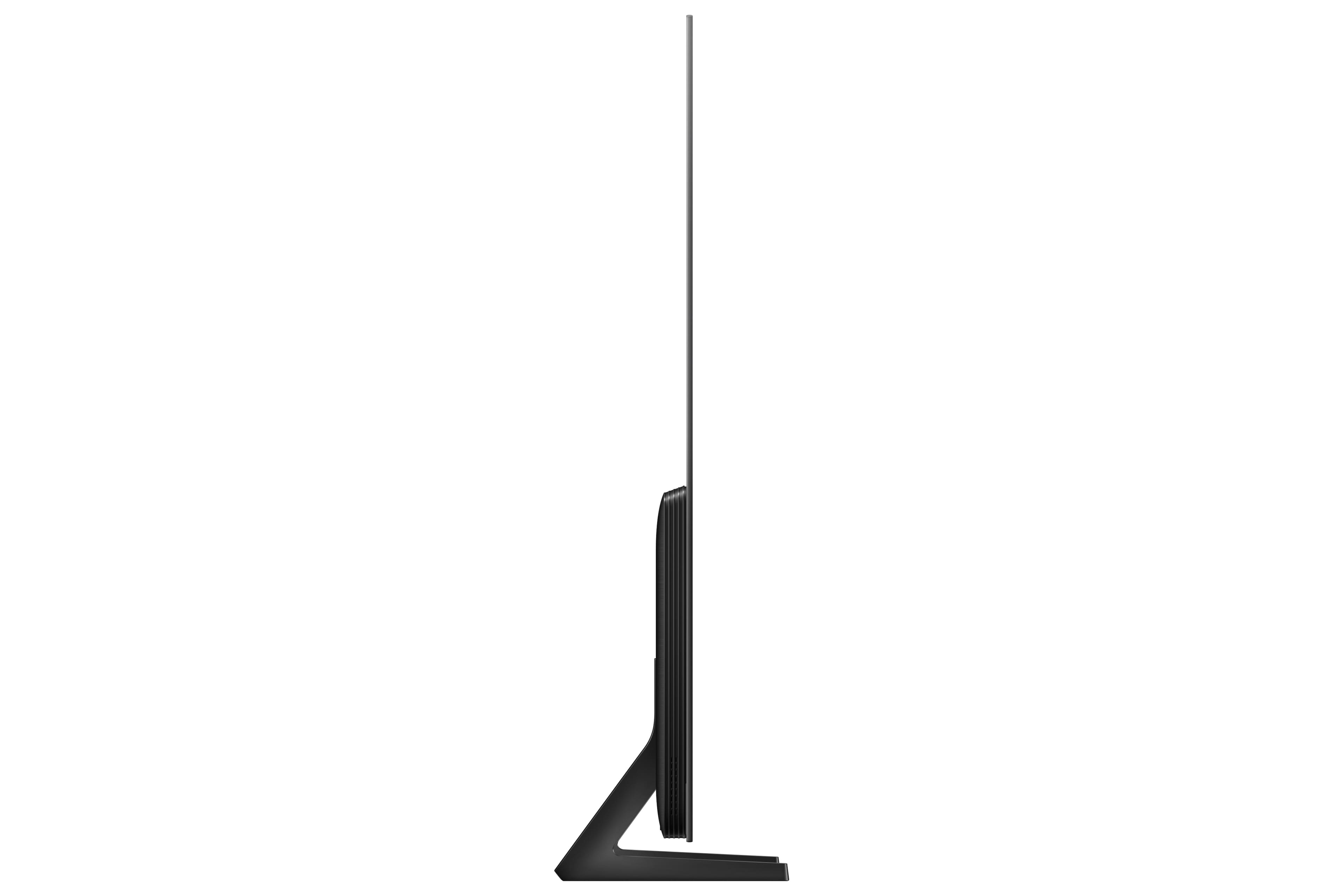
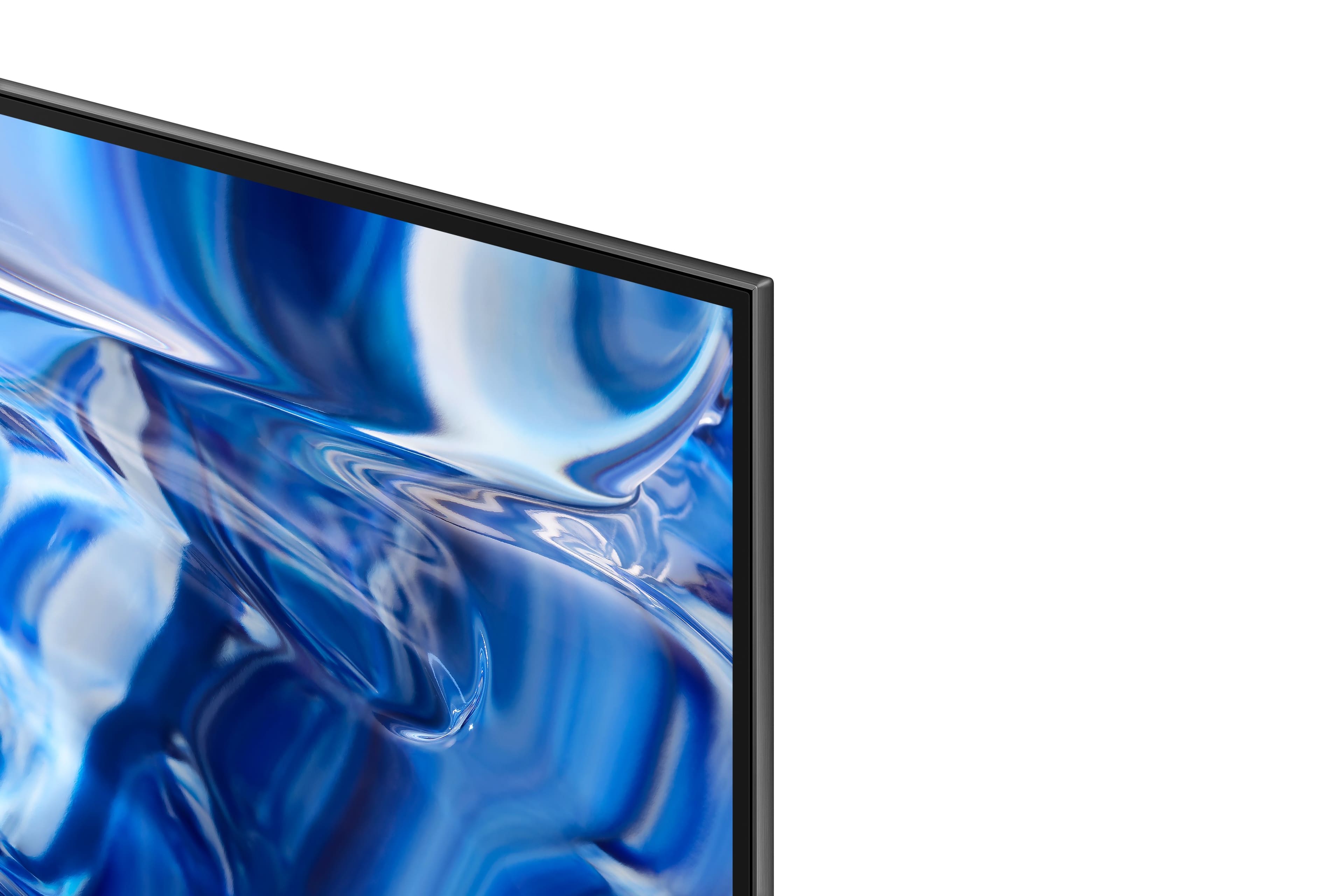



- Model:
- QN77S89CBFXZA
- SKU:
- 6553149
Rating by feature
- Picture Quality
Rating 4.9 out of 5 stars
- Sound Quality
Rating 4.5 out of 5 stars
- Brightness
Rating 4.9 out of 5 stars
Customers are saying
Customers praise the 77” Class S89C OLED 4K UHD Smart Tizen TV's superb picture quality, vibrant colors, and ease of use. Many appreciate its value for the price and the OLED technology, although some find the upscaling capabilities could be improved. A few users mentioned minor issues with the remote control and the TV stand design. The Tizen OS also received mixed reviews, with some users finding it less organized than preferred.
This summary was generated by AI based on customer reviews.
Just ok
||Posted . Owned for 1 week when reviewed.This reviewer received promo considerations or sweepstakes entry for writing a review.Picture to me was not as good as the Samsung Neo qled
No, I would not recommend this to a friendBrand response from Samsung
Posted .AntwanJ,
We appreciate your thoughts on the picture quality of Samsung’s S89C TV. If the image you’re seeing isn’t to your liking, there are several picture settings you may want to adjust.
Go to Home > left direction button > Settings > All Settings > Picture > Picture Mode
...and select the mode that best fits your usage:
1. Standard: Is the default mode suitable for general viewing environments
2. Dynamic: Makes the picture brighter and clearer in bright viewing environments
3. Eco: Provided to save energy
4. Movie: Suitable for watching TV or movies in a dark room
5. Filmmaker Mode: Provides source content just as the creators intended. If the image is defined as Filmmaker Mode, it’ll automatically switch to Filmmaker Mode while watching.
You can also fine-tune your picture with expert settings such as brightness, contrast, sharpness and more (All Settings > Picture > Expert Settings).
For further assistance with settings adjustments, please contact Samsung Customer Support at 1-800-SAMSUNG, 8AM - 12AM EST, 7 days a week. Or visit us on the Samsung website and click on the ‘Support’ link for:
• LiveChat
• Manuals, Software, & Warranty Info
~ Samsung Specialist
Oled
||Posted . Owned for 1 month when reviewed.This reviewer received promo considerations or sweepstakes entry for writing a review.Good tv good customer service and insulation for the price
I would recommend this to a friendInvestment pieces
||Posted . Owned for 1 week when reviewed.This reviewer received promo considerations or sweepstakes entry for writing a review.The picture quality is ok, I'm working to adjust the settings.
I would recommend this to a friendsatisfactory
||Posted . Owned for 1 week when reviewed.This reviewer received promo considerations or sweepstakes entry for writing a review.Happy with our tv purchase Satisfactory experience
I would recommend this to a friendGreat TV!!!....Best Buy is absolutely terrible!!!!
||Posted . Owned for 3 weeks when reviewed.This reviewer received promo considerations or sweepstakes entry for writing a review.The TV is great!! BEST BUY SUCKS!!!! Buy your tv somewhere else!!!! I am tired of these money grubbing companies changing their reward programs. Best Buy used to have a great free rewards program where you bought something from Best Buy and you received points to redeem toward certificates to pay for future purchases. Evidently that has ended and now you have to spend a minimum of $500 and it has to be on a Best Buy credit card!!! Absolutely ridiculous!!! This is all about Best Buy executives padding their profit margins and sticking it to the consumer. I will be buying all my electronics somewhere else from now on.
I would recommend this to a friendBrand response from Samsung
Posted .timmyhuh,
Please know you are leaving a review and 2-star rating for the S89C TV, but we are sorry to hear of your Best Buy experience, nonetheless. You may want to consider providing feedback directly to the Best Buy store where you made your purchase.
Should you have questions on the S89C TV itself, Samsung is here for you. You can reach us at 1-800-SAMSUNG, 8AM - 12AM EST, 7 days a week. Our LiveChat agents are also available by clicking on the ‘Support’ link on our website.
~ Samsung Specialist
Stay Away from Samsung
||Posted . Owned for 1 year when reviewed.This reviewer received promo considerations or sweepstakes entry for writing a review.This TV feels like a deal, but it will fail on you right after the warranty expires I guarantee it. Our has a greenish hue in the top right, a single line of pixels that seem to have a different intensity and most frustratingly the screen will blink off randomly, internally reset and then come back on. We've had to rewind so many shows. Best Buy is no help either, they only offer to send someone out to take a look for $125 and then say the TV should be replaced or offer an expensive repair. This is my second awful experience with Samsung products and Samsung service. Please stay away from this brand, you have better things to spend your time worrying about.
No, I would not recommend this to a friend- Cons mentioned:Screen
Black screen issue
||Posted . Owned for 1 month when reviewed.This reviewer received promo considerations or sweepstakes entry for writing a review.Screen went black after 1.5 months. Sound still works but no picture. Called Samsung after we learned we are past the return period. Nothing worked to reset screen so now we have a new tv being serviced. Purchased this over an lg and wish we hadn’t now.
No, I would not recommend this to a friendBrand response from Samsung
Posted .Murph,
We appreciate you sharing the details of your power issue and for your patience while waiting for your service appointment. Should you need further assistance after your service is complete, please contact Samsung Customer Support at 1-800-SAMSUNG, 8AM - 12AM EST, 7 days a week. Or visit us on the Samsung website and click on the ‘Support’ link for:
• LiveChat
• Manuals, Software, & Warranty Info
~ Samsung Specialist
Major issues but great price.
||Posted . Owned for 2 weeks when reviewed.This reviewer received promo considerations or sweepstakes entry for writing a review.Didn't get to spend much time with this TV as during the installation by the Geek Squad a major issue was discovered. While watching broadcast TV with captions on the automatic screen saver/protection would kick in every few minutes and you would have to press a button on the remote. Google search confirmed issue and at the time no fix was available. Returned.
No, I would not recommend this to a friendBrand response from Samsung
Posted .KellyM,
It’s unfortunate to hear of the issues that have caused you to return your S89C TV. Your experience is very important to us and will be shared with our product team.
Please know we’re always here to help, and we could’ve provided additional troubleshooting assistance to resolve any issues you were experiencing.
Should you ever decide to give Samsung TVs another try and have questions or need help with settings, setup, or features, please know we’re here to help. Call us at 1-800-SAMSUNG, 8AM - 12AM EST, 7 days a week.
LiveChat with an agent as well as manuals, software, and warranty info can be found at the ‘Support’ link on our Samsung website.
~ Samsung Specialist
Frustrating
||Posted . Owned for 1 month when reviewed.This reviewer received promo considerations or sweepstakes entry for writing a review.It’s a great TV except bery frustrating that it goes it to sleep mode on its own and you have to keep waking it back up manially.
No, I would not recommend this to a friendBrand response from Samsung
Posted .Becky,
We appreciate your review of Samsung’s S89C TV. So we can better understand the issues you’re experiencing and provide you with troubleshooting assistance, please reach out to Samsung Customer Support at 1-800-SAMSUNG, 8AM - 12AM EST, 7 days a week. Our LiveChat agents are also available by clicking on the ‘Support’ link on our website.
~ Samsung Specialist
- Pros mentioned:Color, Picture quality

Gorgeous Picture
|Posted .This reviewer received promo considerations or sweepstakes entry for writing a review.This TV is absolutely impressive. Setting up the TV was pretty simple. It's well packaged and easy to assemble. I wall mounted the unit, with the help of my wife. We already had a mount, and replaced our old 65" TV with this one. Weighing in at about 79lbs, it wasn't too bad to lift onto the mount. The mounting holes use a 400x300 VESA mount. Turning on the TV, I was impressed with the brightness of the unit. My previous TV was also a well-regarded Samsung KS8000 model backlit LED model that was about 5 years old. It's impressive how far picture quality has come in about 5 years. Out of the box the color was pretty good, but after calibrating it, I was easily able to dial in settings to make the picture look more realistic. I was able to start calibrating picture quality using rtings settings for a similar S90C model, and made further tweaks to my liking. Watching sports on this TV is pretty amazing. The colors pop, and motion is great. I've loved watching the baseball playoffs on this TV. The TV comes with 4 HDMI 2.1 slots, which is great. One of them will be taken up by eARC if you connect to a soundbar. I also have a PS5 and Xbox Series X hooked up to the TV, which automatically switches the input in to game mode, and with HDMI 2.1, supports variable refresh rate (VRR), which improves the experience. HDR looks fabulous. Highlights are bright and you can easily recognize HDR content. Just remember that you will need to calibrate for both SDR and HDR separately to get the best, most accurate picture. So, are there any drawbacks to this TV? Very few, in my opinion. This is a WOLED panel, manufactured by LG displays for Samsung, and not using the QD-OLED panels that Samsung manufactures. That may make a difference to some. The TV does not support Dolby Vision, if that is important to you, but it does support HDR and HDR10 content, which all of the streaming services also support. My only other complaint is minor... when wall mounting, it's a bit tricky to access the inputs if you have a flush mounted wall mount. It took a little effort to plug in the cables to the TV and doing it before mounting wouldn't work, since my cables were run through the walls already. The Samsung also uses the Tizen OS. That may not appeal to everyone. Some settings get buried in the maze of menus and it takes a bit of getting used to. On the plus side, the S89C comes with a small remote, which I find very useful and easy to use. I can control my NVIDIA Shield, soundbar volume, and the smart TV with the remote. I wish it had a dedicated input button on the remote (your inputs appear like an app when the input is turned on). This is ok, but my Xbox and PS5 show up on a Game side menu, while my media and Nvidia Shield show up on the Media menu. It's an extra couple of clicks to get to the right place. As I mentioned before, the TV supports eARC, which is great for syncing sound with a soundbar/receiver, and eliminates lip sync issues. I've had no issues with audio sync with this TV. Bottom line, if you are in the market for a new TV, definitely give this one a look. At 77" it is fantastic. The picture quality is great, and watching movies and sports is fantastic.
I would recommend this to a friend - Pros mentioned:Picture quality
Volume Overlay Covers 1/3 of Screen
||Posted .This reviewer received promo considerations or sweepstakes entry for writing a review.Volume overlay takes up 1/3 of the screen- do NOT buy samsung tvs. We bought a giant tv for the immersion, but there’s nothing like a 17”x10” giant volume overlay to ruin your experience. You cannot disable it even when using a sound bar. God awful.
No, I would not recommend this to a friendBrand response from Samsung
Posted .Wanda,
Thank you for sharing your thoughts on the on-screen volume indicator - we'll be sure to pass this along to our internal teams.
If there’s anything we can ever help with, please call us at 1-800-SAMSUNG, 8AM - 12AM EST, 7 days a week. Or visit us on the Samsung website and click on the ‘Support’ link for:
• LiveChat
• Manuals, Software, & Warranty Info
~ Samsung Specialist
Do not purchase this TV
||Posted . Owned for 11 months when reviewed.This reviewer received promo considerations or sweepstakes entry for writing a review.We've had this tv less than a year. I would never purchase it again. The picture goes black, but you can still hear the sound. Then there are times when the volume goes down and get garbled. Its really ridiculous to pay so much fo4 a piece of garbage.
No, I would not recommend this to a friendNice product
||Posted . Owned for 3 weeks when reviewed.This reviewer received promo considerations or sweepstakes entry for writing a review.I like the tv . Nice peoduct. Was it worth $1,800? I probably wouldnt do again
I would recommend this to a friendBrand response from Samsung
Posted .TomR,
Thanks for taking a moment to review Samsung’s S89C TV. If you’re experiencing specific issues which caused you to give this a 3-star rating, please know Samsung Customer Support is here to help.
You can reach us at 1-800-SAMSUNG, 8AM - 12AM EST, 7 days a week. Or visit us on the Samsung website and click on the ‘Support’ link for:
• LiveChat
• Manuals, Software, & Warranty Info
~ Samsung Specialist
Low quality anti-glare coating
||Posted . Owned for less than 1 week when reviewed.This reviewer received promo considerations or sweepstakes entry for writing a review.Got a finger print on the screen and attempted to wipe it away with a drop of water on a microfiber cloth. Now i have permanent damage to the anti glare coating in the form of discolored patches on the bottom of the screen. If you purchase this tv make sure no one can ever touch it and do not attempt to clean it.
No, I would not recommend this to a friendBrand response from Samsung
Posted .LouisC,
I'm sorry to hear of the damage that occurred while cleaning your S89C TV's screen. Your feedback is appreciated and will be shared with our internal teams.
When cleaning your TV’s screen in the future, please make sure you follow these steps:
- Power off your TV before cleaning. Leaving your TV off for 5-10 minutes prior to cleaning will allow the screen to cool down and prevent excessive streaking.
- Carefully wipe using a soft, dry cloth to avoid scratches
- Do not use any chemicals such as wax, benzene, alcohol, thinners, insecticide, air fresheners, lubricants, or detergents
You can use a screen cleaner such as this product from Best Buy: https://www.bestbuy.com/site/audioquest-cleanscreen-cleaner-kit/6628358.p?skuId=6628358
If there’s anything we can ever help with, please call us at 1-800-SAMSUNG, 8AM - 12AM EST, 7 days a week. Or visit us on the Samsung website and click on the ‘Support’ link for:
• LiveChat
• Manuals, Software, & Warranty Info
~ Samsung Specialist
Waiting for replacement
||Posted . Owned for 1 week when reviewed.This reviewer received promo considerations or sweepstakes entry for writing a review.Didn’t come with screws to mount. Waiting for a new delivery date to replace.
No, I would not recommend this to a friendBrand response from Samsung
Posted .KarenS,
We appreciate you sharing your experience with this. We recommend you contact Best Buy Customer Support or your local Best Buy store directly for assistance in correcting this situation. We hope your issue is resolved in a timely manner.
Should you have questions or concerns regarding the usage or setup of your TV once your issue has been resolved, please contact Samsung Customer Support at 1-800-SAMSUNG, 8AM - 12AM EST, 7 days a week. Or visit us on the Samsung website and click on the ‘Support’ link for:
• LiveChat
• Manuals, Software, & Warranty Info
~ Samsung Specialist
Returned
||Posted . Owned for 2 months when reviewed.This reviewer received promo considerations or sweepstakes entry for writing a review.Sony. Has much better interface. Although Samsung was thinner.
I would recommend this to a friendBrand response from Samsung
Posted .DSII2,
It’s unfortunate to hear of the issues that have caused you to return your S89C TV. Your experience is very important to us and will be shared with our product team.
Should you ever decide to give Samsung TVs another try and have questions or need help with settings, setup, or features, please know we’re here to help. Call us at 1-800-SAMSUNG, 8AM - 12AM EST, 7 days a week.
LiveChat with an agent as well as manuals, software, and warranty info can be found at the ‘Support’ link on our Samsung website.
~ Samsung Specialist
Broke after 2 months
||Posted . Owned for 1 month when reviewed.This reviewer received promo considerations or sweepstakes entry for writing a review.We didn’t have a power surge, earthquake, or anything that could have damaged the tv (which is wall mounted) and didn’t try to move it. It was great until it broke (?) but simply stopped working after 2 months of regular use.
No, I would not recommend this to a friendBrand response from Samsung
Posted .Lauren,
It’s unfortunate to hear of your experience with Samsung’s S89C TV. Samsung is committed to providing the best possible product experience, quality, and value. We back this Samsung TV with a 1-year limited manufacturer's warranty, including authorized repair for manufacturer defect, if purchased brand-new directly from an authorized seller.
Please give us the opportunity to assist you by contacting Samsung Customer Support at 1-800-SAMSUNG, 8AM - 12AM EST, 7 days a week. Our LiveChat agents are also available by clicking on the ‘Support’ link on our website.
~ Samsung Specialist
- Pros mentioned:Color, Picture quality
Excellent in both SDR and 4K
|Posted .This reviewer received promo considerations or sweepstakes entry for writing a review.The 77” Class S89C OLED 4K Smart TV is a beautiful and bright OLED TV which can be easily installed on its included stand or mounted on the wall. I am not new to OLED TVs owned both a 5 year old LG OLED and a one year old Samsung QD OLED. Both have beautiful pictures but the S89C is noticeably brighter and does a better job with HDR content. The previous Samsung also had an issue with screen burnin of the Samsung logo. This was probably due to the fact that it had been bought as an open box wall unit. However, I was not disappointed to find out that the S89C uses an LG panel. I won't discuss the picture quality other than to say that it is oustanding both for SDR and 4K material. Samsung does an excellent job of upscaling video from streaming sources which is typically not 4K. Although Samsung does not support Dolby Vision, HDR looks great on the S89C. The S89C utilizes the Tizen operating system which has apps for basically all major services. I found the system to be reasonably quick and with the included solar remote functioned well. In summary, I highly recommend the S89C. It provides the beautiful picture that only an OLED can do an the convenience and reliability of a Samsung.
I would recommend this to a friend Meh
||Posted . Owned for 3 weeks when reviewed.This reviewer received promo considerations or sweepstakes entry for writing a review.Screensaver comes on too early. Randomly darkens. Good tv but not great and not worth what I paid
No, I would not recommend this to a friendBrand response from Samsung
Posted .MichaelW,
I’m sorry to hear you’re not fully satisfied with the S89C TV’s picture quality. If the image is too dim, please try disabling some of the TV's energy efficiency functions, as these will automatically adjust your picture and may cause your screen to appear brighter or darker than preferred. Go to: Home > Menu > Settings > All Settings > General & Privacy > Power and Energy Saving > turn off Brightness Optimization, Brightness Reduction, and Motion Lighting
You may also want to try adjusting image settings to improve your picture. Go to Home > Menu > Settings > All Settings > Picture > Picture Mode
1. Standard: Is the default mode suitable for general viewing environments
2. Dynamic: Makes the picture brighter and clearer in bright viewing environments
3. Eco: Provided to save energy
4. Movie: Suitable for watching TV or movies in a dark room
5. Filmmaker Mode: Provides source content just as the creators intended. If the image is defined as Filmmaker Mode, it’ll automatically switch to Filmmaker Mode while watching.
You can also customize the brightness level of your screen between 0 – 50 to your preference. Go to: Home > Menu > Settings > All Settings > Picture > Expert Settings
Please also make sure you’ve got the latest firmware version installed on your TV. You can check this by going to: Home > Menu > Settings > Support > Software Update > Update Now
I hope these tips help. Should you need further assistance, please call us at 1-800-SAMSUNG, 8AM - 12AM EST, 7 days a week. Or visit us on the Samsung website and click on the ‘Support’ link for:
• LiveChat
• Manuals, Software, & Warranty Info
~ Samsung Specialist
Last Transaction with Best Buy
||Posted . Owned for 1 month when reviewed.This reviewer received promo considerations or sweepstakes entry for writing a review.The TV is fine...the installer fantastic...trying to deal with Best Buy was the worst experience with a retailer I have ever experienced...can't call the guys who you bought it from...can't get through to the store...had to drive 45 minutes to speak with someone...lies on the phone...I could go on forever...Do not buy from this company!
I would recommend this to a friendBrand response from Samsung
Posted .JohnL,
Please know you are leaving a review and 1-star rating for the S89C TV, but we are sorry to hear of your Best Buy experience, nonetheless. You may want to consider providing feedback directly to the Best Buy store where you made your purchase.
Should you have questions on the S89C TV itself, Samsung is here for you. You can reach us at 1-800-SAMSUNG, 8AM - 12AM EST, 7 days a week. Our LiveChat agents are also available by clicking on the ‘Support’ link on our website.
~ Samsung Specialist