Customer Ratings & Reviews

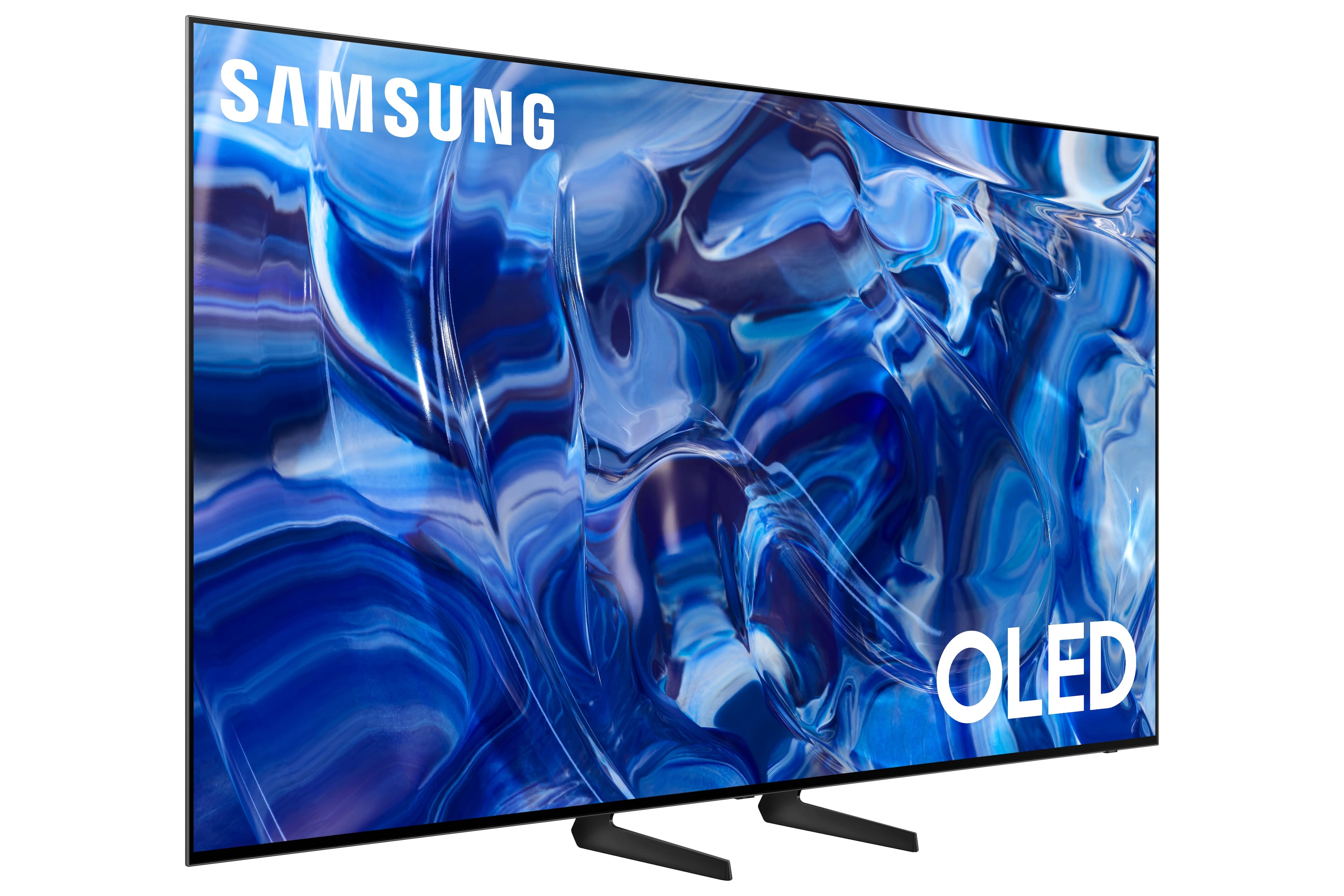
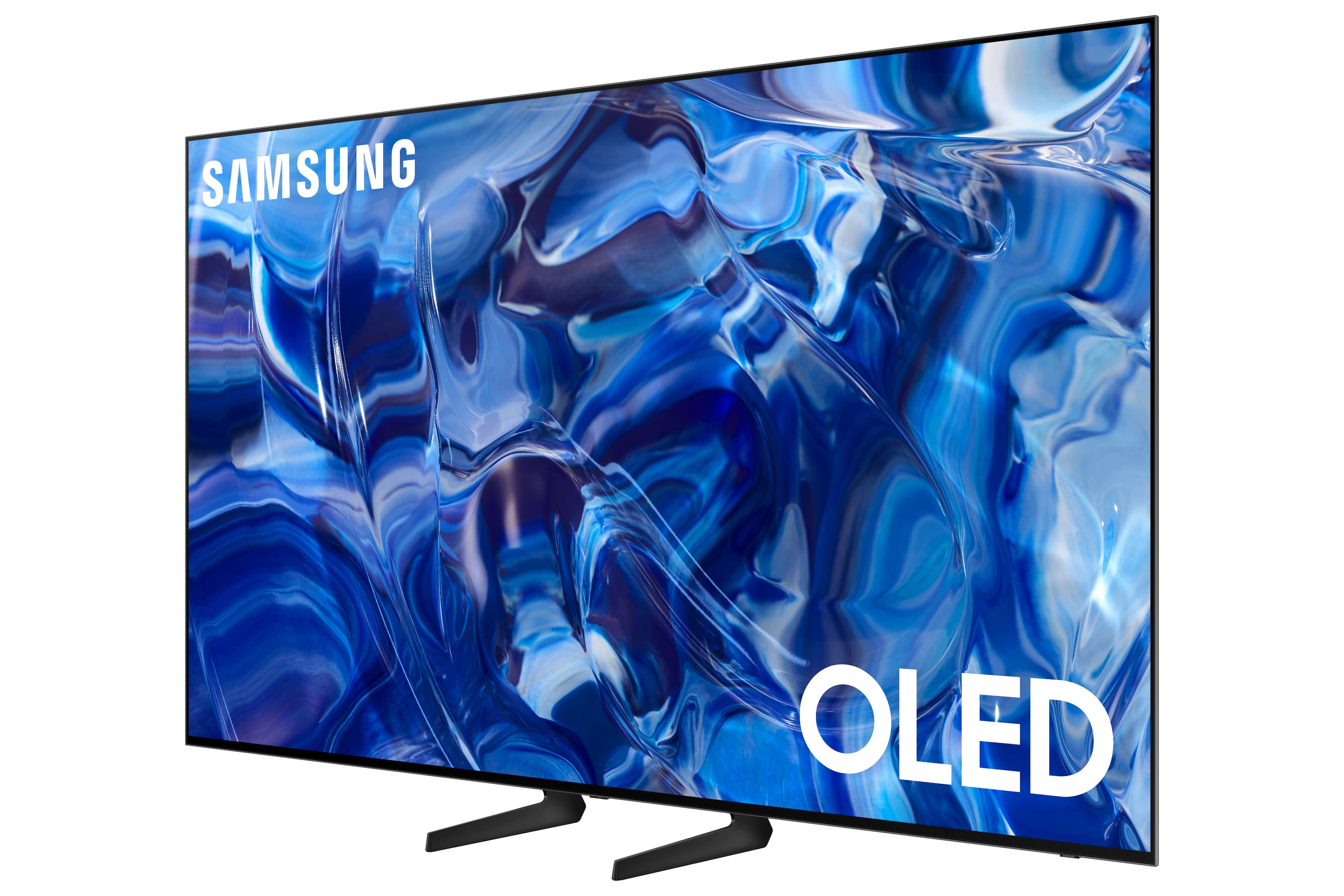
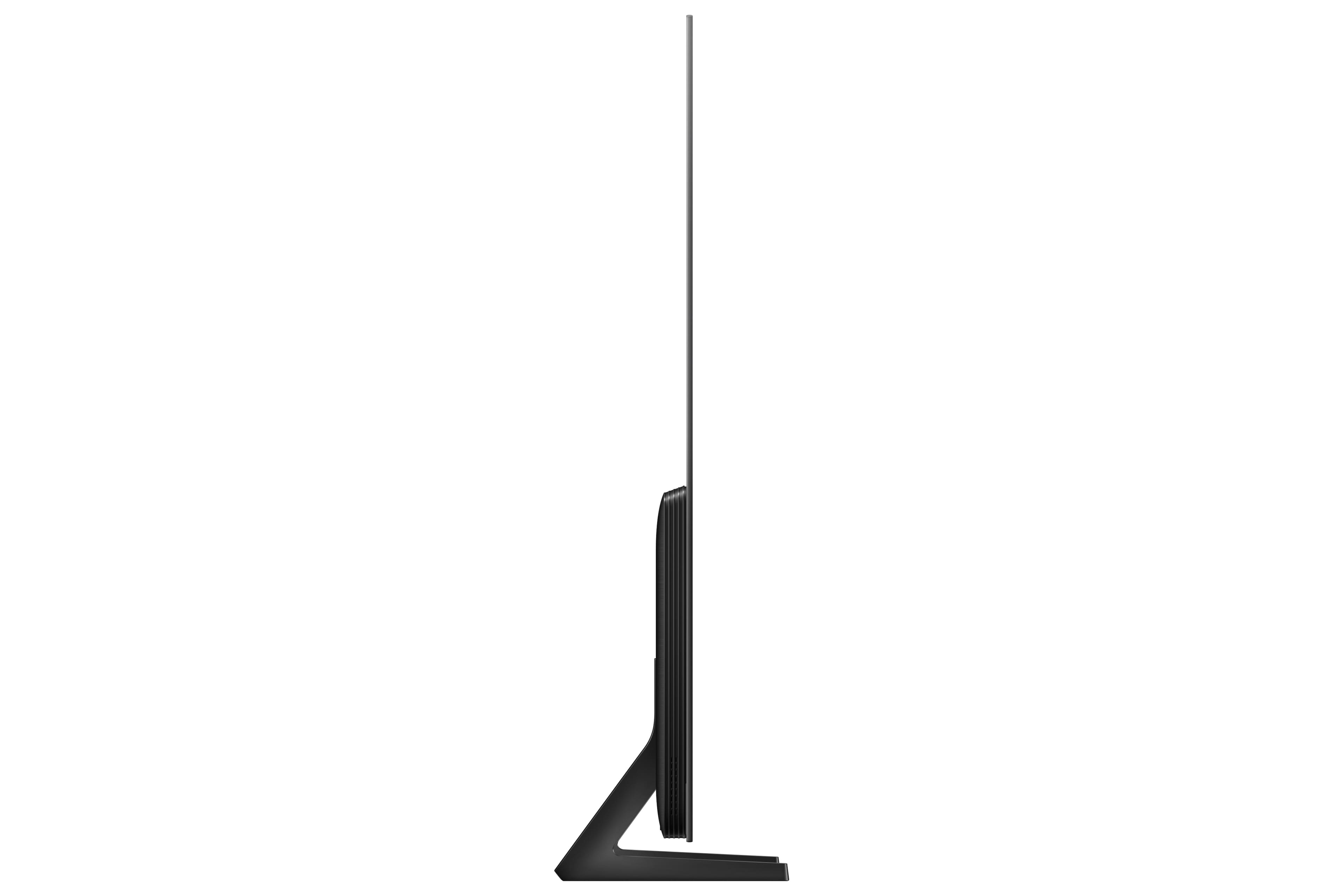
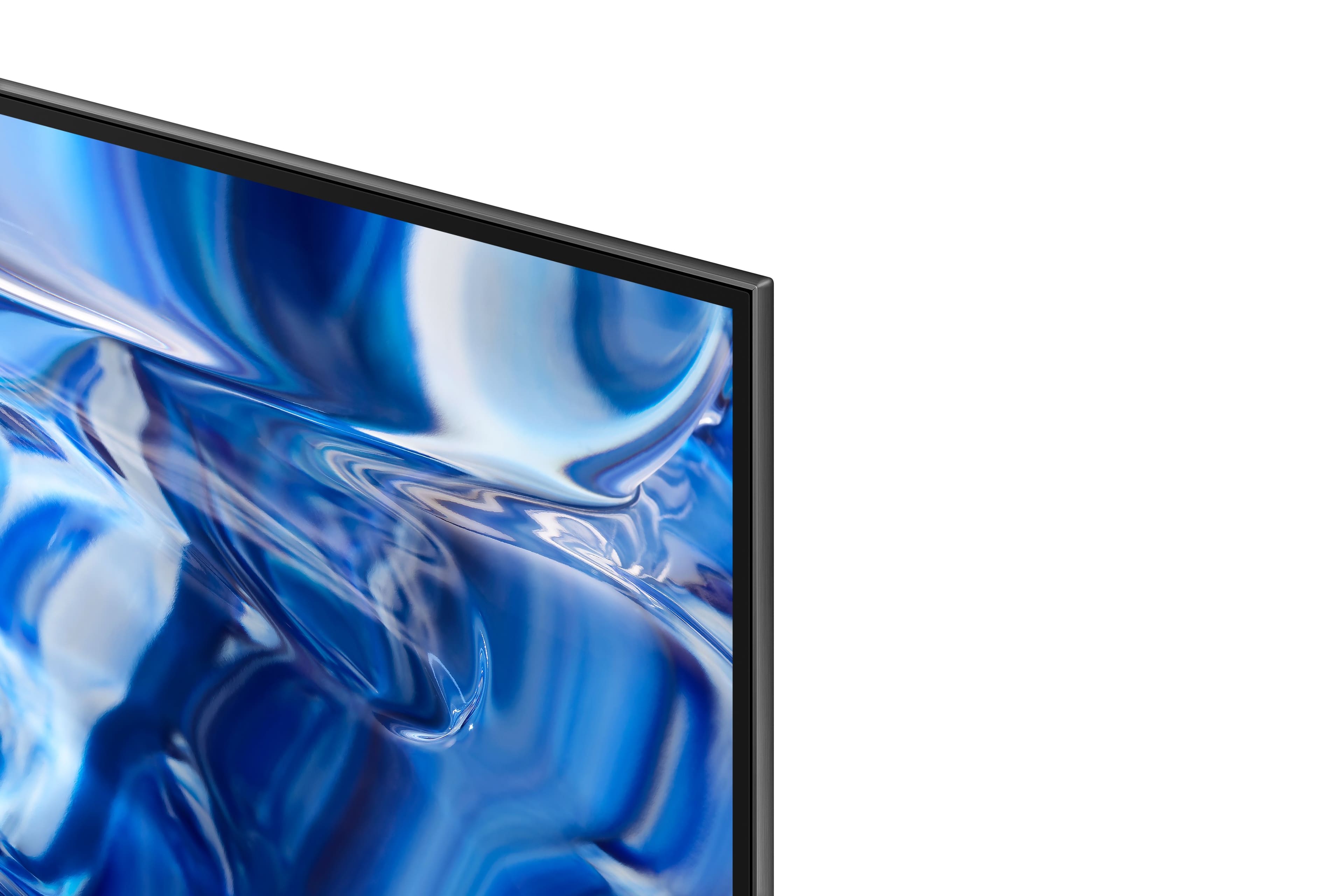



- Model:
- QN77S89CBFXZA
- SKU:
- 6553149
Rating by feature
- Picture Quality
Rating 4.9 out of 5 stars
- Sound Quality
Rating 4.5 out of 5 stars
- Brightness
Rating 4.9 out of 5 stars
Customers are saying
Customers praise the 77” Class S89C OLED 4K UHD Smart Tizen TV's superb picture quality, vibrant colors, and ease of use. Many appreciate its value for the price and the OLED technology, although some find the upscaling capabilities could be improved. A few users mentioned minor issues with the remote control and the TV stand design. The Tizen OS also received mixed reviews, with some users finding it less organized than preferred.
This summary was generated by AI based on customer reviews.
- Pros mentioned:Picture quality
Great TV!
Posted .This reviewer received promo considerations or sweepstakes entry for writing a review.Easy to mount. The box design is awesome. Great quality picture.
I would recommend this to a friend - Pros mentioned:Picture quality
TV theater
Posted .This reviewer received promo considerations or sweepstakes entry for writing a review.Great, I have the sound bar as well. Its like the movies but better.
I would recommend this to a friend - Pros mentioned:Picture quality
Best Television on the market
Posted .This reviewer received promo considerations or sweepstakes entry for writing a review.Outstanding picture. Best TV for the price. Best value.
I would recommend this to a friend - Pros mentioned:Color
Mrs.
Posted .This reviewer received promo considerations or sweepstakes entry for writing a review.Love the colors and enjoy stay in home watching t.v
I would recommend this to a friend THANK YOU
Posted .This reviewer received promo considerations or sweepstakes entry for writing a review.TV works well. We're happy with the purchase and the assistance from the person at Best Buy who suggested it
I would recommend this to a friendSamsung
Posted .This reviewer received promo considerations or sweepstakes entry for writing a review.Tv is everything we were hoping it would be. Definitely 5 stars!!
I would recommend this to a friendWKS
Posted .This reviewer received promo considerations or sweepstakes entry for writing a review.Can't beat Samsung quality. Best Buy is the company who can supply that quality.
I would recommend this to a friendDisappointed so far
Posted .This reviewer received promo considerations or sweepstakes entry for writing a review.Just had fhis tv delivered today. I was told that it is exactly as the s90c except for the stand. Not true. One problem I have is that there are very few controls to calibrate the TV the way you want. Very basic for such an expensive tv. . Not at all like the s90c. The picture is clear but it has unbelievable soap opera effect with no way to adjust it. My 10 year old plasma upscaled much better than this. Not very satisfied at all.
No, I would not recommend this to a friendBrand response from Samsung
Posted .JohnnyO,
We appreciate your feedback on your S89C TV’s picture when watching fast motion. For optimal motion image performance, you may want to adjust the picture clarity setting by going to: Menu > Settings > All Settings > Picture > Expert Settings > Picture Clarity Settings
- Off: Picture Clarity Settings will always be off
- Auto: Picture Clarity Settings will automatically activate and deactivate based on the type of program being watched
- Custom: Allows custom adjustments and settings to be used. By selecting the Custom option, you can access these advanced settings for Judder Reduction, LED Clear Motion, and Noise Reduction.
Should you need further assistance with features or other product usage, please reach out to Samsung Support at 1-800-SAMSUNG, 8AM - 12AM EST, 7 days a week. Or visit us on the Samsung website and click on the ‘Support’ link for:
• LiveChat
• Manuals, Software, & Warranty Info
~ Samsung Specialist
Great TV
Posted .This reviewer received promo considerations or sweepstakes entry for writing a review.Great TV. Very user friendly. No need to buy Roku, Apple fire or other platforms.
I would recommend this to a friendAwesome TV!
Posted .This reviewer received promo considerations or sweepstakes entry for writing a review.Love this TV. Everything I was hoping for when I made the purchase.
I would recommend this to a friendSamsung 77" TV
Posted .This reviewer received promo considerations or sweepstakes entry for writing a review.Purchased this tv based on reviews, so far, I'm very happy with it.
I would recommend this to a friendSamsung 77" 89C
Posted .This reviewer received promo considerations or sweepstakes entry for writing a review.The brightness quality of this TV doesn't suit my living room darkness. If you have darker room this works best.
No, I would not recommend this to a friendBrand response from Samsung
Posted .Pranesh,
I’m sorry to hear you’re not fully satisfied with the S89C TV’s picture quality. If the image is too dim, please try disabling some of the TV's energy efficiency functions, as these will automatically adjust your picture and may cause your screen to appear brighter or darker than preferred. Go to: Home > Menu > Settings > All Settings > General & Privacy > Power and Energy Saving > turn off Brightness Optimization, Brightness Reduction, and Motion Lighting
You may also want to try adjusting image settings to improve your picture. Go to Home > Menu > Settings > All Settings > Picture > Picture Mode
1. Standard: Is the default mode suitable for general viewing environments
2. Dynamic: Makes the picture brighter and clearer in bright viewing environments
3. Eco: Provided to save energy
4. Movie: Suitable for watching TV or movies in a dark room
5. Filmmaker Mode: Provides source content just as the creators intended. If the image is defined as Filmmaker Mode, it’ll automatically switch to Filmmaker Mode while watching.
You can also customize the brightness level of your screen between 0 – 50 to your preference. Go to: Home > Menu > Settings > All Settings > Picture > Expert Settings
Please also make sure you’ve got the latest firmware version installed on your TV. You can check this by going to: Home > Menu > Settings > Support > Software Update > Update Now
If you need more help, Samsung is here for you. Please call us at 1-800-SAMSUNG, 8AM - 12AM EST, 7 days a week. Our LiveChat agents are also available by clicking on the ‘Support’ link on our website.
~ Samsung Specialist
Sleep Mode is frustrating
Posted .This reviewer received promo considerations or sweepstakes entry for writing a review.This TV is so frustrating. It keeps going into “sleep mode” even as I watch TV. I have to keep the remote In my hand at al times.
No, I would not recommend this to a friendBrand response from Samsung
Posted .BeckyO,
Thank you for sharing your experience with the Screen Saver on Samsung's S89C TV. First, we'd like you to make sure your TV is running the latest firmware version (1319.4). You can check this by going to: Home > Menu > Settings > Support > Software Update > Update Now
If this firmware version is not yet available on your TV, you can download the update on a USB drive and manually update your TV:
1. On Samsung's website (upper right corner), go to: Support > Manuals & Software > Find your TV model.
2. Download the update and extract it to the root of a USB thumb drive. (Do not put it in any folders on the thumb drive.)
3. Connect the USB thumb drive to a USB port on your TV.
4. Navigate to Settings > Support > Software Update, select Update Now, and then select Yes.
5. Follow the on-screen instructions to install the updated software.
Please also try turning off Data Service by going to: Settings > All Settings > Broadcasting > Data Service, then click to disable. After you've turned this off, please open/play Netflix or YouTube playback full screen.
I hope the above helps. If you need further assistance, Samsung's here to help. Just give us a call at 1-800-SAMSUNG, 8AM - 12AM EST, 7 days a week. Or visit us on the Samsung website and click on the ‘Support’ link for:
• LiveChat
• Manuals, Software, & Warranty Info
~ Samsung Specialist