Customer Ratings & Reviews
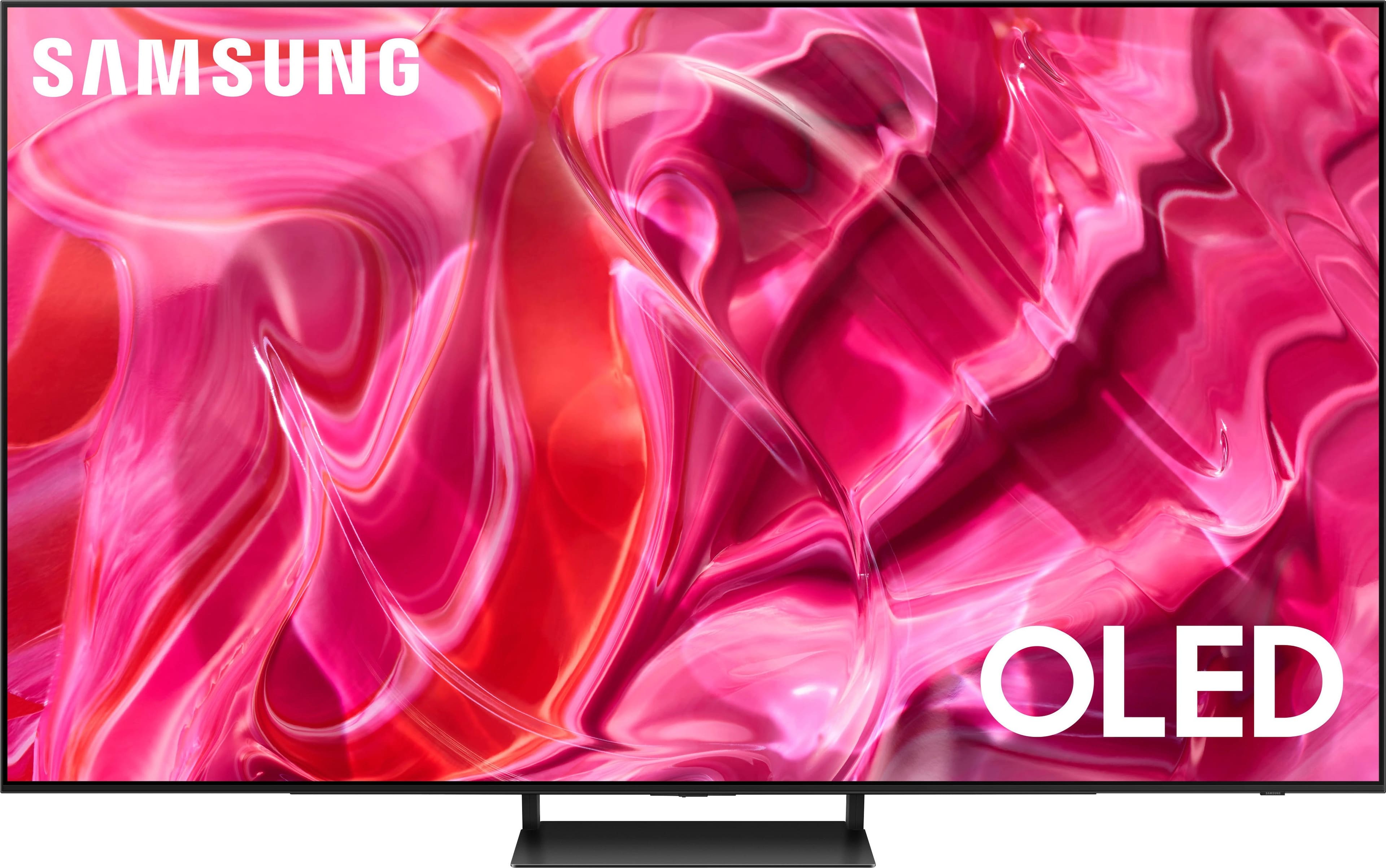
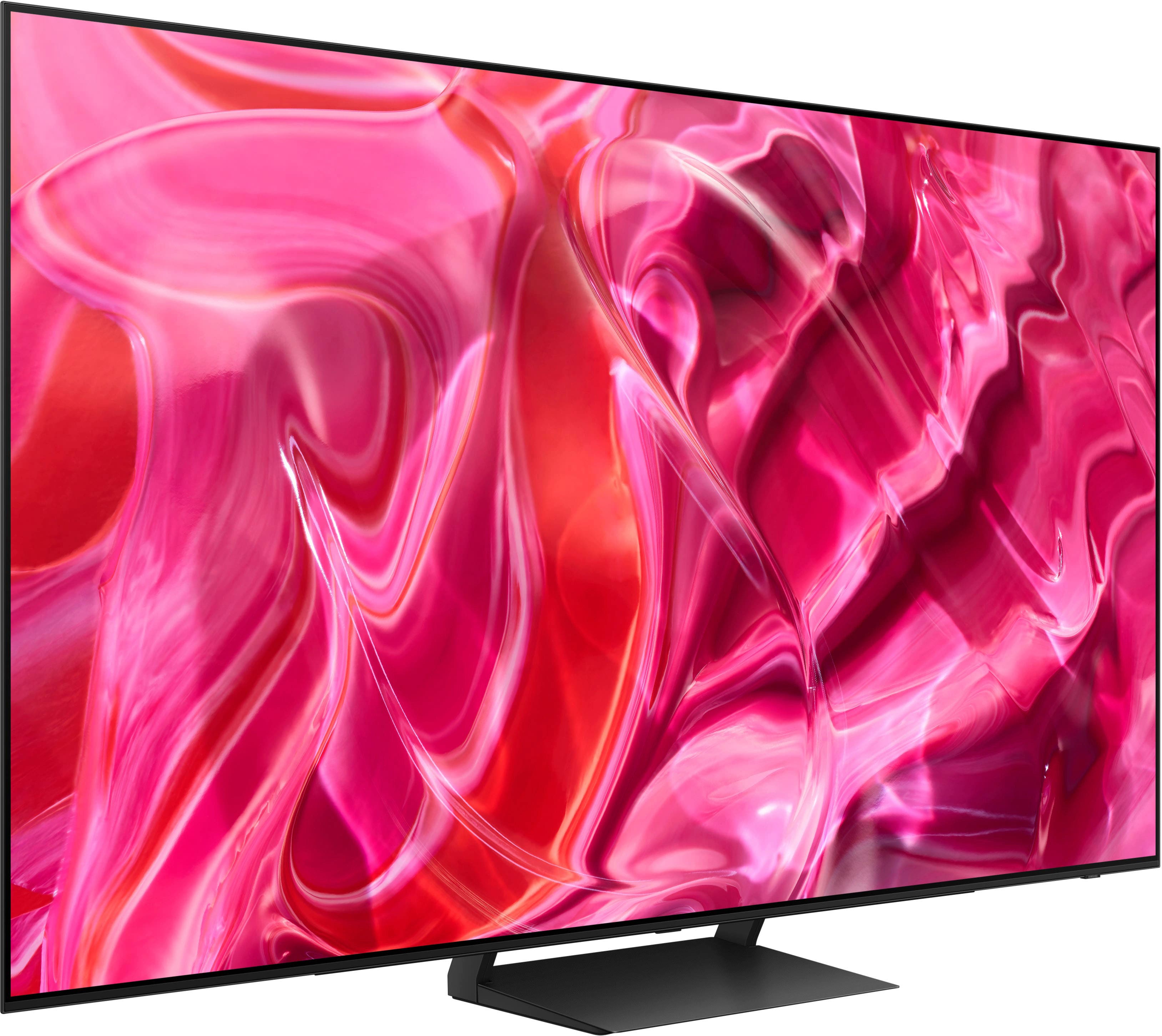
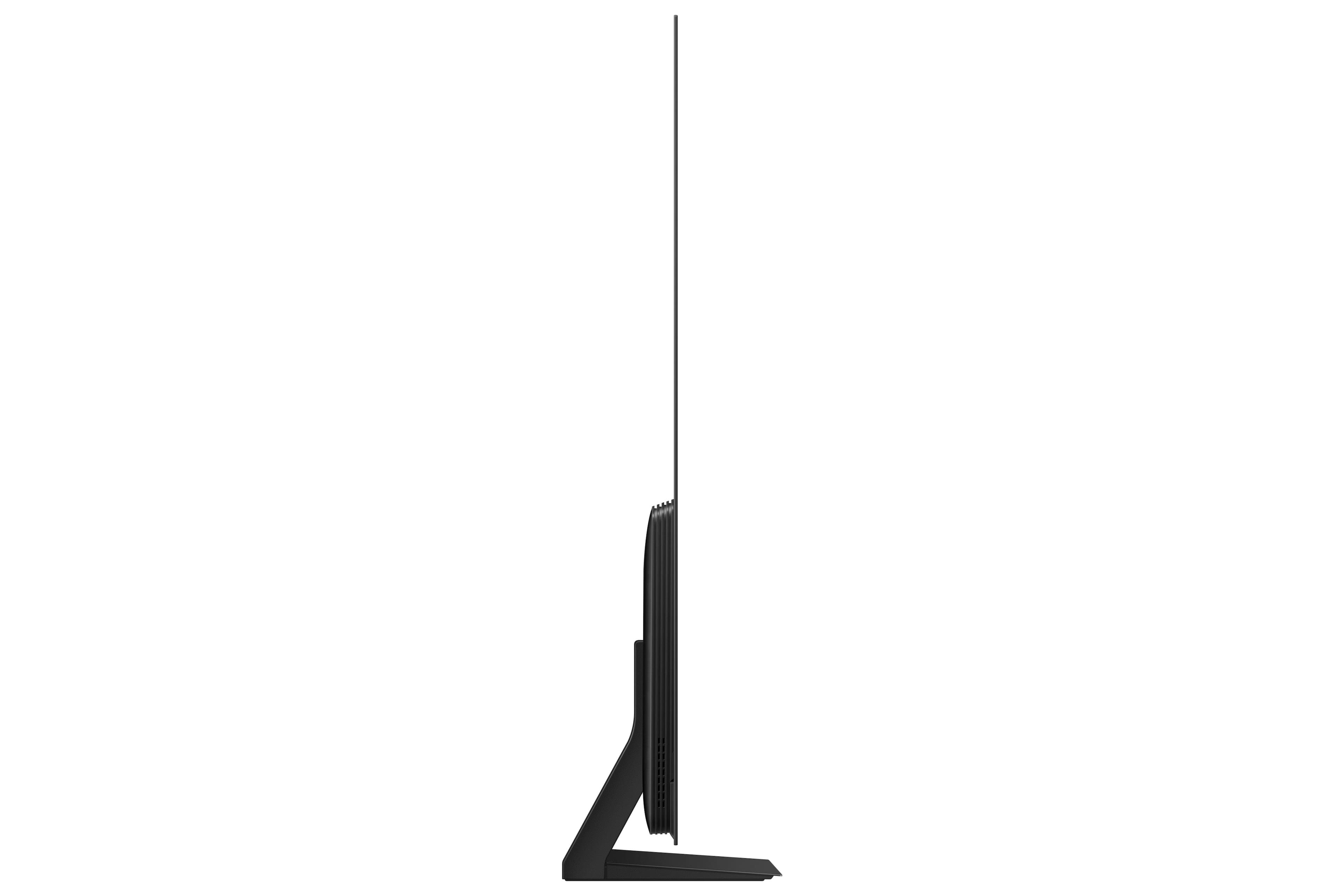
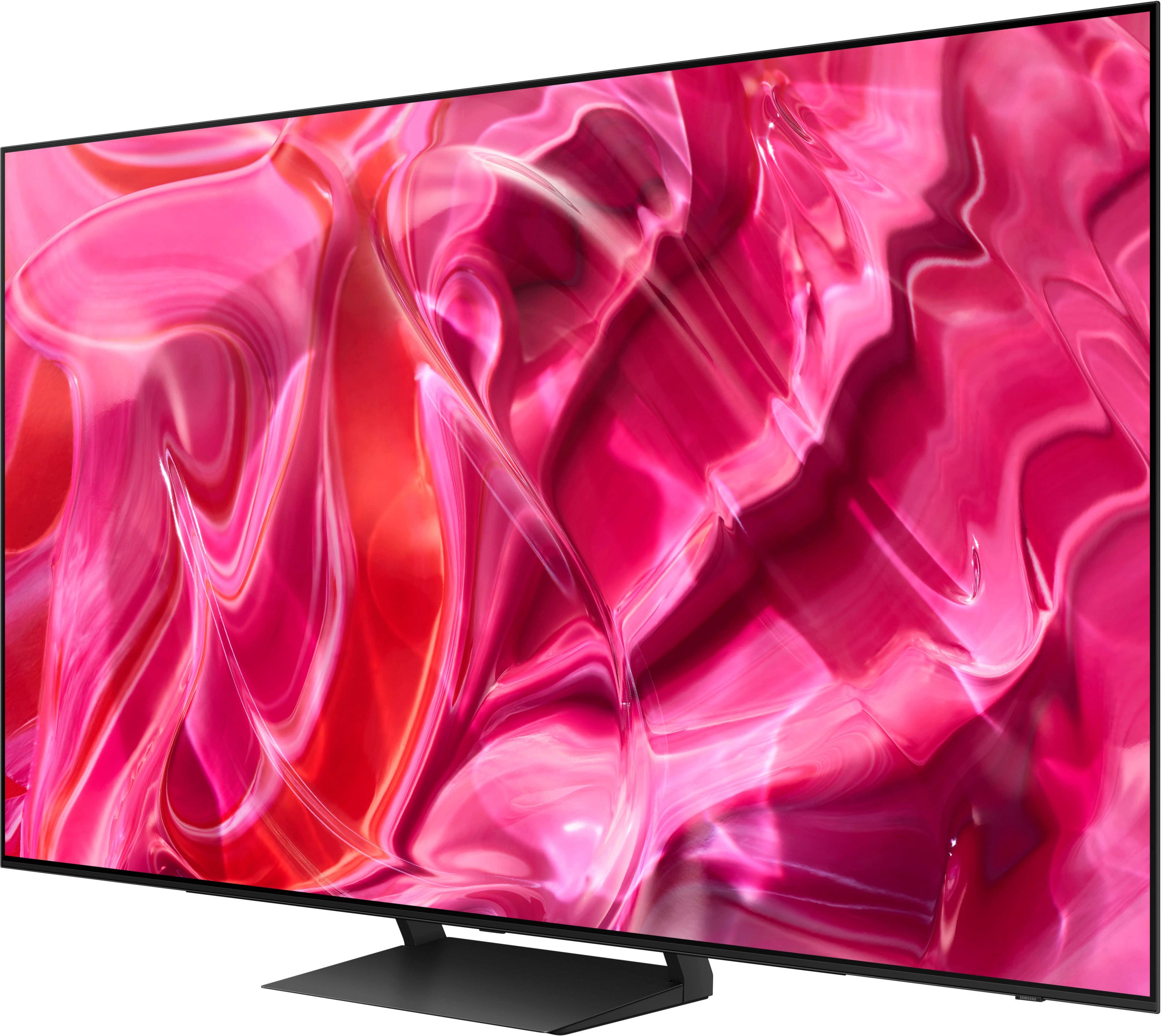





- Model:
- QN77S90CAFXZA
- SKU:
- 6536970
Rating by feature
- Picture Quality
Rating 4.9 out of 5 stars
- Sound Quality
Rating 4.5 out of 5 stars
- Brightness
Rating 4.9 out of 5 stars
Customers are saying
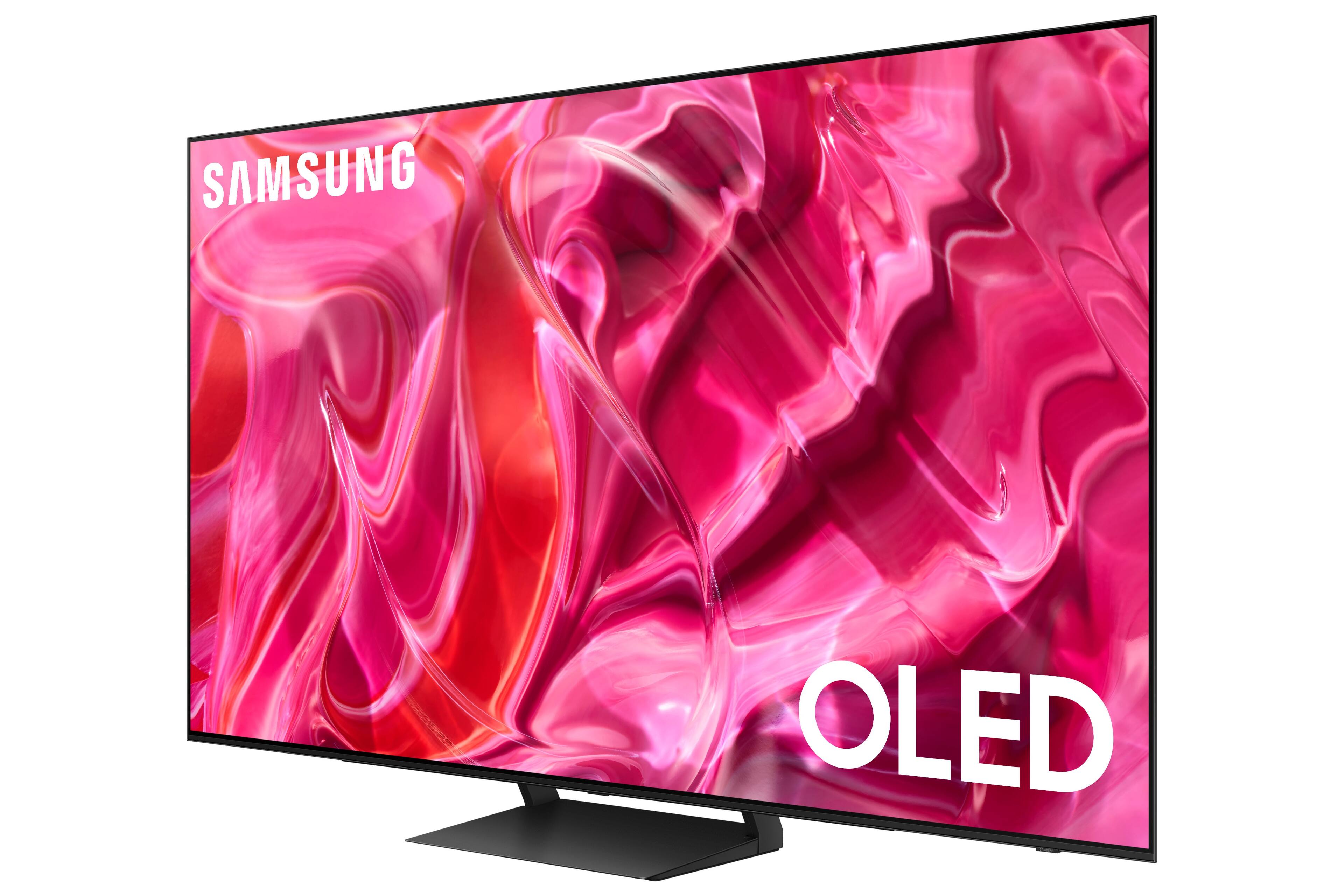
Customers love the 77" Class S90C OLED 4K UHD Smart Tizen TV's stunning picture quality, vibrant colors, and impressive refresh rate, making it ideal for gaming and movie viewing. Many appreciate the ease of setup and sleek design, although some have noted that the remote control and user interface could be improved. The HDR capabilities are frequently praised for enhancing the viewing experience. While some users experienced minor issues with glare or motion settings, the overall consensus points to a high-quality television.
This summary was generated by AI based on customer reviews.
TV customer
||Posted . Owned for 2 weeks when reviewed.This reviewer received promo considerations or sweepstakes entry for writing a review.Very nice TV. I would buy it again any time for sure.
I would recommend this to a friendMr
||Posted . Owned for 3 weeks when reviewed.This reviewer received promo considerations or sweepstakes entry for writing a review.Excellent service very nice and prompt delivery nice
I would recommend this to a friendIn love
||Posted . Owned for 3 weeks when reviewed.This reviewer received promo considerations or sweepstakes entry for writing a review.Love it,, the best tv ever………. No regrets ………………..
I would recommend this to a friendOkay TV
||Posted . Owned for 1 week when reviewed.This reviewer received promo considerations or sweepstakes entry for writing a review.TV was nice, but there was blooming effects around white lettering and dark backgeounds. For a true OLED screen, that shouldnt be the case. There should be absolute blacks.
I would recommend this to a friendBrand response from Samsung
Posted .JohSch,
Thank you for sharing your thoughts on the picture quality of your S90C TV. To ensure you’ve got the latest image quality updates, please confirm that your TV is up to date with the latest firmware version. You can check by going to: Home > Menu > Settings > Support > Software Update.
If the picture you’re seeing is still not to your liking after updating firmware, there are several picture settings you may want to try adjusting.
Go to Home > Menu > Settings > All Settings > Picture > Picture Mode
...and select the mode that best fits your usage:
1. Standard: Is the default mode suitable for general viewing environments
2. Dynamic: Makes the picture brighter and clearer in bright viewing environments
3. Eco: Provided to save energy
4. Movie: Suitable for watching TV or movies in a dark room
5. Filmmaker Mode: Provides source content just as the creators intended. If the image is defined as Filmmaker Mode, it’ll automatically switch to Filmmaker Mode while watching.
Intelligent Mode enables the TV to recognize and analyze the surroundings, noise, content, and your usage patterns to provide the best viewing experience. You can enable Intelligent Mode by going to Menu > Settings > All Settings > General & Privacy > Intelligent Mode Settings > Intelligent Mode.
You can also fine-tune your picture with expert settings such as brightness, contrast, sharpness and more (All Settings > Picture > Expert Settings).
If adjusting image settings does not improve your picture, please contact Samsung Customer Support at 1-800-SAMSUNG, 8AM - 12AM EST, 7 days a week. Or visit us on the Samsung website and click on the ‘Support’ link for:
• LiveChat
• Manuals, Software, & Warranty Info
~ Samsung Specialist
Great T.V,
||Posted . Owned for less than 1 week when reviewed.This reviewer received promo considerations or sweepstakes entry for writing a review.So far. its great. My last Samsung T.V, lasted 7 years,
I would recommend this to a friendSamsung TV
||Posted . Owned for 3 weeks when reviewed.This reviewer received promo considerations or sweepstakes entry for writing a review.Love my new TV! The installers were awesome! Thank you
I would recommend this to a friendAwesome
||Posted . Owned for 3 weeks when reviewed.This reviewer received promo considerations or sweepstakes entry for writing a review.Good tv, color display is awesome, one of the best TV
I would recommend this to a friendAwesome TV
||Posted . Owned for 1 month when reviewed.This reviewer received promo considerations or sweepstakes entry for writing a review.Amazing experience buying this TV. Oscar is the best
I would recommend this to a friendTv
||Posted . Owned for less than 1 week when reviewed.This reviewer received promo considerations or sweepstakes entry for writing a review.The tv is awesome glad i upgrade it to a bigger tv
I would recommend this to a friendTV review.
||Posted . Owned for 2 weeks when reviewed.This reviewer received promo considerations or sweepstakes entry for writing a review.Great TV. Thanks. ———————————————————————————————-
I would recommend this to a friendAweome picture
||Posted . Owned for 1 month when reviewed.This reviewer received promo considerations or sweepstakes entry for writing a review.Guys who vwme did great job setting up wouid recommend
I would recommend this to a friendSamsung OLED
||Posted . Owned for 1 month when reviewed.This reviewer received promo considerations or sweepstakes entry for writing a review.OLED is awesome! TV is higher quality. Enjoy with OLED.
I would recommend this to a friendNew OLED TV
||Posted . Owned for 2 weeks when reviewed.This reviewer received promo considerations or sweepstakes entry for writing a review.Colors don’t appear as bright or vibrant as in the store. Other than that it was fairly easy to set up and works well
I would recommend this to a friendMr
||Posted . Owned for 1 month when reviewed.This reviewer received promo considerations or sweepstakes entry for writing a review.I am happy with my television but the salesman I originally spoke to, who I thought was in Mira Mesa, but was actually in your call center, flat OUT LIED TO ME. I asked him, since I was out of town if the sales price would still be in place when I returned and could go to the store. He flat out lied. Also the people who handled the installation of my tv and soundbar TOTALLY MESSED IT UP.
I would recommend this to a friendBrand response from Samsung
Posted .MikeC,
Please know you are leaving a review and 3-star rating for the 77" S90C TV, but we are sorry to hear of your Best Buy experience, nonetheless. You may want to consider providing feedback directly to the Best Buy store where you made your purchase.
Should you have questions on the S90C TV itself, Samsung is here for you. You can reach us at 1-800-SAMSUNG, 8AM - 12AM EST, 7 days a week. Our LiveChat agents are also available by clicking on the ‘Support’ link on our website.
~ Samsung Specialist
Nikster
||Posted . Owned for 1 month when reviewed.This reviewer received promo considerations or sweepstakes entry for writing a review.Installers were great.. Little disappointed in picture quality and lack of coordination with audio and lip movement
I would recommend this to a friendLove it
||Posted . Owned for 1 month when reviewed.This reviewer received promo considerations or sweepstakes entry for writing a review.This tv is amazing only thing disappointing is external app storage size
I would recommend this to a friendS Oled 77
||Posted . Owned for 1 month when reviewed.This reviewer received promo considerations or sweepstakes entry for writing a review.Excellent product but difficult to learn how to operate the important functions. No quick start guide
I would recommend this to a friend- Cons mentioned:Remote control
Tv
||Posted . Owned for 3 weeks when reviewed.This reviewer received promo considerations or sweepstakes entry for writing a review.Great viewing experience but seems very fragile and remote was spotty with use
I would recommend this to a friendBrand response from Samsung
Posted .ErvinH,
Thank you for your thoughts on the design of Samsung's S90C TV. So we can better understand the remote issues that have caused you to give this TV a 3-star rating, please know Samsung is here and ready to help.
Please call us at 1-800-SAMSUNG, 8AM - 12AM EST, 7 days a week. Our LiveChat agents are also available by clicking on the ‘Support’ link on our website.
We're looking forward to hearing from you soon.
~ Samsung Specialist
SAMSUNG 2023
||Posted . Owned for 1 week when reviewed.This reviewer received promo considerations or sweepstakes entry for writing a review.Visually impressive. GOOD gaming features. Amazing deal
I would recommend this to a friendSamsung 72 inch TV
||Posted . Owned for 3 weeks when reviewed.This reviewer received promo considerations or sweepstakes entry for writing a review.Excellent service from Geek Squad and we are enjoying our new TV
I would recommend this to a friend