Customer Ratings & Reviews
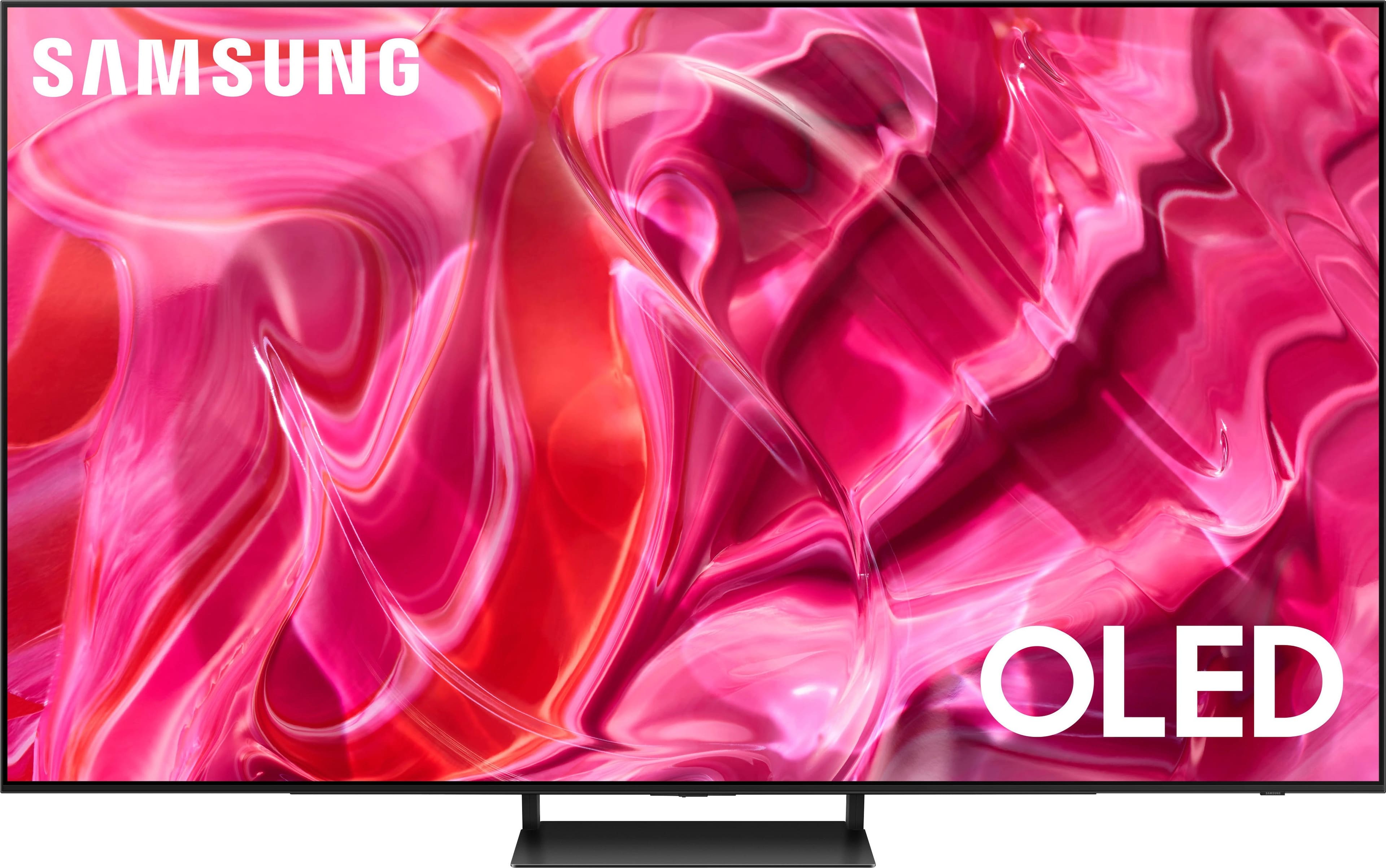
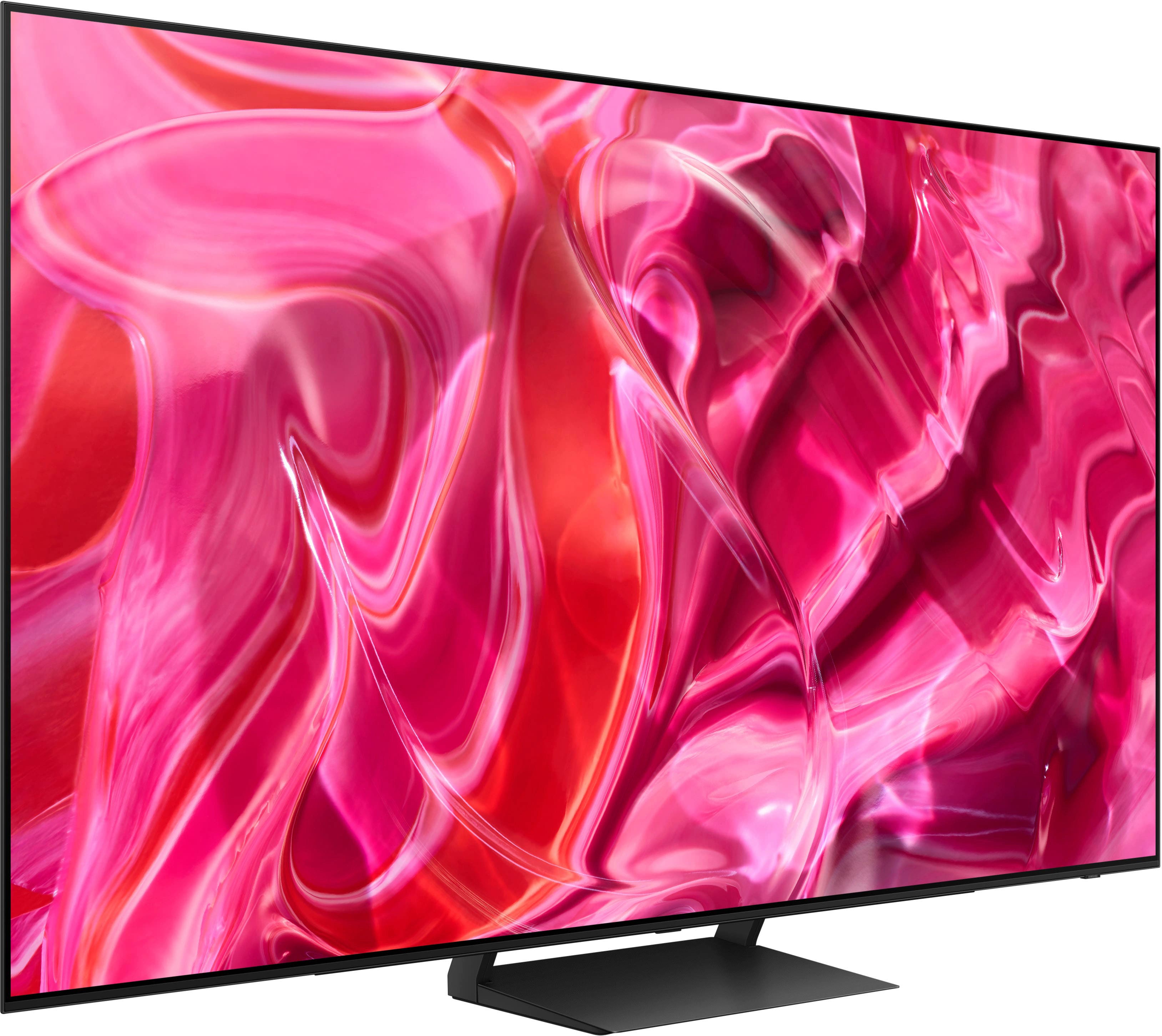
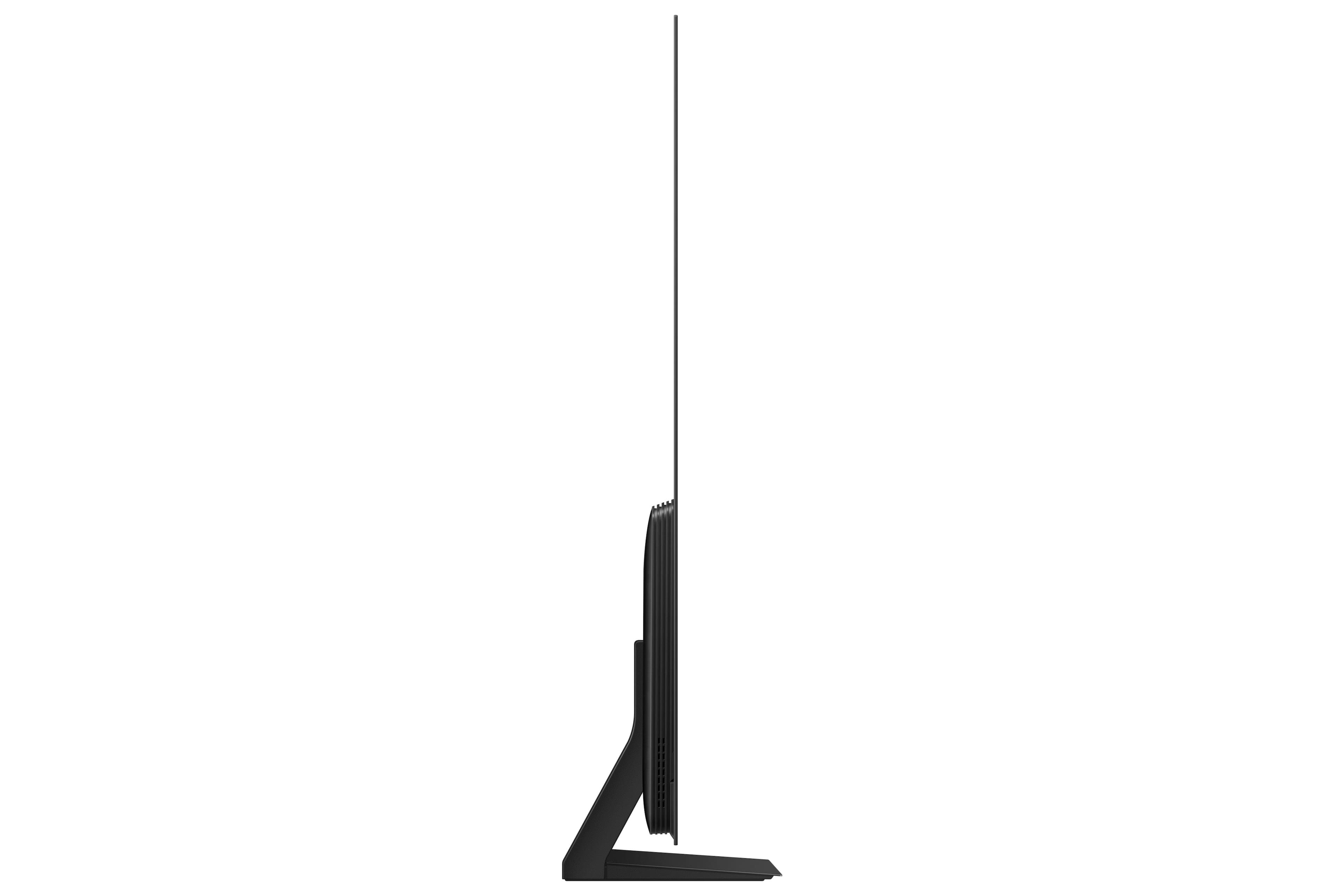
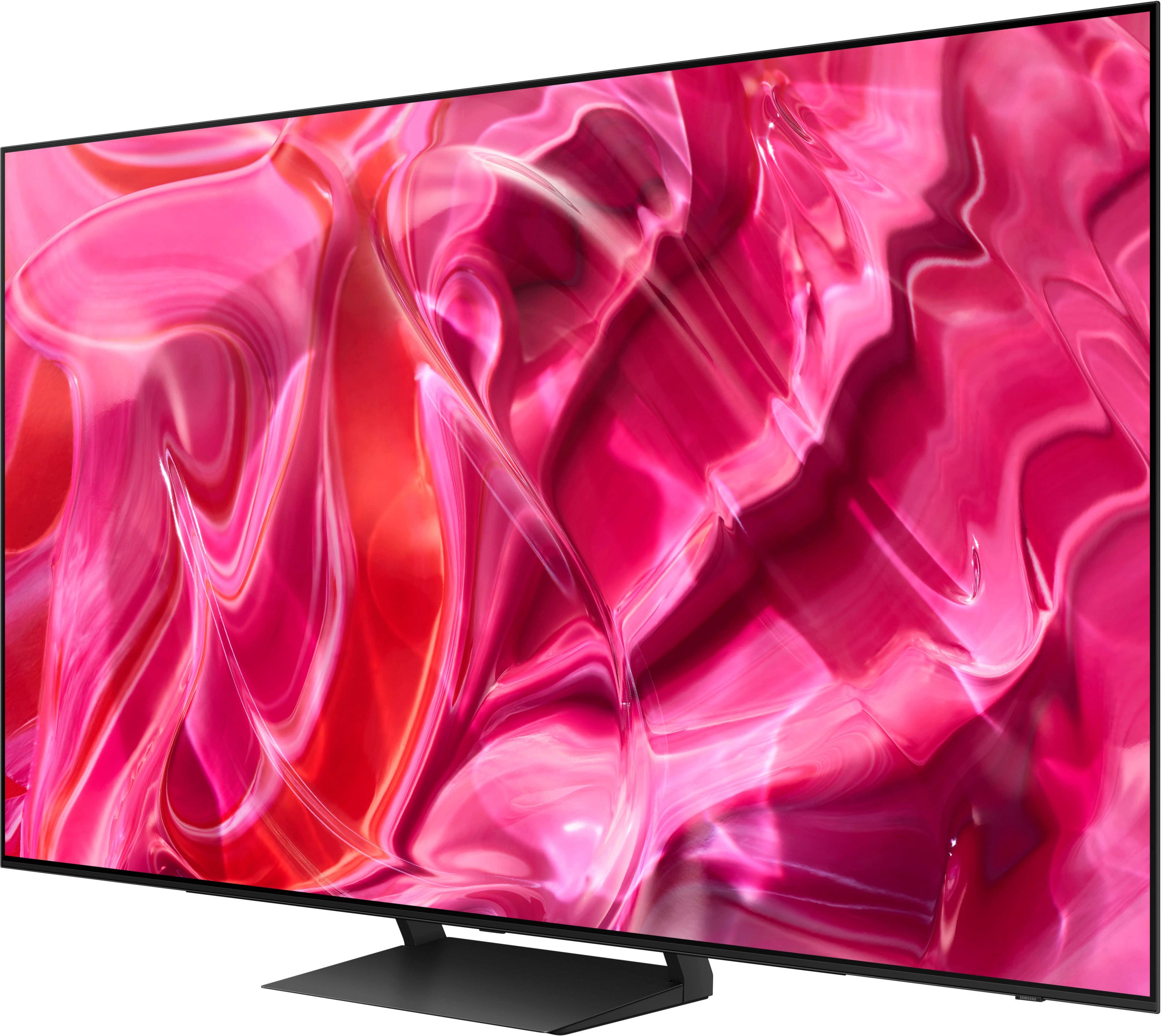
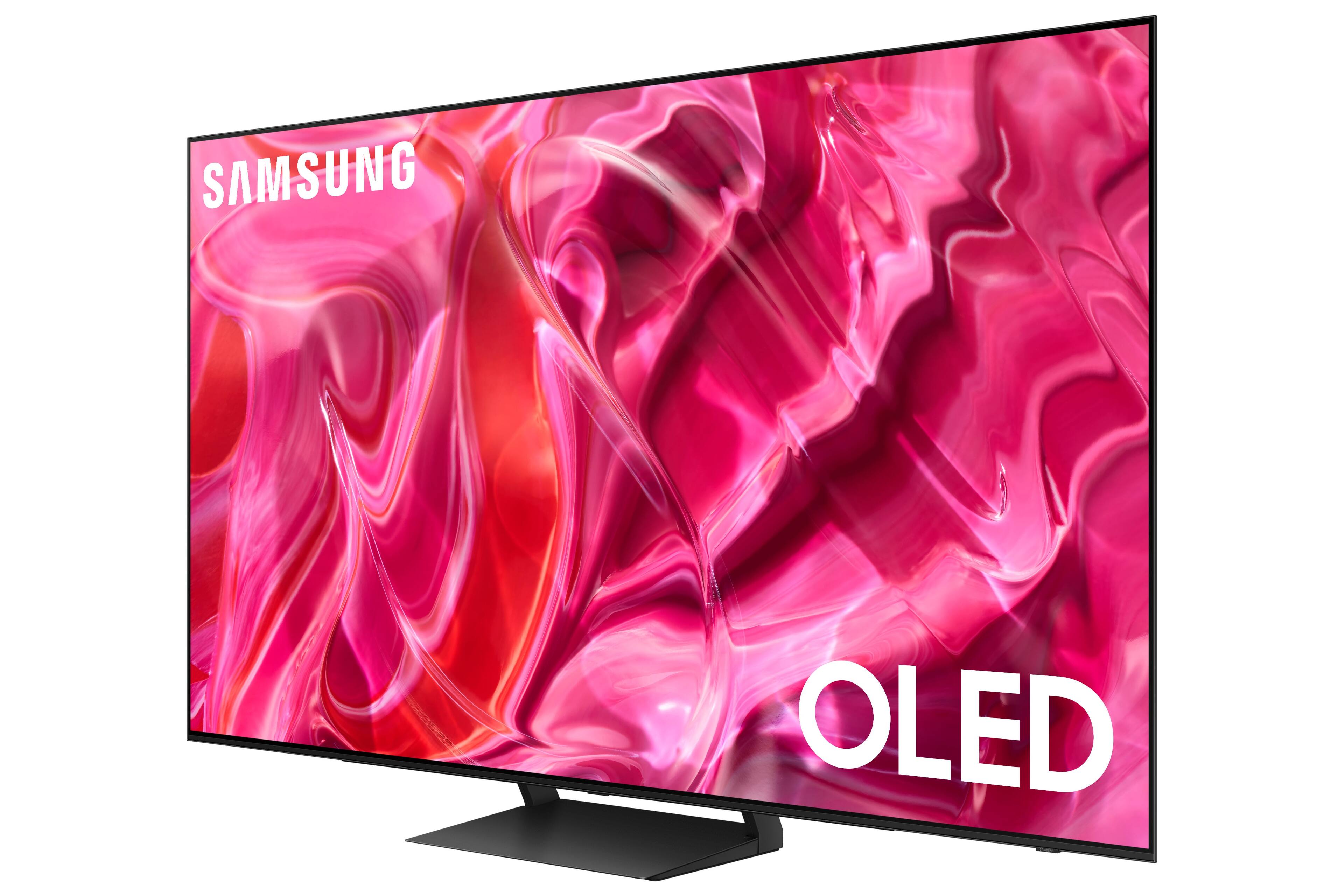





- Model:
- QN77S90CAFXZA
- SKU:
- 6536970
Rating by feature
- Picture Quality
Rating 4.9 out of 5 stars
- Sound Quality
Rating 4.5 out of 5 stars
- Brightness
Rating 4.9 out of 5 stars
Customers are saying
Customers love the 77" Class S90C OLED 4K UHD Smart Tizen TV's stunning picture quality, vibrant colors, and impressive refresh rate, making it ideal for gaming and movie viewing. Many appreciate the ease of setup and sleek design, although some have noted that the remote control and user interface could be improved. The HDR capabilities are frequently praised for enhancing the viewing experience. While some users experienced minor issues with glare or motion settings, the overall consensus points to a high-quality television.
This summary was generated by AI based on customer reviews.
- Pros mentioned:Picture quality
Defected Samsung?
||Posted . Owned for 1 month when reviewed.This reviewer received promo considerations or sweepstakes entry for writing a review.Picture is great, it doesn't always save the internet connection.
No, I would not recommend this to a friendBrand response from Samsung
Posted .DarrenG,
We appreciate your feedback on connectivity, and for optimal performance, we ask that you please ensure you've got the latest firmware version installed on your S95C TV. You can check this by going to: Home > Menu > Settings > Support > Software Update.
If you're still having issues, you may also want to go through these steps to check your connection:
1) Check the distance between the TV and your modem or access point. The distance should not exceed 50 ft. (15.2 m).
2) Minimize interference by not using or turning off wireless devices. Also, verify that there are no obstacles between the TV and the modem or access point. (Wi-Fi strength can be decreased by appliances, cordless phones, stone walls/fireplaces, etc.)
3) Perform a network test to check if there is a network problem. Press the Home button on your remote. Navigate to Settings > Support > Device Care > Self Diagnosis> Smart Hub Connection Test
4) Try a cold reboot of your TV by pressing and holding the power button for 5+ seconds until the TV turns off and on again.
I hope these tips help you enjoy your new product.
You can always contact us for further help at 1-800-SAMSUNG, 8AM - 12AM EST, 7 days a week. Our LiveChat agents are also available by clicking on the ‘Support’ link on our website.
~ Samsung Specialist
77” Samsung OLED
||Posted . Owned for 3 weeks when reviewed.This reviewer received promo considerations or sweepstakes entry for writing a review.Own for several weeks; sound goes on and off. Picture freezing-up on some apps. Called-in for tech support several times, its performance has improved, but still not the performance advertised.
No, I would not recommend this to a friendBrand response from Samsung
Posted .PetrickG,
We appreciate you sharing your experience with customer service not being able to resolve your issue. Please contact Samsung Support again for further troubleshooting assistance or for setting up a warranty service appointment.
You can reach us at 1-800-SAMSUNG, 8AM - 12AM EST, 7 days a week. Our LiveChat agents are also available by clicking on the ‘Support’ link on our website.
~ Samsung Specialist
Liars
||Posted . Owned for 1 year when reviewed.This reviewer received promo considerations or sweepstakes entry for writing a review.This review is about the company of Best Buy itself, not the product. In 2024, we puchased this very expensive tv and sound system, opened a membership ONLY TO RECEIVE THE $400 REWARD!!! That reward was to be used within 60 days or call and get them changed over to certs that dont expire. I did that! Thought everything was taken care of and I could use the $400 whenever I wanted. Not the case. Just spoke with another customer service person who could do nothing for me. Saw all the transactions and even the reissued $400 aroubd the 60 day mark but was unable to fix any of it or even give anything for their mess up. We are done with Best Buy.
I would recommend this to a friendDISSATIFIED Customer
||Posted . Owned for 1 month when reviewed.This reviewer received promo considerations or sweepstakes entry for writing a review.Worse experience with a Best Buy purchase. I purchased a 77" Samsung S90C OLED Smart TV on July 17 IN CASH. **(purchased/received another/same brand TV a couple of weeks (July 2) before and loved it so much). Had a delivery date for a week later. Received a call from BB, TV was not in warehouse for delivery. Waited another week, same situation/conversation as before. Another week later, same thing. Waited another week, and same thing, but this time I was offered a lesser quality TV than mine as a replacement. I went to the store and also found online the same quality TV (S90D) (with a rep's help) as the one I purchased, but BB would not offer that one, and waited until the S90D went up another $300 and said all they could do for me was a refund and refunded me my money. My purchase was for $2,400+ dollars, and a week before the price went up, I informed the customer svc rep working with me that the S90D was $200 more but that's when they waited about 4 days until the price went up the $300 more (total $500). I just wanted to voice my DISPLEASURE with this purchase after MANY purchases at BB in the past.
I would recommend this to a friendBACK DISPLAY FAILED AFTER 1 YEAR, DO NOT BUY
||Posted . Owned for 1 year when reviewed.This reviewer received promo considerations or sweepstakes entry for writing a review.DO NOT GET THIS TV. Prone to failure which is why Samsung has discontinued investing in OLED technology. I had high hopes because I'm an alll around samsung guy with soundbars, phones , even past TVs all Samsung. It's frustrating because we saved over time to eventually make the decision to switch to OLED as a big purchase only to be dissapointed. TV backlight coincidentally stopped working just after 1 year warranty was up (obselete obselence...). Tv now doesnt display anything and Samsung is charging $2300 for out of warranty repairs....tv was purchased for $2700 btw. Why not take the deffective TV you sold me and send me a new one...Horrible quality standard, do better.
No, I would not recommend this to a friends90c
||Posted . Owned for 1 month when reviewed.This reviewer received promo considerations or sweepstakes entry for writing a review.thougt it be more picture is brighter than 7 year old system wikfi slow even with fiber
I would recommend this to a friendBrand response from Samsung
Posted .RobertK,
We appreciate your review. For optimal performance and image enhancements, please be sure you're running the latest firmware version on your S90C TV. You can check this by going to: Home > Menu > Settings > Support > Software Update.
If the picture you’re seeing is still not to your liking after updating firmware, there are several picture settings you may want to try adjusting.
Go to Home > Menu > Settings > All Settings > Picture > Picture Mode
...and select the mode that best fits your usage:
1. Standard: Is the default mode suitable for general viewing environments
2. Dynamic: Makes the picture brighter and clearer in bright viewing environments
3. Eco: Provided to save energy
4. Movie: Suitable for watching TV or movies in a dark room
5. Filmmaker Mode: Provides source content just as the creators intended. If the image is defined as Filmmaker Mode, it’ll automatically switch to Filmmaker Mode while watching.
Intelligent Mode enables the TV to recognize and analyze the surroundings, noise, content, and your usage patterns to provide the best viewing experience. You can enable Intelligent Mode by going to Menu > Settings > All Settings > General & Privacy > Intelligent Mode Settings > Intelligent Mode.
You might also want to go through these steps to check your network connection:
1) Minimize interference by not using or turning off wireless devices. Also, verify that there are no obstacles between the TV and the modem or access point. (Wi-Fi strength can be decreased by appliances, cordless phones, stone walls/fireplaces, etc.)
2) If the wireless connection fails, connect the TV to the access point via a LAN cable. If the TV can connect to the Internet normally via the wired connection, there might be a problem with the access point. In this case, try using a different access point.
3) Perform a network test to check if there is a network problem. Press the Home button on your remote. Navigate to Settings > Support > Device Care > Self Diagnosis> Smart Hub Connection Test
4) Try a cold reboot of your TV by pressing and holding the power button for 5+ seconds until the TV turns off and on again.
I hope these tips help you enjoy your new product.
You can always contact us for further help at 1-800-SAMSUNG, 8AM - 12AM EST, 7 days a week. Our LiveChat agents are also available by clicking on the ‘Support’ link on our website.
~ Samsung Specialist
LG Oled is better than Samsungs Oled model
||Posted . Owned for 6 months when reviewed.This reviewer received promo considerations or sweepstakes entry for writing a review.I swapped it out for the LG Oled. Picture is way better on the LG.
No, I would not recommend this to a friend- Cons mentioned:Remote control
had to retrun
||Posted . Owned for 3 months when reviewed.This reviewer received promo considerations or sweepstakes entry for writing a review.TV wouldn't work consistently. I had to return it for a Sont TV. The sound wouldn't function and the remote kept unblinking with this tv
No, I would not recommend this to a friendBrand response from Samsung
Posted .Addcomputer,
It’s unfortunate to hear of the issues that have caused you to return your S90C TV. Your experience is very important to us and will be shared with our product team.
Please know we’re always here to help, and we could’ve provided additional troubleshooting assistance to resolve any issues you were experiencing.
Should you ever decide to give Samsung TVs another try and have questions or need help with settings, setup, or features, please know we’re here to help. Call us at 1-800-SAMSUNG, 8AM - 12AM EST, 7 days a week.
LiveChat with an agent as well as manuals, software, and warranty info can be found at the ‘Support’ link on our Samsung website.
~ Samsung Specialist
- Pros mentioned:Color, Picture qualityCons mentioned:Motion, Operating system
Best bang for your buck on the market right now.
Posted .This reviewer received promo considerations or sweepstakes entry for writing a review.The 77" S90c (the other sizes may differ) offers the same second generation QD-OLED panel as the flagship S95c (and Sony A95L) for a fraction of the cost. While it doesn't get quite as bright as the MLA panel LG G3, it's brighter than any standard WOLED on the market with richer, more vibrant color to boot. The OS leaves a bit to be desired, but it's serviceable. The motion and color probably need to be tweaked manually as well, but these minor drawbacks don't dampen my enthusiasm for the product. At this price point, it can't be beat in my opinion.
I would recommend this to a friend Famous Samsung Quality
||Posted . Owned for 3 weeks when reviewed.This reviewer received promo considerations or sweepstakes entry for writing a review.The TV I received has a screen with a defect in upper left section along the bezel. There is a bulge in the lamination and small scratches on the metal at the edge. It looks like the screen might have gotten caught on something while being laminated. And of course Instead of taking pride in their product and rejecting the screen - they just shipped it out. The picture itself doesn't not appear to currently be affected by the shoddy glue job. However, I will be returning it. The only other Samsung TV I’ve owned had issues with lamination as well, and eventually ended up being unusable because of it. That was a decade ago and It appears that Samsung has learned nothing in that time. There is a reason people mock Samsung TV quality in online forums folks. Against my better judgement I decided to give them another chance and boy do I feel stupid. Sony A95L here I come.
No, I would not recommend this to a friendBrand response from Samsung
Posted .mace,
It’s unfortunate to hear of the issues that have caused you to return your S90C TV. Your experience is very important to us and will be shared with our product team.
Should you ever decide to give Samsung TVs another try and have questions or need help with settings, setup, or features, please know we’re here to help. Call us at 1-800-SAMSUNG, 8AM - 12AM EST, 7 days a week.
LiveChat with an agent as well as manuals, software, and warranty info can be found at the ‘Support’ link on our Samsung website.
~ Samsung Specialist
- Pros mentioned:Ease of use
TV
||Posted . Owned for 3 weeks when reviewed.This reviewer received promo considerations or sweepstakes entry for writing a review.Great TV. Easy to use except for the volume control on the remote. Sound isn't as good as I was expecting, but overall, a very good purchase.
I would recommend this to a friendBrand response from Samsung
Posted .MaryS,
Thank you for your feedback on the sound quality of your S90C TV. To ensure you’ve got the latest sound quality updates, please confirm that your TV is up to date with the latest firmware version. You can check by going to: Home > Menu > Settings > Support > Software Update.
If the sound is still not to your liking after updating firmware, there are several sound settings you can adjust to suit your personal preferences.
• Sound Modes may better meet your personal preferences. Go to: Menu > Settings > All Settings > Sound > Sound Mode, or Expert Settings to fine-tune and customize your sound.
• Adaptive Sound will also further optimize sound quality by analyzing the viewing space and the acoustic components of the content. Go to: Menu > Settings > All Settings > General & Privacy > Intelligent Mode Settings.
Should you choose to add a Samsung Soundbar to your TV, please know that our S- and Q-Series Soundbars (such as the HW-Q900C) feature Q-Symphony which will synchronize with the speakers of your TV for an immersive 3D sound experience.
To assist you with possible sound settings adjustments for a better audio experience or choosing a Samsung Soundbar to complement your viewing enjoyment, please reach out to us at 1-800-SAMSUNG, 8 AM - 12 AM EST, seven days a week.
~ Samsung Specialist
Screen is on and off by itself
||Posted . Owned for 1 month when reviewed.This reviewer received promo considerations or sweepstakes entry for writing a review.TV screen is off suddely and after few seconds it comes back. It happens several times.
No, I would not recommend this to a friendBrand response from Samsung
Posted .JongsooK,
We appreciate your review of Samsung’s S90C TV. So we can better understand the issues you’re experiencing and provide you with troubleshooting assistance, please reach out to Samsung Customer Support at 1-800-SAMSUNG, 8AM - 12AM EST, 7 days a week.
Our LiveChat agents are also available by clicking on the ‘Support’ link on our website.
~ Samsung Specialist
- Pros mentioned:Color, Picture quality
You probably don't need a S95C, you need this S90C
Posted .This reviewer received promo considerations or sweepstakes entry for writing a review.This will be a weird and short review but one I feel I'm qualified to make. I'm here for the people on the fence between the S90C and the S95C. I currently own the 55" S90C and the 77" S95C. The 55" was actually purchased as a "second gamer" TV for co-op since nearly all couch co-ops are a thing of the past you pretty much need a second screen for most multiplayer games. In any case, all that to say I have both TVs in the same room so I have real time, in house, side-by-side comparisons. So much so that one remote controls both the TVs (annoyingly) so I have to be very direct in how I control them. As a side note, my original secondary 55" TV was a LG C2 and it honestly looked washed out compared to my S95C so I traded it in for the S90C and wow what an upgrade. So to the meat of it. Now granted, I do understand these are different sizes but when comparing features they're pretty much identical. If you take the OneConnect box out of the equation you may as well consider them the same line because when I look at one and then the other they both look spectacular. Now, the specs probably show that the S95C can get brighter but I will tell you both of these TVs are quite bright. One of the main reasons I returned the LG C2. It struggled to be bright enough. I was trying to max them out. These Samsungs... I don't have them maxed out. In fact I've turned them down from their max brightness potential. I still own a C1 as a computer monitor and my only other TV is a Sony Z9D. So I've had my fair share of brands but I've never owned a Samsung TV before...and now I own two. And, short of them having some weird issue that kills their longevity, I can easily say these are the best TVs I've ever owned. I really don't feel like you will get these, calibrate them, and say to yourself "yeah but maybe I should have gotten this other TV..." Nah, these are legit good enough to have you forget about looking for any more TVs. So back to my original point. Unless you want the flexibility of the OneConnect detachable box, the demographic for people who need the S95C over the S90C will be small. So save yourself over a grand and enjoy the big TV with wildly vivid colors and use what's leftover to get a nice Sonos soundbar and sub or something. Because as great as the video is, the sound is meh. But again, you're not here for the sound but the picture. A fantastic picture.
I would recommend this to a friend Tv is fine. Best buy total tech is trash
||Posted . Owned for 1 week when reviewed.This reviewer received promo considerations or sweepstakes entry for writing a review.Tv is pretty decent but it is a samsung. Ive had two other samsung tvs that had issues within a 1-2 year period of purchasing. The first one years ago was fixed with no issues right away. My most recent one just went down a few weeks ago, 12 months after purchase and the geek squad had been nothing short of terrible to deal with trying to get it fixed. Im taking this tv back and canceling the lousy total tech membership before i have any more issues. Ill be buying the sony…anywhere else but best buy. Im done.
No, I would not recommend this to a friendBrand response from Samsung
Posted .Oversamsungandbestbuy,
Please know you are leaving a review and 1-star rating for the 77" S90C TV, but we are sorry to hear of your Best Buy experience nonetheless. You may want to consider providing feedback directly to the Best Buy store where you made your purchase.
Should you have questions on the S90C TV itself, Samsung is here for you. You can reach us at 1-800-SAMSUNG, 8AM - 12AM EST, 7 days a week. Our LiveChat agents are also available by clicking on the ‘Support’ link on our website.
~ Samsung Specialist
Feeling burned!
||Posted . Owned for 3 weeks when reviewed.This reviewer received promo considerations or sweepstakes entry for writing a review.I bought the tv online on 11/15/2023, picked it up, and installed it on my wall the next day. The next week I got an email saying that if I bought this same tv at the same price I bought it for I would get a $200.00 e-gift card. I called the store and was told I could not get the gift card unless I returned the tv and repurchased it. I will not be buying at Best Buy again!
I would recommend this to a friendBrand response from Samsung
Posted .GilbertE,
It’s unfortunate to hear of the issues that have caused you to return your S90C TV. You may want to consider providing feedback directly to the Best Buy store where you made your purchase.
Should you ever decide to give Samsung TVs another try and have questions or need help with settings, setup, or features, please know we’re here to help. Call us at 1-800-SAMSUNG, 8AM - 12AM EST, 7 days a week.
LiveChat with an agent as well as manuals, software, and warranty info can be found at the ‘Support’ link on our Samsung website.
~ Samsung Specialist
Black screen with sound
||Posted . Owned for 2 months when reviewed.This reviewer received promo considerations or sweepstakes entry for writing a review.screen went black in less than 30 days of use. Best Buy sold out of the 77 inch tv and did offer me anything as far as a comparable replacement. I returned it, and I'm extremely disappointed in Samsung and Best Buy.
No, I would not recommend this to a friendDont buy
||Posted . Owned for 4 months when reviewed.This reviewer received promo considerations or sweepstakes entry for writing a review.About every 3 days it wont conmect to the internet. All devices in the house conmect except this piece of crap i paid thousands of dollars for.
No, I would not recommend this to a friendBrand response from Samsung
Posted .JasonB,
Thank you for sharing your experience with Wi-Fi connectivity on your S90C TV. This may be caused by a network issue. You might want to go through these steps to check your network connection:
1) Minimize interference by not using or turning off wireless devices. Also, verify that there are no obstacles between the TV and the modem or access point. (Wi-Fi strength can be decreased by appliances, cordless phones, stone walls/fireplaces, etc.)
2) If the wireless connection fails, connect the TV to the access point via a LAN cable. If the TV can connect to the Internet normally via the wired connection, there might be a problem with the access point. In this case, try using a different access point.
3) Perform a network test to check if there is a network problem. Press the Home button on your remote. Navigate to Settings > Support > Device Care > Self Diagnosis> Smart Hub Connection Test
4) Try a cold reboot of your TV by pressing and holding the power button for 5+ seconds until the TV turns off and on again.
5) Please also be sure you have the latest firmware update. You may want to enable automatic updates for convenience. Select Settings > Support > Software Update, then select Auto Update.
For further assistance or service, please contact us at 1-800-SAMSUNG, 8AM - 12AM EST, 7 days a week. Our LiveChat agents are also available by clicking on the ‘Support’ link on our website.
~ Samsung Specialist
DO NOT BUY
||Posted . Owned for 4 months when reviewed.This reviewer received promo considerations or sweepstakes entry for writing a review.DO NOT BUY THIS TV. Screen completely stopped working less than 5 months after purchase. Taking forever for Best Buy and/or Samsung to do anything about it.
No, I would not recommend this to a friendBrand response from Samsung
Posted .ChristopherF,
I'm sorry to hear of this. Samsung is committed to providing the best possible product experience, quality, and value. We back this Samsung TV with a 1-year limited manufacturer's warranty, including authorized repair for manufacturer defect, if purchased brand-new directly from an authorized seller. You can see the full details of your warranty here: https://www.samsung.com/us/support/service/warranty/QN77S90CAFXZA/
Please give us the opportunity to assist you by contacting Samsung Customer Support at 1-800-SAMSUNG, 8AM - 12AM EST, 7 days a week. Or visit us on the Samsung website and click on the ‘Support’ link for:
• LiveChat
• Manuals, Software, & Warranty Info
~ Samsung Specialist
No picture
||Posted . Owned for less than 1 week when reviewed.This reviewer received promo considerations or sweepstakes entry for writing a review.Best Buy delivered a new non working tv.Best Buy customer service is doing nothing to correct this!Black screen sound only!
No, I would not recommend this to a friendBrand response from Samsung
Posted .maddr,
We appreciate you sharing your experience with this. We recommend you contact Best Buy Customer Support or your local Best Buy store directly for assistance in correcting this situation. We hope your issue is resolved in a timely manner.
Should you have questions or concerns regarding the usage or setup of your TV once your issue has been resolved, please contact Samsung Customer Support at 1-800-SAMSUNG, 8AM - 12AM EST, 7 days a week. Or visit us on the Samsung website and click on the ‘Support’ link for:
• LiveChat
• Manuals, Software, & Warranty Info
~ Samsung Specialist
Shuts down
||Posted . Owned for 2 weeks when reviewed.This reviewer received promo considerations or sweepstakes entry for writing a review.This tv shuts down on its own multiple times each day.
No, I would not recommend this to a friendBrand response from Samsung
Posted .DaveG,
It’s unfortunate to hear your S90C TV is turning off by itself. Please try a few troubleshooting steps that may help solve the issue:
1. Unplug the TV from the wall outlet or surge protector and leave it unplugged for 30 seconds.
2. Check the power cord to see if there is any visible damage.
3. Plug the TV power cord back into the wall outlet. If you were using a surge protector, bypass it for now and use a wall outlet.
4. Try to update the software. In some cases, a software update can correct the problem. There is a risk, however. If the TV turns off during the software update, it could damage the TV. Updates can take up to 30 minutes depending on network speed, so if the TV is not turning off too frequently, try updating the software.
If the TV continues to turn off by itself, please call us at 1-800-SAMSUNG, 8AM - 12AM EST, 7 days a week. Our LiveChat agents are also available by clicking on the ‘Support’ link on our website.
~ Samsung Specialist